
Gothic Eyepatch Anime Character Sheet
Generates a clean multi-view anime character reference sheet for a gothic lolita girl with peach hair and a cross eyepatch.

- Prompt included
- Model and format preset
- Free template
The prompt behind this image
Copy the exact prompt behind Gothic Eyepatch Anime Character Sheet, or open it in the studio and make it yours.
Goal: Create a clean anime character design sheet for {argument name="character name" default="an unnamed gothic eyepatch girl"}, showing consistent proportions and outfit details from multiple angles on a plain white background. Canvas: Wide horizontal character sheet, 3:2 aspect ratio, high resolution, lots of white negative space, no border, no labels, no watermark. Layout: Include exactly 4 character views: 1 full-body front view on the left, 1 full-body rear/side-back view in the center, 1 large bust close-up front three-quarter view in the upper right, and 1 large bust close-up side/back profile view in the lower right. Keep the same character design consistent across all 4 views. Subject details: A petite chibi-like anime girl with an oversized head, very slim body, long thin legs, pale skin, and a quiet neutral expression. She has {argument name="hair color" default="long peach-pink hair"} with straight bangs, long face-framing strands, and waist-length hair falling smoothly down the back. One visible large round eye is pink-red with a soft glossy highlight; the other eye is covered by a black eyepatch. The eyepatch has a bold white cross on it and is held by a straight black strap wrapping horizontally around the head. Outfit details: Dress her in {argument name="outfit style" default="a black gothic lolita dress"}: a short black high-neck dress with puffed sleeves, ruffled collar, layered frilled skirt, semi-sheer lace-like fabric, subtle dark floral or ruffle texture, and slightly oversized sleeves. Add black Mary Jane high heels with thin ankle straps and slim heels. No jewelry, no hat, no props. Visible element count: exactly 4 views total; exactly 2 full-body views; exactly 2 bust close-ups; exactly 1 eyepatch per view, each with a white cross; exactly 1 visible eye per view; exactly 1 black dress design repeated consistently; exactly 1 pair of black high-heeled shoes visible in each full-body view. Visual style: Soft Japanese anime concept art, delicate linework, warm muted colors, subtle watercolor-like shading, clean character-sheet presentation, slightly sketchy but polished, gentle lighting, no dramatic shadows. Maintain accurate full-body proportions between front and back views, with the legs very long and thin and the head large in a stylized doll-like way. Constraints: Plain white background only, no text, no extra characters, no accessories beyond the eyepatch and shoes, no environment, no cropped full-body figures, no inconsistent hairstyle or outfit changes between views.
How to use Gothic Eyepatch Anime Character Sheet in 3 steps
- 1Upload ImagePNG, JPG or paste
Add your photo
Upload the photo the template builds on. The prompt, model and format are already set.
- 2…a portrait of your subject in softgolden-hour light, 85mm…
Personalize
Edit the subject and creative details for your destination.
- 3Generate
Generate
Press Generate — your image is created in PicX Studio, so you can compare it with the original and refine one variable at a time.
More like this
Templates with the same subject, style or setup. Open one to see its prompt.












Make it yours
Gothic Eyepatch Anime Character Sheet works as-is. These are the safest ways to change it without losing the look.
Change one field
Copy a single group, rewrite it, and generate again so you can see what that field is doing.
Keep the frame, change the subject
Hold the composition and light of Gothic Eyepatch Anime Character Sheet, then swap wardrobe, props or the person for a new take.
| If the result… | Why | Fix |
|---|---|---|
| The result drifts from the preview | Too many fields changed at once. | Reuse Gothic Eyepatch Anime Character Sheet as-is first, then change one group — subject, light, or setting. |
| The model over-stylizes the scene | The prose prompt leaves finish and camera underspecified. | Add one camera or lighting sentence and stay on GPT Image 2. |
More GPT Image 2 templates
Other prompts made for GPT Image 2.

Six VTuber Japanese Logo Sheet

Realistic Portrait of Woman and Deer

The Vista Modular Condo Poster

AI Model Routing Comparison Infographic

2.5D Anime Art Board

Isometric Productivity Desk Scene

New York Double Exposure Poster

Four-Panel AI Landscape Comparison

Japanese Tatami Lifestyle Magazine Cover

NESCAFÉ Coffee Map Poster
More image prompts
Fresh picks from across the catalog.
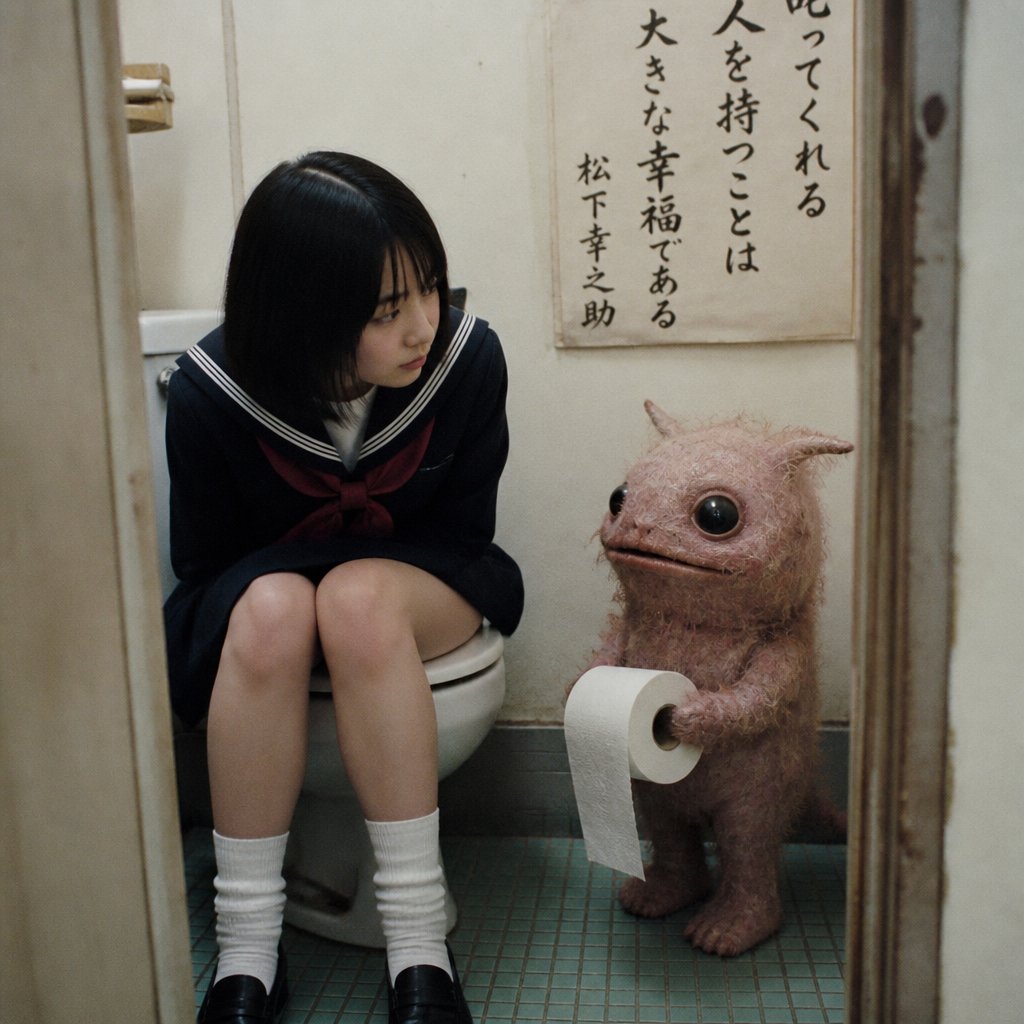
Schoolgirl and Toilet Paper Creature
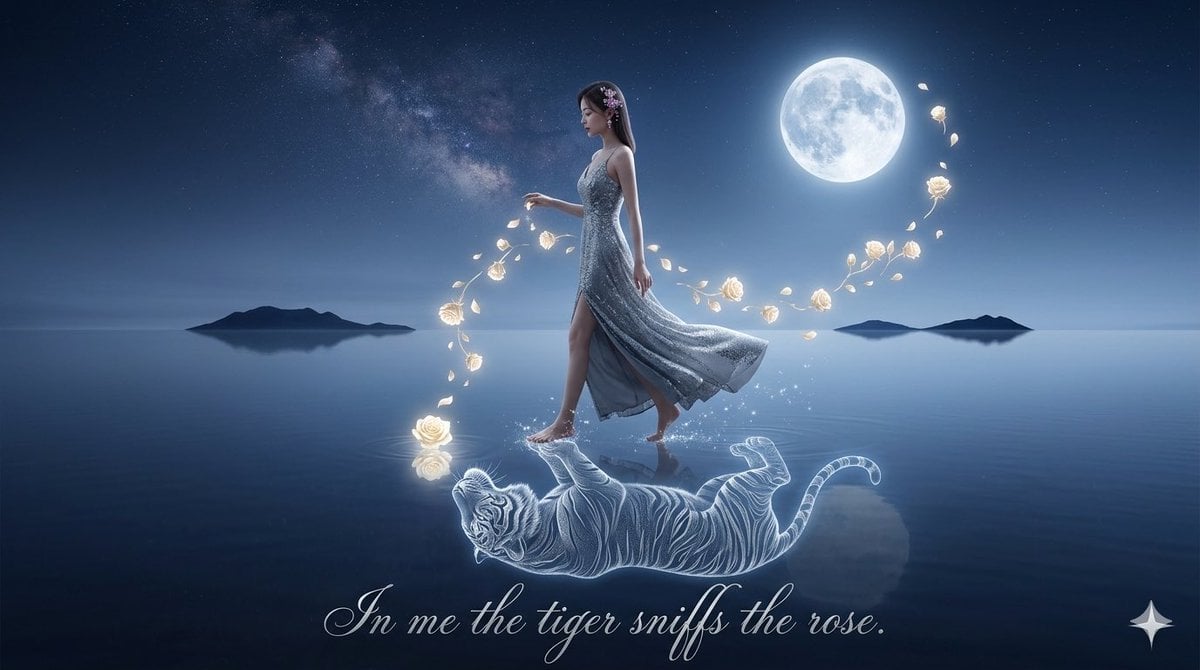
Spirit-Tiger Water Walk
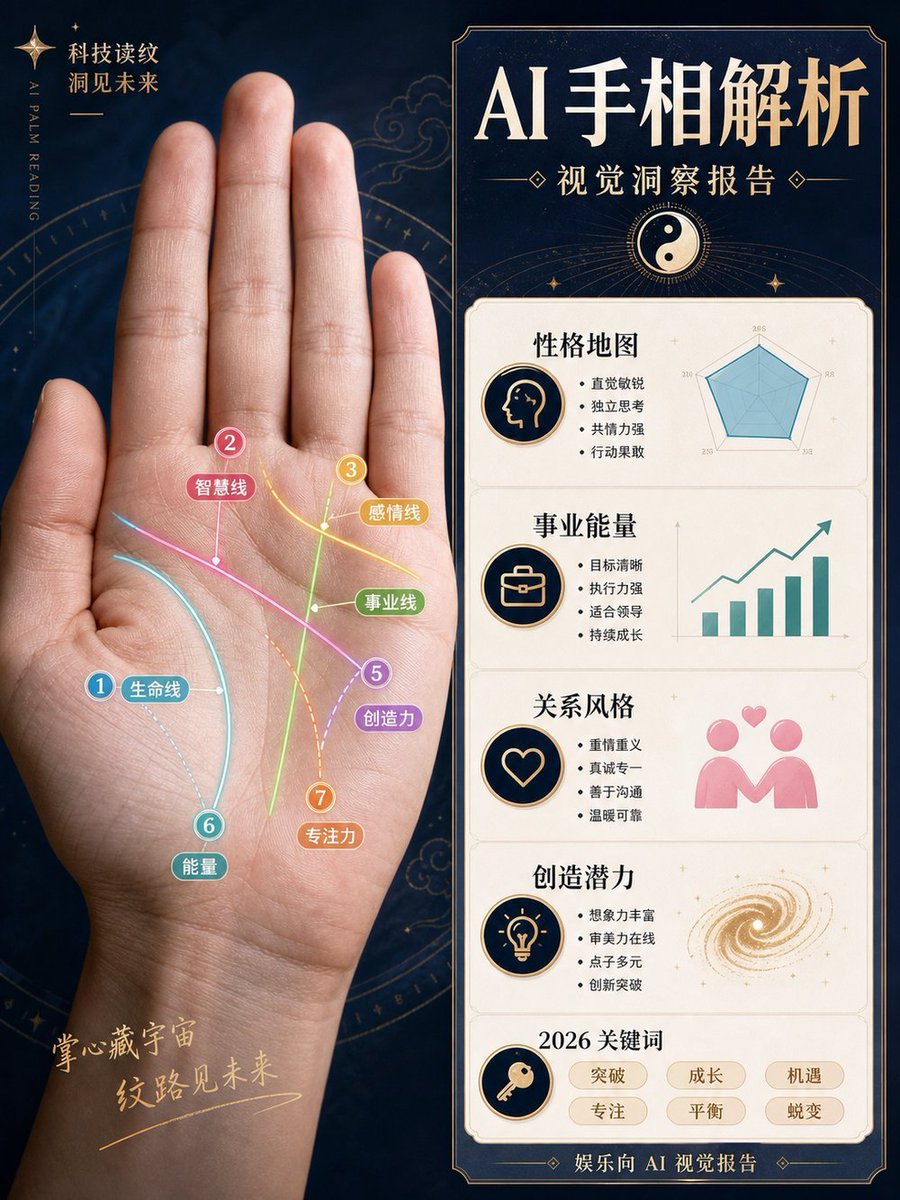
AI Palm Reading Report Poster
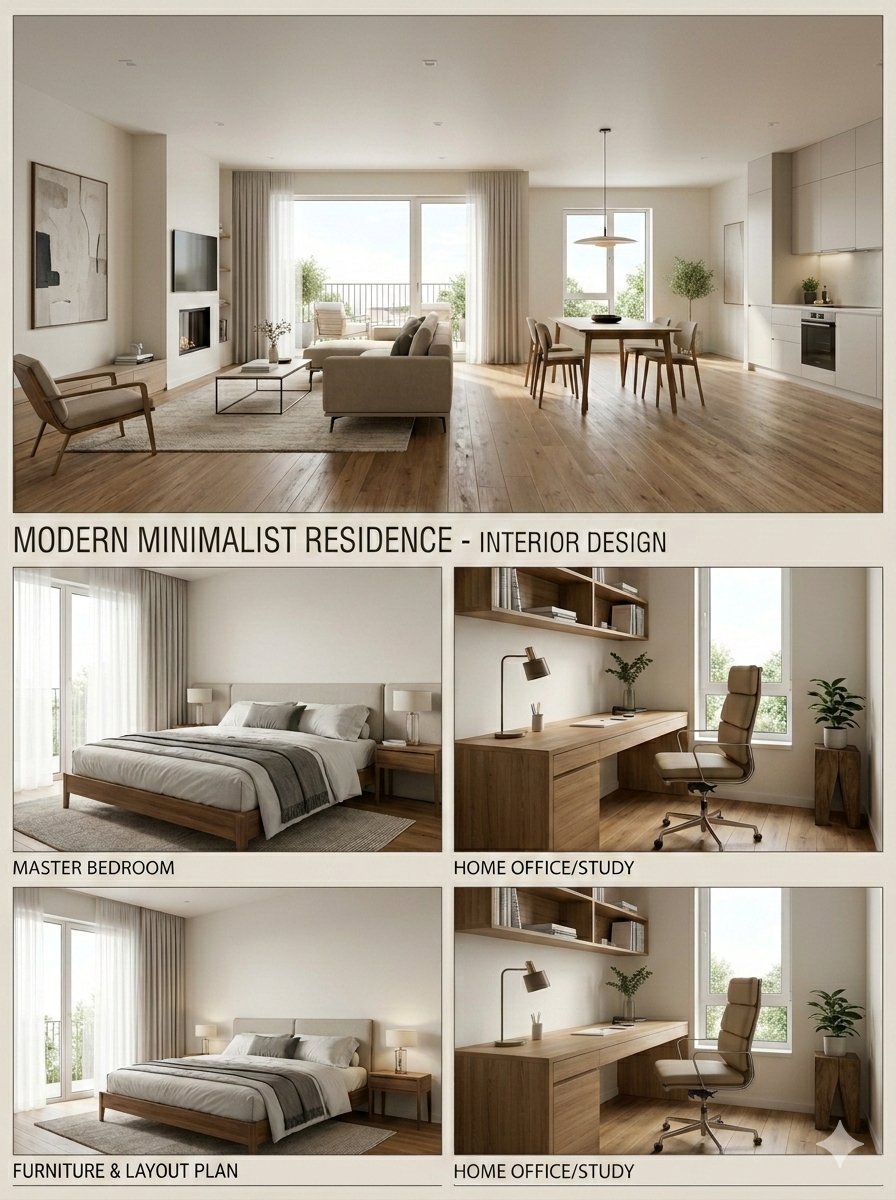
Interior Design Presentation Board
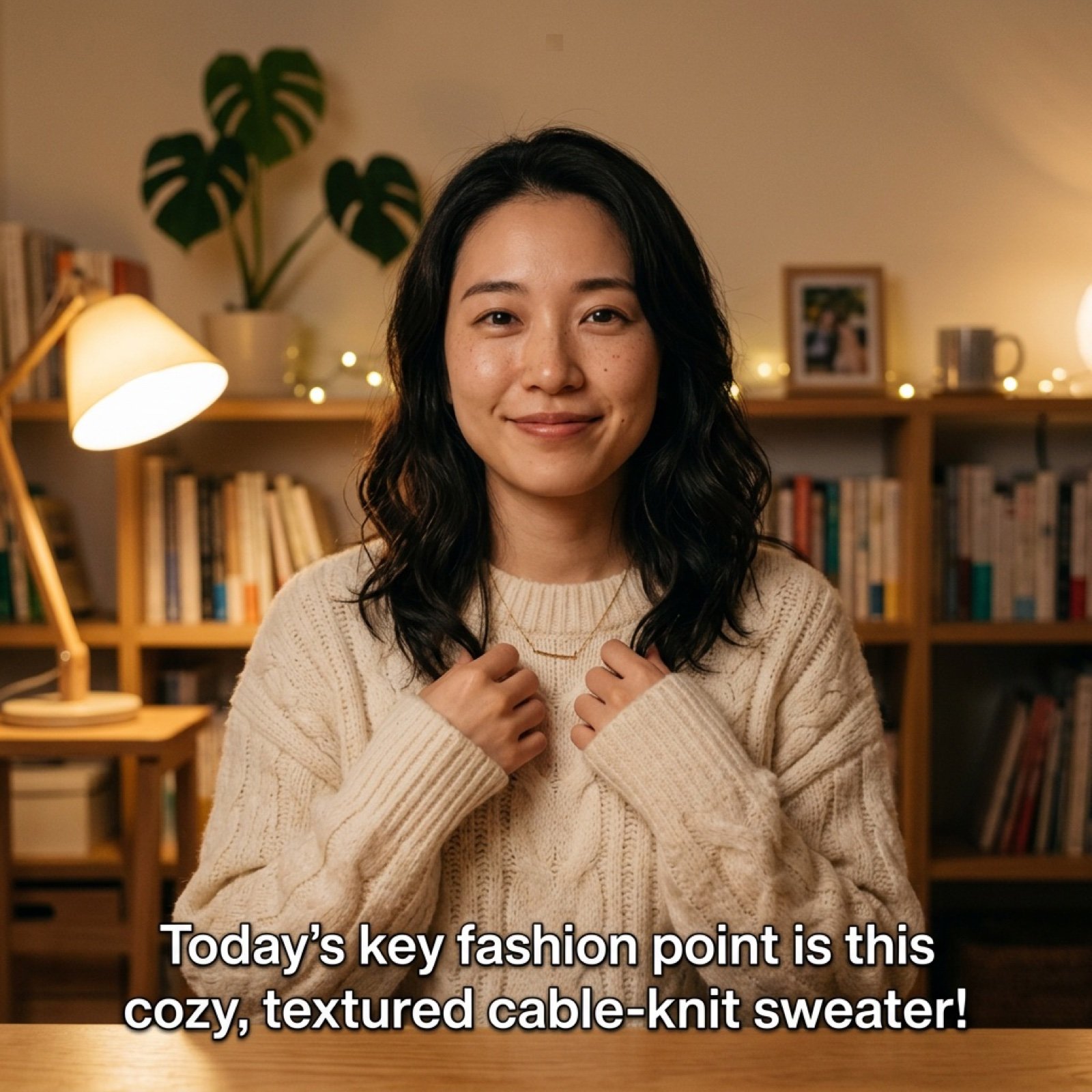
Detailed Prompt for UGC Style Fashion Vlog Video Generation
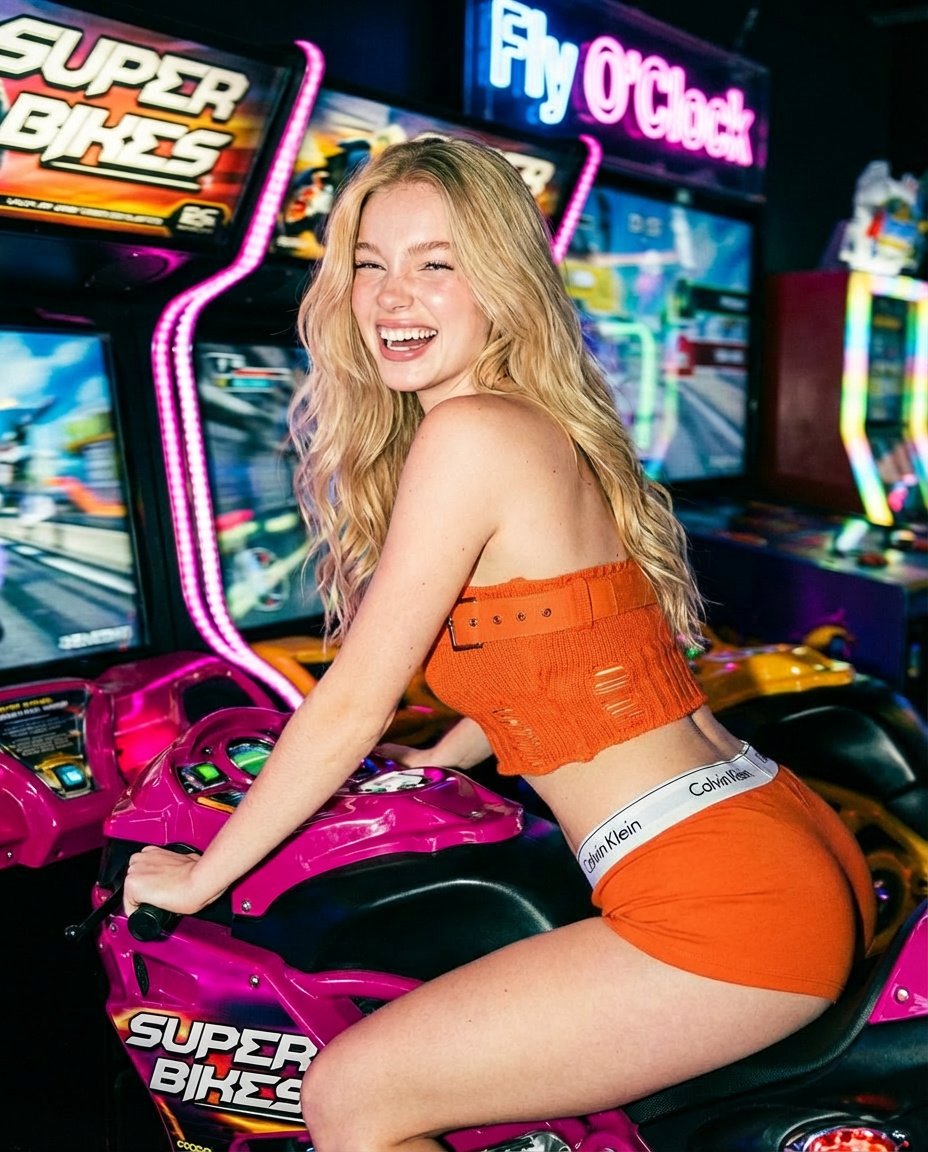
Photorealistic Arcade Motorcycle Game Portrait Prompt
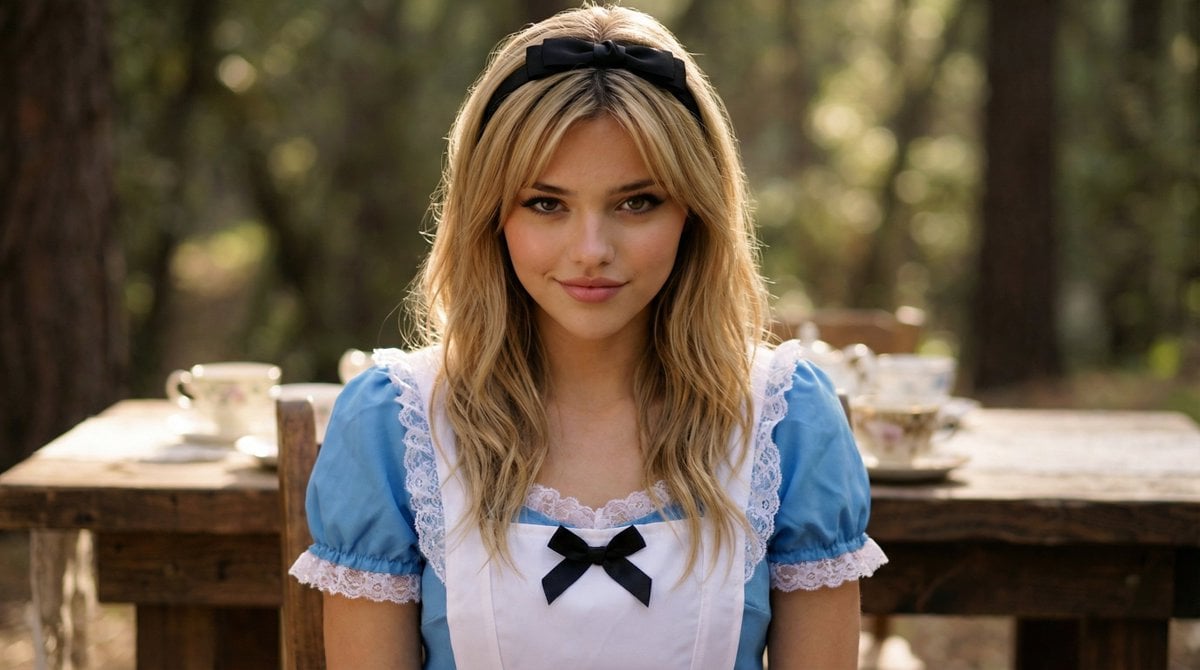
Cinematic Close-Up Portrait of Alice in Wonderland
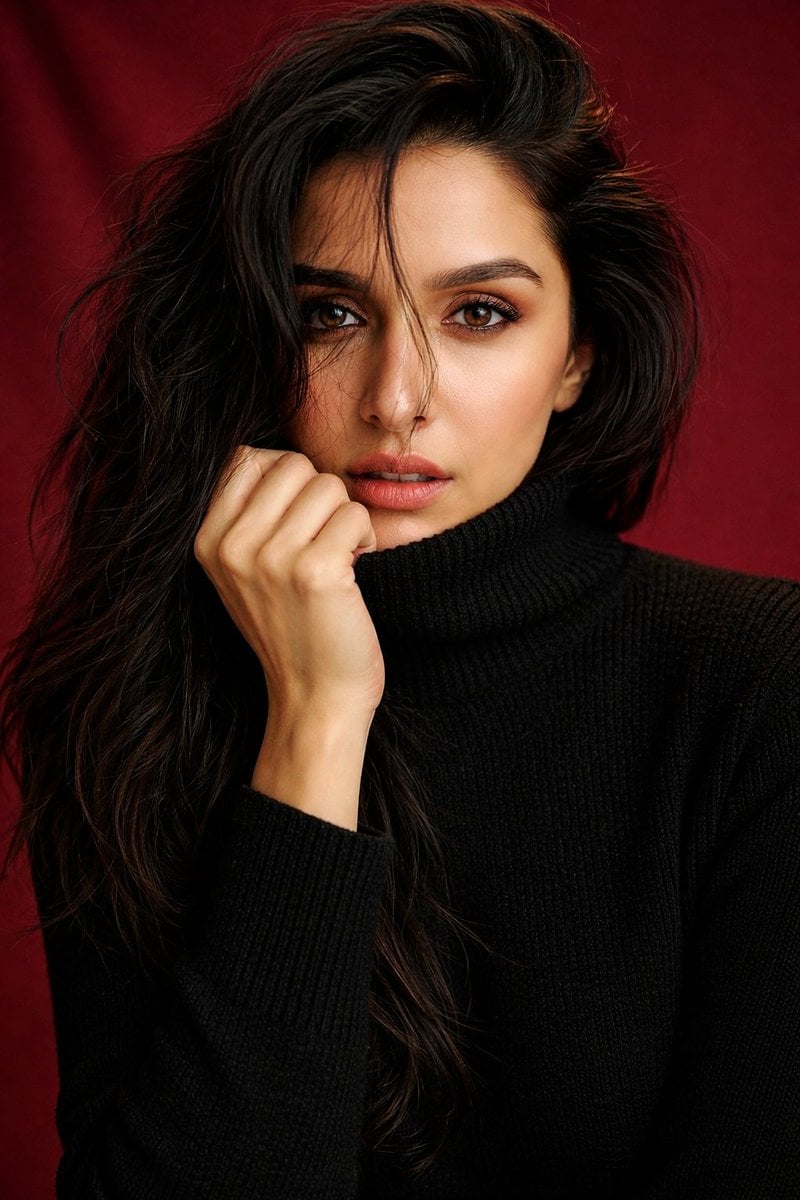
Shraddha Kapoor Black Turtleneck Studio Portrait Prompt
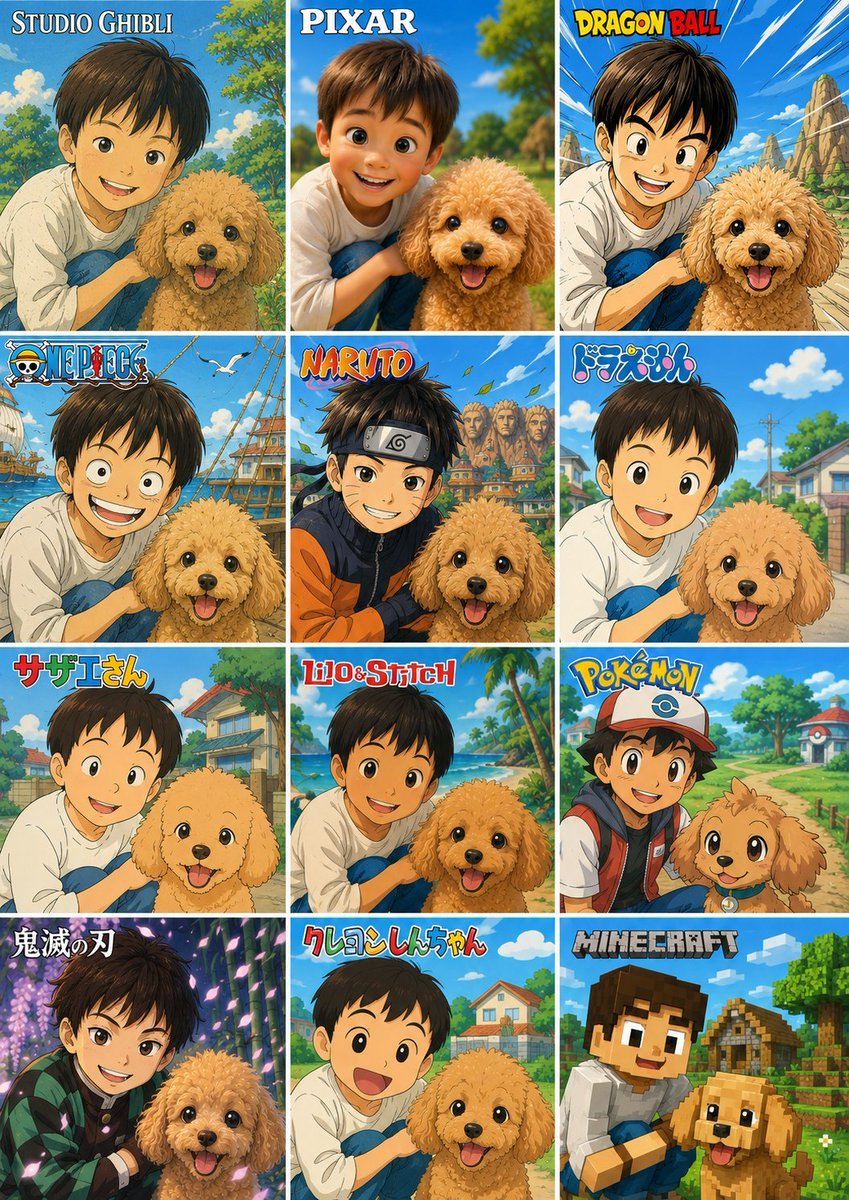
Style Anime Pet Collage
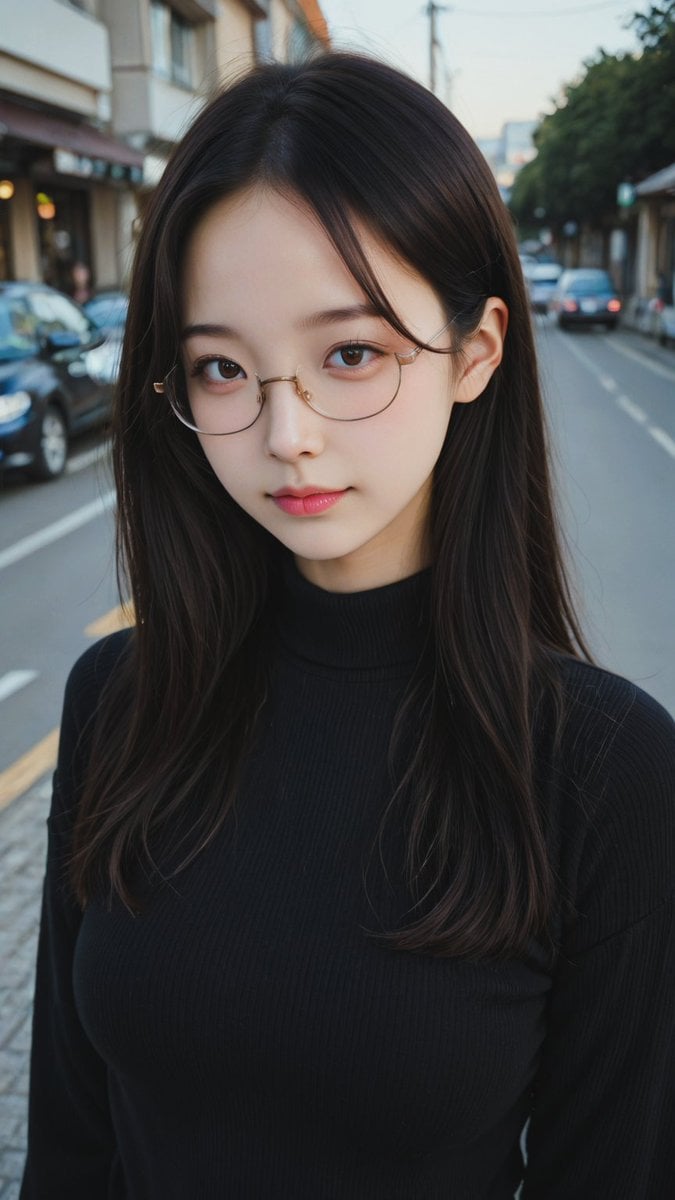
Moody Street Portrait at Dusk
Browse template categories
Gothic Eyepatch Anime Character Sheet questions
How do I use the Gothic Eyepatch Anime Character Sheet template?
Add your photo if the template asks for one, edit the prompt if you like — the template's model and format are already selected — and press Generate. Your version opens in PicX Studio.
Can I customize the Gothic Eyepatch Anime Character Sheet template?
Yes. You can change the subject, setting, lighting, mood, format, and available model controls before creating your image.
Is the Gothic Eyepatch Anime Character Sheet template free?
Opening and editing this template is free. Generating uses credits, shown on the Generate button when you are signed in.
Which AI model should I use?
Start with GPT Image 2, which is the model associated with this template. You can compare another compatible model for a different finish.
Looking for something else? Browse all templates.

Your photo, any look
Thousands of ready templates for every top image and video model, from one credit balance.