
Monochrome Surreal Bird-Beast Encounter
A cinematic black-and-white surreal horror scene showing a lone child facing six glowing-eyed birdlike beasts in fog.
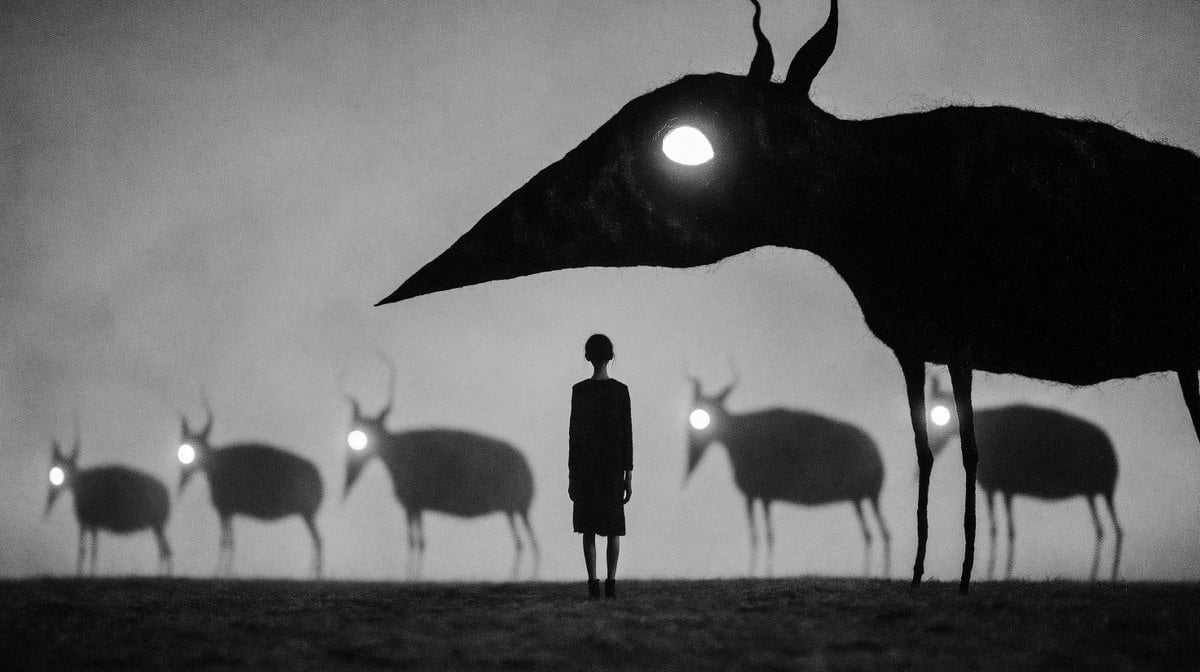
- Prompt included
- Model and format preset
- Free template
The prompt behind this image
Copy the exact prompt behind Monochrome Surreal Bird-Beast Encounter, or open it in the studio and make it yours.
Create a haunting monochrome surreal horror scene in a wide cinematic 16:9 frame: a small lone {argument name="central figure" default="child in a dark knee-length coat"} stands motionless at the center of a misty barren field, seen from behind as a black silhouette. Surround the figure with exactly 6 strange black animal silhouettes shaped like emaciated antelope mixed with long-beaked birds: 1 enormous foreground creature dominates the upper right half of the image, bending its long neck and pointed beak toward the child, with two thin legs visible and two twisted horn-like antennae rising from its head; exactly 5 smaller creatures stand in the foggy background from left to right, blurred by depth of field, each with thin legs, rounded dark body, pointed beak, and glowing white eye. Give every creature a single bright white luminous eye, with the giant creature’s eye the largest and most intense. Use {argument name="palette" default="black, white, and smoky gray"}, heavy grain, soft fog, low contrast gray sky, dark textured ground, and a dreamlike analog-film look. The composition should feel ominous, quiet, and mythic, with strong silhouettes, no text, no buildings, no extra characters, and no color accents beyond the glowing eyes.
How to use Monochrome Surreal Bird-Beast Encounter in 3 steps
- 1Upload ImagePNG, JPG or paste
Add your photo
Upload the photo the template builds on. The prompt, model and format are already set.
- 2…a portrait of your subject in softgolden-hour light, 85mm…
Personalize
Edit the subject and creative details for your destination.
- 3Generate
Generate
Press Generate — your image is created in PicX Studio, so you can compare it with the original and refine one variable at a time.
More like this
Templates with the same subject, style or setup. Open one to see its prompt.

Monochrome Hypebeast Street Fashion Editorial Motion
Monochrome Hypebeast Street Fashion Editorial Motion

Surreal Cat Astronaut — Humanoid Face Freefall

Bold Red Contrast Fashion Editorial Newspaper Room

Monochrome Halftone Editorial Fashion Poster

Cinematic Street Fashion Photographer Portrait

Quiet Luxury Black and White Fashion Editorial Portrait

Fine Art Monochrome Fashion Portrait

Luxury Black-and-White Fashion Contact Sheet

Ultra-Realistic Vogue-Style Editorial Fashion Grid

Stylized Fashion Portrait Bold Color Contrast Editorial
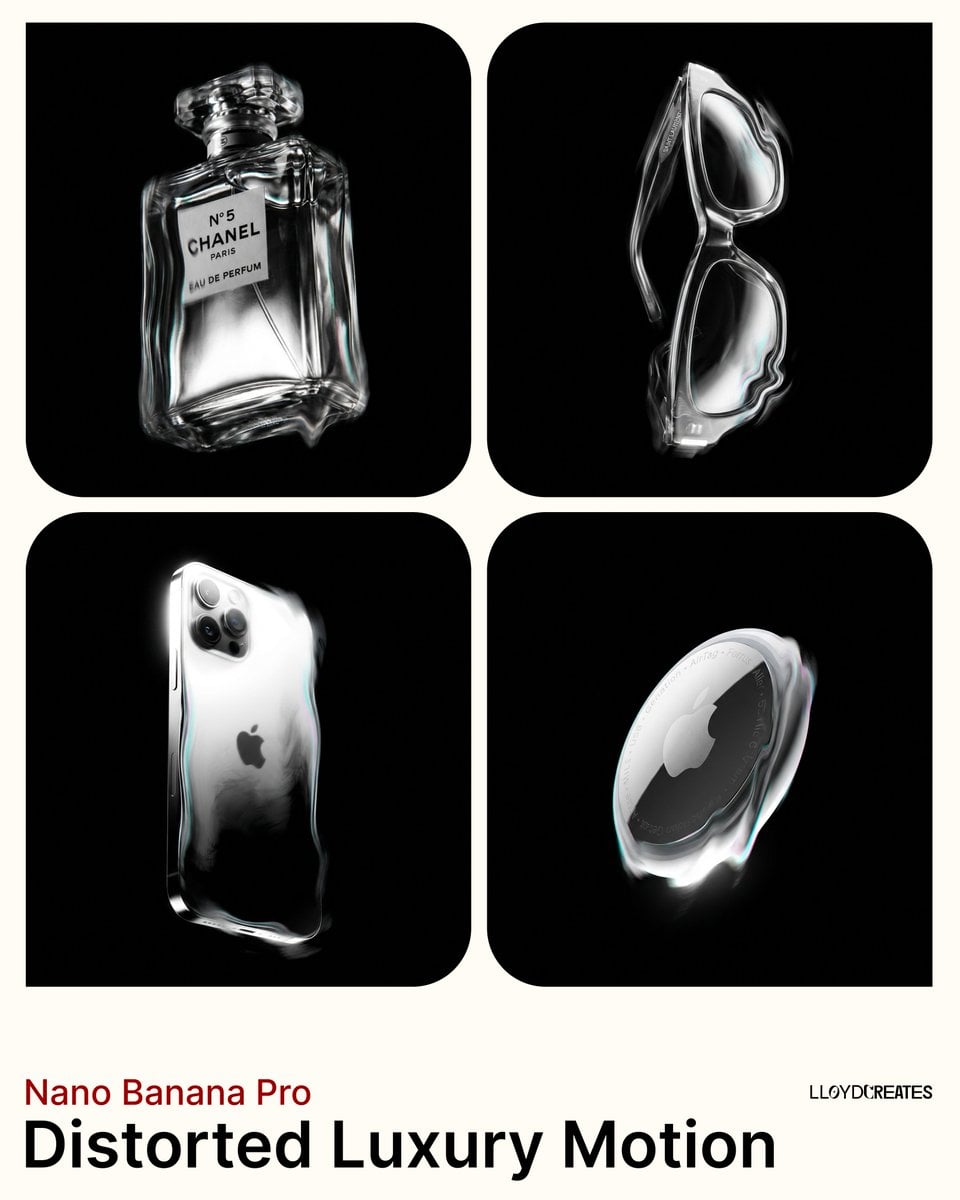
Avant-Garde Distortion Luxury Product Portrait
Make it yours
Monochrome Surreal Bird-Beast Encounter works as-is. These are the safest ways to change it without losing the look.
Change one field
Copy a single group, rewrite it, and generate again so you can see what that field is doing.
Keep the frame, change the subject
Hold the composition and light of Monochrome Surreal Bird-Beast Encounter, then swap wardrobe, props or the person for a new take.
| If the result… | Why | Fix |
|---|---|---|
| The result drifts from the preview | Too many fields changed at once. | Reuse Monochrome Surreal Bird-Beast Encounter as-is first, then change one group — subject, light, or setting. |
| The model over-stylizes the scene | The prose prompt leaves finish and camera underspecified. | Add one camera or lighting sentence and stay on GPT Image 2. |
More GPT Image 2 templates
Other prompts made for GPT Image 2.

Six VTuber Japanese Logo Sheet

Realistic Portrait of Woman and Deer

The Vista Modular Condo Poster

AI Model Routing Comparison Infographic

2.5D Anime Art Board

Isometric Productivity Desk Scene

New York Double Exposure Poster

Four-Panel AI Landscape Comparison

Japanese Tatami Lifestyle Magazine Cover

NESCAFÉ Coffee Map Poster
More image prompts
Fresh picks from across the catalog.
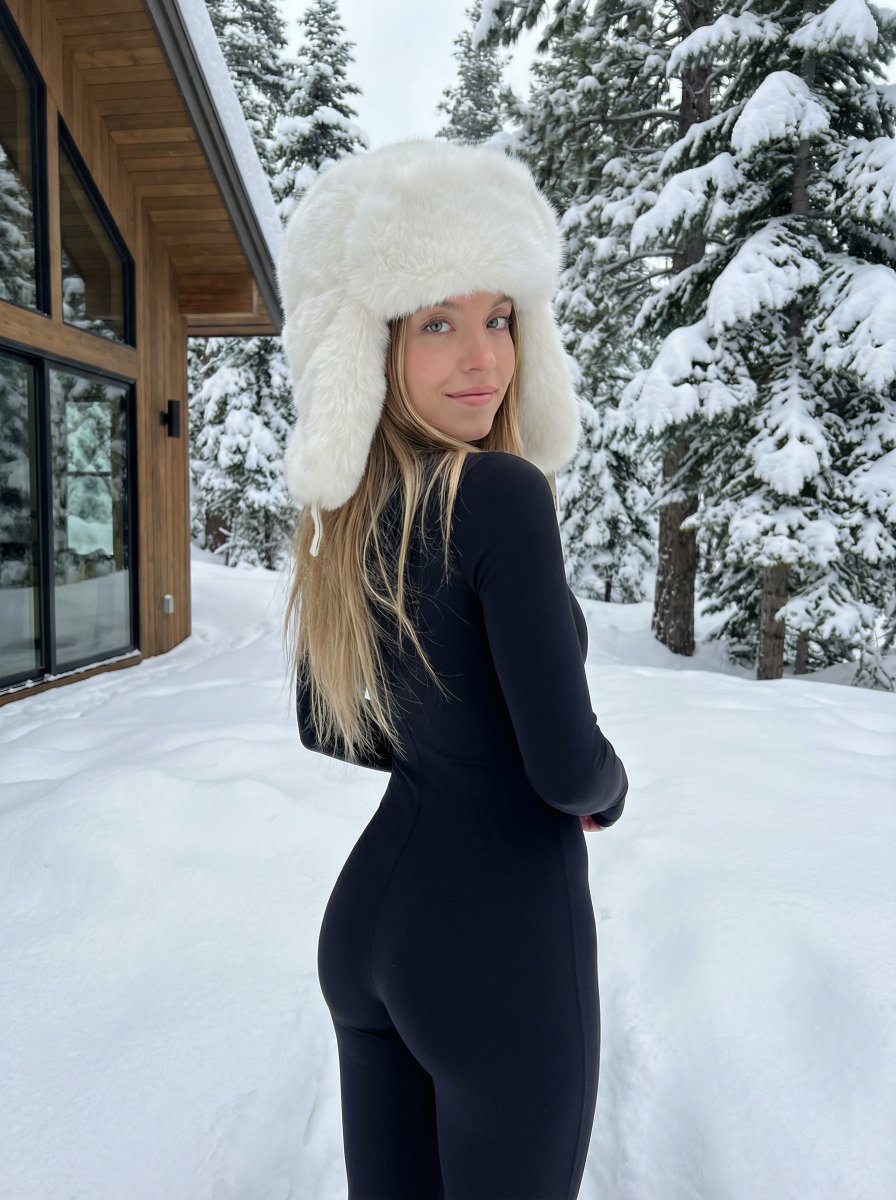
Winter fashion portrait with faux-fur hat and black bodysuit
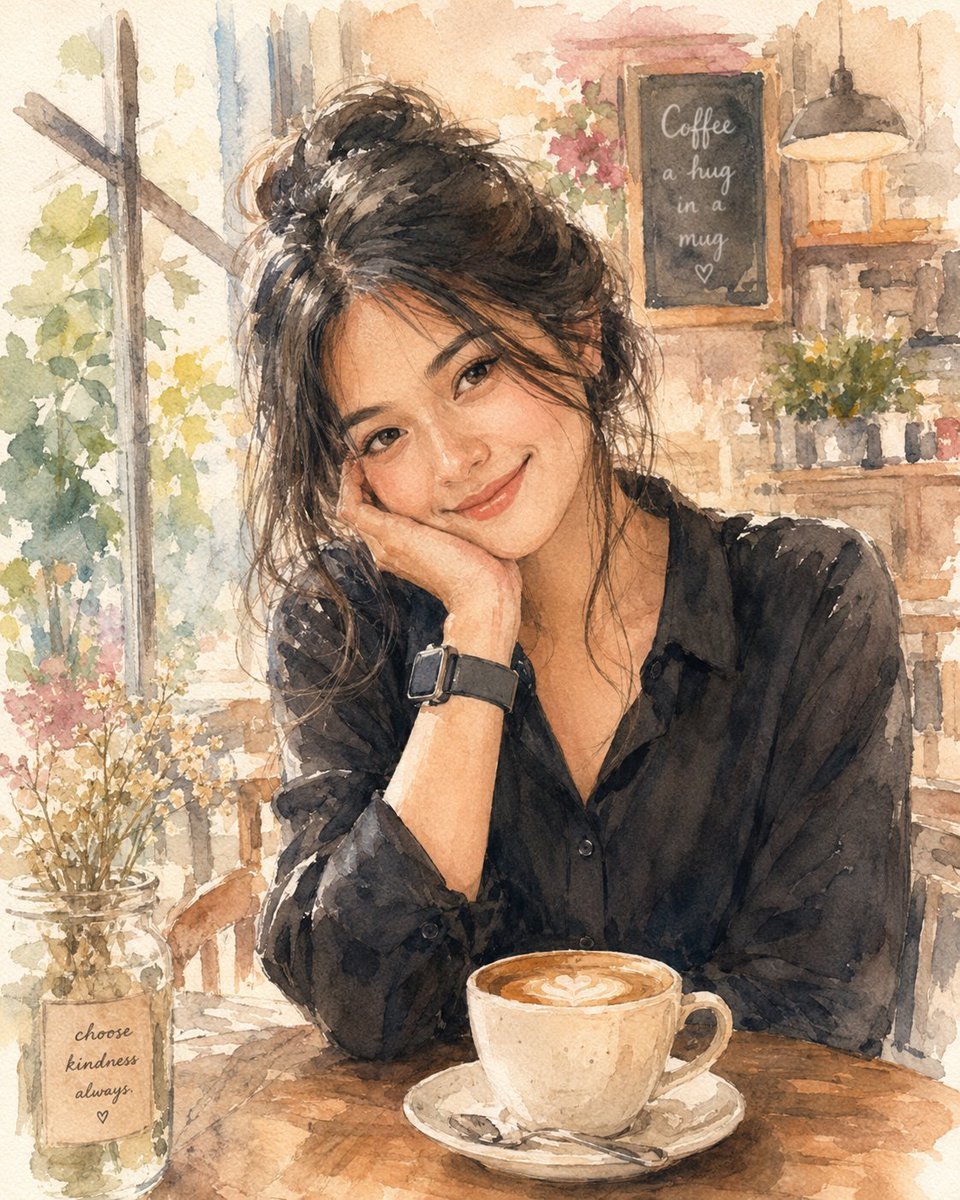
Soft Watercolor Café Illustration
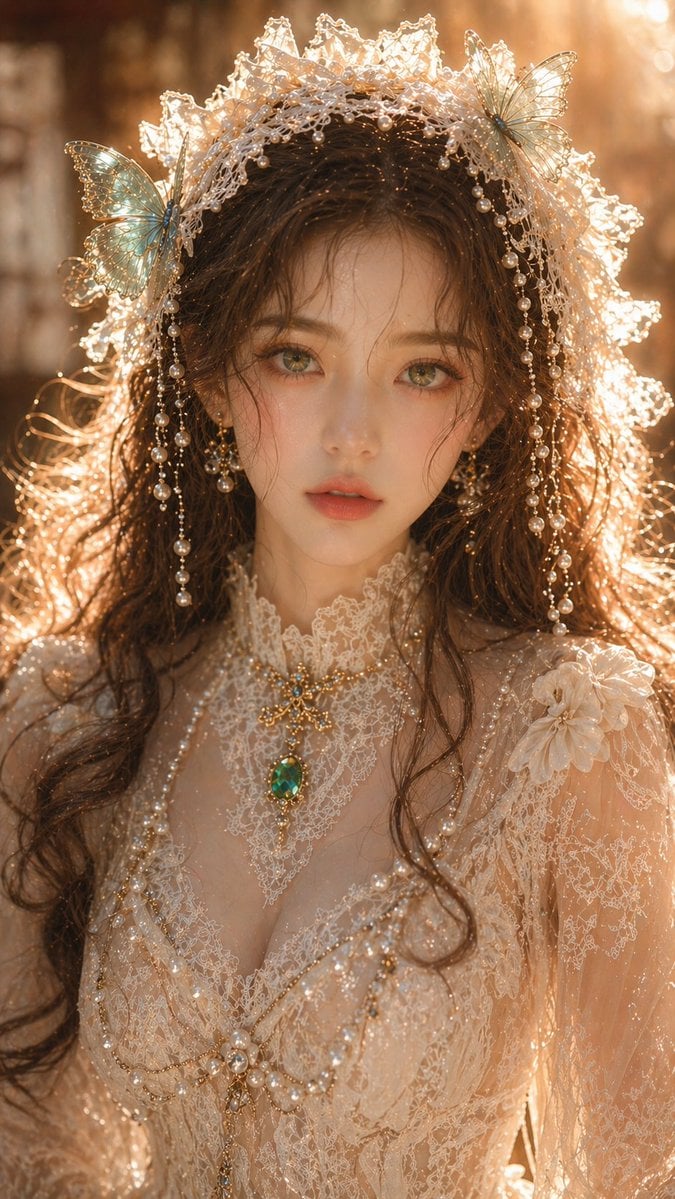
Gpt2 Profile Avatar Dreamy Oriental Female Portrait
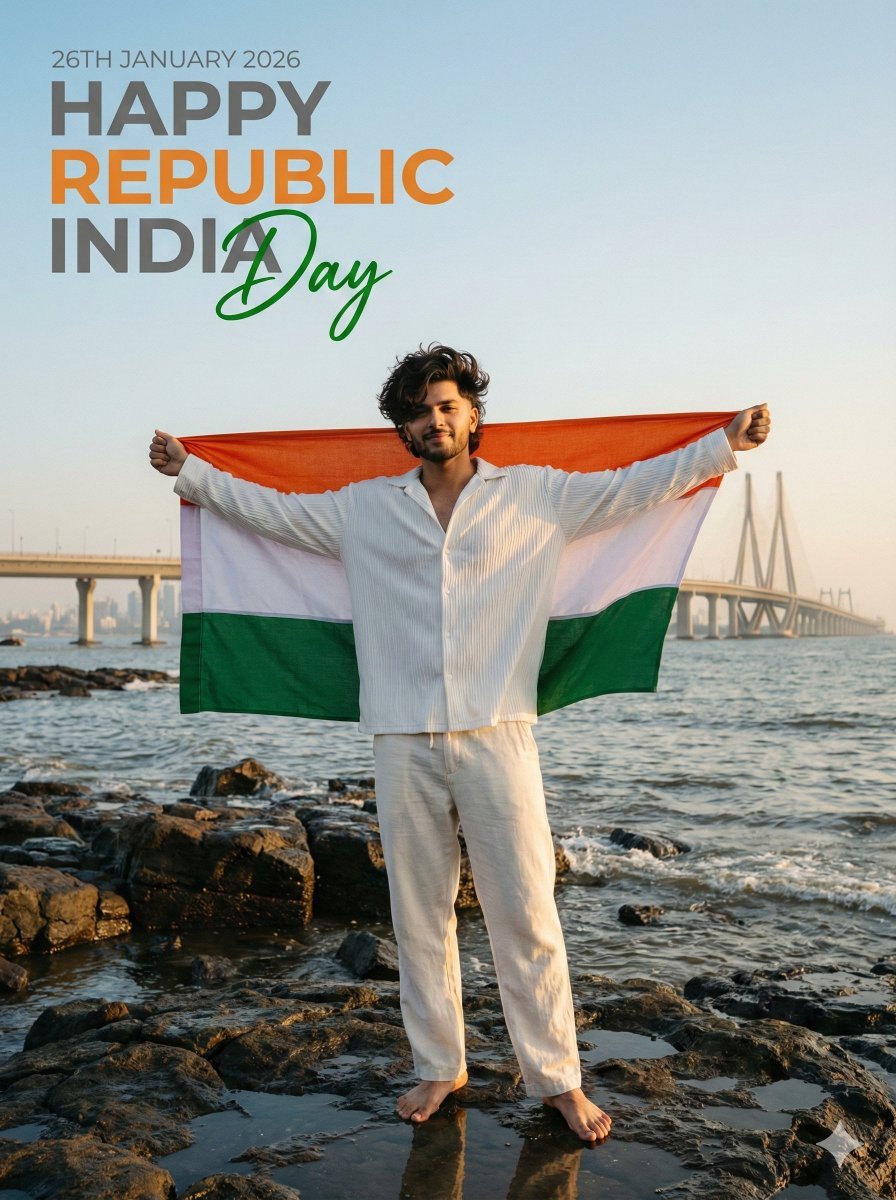
Ultra-Realistic - India Patriotic Portrait
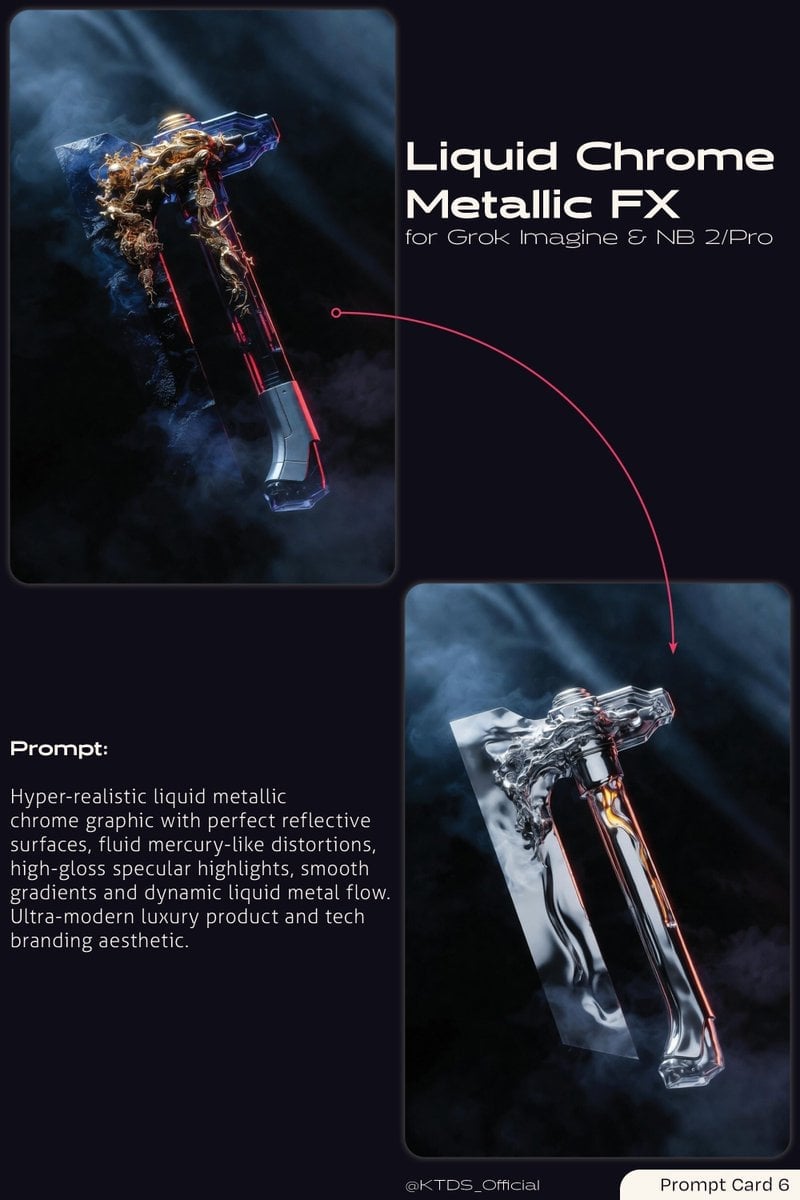
Liquid Chrome Metallic FX Prompt
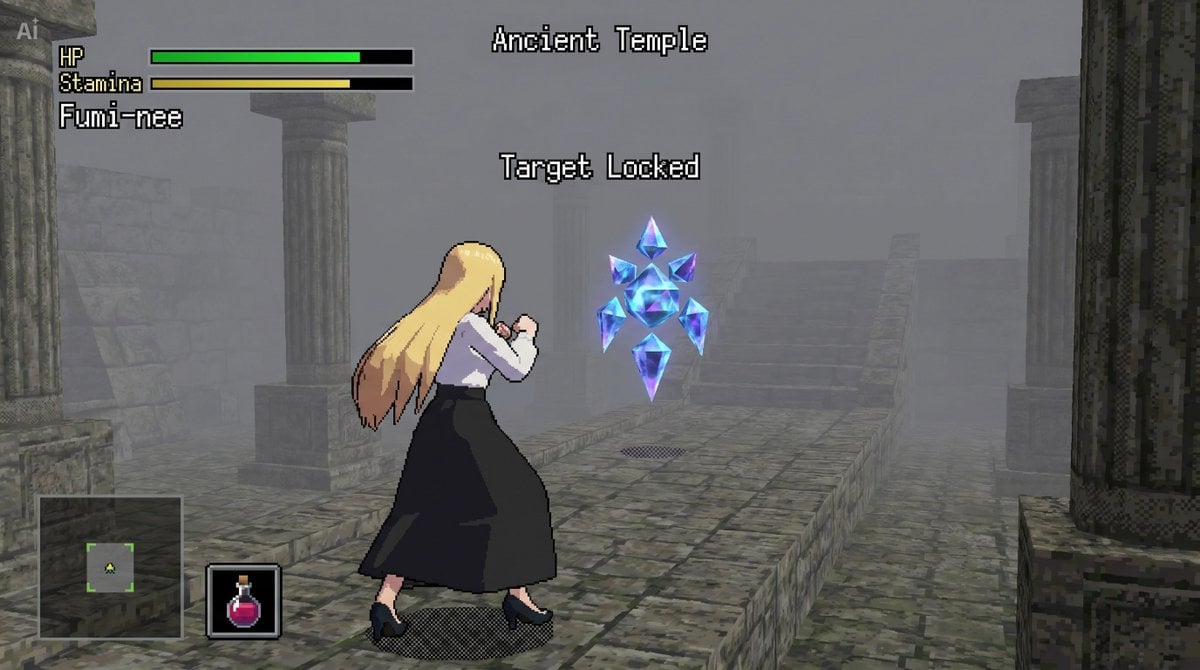
bit Low Poly Action RPG Prompt
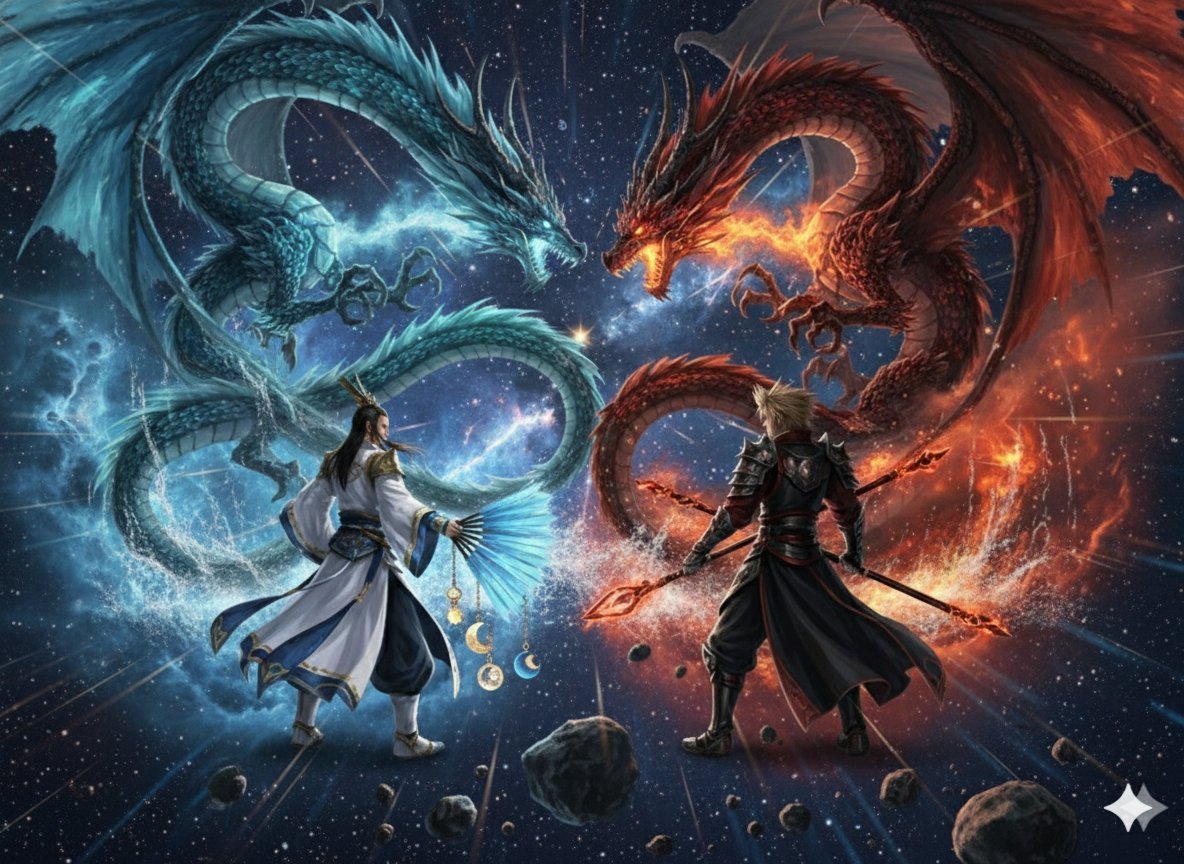
Image generation prompt for Nano Banana Pro: Zhuge Liang vs. Sima Yi in a Final Fantasy X style cosm
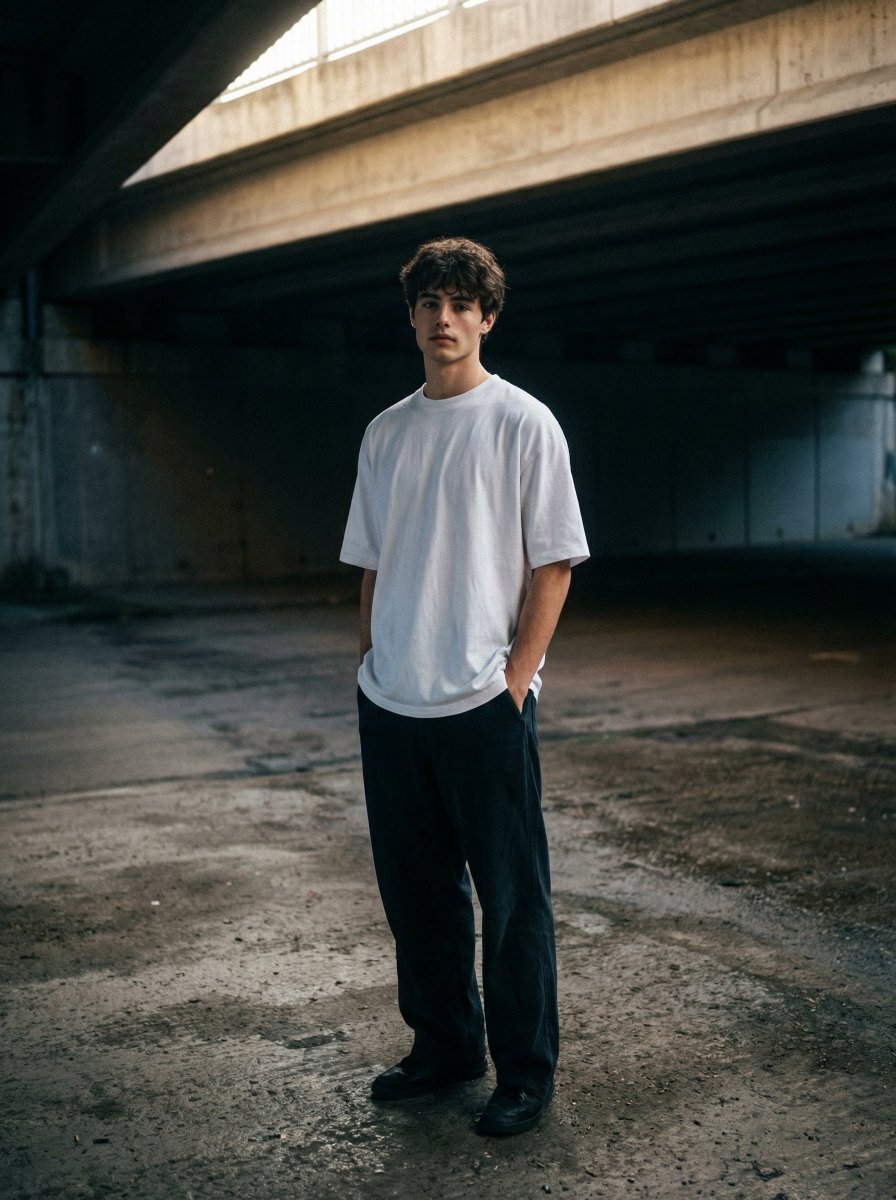
Moody urban portrait under a concrete overpass
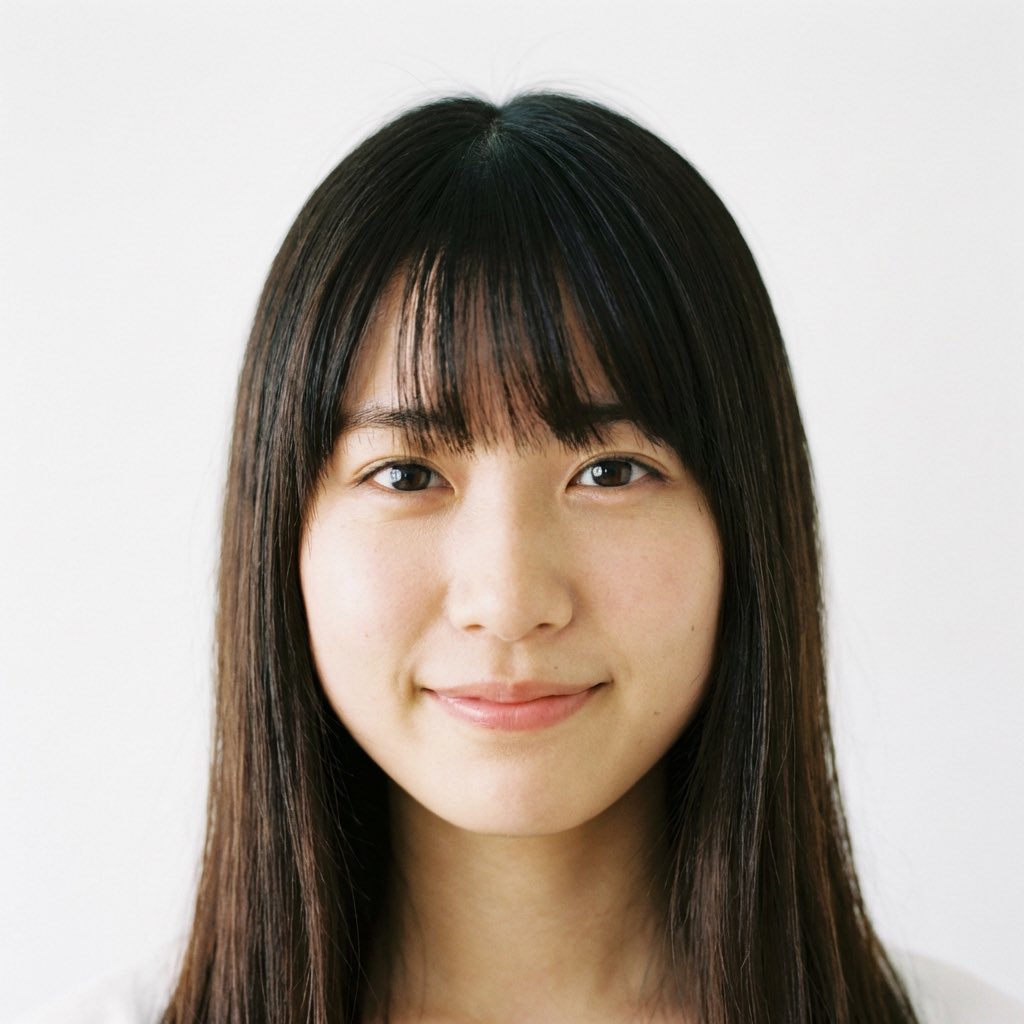
Close-up of a Young Japanese Woman
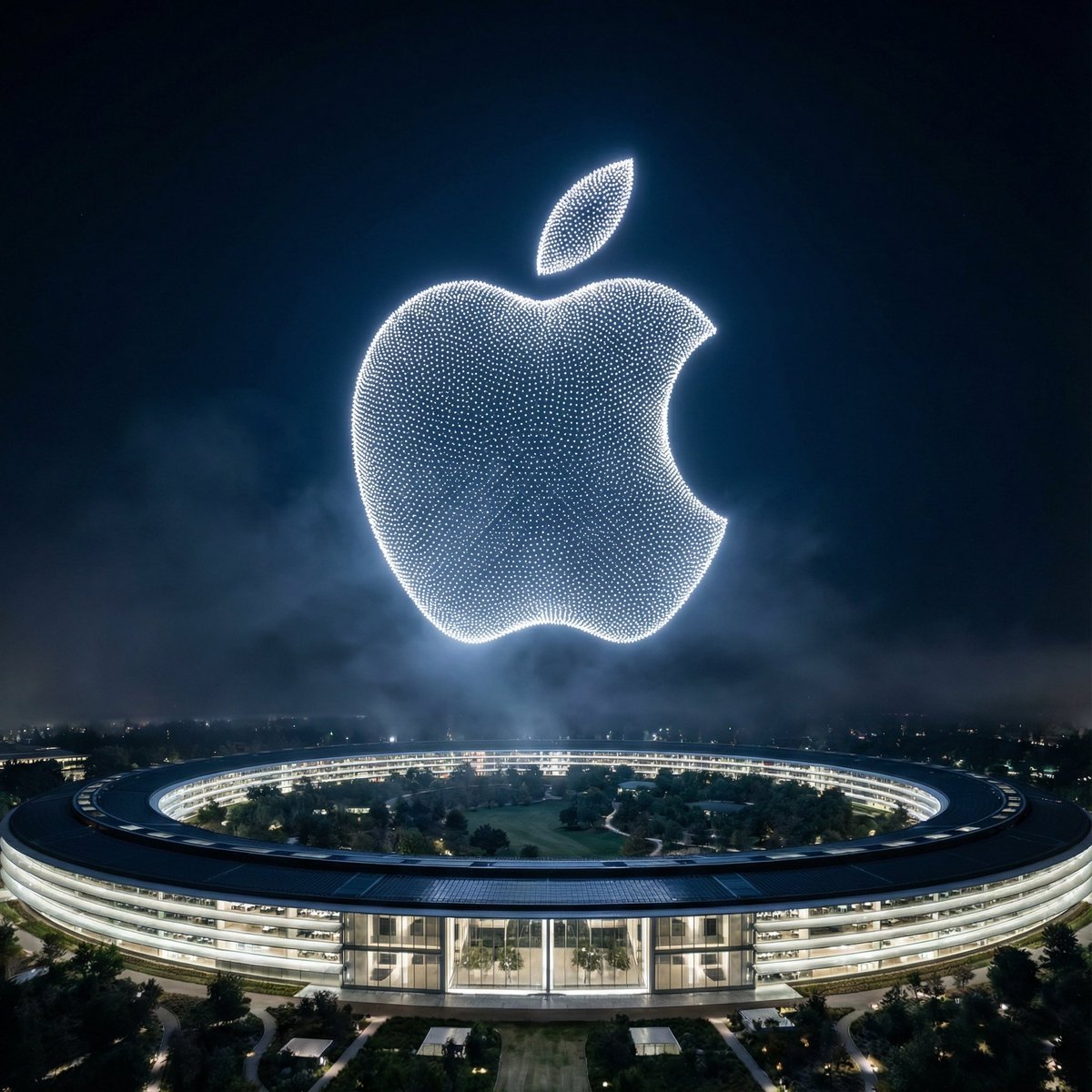
Night Sky Brand Canvas Prompt
Browse template categories
Monochrome Surreal Bird-Beast Encounter questions
How do I use the Monochrome Surreal Bird-Beast Encounter template?
Add your photo if the template asks for one, edit the prompt if you like — the template's model and format are already selected — and press Generate. Your version opens in PicX Studio.
Can I customize the Monochrome Surreal Bird-Beast Encounter template?
Yes. You can change the subject, setting, lighting, mood, format, and available model controls before creating your image.
Is the Monochrome Surreal Bird-Beast Encounter template free?
Opening and editing this template is free. Generating uses credits, shown on the Generate button when you are signed in.
Which AI model should I use?
Start with GPT Image 2, which is the model associated with this template. You can compare another compatible model for a different finish.
Looking for something else? Browse all templates.

Your photo, any look
Thousands of ready templates for every top image and video model, from one credit balance.