How do I use the Cyber-Grunge Punk Girl Portrait template?
Choose the primary action to open PicX Studio with the available template settings. Review the model and format, personalize the creative direction, and generate when ready.
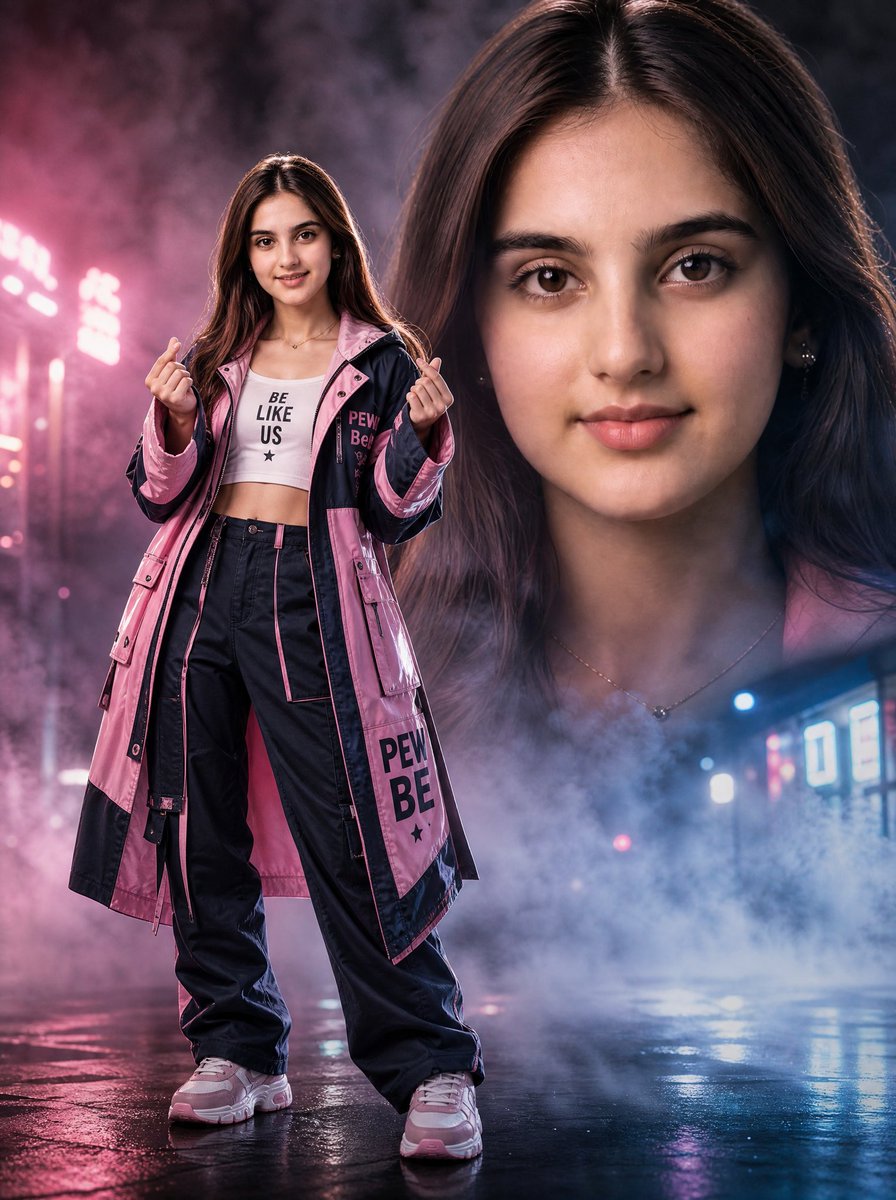
A detailed prompt for generating a photorealistic, cinematic cyber-grunge portrait of a rebellious punk girl with vibrant purple and green hair, heavy makeup, and piercings, holding a bottle of liquor in a dimly lit, grungy convenience store aisle. (free to use) — Free AI image template on PicX Studio.
{ "prompt": "rebellious young punk girl with messy short hair dyed vibrant purple and lime green streaks, heavy dark eyeliner smudged eyeshadow, freckles across face, multiple facial piercings lip nose cheek, glossy parted lips, intense direct gaze at camera, 'Tha Sulty' gothic tattoo on chest, wearing pink lacy cropped tank top with thin straps, layered chain necklaces with pendant, holding large bottle of red liquor whiskey in both hands close to body, standing in dimly lit grungy convenience store aisle at night, harsh fluorescent overhead light casting green-teal glow, shelves packed with booze bottles snacks asian products, moody cyberpunk grunge aesthetic, realistic skin texture pores sweat freckles, high detail fabric lace chains, cinematic film grain, shallow depth of field, photorealistic, trashy seductive dangerous vibe, 8k quality, 35mm film scan look", "negative_prompt": "blurry, deformed, extra limbs, ugly face, cartoon, anime, bright daylight, clean makeup, smiling happy, modern clean store, overexposed, low quality, watermark, text, closed eyes, extra hands", "aspect_ratio": "3:4", "style": "photorealistic, cinematic, cyber-grunge portrait", "reference_images": "use uploaded reference image as very strong pose, expression, hair color/style, clothing details, lighting, color grading and overall atmosphere guide" }
Use Cyber-Grunge Punk Girl Portrait to plan an AI image around nano-banana-2 generation. Match the preview's composition first, then personalize the subject, setting, and mood for your own project.
Use the primary action to load the template settings in PicX Studio.
Adjust the subject and creative details for your destination.
Create the image, compare the result with the preview, and refine one variable at a time.
A continuous mix — similar concepts first, woven with same-model prompts and fresh picks from the catalog.
Choose the primary action to open PicX Studio with the available template settings. Review the model and format, personalize the creative direction, and generate when ready.
Yes. You can change the subject, setting, lighting, mood, format, and available model controls before creating your image.
This template is free to open and customize. Generation usage is shown in PicX Studio before you create.
Start with nano-banana-2, which is the model associated with this template. You can compare another compatible model for a different finish.
Follow a topic to a crawlable collection of related PicX Studio templates.
39,155 public templates available. Verified via the PicX Studio public templates API; refreshed hourly.
A continuous mix — similar concepts first, woven with same-model prompts and fresh picks from the catalog.