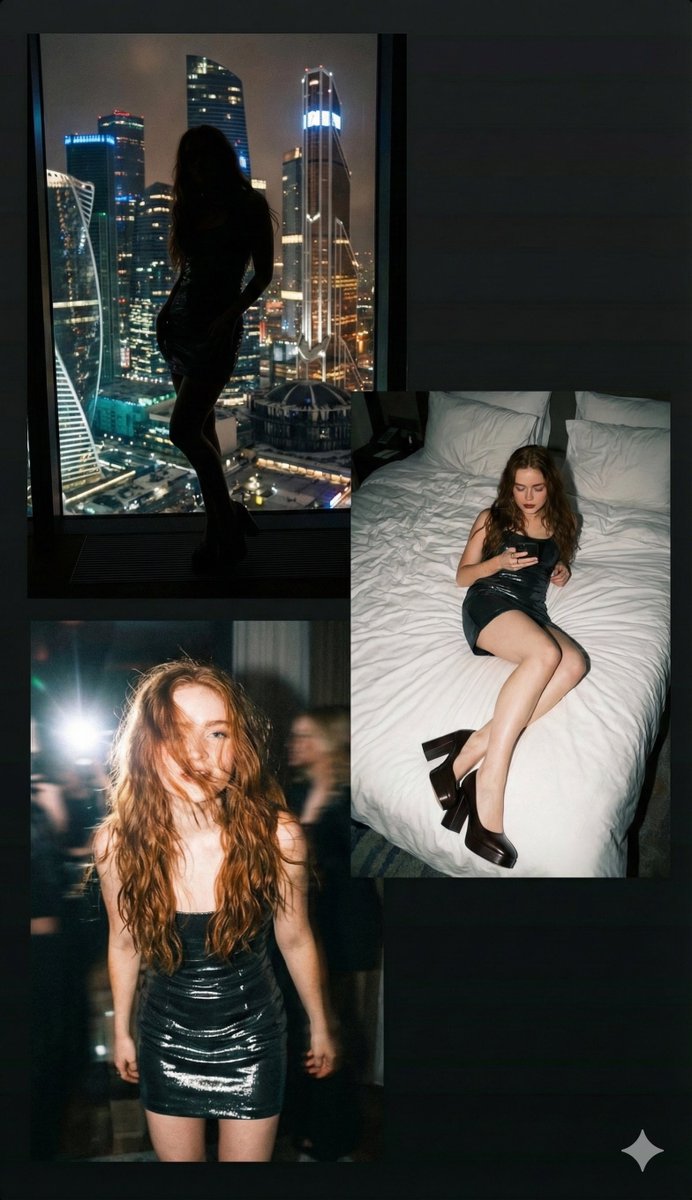
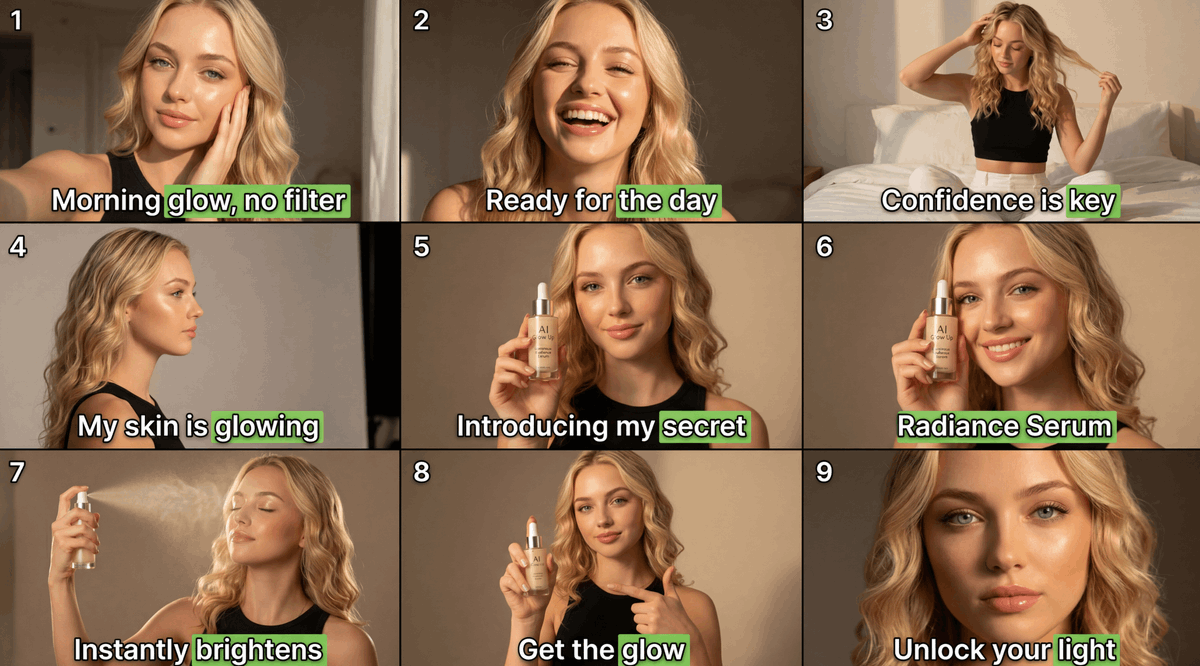
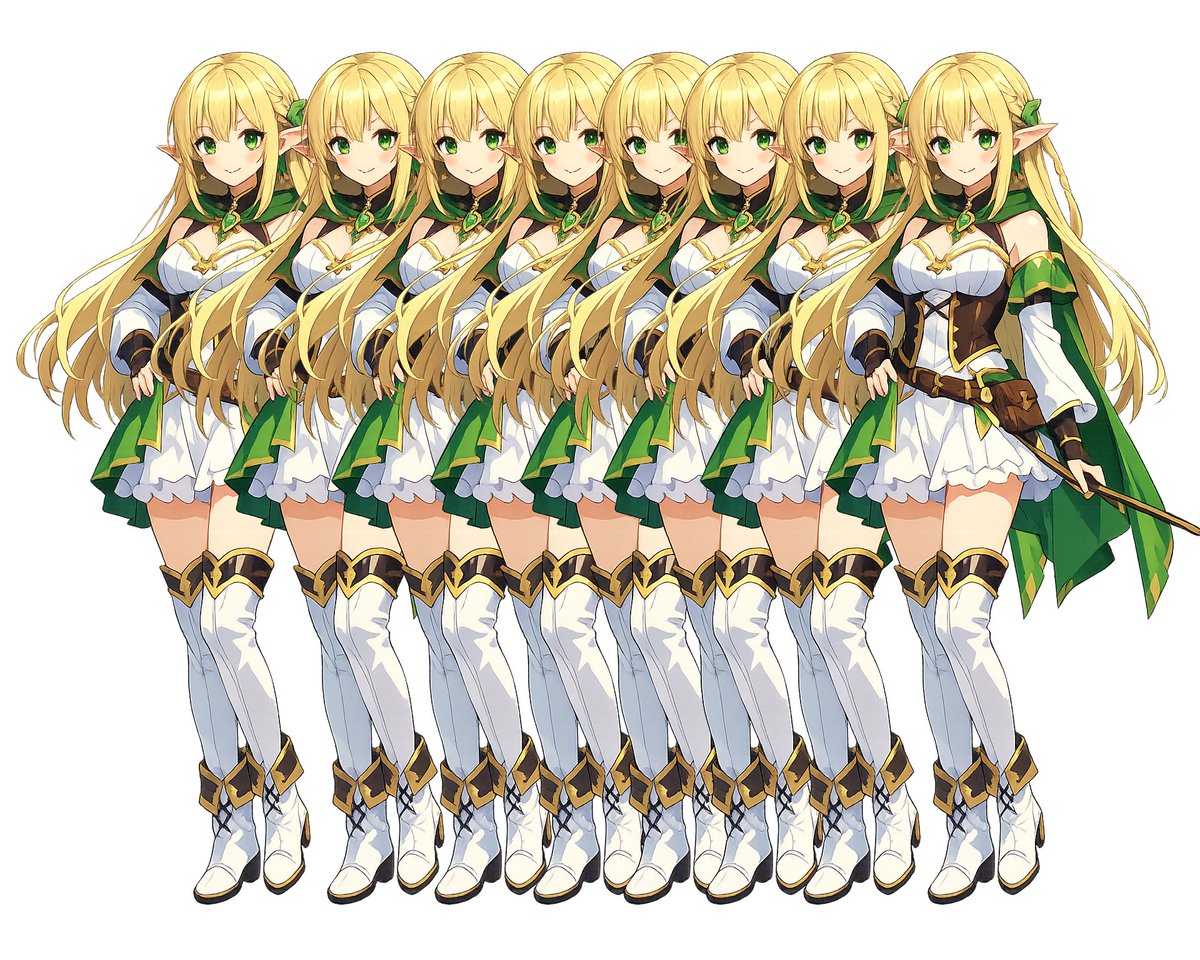
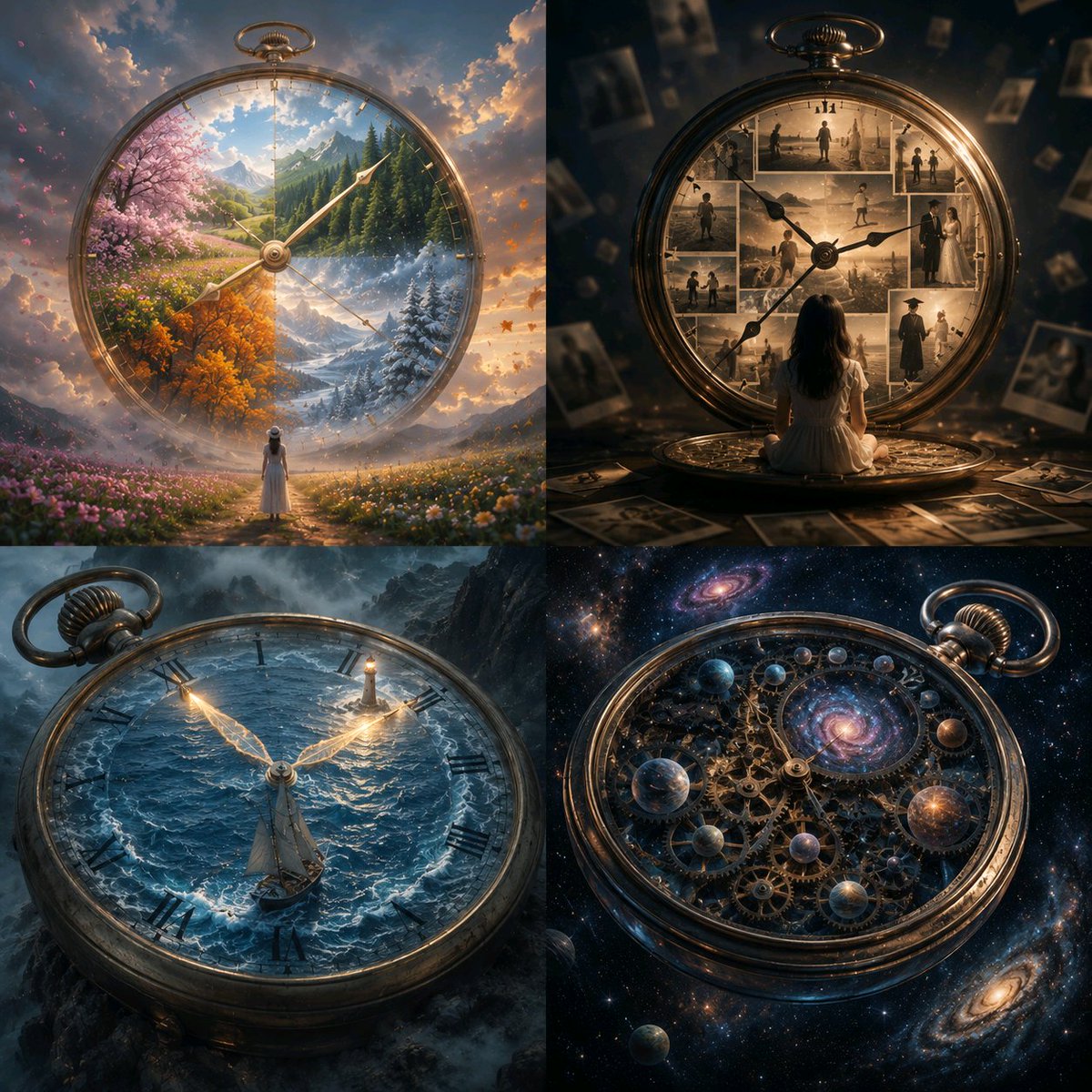
How do I use the Editorial Magazine Cutout with Cosmos Theme template?
Choose the primary action to open PicX Studio with the available template settings. Review the model and format, personalize the creative direction, and generate when ready.
An extremely complex JSON prompt designed to generate a high-end editorial magazine page layout. It requires integrating a photoreal studio portrait (with strict face identity lock) as a cutout onto a background resembling an authentic astronomy book page, complete with non-readable pseudo-text and scientific marginalia illustrations. (free to use) — Free AI image template on PicX Studio.
{ "generation_request": { "meta_data": { "tool": "NanoBanana Pro", "task_type": "photoreal_editorial_cutout_magazine_layout", "version": "v1.3_COSMOS_PAGE_NAVY_GOLD_STARS_EDITORIAL_FACELOCK_FULL_EN", "priority": "highest", "language": "en" }, "references": { "reference_image_face": { "source": "UPLOAD_REFERENCE_IMAGE (REQUIRED)", "purpose": "FACE_IDENTITY_LOCK", "strict_lock": true, "face_similarity_priority": "MAX", "identity_confidence": "ABSOLUTE", "no_identity_blending": true, "no_face_morphing": true, "no_beautify": true, "no_age_shift": true, "preserve_skin_texture": true, "preserve_facial_proportions": true, "preserve_moles_freckles_scars": true, "preserve_eye_shape": true, "preserve_nose_shape": true, "preserve_lip_shape": true, "preserve_jawline": true }, "reference_image_style": { "source": "UPLOAD_REFERENCE_IMAGE (OPTIONAL)", "purpose": "LAYOUT_POSE_STYLE_ANCHOR", "strict_lock": false, "preserve_composition": true, "preserve_vibe": true } }, "global_constraints": { "rating": "PG-13", "no_nudity": true, "no_explicit_sexual_content": true, "no_logos": true, "no_watermark": true, "no_readable_text": true }, "output_settings": { "aspect_ratio": "9:16", "orientation": "portrait", "resolution_target": "ultra_high_res", "render_style": "high_end_editorial_magazine_cutout", "sharpness": "crisp_but_natural", "film_grain": "subtle_35mm", "color_grade": "soft_neutral_with_navy_and_gold_accents", "dynamic_range": "natural_not_hdr", "skin_rendering": "real_texture_no_retouch" }, "creative_prompt": { "scene_summary": "Create a high-fashion editorial magazine page inspired by classic astronomy/science book design (Cosmos-like, but original). The background is an off-white paper texture resembling a refined astronomy book page, filled with two tall, justified columns of NON-READABLE serif pseudo-text and a large muted red drop-cap letter at the top-left. The typography must look academically authentic in spacing, justification, and hyphenation patterns, but contain no real words and no readable sentences.\n\nSeamlessly integrated into the page layout are small, precise, hand-drawn scientific illustrations: a telescope sketch, Saturn with rings, spiral galaxies, star clusters, constellation dot-and-line diagrams, and a few tiny starburst symbols. These are thin-line, ink-style drawings embedded within margins and between/around text columns (not floating stickers, not decorative overlays). The page should feel like a real astronomy reading spread with tasteful scientific marginalia.\n\nIn front of the page, place a cutout-style photoreal studio portrait of" } } }
Use Editorial Magazine Cutout with Cosmos Theme to plan an AI image around nano-banana-2 generation. Match the preview's composition first, then personalize the subject, setting, and mood for your own project.
Use the primary action to load the template settings in PicX Studio.
Adjust the subject and creative details for your destination.
Create the image, compare the result with the preview, and refine one variable at a time.
A continuous mix — similar concepts first, woven with same-model prompts and fresh picks from the catalog.
Choose the primary action to open PicX Studio with the available template settings. Review the model and format, personalize the creative direction, and generate when ready.
Yes. You can change the subject, setting, lighting, mood, format, and available model controls before creating your image.
This template is free to open and customize. Generation usage is shown in PicX Studio before you create.
Start with nano-banana-2, which is the model associated with this template. You can compare another compatible model for a different finish.
Follow a topic to a crawlable collection of related PicX Studio templates.
39,155 public templates available. Verified via the PicX Studio public templates API; refreshed hourly.
A continuous mix — similar concepts first, woven with same-model prompts and fresh picks from the catalog.