
Panel Beauty Serum Storyboard
Creates a realistic influencer-style 3x3 skincare serum ad collage with numbered panels, captions, product shots, and anonymized facial rectangles.
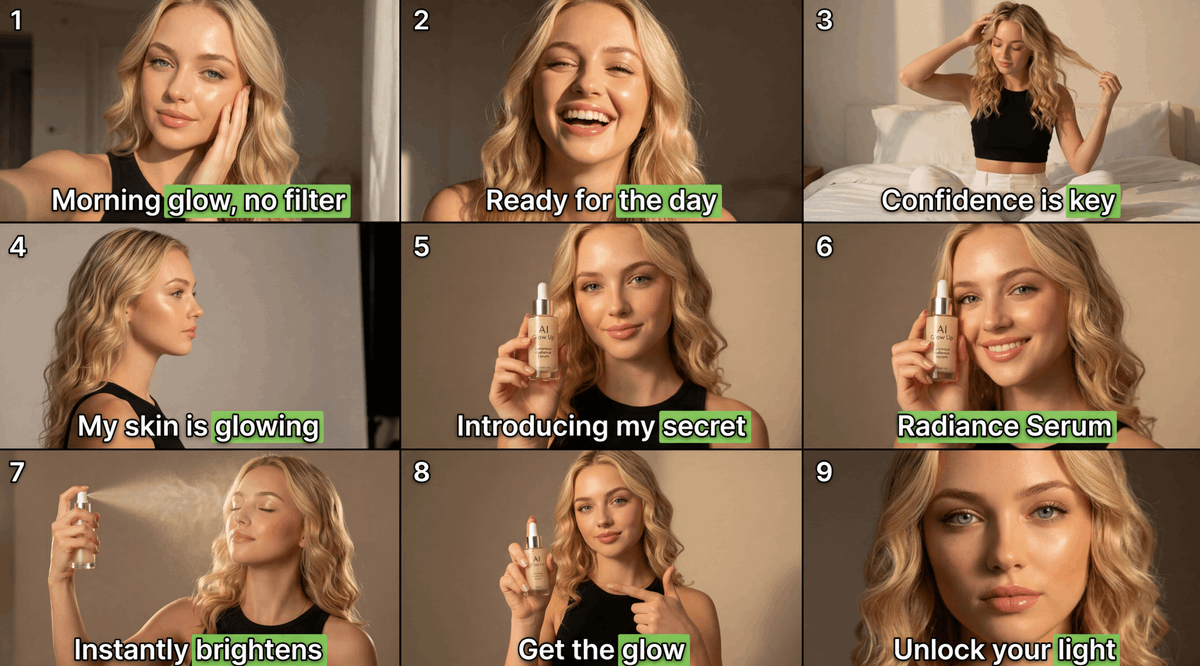
- Prompt included
- Model and format preset
- Free template
The prompt behind this image
Copy the exact prompt behind Panel Beauty Serum Storyboard, or open it in the studio and make it yours.
Goal: Create a 3-by-3 social media ad storyboard collage for a beauty serum, showing the same young blonde woman demonstrating a glow serum in a warm bedroom/vanity setting. The subject’s face must be intentionally anonymized by a flat skin-tone rectangular blur/cover in every panel, while hair, pose, outfit, and product remain visible. Canvas: Wide 16:9 composite image, 1200 x 675 style, divided into exactly 9 equal panels with thin black grid lines. Add a small white panel number with black outline in the top-left corner of each panel, numbered exactly 1 through 9. Subject details: A young adult woman with {argument name="hair color" default="long wavy blonde hair"}, light skin, wearing a black sleeveless crop top. Warm natural indoor light, beige walls, soft bedroom background with white bedding in some panels. Beauty-ad aesthetic, realistic photography, influencer UGC style, shallow depth of field, golden glow lighting. Product details: A small glass dropper bottle labeled with a minimal skincare brand, showing text like “AI Glow Up” and “Serum.” The bottle contains warm golden liquid and has a white dropper cap. The product should appear clearly in panels 5, 6, and 8. Layout: Use exactly 9 discrete panels: 1. Close selfie-like shot of the woman in warm morning light, face covered by a skin-tone rectangle, text at bottom: “Morning glow, no filter”. 2. Centered close portrait in the same room, face covered, text at bottom: “Ready for the day”. 3. Wider bedroom shot on white bedding, woman posing confidently and touching her hair, face covered, text at bottom: “Confidence is key”. 4. Side-profile hair and shoulder shot against a beige wall, face covered, text at bottom: “My skin is glowing”. 5. Woman holding the serum bottle beside her face, face covered, text at bottom: “Introducing my secret”. 6. Closer product showcase with woman holding the serum bottle near her face, face covered by a larger rectangle, text at bottom: “Radiance Serum”. 7. Woman spraying a fine mist upward/sideways in warm light, face covered, text at bottom: “Instantly brightens”. 8. Woman holding the serum bottle and pointing toward it with the other hand, face covered, text at bottom: “Get the glow”. 9. Close-up of long wavy blonde hair and shoulder area with the face mostly covered by a large skin-tone rectangle, text at bottom: “Unlock your light”. Text styling: Each panel has bold white caption text with a black outline/drop shadow, placed near the bottom. In every caption, highlight one key phrase with a bright green rounded rectangle behind it: “glow, no filter” in panel 1, “the day” in panel 2, “key” in panel 3, “glowing” in panel 4, “secret” in panel 5, the entire “Radiance Serum” phrase or the word “Serum” in panel 6, “brightens” in panel 7, “glow” in panel 8, and “light” in panel 9. Use {argument name="product name" default="Radiance Serum"} as the product/caption name in panel 6 if customized. Constraints: Keep the collage realistic and consistent as if frames from one influencer video. Use exactly 9 panels, exactly 9 panel numbers, and exactly 9 captions. Do not add extra logos, watermarks, UI elements, or additional text beyond the captions and simple product label.
How to use Panel Beauty Serum Storyboard in 3 steps
- 1Upload ImagePNG, JPG or paste
Add your photo
Upload the photo the template builds on. The prompt, model and format are already set.
- 2…a portrait of your subject in softgolden-hour light, 85mm…
Personalize
Edit the subject and creative details for your destination.
- 3Generate
Generate
Press Generate — your image is created in PicX Studio, so you can compare it with the original and refine one variable at a time.
More like this
Templates with the same subject, style or setup. Open one to see its prompt.
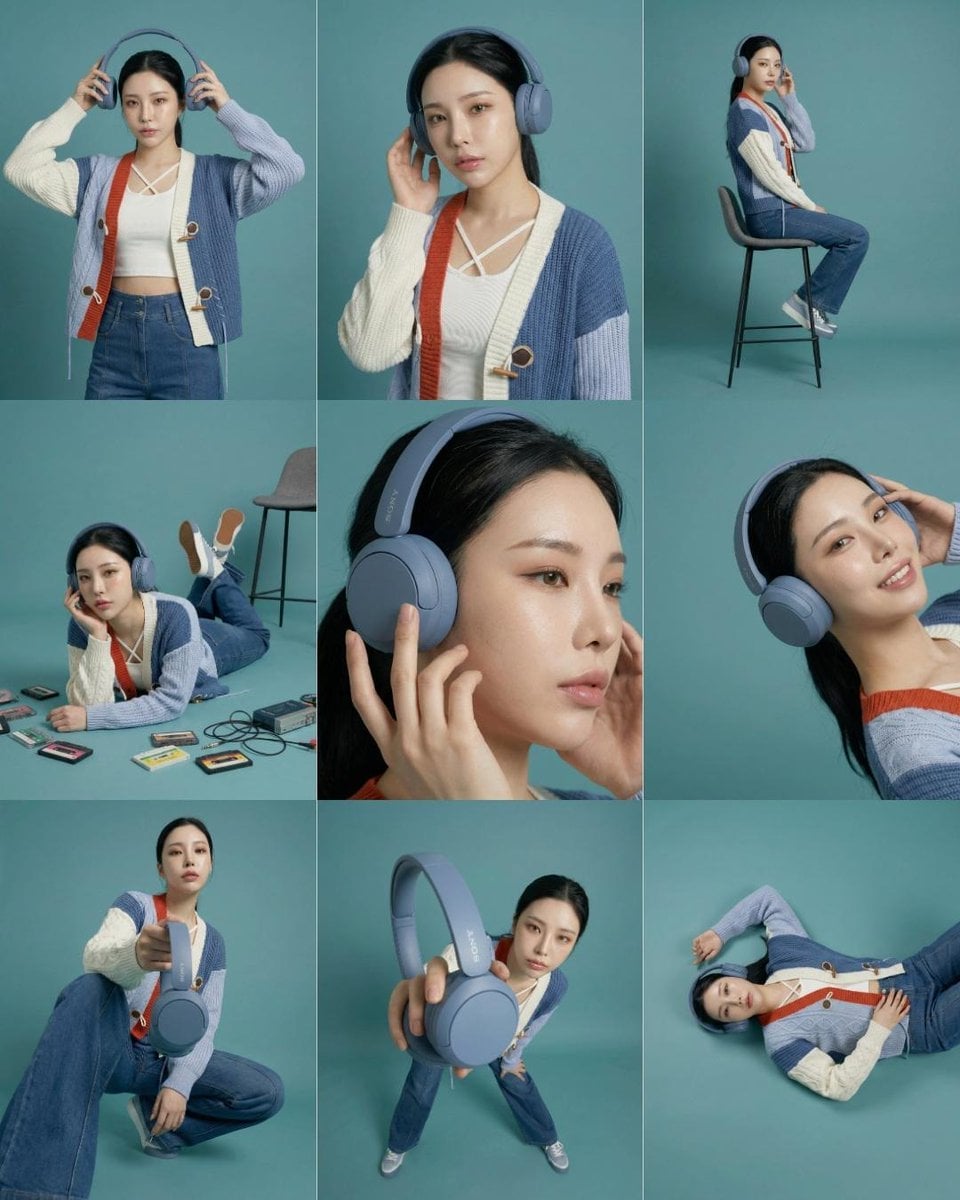
Headphones Lifestyle Nine Panel Grid
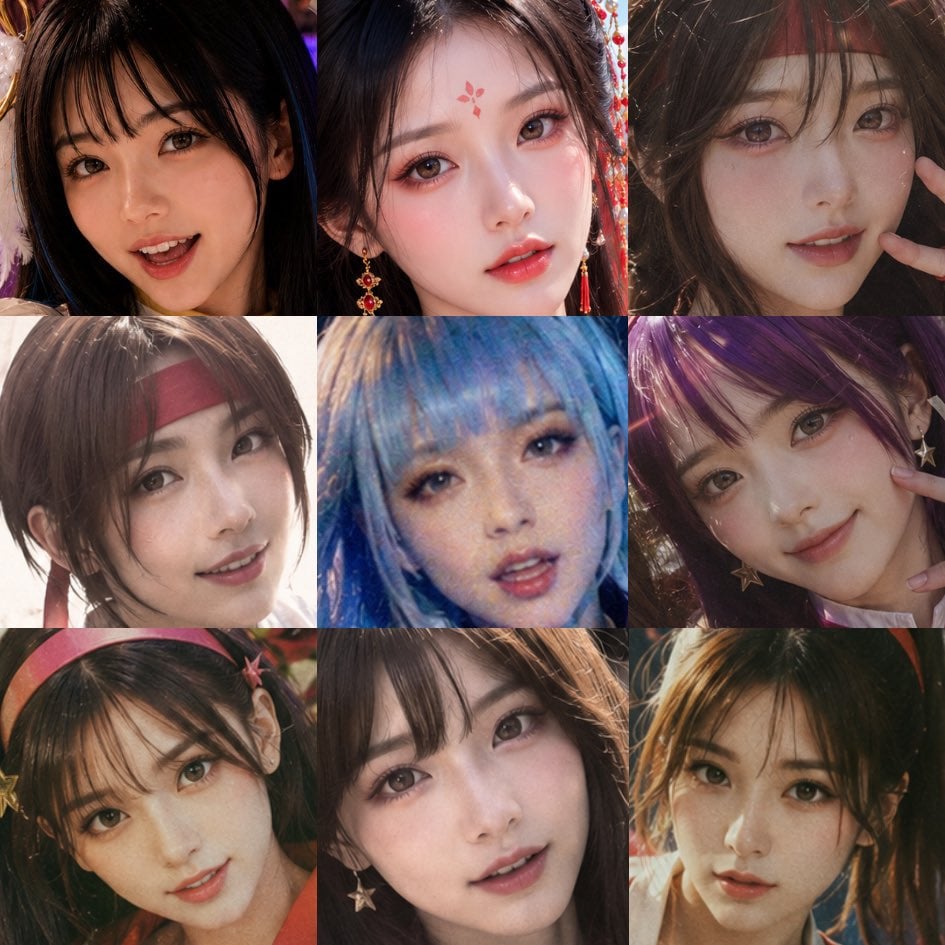
Nine-Panel AI Beauty Face Collage
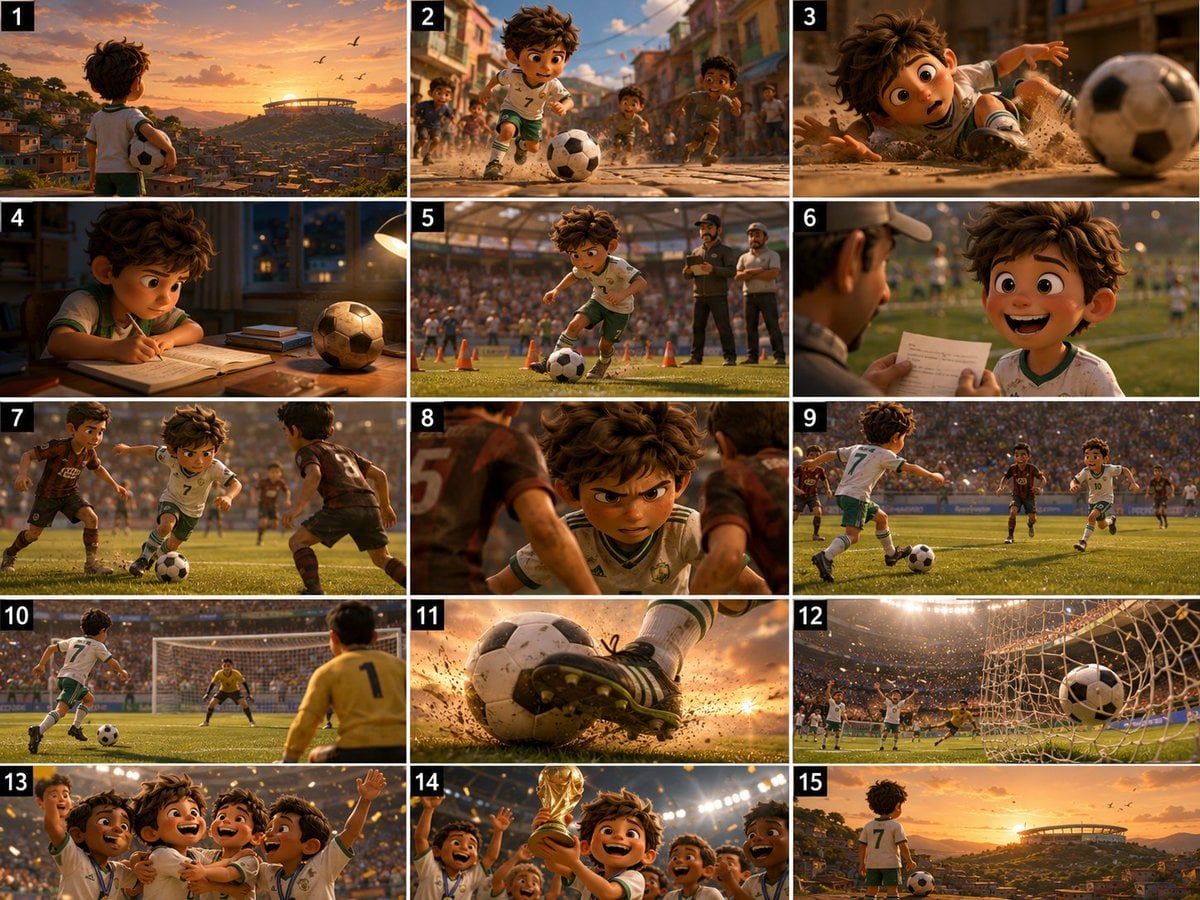
Panel Football Boy Storyboard
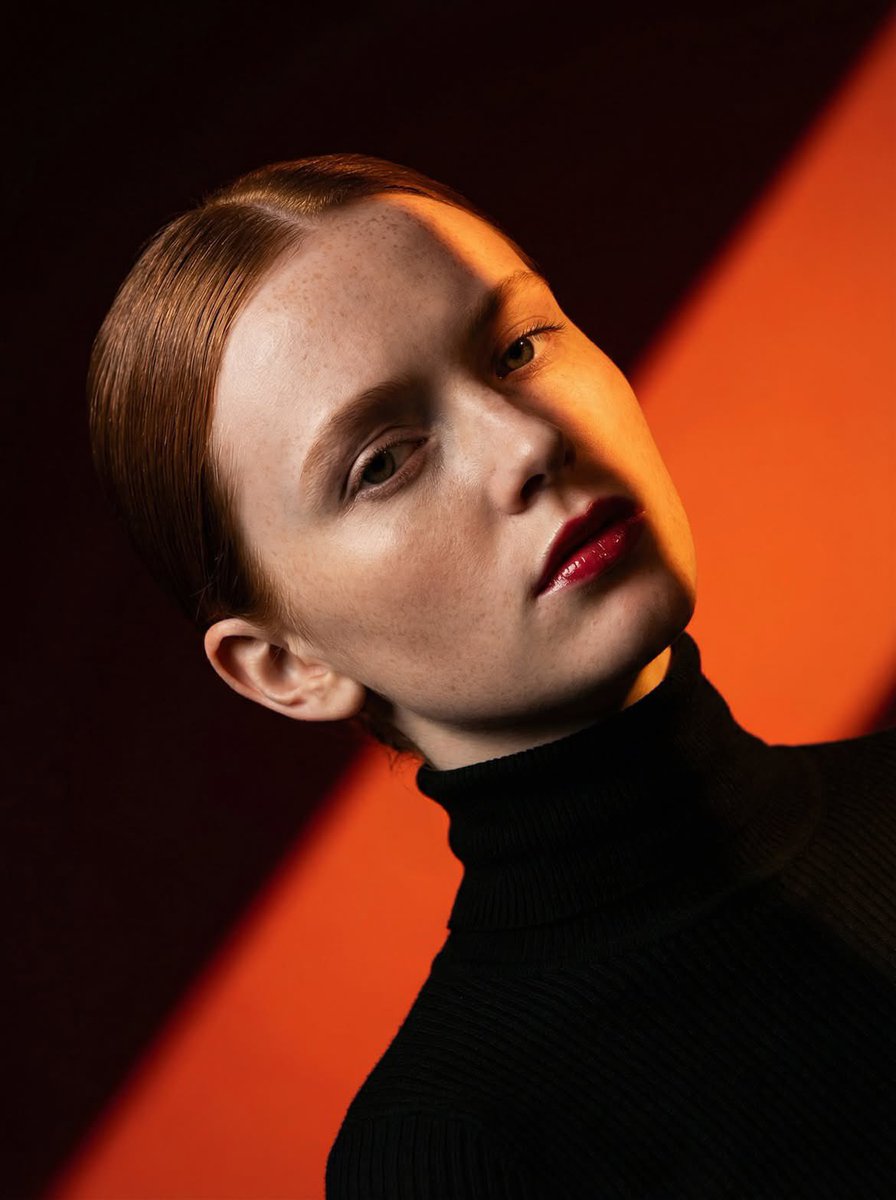
Geometric Color-Block Beauty Editorial Portrait
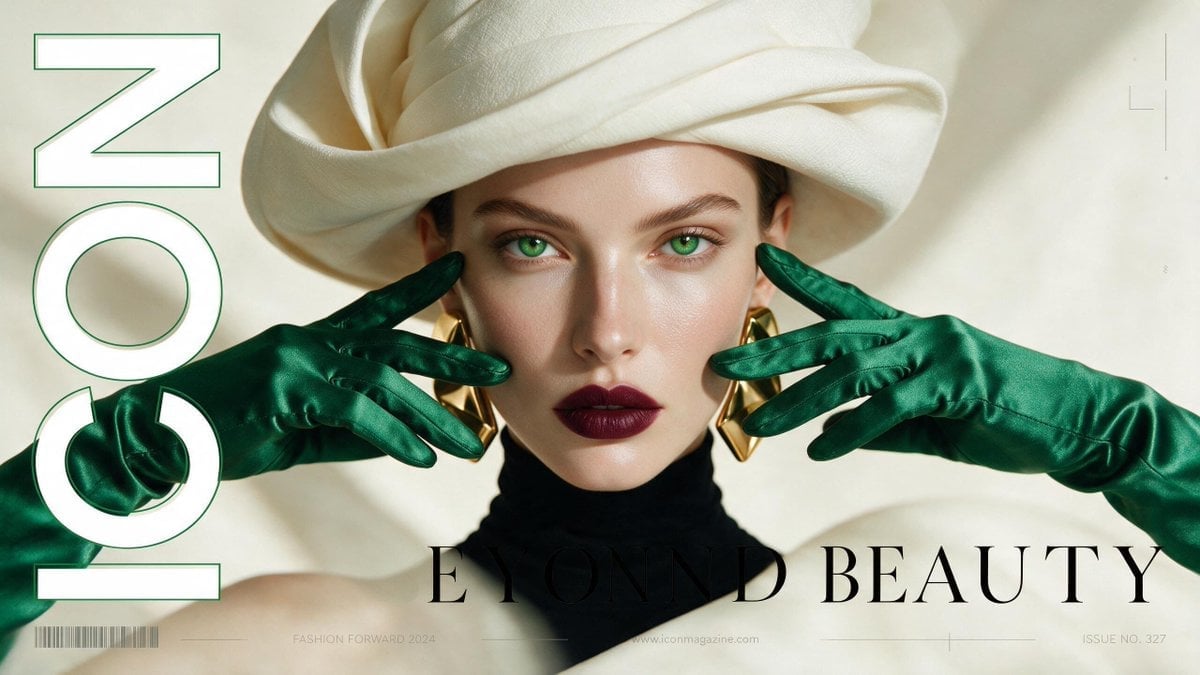
High-Fashion Editorial Magazine Cover ICON
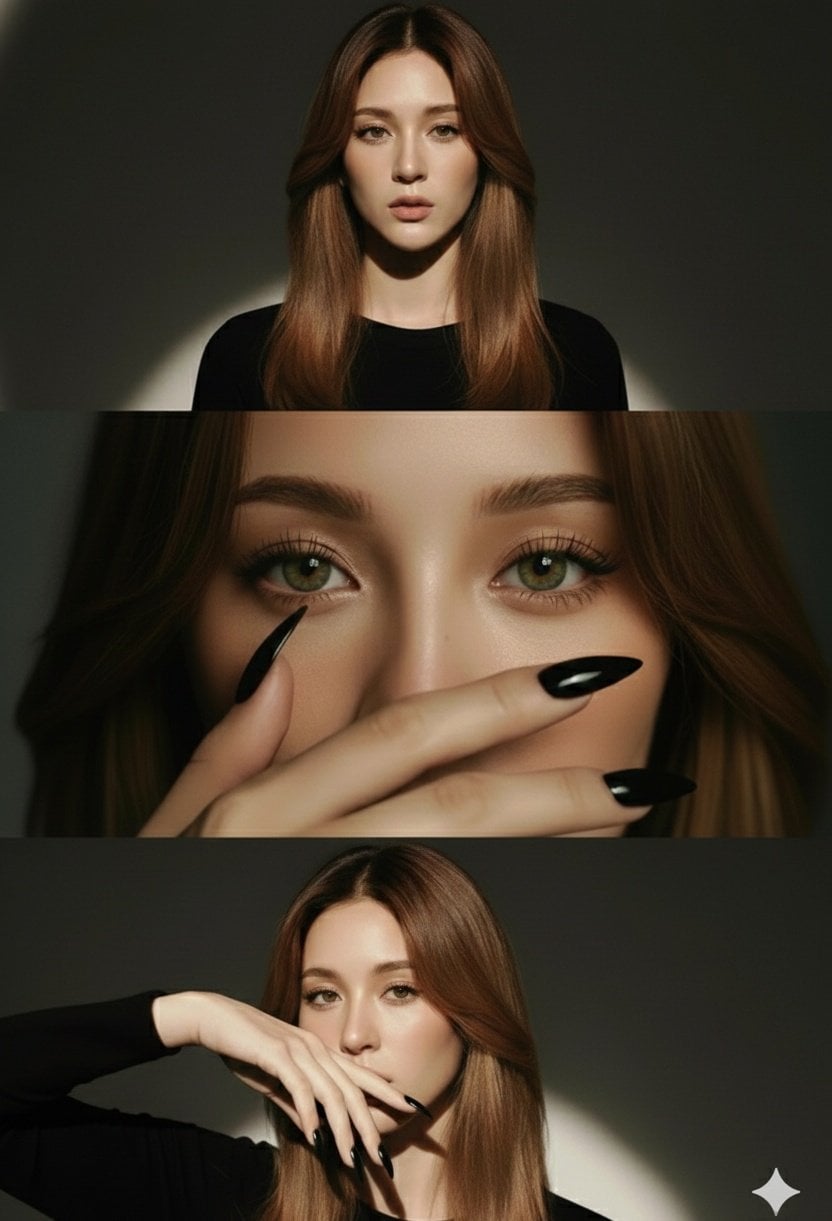
High-Fashion Editorial Studio Portrait Triptych
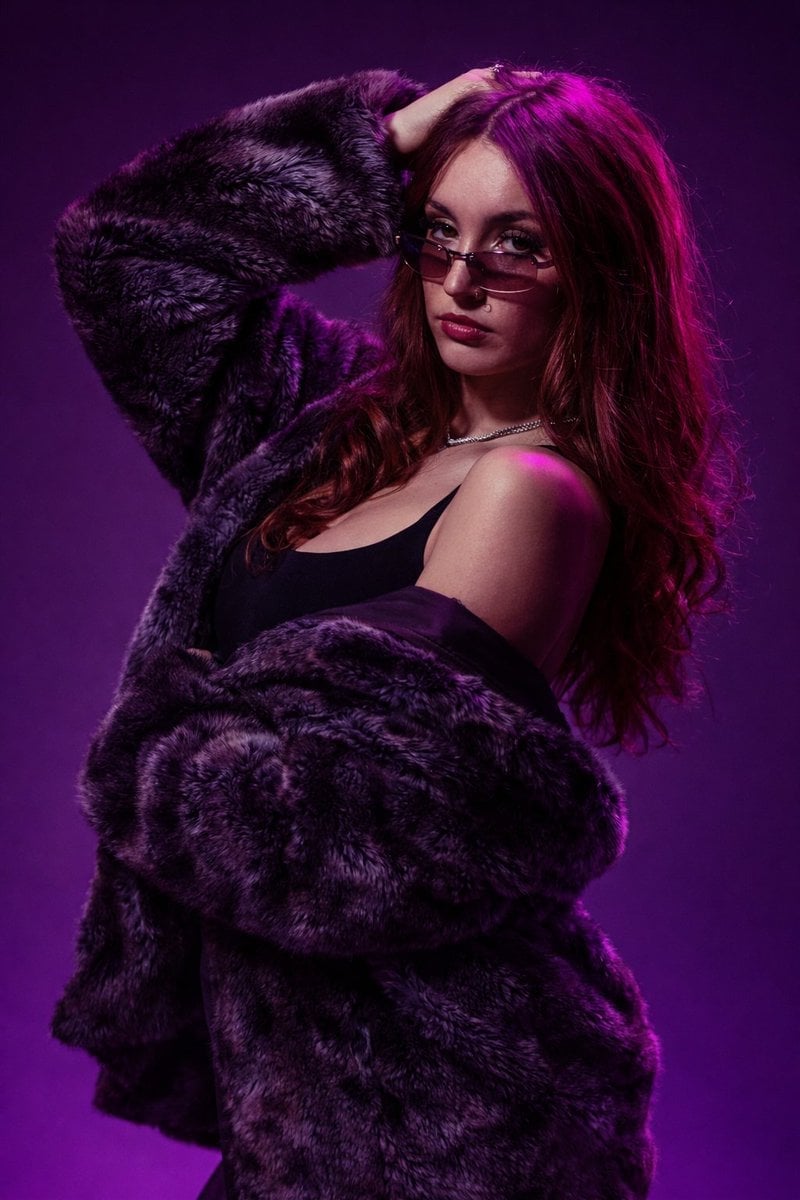
Studio Fashion Portrait Moody Purple Gradient
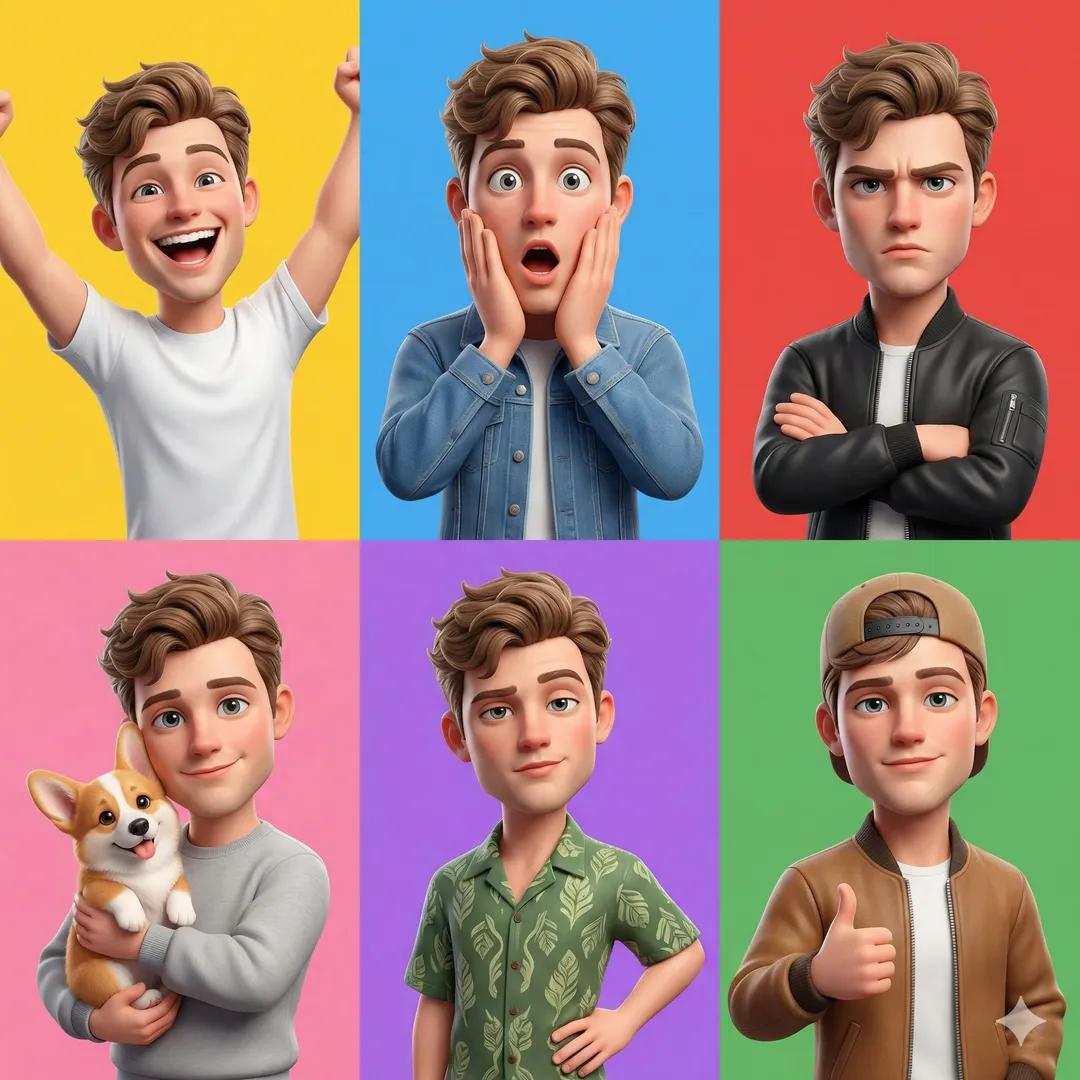
Pixar 6-Panel Streethero Expression Grid
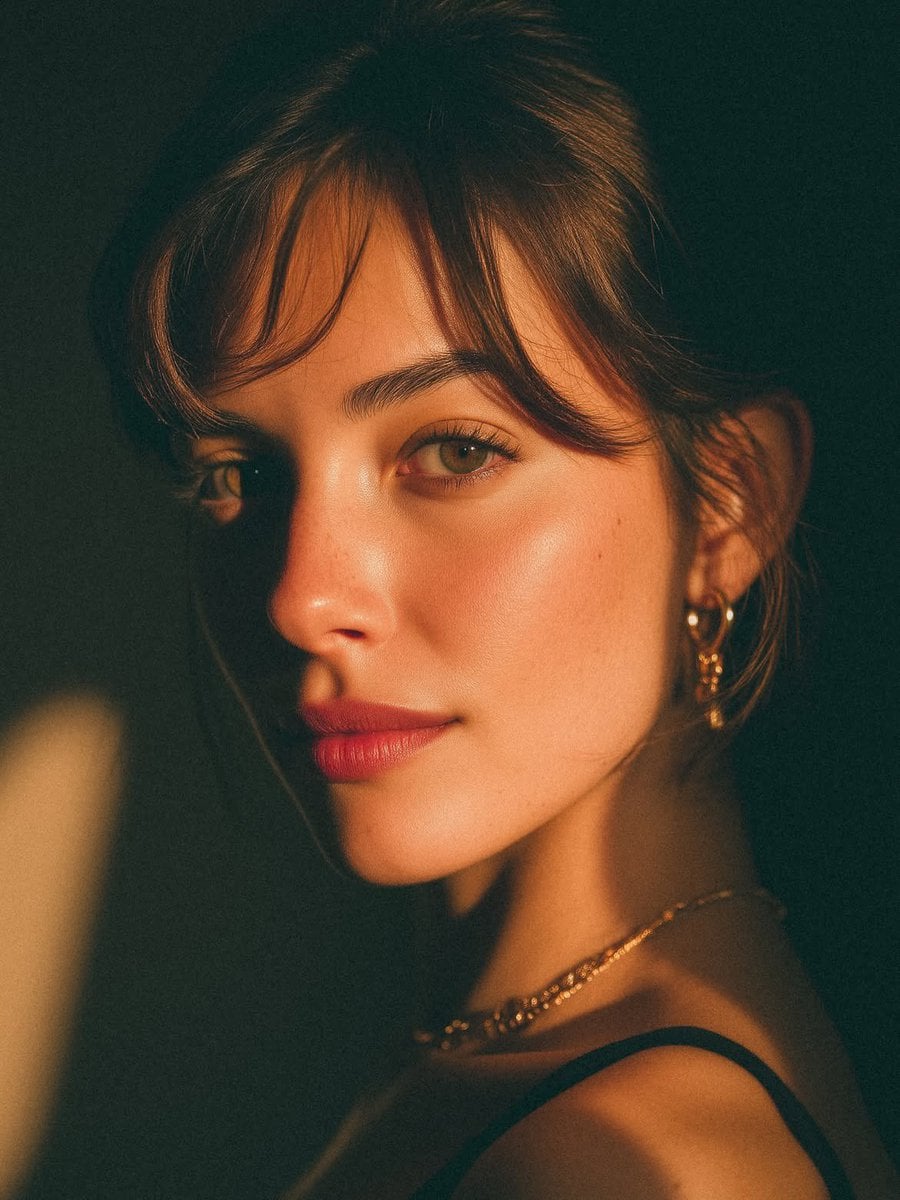
Golden Hour Look-Back Beauty Portrait
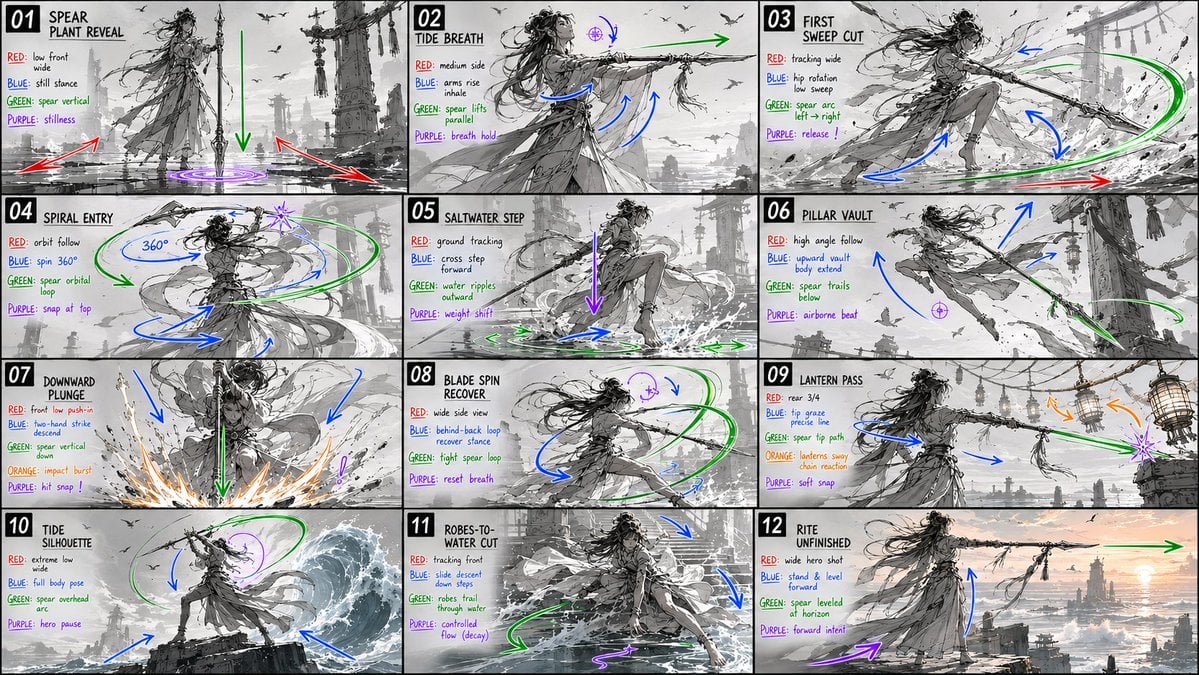
Panel Spear Sakuga Storyboard
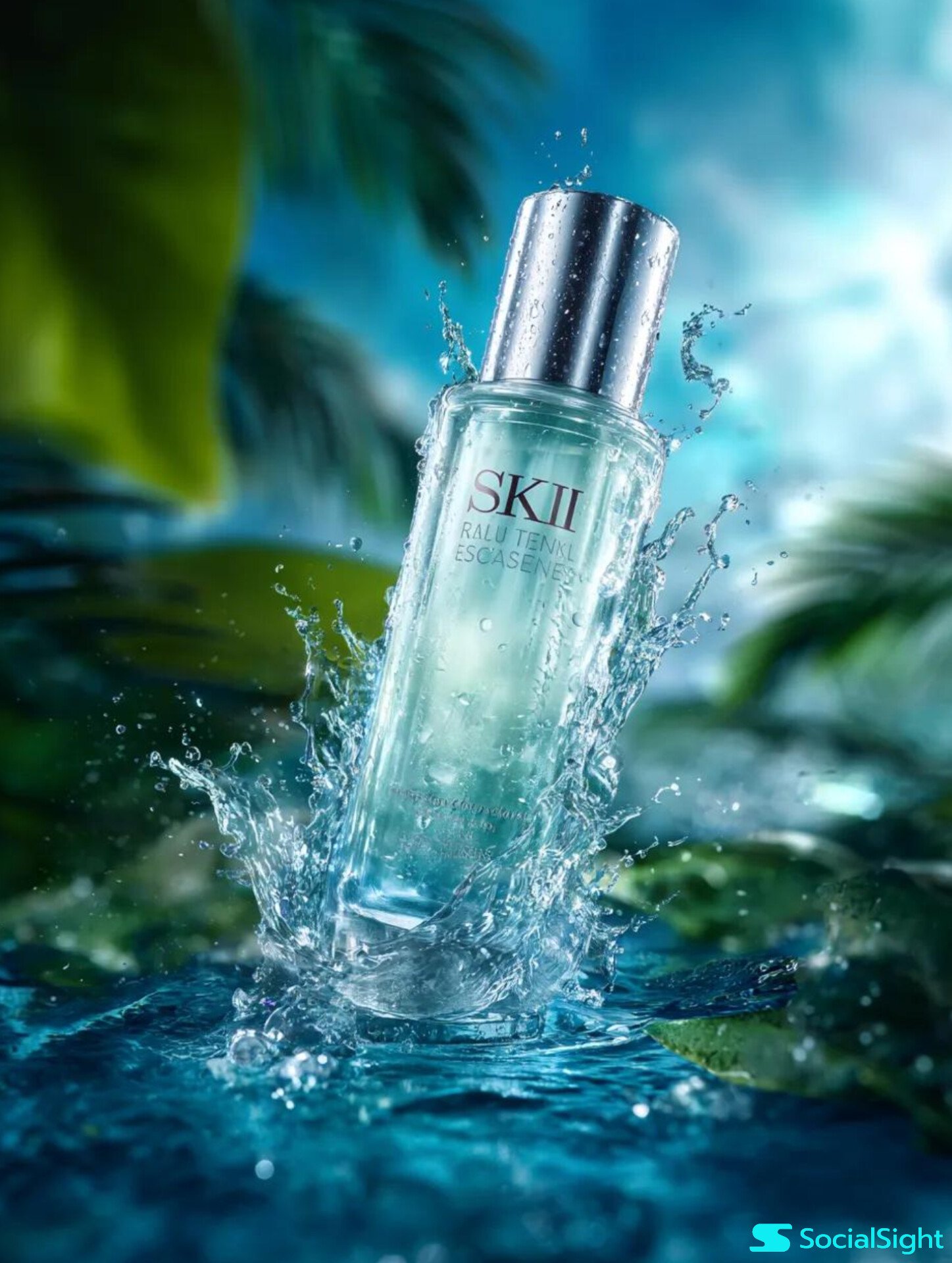
Cosmetic Tube Product — Nano Banana 2
Glass Skin Beauty Portrait — Soft Pastel Nano Banana
Make it yours
Panel Beauty Serum Storyboard works as-is. These are the safest ways to change it without losing the look.
Change one field
Copy a single group, rewrite it, and generate again so you can see what that field is doing.
Keep the frame, change the subject
Hold the composition and light of 9-Panel Beauty Serum Storyboard, then swap wardrobe, props or the person for a new take.
| If the result… | Why | Fix |
|---|---|---|
| The result drifts from the preview | Too many fields changed at once. | Reuse 9-Panel Beauty Serum Storyboard as-is first, then change one group — subject, light, or setting. |
| The model over-stylizes the scene | The prose prompt leaves finish and camera underspecified. | Add one camera or lighting sentence and stay on GPT Image 2. |
More GPT Image 2 templates
Other prompts made for GPT Image 2.

Six VTuber Japanese Logo Sheet

Realistic Portrait of Woman and Deer

The Vista Modular Condo Poster

AI Model Routing Comparison Infographic

2.5D Anime Art Board

Isometric Productivity Desk Scene

New York Double Exposure Poster

Four-Panel AI Landscape Comparison

Japanese Tatami Lifestyle Magazine Cover

NESCAFÉ Coffee Map Poster
More image prompts
Fresh picks from across the catalog.
Mini Workers Sculpt Spicy Chicken Wings
Luxury Shampoo Bottle Splash Commercial
Instagram Luxury Holographic Fashion Poster
Conceptual Object Feasibility Image Prompt
Panel Editorial Beauty Grid for Lipstick Commercial
Character color and style adjustment
Caravaggio-style Moral Painting of Cheating at Mahjong
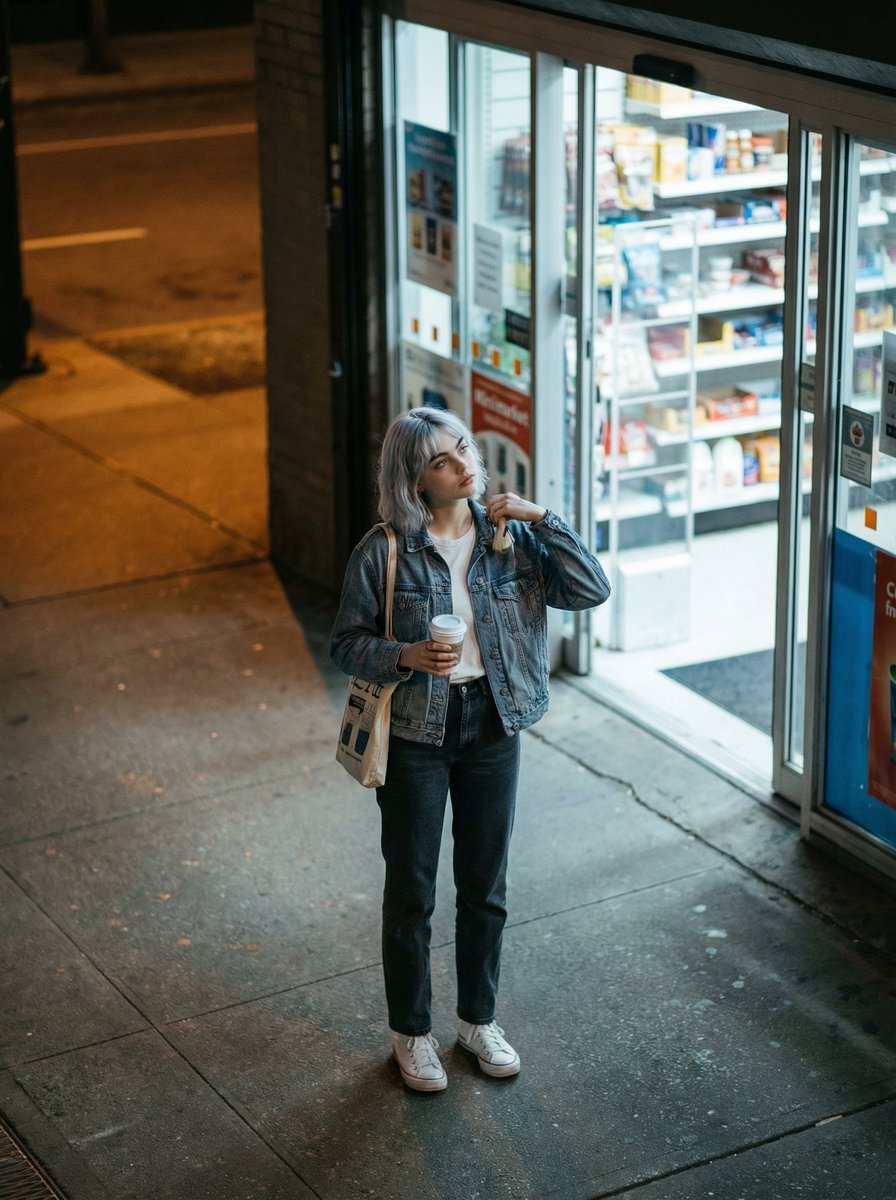
Candid night street fashion photograph with film aesthetic
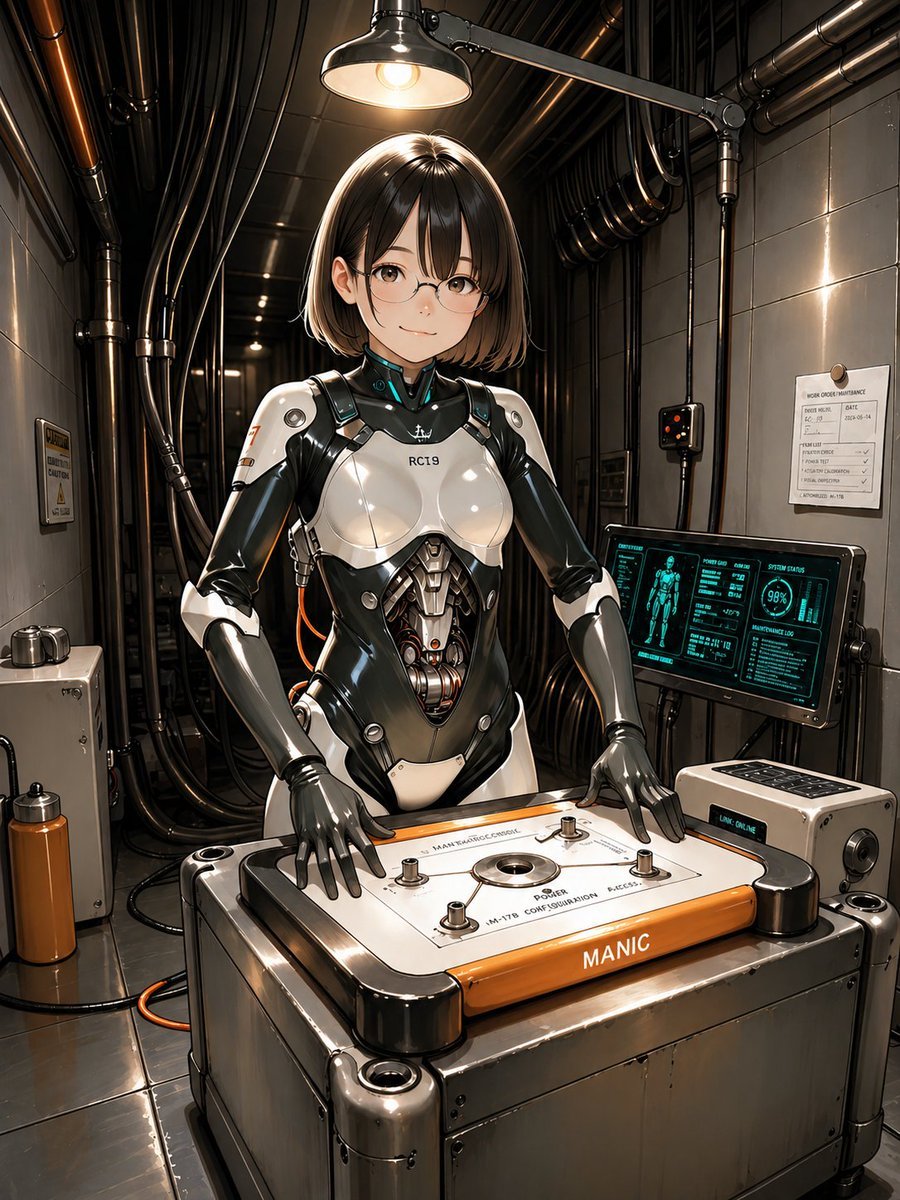
Android Engineer in Maintenance Bay
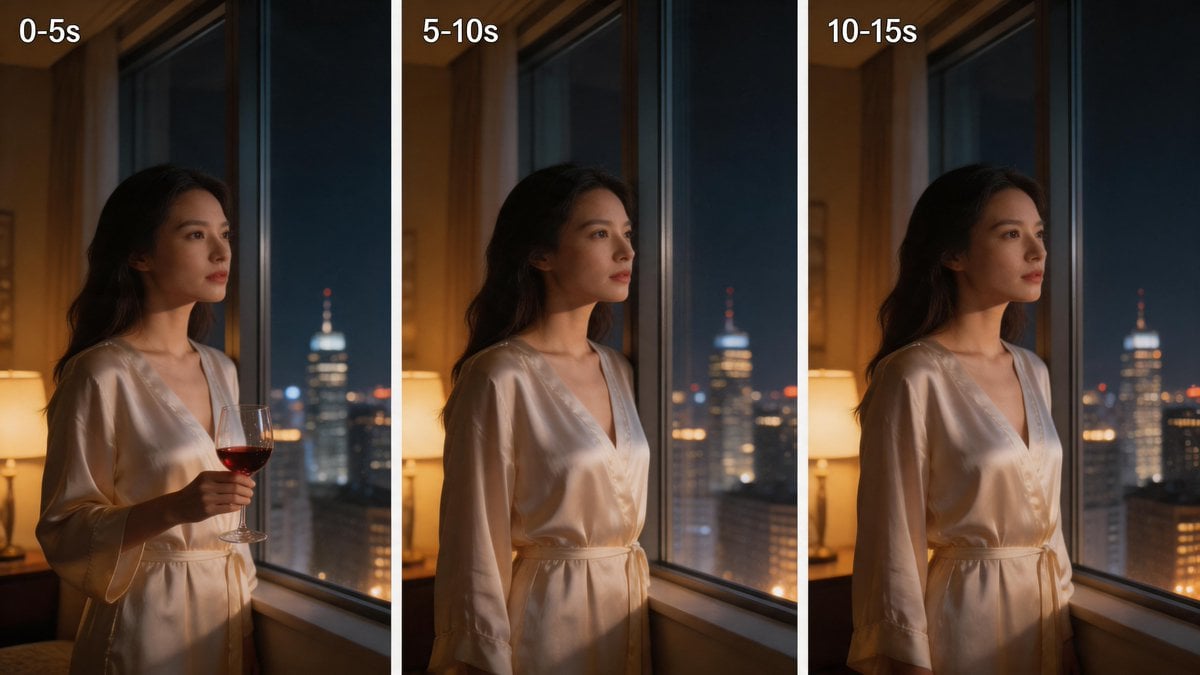
Three-Panel Night Window Comparison
Browse template categories
Panel Beauty Serum Storyboard questions
How do I use the 9-Panel Beauty Serum Storyboard template?
Add your photo if the template asks for one, edit the prompt if you like — the template's model and format are already selected — and press Generate. Your version opens in PicX Studio.
Can I customize the 9-Panel Beauty Serum Storyboard template?
Yes. You can change the subject, setting, lighting, mood, format, and available model controls before creating your image.
Is the 9-Panel Beauty Serum Storyboard template free?
Opening and editing this template is free. Generating uses credits, shown on the Generate button when you are signed in.
Which AI model should I use?
Start with GPT Image 2, which is the model associated with this template. You can compare another compatible model for a different finish.
Looking for something else? Browse all templates.

Your photo, any look
Thousands of ready templates for every top image and video model, from one credit balance.