
Ultra-Realistic Portrait with Identity Preservation and Headscarf
A detailed prompt for generating an ultra-realistic, close-up portrait of a young woman, requiring 100% preservation of facial features from an uploaded photo.
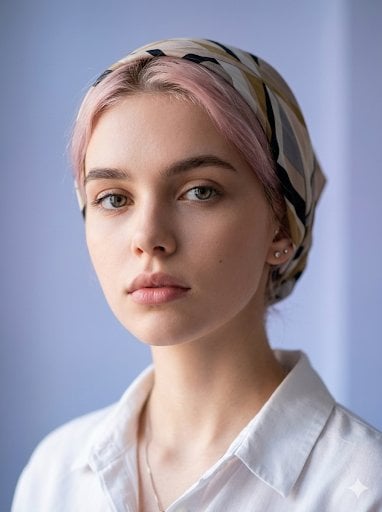
- Prompt included
- Model and format preset
- Free template
The prompt behind this image
Copy the exact prompt behind Ultra-Realistic Portrait with Identity Preservation and Headscarf, or open it in the studio and make it yours.
Generate image from the uploaded photo. Preserve 100 percent facial features, skin tone, and gender based on the uploaded photo. Ultra realistic portrait photo of a young woman indoors. The subject faces the camera at eye level with a slight head tilt. Framing stays tight, head and shoulders only. The camera is front facing and close-up. Lens feels similar to 50mm with shallow depth of field. Focus stays sharp on eyes and lips. The skin texture looks smooth and natural. She wears a patterned headscarf wrapped neatly with geometric shapes in {argument name="color palette" default="beige, black, white, and muted gold"}. The outfit includes a white collared shirt. Accessories include small stud earrings and a thin necklace. Lighting stays soft and diffused. The main light comes from the front left, similar to window light. Fill light stays subtle to soften shadows. Shadows appear gentle under the chin and jawline. The background stays plain and blurred with cool {argument name="background color" default="blue and lavender"} tones. Color balance stays neutral to cool. Skin tones remain warm and accurate. Contrast stays moderate. Highlights remain controlled. The overall mood feels clean, calm, and professional.
How to use Ultra-Realistic Portrait with Identity Preservation and Headscarf in 3 steps
- 1Upload ImagePNG, JPG or paste
Add your photo
Upload the photo the template builds on. The prompt, model and format are already set.
- 2…a portrait of your subject in softgolden-hour light, 85mm…
Personalize
Edit the subject and creative details for your destination.
- 3Generate
Generate
Press Generate — your image is created in PicX Studio, so you can compare it with the original and refine one variable at a time.
More like this
Templates with the same subject, style or setup. Open one to see its prompt.
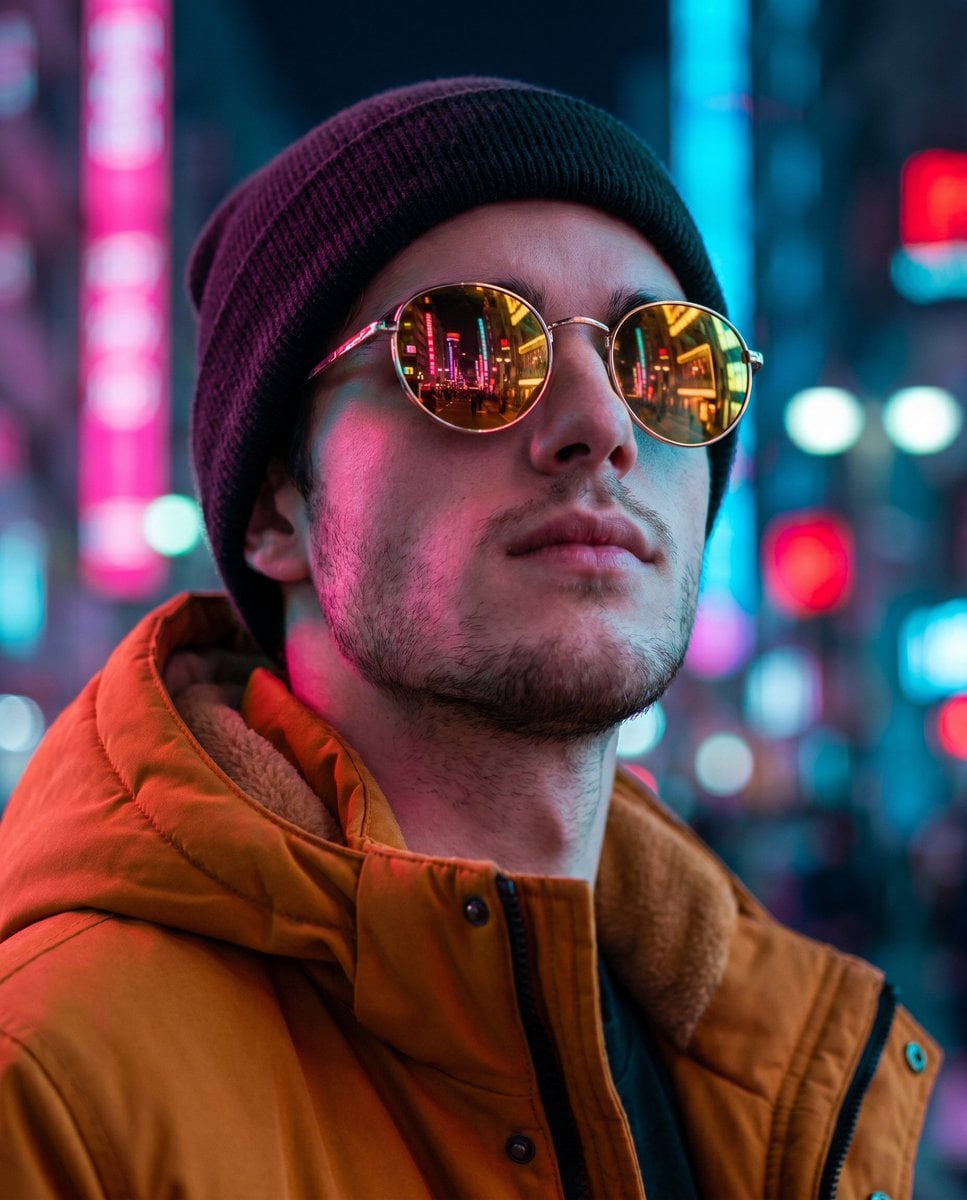
Cyberpunk Identity Preservation Portrait
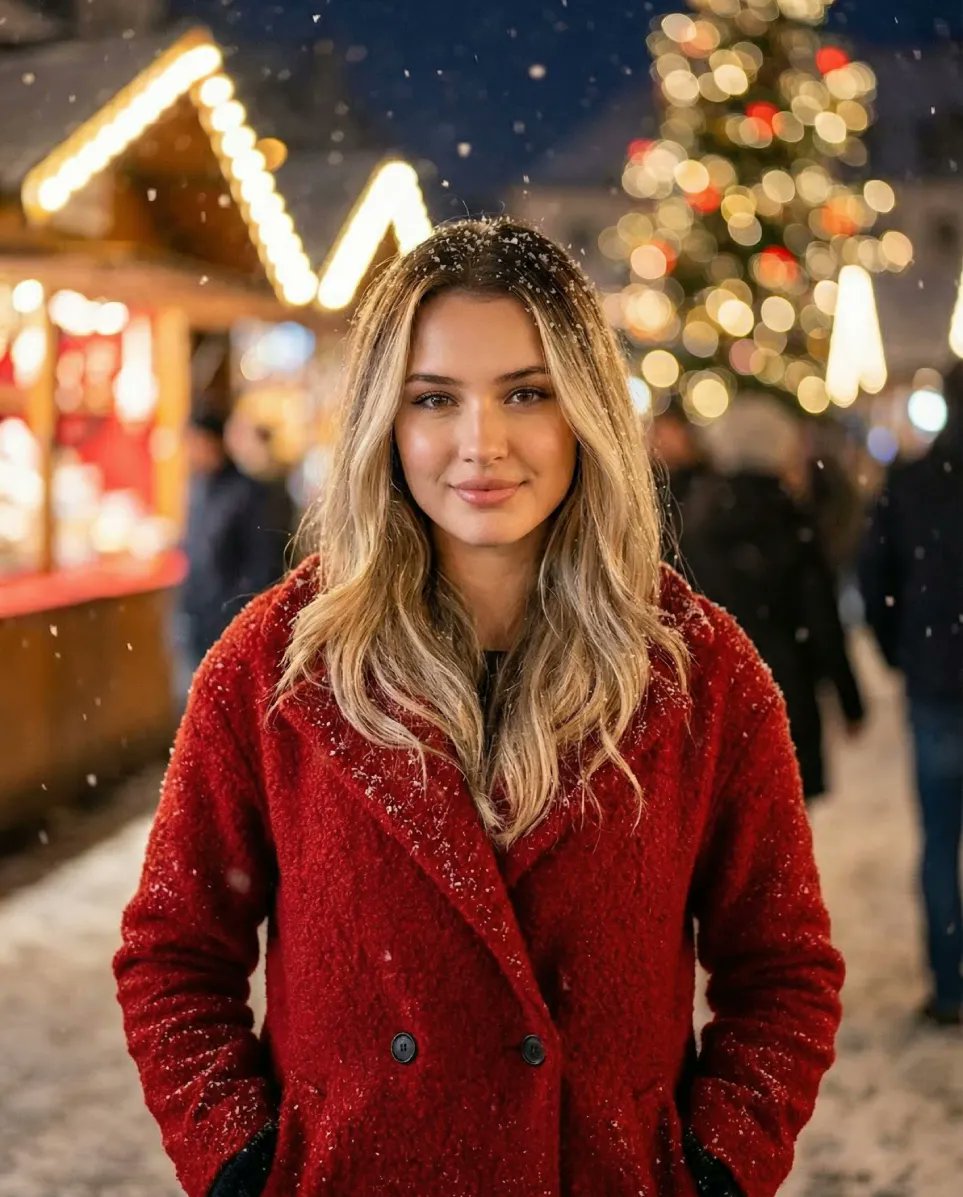
Cozy Christmas Market Portrait with Identity Preservation
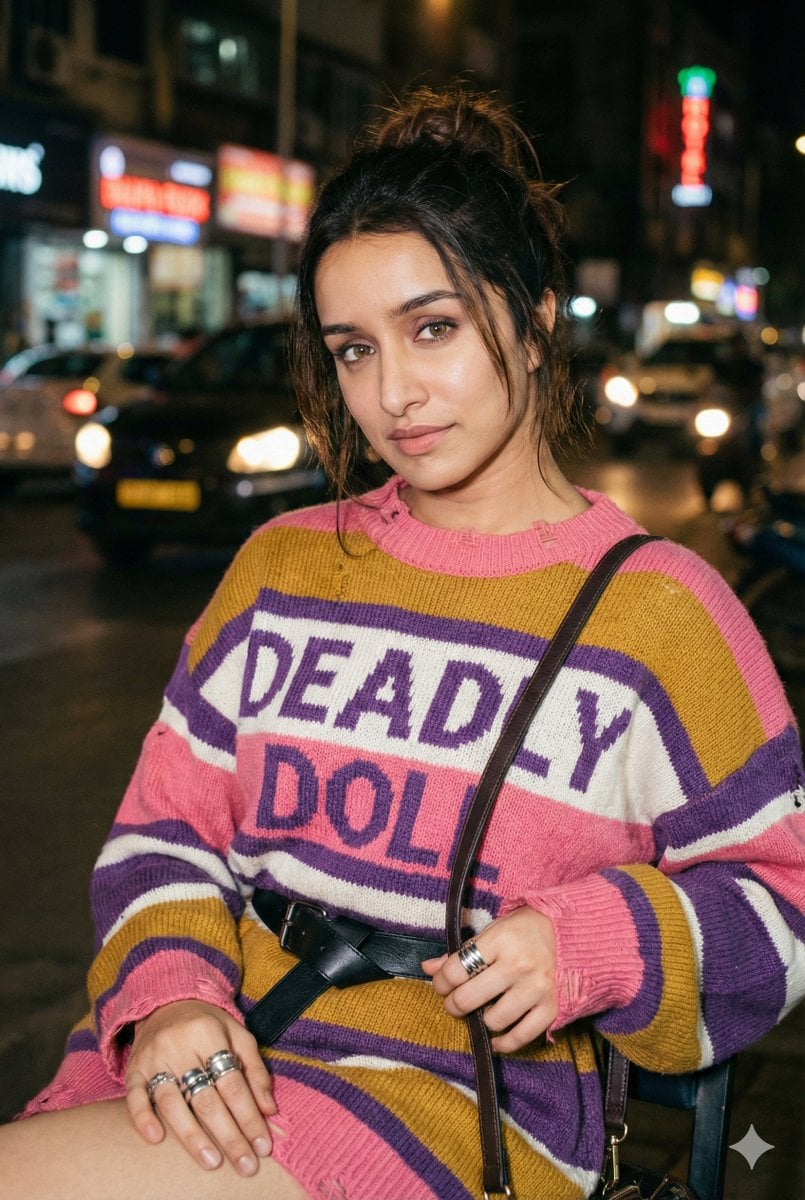
Editorial Nighttime Urban Portrait with Identity Preservation
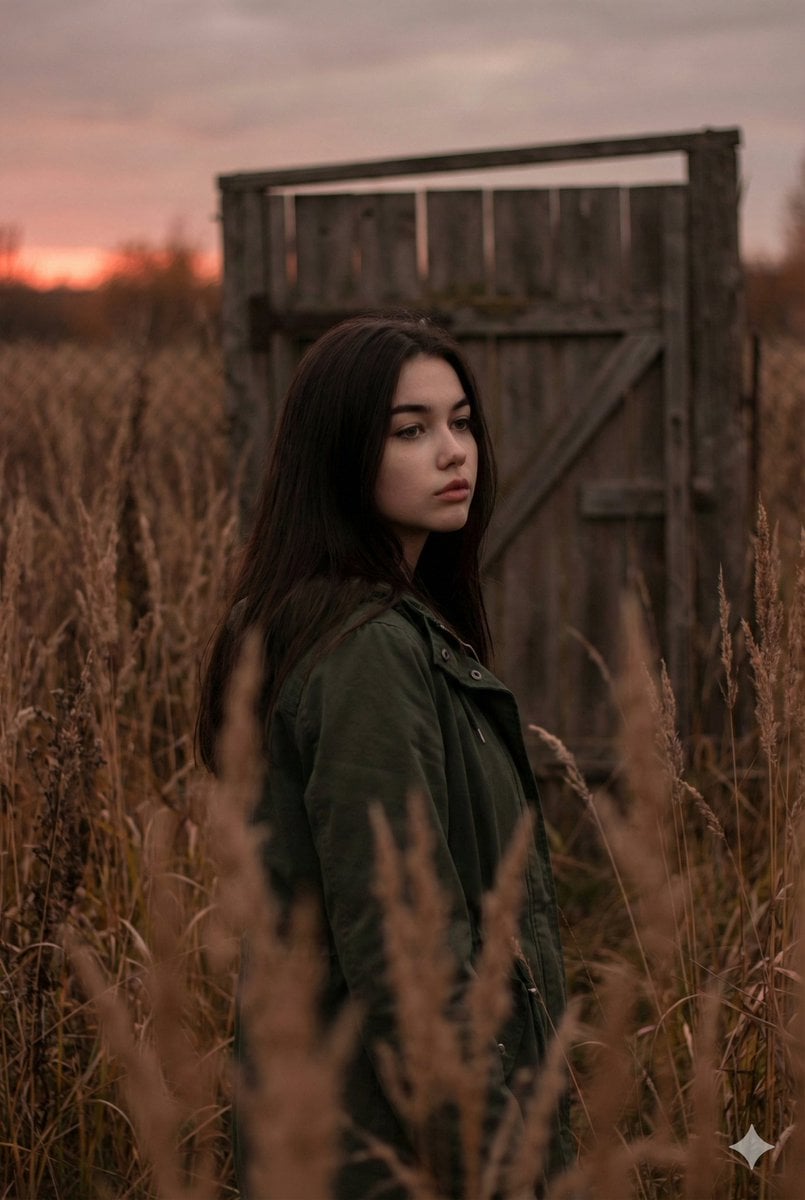
Atmospheric Sunset Portrait Edit Prompt with Identity Preservation
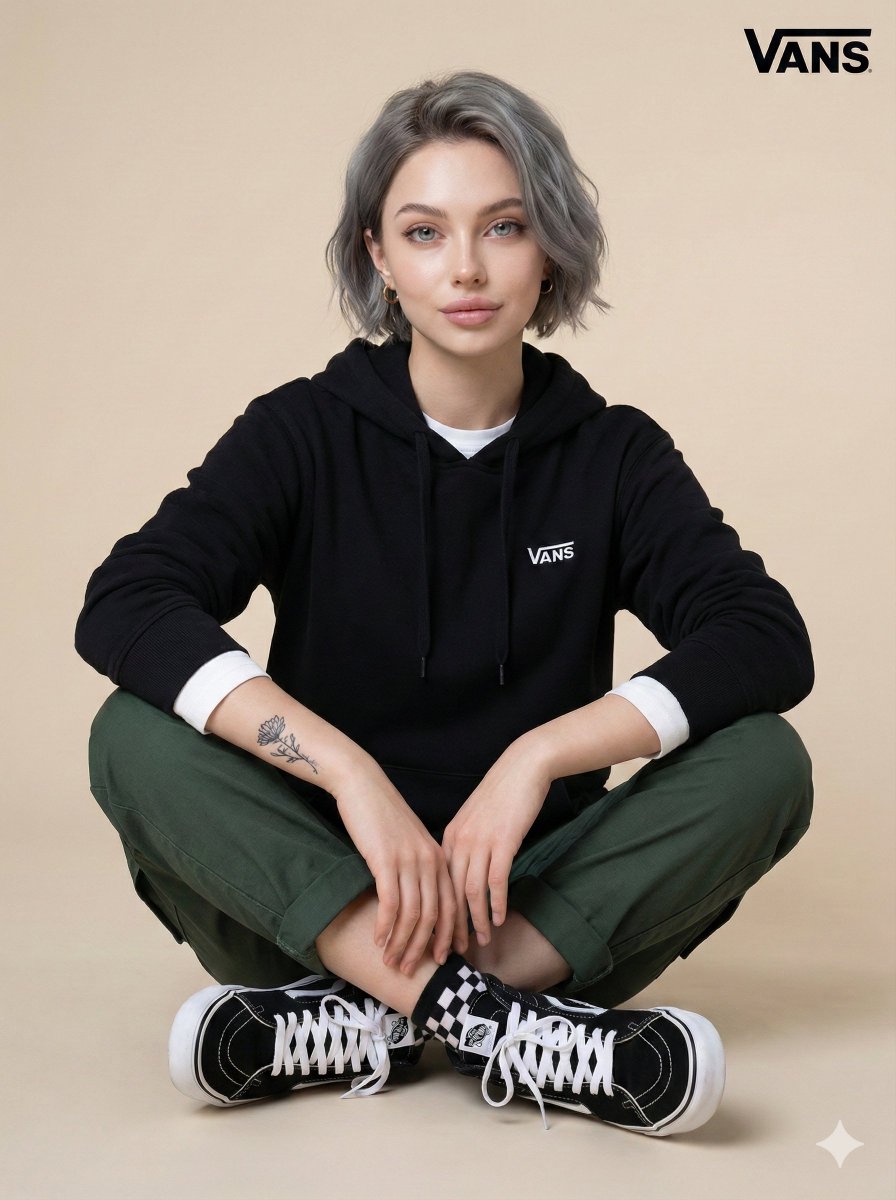
Casual Studio Portrait with Identity Preservation Prompt
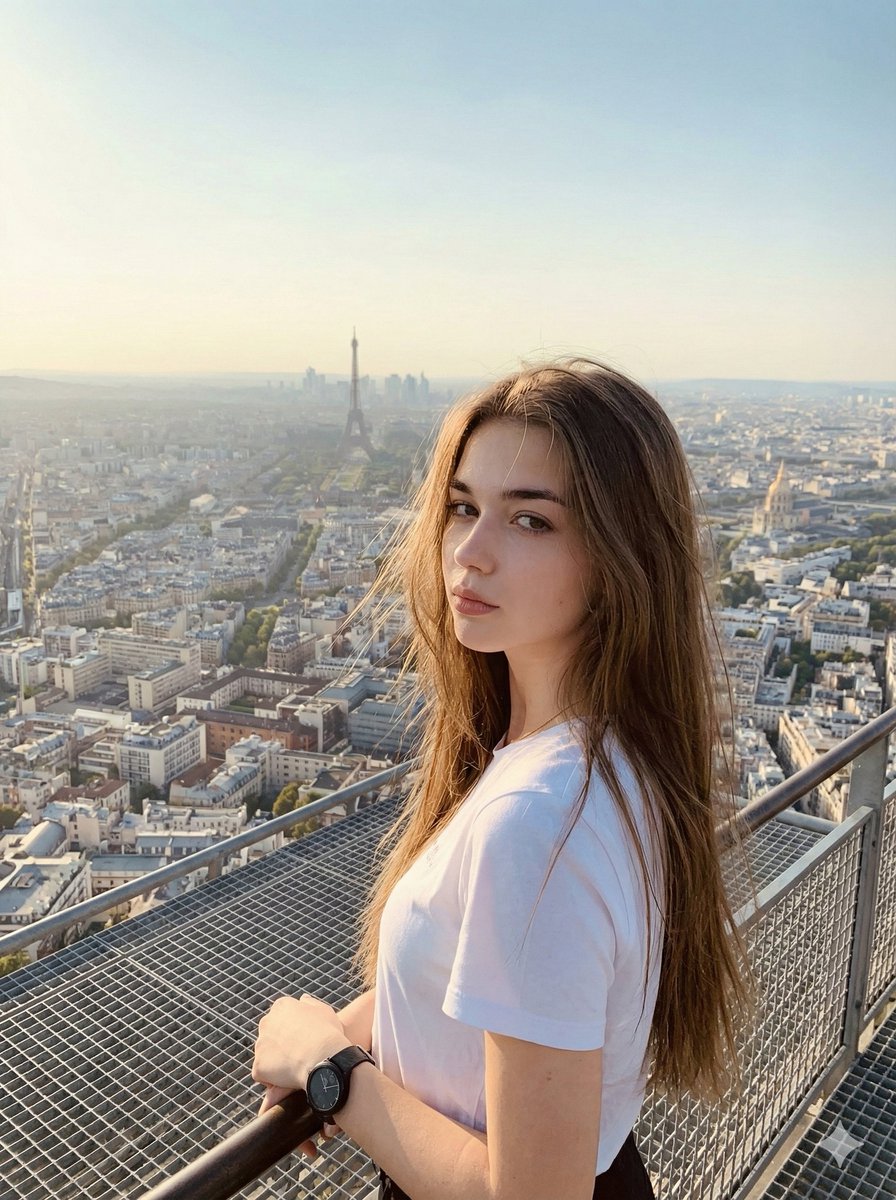
Cinematic Parisian Tower Portrait with Identity Preservation
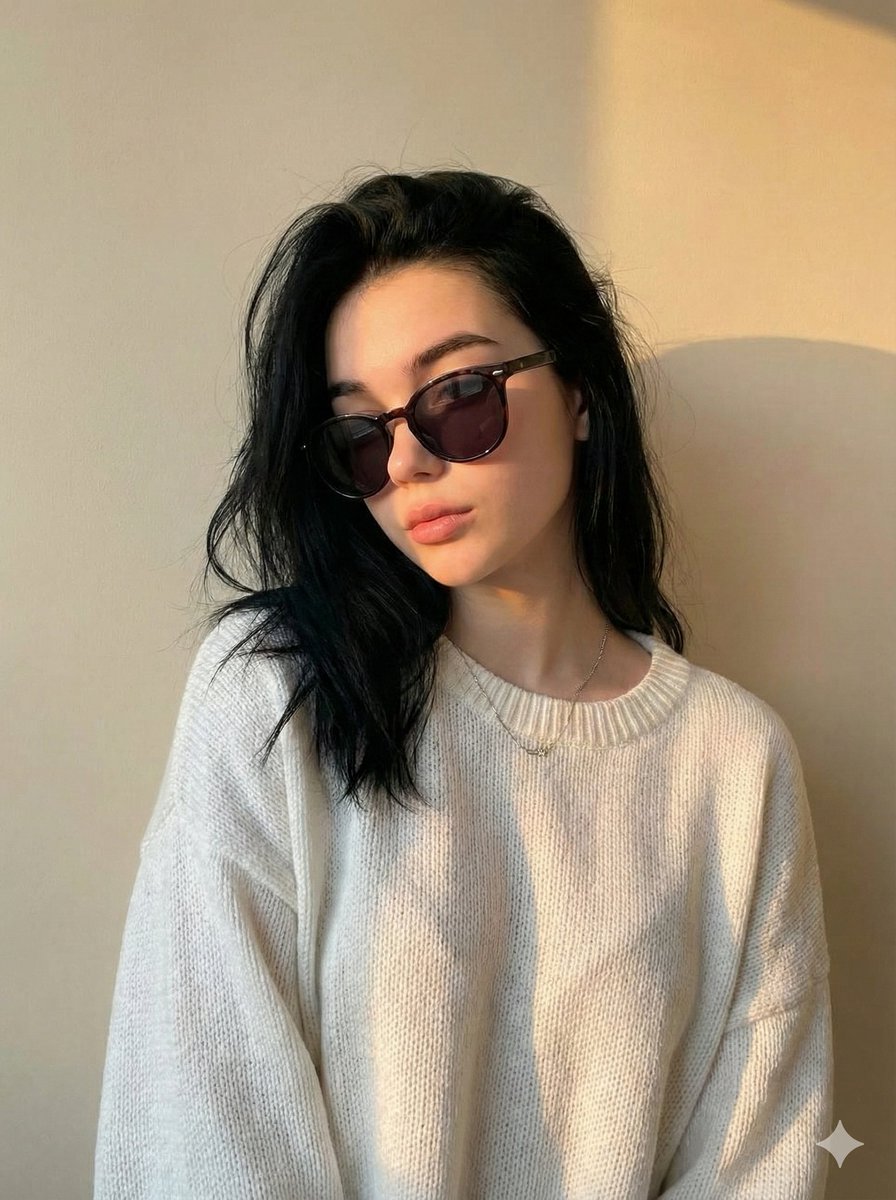
Cinematic Portrait with Strict Identity Preservation
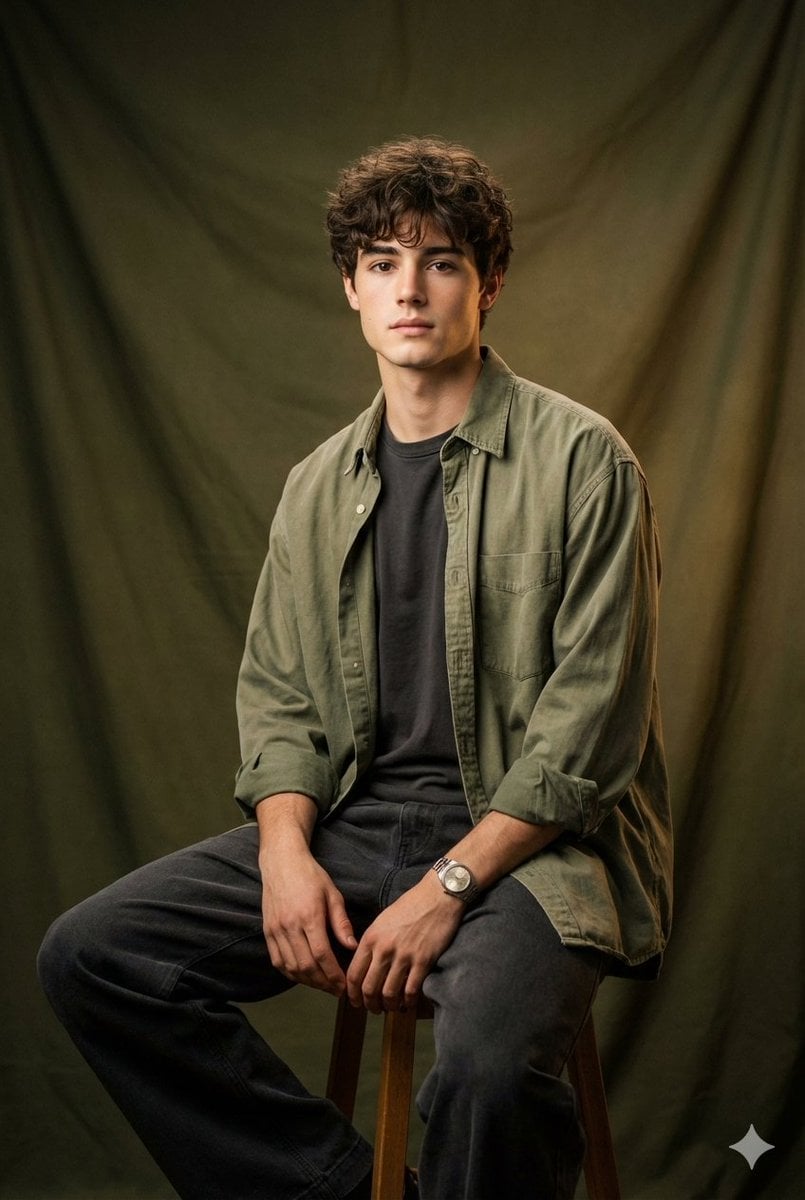
Vintage Studio Portrait with Identity Preservation Prompt
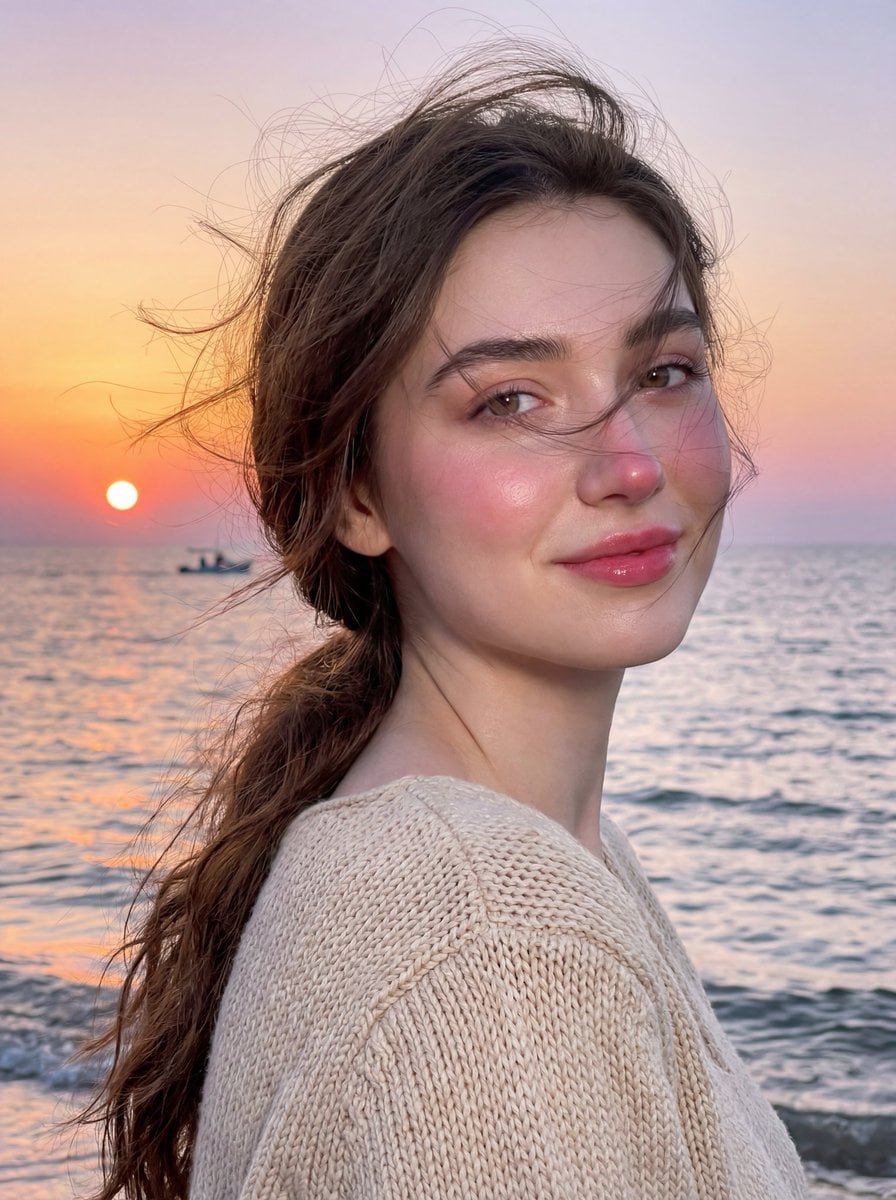
Golden Hour Seaside Portrait with Identity Preservation
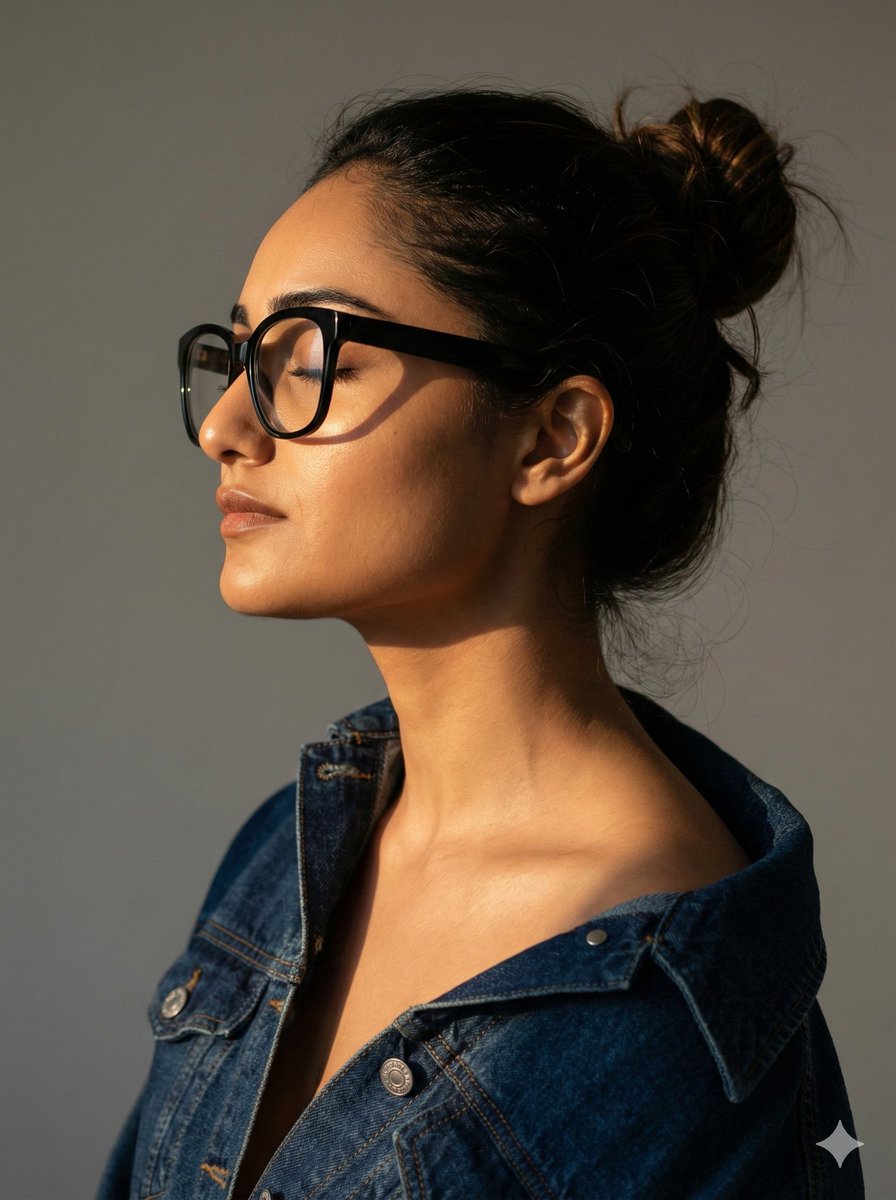
Cinematic Profile Portrait with Identity Preservation
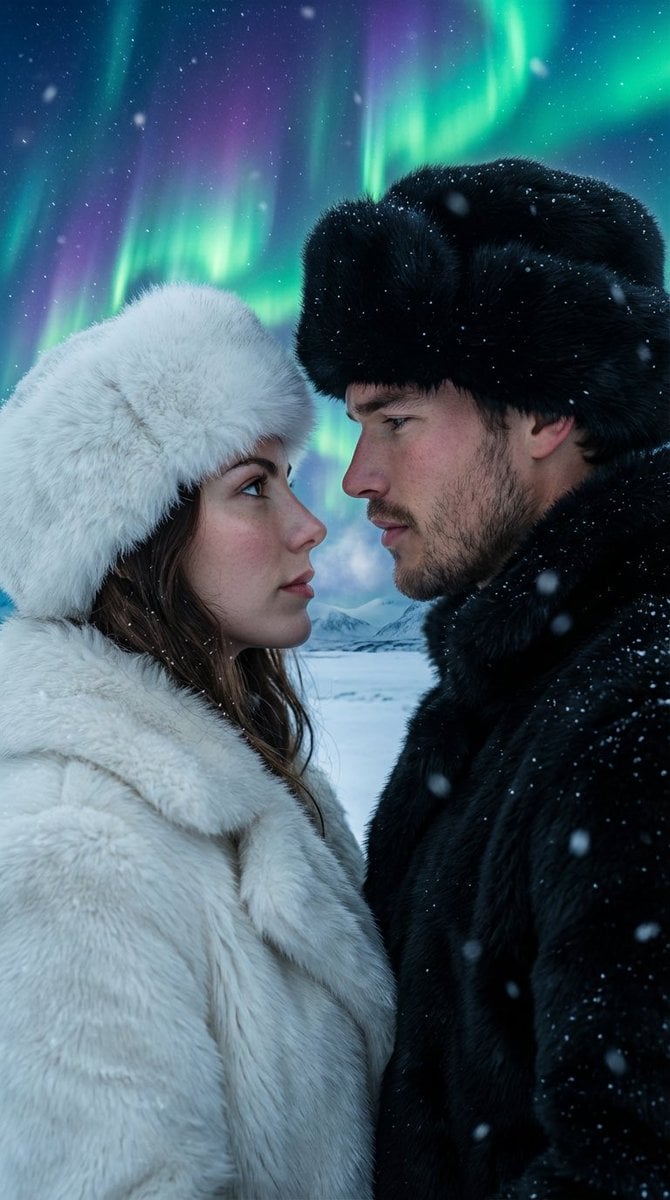
Aurora Borealis Couple Portrait with Identity Preservation
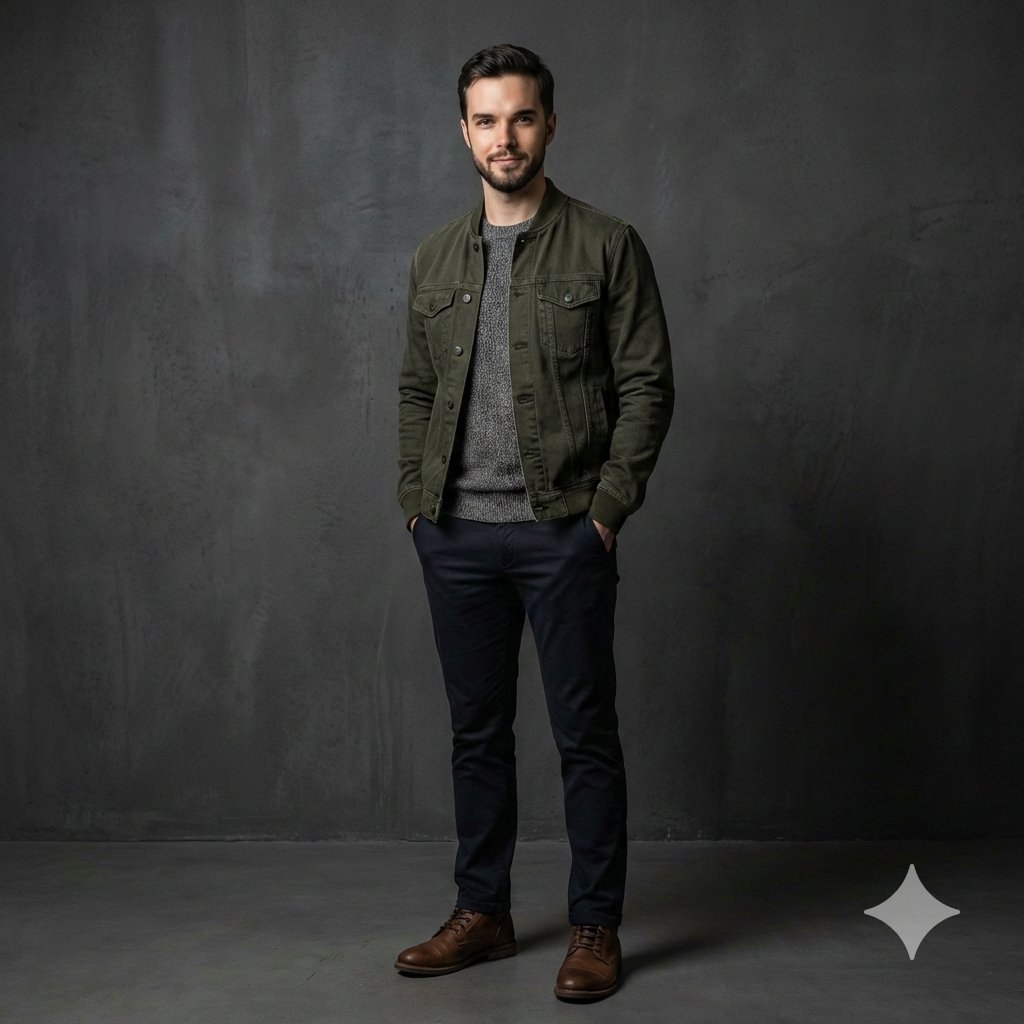
Photorealistic Studio Portrait with Identity Preservation
Make it yours
Ultra-Realistic Portrait with Identity Preservation and Headscarf works as-is. These are the safest ways to change it without losing the look.
Change one field
Copy a single group, rewrite it, and generate again so you can see what that field is doing.
Keep the frame, change the subject
Hold the composition and light of Ultra-Realistic Portrait with Identity Preservation and Headscarf, then swap wardrobe, props or the person for a new take.
| If the result… | Why | Fix |
|---|---|---|
| The result drifts from the preview | Too many fields changed at once. | Reuse Ultra-Realistic Portrait with Identity Preservation and Headscarf as-is first, then change one group — subject, light, or setting. |
| The model over-stylizes the scene | The prose prompt leaves finish and camera underspecified. | Add one camera or lighting sentence and stay on Nano Banana 2. |
More Nano Banana 2 templates
Other prompts made for Nano Banana 2.

Photorealistic Leaf Shaped Like a Dragon

K-Pop Idol Portrait Grid for Rapid Selection

Poetic Rain Forest Portrait During Golden Hour

Urban Street Portrait with Cartoon Inner Self Duo

Candid Nighttime Photo with Cat Prompt

High-Concept 3D Diorama Generation Prompt

Cinematic Futuristic Studio Portrait Template

Skincare Editorial Photography Collage Prompt

Hyper-Realistic Commercial Product Photography (Splash Effect)

Hyper-Realistic Nightclub Portrait Prompt
More image prompts
Fresh picks from across the catalog.
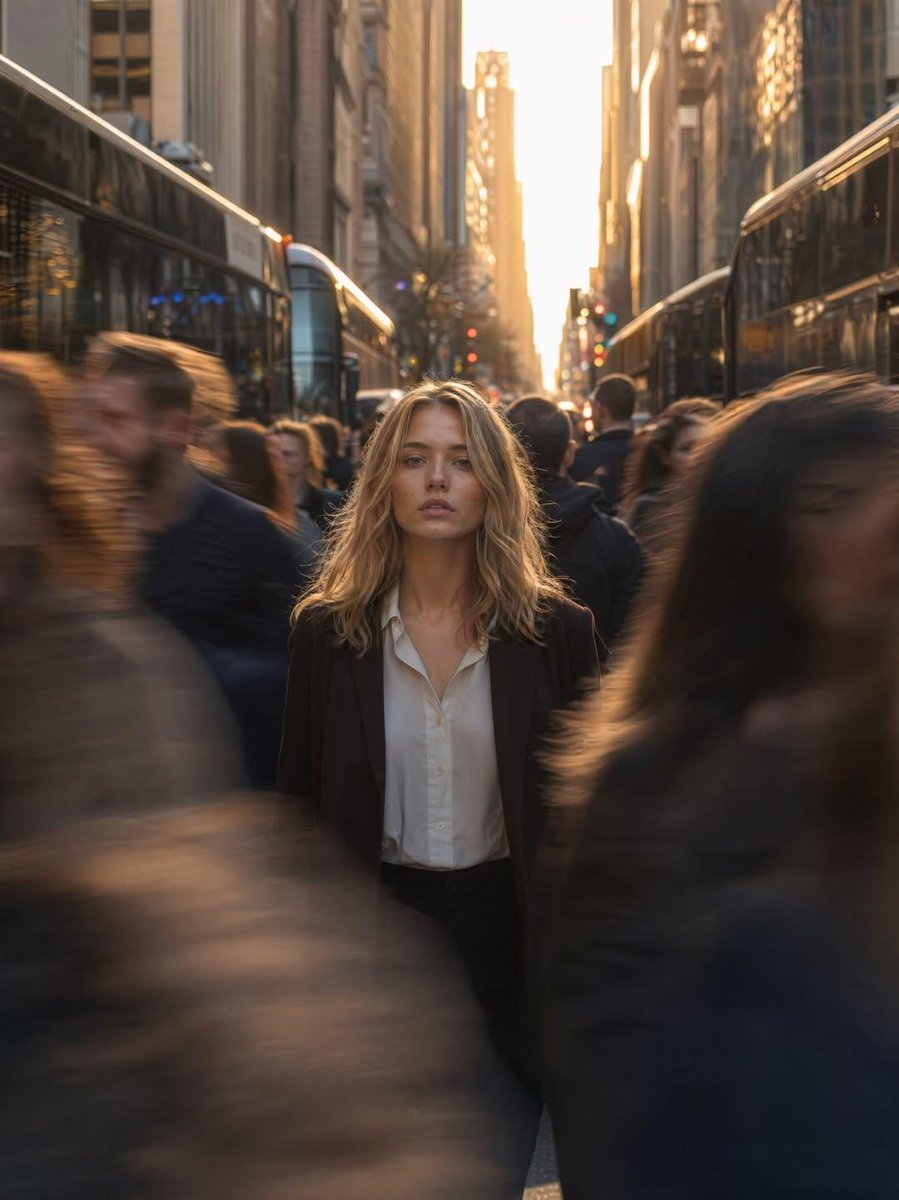
Golden Hour Motion Blur Portrait
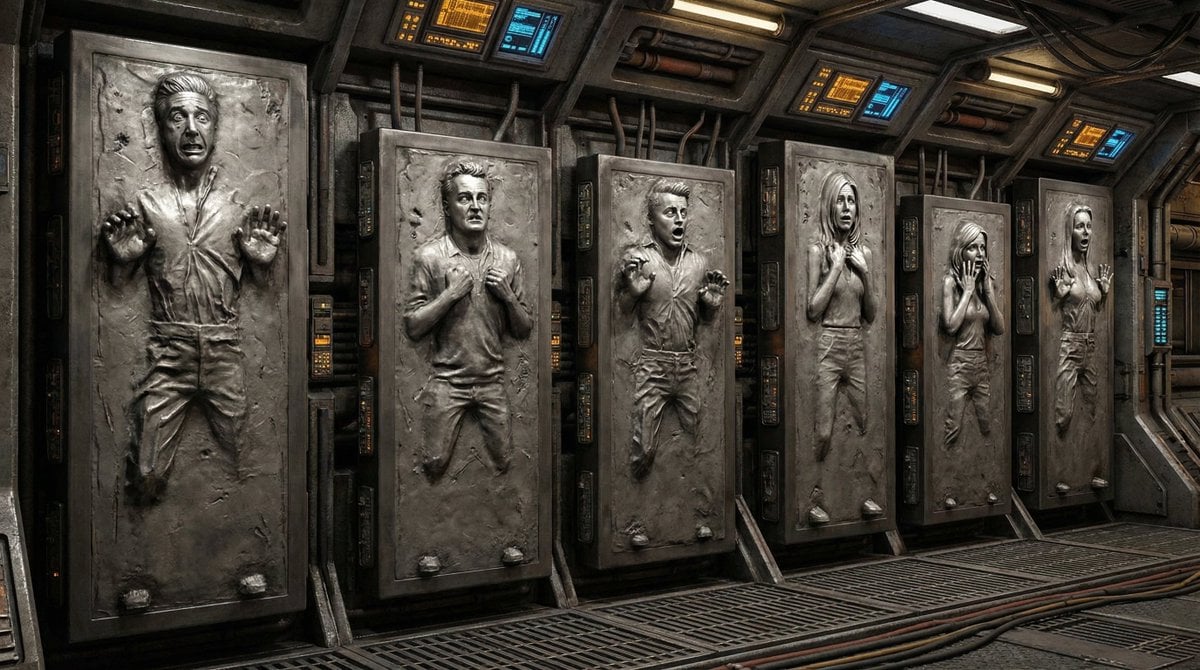
Image-to-Image 'Carbonite' Effect Prompt
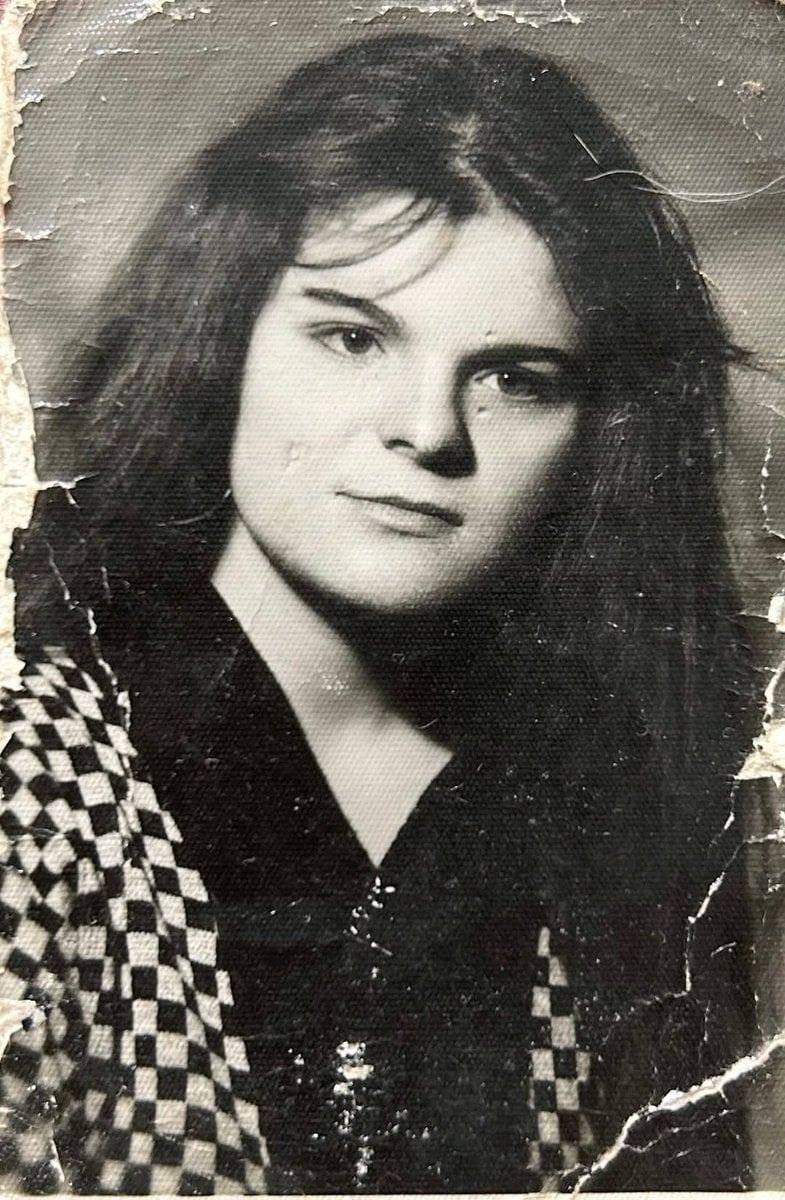
Photo Restoration and Upscaling Prompt
Museum Papercraft Anime Portrait
Japanese Youth at Water Park
Clothing Item Cut-Out Sticker Prompt
Expert Photo Editor Prompt for Selfie Improvement
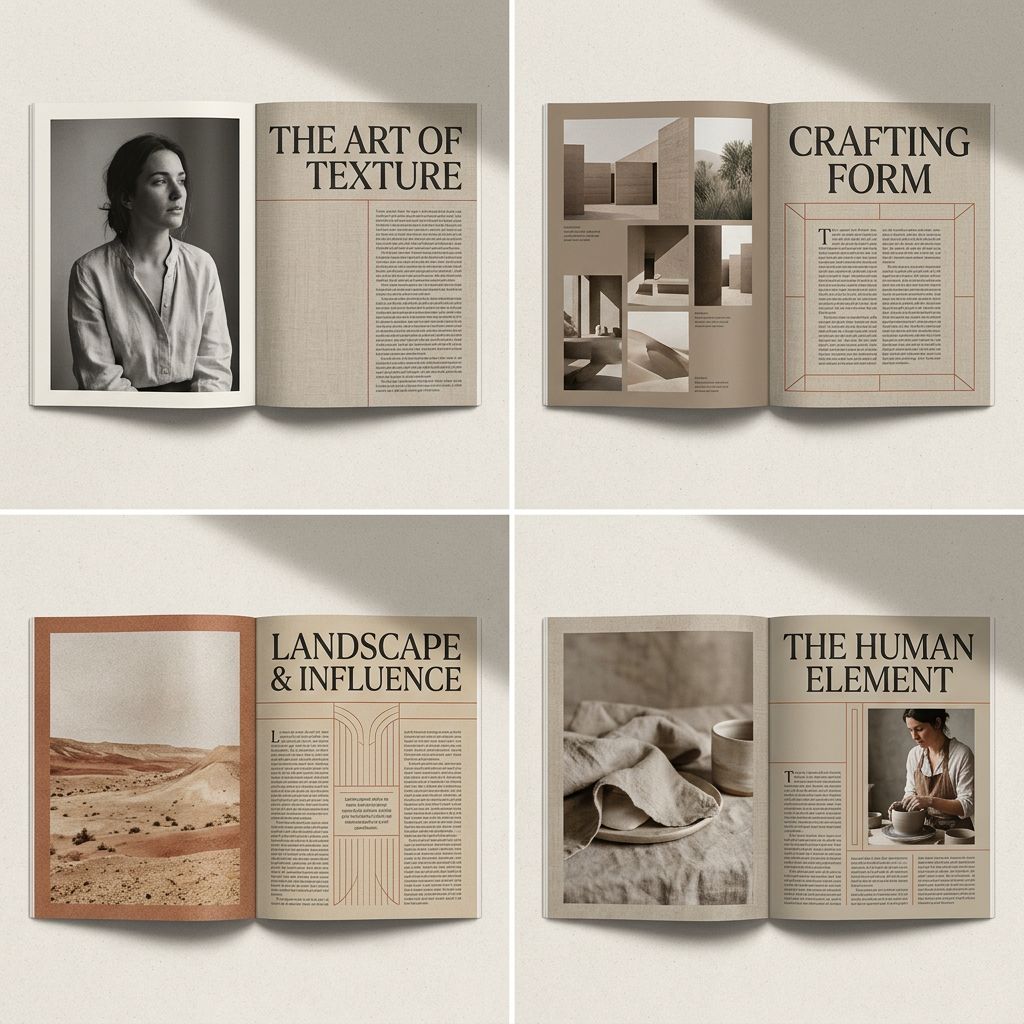
Editorial Magazine Spread Concept Prompt

prompt 👇 Exact Prompt: Create a premium cinemat
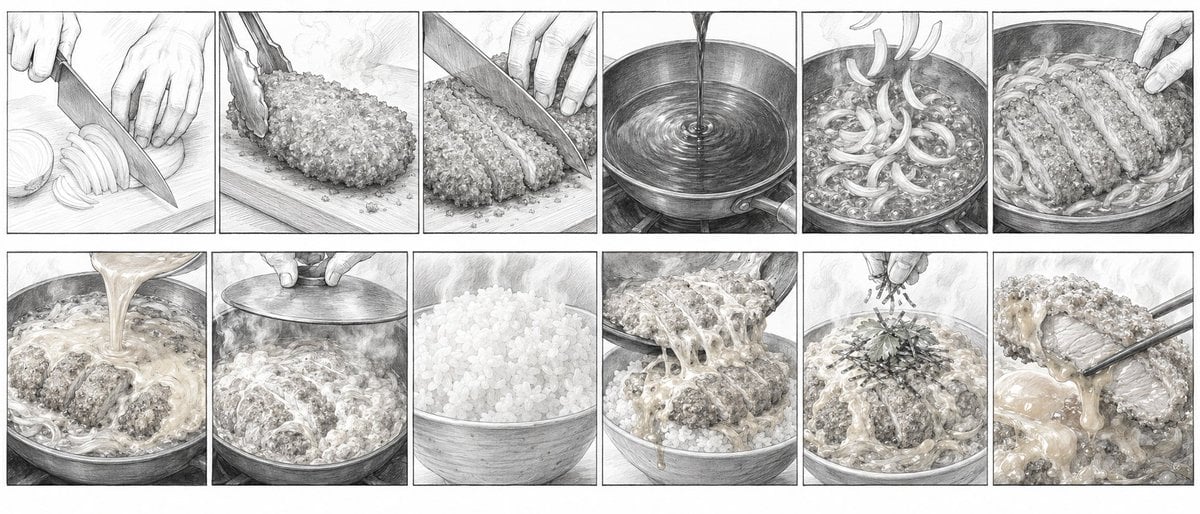
Katsudon Cooking Storyboard
Browse template categories
Ultra-Realistic Portrait with Identity Preservation and Headscarf questions
How do I use the Ultra-Realistic Portrait with Identity Preservation and Headscarf template?
Add your photo if the template asks for one, edit the prompt if you like — the template's model and format are already selected — and press Generate. Your version opens in PicX Studio.
Can I customize the Ultra-Realistic Portrait with Identity Preservation and Headscarf template?
Yes. You can change the subject, setting, lighting, mood, format, and available model controls before creating your image.
Is the Ultra-Realistic Portrait with Identity Preservation and Headscarf template free?
Opening and editing this template is free. Generating uses credits, shown on the Generate button when you are signed in.
Which AI model should I use?
Start with Nano Banana 2, which is the model associated with this template. You can compare another compatible model for a different finish.
Looking for something else? Browse all templates.

Your photo, any look
Thousands of ready templates for every top image and video model, from one credit balance.