
Neon Anime Stairway Encounter
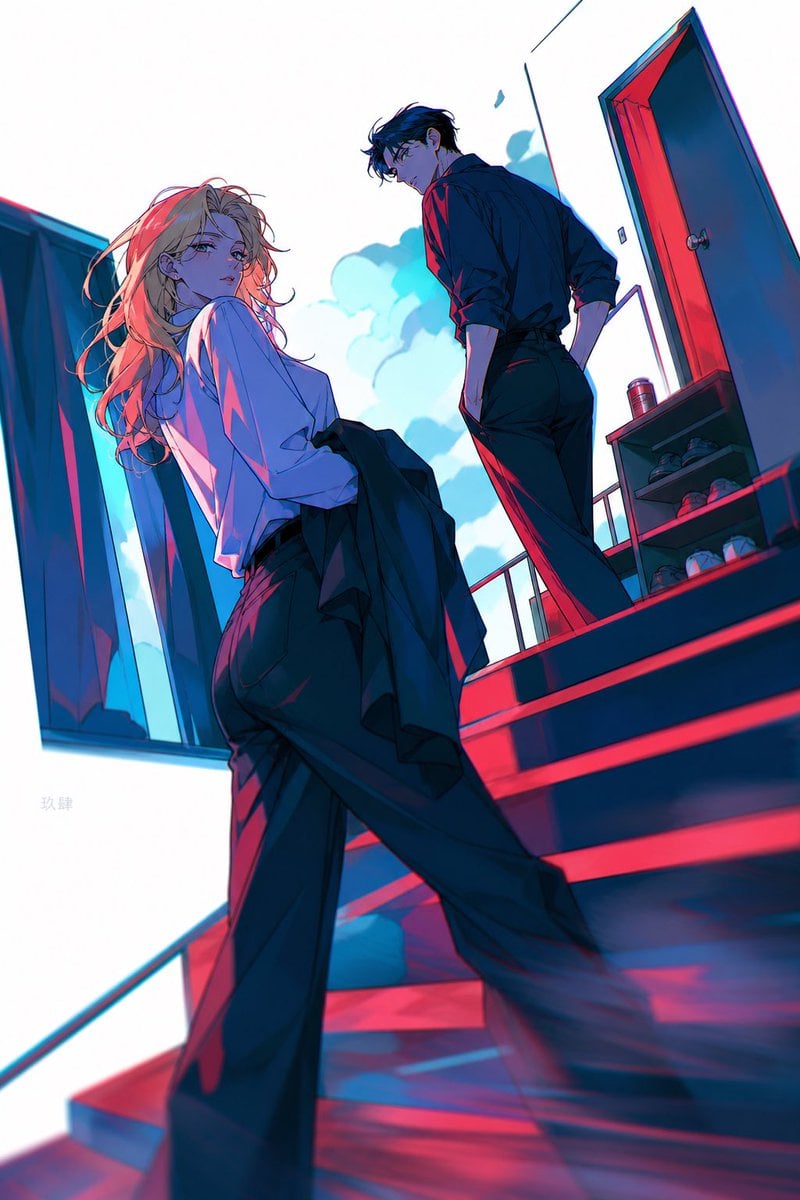
A cinematic anime illustration prompt for creating a tense romantic stairway scene with two fashionable characters and vivid cyan-magenta lighting.
- Prompt included
- Model and format preset
- Free template
The prompt behind this image
Copy the exact prompt behind Neon Anime Stairway Encounter, or open it in the studio and make it yours.
Create a dramatic vertical anime-style illustration of two stylish young adults on an outdoor apartment stairway, seen from a low tilted angle with strong perspective and cinematic depth. The scene contains exactly 2 characters: 1 blonde young woman in the foreground and 1 dark-haired young man higher up the stairs. The woman has long messy flowing {argument name="hair color" default="pale blonde hair"}, a soft melancholic gaze looking back toward the viewer, a loose oversized white shirt, wide black trousers, and a dark jacket hanging from one arm; her body is turned away while her face turns over her shoulder. The man has tousled black hair, glasses, a serious distant expression, a black button-up shirt with sleeves rolled up, and slim black trousers; he stands one or two steps above her, looking down toward her. Place them on a red-and-blue lit exterior staircase with exactly 4 visible stair levels, a metal railing, a bright white sky with soft cyan clouds, 1 open red-edged door on the upper right, and 1 small shoe shelf beside the door holding several shoes. Use intense stylized lighting: saturated cyan daylight from the sky, hot magenta-red rim light and shadows across the stairs, high contrast cel shading, neon color separation, sharp ink-like linework, glossy highlights on hair and fabric, and a slightly blurred lower foreground foot/step for motion and depth. Composition should feel like a fashionable romantic tension scene, wide-angle lens distortion, diagonal architecture, elegant anime concept art, clean white negative space in the sky, no added captions or watermark.
How to use Neon Anime Stairway Encounter in 3 steps
- 1Upload ImagePNG, JPG or paste
Add your photo
Upload the photo the template builds on. The prompt, model and format are already set.
- 2…a portrait of your subject in softgolden-hour light, 85mm…
Personalize
Edit the subject and creative details for your destination.
- 3Generate
Generate
Press Generate — your image is created in PicX Studio, so you can compare it with the original and refine one variable at a time.
More like this
Templates with the same subject, style or setup. Open one to see its prompt.












Make it yours
Neon Anime Stairway Encounter works as-is. These are the safest ways to change it without losing the look.
Change one field
Copy a single group, rewrite it, and generate again so you can see what that field is doing.
Keep the frame, change the subject
Hold the composition and light of Neon Anime Stairway Encounter, then swap wardrobe, props or the person for a new take.
| If the result… | Why | Fix |
|---|---|---|
| The result drifts from the preview | Too many fields changed at once. | Reuse Neon Anime Stairway Encounter as-is first, then change one group — subject, light, or setting. |
| The model over-stylizes the scene | The prose prompt leaves finish and camera underspecified. | Add one camera or lighting sentence and stay on GPT Image 2. |
More GPT Image 2 templates
Other prompts made for GPT Image 2.

Six VTuber Japanese Logo Sheet

Realistic Portrait of Woman and Deer

The Vista Modular Condo Poster

AI Model Routing Comparison Infographic

2.5D Anime Art Board

Isometric Productivity Desk Scene

New York Double Exposure Poster

Four-Panel AI Landscape Comparison

Japanese Tatami Lifestyle Magazine Cover

NESCAFÉ Coffee Map Poster
More image prompts
Fresh picks from across the catalog.
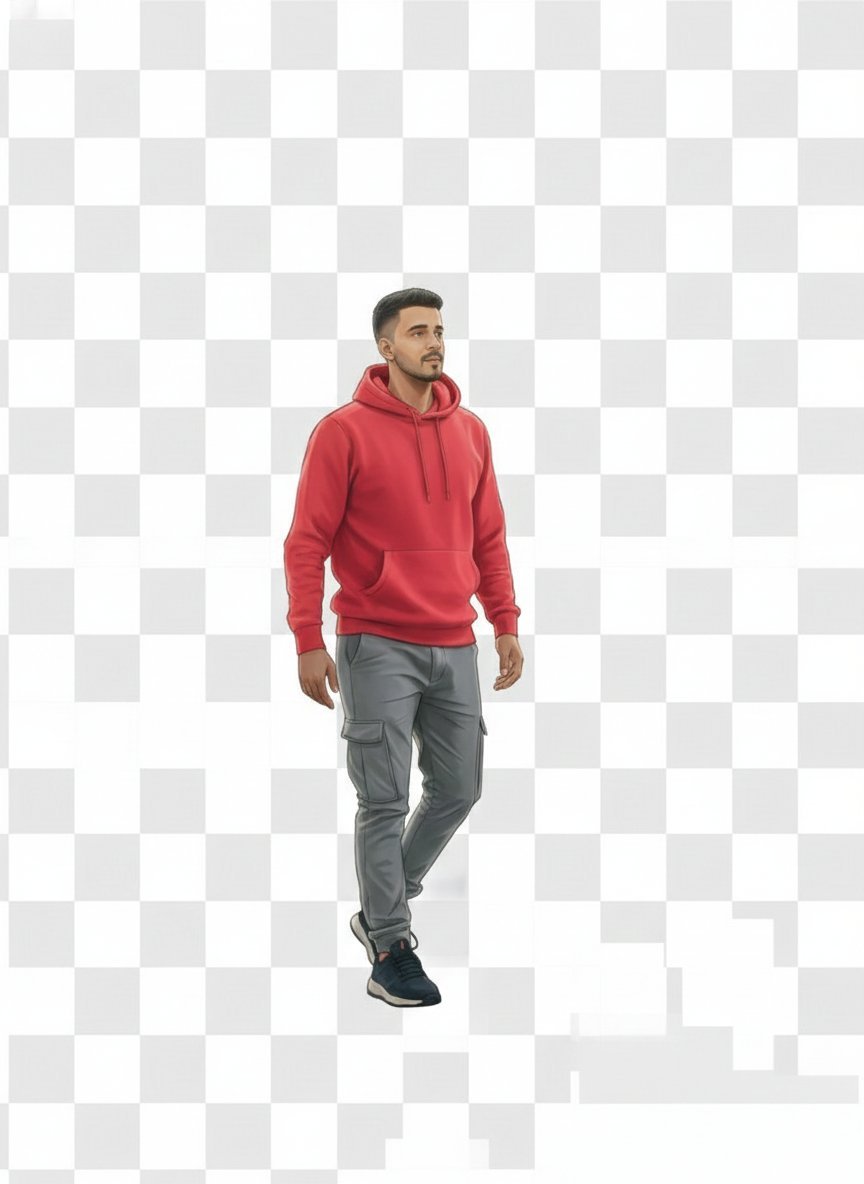
2D Vector Character Illustration from Reference Image
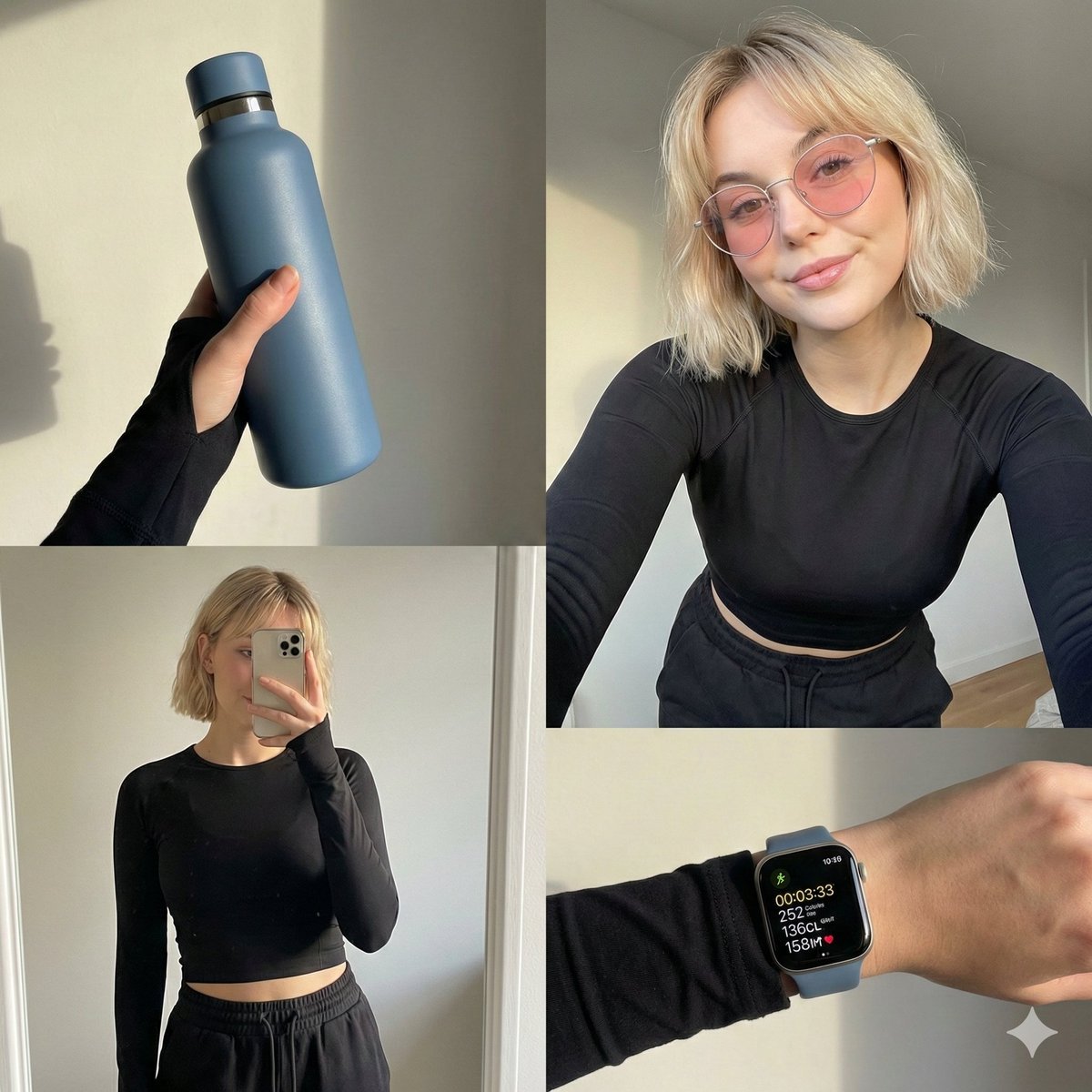
Four-grid lifestyle collage of an Asian woman in activewear, post-workout
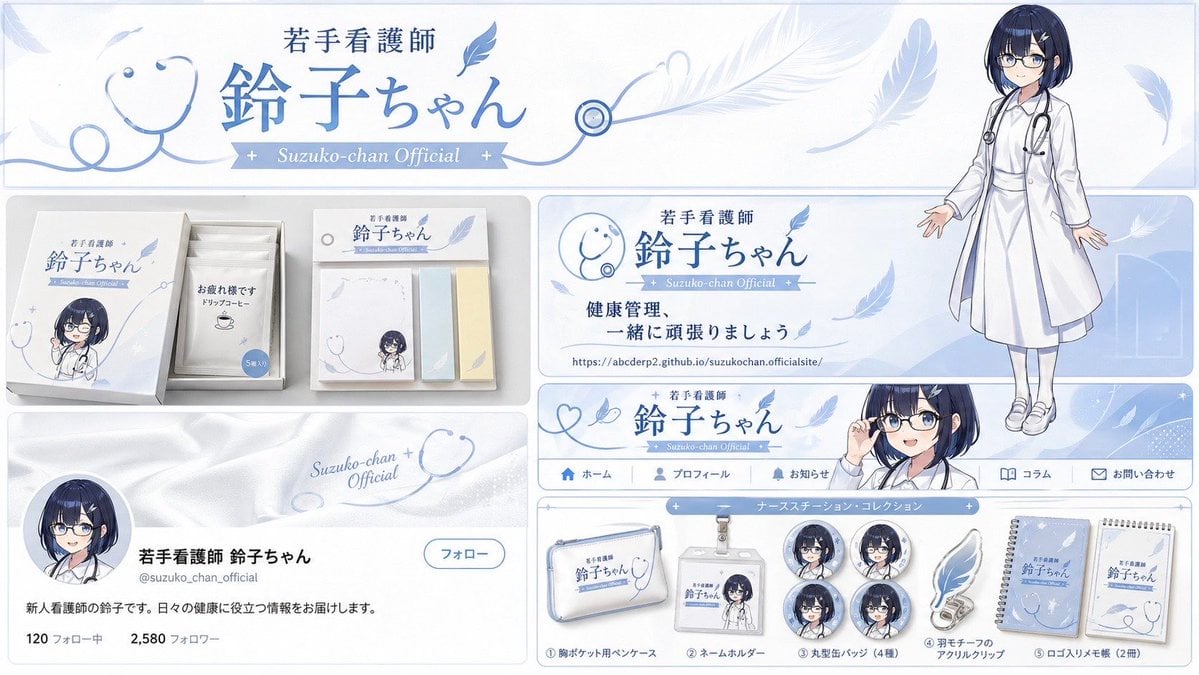
Brand Identity Design Board
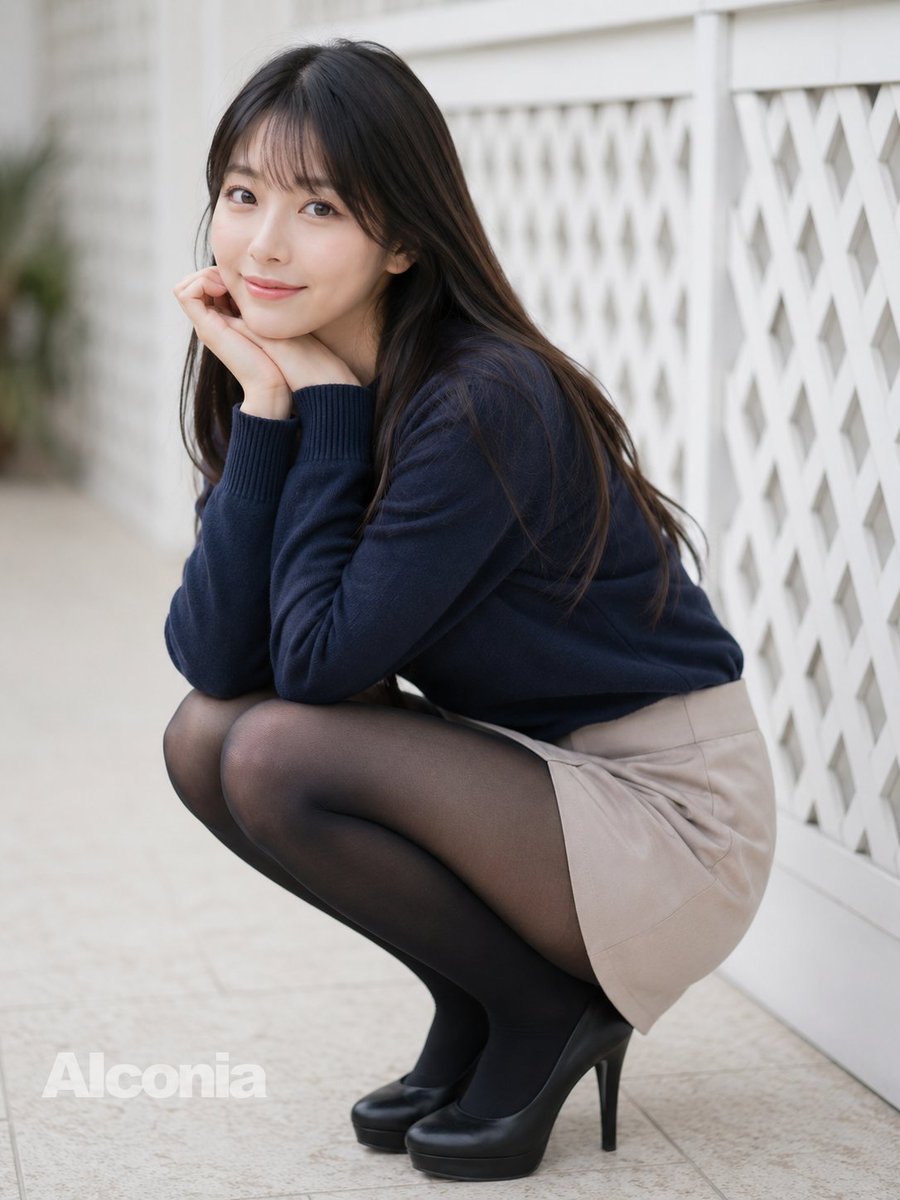
Crouching Outdoor Fashion Portrait
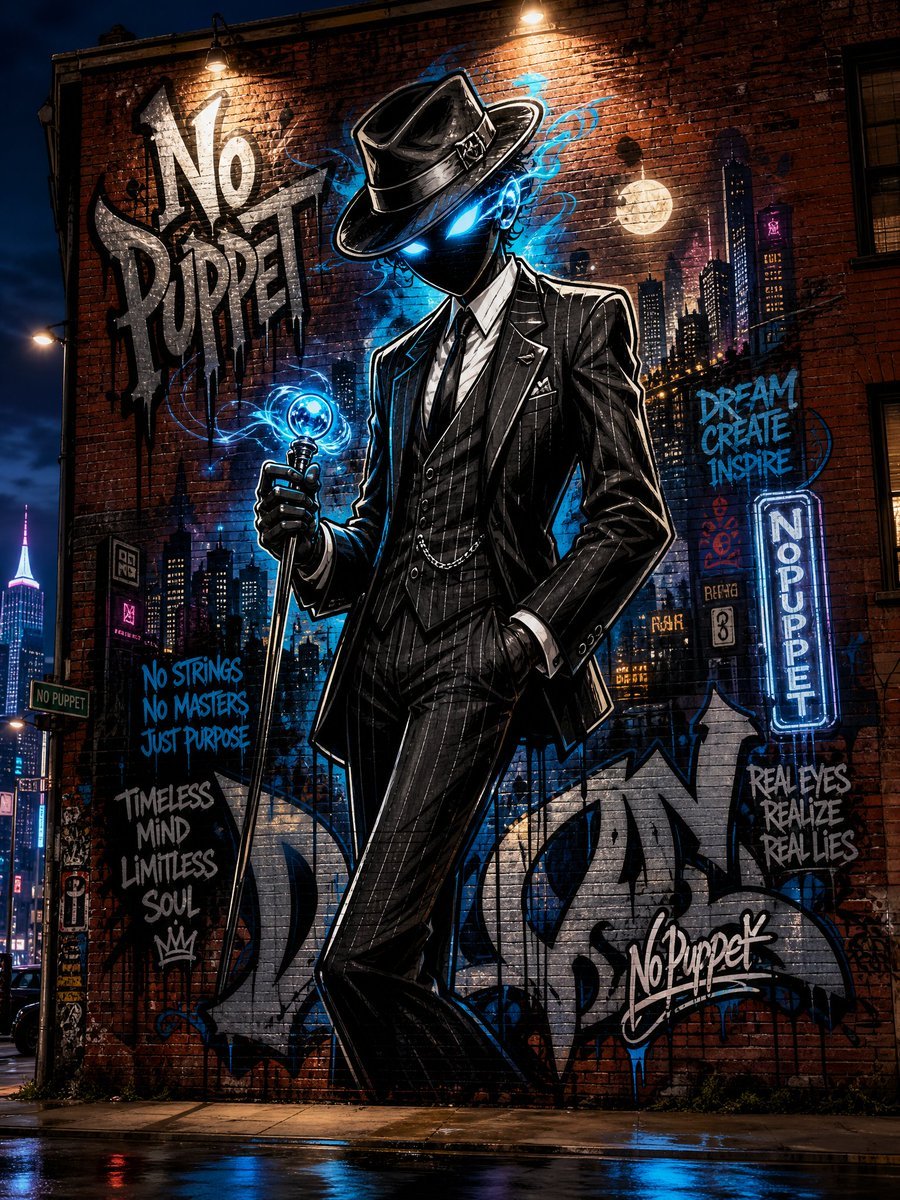
No Puppet Noir Graffiti Mural
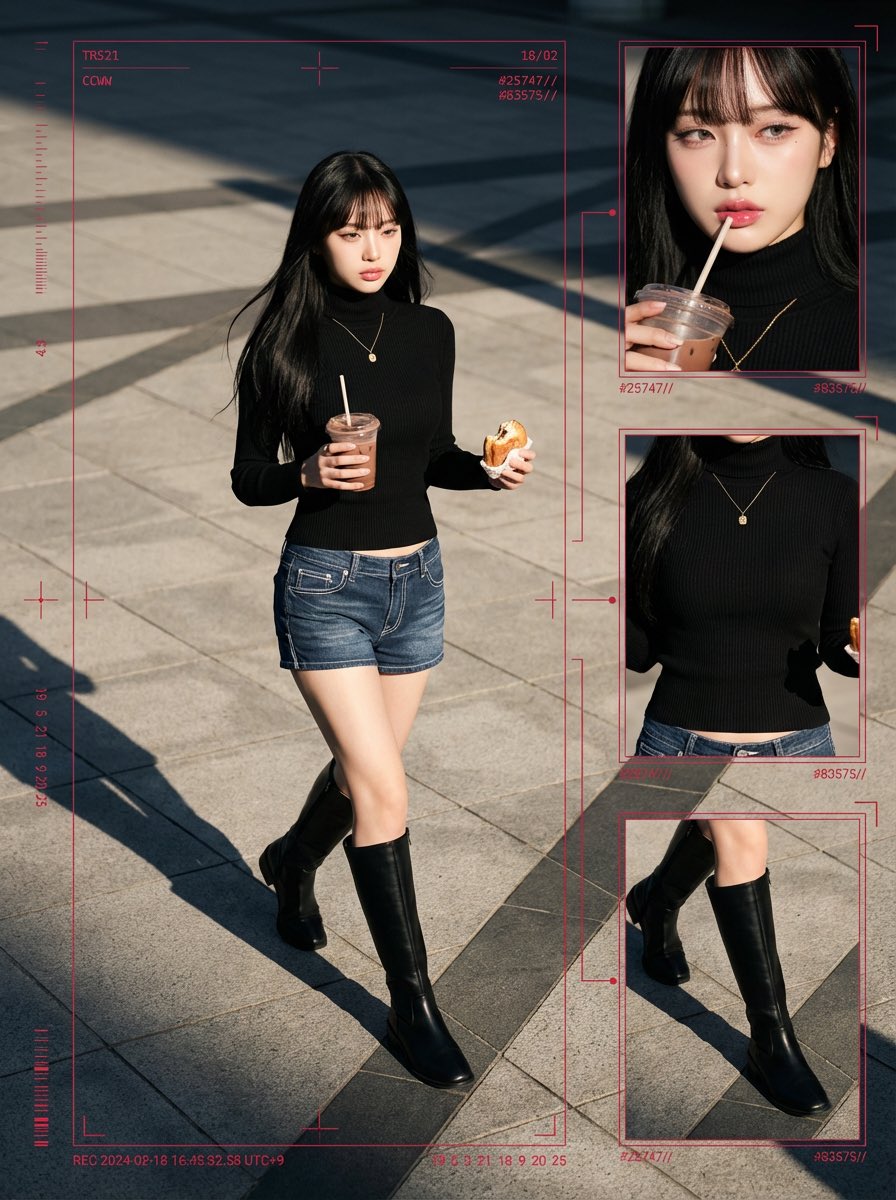
Cyber-Grunge Surveillance Fashion Editorial Prompt (Japanese Woman)
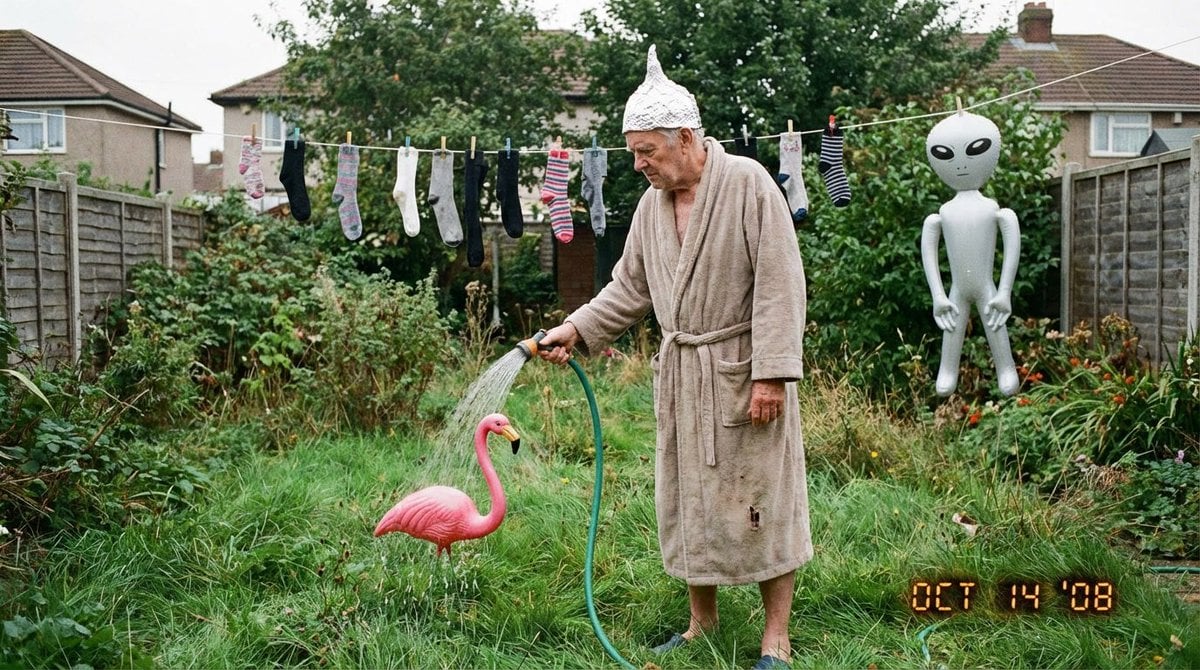
Weird mundane photo (LeonardoAI)
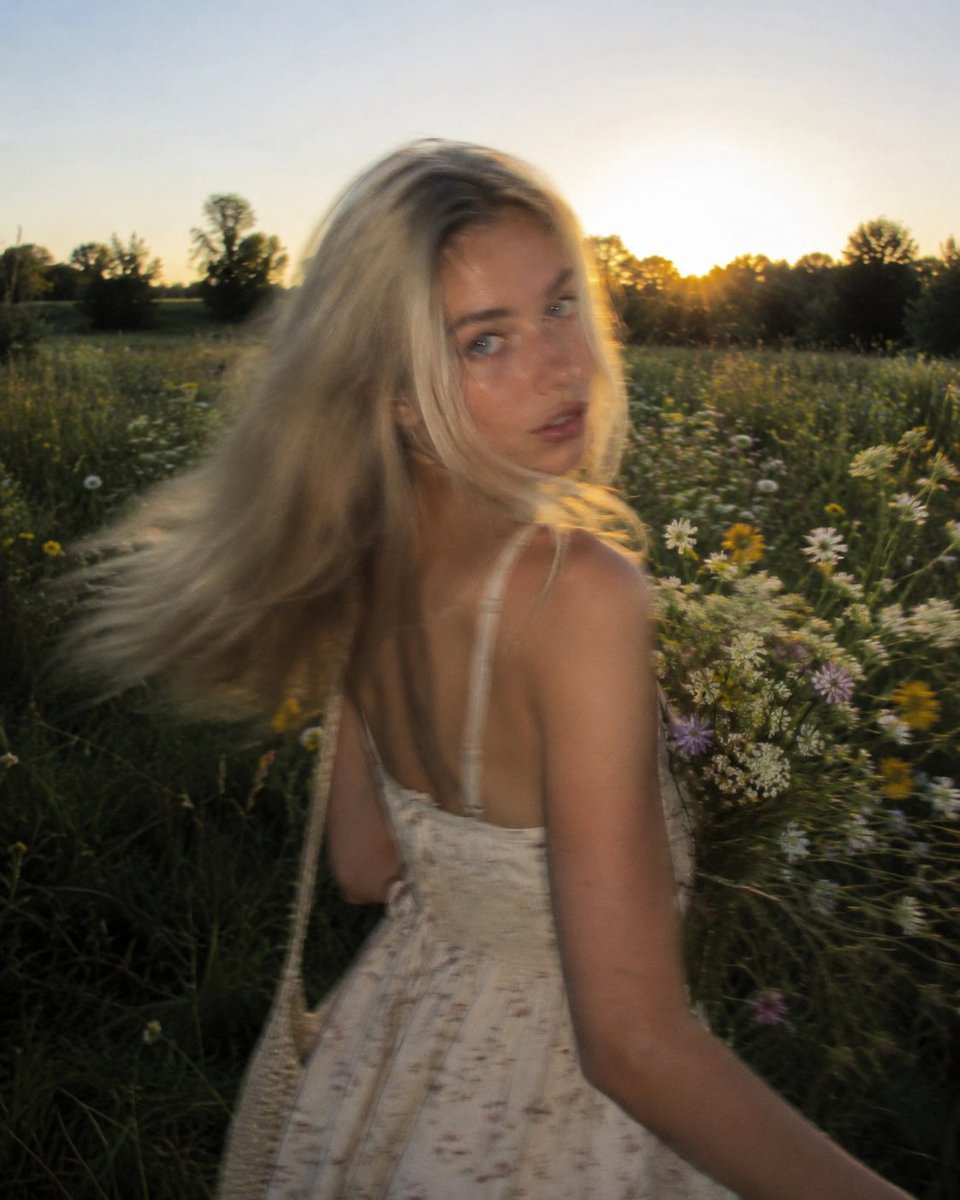
Golden Hour Wildflower Meadow Portrait
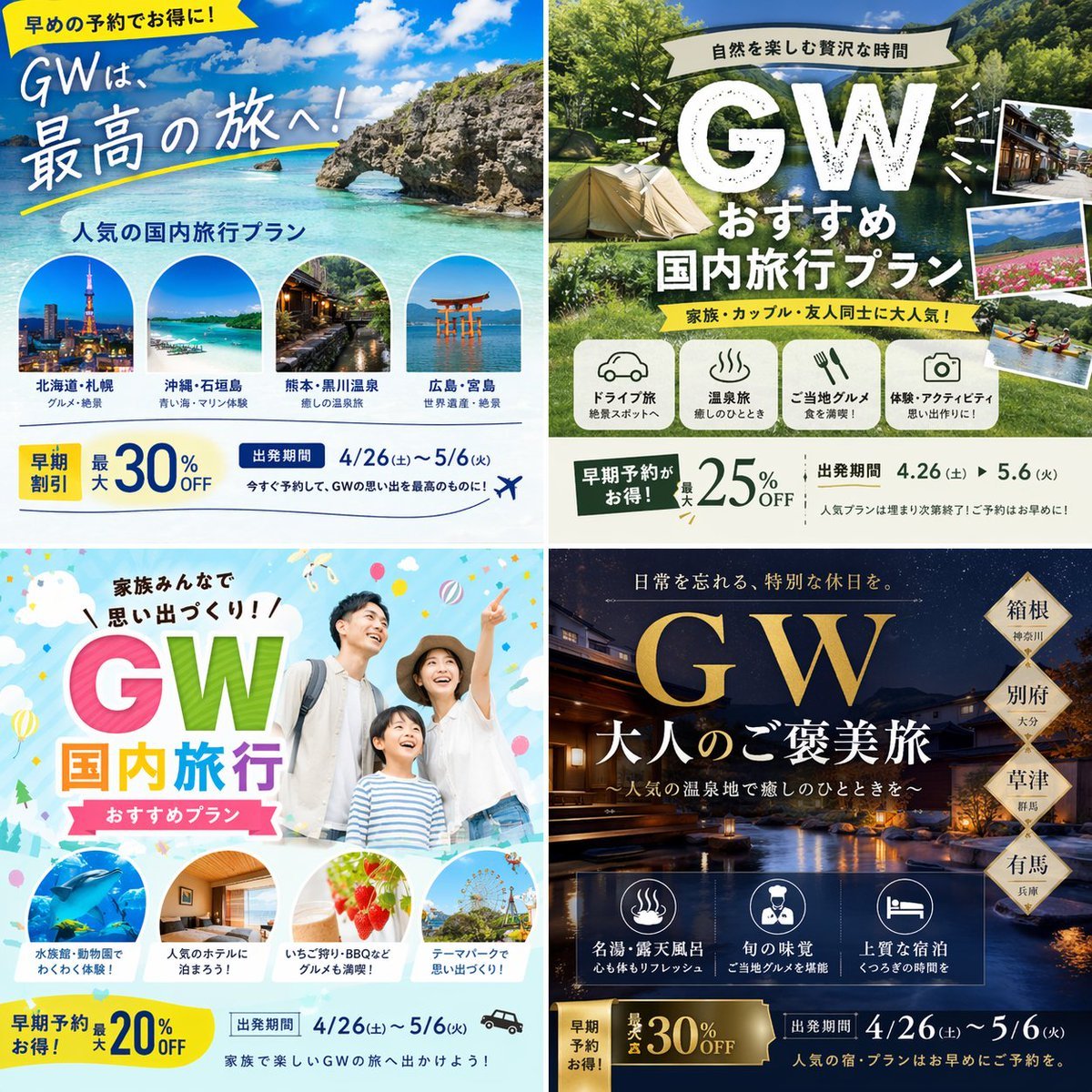
Research-Driven Ad Layout Designer
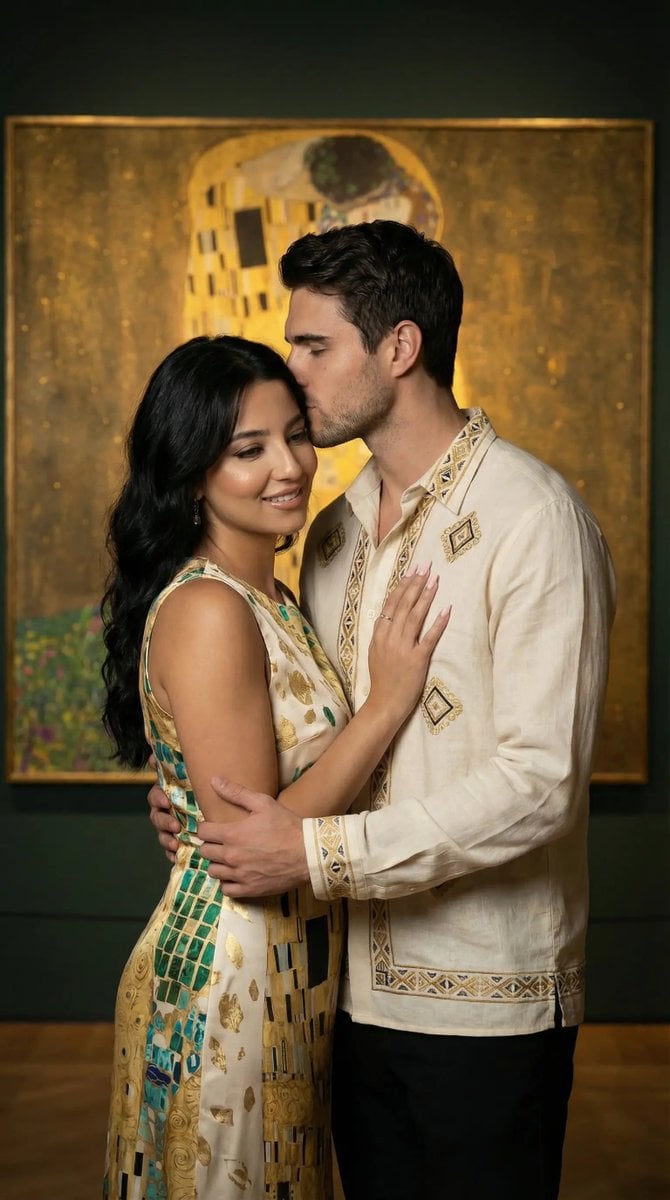
Klimt-Inspired Fine Art Editorial Portrait (JSON)
Browse template categories
Neon Anime Stairway Encounter questions
How do I use the Neon Anime Stairway Encounter template?
Add your photo if the template asks for one, edit the prompt if you like — the template's model and format are already selected — and press Generate. Your version opens in PicX Studio.
Can I customize the Neon Anime Stairway Encounter template?
Yes. You can change the subject, setting, lighting, mood, format, and available model controls before creating your image.
Is the Neon Anime Stairway Encounter template free?
Opening and editing this template is free. Generating uses credits, shown on the Generate button when you are signed in.
Which AI model should I use?
Start with GPT Image 2, which is the model associated with this template. You can compare another compatible model for a different finish.
Looking for something else? Browse all templates.

Your photo, any look
Thousands of ready templates for every top image and video model, from one credit balance.