
Graffiti Stairwell Sweet-Goth Fashion Portrait
A vertical editorial fashion portrait prompt for creating a sweet-cool East Asian woman in a black top and polka-dot ruffle skirt inside a gritty graffiti-covered stairwell.
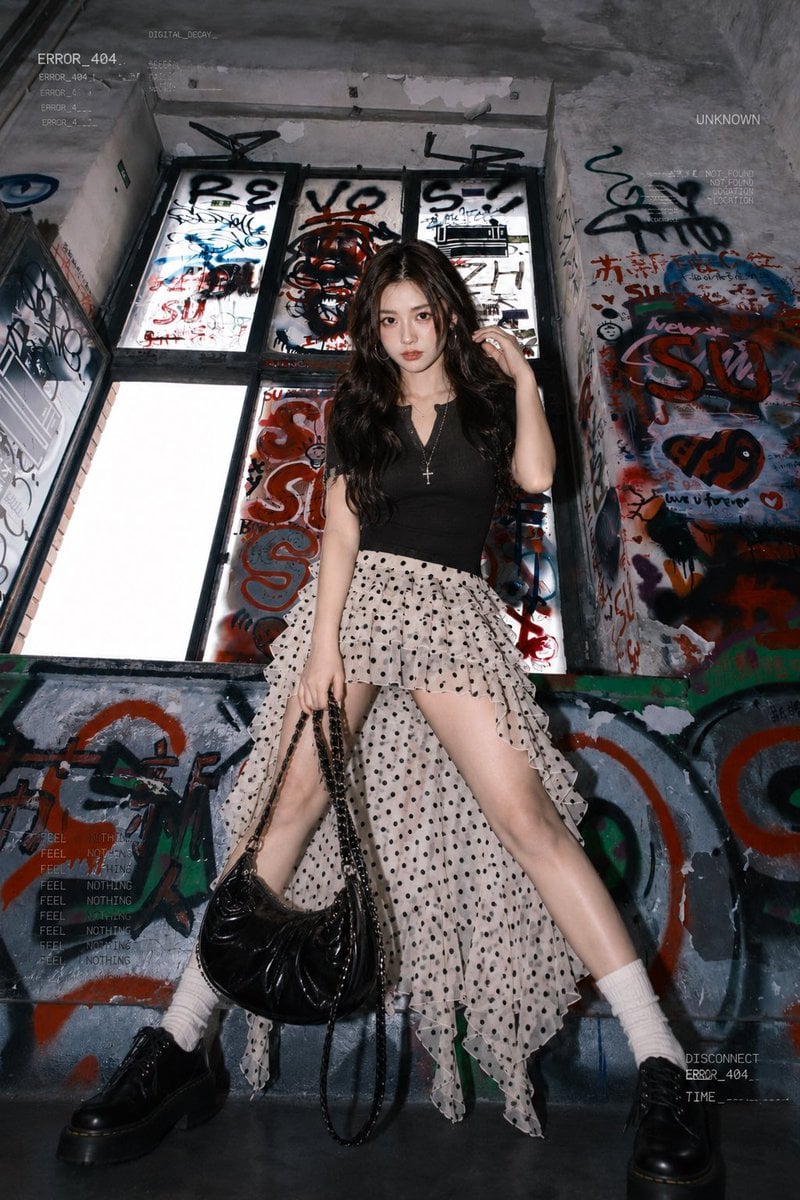
- Prompt included
- Model and format preset
- Free template
The prompt behind this image
Copy the exact prompt behind Graffiti Stairwell Sweet-Goth Fashion Portrait, or open it in the studio and make it yours.
Create a high-fashion editorial full-body portrait of {argument name="character description" default="a young East Asian woman with long voluminous dark brown wavy hair, sweet-cool mature aura, pale skin, and soft but intense eye contact"} standing in an abandoned concrete stairwell or underpass covered with dense graffiti. She poses confidently with legs spread wide, one hand lifting a lock of hair near her ear and the other holding a glossy black chain shoulder bag low at her side. Outfit has exactly 7 visible fashion pieces/accessories: 1) fitted black V-neck short-sleeve knit top, 2) cream-white chiffon high-low irregular ruffle skirt with black polka dots and sheer layered hem, 3) white mid-calf ribbed socks, 4) chunky black platform derby shoes, 5) glossy black chain bag with long dangling chain strap, 6) silver hoop earrings, 7) silver cross pendant necklace. The location should feel gritty, urban, and claustrophobic, with tall window panels behind her covered in black, red, and blue tags, cracked gray concrete walls, peeling paint, and a waist-high graffiti barrier in the foreground. Use a low-angle fashion-photography composition, vertical 2:3 frame, centered subject, dramatic flash lighting, cool desaturated tones, sharp details, slight wide-angle distortion, glossy highlights on the shoes and bag, and realistic skin texture. Add subtle cyberpunk interface-like overlay text in small pale gray type around the edges, including fragments such as {argument name="overlay text" default="ERROR_404, UNKNOWN, DIGITAL_DECAY, DISCONNECT, FEEL NOTHING"}, but keep it faint and secondary. Overall mood: rebellious, sweet-goth, street-style lookbook, cinematic realism, no extra people, no watermark.
How to use Graffiti Stairwell Sweet-Goth Fashion Portrait in 3 steps
- 1Upload ImagePNG, JPG or paste
Add your photo
Upload the photo the template builds on. The prompt, model and format are already set.
- 2…a portrait of your subject in softgolden-hour light, 85mm…
Personalize
Edit the subject and creative details for your destination.
- 3Generate
Generate
Press Generate — your image is created in PicX Studio, so you can compare it with the original and refine one variable at a time.
More like this
Templates with the same subject, style or setup. Open one to see its prompt.

Frozen Street Luxe Graffiti Fashion Campaign

Nano Banana 2 High Fashion Sports Campai

Couture Fashion Editorial Woman and Drag

Ive Yujin Fashion Portrait in Blue

Nano Banana 2 Editorial Fashion Portrait

Caution Tape Fashion — Industrial Editorial
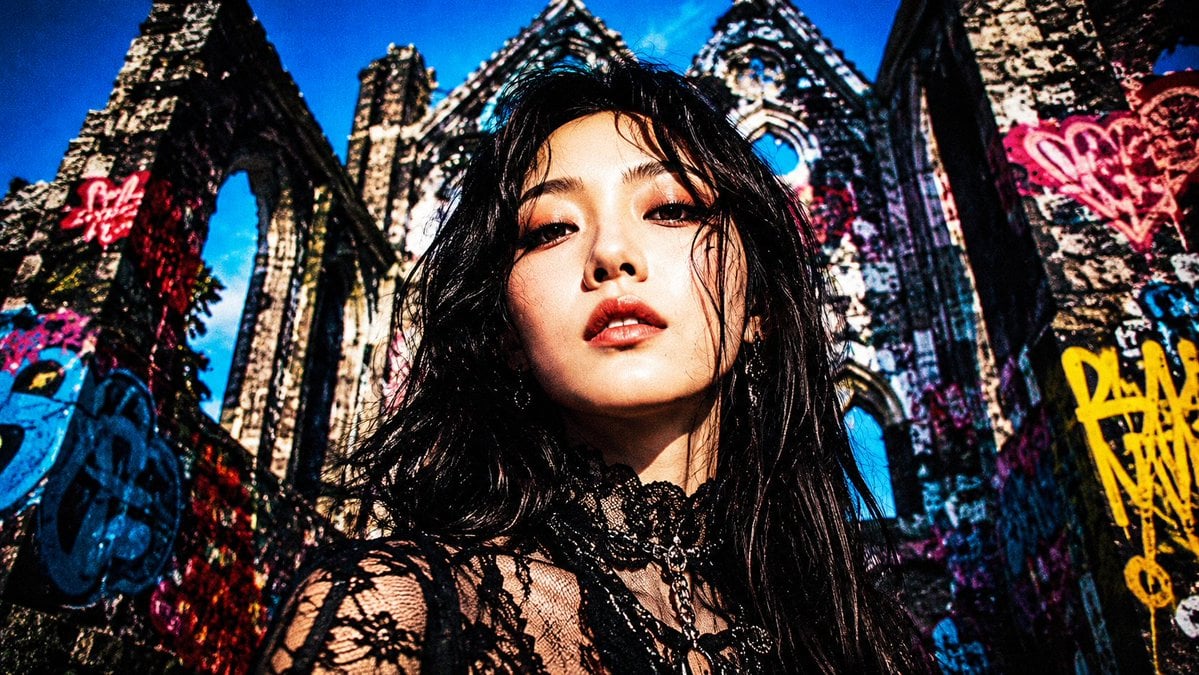
Censored Goth Portrait in Graffiti Ruins
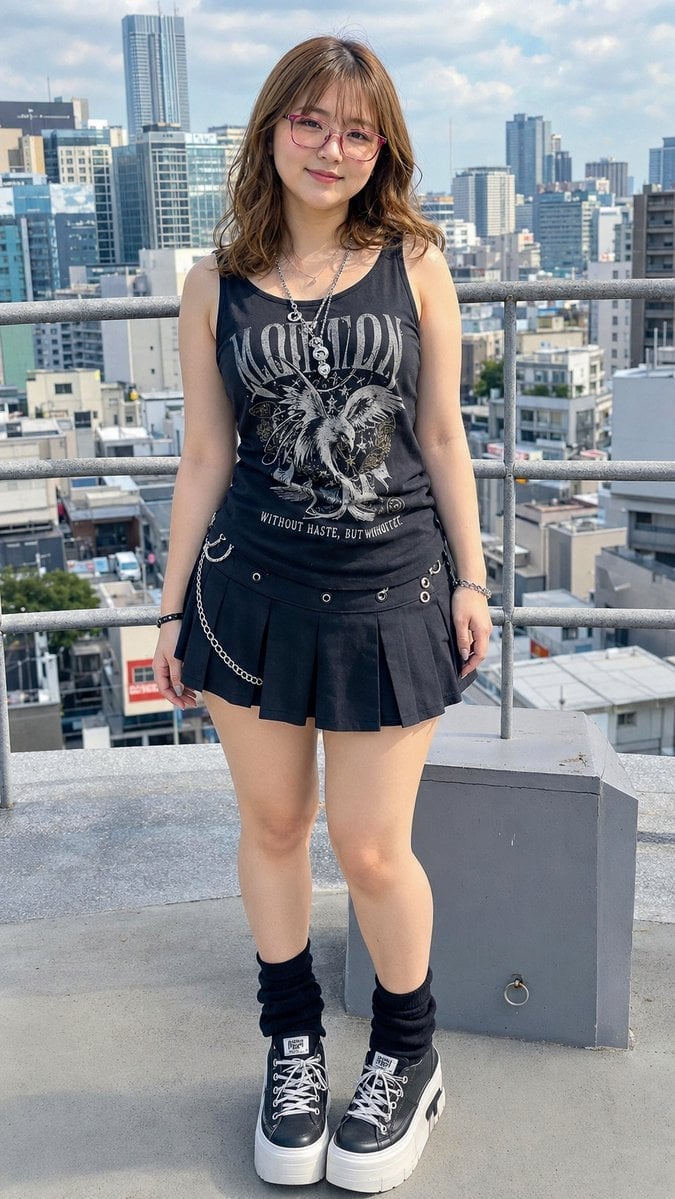
Rooftop Goth Street Fashion Portrait
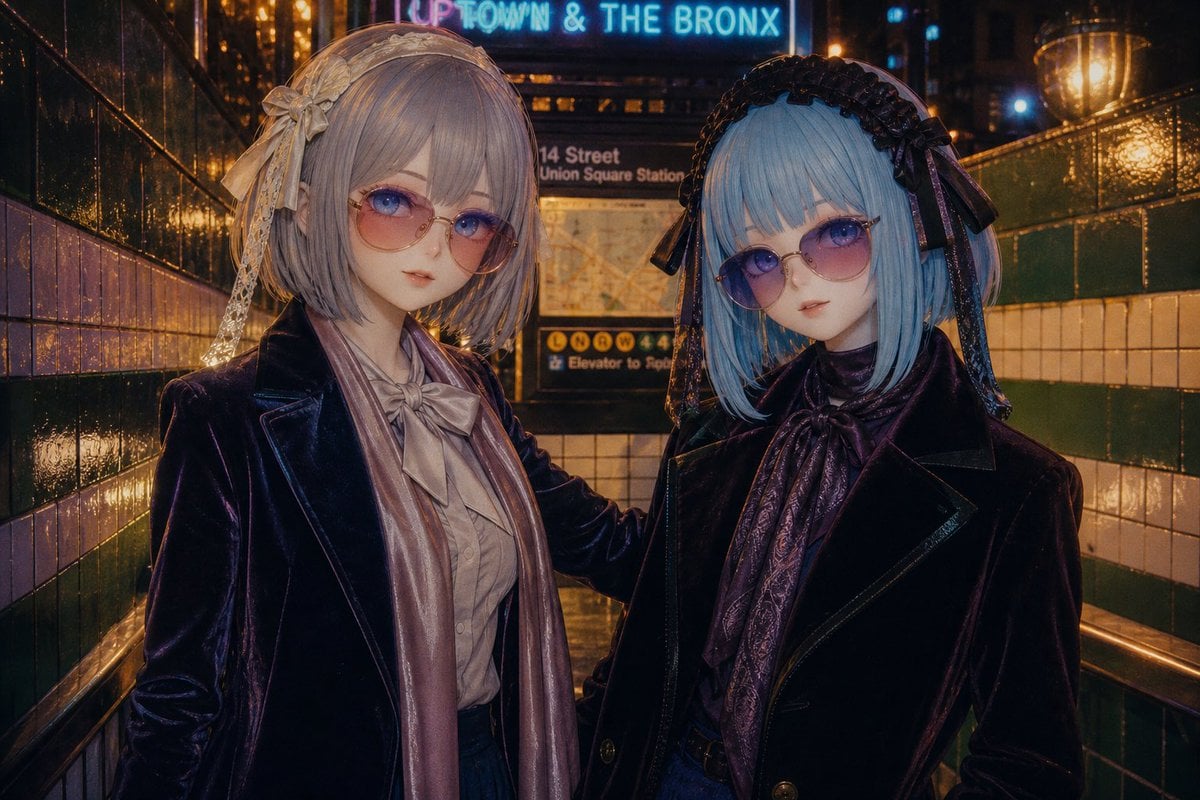
Gothic Lolita Subway Fashion Portrait
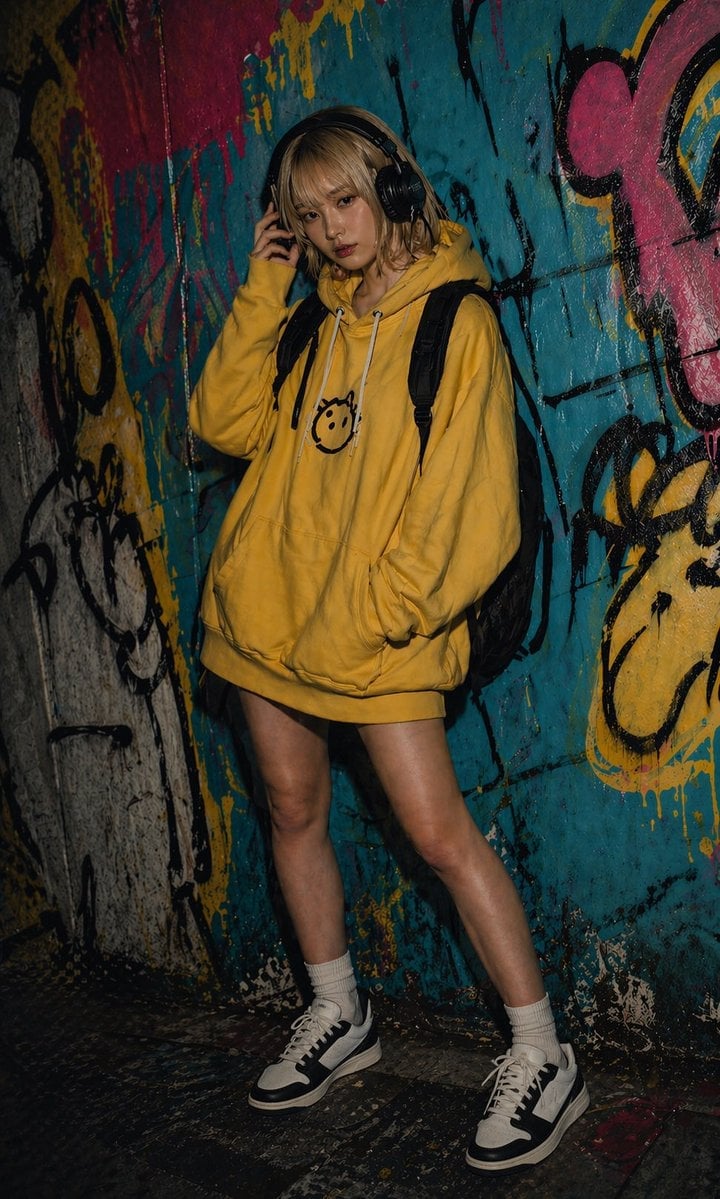
Urban Graffiti Hoodie Fashion Portrait
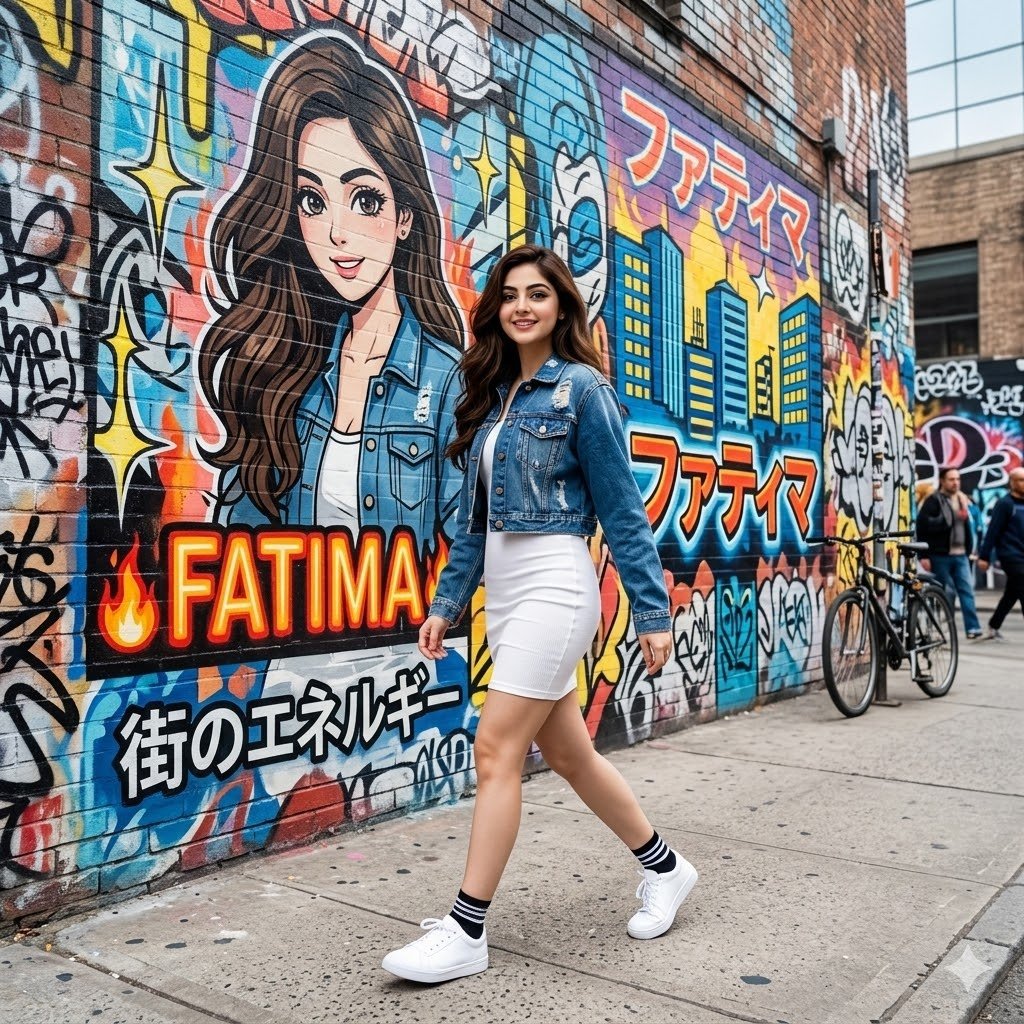
Graffiti Wall Urban Fashion Portrait
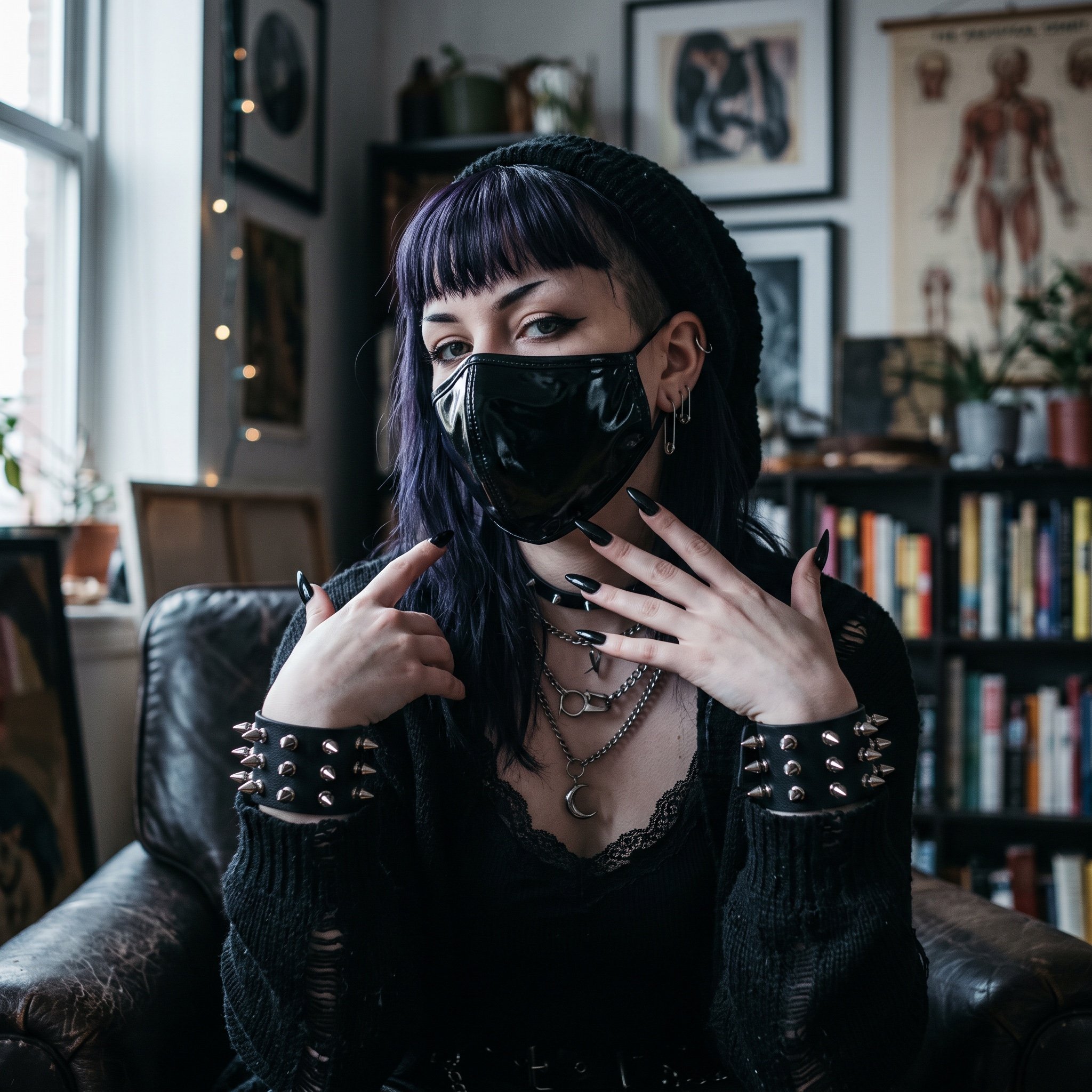
AI Influencer in Goth Fashion Portrait
Make it yours
Graffiti Stairwell Sweet-Goth Fashion Portrait works as-is. These are the safest ways to change it without losing the look.
Change one field
Copy a single group, rewrite it, and generate again so you can see what that field is doing.
Keep the frame, change the subject
Hold the composition and light of Graffiti Stairwell Sweet-Goth Fashion Portrait, then swap wardrobe, props or the person for a new take.
| If the result… | Why | Fix |
|---|---|---|
| The result drifts from the preview | Too many fields changed at once. | Reuse Graffiti Stairwell Sweet-Goth Fashion Portrait as-is first, then change one group — subject, light, or setting. |
| The model over-stylizes the scene | The prose prompt leaves finish and camera underspecified. | Add one camera or lighting sentence and stay on GPT Image 2. |
More GPT Image 2 templates
Other prompts made for GPT Image 2.

Six VTuber Japanese Logo Sheet

Realistic Portrait of Woman and Deer

The Vista Modular Condo Poster

AI Model Routing Comparison Infographic

2.5D Anime Art Board

Isometric Productivity Desk Scene

New York Double Exposure Poster

Four-Panel AI Landscape Comparison

Japanese Tatami Lifestyle Magazine Cover

NESCAFÉ Coffee Map Poster
More image prompts
Fresh picks from across the catalog.
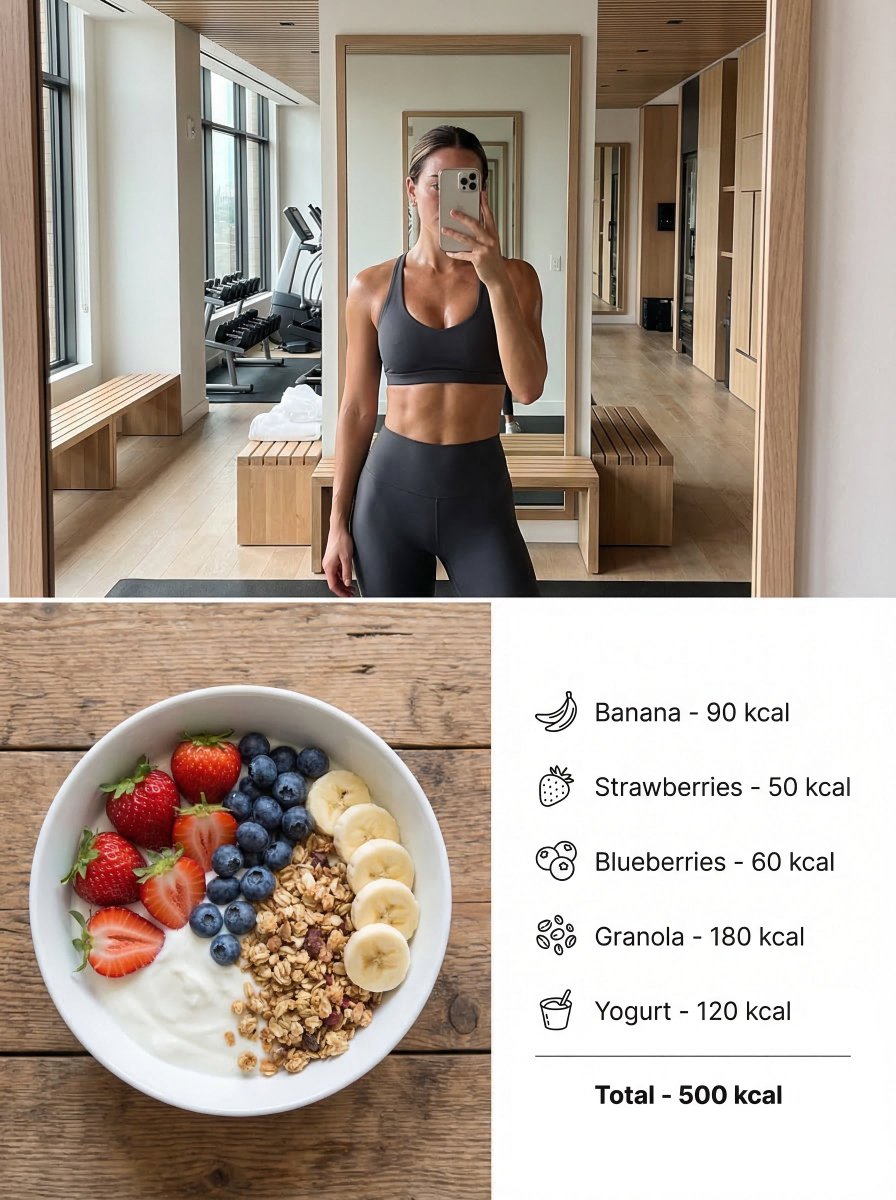
Modern Lifestyle Split Poster Prompt for Nano Banana Pro
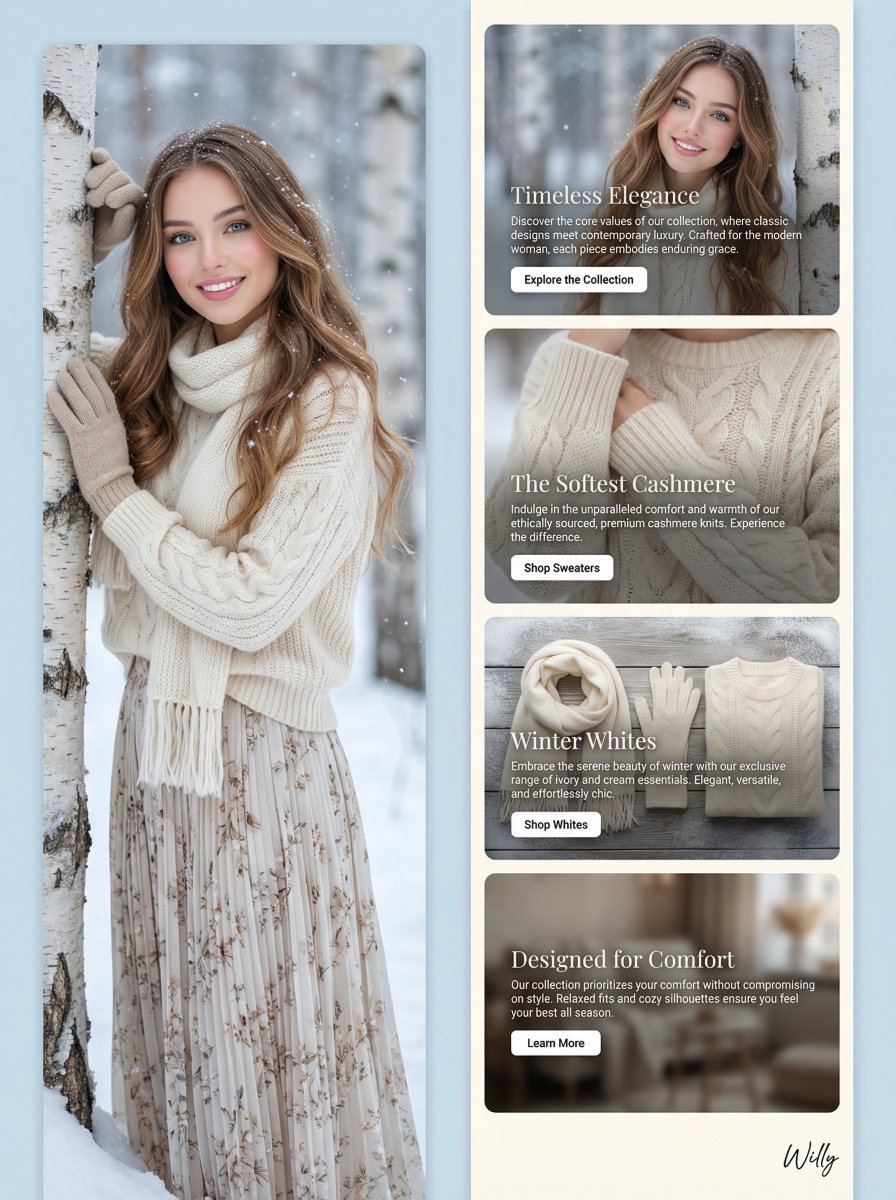
Winter Fashion Landing Page Design and Editorial Image
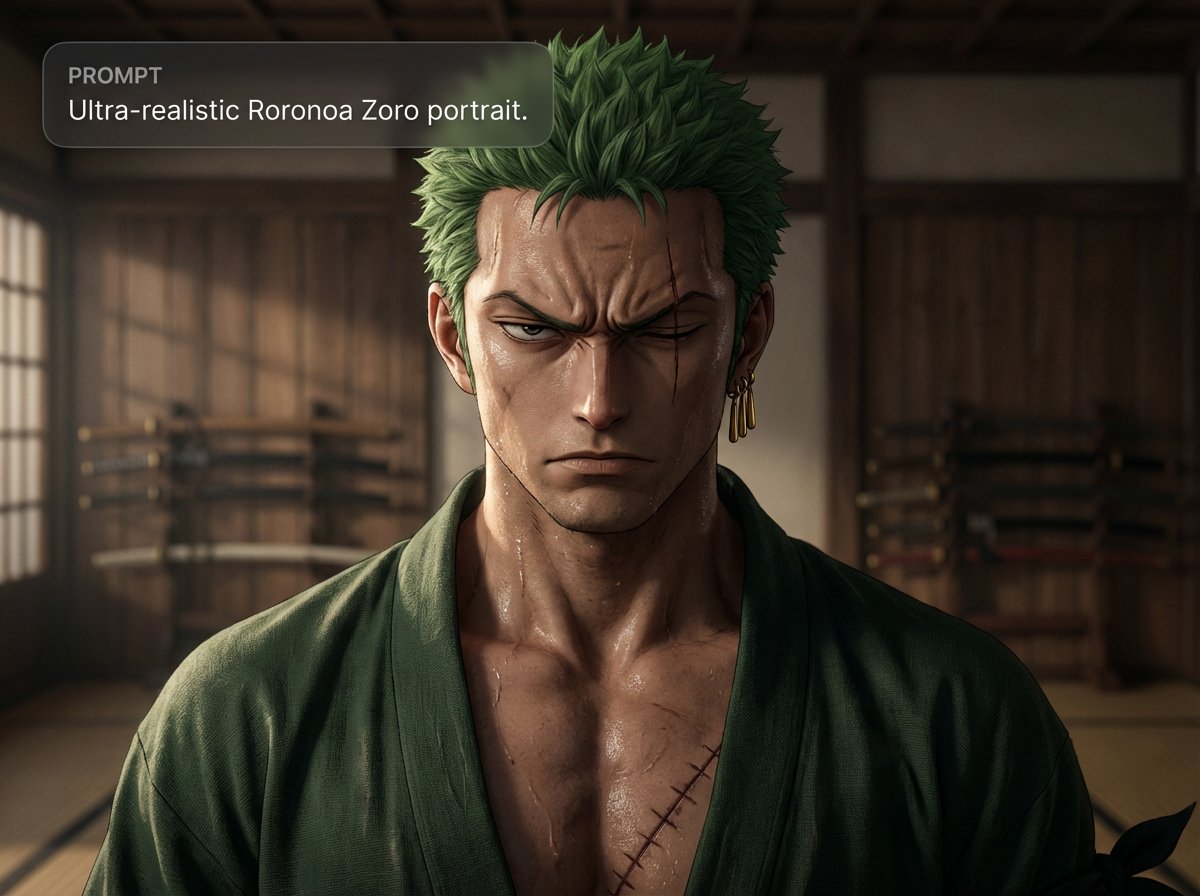
Ultra-realistic Roronoa Zoro portrait
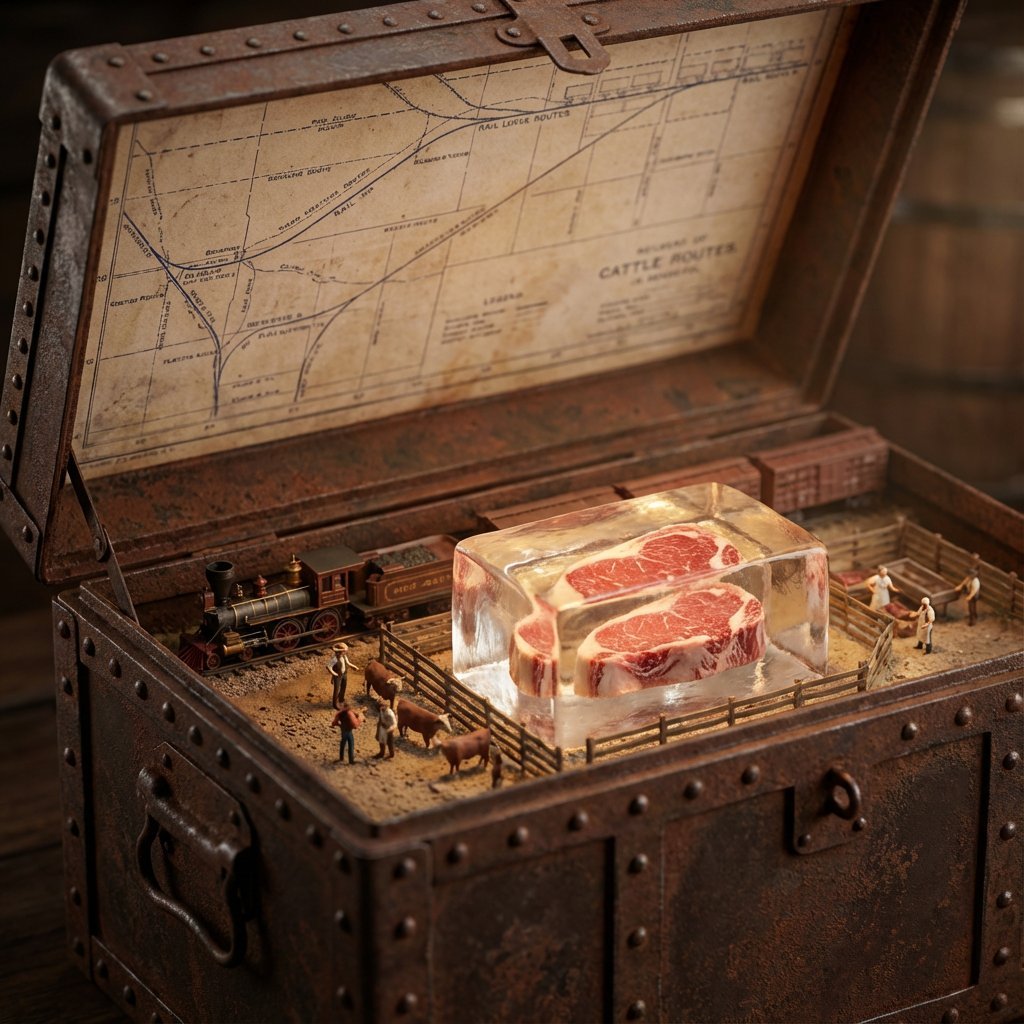
Historical Ingredient Journey Diorama
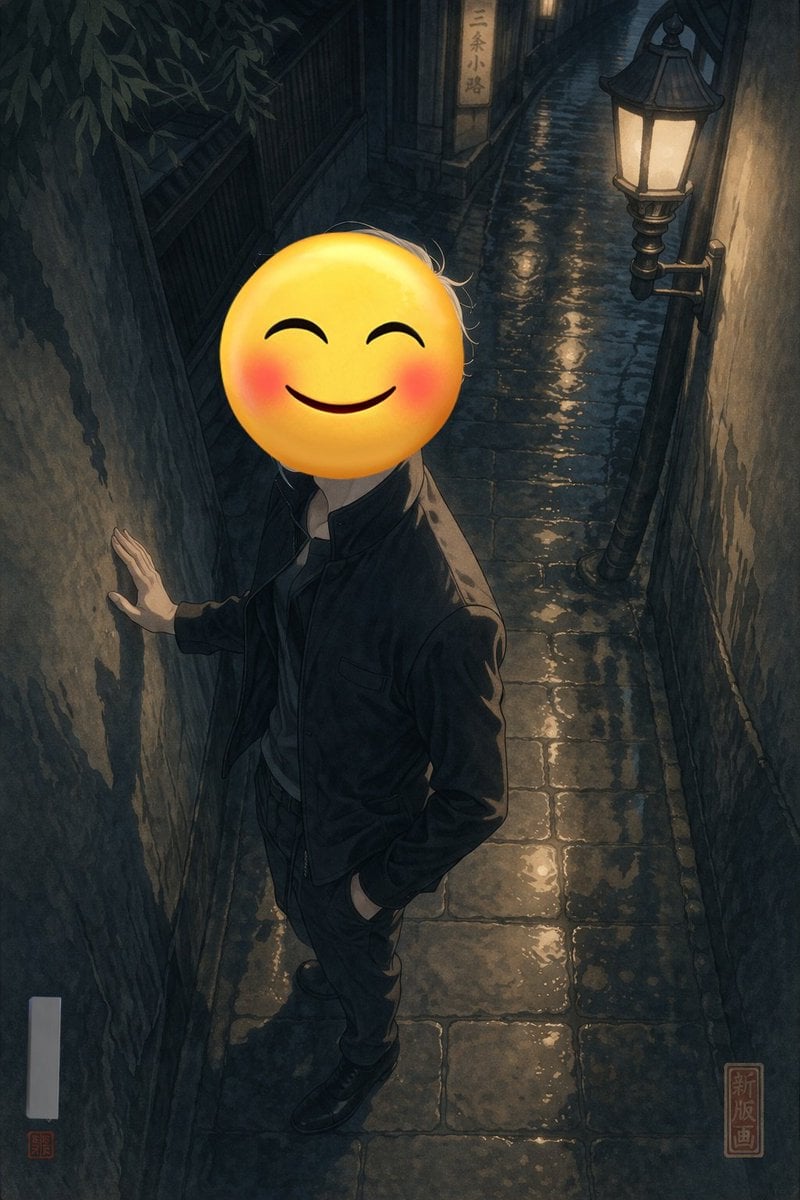
Emoji-Faced Figure in Wet Night Alley
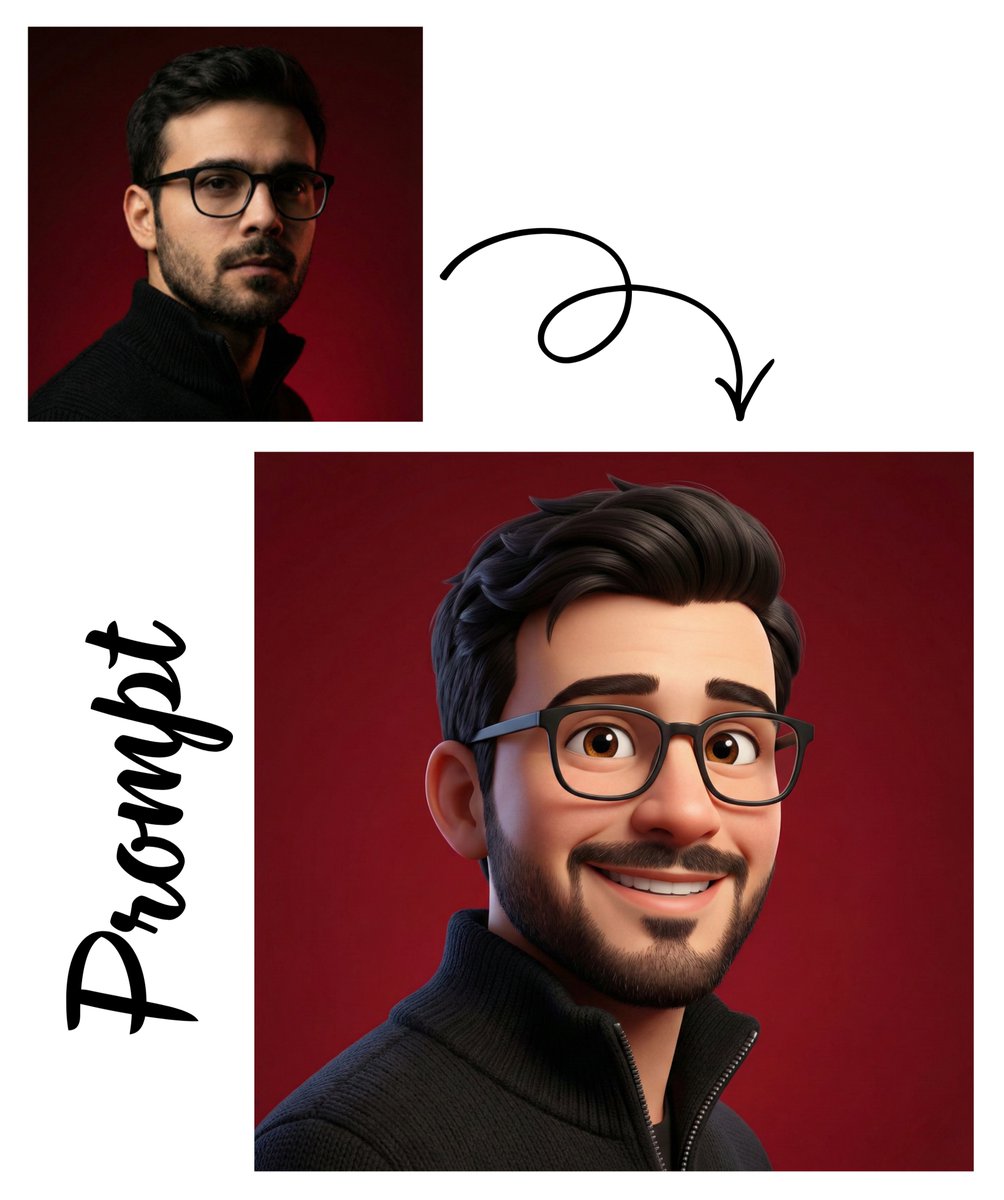
Pixar Style 3D Avatar
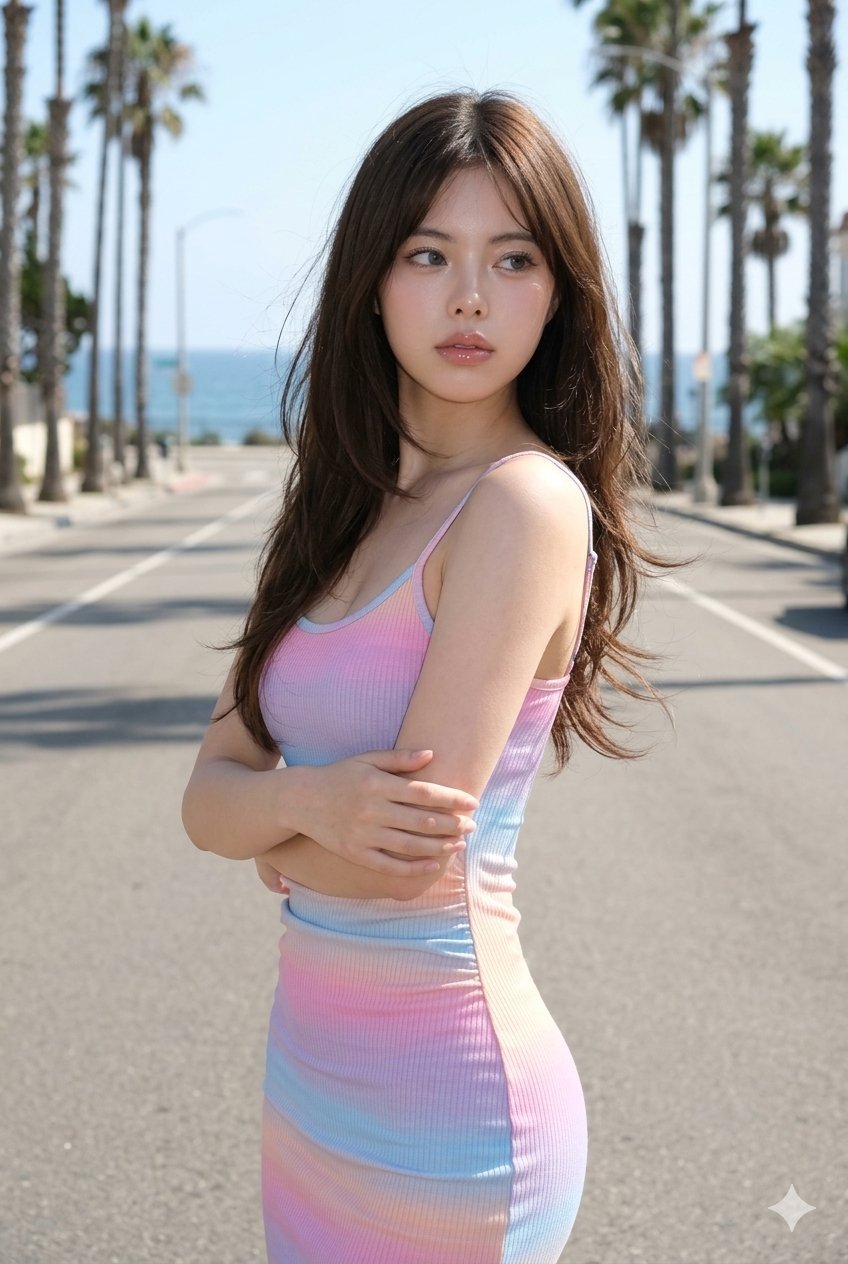
untitled
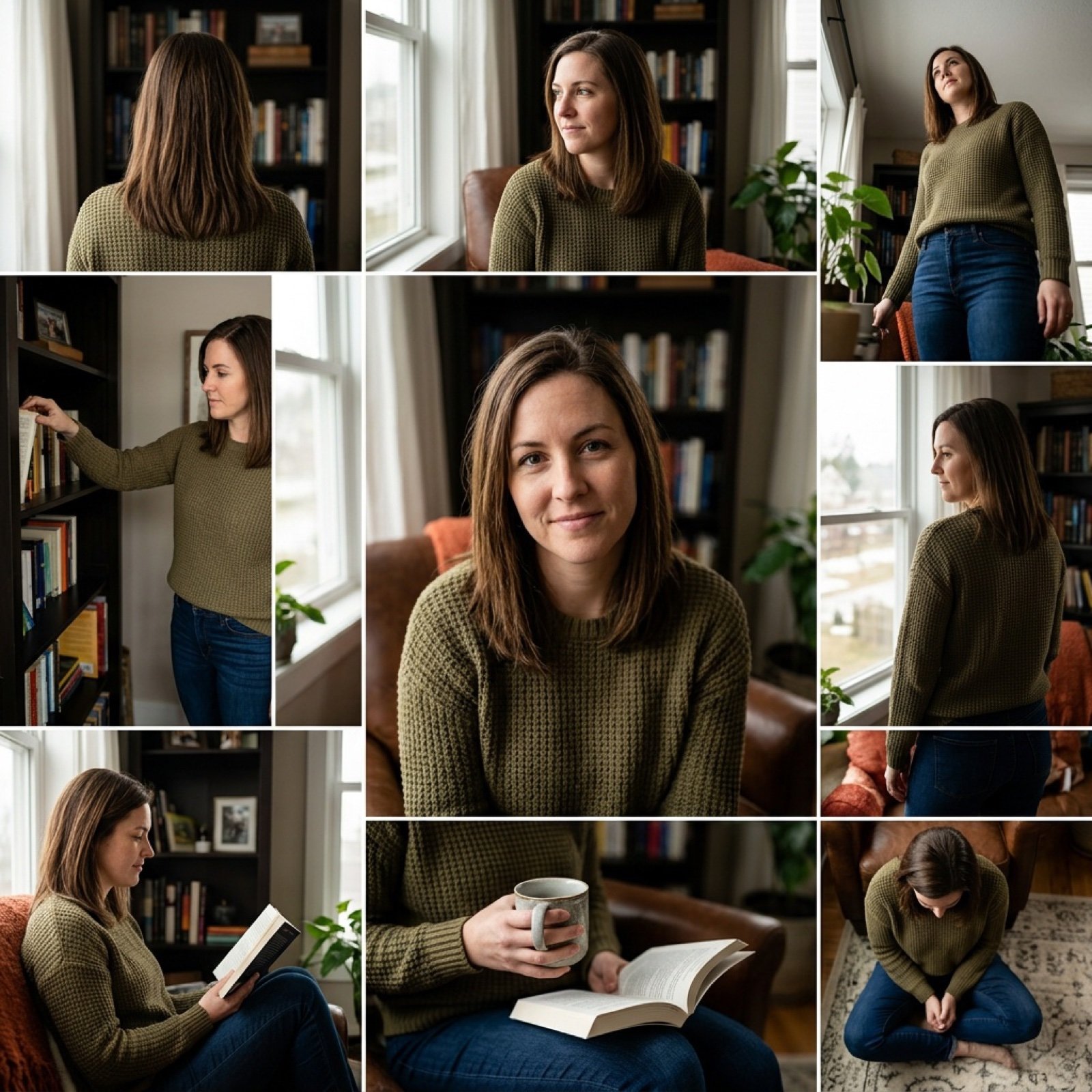
3x3 Keyframe Grid Generation for Video Workflow

Accidental iPhone Camera Selfie
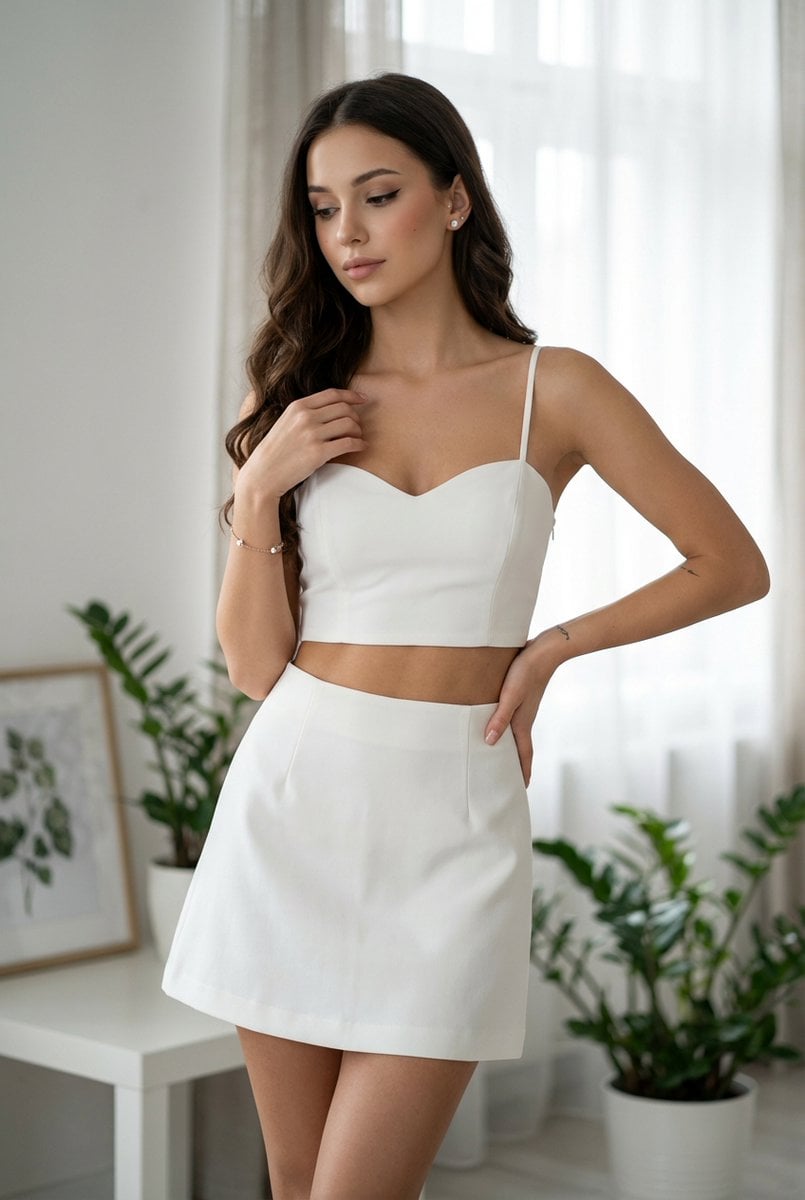
Chic White Outfit Fashion Editorial Prompt
Browse template categories
Graffiti Stairwell Sweet-Goth Fashion Portrait questions
How do I use the Graffiti Stairwell Sweet-Goth Fashion Portrait template?
Add your photo if the template asks for one, edit the prompt if you like — the template's model and format are already selected — and press Generate. Your version opens in PicX Studio.
Can I customize the Graffiti Stairwell Sweet-Goth Fashion Portrait template?
Yes. You can change the subject, setting, lighting, mood, format, and available model controls before creating your image.
Is the Graffiti Stairwell Sweet-Goth Fashion Portrait template free?
Opening and editing this template is free. Generating uses credits, shown on the Generate button when you are signed in.
Which AI model should I use?
Start with GPT Image 2, which is the model associated with this template. You can compare another compatible model for a different finish.
Looking for something else? Browse all templates.

Your photo, any look
Thousands of ready templates for every top image and video model, from one credit balance.