
Dark Occult Graphic Novel Page
A structured prompt for generating a moody Russian-language horror comic page contrasting epic cinematic magic with a grim rustic kitchen ritual.
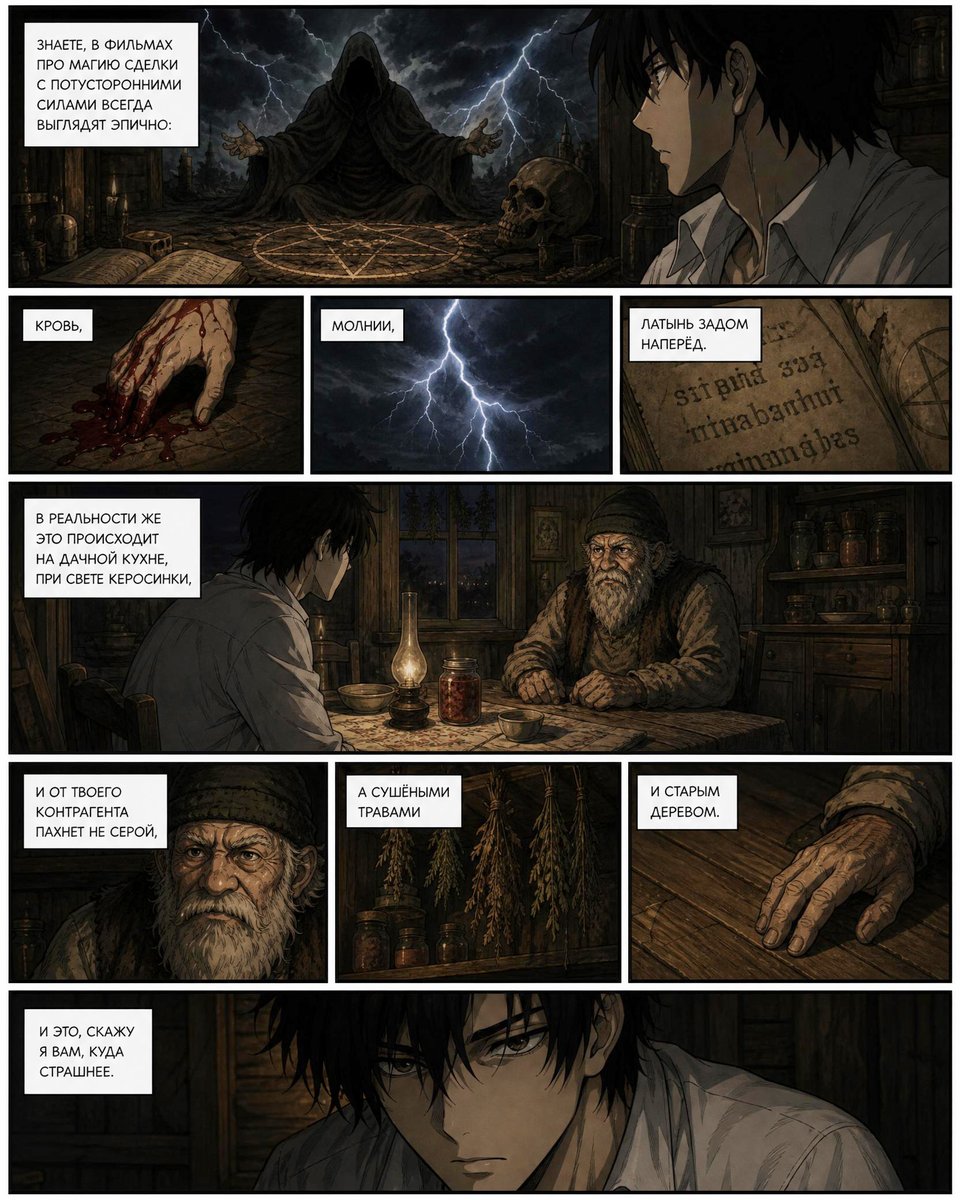
- Prompt included
- Model and format preset
- Free template
The prompt behind this image
Copy the exact prompt behind Dark Occult Graphic Novel Page, or open it in the studio and make it yours.
Goal: Create a dark graphic-novel comic page in Russian about how cinematic black-magic scenes look epic, while real occult work feels mundane and unpleasant. Canvas: Vertical comic page, approximately 4:5 aspect ratio, with thick black gutters and a thin black outer border. Use gritty seinen manga / European graphic novel rendering, muted browns, charcoal blacks, sickly candlelight, storm-blue lightning, heavy crosshatching, worn paper texture, cinematic horror mood. Layout: Use exactly 10 panels. Row 1 has 2 panels: a wide left panel showing an epic ritual scene, and a narrower right panel close-up of a young man watching. Row 2 has 3 equal small panels: bloody hand, lightning, old Latin book. Row 3 has 1 full-width panel: two people sitting at a rustic kitchen table by kerosene lamp. Row 4 has 3 panels: close-up of the contractor, hanging dried herbs, old hand on wooden table. Row 5 has 1 full-width panel: close-up of the young man in shadow, looking disturbed. Include exactly 9 white rectangular narration boxes with black uppercase Russian text, placed near the upper-left area of their respective panels. Text content: Use these exact caption boxes, in order from top to bottom and left to right: 1) {argument name="opening caption" default="ЗНАЕТЕ, В ФИЛЬМАХ ПРО МАГИЮ СДЕЛКИ С ПОТУСТОРОННИМИ СИЛАМИ ВСЕГДА ВЫГЛЯДЯТ ЭПИЧНО:"} 2) "КРОВЬ," 3) "МОЛНИИ," 4) "ЛАТЫНЬ ЗАДОМ НАПЕРЁД." 5) {argument name="reality caption" default="В РЕАЛЬНОСТИ ЖЕ ЭТО ПРОИСХОДИТ НА ДАЧНОЙ КУХНЕ, ПРИ СВЕТЕ КЕРОСИНКИ,"} 6) "И ОТ ТВОЕГО КОНТРАГЕНТА ПАХНЕТ НЕ СЕРОЙ," 7) "А СУШЁНЫМИ ТРАВАМИ" 8) "И СТАРЫМ ДЕРЕВОМ." 9) {argument name="final caption" default="И ЭТО, СКАЖУ Я ВАМ, КУДА СТРАШНЕЕ."} Subject details: The main character is {argument name="main character" default="a slim pale young man with messy black hair, wearing a rumpled white button-up shirt"}. In the epic ritual panel, show a hooded black-robed figure seated before a glowing pentagram circle, arms spread, surrounded by skulls, candles, occult clutter, storm clouds, and jagged lightning. In the realistic kitchen panels, show the same young man seated opposite {argument name="contractor" default="an elderly rustic occult contractor in a patterned worn sweater"} at a rough wooden table, with shelves of jars, old cabinets, a small window showing night outside, a kerosene lamp, a bowl, a teacup, and a jar of red dried contents. The atmosphere should be cramped, damp, and rural rather than glamorous. Censor/obscuration details: Add soft-edged vertical brown blur blocks obscuring the face of the young man in the top-right panel, the contractor's face in the wide kitchen panel, the contractor close-up in row 4 panel 1, and a large vertical brown blur covering the lower center area across the dried-herbs panel and part of the final bottom panel, as if sensitive details were intentionally blurred. Panel-by-panel visual list: 1) wide ritual with hooded sorcerer, pentagram, skull, lightning; 2) side close-up of young man's head and shoulder in darkness; 3) bloody fingers dragging across stone with blood drops; 4) forked lightning in a storm sky; 5) aged book page with reversed-looking Latin-like lettering; 6) full-width rustic kitchen conversation under kerosene lamp; 7) contractor close-up with caption and face obscured; 8) bunches of dried herbs hanging above jars, partly obscured by blur; 9) wrinkled old hand resting on a wood tabletop; 10) wide close-up of the young man in shadow, tense and frightened. Constraints: Keep the page readable as a single comic page, maintain thick black gutters, use no speech balloons, no extra captions beyond the 9 listed, no modern objects, no watermark, no clean digital cartoon style.
How to use Dark Occult Graphic Novel Page in 3 steps
- 1Upload ImagePNG, JPG or paste
Add your photo
Upload the photo the template builds on. The prompt, model and format are already set.
- 2…a portrait of your subject in softgolden-hour light, 85mm…
Personalize
Edit the subject and creative details for your destination.
- 3Generate
Generate
Press Generate — your image is created in PicX Studio, so you can compare it with the original and refine one variable at a time.
More like this
Templates with the same subject, style or setup. Open one to see its prompt.

Selective Color Monochrome Football Poster
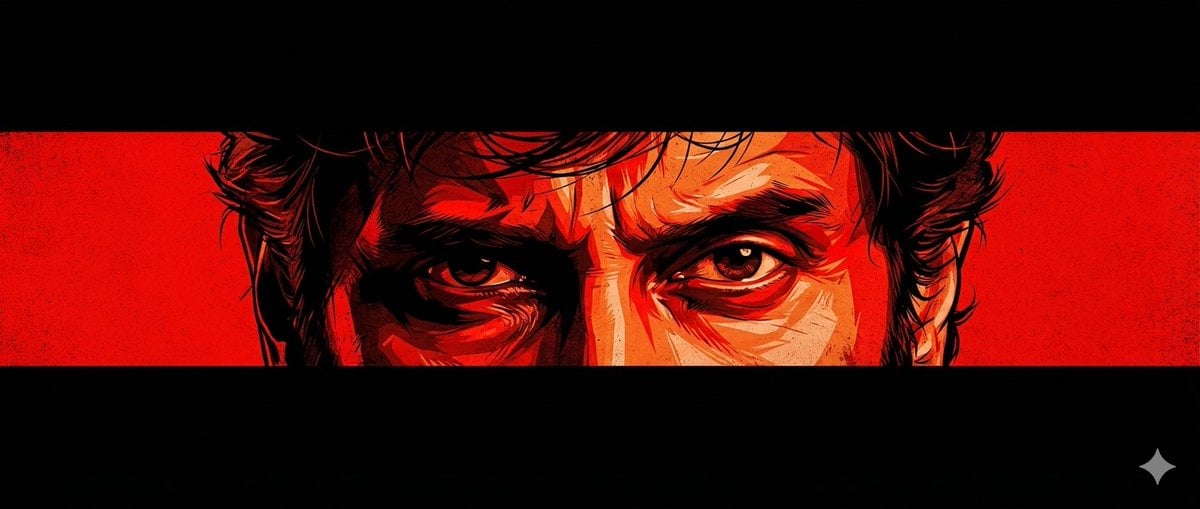
Graphic Novel Eye Close-up
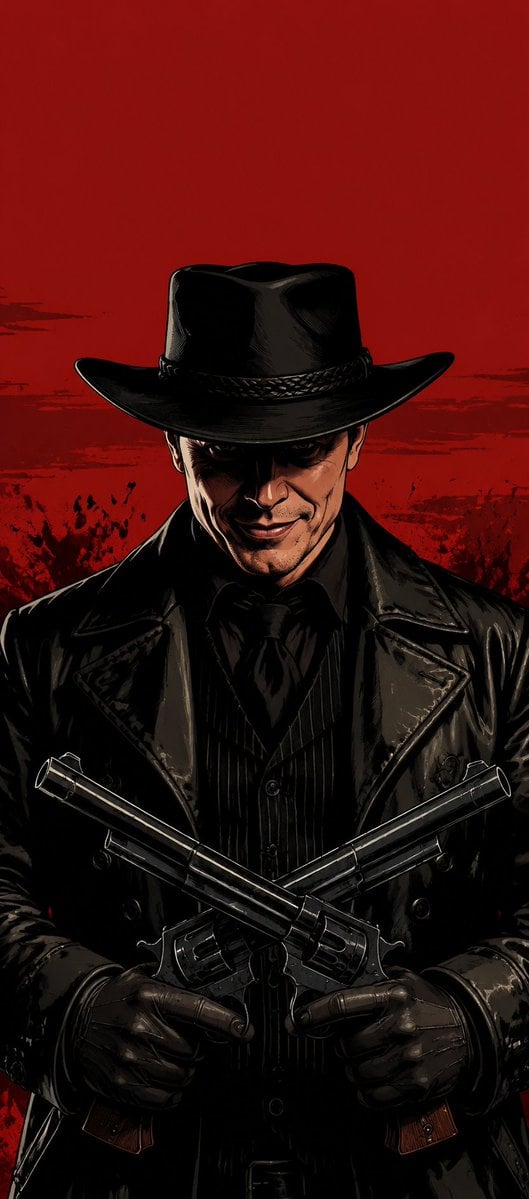
Faceless Outlaw Graphic Novel Poster
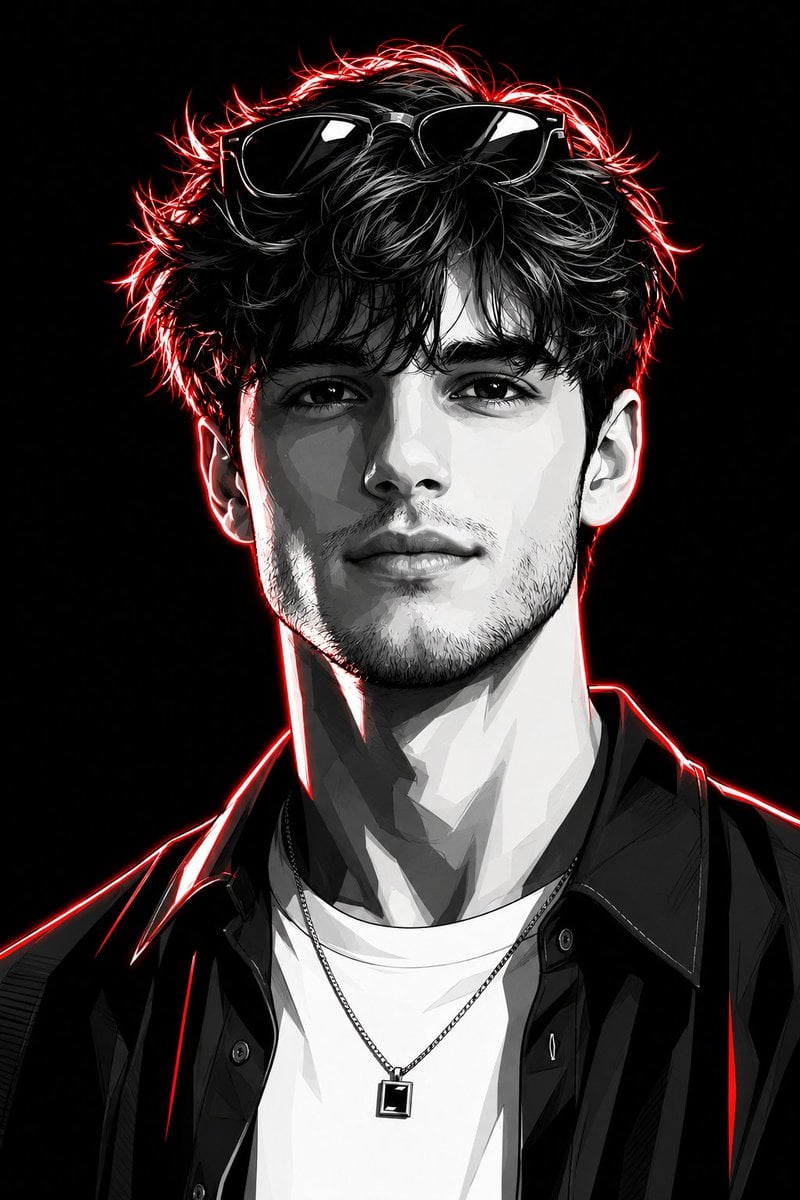
Neon Graphic Novel Character Transformation
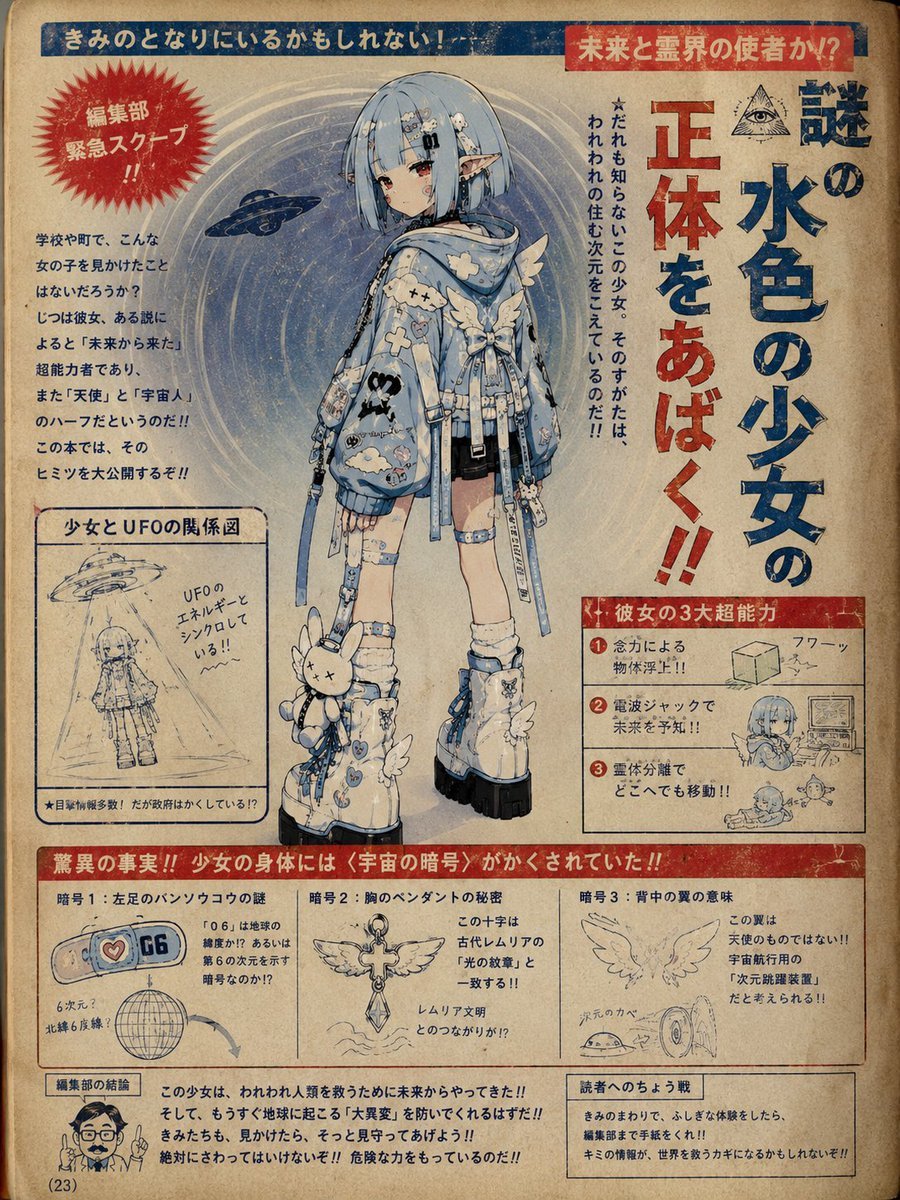
1970s Occult Children's Book Page

Travel Poster Graphic Collage

Night Sports Car Portrait — Cinematic Moody

Cinematic Eye Light Portraits — 3 Nano Banana Prompts

Horror Cinematic Portrait

Quiet Hamster Manga Page
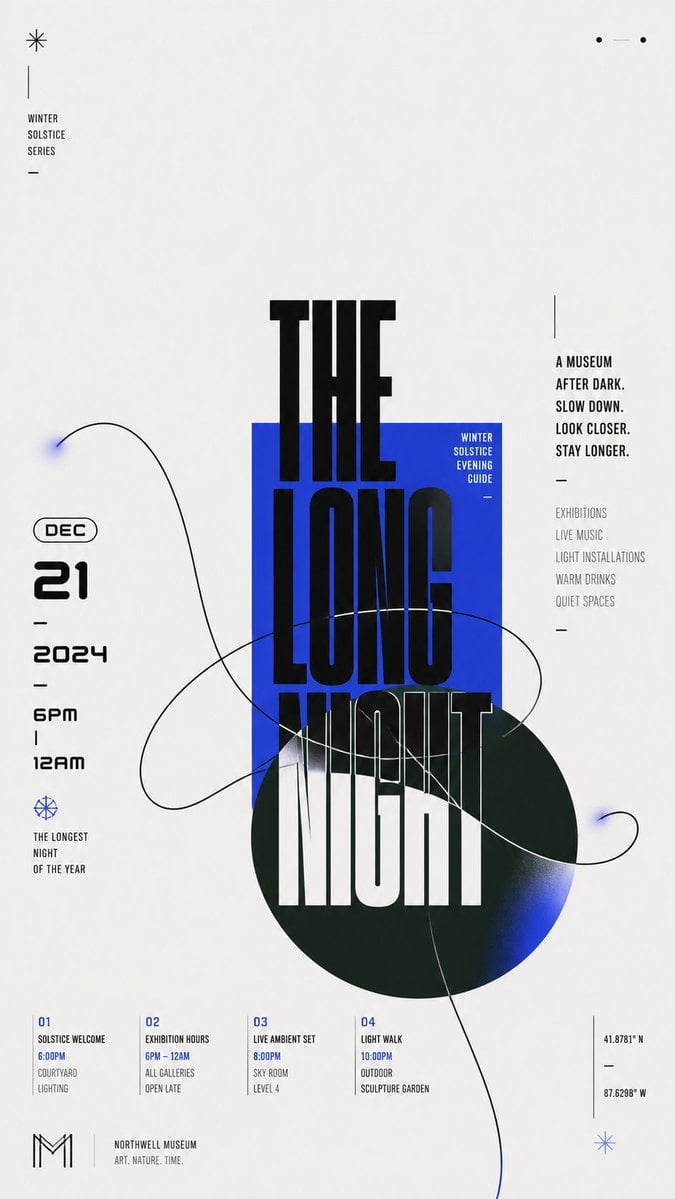
Modern Chinese Graphic Design
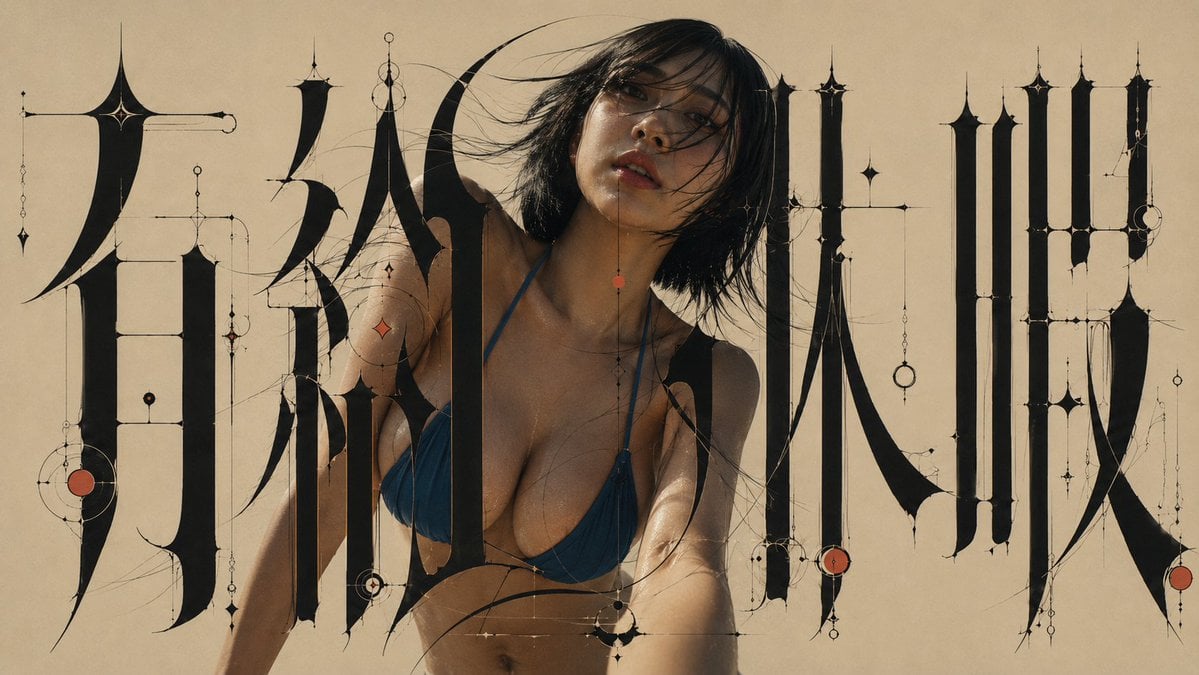
Architectural Typographic Portrait Fusion
Make it yours
Dark Occult Graphic Novel Page works as-is. These are the safest ways to change it without losing the look.
Change one field
Copy a single group, rewrite it, and generate again so you can see what that field is doing.
Keep the frame, change the subject
Hold the composition and light of Dark Occult Graphic Novel Page, then swap wardrobe, props or the person for a new take.
| If the result… | Why | Fix |
|---|---|---|
| The result drifts from the preview | Too many fields changed at once. | Reuse Dark Occult Graphic Novel Page as-is first, then change one group — subject, light, or setting. |
| The model over-stylizes the scene | The prose prompt leaves finish and camera underspecified. | Add one camera or lighting sentence and stay on GPT Image 2. |
More GPT Image 2 templates
Other prompts made for GPT Image 2.

Six VTuber Japanese Logo Sheet

Realistic Portrait of Woman and Deer

The Vista Modular Condo Poster

2.5D Anime Art Board

Isometric Productivity Desk Scene

New York Double Exposure Poster

Four-Panel AI Landscape Comparison

Japanese Tatami Lifestyle Magazine Cover

NESCAFÉ Coffee Map Poster

Brutalist Cogito Chinese Typography Poster
More image prompts
Fresh picks from across the catalog.

Gpt2 Youtube Thumbnail Japanese Ai Battle Youtube Thumbnail
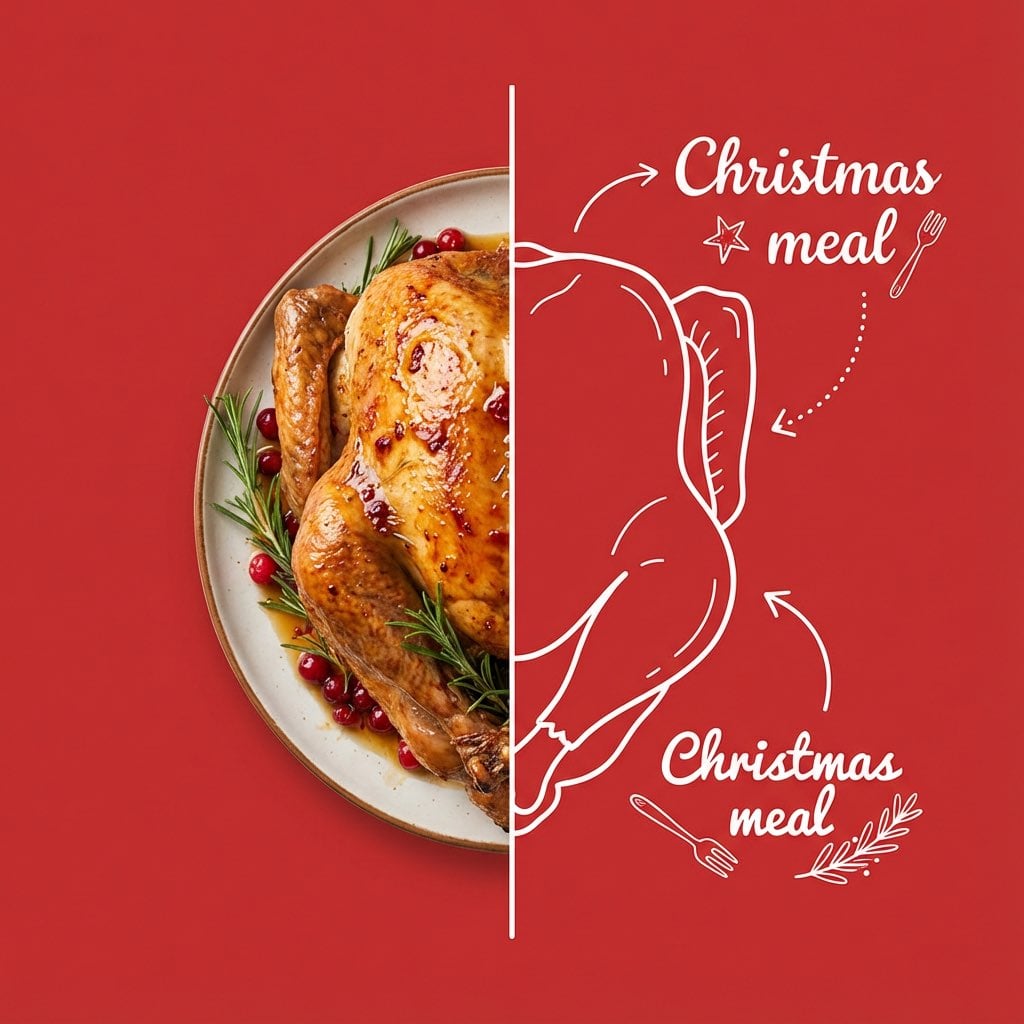
Culinary Poster with Split Photo/Illustration Design
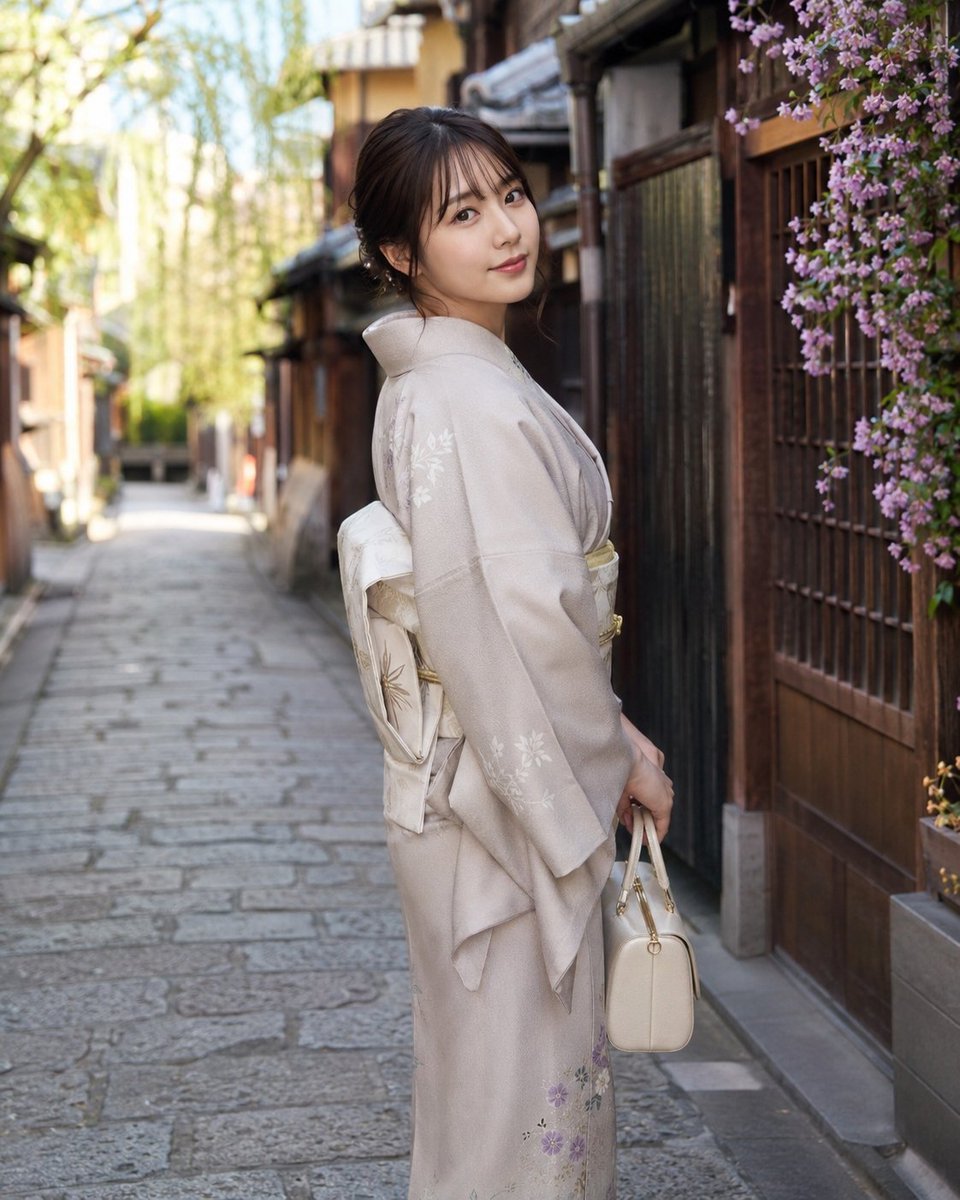
Global Beauty Standards Portraits

European Travel Advertisement Banner
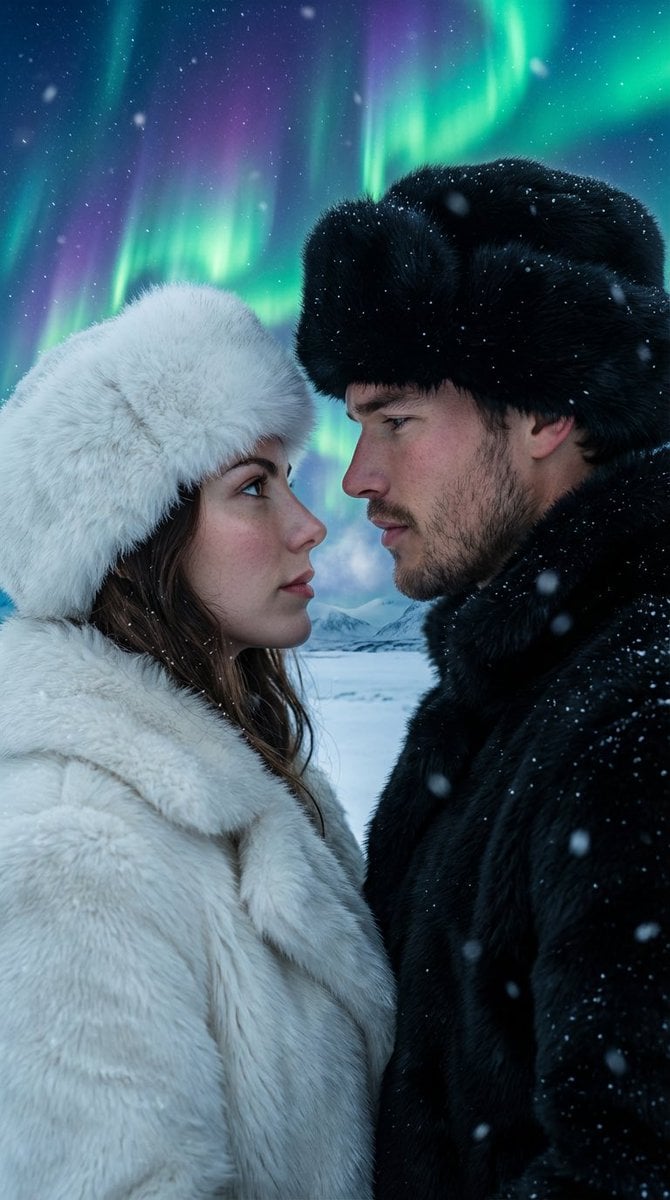
Aurora Borealis Couple Portrait with Identity Preservation

Elegant beauty in luxury lounge
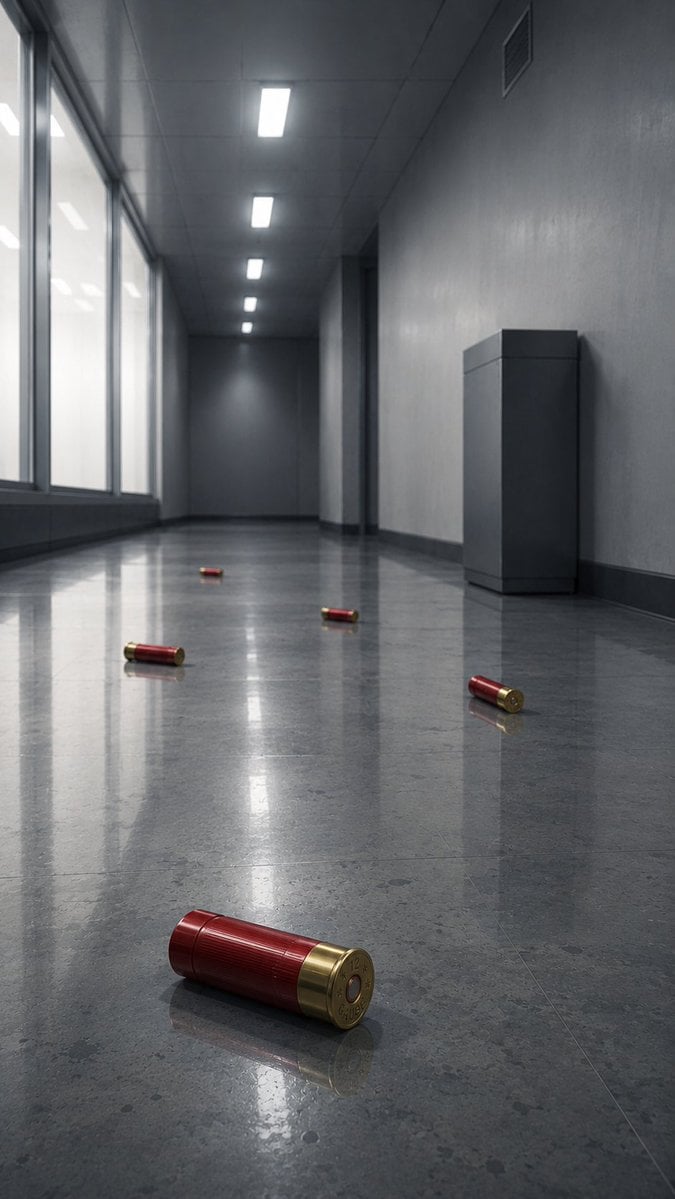
Empty Corridor with Shotgun Shells
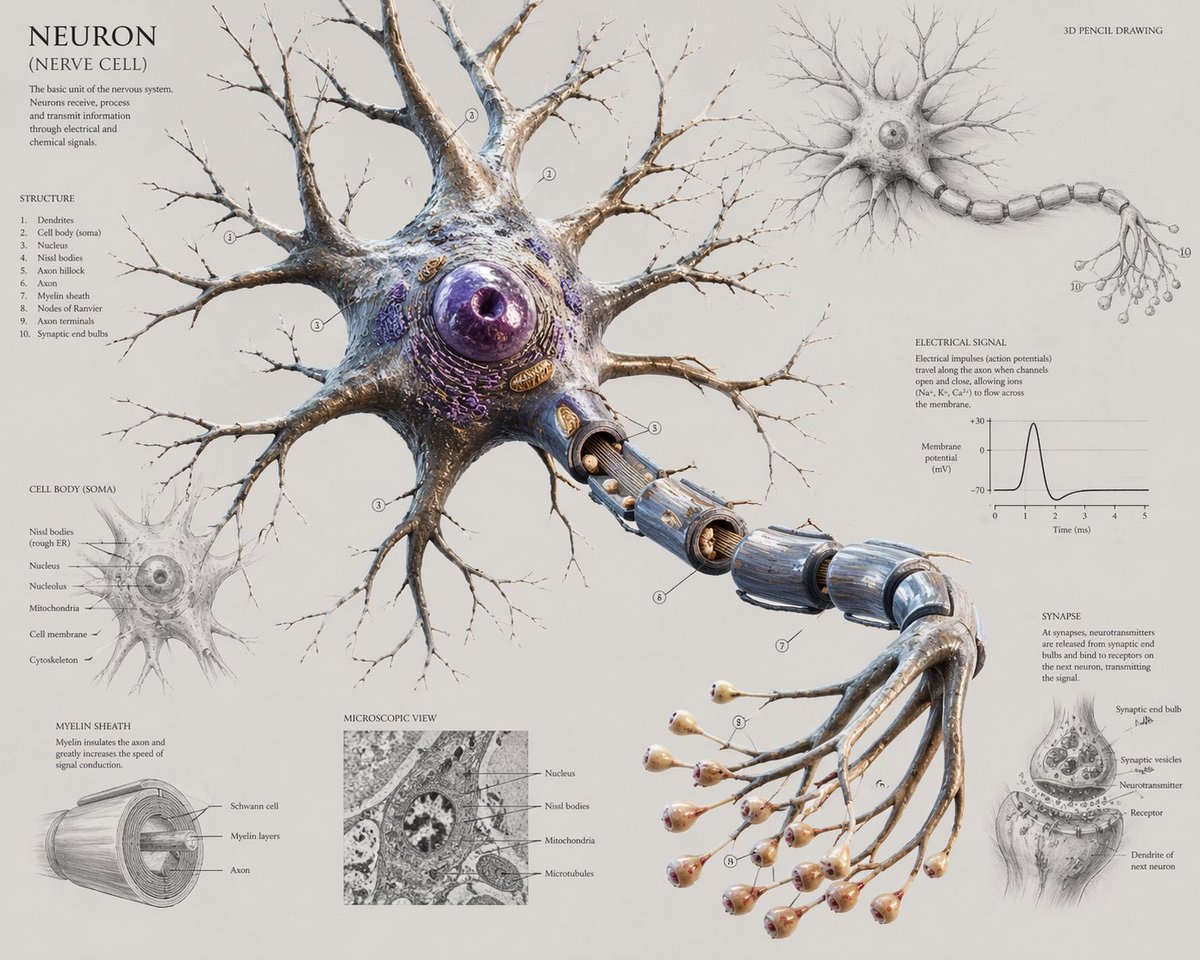
Scientific Neuron Anatomy Poster
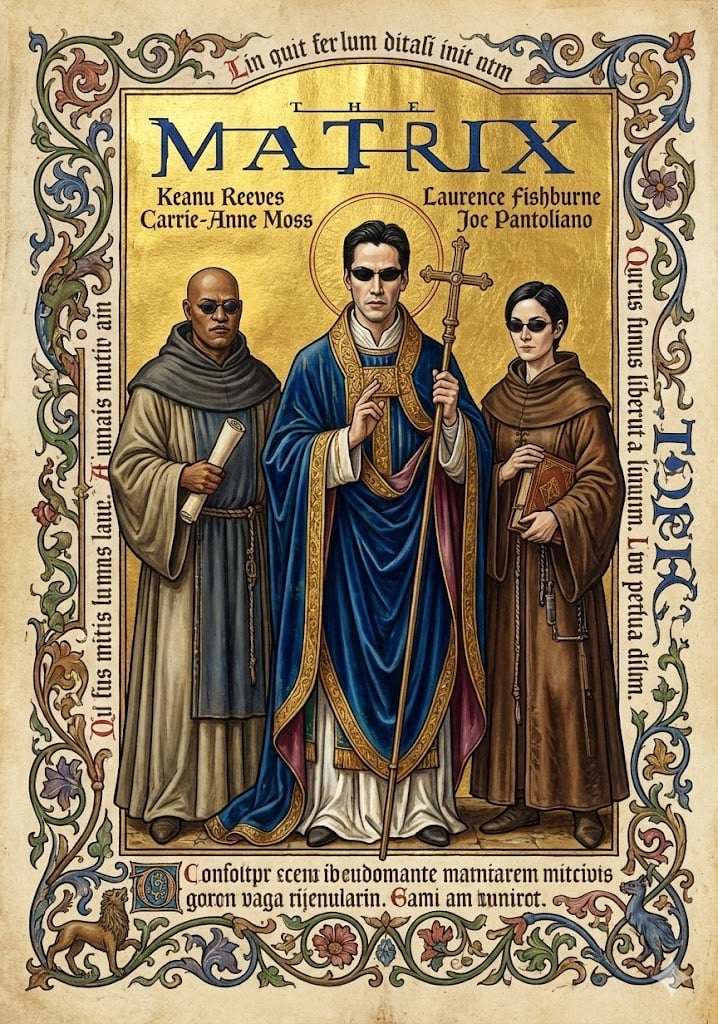
Medieval Illuminated Manuscript of The Matrix Characters
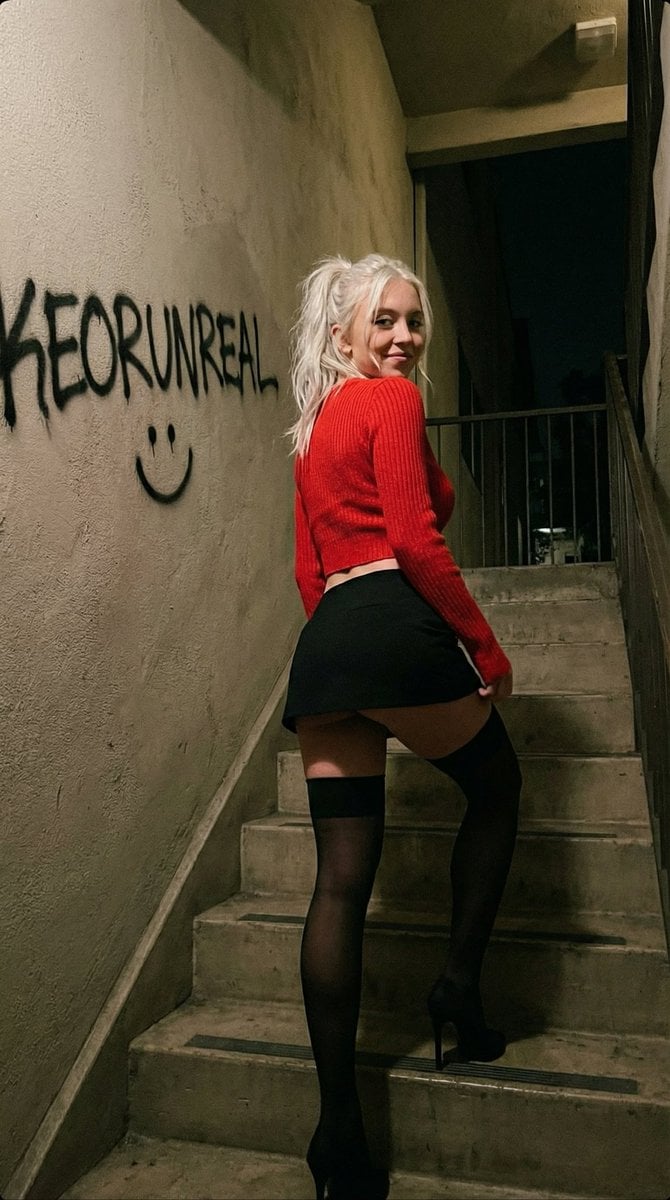
Candid iPhone Portrait in Dim Stairwell
Browse template categories
Dark Occult Graphic Novel Page questions
How do I use the Dark Occult Graphic Novel Page template?
Add your photo if the template asks for one, edit the prompt if you like — the template's model and format are already selected — and press Generate. Your version opens in PicX Studio.
Can I customize the Dark Occult Graphic Novel Page template?
Yes. You can change the subject, setting, lighting, mood, format, and available model controls before creating your image.
Is the Dark Occult Graphic Novel Page template free?
Opening and editing this template is free. Generating uses credits, shown on the Generate button when you are signed in.
Which AI model should I use?
Start with GPT Image 2, which is the model associated with this template. You can compare another compatible model for a different finish.
Looking for something else? Browse all templates.

Your photo, any look
Thousands of ready templates for every top image and video model, from one credit balance.