
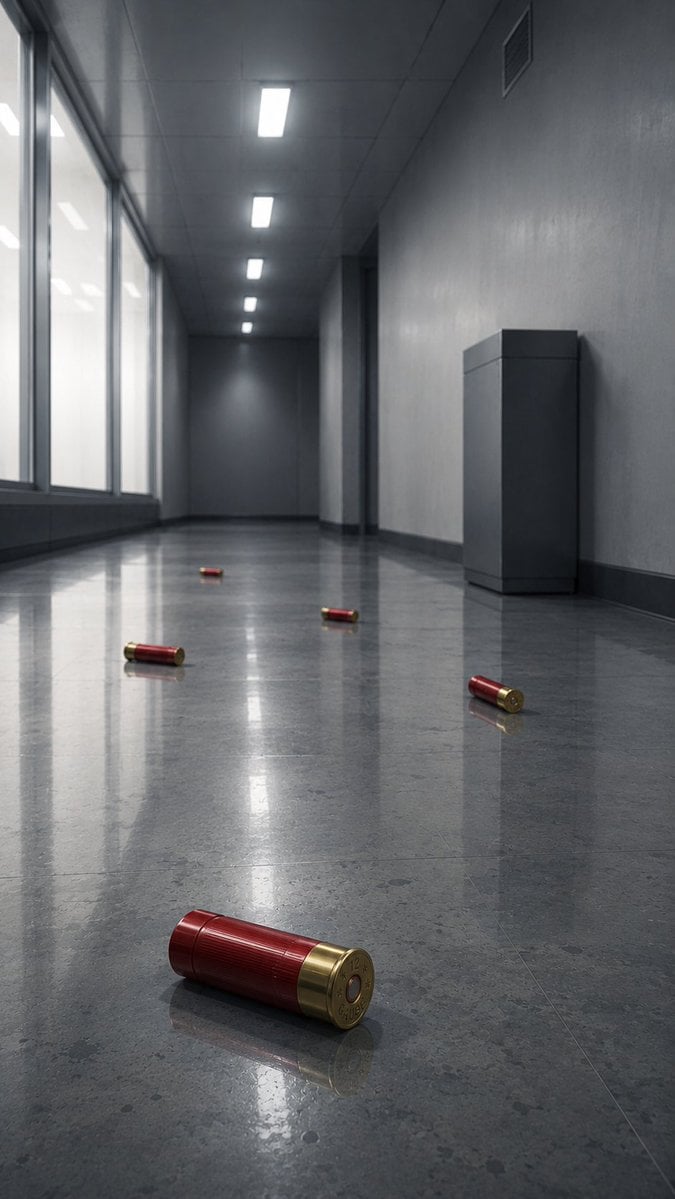
Empty Corridor with Shotgun Shells
A photorealistic cinematic corridor scene with five red shotgun shells on a reflective floor, useful for moody sci-fi or thriller concept art.
- Prompt included
- Model and format preset
- Free template
The prompt behind this image
Copy the exact prompt behind Empty Corridor with Shotgun Shells, or open it in the studio and make it yours.
Create a photorealistic cinematic low-angle view down a long, empty {argument name="location" default="modern gray office corridor"} with a cold dystopian atmosphere. The camera is placed near the glossy polished stone floor, using strong one-point perspective toward a dark vanishing point at the far end. On the left side, tall frosted glass windows run along the corridor, glowing with soft overcast white light; on the right side, plain gray concrete-textured walls include a dark doorway recess, a small ventilation grille near the ceiling, and one rectangular gray utility cabinet or pedestal against the wall. The ceiling has exactly five bright rectangular fluorescent light panels receding into the distance. The reflective floor is highly polished, showing elongated reflections of the windows, ceiling lights, walls, and objects. Scatter exactly five red-and-brass {argument name="scattered object" default="shotgun shells"} across the floor: one large sharply focused shell in the extreme foreground near the bottom center-left, lying horizontally with its brass base facing the viewer; one shell on the right midground near the wall; one shell near the center midground; one shell left of center farther back; and one tiny shell near the distant center. Use muted gray-blue tones, realistic materials, subtle dust and floor speckling, shallow depth of field, crisp foreground detail, soft background haze, and dramatic Blade Runner-like reflections without neon. No people, no text, no blood, no action scene, no watermark.
How to use Empty Corridor with Shotgun Shells in 3 steps
- 1Upload ImagePNG, JPG or paste
Add your photo
Upload the photo the template builds on. The prompt, model and format are already set.
- 2…a portrait of your subject in softgolden-hour light, 85mm…
Personalize
Edit the subject and creative details for your destination.
- 3Generate
Generate
Press Generate — your image is created in PicX Studio, so you can compare it with the original and refine one variable at a time.
More like this
Templates with the same subject, style or setup. Open one to see its prompt.
Golden Hour Empty Airport Runway
Empty Japanese Pachislot Parlor Row
Empty Baseball Stadium Noodle Scene
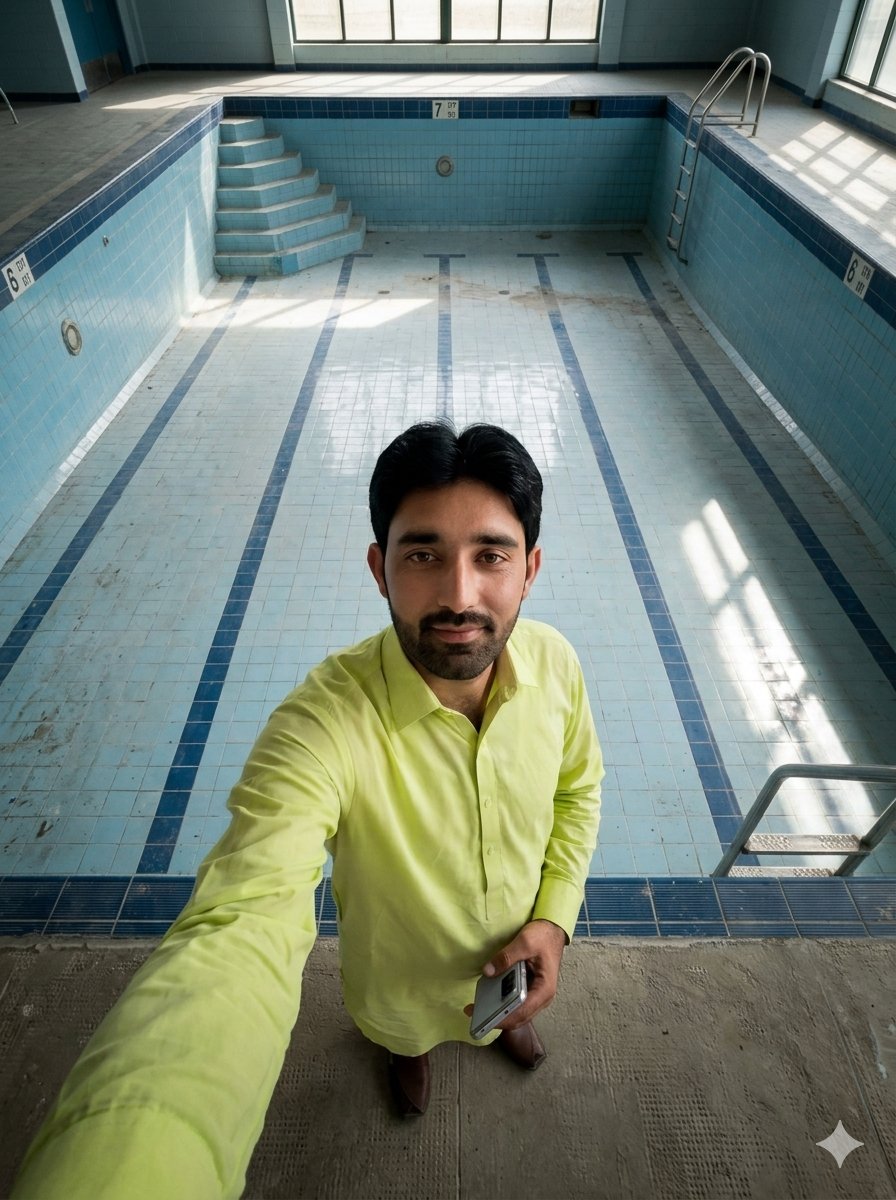
Top-Down Selfie in Empty Indoor Pool
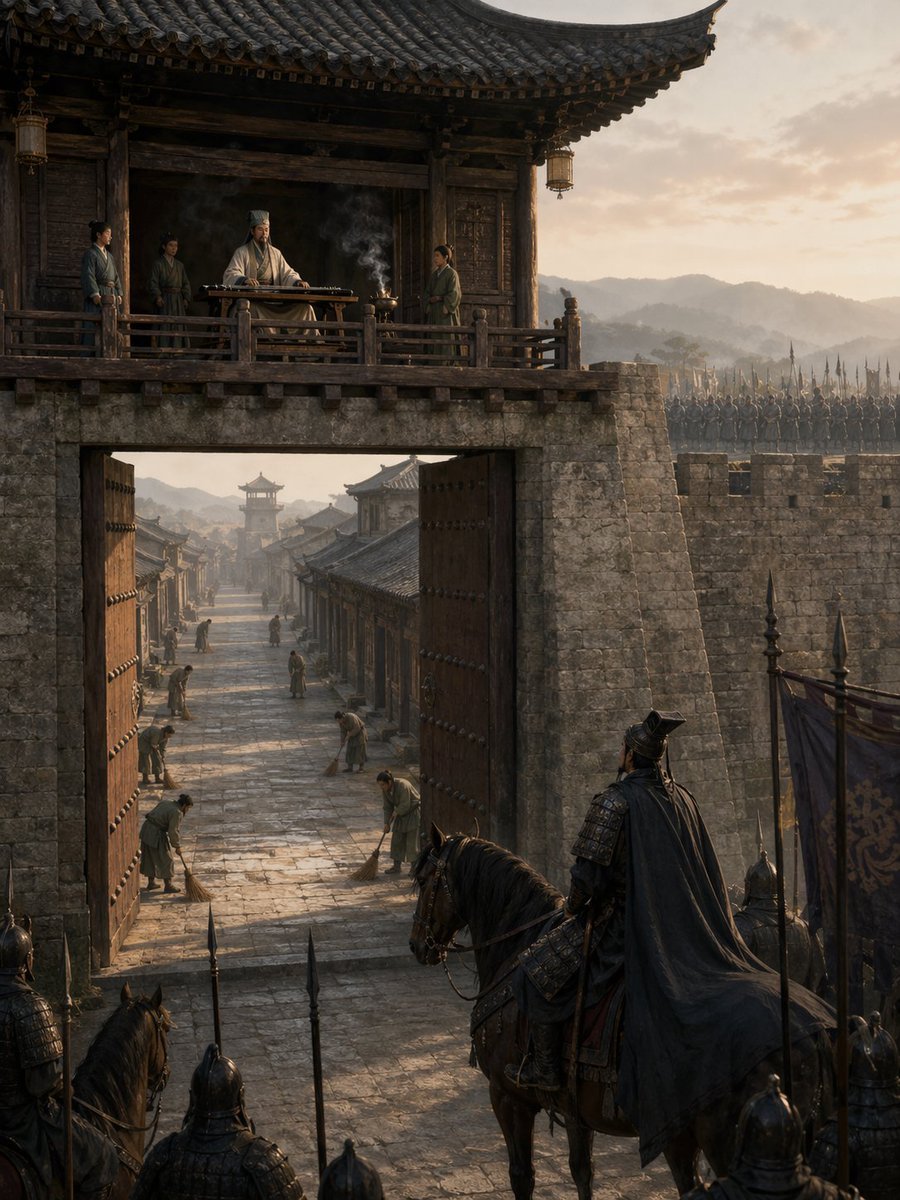
Empty Fort Strategy at the City Gate
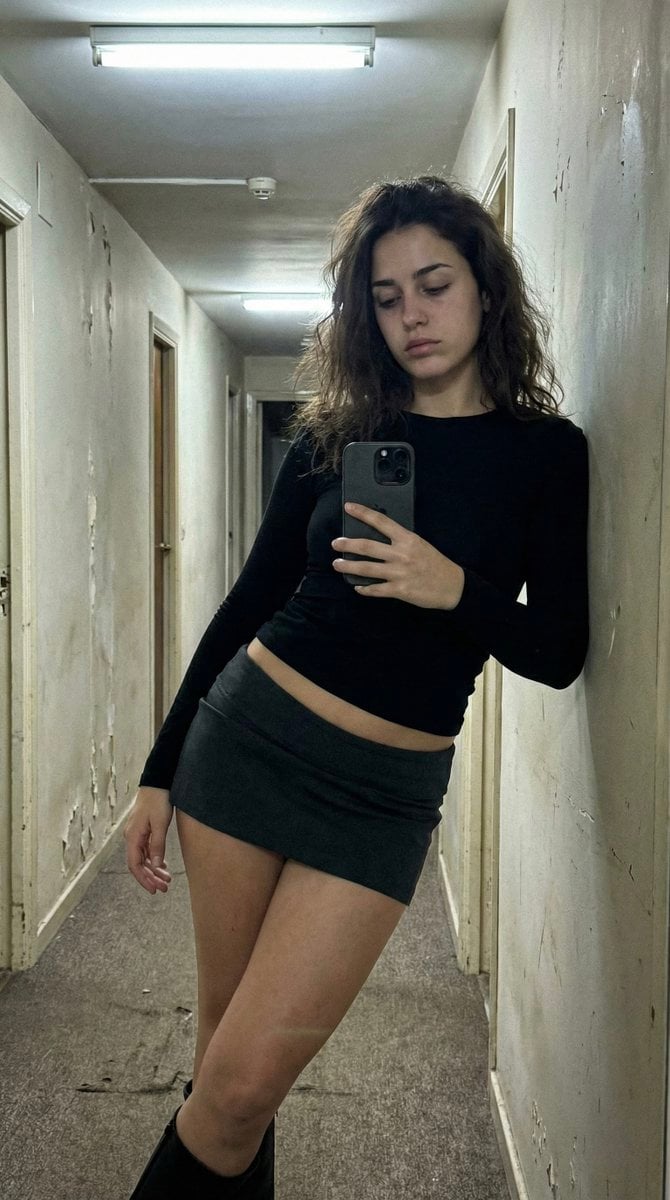
Ultra Photorealistic iPhone Selfie in an Empty Hallway
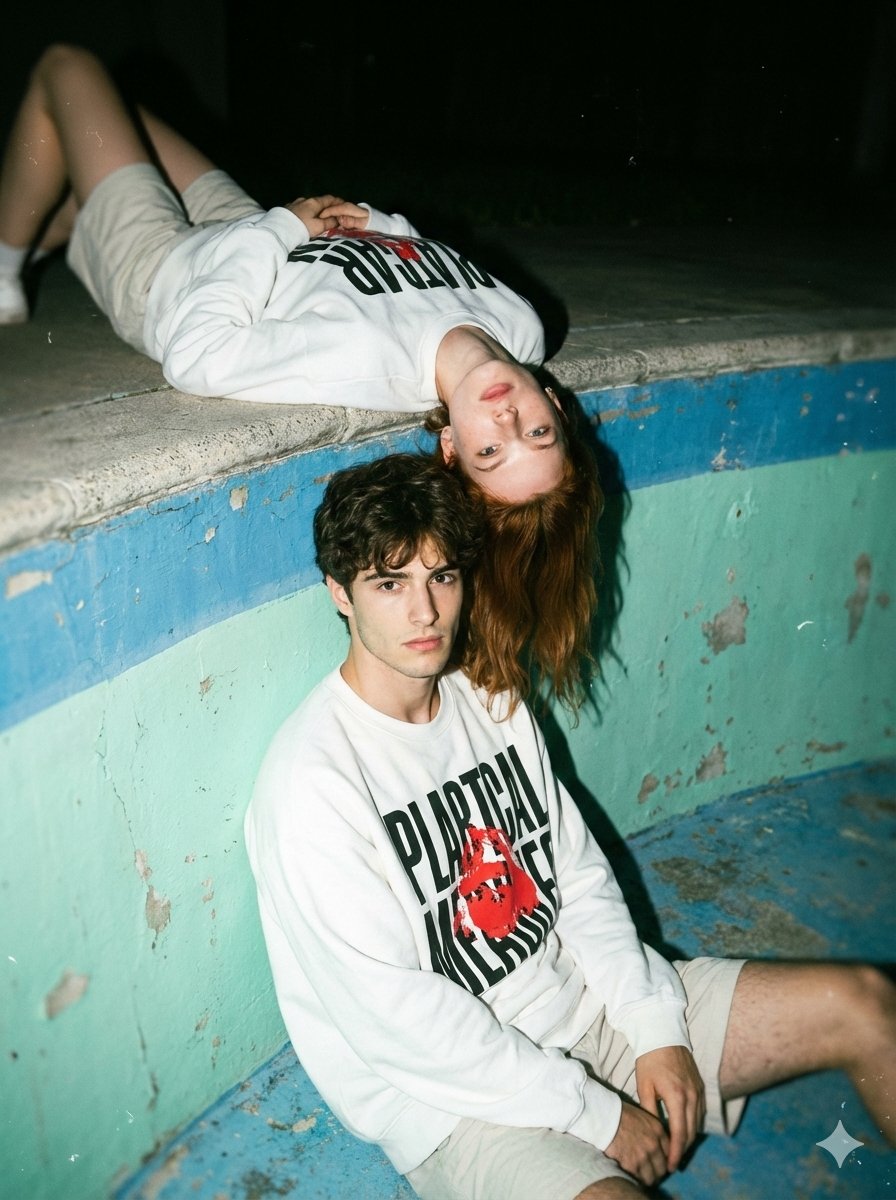
Streetwear Couple Film Shoot Prompt (Empty Pool)
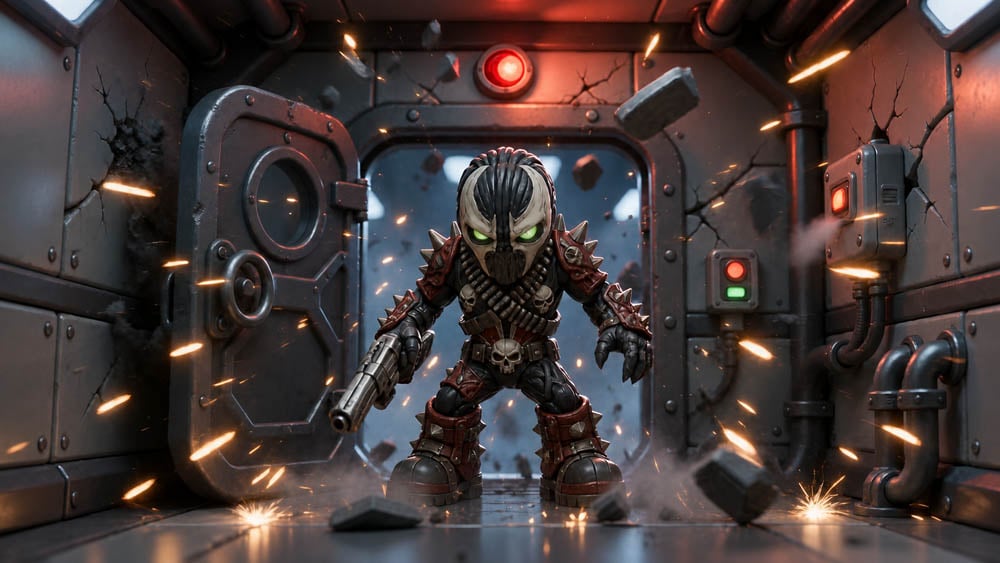
SD Spawn Sci-Fi Corridor Action Scene
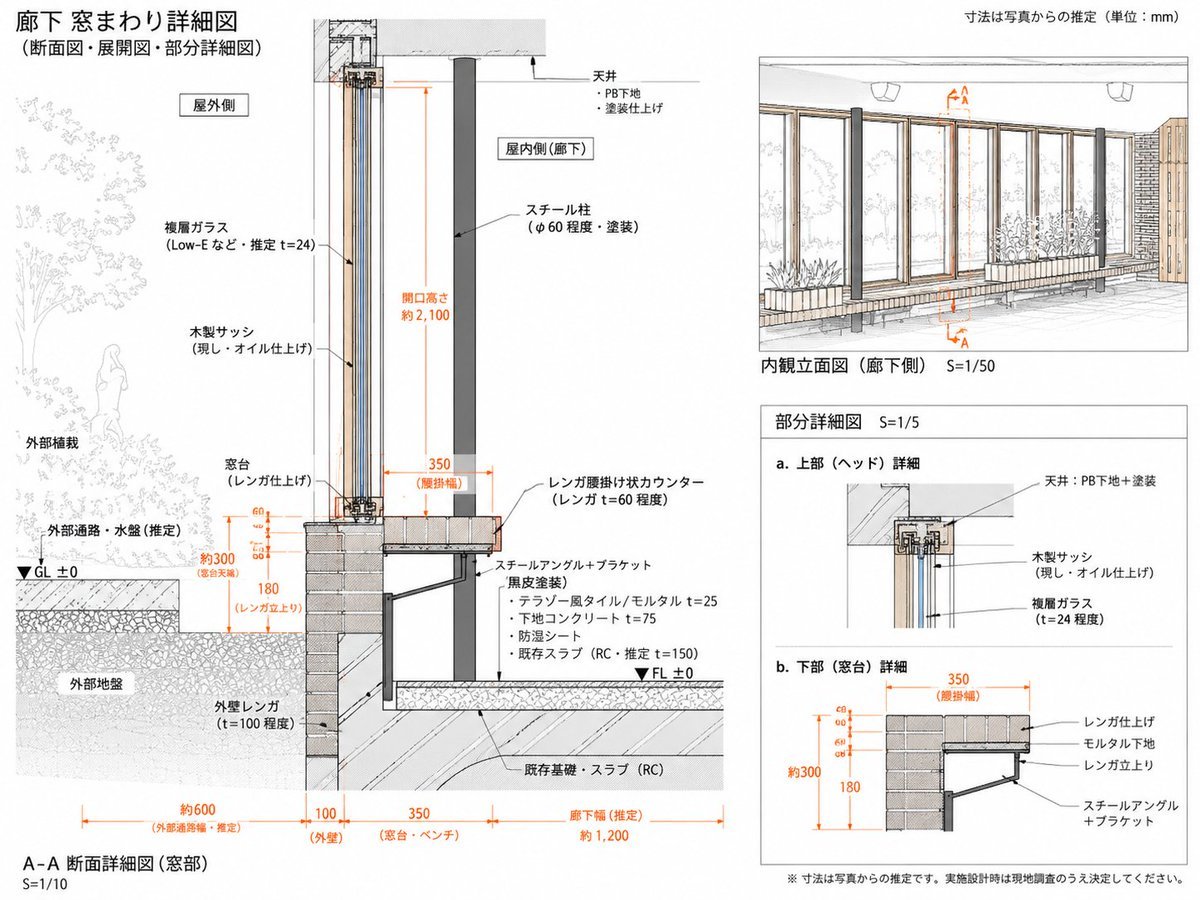
Japanese Corridor Window Detail Sheet
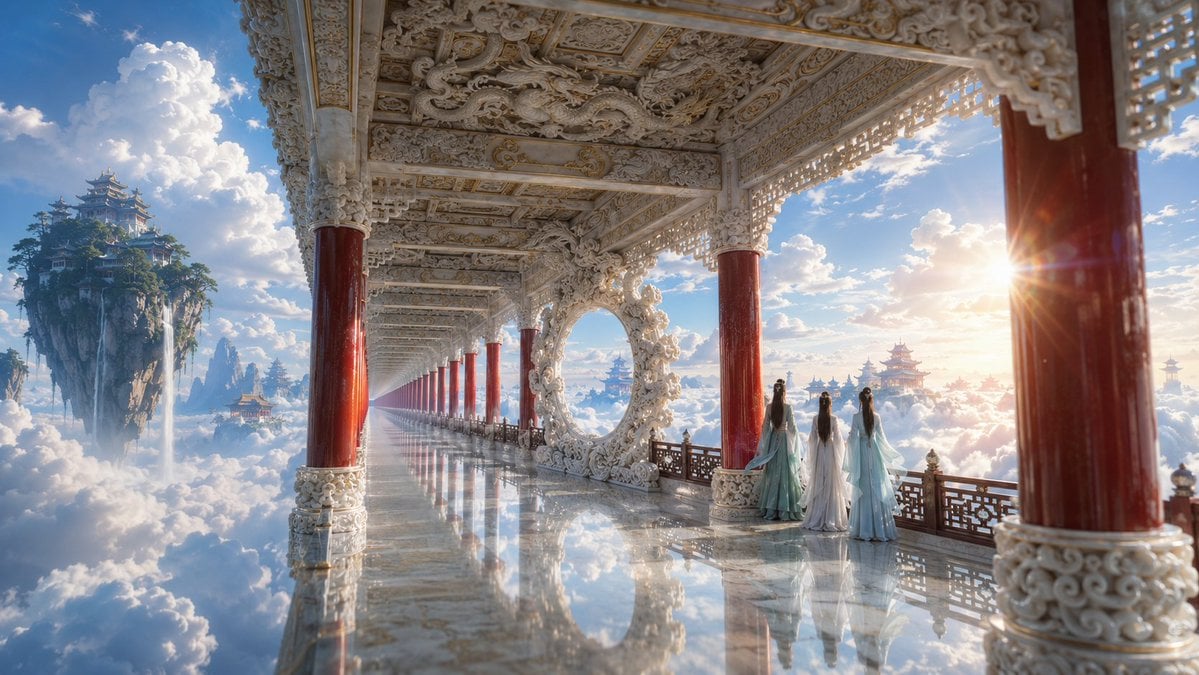
Ethereal White Jade Sky Corridor
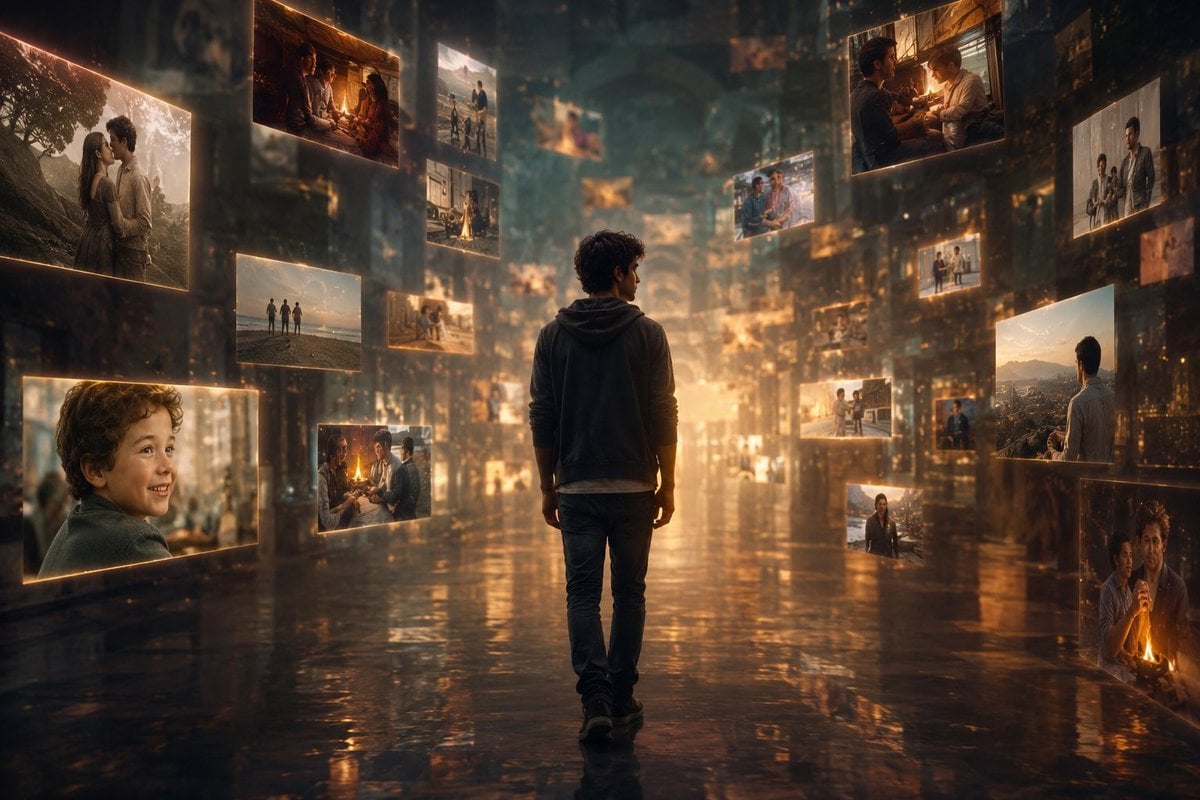
Corridor of Floating Memories
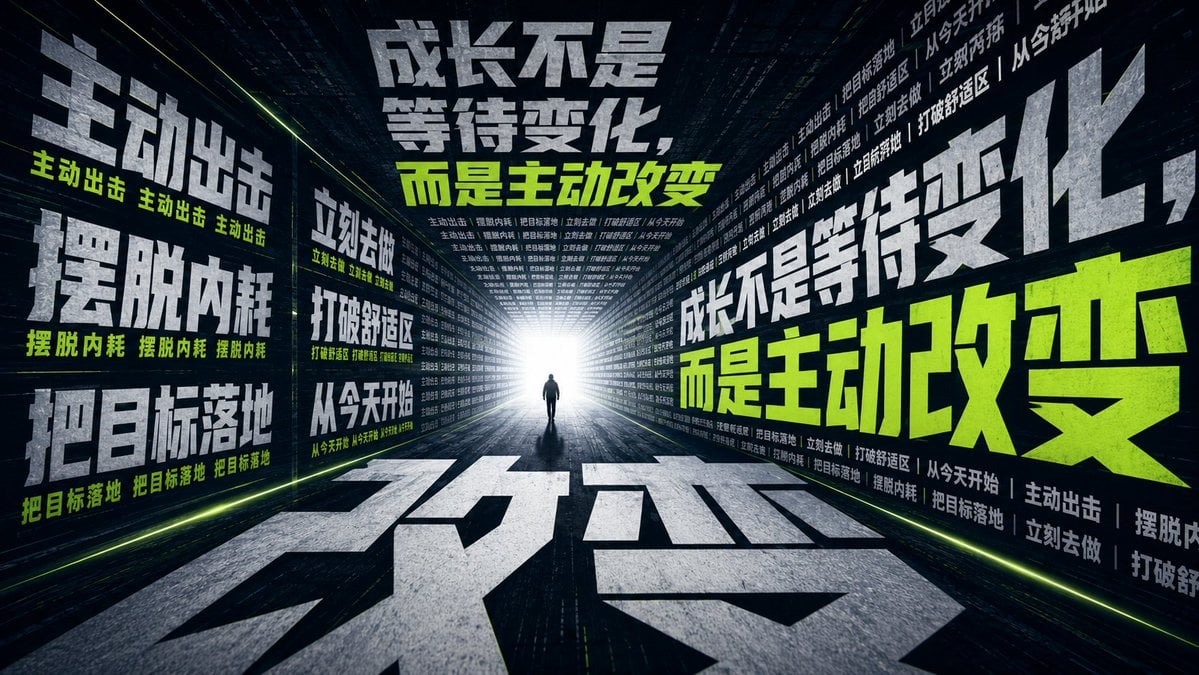
Motivational Typography Corridor
Make it yours
Empty Corridor with Shotgun Shells works as-is. These are the safest ways to change it without losing the look.
Change one field
Copy a single group, rewrite it, and generate again so you can see what that field is doing.
Keep the frame, change the subject
Hold the composition and light of Empty Corridor with Shotgun Shells, then swap wardrobe, props or the person for a new take.
| If the result… | Why | Fix |
|---|---|---|
| The result drifts from the preview | Too many fields changed at once. | Reuse Empty Corridor with Shotgun Shells as-is first, then change one group — subject, light, or setting. |
| The model over-stylizes the scene | The prose prompt leaves finish and camera underspecified. | Add one camera or lighting sentence and stay on GPT Image 2. |
More GPT Image 2 templates
Other prompts made for GPT Image 2.

Six VTuber Japanese Logo Sheet

Realistic Portrait of Woman and Deer

The Vista Modular Condo Poster

AI Model Routing Comparison Infographic

2.5D Anime Art Board

Isometric Productivity Desk Scene

New York Double Exposure Poster

Four-Panel AI Landscape Comparison

Japanese Tatami Lifestyle Magazine Cover

NESCAFÉ Coffee Map Poster
More image prompts
Fresh picks from across the catalog.
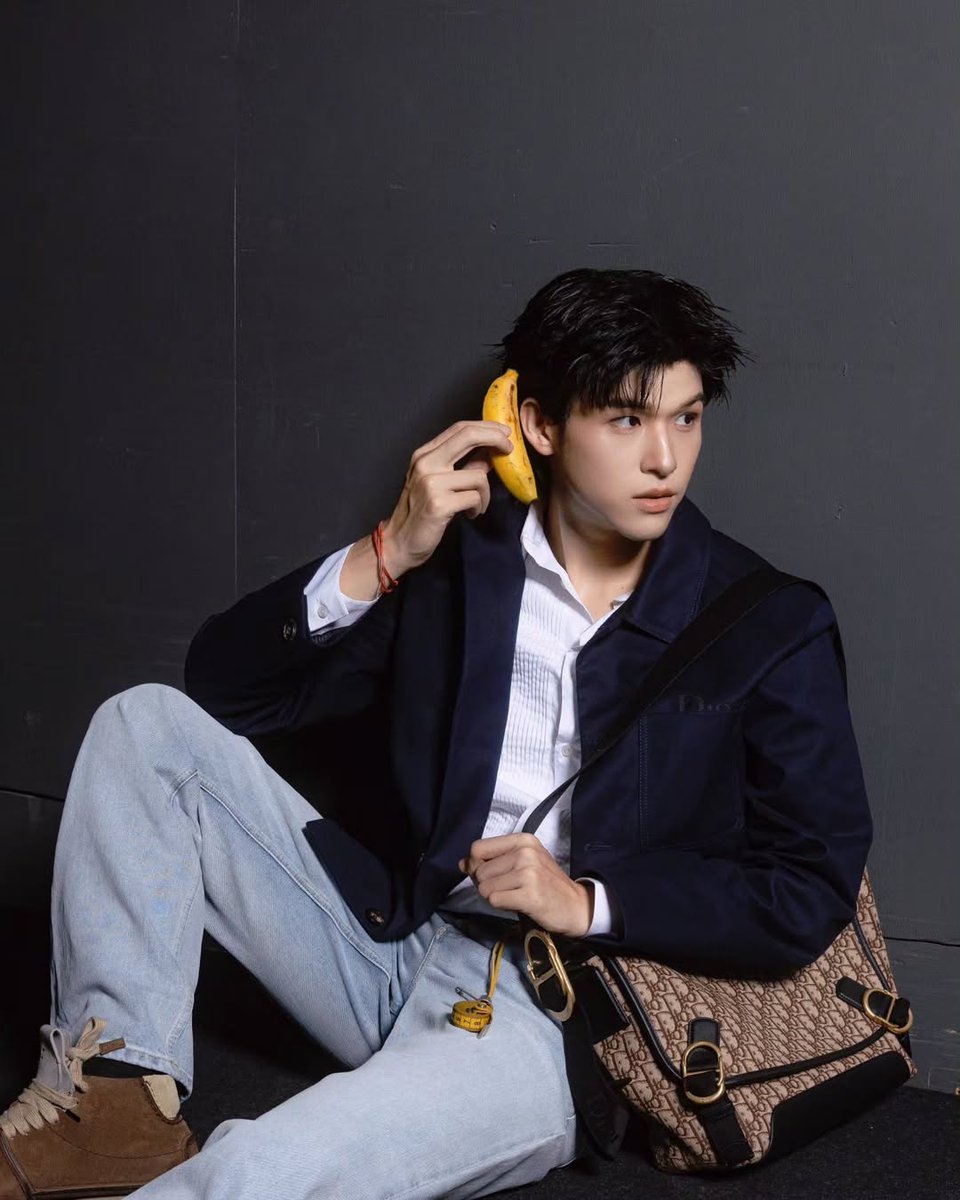
Banana Song Lyrics and Emojis
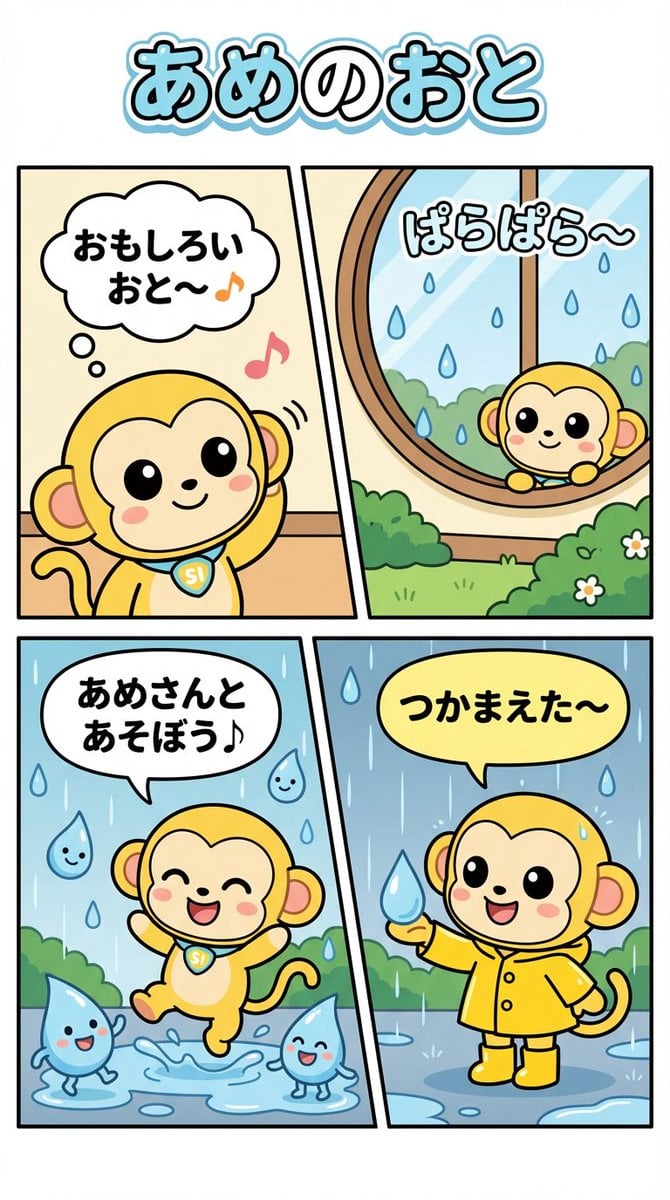
Nano Monkey's Adventure Series Manga Prompt
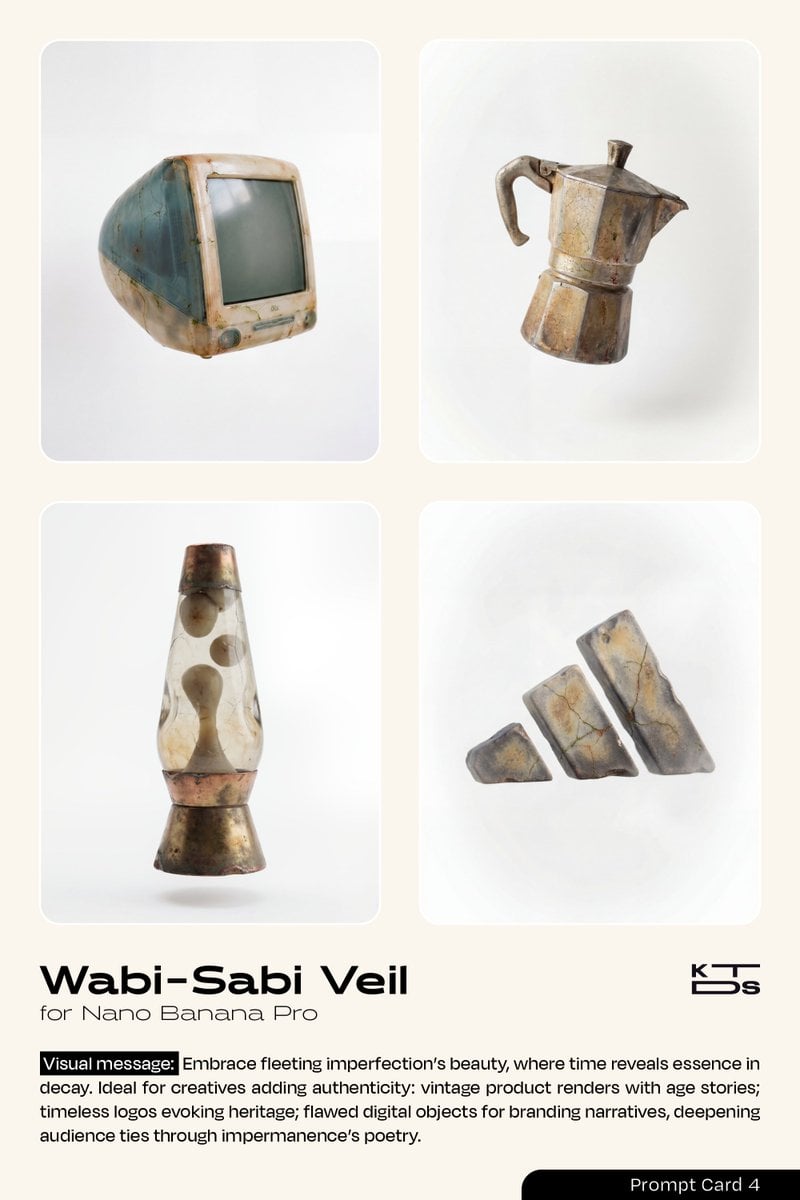
Wabi-Sabi Veil Aesthetic Prompt
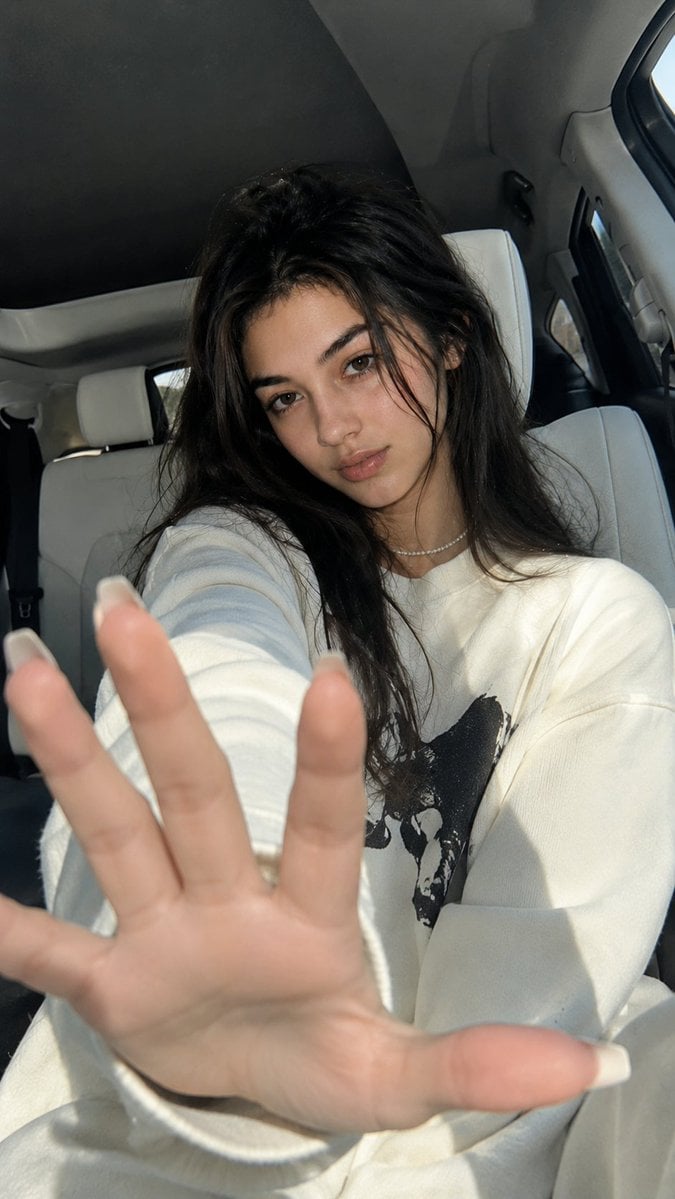
Korean Luxury Car Portrait
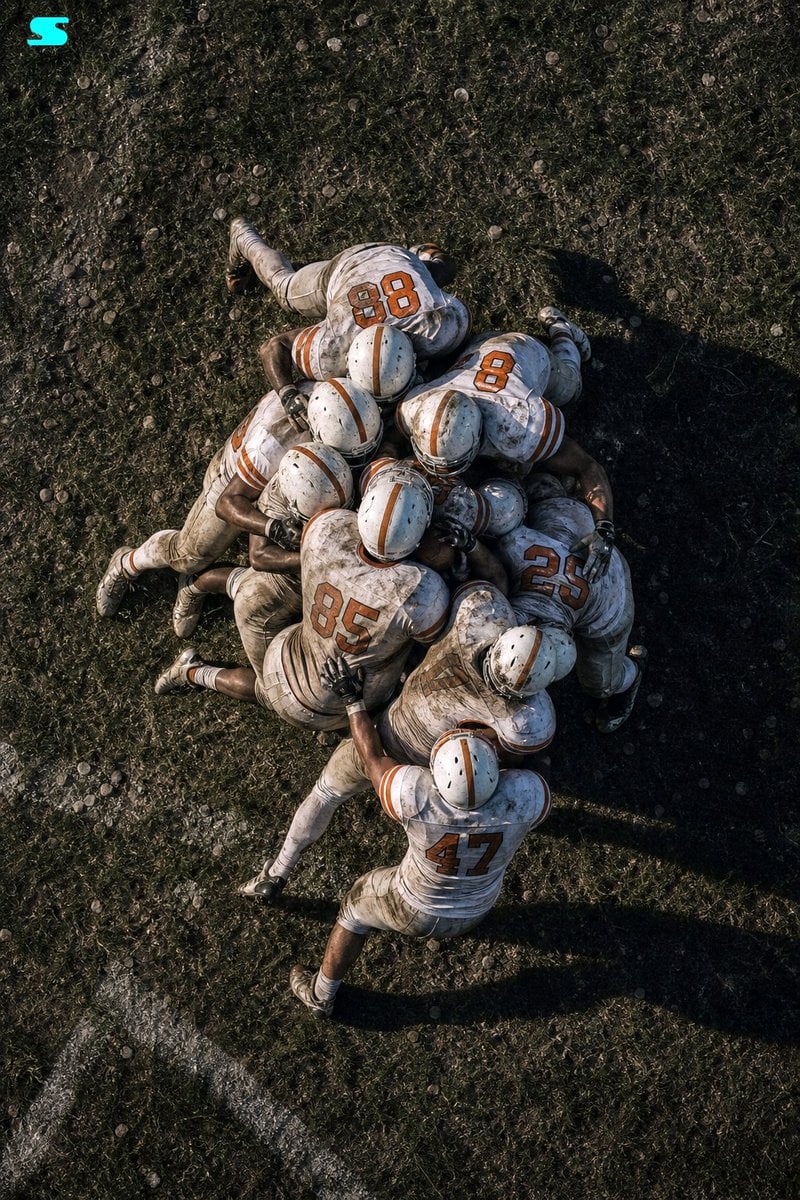
Aerial American Football Huddle
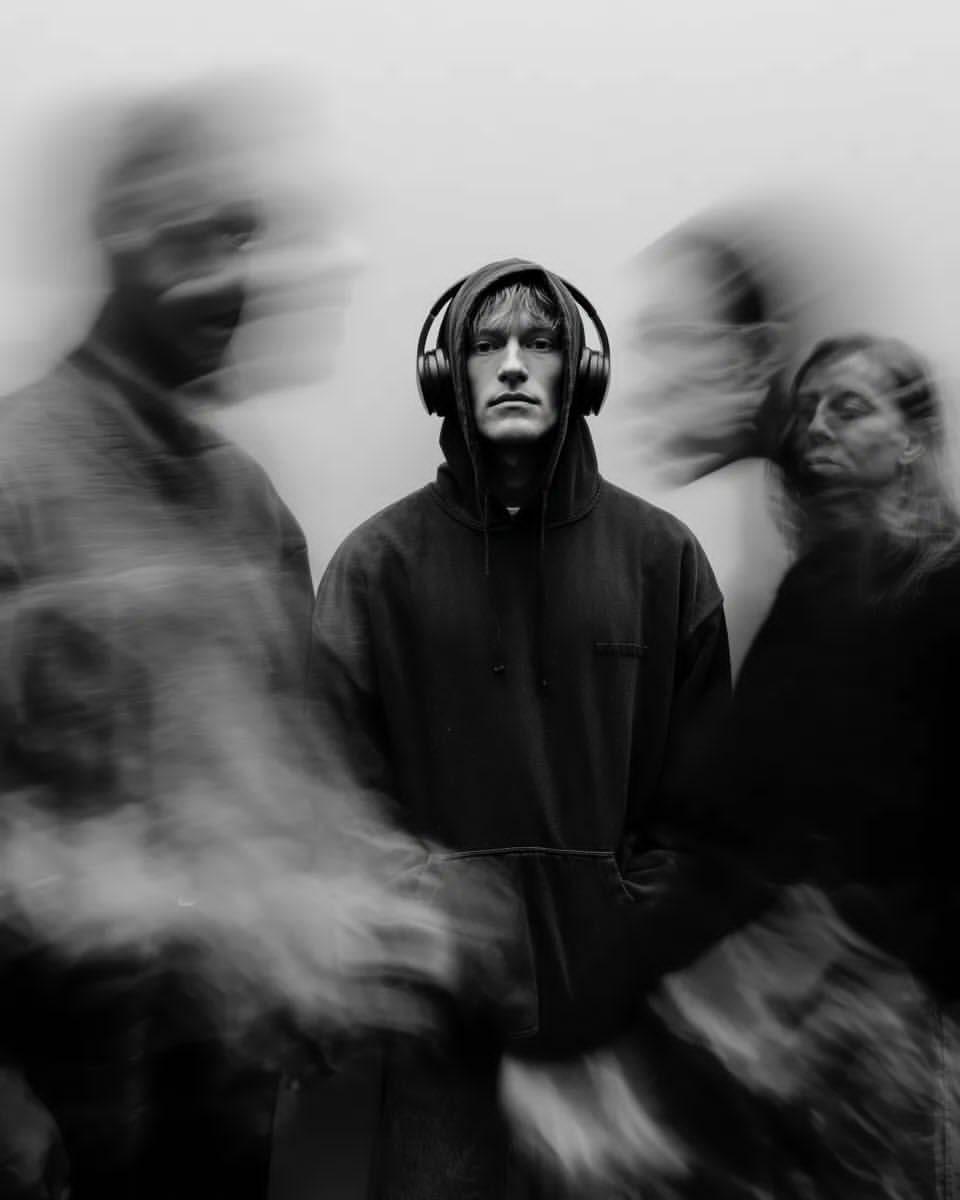
Black and White Cinematic Portrait with Motion Blur
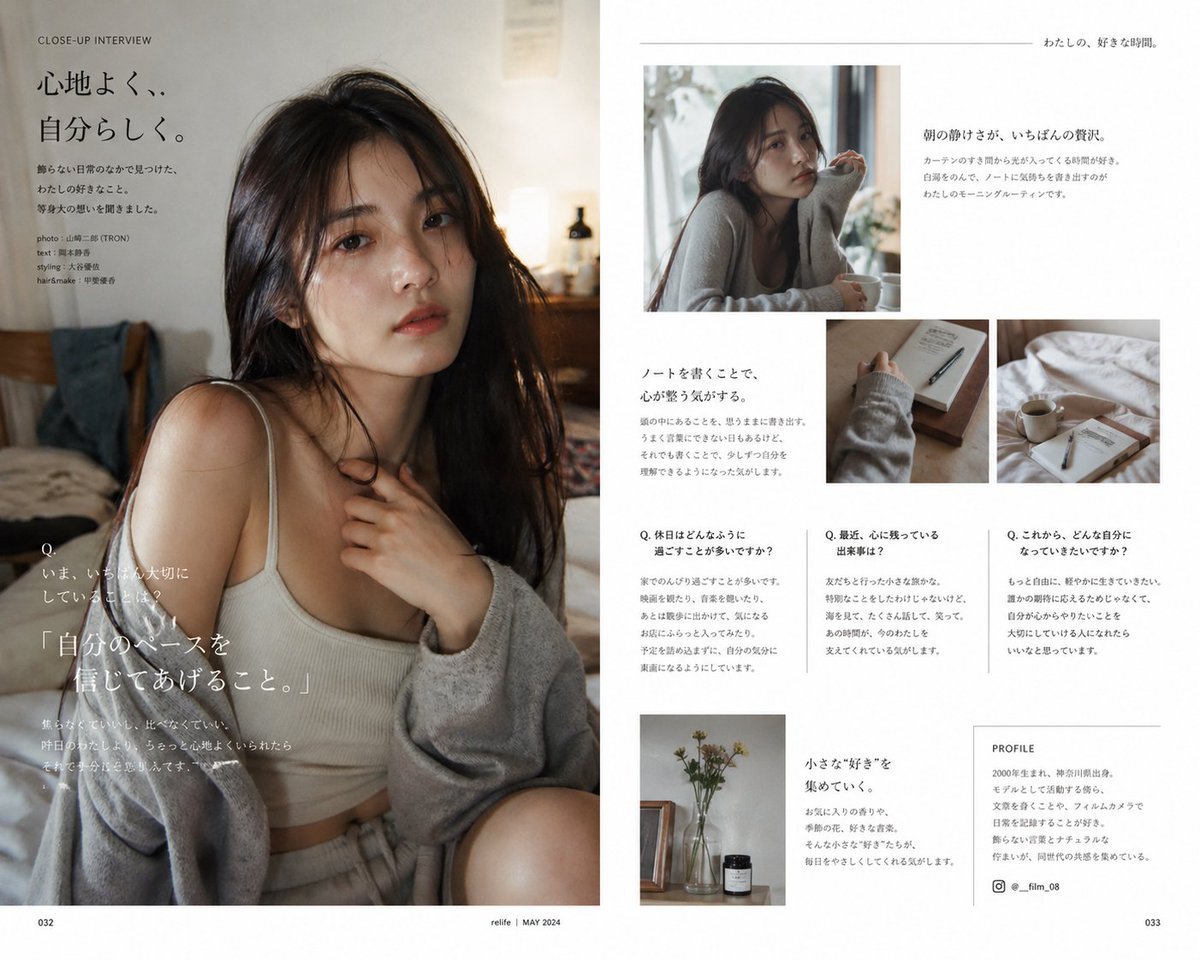
Japanese Lifestyle Magazine Layout
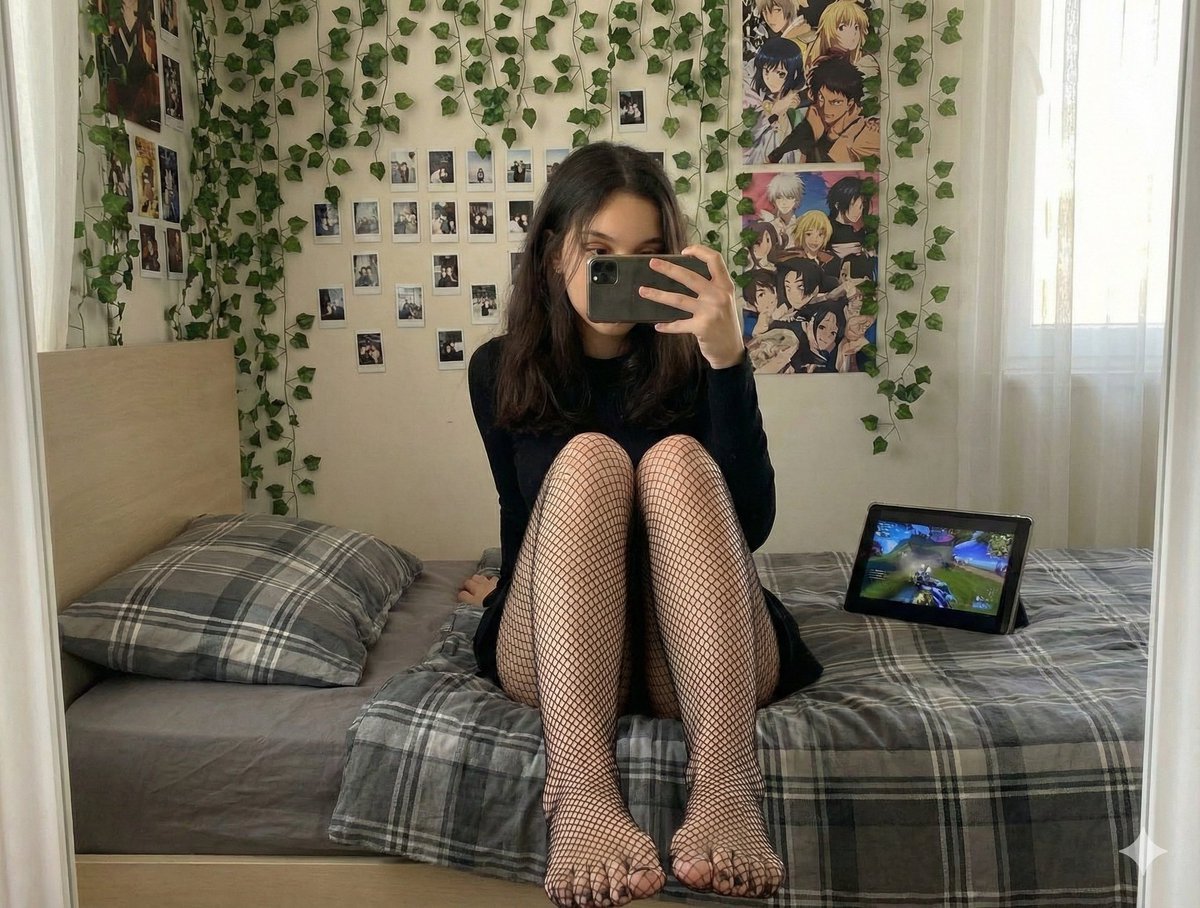
Candid Mirror Selfie with Fishnet Stockings Focus Prompt
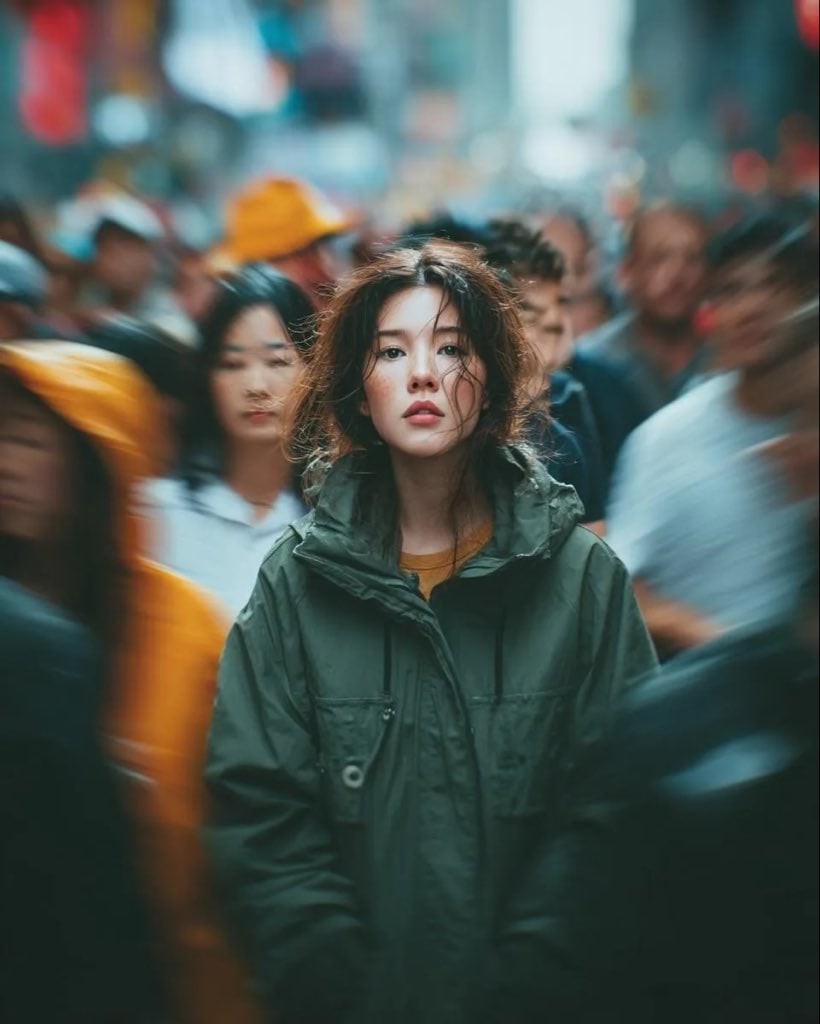
Candid Paparazzi Street Portrait with Motion Blur
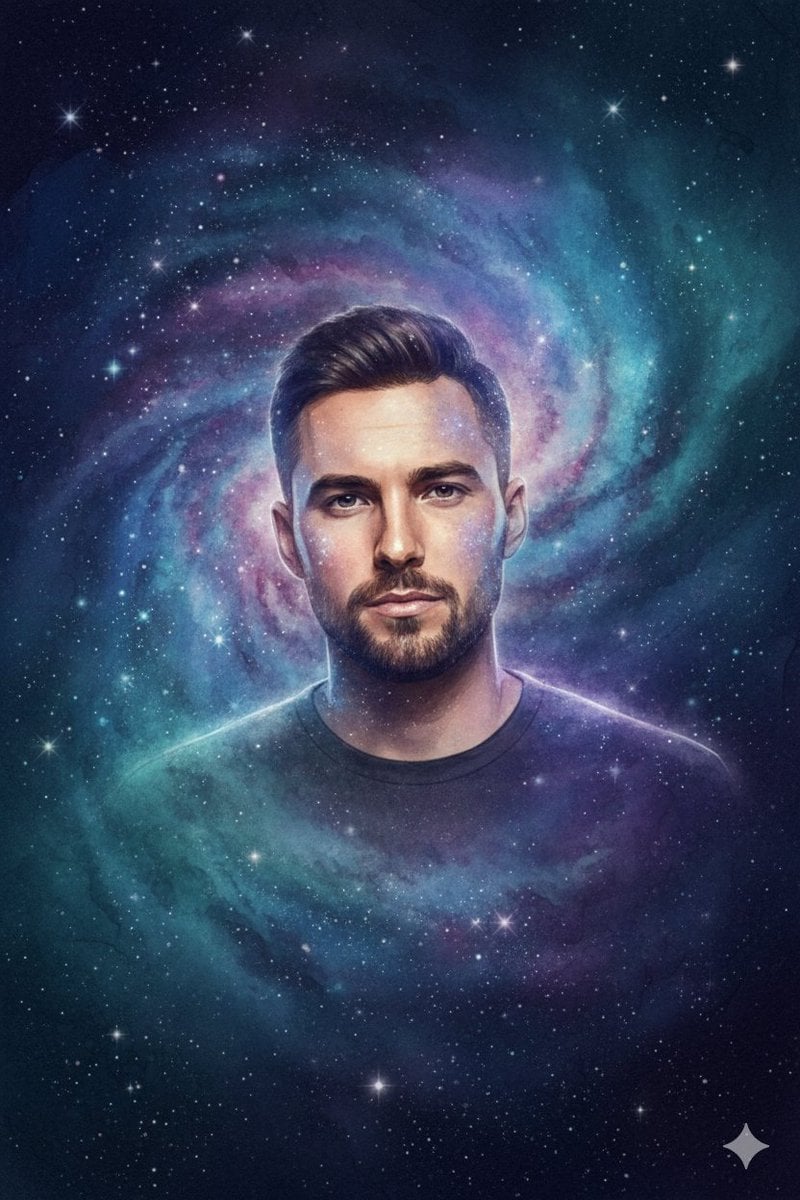
Cosmic Galaxy Watercolor Portrait (Identity Preservation)
Browse template categories
Empty Corridor with Shotgun Shells questions
How do I use the Empty Corridor with Shotgun Shells template?
Add your photo if the template asks for one, edit the prompt if you like — the template's model and format are already selected — and press Generate. Your version opens in PicX Studio.
Can I customize the Empty Corridor with Shotgun Shells template?
Yes. You can change the subject, setting, lighting, mood, format, and available model controls before creating your image.
Is the Empty Corridor with Shotgun Shells template free?
Opening and editing this template is free. Generating uses credits, shown on the Generate button when you are signed in.
Which AI model should I use?
Start with GPT Image 2, which is the model associated with this template. You can compare another compatible model for a different finish.
Looking for something else? Browse all templates.

Your photo, any look
Thousands of ready templates for every top image and video model, from one credit balance.