
Motivational Typography Corridor
A cinematic Chinese motivational poster showing giant 3D text forming a dark perspective corridor around a tiny walking figure.
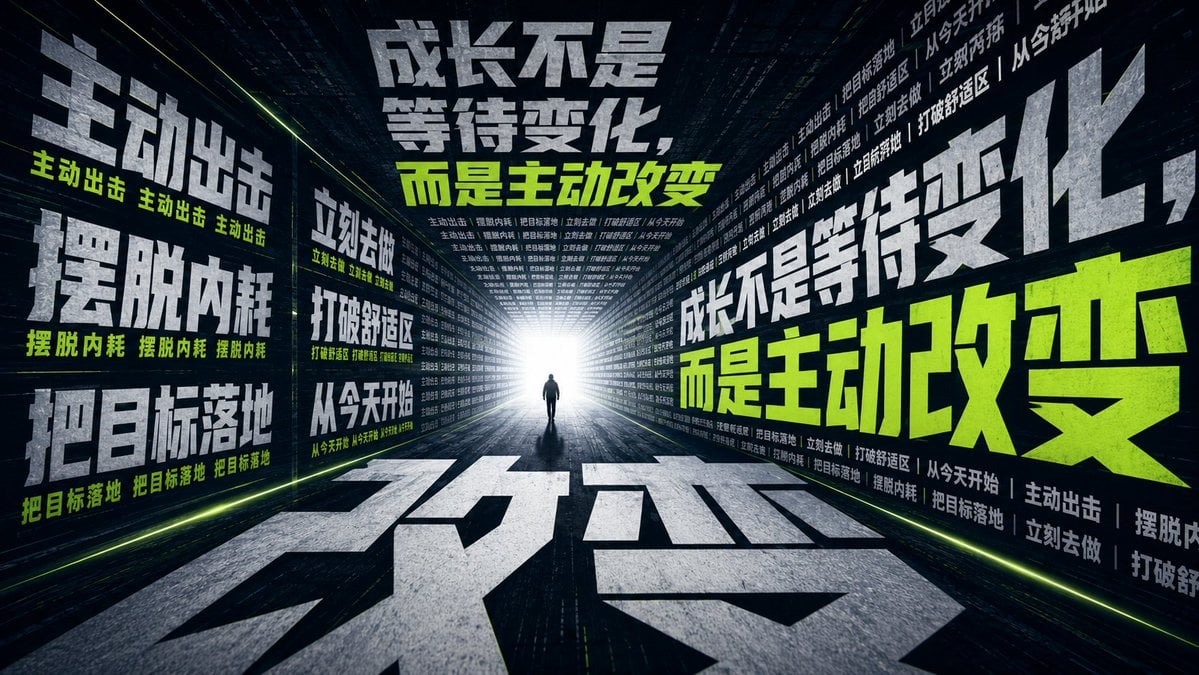
- Prompt included
- Model and format preset
- Premium template
The prompt behind this image
Copy the exact prompt behind Motivational Typography Corridor, or open it in the studio and make it yours.
Goal: Create a cinematic vertical-text spatial illusion poster/wallpaper about motivation and self-change, using giant Chinese typography as the architecture of a dark futuristic corridor. The central message is {argument name="main slogan" default="成长不是等待变化,而是主动改变"}. Include a tiny lone human silhouette walking away from the viewer toward an intense white light at the end of the corridor, making the person feel small while the emotion and scale feel huge. Canvas: Wide cinematic 16:9 frame, ultra-wide perspective, dark navy/black environment, high contrast, dramatic vanishing point centered slightly left of middle. The camera is low to the ground with a strong one-point perspective, as if standing inside a tunnel made entirely from massive words. Layout: Build the scene from exactly 5 major typography surfaces: 1) left wall, 2) right wall, 3) far back wall around the bright exit, 4) ceiling, and 5) floor. The left and right walls are covered with huge extruded Chinese characters, smaller repeated motivational lines, and thin horizontal separators. The floor contains enormous foreshortened Chinese characters stretching toward the viewer, forming a road-like path. The ceiling also contains dense lines of small white Chinese text receding into perspective. Add neon lime guide lines along the lower wall edges and subtle glowing seams that reinforce the tunnel depth. Text content: Use the main slogan prominently twice: once large on the upper center/back area and once huge on the right wall, with the phrase “而是主动改变” emphasized in vivid neon lime green. Add exactly 7 repeated supporting phrases distributed across the walls and floor: 1) “主动出击”, 2) “摆脱内耗”, 3) “把目标落地”, 4) “立刻去做”, 5) “打破舒适区”, 6) “从今天开始”, 7) “成长不是等待变化”. Use dense tiny Chinese filler lines based on these phrases to create texture, but keep the main phrases legible and bold. Optional customizable floor word: {argument name="floor word" default="改变"}. Visual style: Brutalist cyberpunk typography, monumental 3D block characters, rough concrete/metal texture on white-gray letters, lime green accent text, cinematic bloom, volumetric light, deep shadows, slight grunge, high-detail texture, sharp angular letterforms, immersive spatial typography, optical illusion of words forming walls and floor. Use a tiny black human silhouette at the vanishing point for scale. Constraints: No logos, no watermark, no extra people, no decorative objects beyond typography, keep the scene readable and architectural, preserve extreme depth and perspective, make the typography feel physically massive and surrounding the viewer.
How to use Motivational Typography Corridor in 3 steps
- 1Upload ImagePNG, JPG or paste
Add your photo
Upload the photo the template builds on. The prompt, model and format are already set.
- 2…a portrait of your subject in softgolden-hour light, 85mm…
Personalize
Edit the subject and creative details for your destination.
- 3Generate
Generate
Press Generate — your image is created in PicX Studio, so you can compare it with the original and refine one variable at a time.
More like this
Templates with the same subject, style or setup. Open one to see its prompt.

Motion Graphics Finale Fireworks

Motion Graphics Garden Maze

Motion Graphics Castle Gate

Motion Graphics Kitchen Chaos

Motion Graphics Carnival Ride

Motion Graphics Rainy Bus Stop
Motion Graphics Space Dock
Motion Graphics Cafe Morning
Motion Graphics Mountain Summit
Motion Graphics Underwater Reef
Motion Graphics Street Festival
Motion Graphics Ballroom Dance
Make it yours
Motivational Typography Corridor works as-is. These are the safest ways to change it without losing the look.
Change one field
Copy a single group, rewrite it, and generate again so you can see what that field is doing.
Keep the frame, change the subject
Hold the composition and light of Motivational Typography Corridor, then swap wardrobe, props or the person for a new take.
| If the result… | Why | Fix |
|---|---|---|
| The result drifts from the preview | Too many fields changed at once. | Reuse Motivational Typography Corridor as-is first, then change one group — subject, light, or setting. |
| The model over-stylizes the scene | The prose prompt leaves finish and camera underspecified. | Add one camera or lighting sentence and stay on GPT Image 2. |
More GPT Image 2 templates
Other prompts made for GPT Image 2.

Six VTuber Japanese Logo Sheet

Realistic Portrait of Woman and Deer

The Vista Modular Condo Poster

AI Model Routing Comparison Infographic

2.5D Anime Art Board

Isometric Productivity Desk Scene

New York Double Exposure Poster

Four-Panel AI Landscape Comparison

Japanese Tatami Lifestyle Magazine Cover

NESCAFÉ Coffee Map Poster
More image prompts
Fresh picks from across the catalog.
Vogue-Style Beauty Portrait (Dilireba Dilmurat)
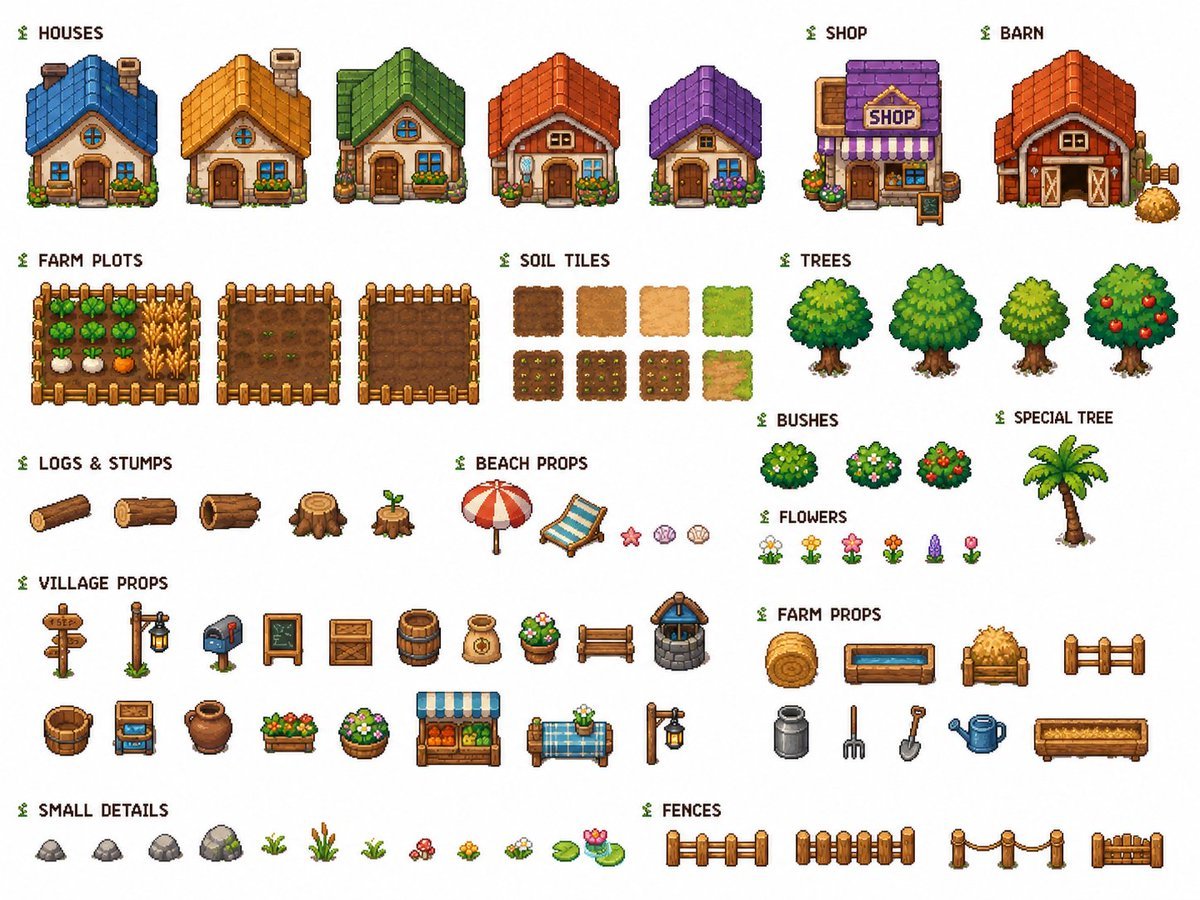
Cozy Farming Village Pixel Asset Sheet
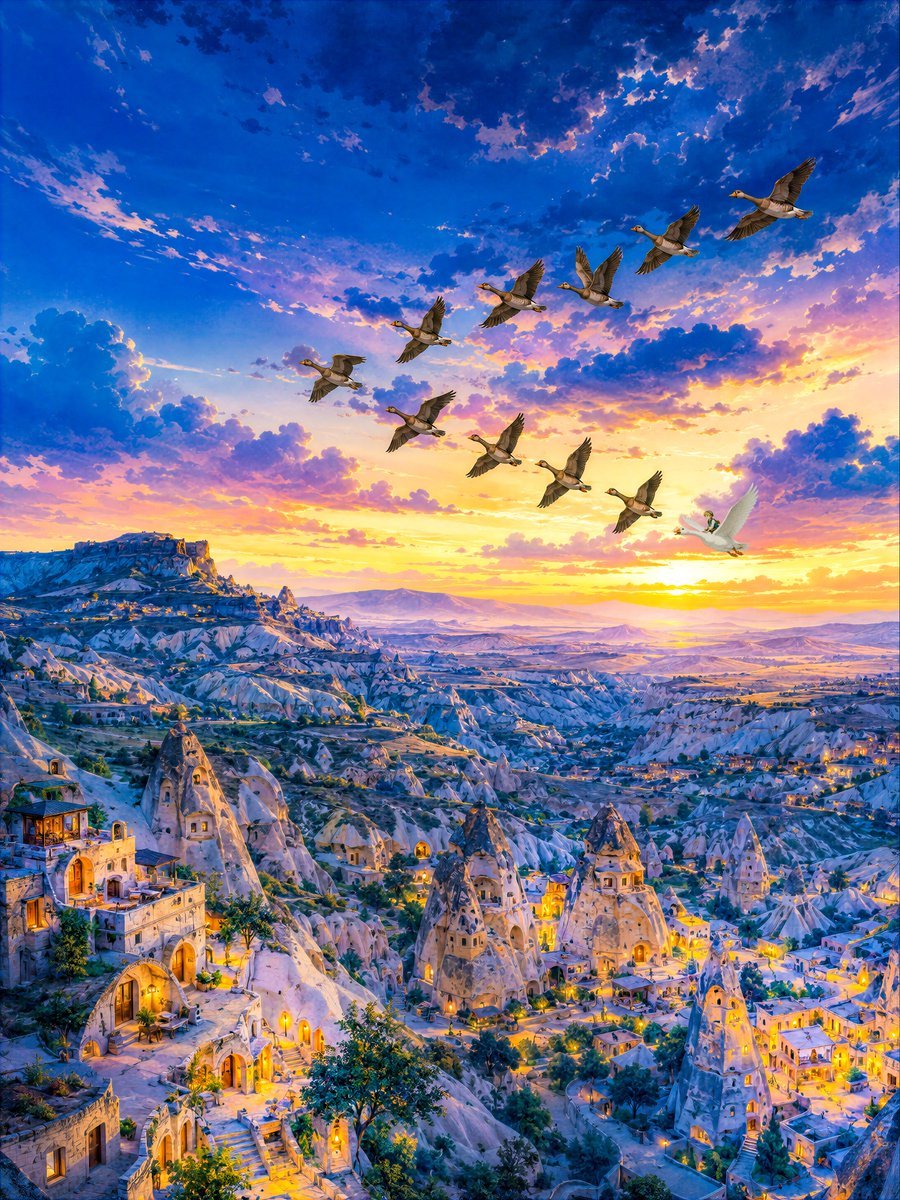
Twilight Geese Over Cappadocia
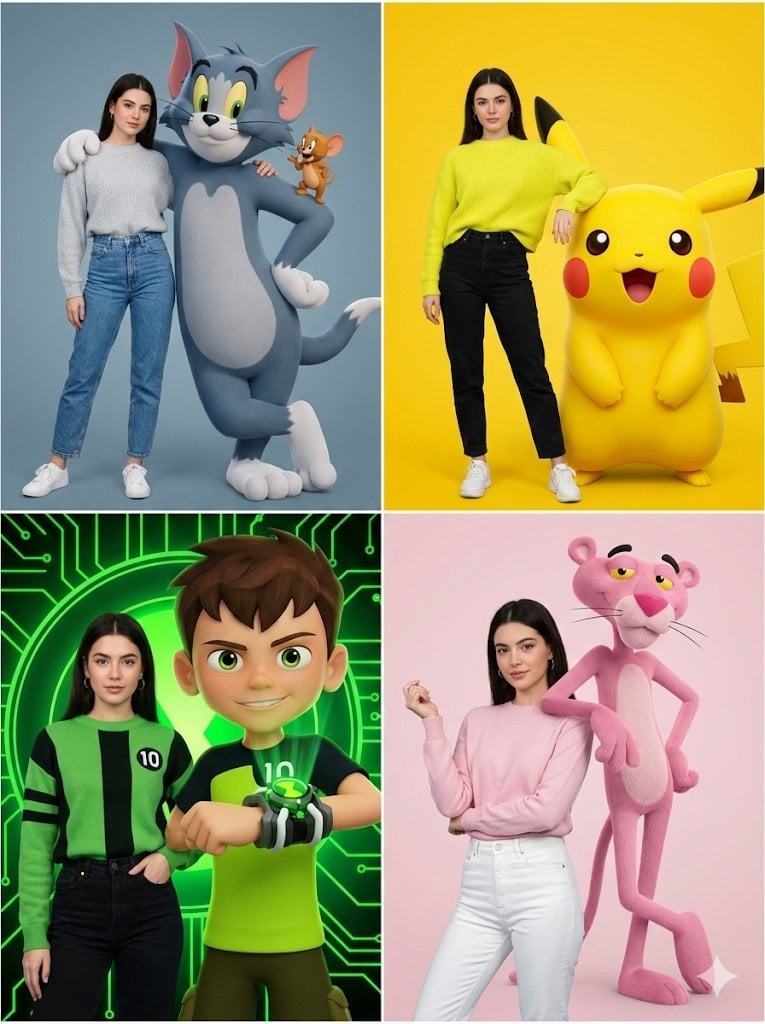
Hyper-realistic Childhood Cartoon Fashion Shoot
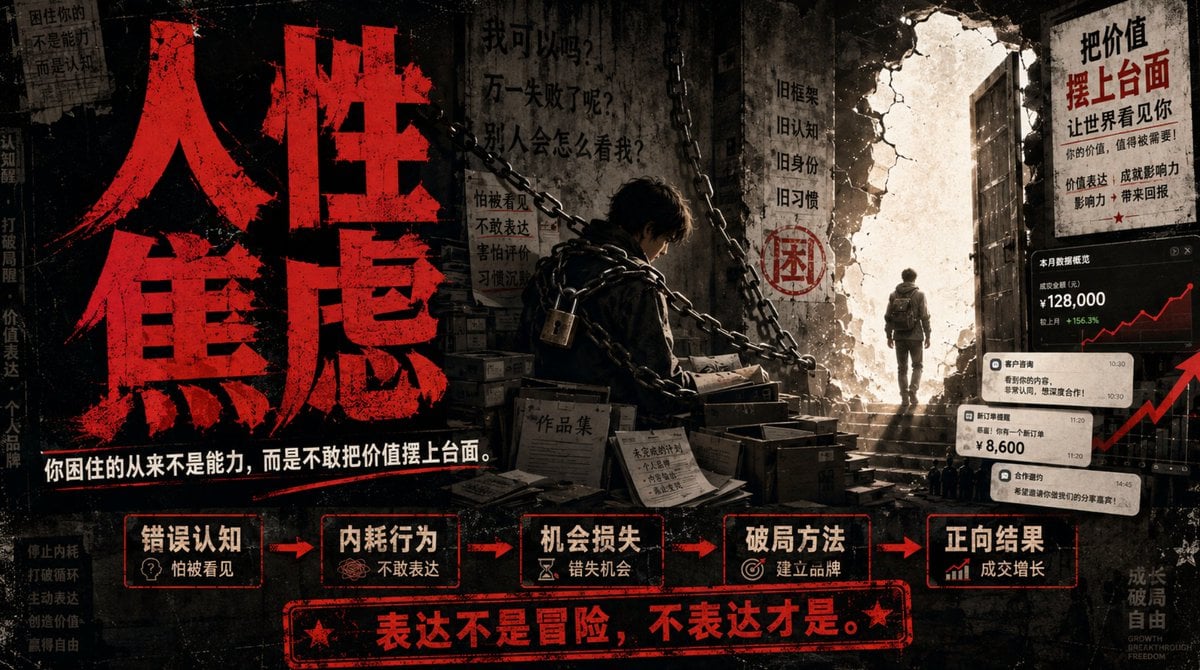
Human Anxiety Dark Business Poster
Metallic Purple Street Fashion Prompt

Elegant beauty in luxury lounge
X Minahil42298354 Subject a Heartwarming Portrait

Ultra-Cinematic Beverage Advertising Shot
Kawaii Journal and Miniature Diorama Styles
Browse template categories
Motivational Typography Corridor questions
How do I use the Motivational Typography Corridor template?
Add your photo if the template asks for one, edit the prompt if you like — the template's model and format are already selected — and press Generate. Your version opens in PicX Studio.
Can I customize the Motivational Typography Corridor template?
Yes. You can change the subject, setting, lighting, mood, format, and available model controls before creating your image.
Is the Motivational Typography Corridor template free?
Opening and editing this template is free. Generating uses credits, shown on the Generate button when you are signed in.
Which AI model should I use?
Start with GPT Image 2, which is the model associated with this template. You can compare another compatible model for a different finish.
Looking for something else? Browse all templates.

Your photo, any look
Thousands of ready templates for every top image and video model, from one credit balance.