
Empty Fort Strategy at the City Gate
A cinematic Three Kingdoms illustration of Zhuge Liang calmly playing music above an open gate while enemy cavalry hesitates outside, ideal for historical scene generation and epic Chinese classic adaptations.
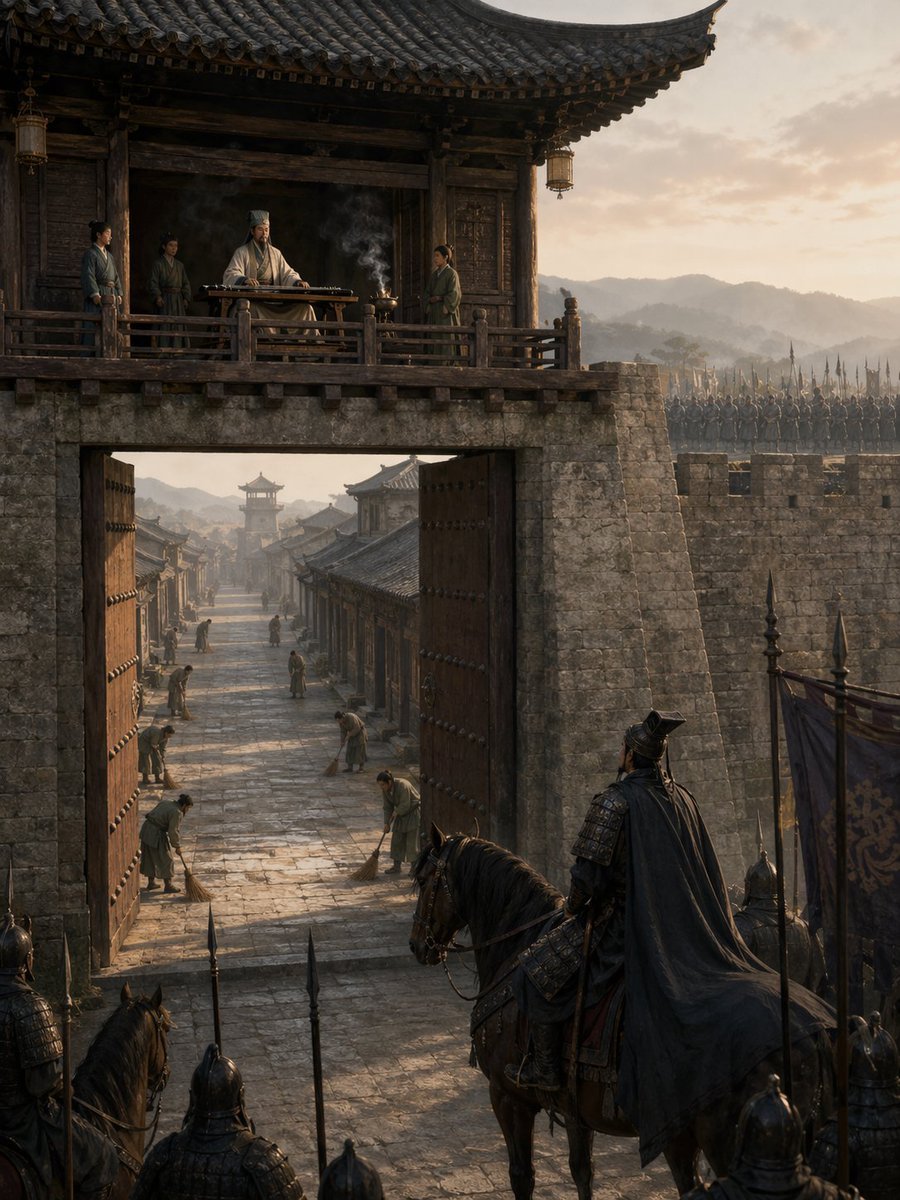
- Prompt included
- Model and format preset
- Free template
The prompt behind this image
Copy the exact prompt behind Empty Fort Strategy at the City Gate, or open it in the studio and make it yours.
A cinematic historical Chinese scene depicting the Empty Fort Strategy at dawn, viewed from outside a massive ancient city gate. In the foreground, a dark armored general on horseback, seen from behind in a flowing black cape, pauses with several spear-bearing soldiers and banners, facing the open gate in suspicion. The huge wooden gate doors stand fully open, revealing a long stone-paved street inside the city. Exactly 6 townspeople are visible inside, calmly sweeping the street with brooms, spaced along the road, creating an eerie sense of normalcy. Above the gate, on a timber balcony of a traditional tiled gatehouse, a calm strategist in white robes and a tall scholar’s headdress sits behind a guqin table, with a small incense burner sending up thin smoke. Exactly 3 attendants stand around him on the balcony. The city walls are built of aged gray stone, and ranks of soldiers with upright spears line the battlements in the background. Use authentic Three Kingdoms era architecture, weathered wood, layered roof tiles, muted earth tones, soft golden morning light, distant misty mountains, long shadows, atmospheric haze, ultra-detailed textures, dramatic vertical composition, epic historical realism, cinematic framing, and a tense, quiet mood.
How to use Empty Fort Strategy at the City Gate in 3 steps
- 1Upload ImagePNG, JPG or paste
Add your photo
Upload the photo the template builds on. The prompt, model and format are already set.
- 2…a portrait of your subject in softgolden-hour light, 85mm…
Personalize
Edit the subject and creative details for your destination.
- 3Generate
Generate
Press Generate — your image is created in PicX Studio, so you can compare it with the original and refine one variable at a time.
More like this
Templates with the same subject, style or setup. Open one to see its prompt.

Cozy Knit Sweater Window Portrait

Minimalist Hand-Drawn Doodle Portrait
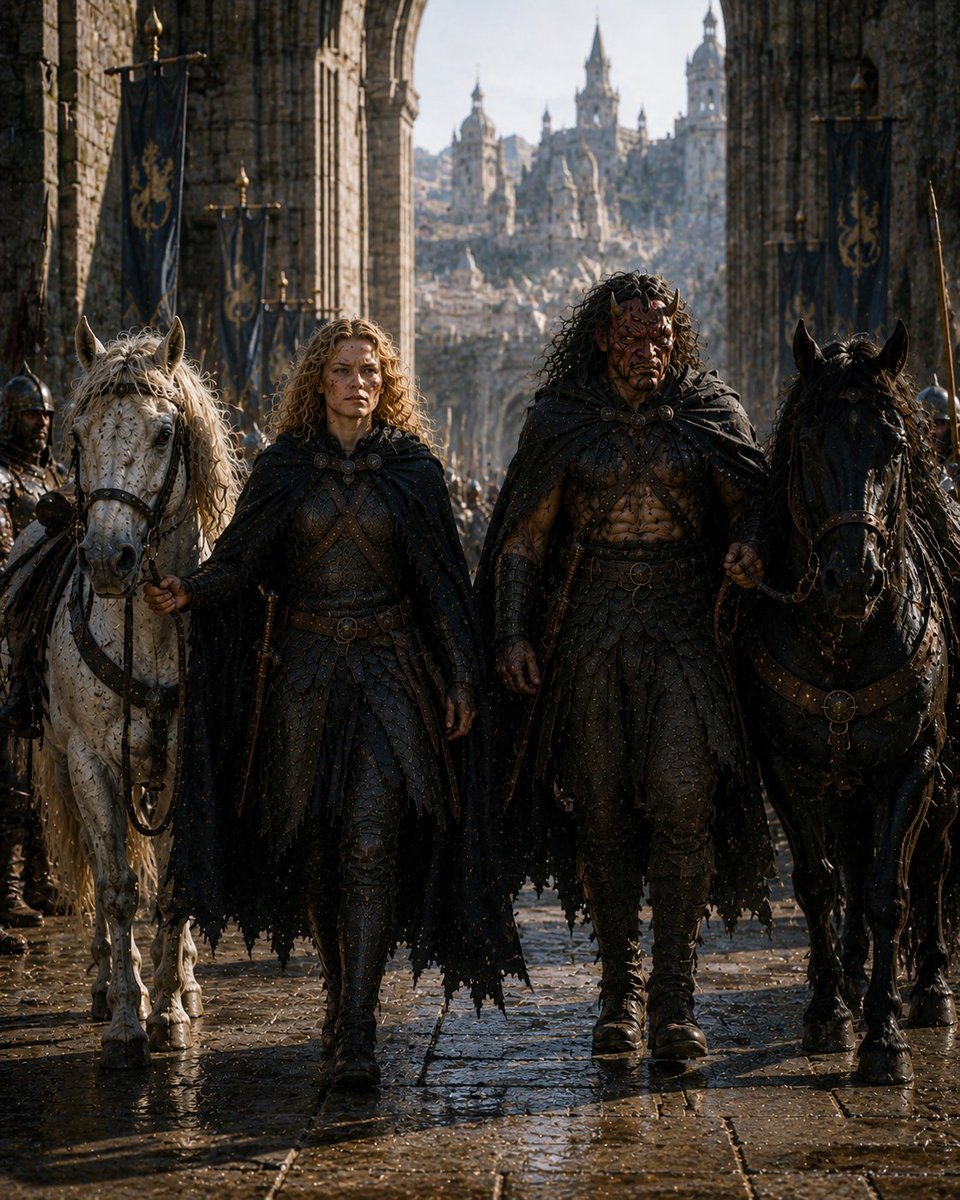
Barbarian Fantasy City Gate Procession

Nano Banana Pro 2.0 — 3x3 Travel Profile Grid

80s College Gate
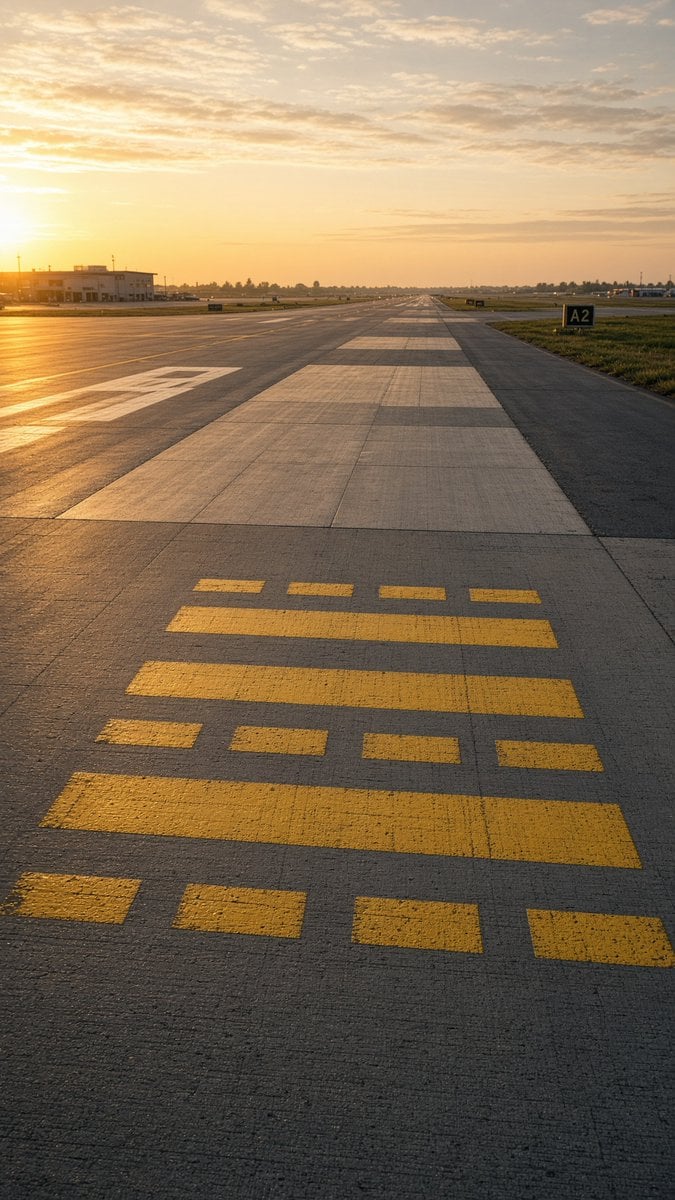
Golden Hour Empty Airport Runway
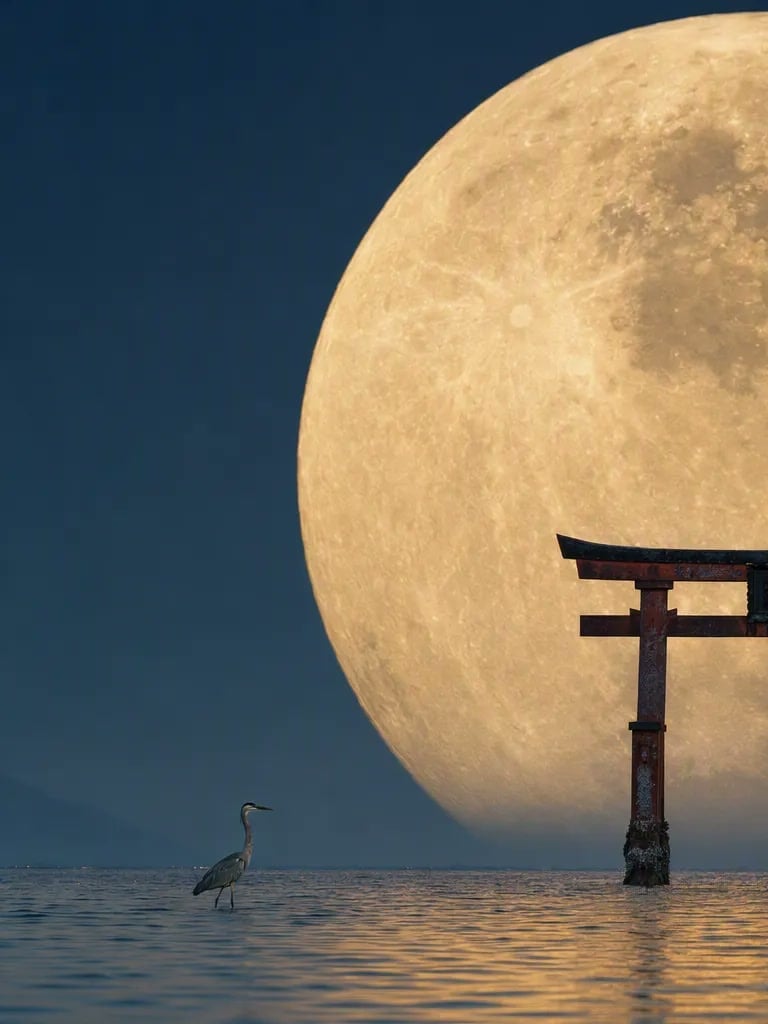
Telephoto Full Moon Torii Gate
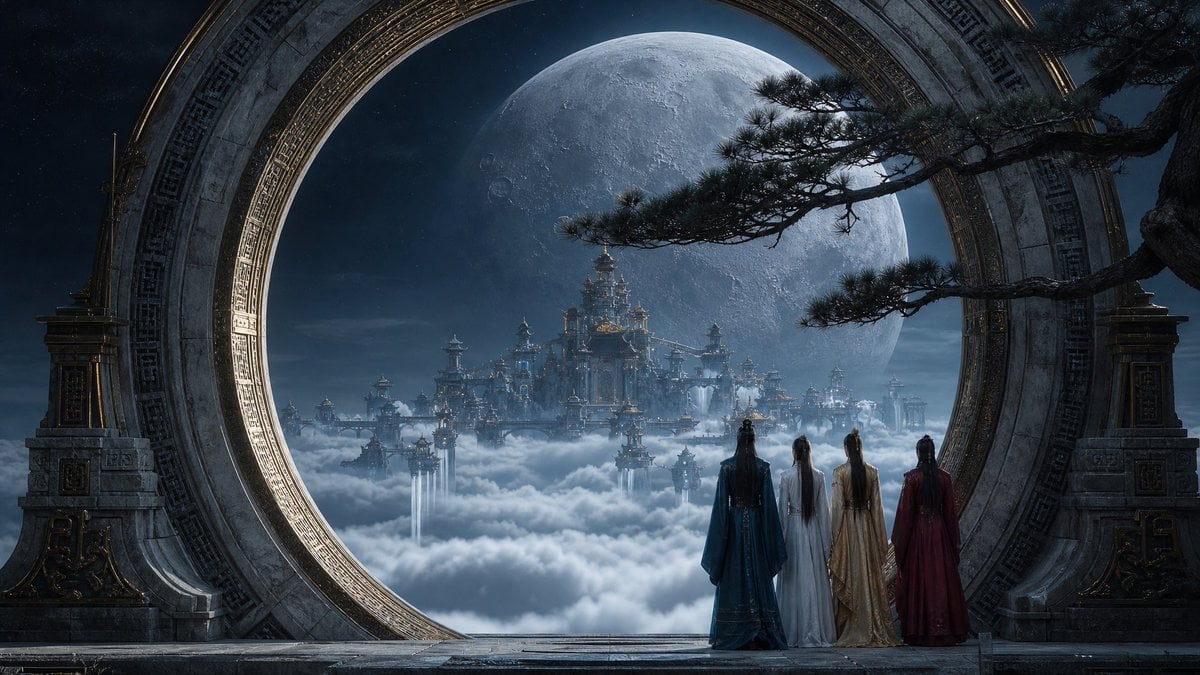
Moonlit Celestial Palace Gate
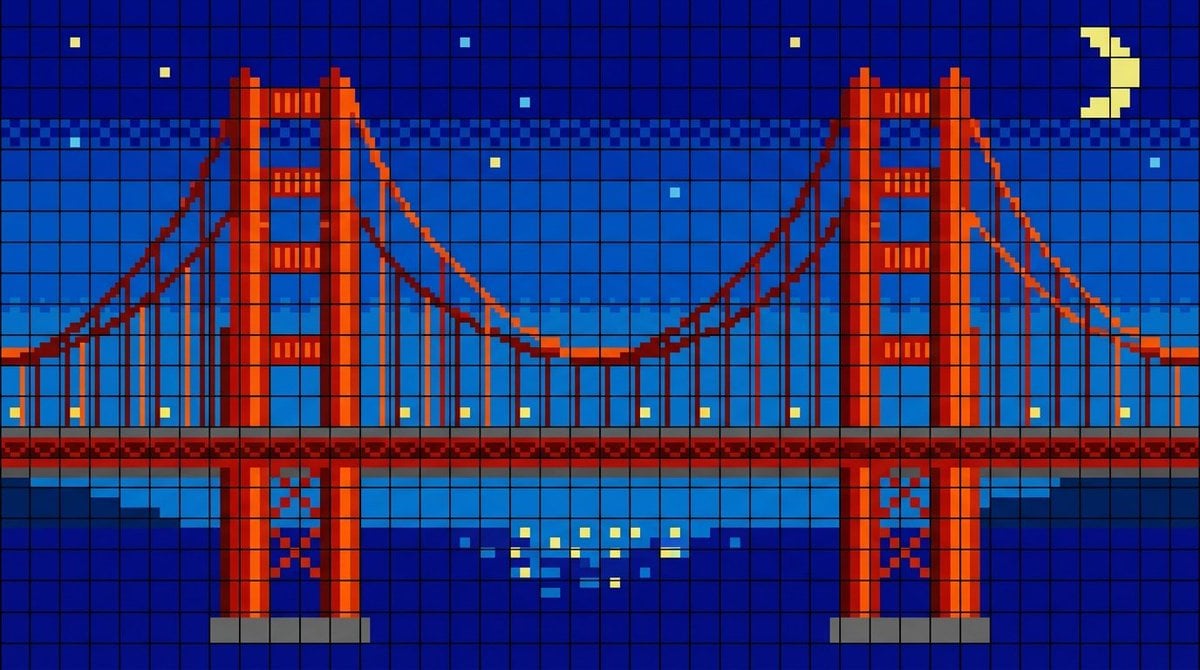
Golden Gate Bridge LED Screen
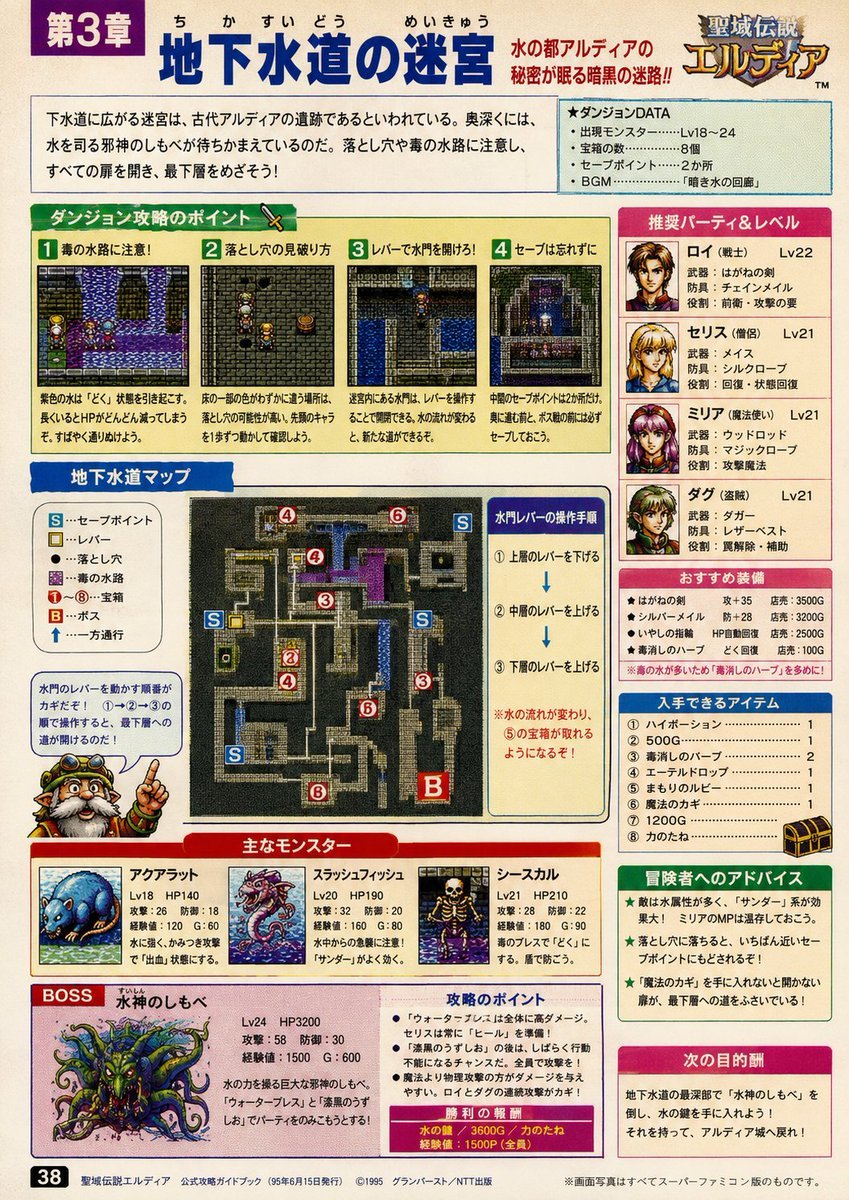
90s Game Strategy Guide Page
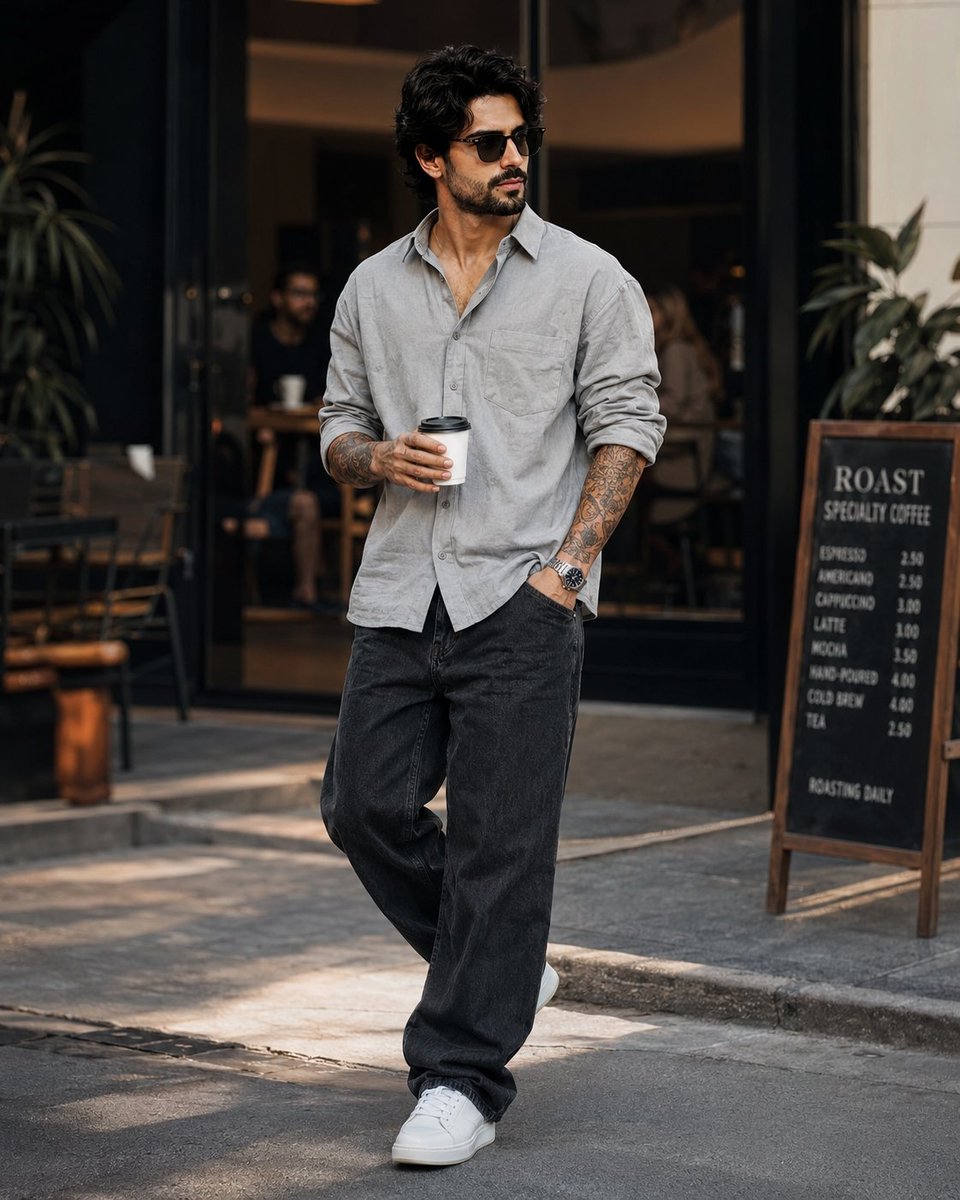
Stylish Man in Modern City
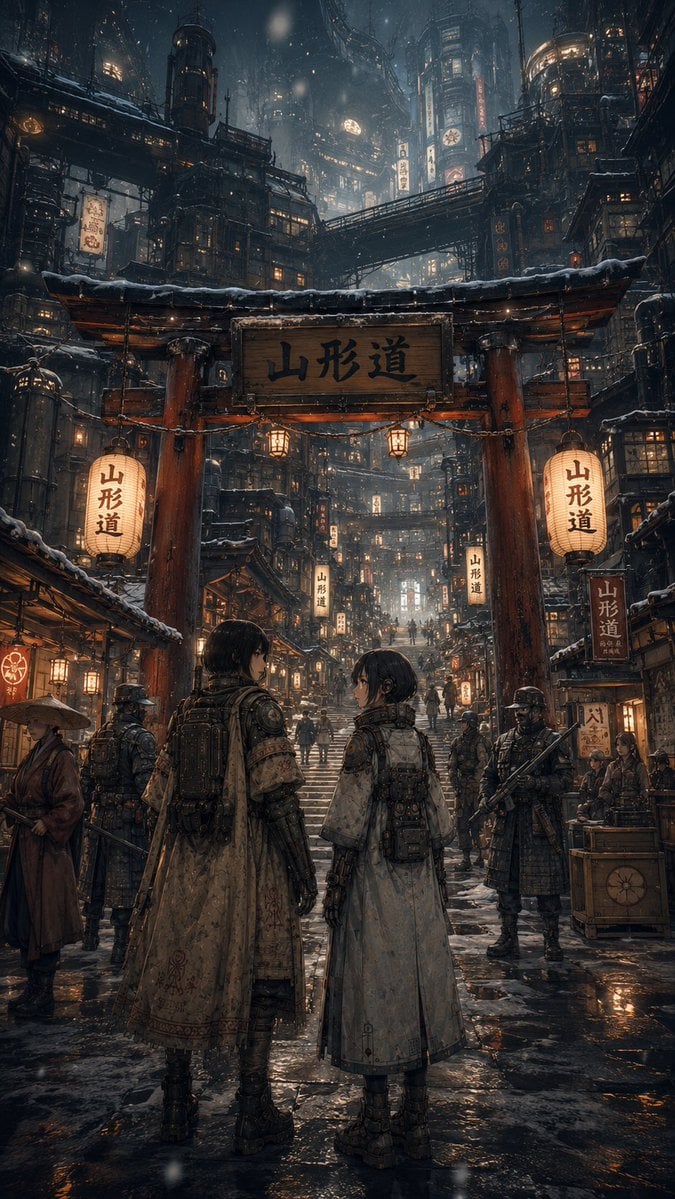
Snowy Cyberpunk Yamagata Gate
Make it yours
Empty Fort Strategy at the City Gate works as-is. These are the safest ways to change it without losing the look.
Change one field
Copy a single group, rewrite it, and generate again so you can see what that field is doing.
Keep the frame, change the subject
Hold the composition and light of Empty Fort Strategy at the City Gate, then swap wardrobe, props or the person for a new take.
| If the result… | Why | Fix |
|---|---|---|
| The result drifts from the preview | Too many fields changed at once. | Reuse Empty Fort Strategy at the City Gate as-is first, then change one group — subject, light, or setting. |
| The model over-stylizes the scene | The prose prompt leaves finish and camera underspecified. | Add one camera or lighting sentence and stay on GPT Image 2. |
More GPT Image 2 templates
Other prompts made for GPT Image 2.

Six VTuber Japanese Logo Sheet

Realistic Portrait of Woman and Deer

The Vista Modular Condo Poster

AI Model Routing Comparison Infographic

2.5D Anime Art Board

Isometric Productivity Desk Scene

New York Double Exposure Poster

Four-Panel AI Landscape Comparison

Japanese Tatami Lifestyle Magazine Cover

NESCAFÉ Coffee Map Poster
More image prompts
Fresh picks from across the catalog.
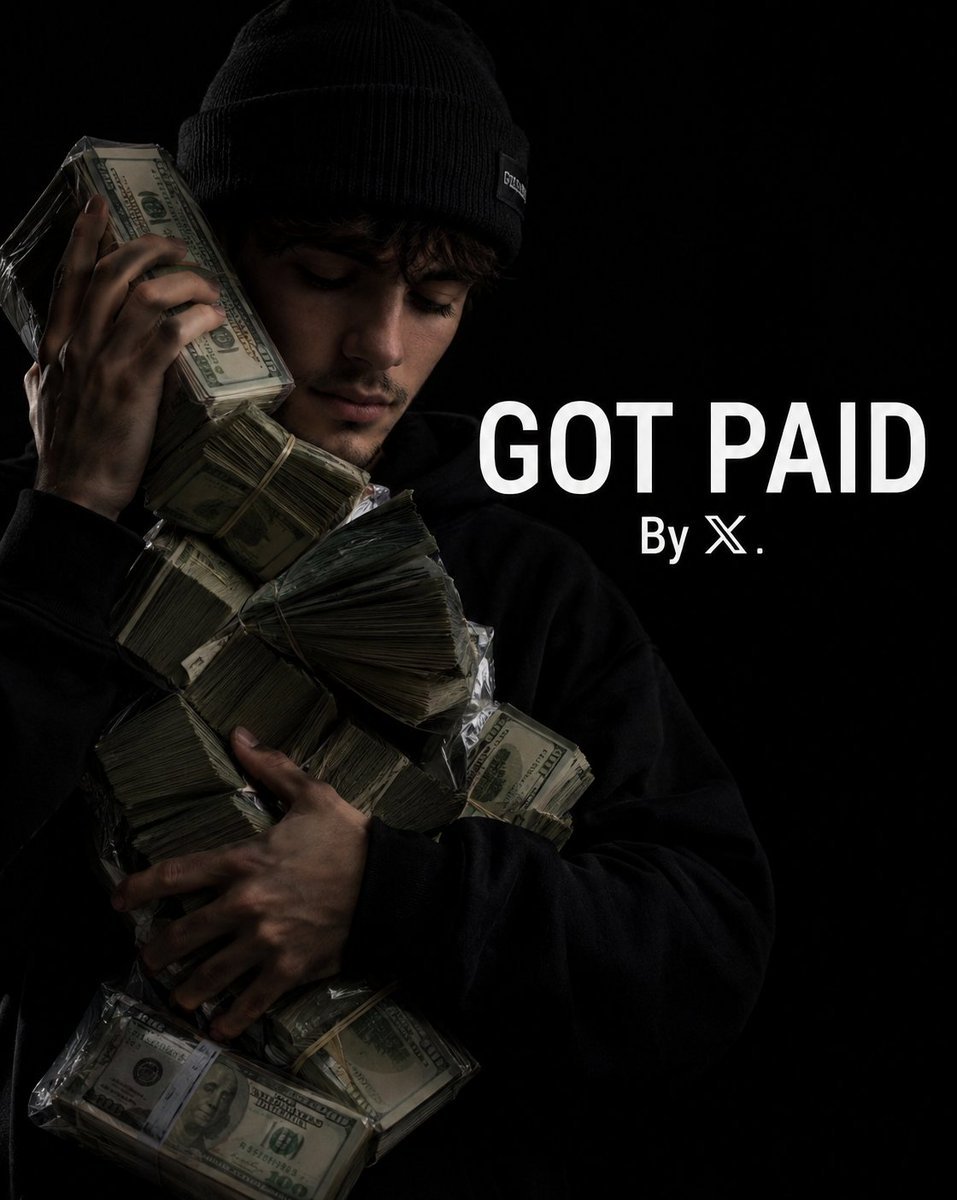
Urban Success Street Portrait
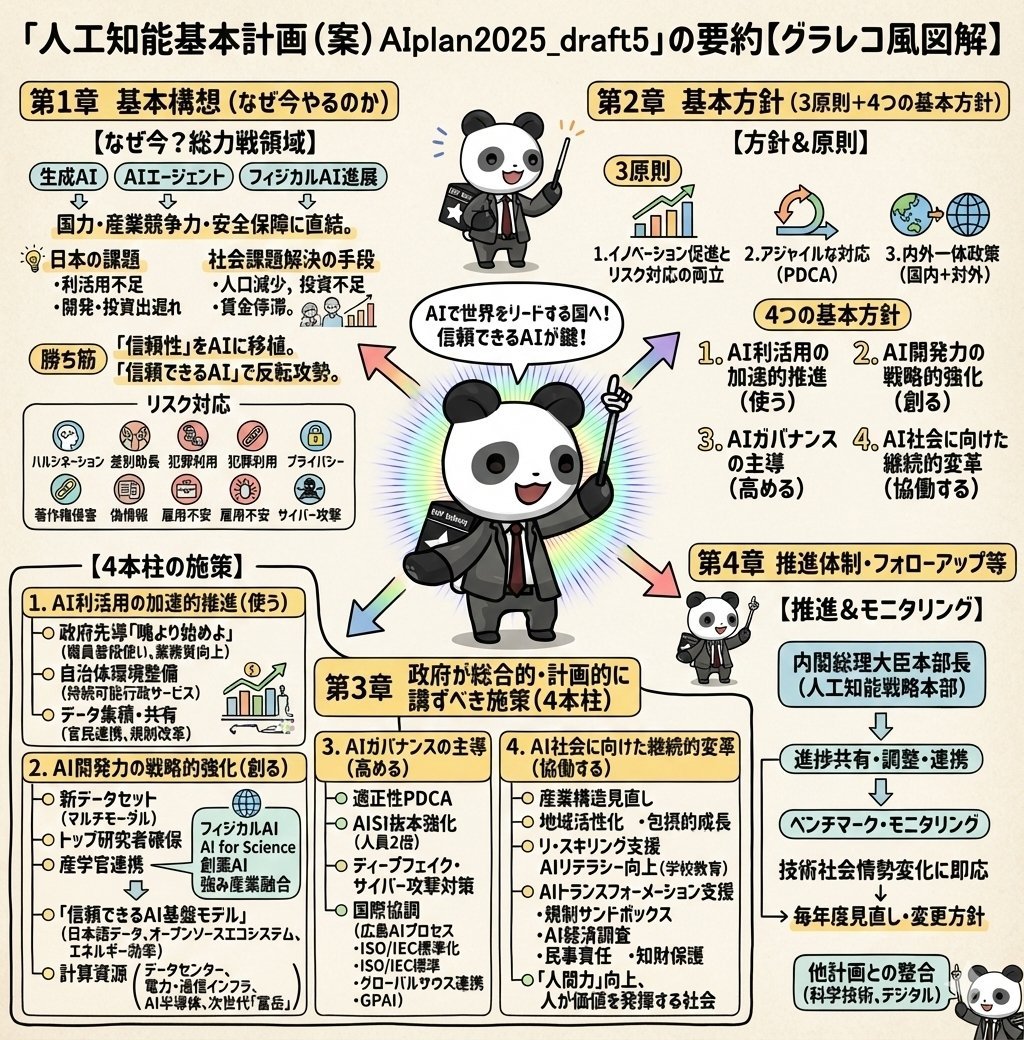
Detailed Japanese Graphic Recording Summary
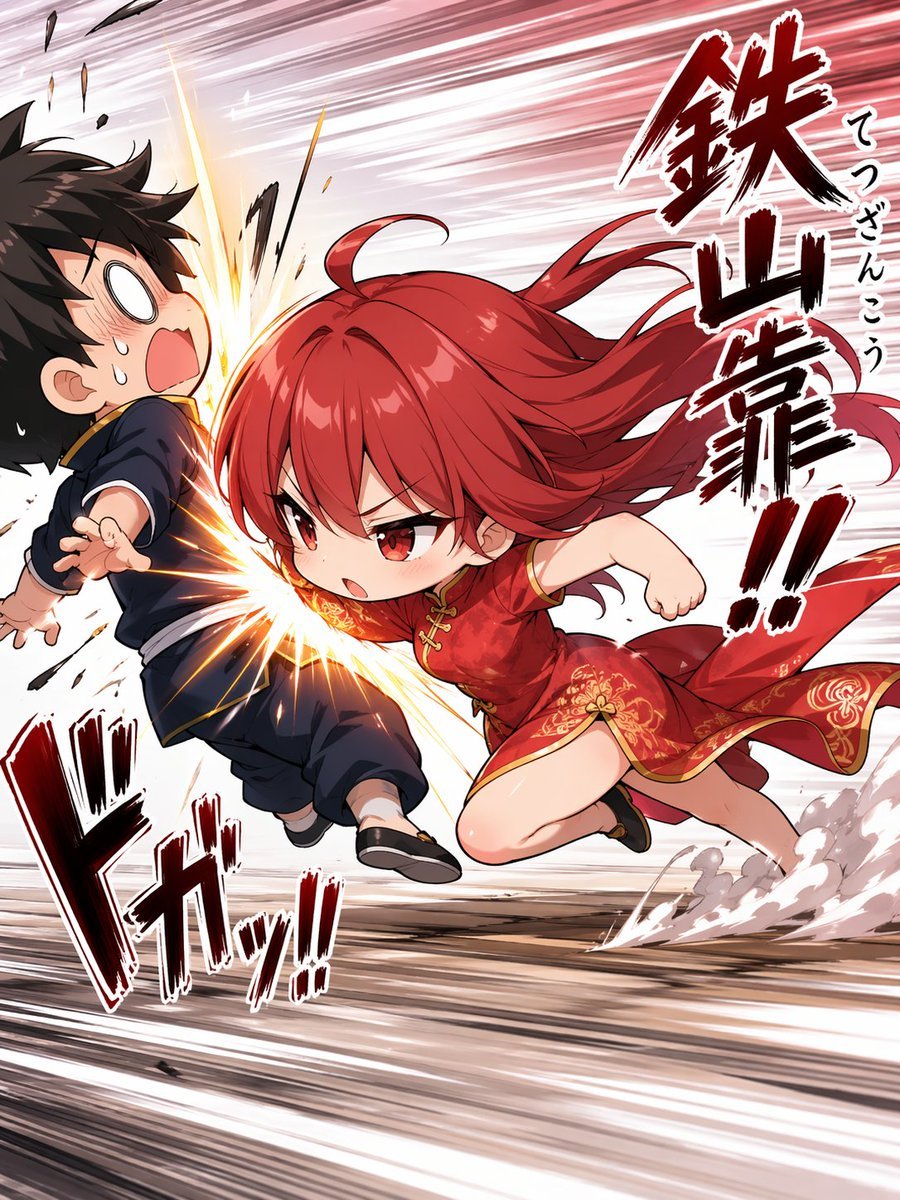
Chibi Tetsuzankou Impact Attack

Studio Quality Portrait Generation Using

Crayon Drawing Style Redraw
DVD Screengrab of Ominous Korean Horror Movie
Explosive Fried Chicken Advertisement
Rainy Tokyo Noir Woman
Handwritten Breakfast Photo Annotations
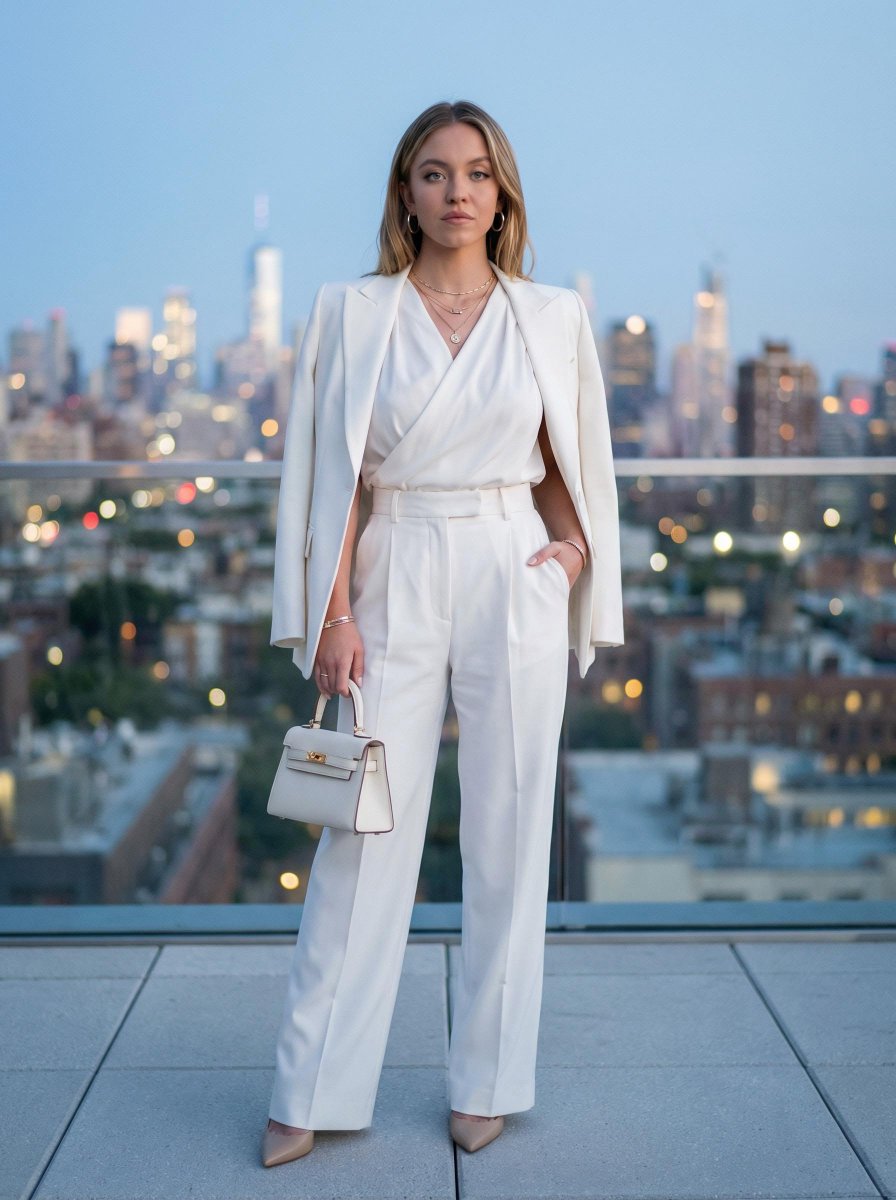
Rooftop Editorial Portrait at Dusk
Browse template categories
Empty Fort Strategy at the City Gate questions
How do I use the Empty Fort Strategy at the City Gate template?
Add your photo if the template asks for one, edit the prompt if you like — the template's model and format are already selected — and press Generate. Your version opens in PicX Studio.
Can I customize the Empty Fort Strategy at the City Gate template?
Yes. You can change the subject, setting, lighting, mood, format, and available model controls before creating your image.
Is the Empty Fort Strategy at the City Gate template free?
Opening and editing this template is free. Generating uses credits, shown on the Generate button when you are signed in.
Which AI model should I use?
Start with GPT Image 2, which is the model associated with this template. You can compare another compatible model for a different finish.
Looking for something else? Browse all templates.

Your photo, any look
Thousands of ready templates for every top image and video model, from one credit balance.