
Snowy Cyberpunk Yamagata Gate
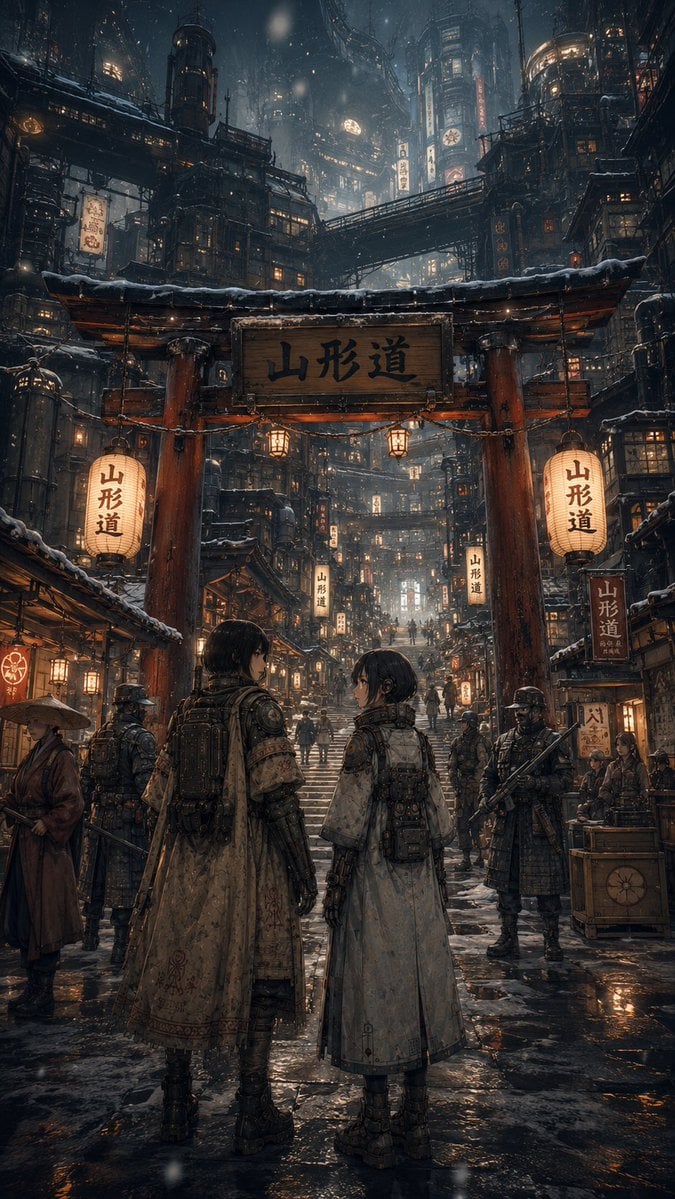
Generates a vertical cinematic anime-realistic scene of two travelers entering a snowy neon-lit Japanese cyberpunk mountain district.
- Prompt included
- Model and format preset
- Free template
The prompt behind this image
Copy the exact prompt behind Snowy Cyberpunk Yamagata Gate, or open it in the studio and make it yours.
Create a highly detailed vertical cinematic concept art scene set in a snowy cyberpunk Japanese mountain city at night. The viewpoint is from street level, looking up a wet stone stairway through a massive red wooden torii-style gate with a snow-covered roof beam and a central wooden sign reading {argument name="gate sign text" default="山形道"}. Two large glowing paper lanterns hang on the left and right sides of the gate, each also marked {argument name="lantern text" default="山形道"}, and exactly two smaller square lanterns hang beneath the gate beam. In the foreground, place exactly two young travelers seen mostly from behind, both wearing long weathered sci-fi kimono coats, layered armor, backpacks, belts, pouches, boots, and subtle cybernetic equipment; the left traveler is slightly taller with short dark hair and turns toward the right traveler, while the right traveler has a shorter bob haircut and looks back at the left traveler. Around them, include exactly four armed armored guards clearly visible near the gate area, plus one robed civilian with a straw hat at the far left and a small street vendor stall at the right. The city rises vertically in dense stacked wooden-and-metal buildings, pipes, catwalks, bridges, balconies, windows, neon signs, and hanging paper signs, blending Edo-period architecture with dystopian industrial science fiction. Use many warm amber window lights and lantern glows against cold blue-gray snow, mist, and towering dark structures. Snow falls through the air, rooftops and railings are dusted with snow, and the pavement is glossy with puddles reflecting orange lantern light. Mood: mysterious, immersive, lived-in, grand scale, quiet before an adventure. Style: ultra-detailed anime-realistic digital painting, intricate environmental design, cinematic lighting, atmospheric depth, sharp foreground detail, deep perspective, 9:16 vertical composition, no modern cars, no English signage, no watermark.
How to use Snowy Cyberpunk Yamagata Gate in 3 steps
- 1Upload ImagePNG, JPG or paste
Add your photo
Upload the photo the template builds on. The prompt, model and format are already set.
- 2…a portrait of your subject in softgolden-hour light, 85mm…
Personalize
Edit the subject and creative details for your destination.
- 3Generate
Generate
Press Generate — your image is created in PicX Studio, so you can compare it with the original and refine one variable at a time.
More like this
Templates with the same subject, style or setup. Open one to see its prompt.

Rainy Night Android Cyberpunk Portrait

Korean Idol Partial Shadow Editorial Portrait

Cinematic Sci-Fi Interface Side Profile

Cyberpunk Neon Profile Fashion Portrait

Cinematic Neon Light Strip Studio Portrait

Futuristic Studio Neon Ring Minimalist Portrait

Neon Violet Streetwear Fashion Portrait

Neon Night Crosswalk Candid Portrait

Red Futuristic Sport Motorcycle POV
Rainy Night Android Cyberpunk Portrait
Cinematic Sci-Fi Commander Side Profile Portrait
Low-Angle Cyberpunk Neon Profile Portrait
Make it yours
Snowy Cyberpunk Yamagata Gate works as-is. These are the safest ways to change it without losing the look.
Change one field
Copy a single group, rewrite it, and generate again so you can see what that field is doing.
Keep the frame, change the subject
Hold the composition and light of Snowy Cyberpunk Yamagata Gate, then swap wardrobe, props or the person for a new take.
| If the result… | Why | Fix |
|---|---|---|
| The result drifts from the preview | Too many fields changed at once. | Reuse Snowy Cyberpunk Yamagata Gate as-is first, then change one group — subject, light, or setting. |
| The model over-stylizes the scene | The prose prompt leaves finish and camera underspecified. | Add one camera or lighting sentence and stay on GPT Image 2. |
More GPT Image 2 templates
Other prompts made for GPT Image 2.

Six VTuber Japanese Logo Sheet

Realistic Portrait of Woman and Deer

The Vista Modular Condo Poster

AI Model Routing Comparison Infographic

2.5D Anime Art Board

Isometric Productivity Desk Scene

New York Double Exposure Poster

Four-Panel AI Landscape Comparison

Japanese Tatami Lifestyle Magazine Cover

NESCAFÉ Coffee Map Poster
More image prompts
Fresh picks from across the catalog.
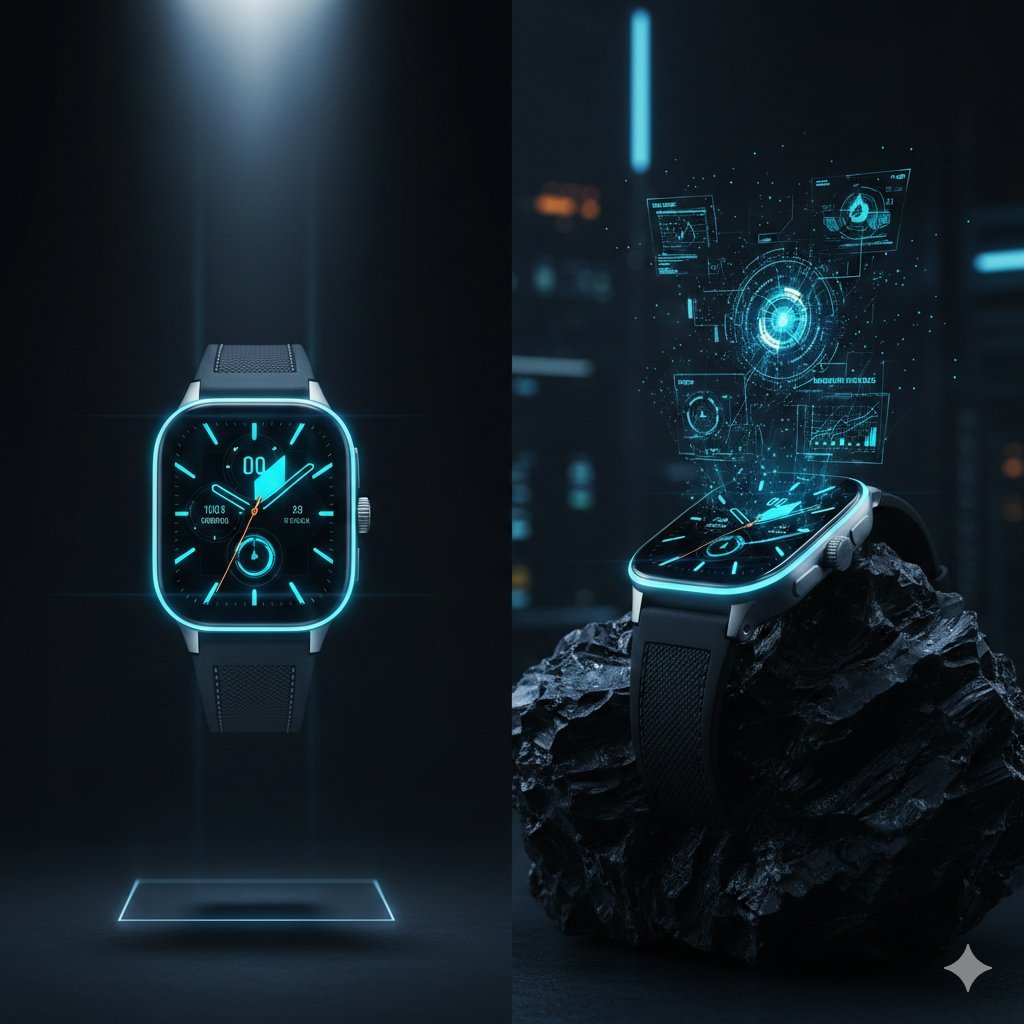
Cyber-Luxury Smartwatch Product Grid Prompt
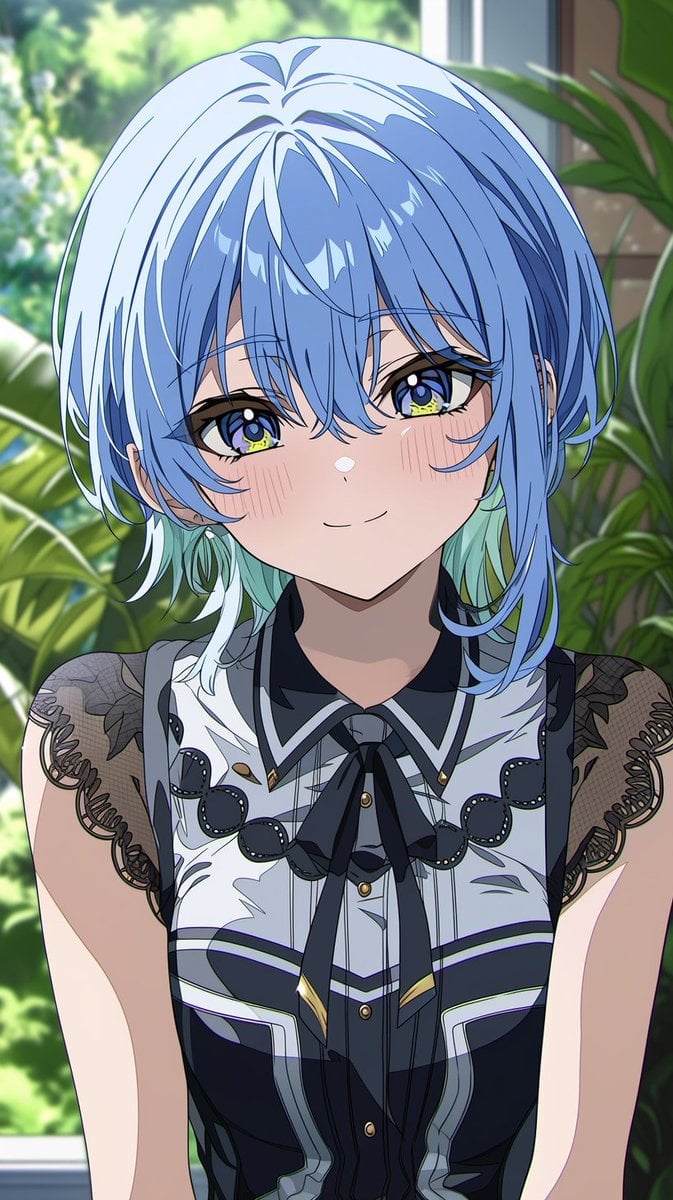
Anime Portrait From Photo Reference
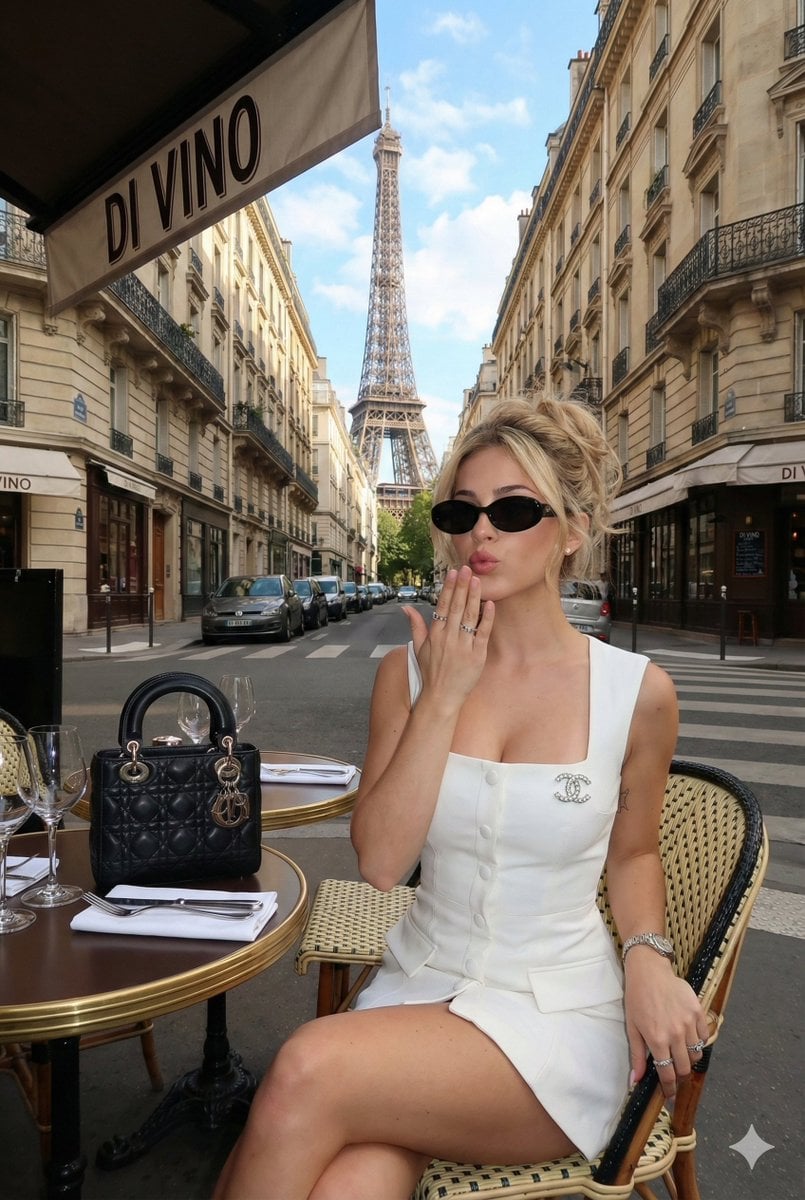
Ultra-Photorealistic Parisian Lifestyle Photography Prompt
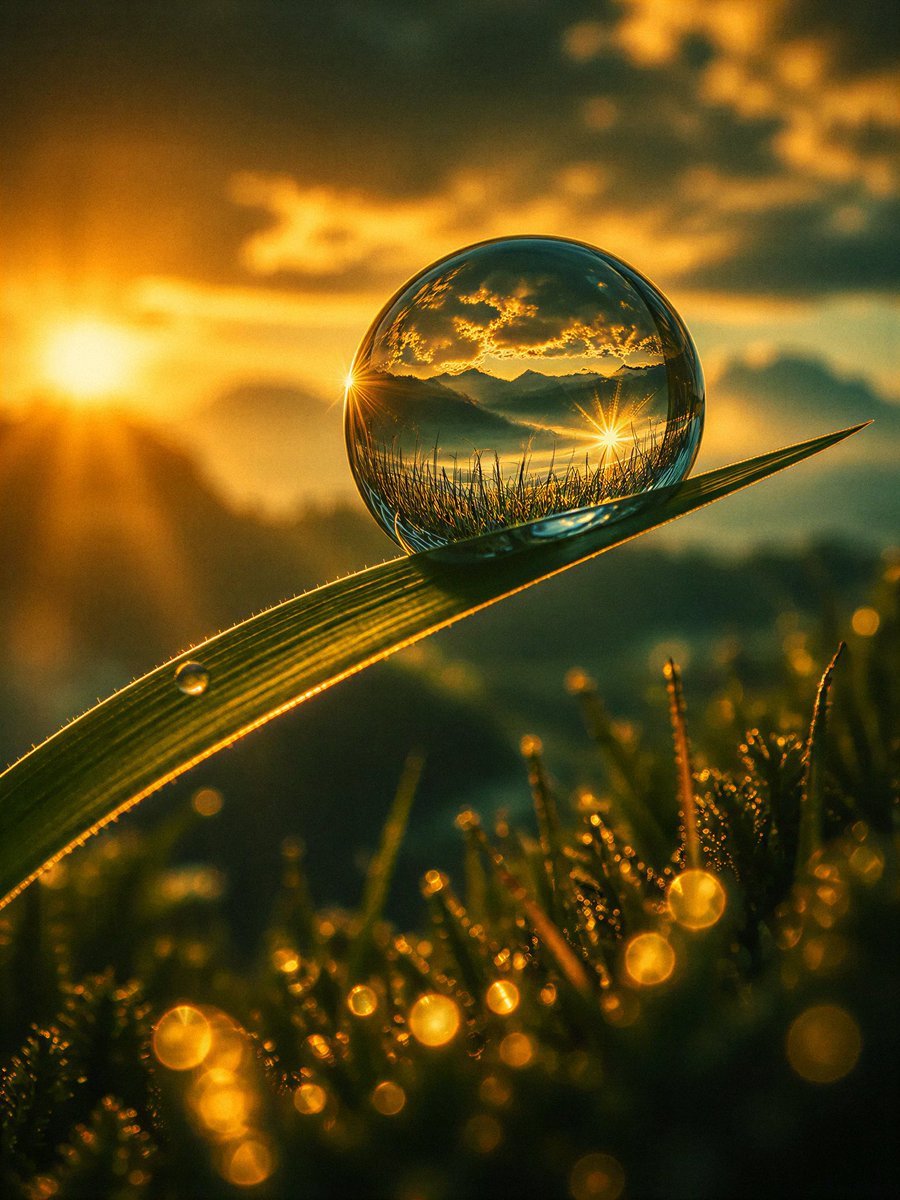
Macro Photography Prompt Template
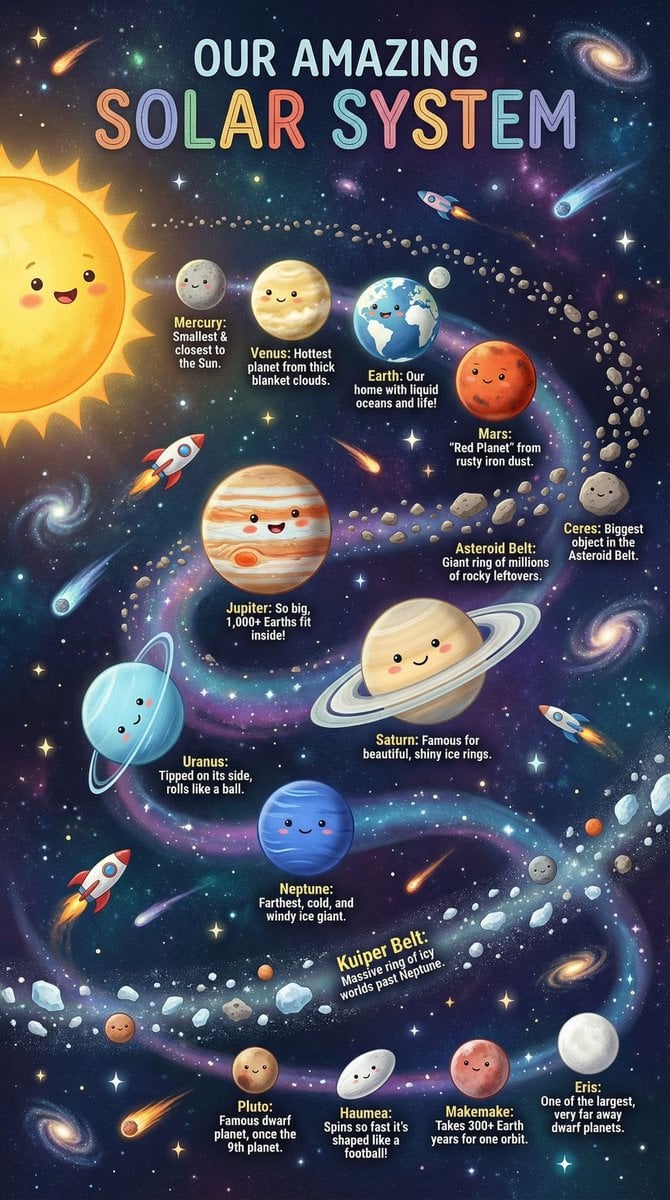
Educational Chart Generation Prompt (Solar System)
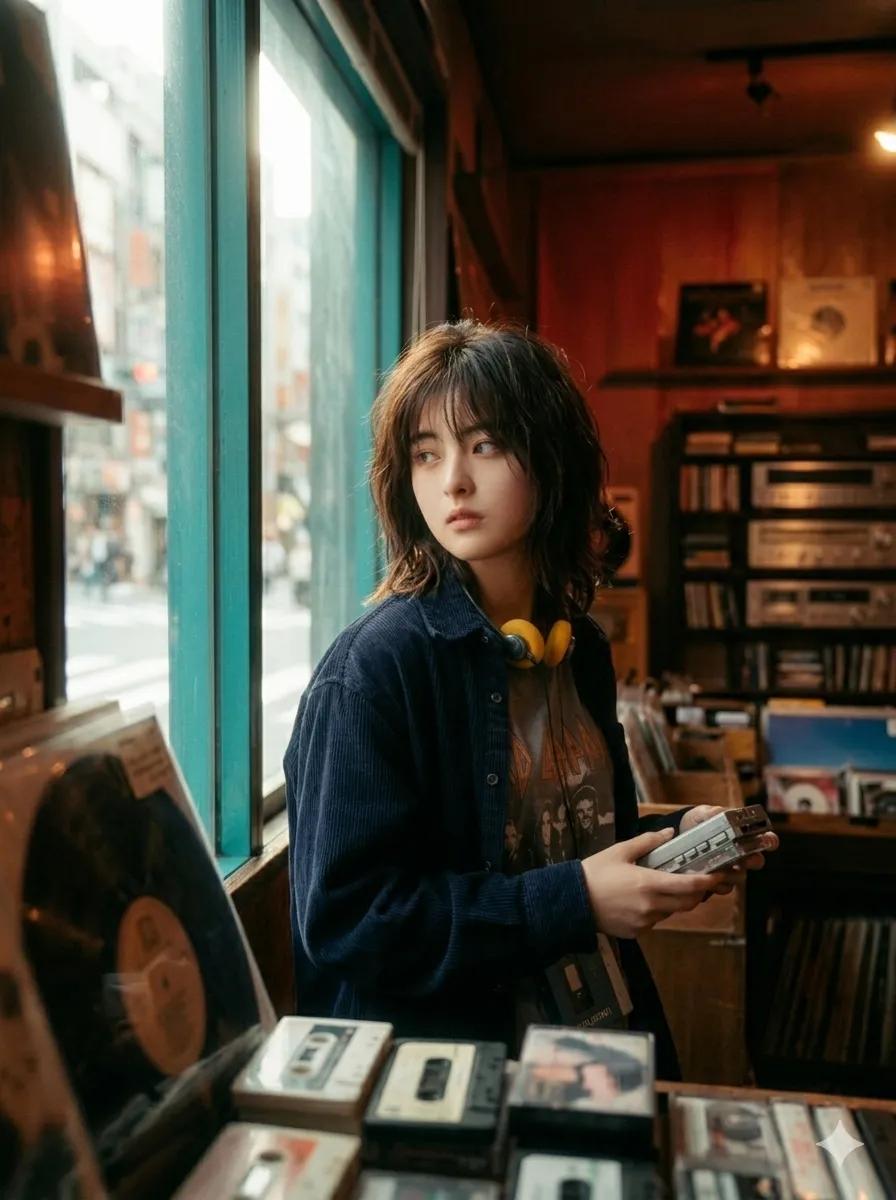
90s Japanese Indie Music Store Aesthetic
Ai Evolution Timeline Infographic
Dark Thriller Cinematic Still
Low-Angle Flower Meadow Stride

Minimalist Product Photo with Doodle
Browse template categories
Snowy Cyberpunk Yamagata Gate questions
How do I use the Snowy Cyberpunk Yamagata Gate template?
Add your photo if the template asks for one, edit the prompt if you like — the template's model and format are already selected — and press Generate. Your version opens in PicX Studio.
Can I customize the Snowy Cyberpunk Yamagata Gate template?
Yes. You can change the subject, setting, lighting, mood, format, and available model controls before creating your image.
Is the Snowy Cyberpunk Yamagata Gate template free?
Opening and editing this template is free. Generating uses credits, shown on the Generate button when you are signed in.
Which AI model should I use?
Start with GPT Image 2, which is the model associated with this template. You can compare another compatible model for a different finish.
Looking for something else? Browse all templates.

Your photo, any look
Thousands of ready templates for every top image and video model, from one credit balance.