How do I use the Anime Portrait From Photo Reference template?
Edit the prompt in the box under the preview — the template's model and format are already selected — and press Generate. Your version appears right on this page.
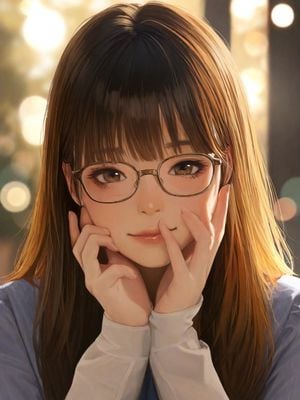
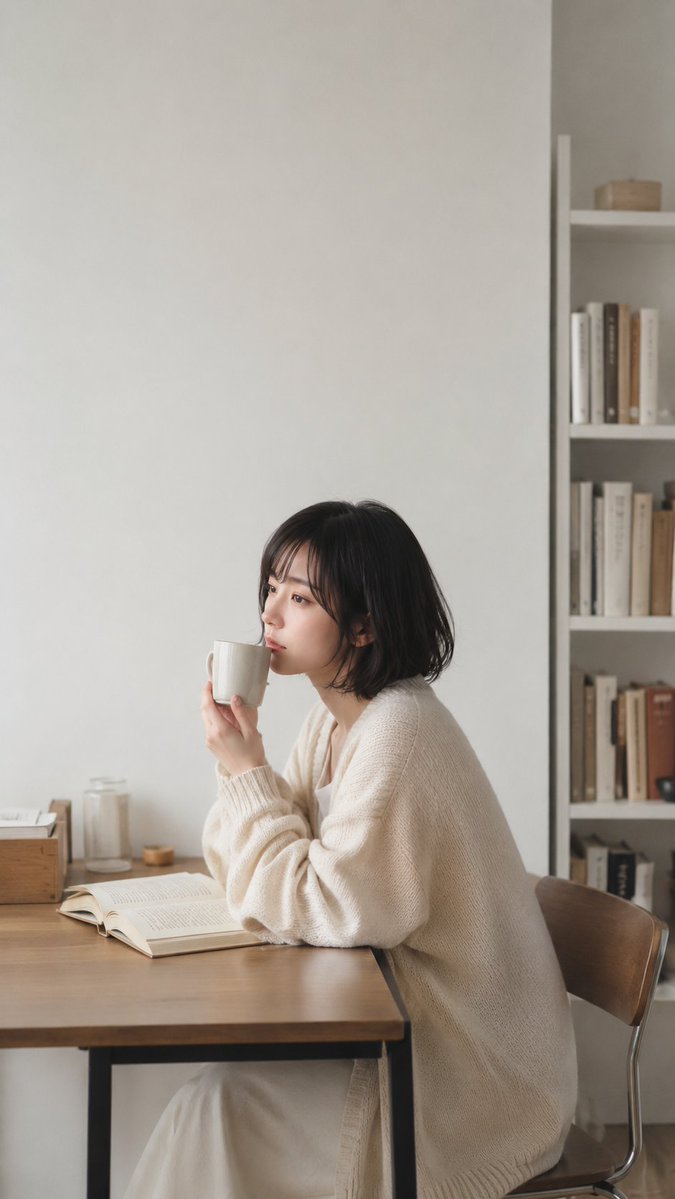
Transforms a simple seated photo reference into a close-up anime character portrait with a new outfit, hair color, and leafy background.

This template uses your photo — add one with the + button.
Using REFERENCE_0 as the pose and composition base, transform the seated woman into a polished anime-style character portrait. Keep the face anonymized with a large soft rectangular blur block, but change the framing from a side-view café/table scene into a close-up front-facing bust portrait. Replace the original realistic indoor room, table, mug, book, and chair with a bright leafy indoor garden/window background. Restyle the character with {argument name="hair color" default="pale icy blue"} short bob hair, and dress her in an ornate {argument name="outfit style" default="black, white, and silver gothic idol-style sleeveless blouse"} with lace shoulder details, ribbon tie, decorative buttons, and structured paneling. Use crisp high-quality Japanese anime illustration style with clean line art, soft lighting, vivid greenery, shallow depth of field, and a vertical smartphone composition. Preserve the calm seated mood from the reference while making the final image look like a finished character illustration rather than a photo.
Using REFERENCE_0 as the pose and composition base, transform the seated woman into a polished anime-style character portrait. Keep the face anonymized with a large soft rectangular blur block, but change the framing from a side-view café/table scene into a close-up front-facing bust portrait. Replace the original realistic indoor room, table, mug, book, and chair with a bright leafy indoor garden/window background. Restyle the character with {argument name="hair color" default="pale icy blue"} short bob hair, and dress her in an ornate {argument name="outfit style" default="black, white, and silver gothic idol-style sleeveless blouse"} with lace shoulder details, ribbon tie, decorative buttons, and structured paneling. Use crisp high-quality Japanese anime illustration style with clean line art, soft lighting, vivid greenery, shallow depth of field, and a vertical smartphone composition. Preserve the calm seated mood from the reference while making the final image look like a finished character illustration rather than a photo.
Anime Portrait From Photo Reference needs input media to work. Open it in the studio and these load alongside the prompt — pick whichever ones your chosen model can take.
Edit the prompt in the box under the preview — the template's model and format are already selected — and press Generate. Your version appears right on this page.
Yes. You can change the subject, setting, lighting, mood, format, and available model controls before creating your image.
Opening and editing this template is free. Generating uses credits, shown on the Generate button when you are signed in.
Start with GPT Image 2, which is the model associated with this template. You can compare another compatible model for a different finish.
Follow a topic to a crawlable collection of related PicX Studio templates.