How do I use the Photo to Anime Reading Scene template?
Choose the primary action to open PicX Studio with the available template settings. Review the model and format, personalize the creative direction, and generate when ready.
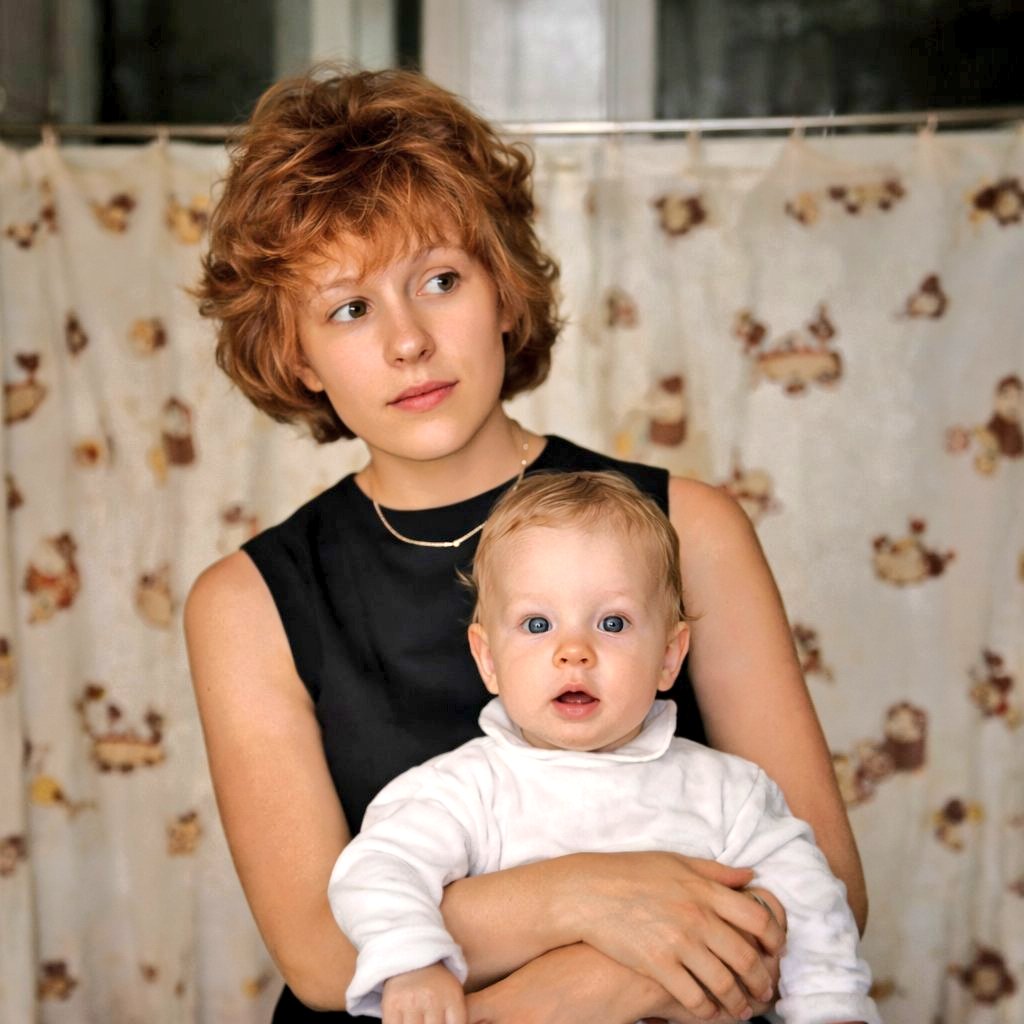
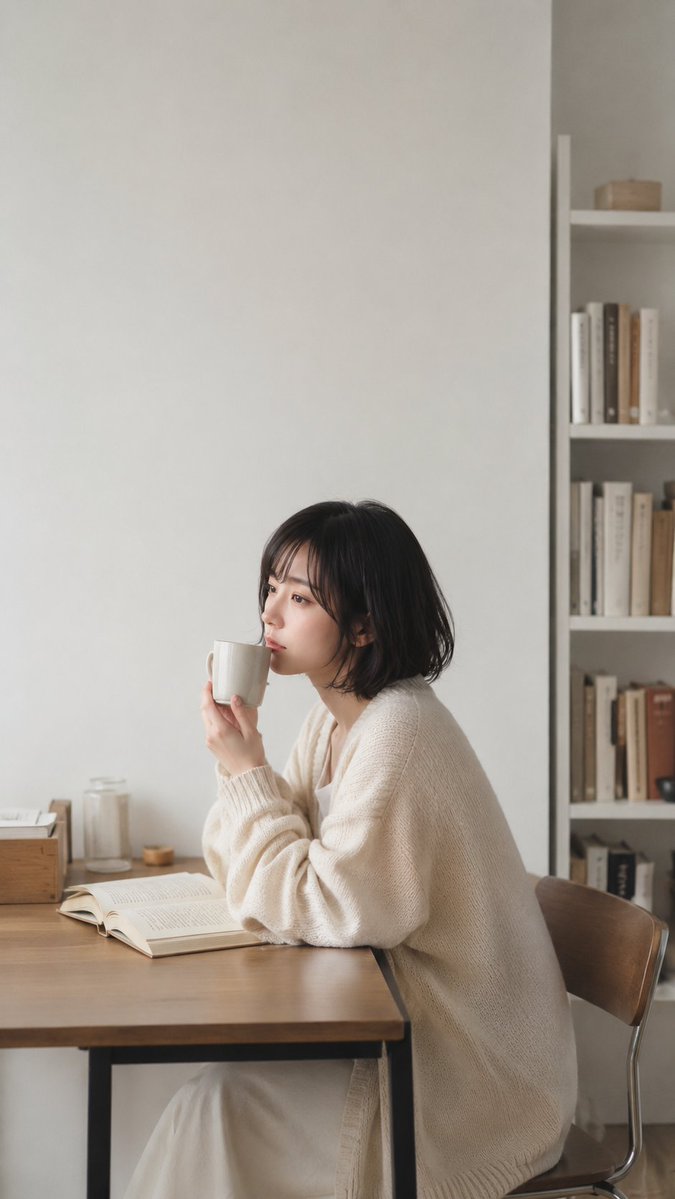
Transforms a cozy reference photo into a clean anime illustration while preserving the original pose, room layout, and anonymized face block. Change the subject, setting, or lighting one variable at a time.
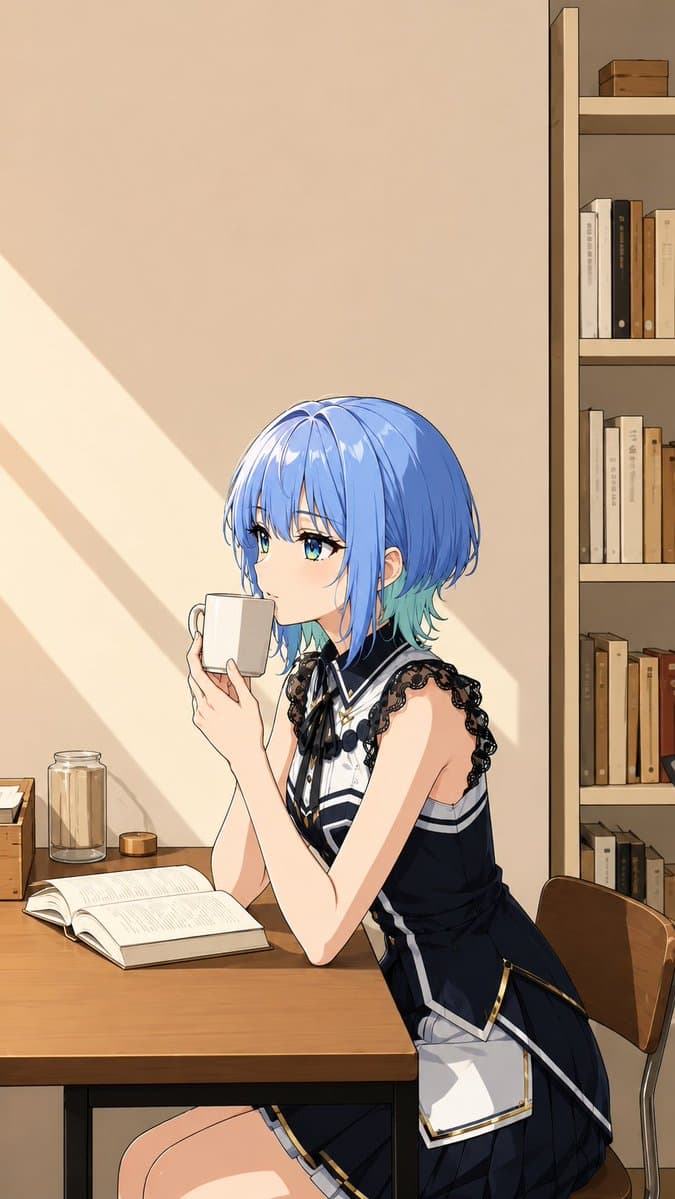
Using REFERENCE_0 as the base image, transform the scene into a polished Japanese anime illustration while preserving the same vertical composition, seated side pose, table placement, mug-holding gesture, open book, chair, jars, and bookshelf arrangement. Keep the face anonymized with the same centered square blur/censor block. Main transformation: Replace the real person with an elegant anime girl, keeping the pose and hand positions, but change her into a stylized character with {argument name="hair color" default="short glossy blue hair with turquoise tips"} and a refined dark idol-style outfit. The outfit should include exactly 5 prominent visible costume elements: a sleeveless navy dress, black lace shoulder trim, a white high-collar front panel, a black ribbon bow at the neck, and a white apron-like side panel with gold edging. Style and lighting: Convert the photo into clean high-quality anime line art with smooth cel shading, warm beige tones, crisp highlights, and a calm cozy reading atmosphere. Add strong afternoon sunlight entering from the left, forming diagonal light-and-shadow bands on the wall. Background: Keep the simple room, wooden desk, open book, white mug, glass jar, small wooden box, chair, and right-side bookshelf, but render them as anime background art with warm wood tones and neatly simplified details. The bookshelf should remain on the right edge and contain multiple neutral-colored books without readable text. Constraints: Do not change the camera angle or crop. Do not add extra characters. Avoid photorealism. Keep the anonymous square face block visible and centered over the face.
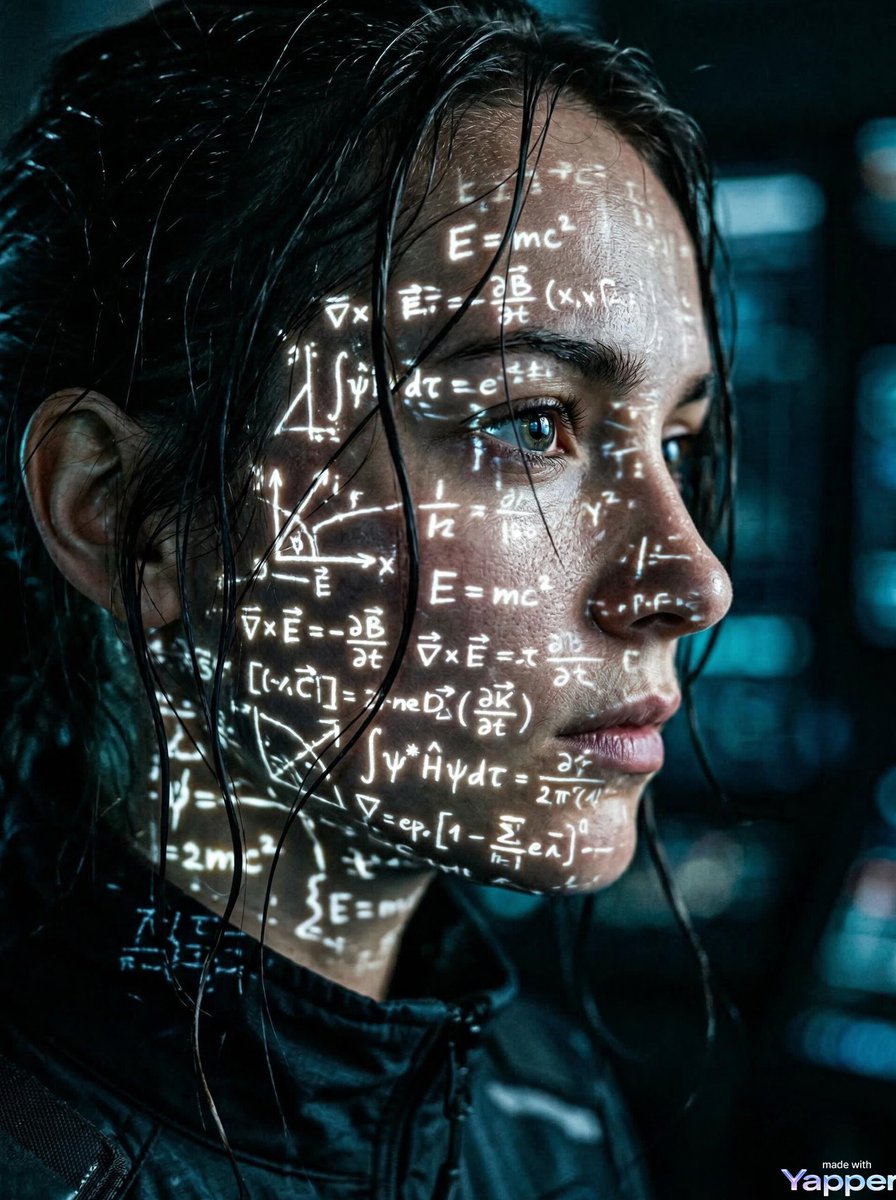
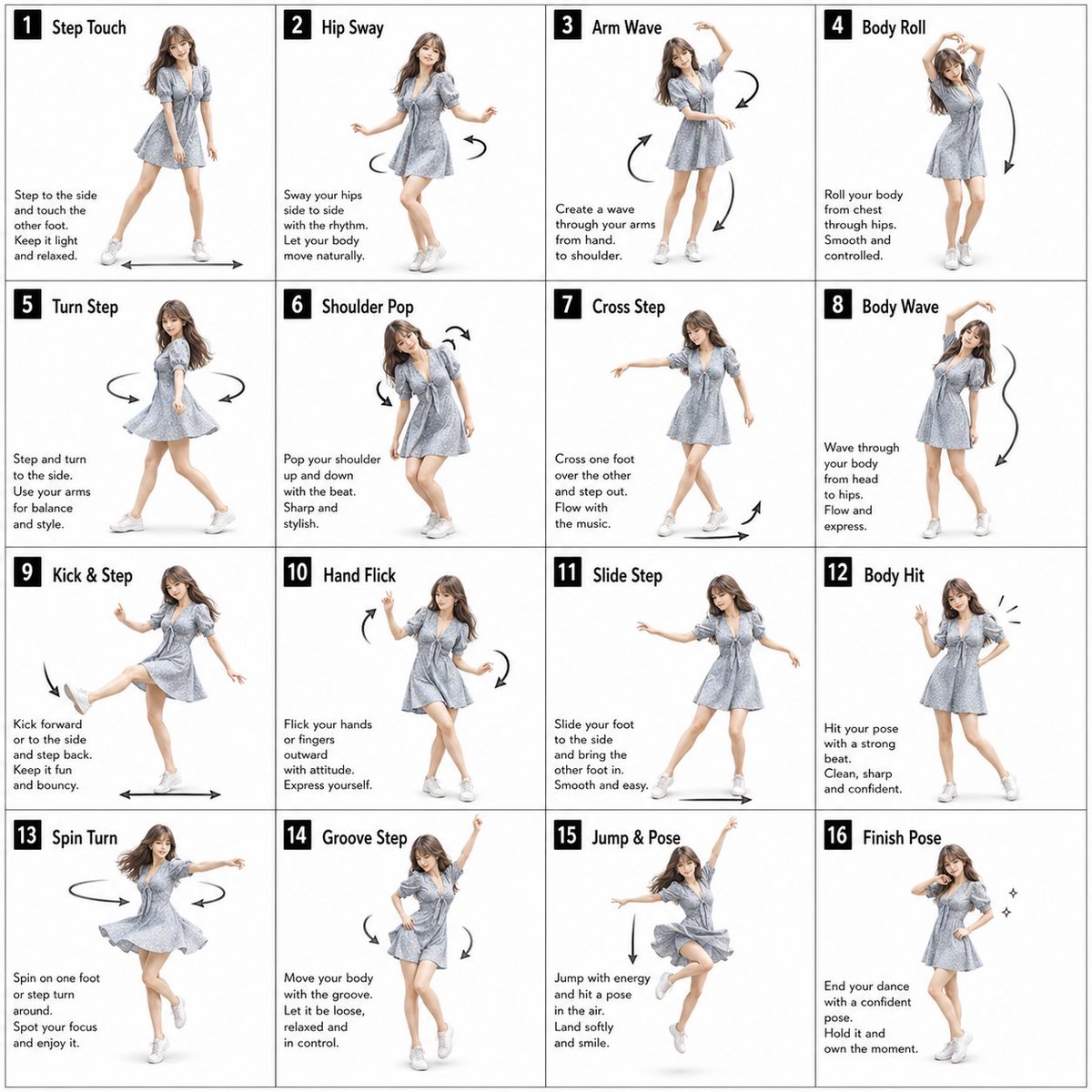
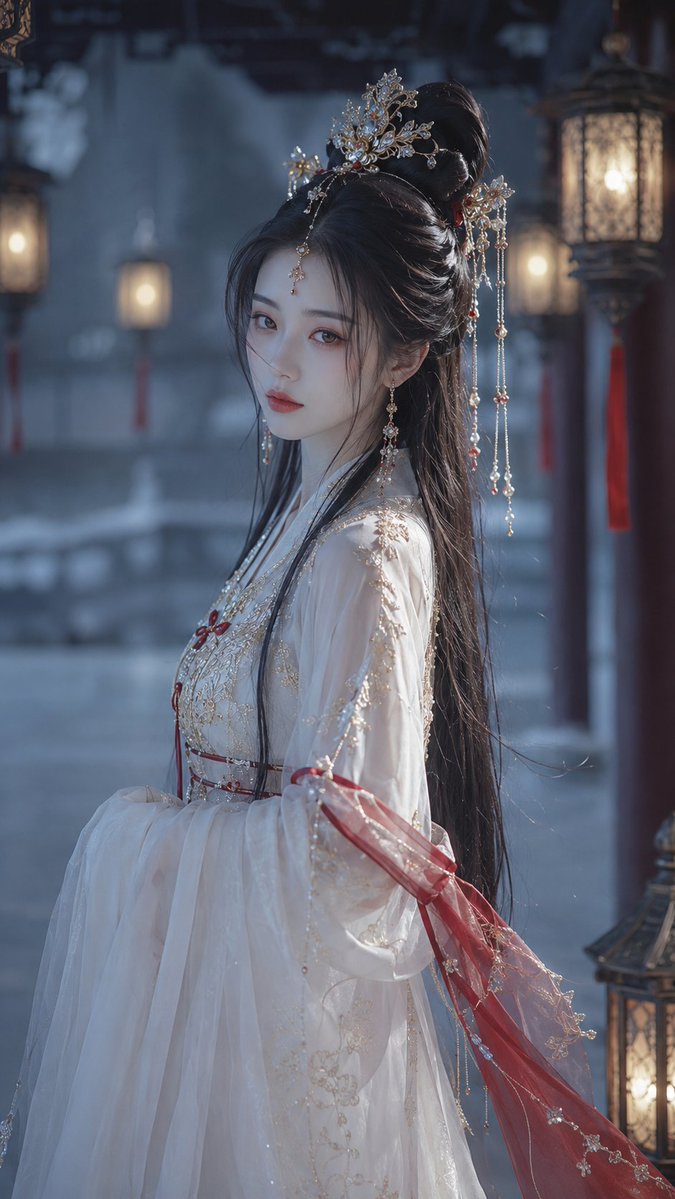
Photo to Anime Reading Scene needs input media to work. Open it in the studio and these load alongside the prompt — pick whichever ones your chosen model can take.
Choose the primary action to open PicX Studio with the available template settings. Review the model and format, personalize the creative direction, and generate when ready.
Yes. You can change the subject, setting, lighting, mood, format, and available model controls before creating your image.
This template is free to open and customize. Generation usage is shown in PicX Studio before you create.
Start with GPT Image 2, which is the model associated with this template. You can compare another compatible model for a different finish.
© 2026 PicX Studio. All rights reserved.

Follow a topic to a crawlable collection of related PicX Studio templates.
43,474 public templates available. Verified via the PicX Studio public templates API; refreshed hourly.















![Minimalist Flat Vector Travel Poster — Premium minimalist flat-vector travel poster for {argument name="city name" default="[CITY_NAME]"}, 3:4 vertical format.](https://cms-assets.youmind.com/media/1787917359711_3ug846_HQX205cbMAA6F6S-300x400.jpg)