
Classical Suzhou Garden Interior Portrait
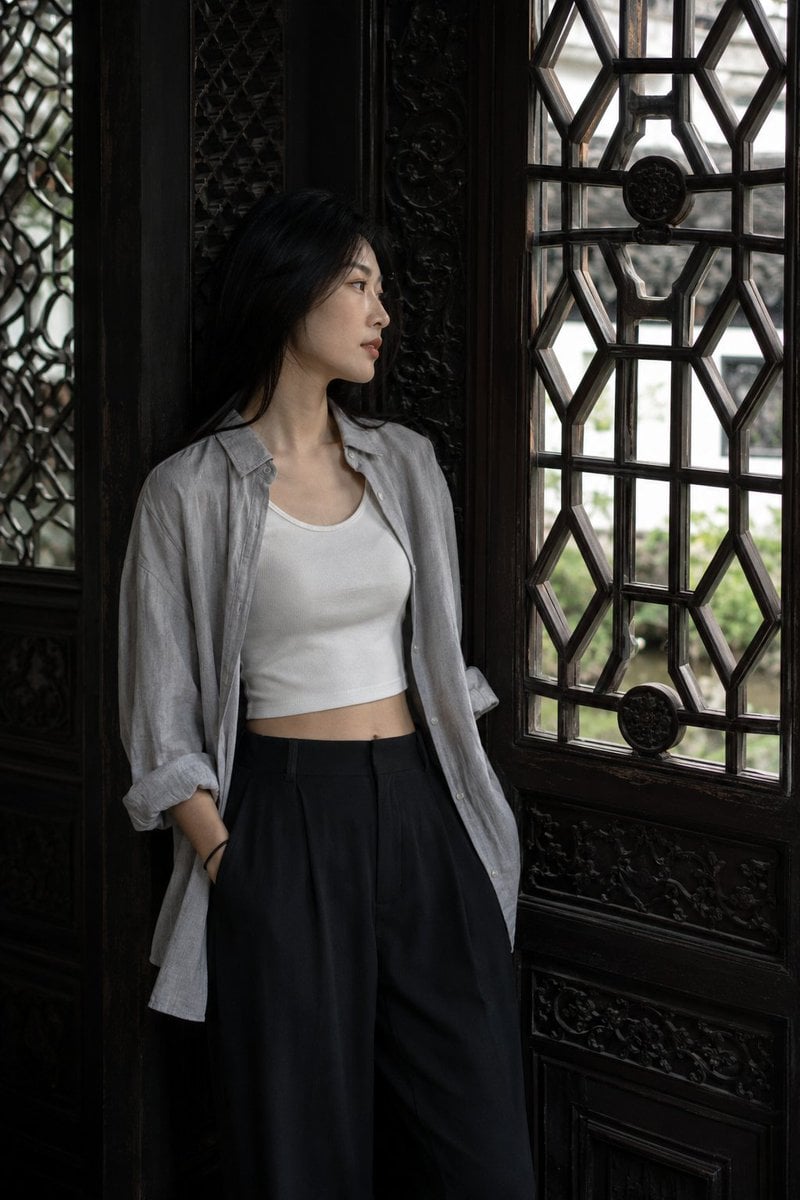
A natural, candid medium-close portrait of a young woman leaning against a carved wooden lattice window in a classical Suzhou garden hall, featuring high-contrast lateral lighting.
- Prompt included
- Model and format preset
- Free template
The prompt behind this image
Copy the exact prompt behind Classical Suzhou Garden Interior Portrait, or open it in the studio and make it yours.
Authentic daily life photography, natural candid moment. A medium-close portrait of a young {argument name="subject" default="woman"} leaning with one shoulder against the deep dark-redwood surround of a large carved wooden lattice window in the interior wall of a classical {argument name="location" default="Suzhou garden hall"}. The window's geometric diamond pattern is behind and to her left, its carved redwood frame very dark and ornate. Through the window panes, the bright exterior garden is visible — white plaster, green plantings, a glimpse of sky — in sharp overexposed contrast to the dim interior. She is looking sideways through the window, chin slightly tilted, expression unreadable and cool. East Asian young woman in her early 20s. Eyes directed sideways through the window with a distant, cool quality — not performing for camera. Straight refined nose. Skin fair, and in the dim interior ambient light the skin takes on a softer, lower-contrast rendering than in outdoor scenes — quiet and slightly shadowed, with definition coming from the lateral window light rather than direct illumination. Hair down, straight, tucked behind one ear, the other side falling forward. Light elegant makeup: softly defined brows, lips in a muted cool rose, minimal coverage overall. Skin subsurface scattering visible in the lateral window light catching her near cheek and temple, specular micro-highlight on the cheekbone facing the window, fine foundation powder grain perceptible. She wears an {argument name="outfit" default="oversized light grey linen button-down shirt"} — worn open over a white cropped inner tank, the shirt sleeves rolled to the elbow, hem loose and untucked over high-waisted black wide-leg trousers with a clean, structured waistband. White leather low-top sneakers. The shirt carries the soft wrinkled texture of washed linen — lived-in, deliberately casual. The carved dark redwood lattice window surround beside and behind her is enormously detailed: repetitive geometric diamond-coin patterns, old dark wood, a form of craftsmanship that belongs to a different century. The grey linen and black trouser against the dark carved wood creates a tonal field that is textured, cool, modern-meets-ancient. Two or three fine hairs have drifted forward across the shoulder from the tucked side. Light enters through the ornate window from the bright garden exterior, creating a strongly directional lateral beam inside the dim hall — warm exterior garden light crossing to illuminate the near side of the subject's face, the far side falling into the cool interior shade. The window's geometric pattern projects no shadow on the subject directly (she is beside it, not in front), but the light quality is shaped by the window's proximity: directional, architectural, intimate. The old carved wood is in near-shadow. Subtle ISO 400 film grain in the dark redwood frame's deeper tones and in the cool shadow side of the subject's face, photographic noise texture not CG
How to use Classical Suzhou Garden Interior Portrait in 3 steps
- 1
Open
The prompt is already in the box next to the preview, with the template's model and format selected.
- 2…a portrait of your subject in softgolden-hour light, 85mm…
Personalize
Edit the subject and creative details for your destination.
- 3Generate
Generate
Press Generate — your image is created in PicX Studio, so you can compare it with the original and refine one variable at a time.
More like this
Templates with the same subject, style or setup. Open one to see its prompt.
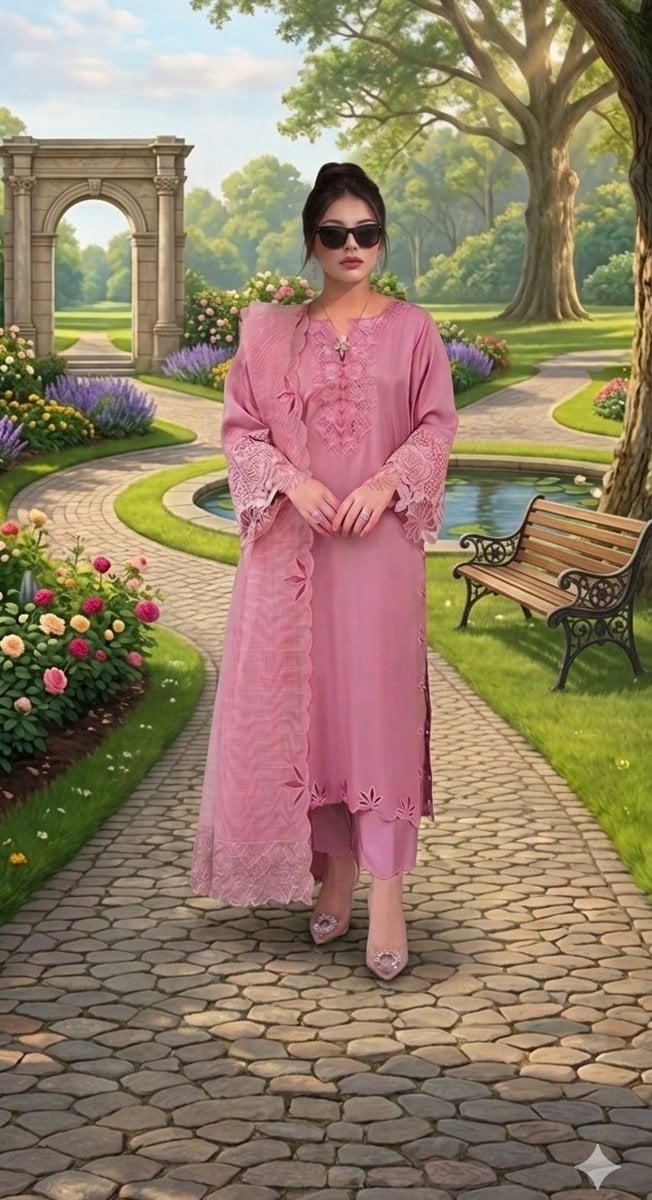
Classical Garden Fashion Portrait

Elegant Redhead Portrait in Classical Interior
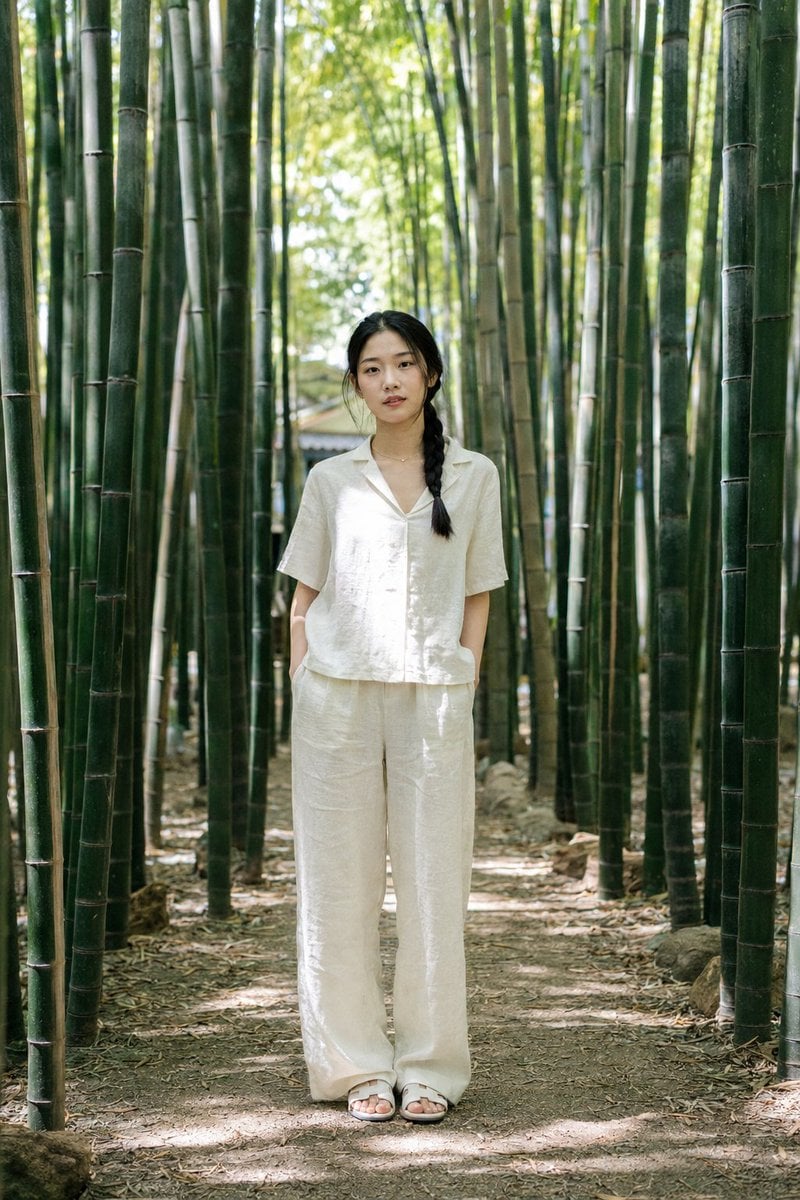
Suzhou Garden Bamboo Path Portrait
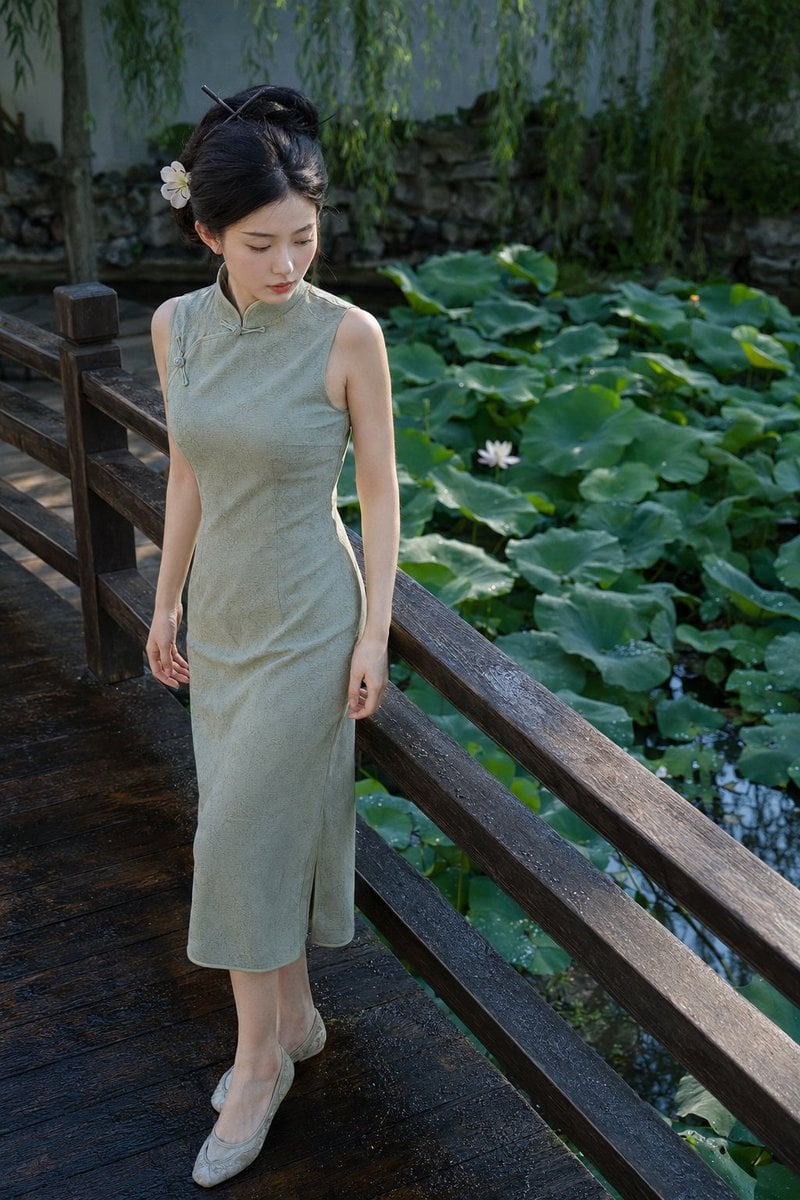
Suzhou Garden Qipao Portrait
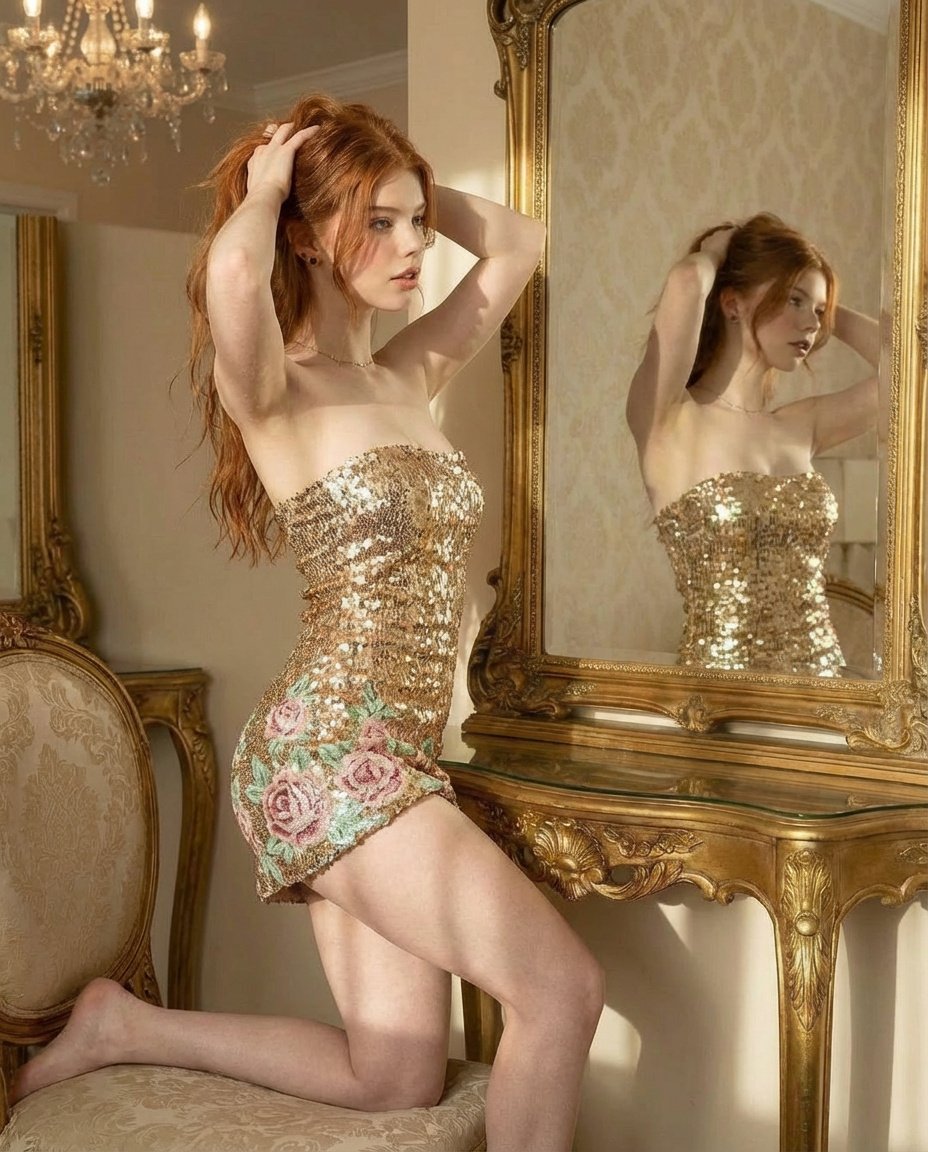
Ultra Photorealistic Glamorous Portrait in Classical Interior

Found Photograph: Us, 1970

80s Couple Studio Portrait

80s Bollywood Star

80s Golden Hour Cinema

Me in 1985

1985 Studio Portrait
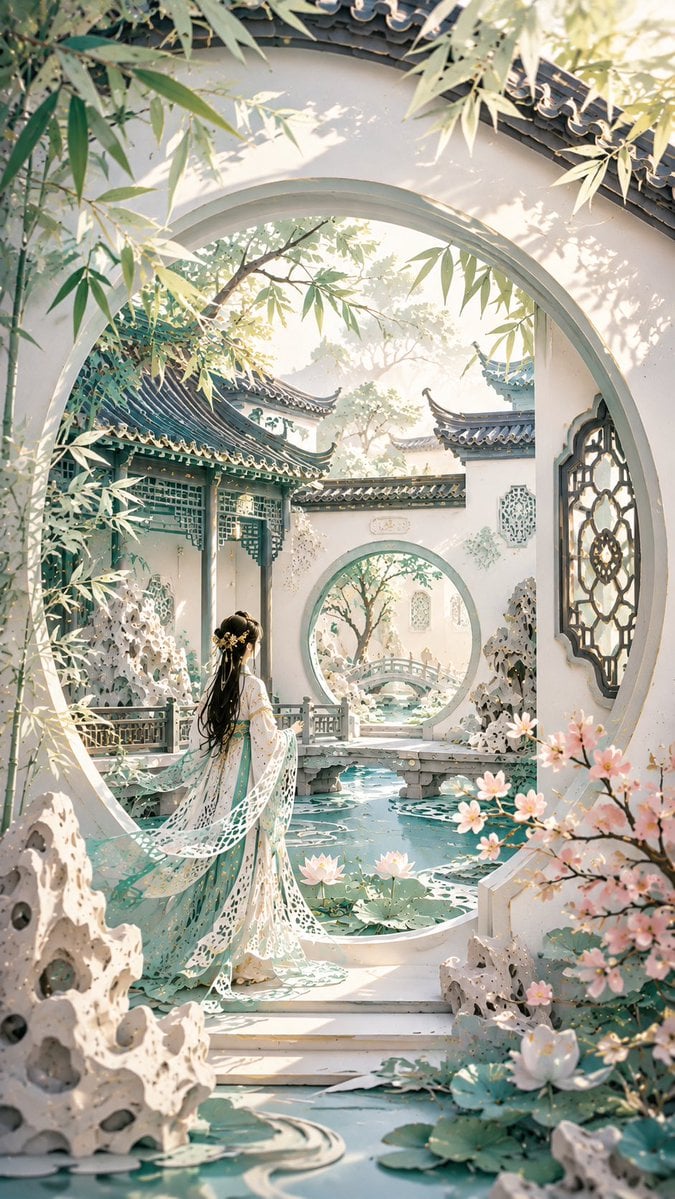
Modern Suzhou Garden Papercut Art
Make it yours
Classical Suzhou Garden Interior Portrait works as-is. These are the safest ways to change it without losing the look.
Change one field
Copy a single group, rewrite it, and generate again so you can see what that field is doing.
Keep the frame, change the subject
Hold the composition and light of Classical Suzhou Garden Interior Portrait, then swap wardrobe, props or the person for a new take.
| If the result… | Why | Fix |
|---|---|---|
| The result drifts from the preview | Too many fields changed at once. | Reuse Classical Suzhou Garden Interior Portrait as-is first, then change one group — subject, light, or setting. |
| The model over-stylizes the scene | The prose prompt leaves finish and camera underspecified. | Add one camera or lighting sentence and stay on GPT Image 2. |
More GPT Image 2 templates
Other prompts made for GPT Image 2.

Six VTuber Japanese Logo Sheet

Realistic Portrait of Woman and Deer

The Vista Modular Condo Poster

AI Model Routing Comparison Infographic

2.5D Anime Art Board

Isometric Productivity Desk Scene

New York Double Exposure Poster

Four-Panel AI Landscape Comparison

Japanese Tatami Lifestyle Magazine Cover

NESCAFÉ Coffee Map Poster
More image prompts
Fresh picks from across the catalog.

Skincare Landing Page Hero Section

Ultra-Cinematic Floating Energy Drink Product Shot
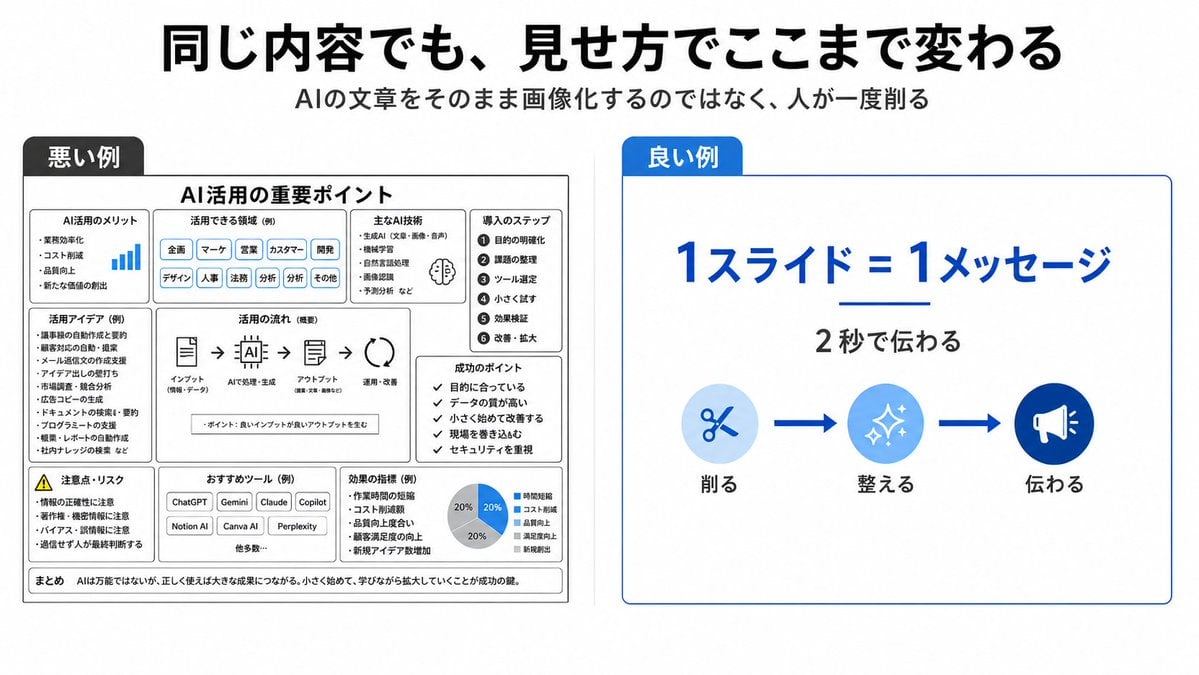
Bad vs Good Slide Design Infographic

KNIGHT MECHA GIRL Figure Concept
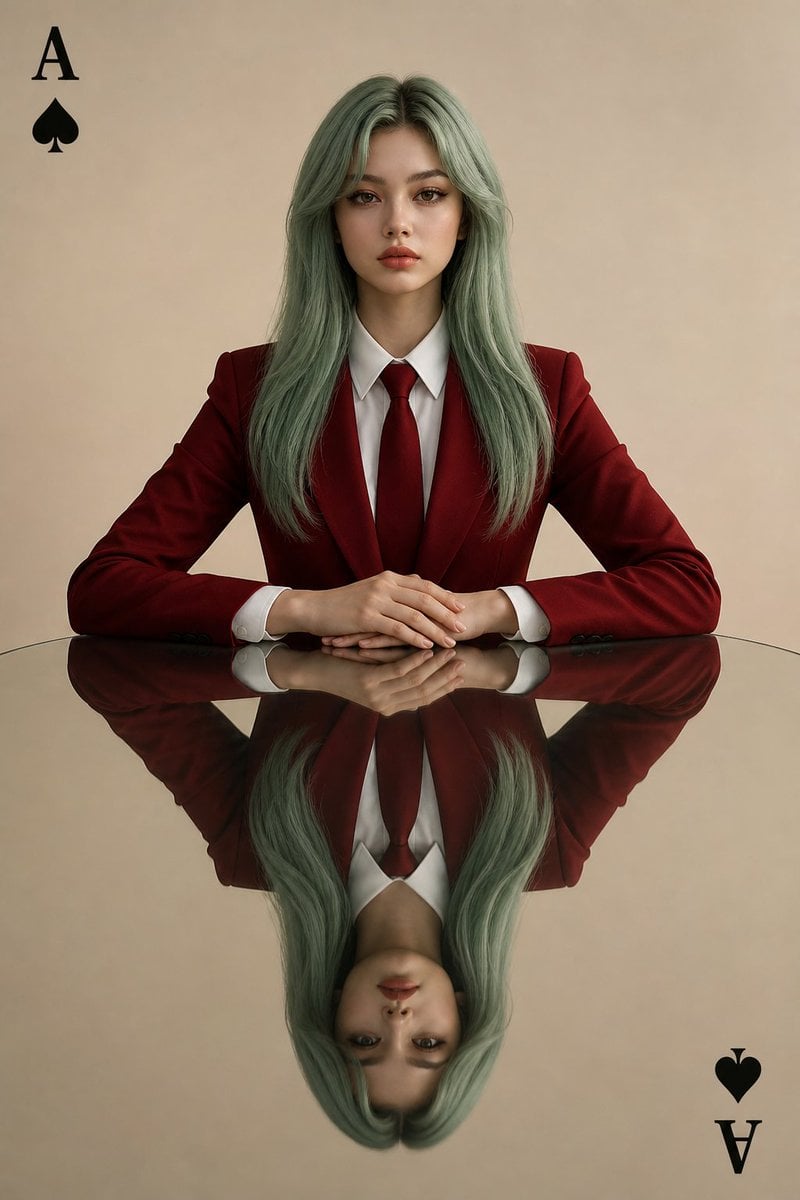
Symmetrical Playing Card Mirror Portrait

Nano Banana Pro Generation from Cropped Image Center

Doodled Strawberry Matcha Drink Photo
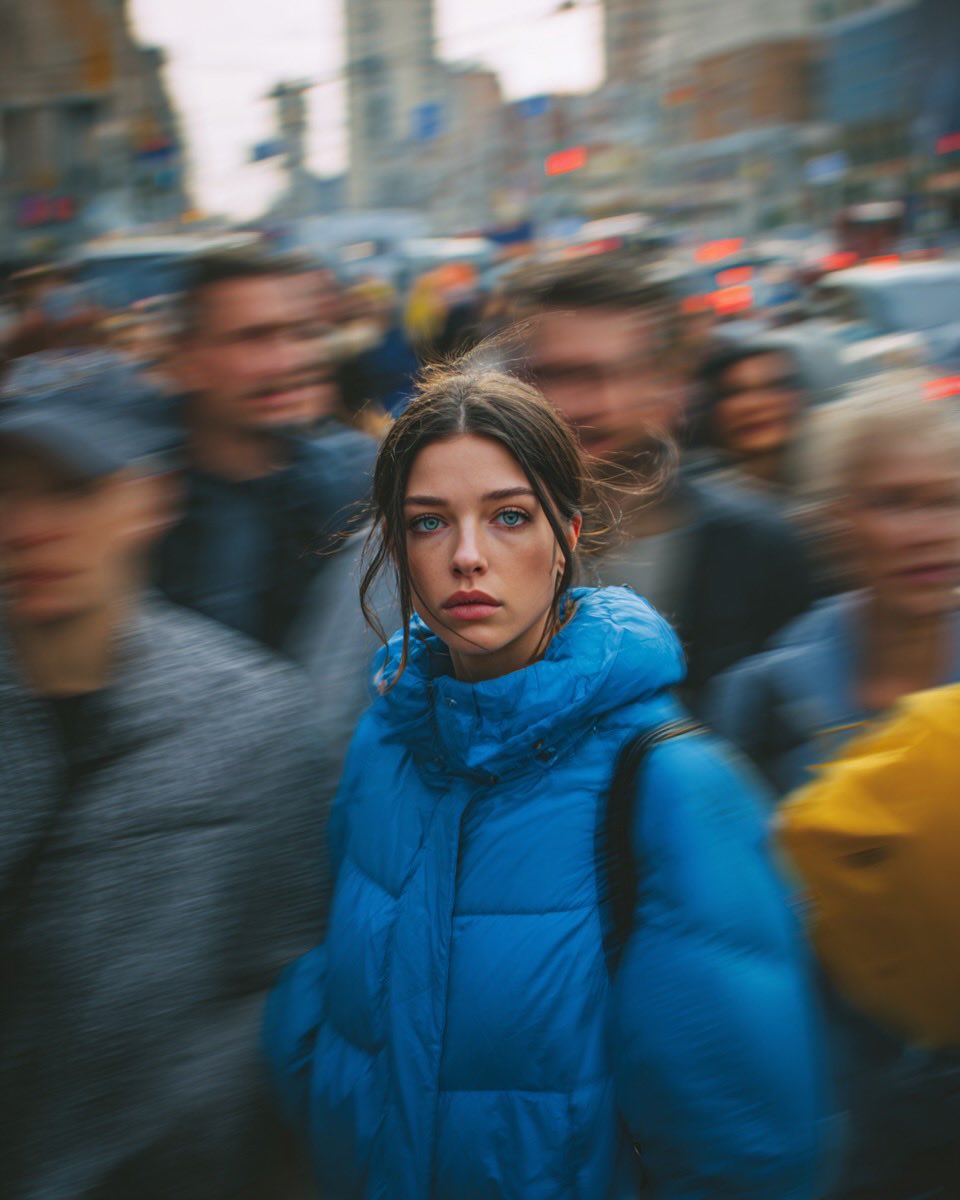
Cinematic Street Portrait of Woman in Puffer Jacket (3 Variations)
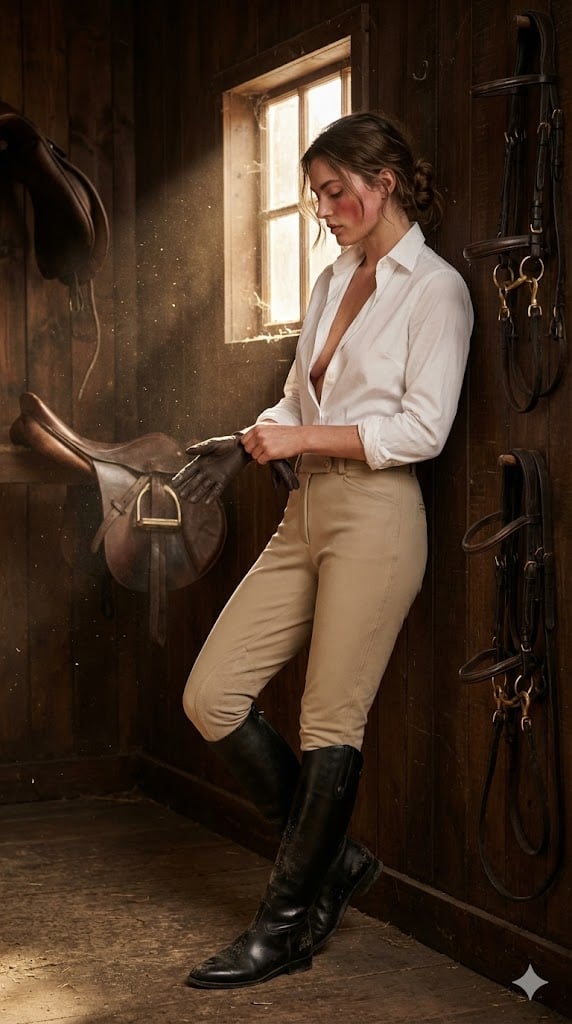
Ralph Lauren Equestrian Editorial Portrait
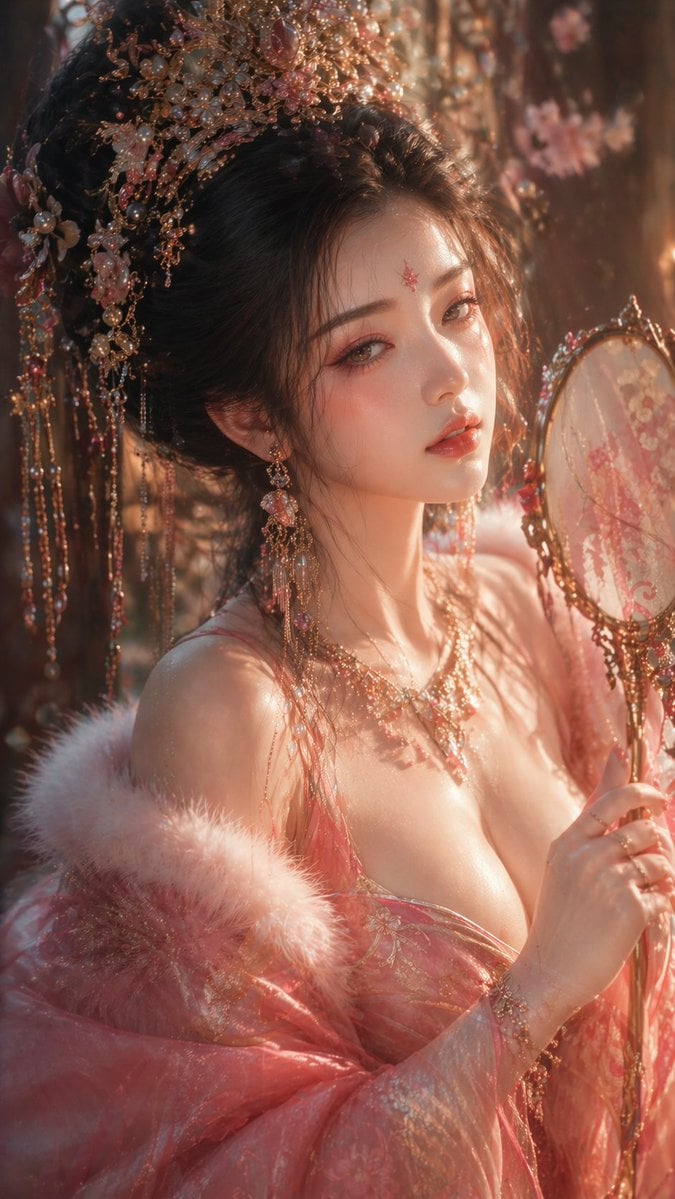
Tang Dynasty Aesthetic CG Illustration
Browse template categories
Classical Suzhou Garden Interior Portrait questions
How do I use the Classical Suzhou Garden Interior Portrait template?
Add your photo if the template asks for one, edit the prompt if you like — the template's model and format are already selected — and press Generate. Your version opens in PicX Studio.
Can I customize the Classical Suzhou Garden Interior Portrait template?
Yes. You can change the subject, setting, lighting, mood, format, and available model controls before creating your image.
Is the Classical Suzhou Garden Interior Portrait template free?
Opening and editing this template is free. Generating uses credits, shown on the Generate button when you are signed in.
Which AI model should I use?
Start with GPT Image 2, which is the model associated with this template. You can compare another compatible model for a different finish.
Looking for something else? Browse all templates.

Your photo, any look
Thousands of ready templates for every top image and video model, from one credit balance.