
Classical Garden Fashion Portrait
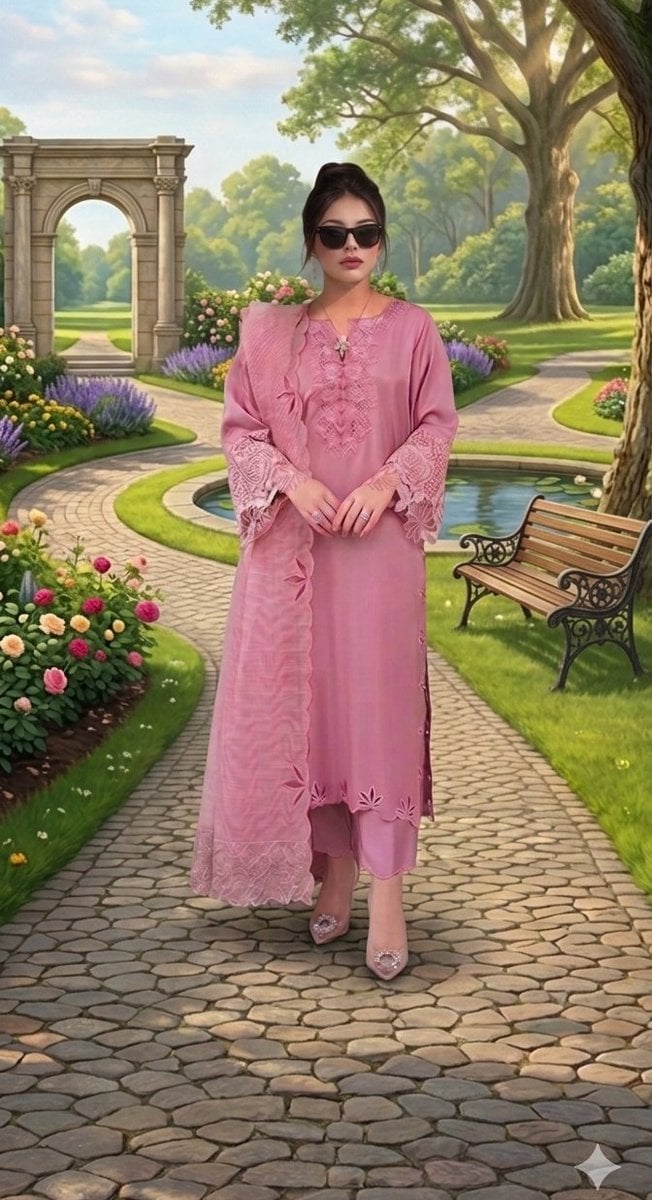
A detailed portrait of a woman in an elegant South Asian suit standing on a cobblestone pathway in a classical landscaped garden.
- Prompt included
- Model and format preset
- Free template
The prompt behind this image
Copy the exact prompt behind Classical Garden Fashion Portrait, or open it in the studio and make it yours.
A dynamic, full-body portrait photograph of a young woman standing confidently in a beautifully landscaped classical garden setting, 9:16 . She has a sleek high bun hairstyle and wears dark, stylish sunglasses and a delicate pendant necklace with matching stud earrings. Her attire is an intricate and elegant {argument name="outfit color" default="dusty rose-pink"} traditional South Asian suit (kameez, trousers, and dupatta). The kameez is richly decorated with tone-on-tone embroidery and intricate lace-work on the neckline and large cuff sleeves, and features unique floral cut-out patterns on the scalloped hem and side slits. A matching sheer dupatta with floral appliqué is draped gracefully over her shoulders. She wears clear high heels with distinctive large crystal embellishments on the toe. Her hands, clasped in front, display multiple silver rings. She stands centered on a winding cobblestone garden pathway, looking directly at the viewer. The background is a meticulously maintained garden under a bright, partly cloudy sky, with extensive flower beds of roses, lavender, and other colorful blooms. In the distance, a large, ornate classical stone archway stands at the end of a long perspective path, with manicured lawns and a water lily pond to her right. A wrought-iron and wood garden bench is positioned on the grass nearby. Large, mature oak trees with expansive leafy branches frame the entire scene under natural, soft daylight. The cobblestone path is detailed and textured, leading towards the distant elements. The focus is sharp on the woman and her attire, with a pleasant, detailed depth in the garden background.
How to use Classical Garden Fashion Portrait in 3 steps
- 1
Open
The prompt is already in the box next to the preview, with the template's model and format selected.
- 2…a portrait of your subject in softgolden-hour light, 85mm…
Personalize
Edit the subject and creative details for your destination.
- 3Generate
Generate
Press Generate — your image is created in PicX Studio, so you can compare it with the original and refine one variable at a time.
More like this
Templates with the same subject, style or setup. Open one to see its prompt.

Nano Banana 2 High Fashion Sports Campai

Couture Fashion Editorial Woman and Drag
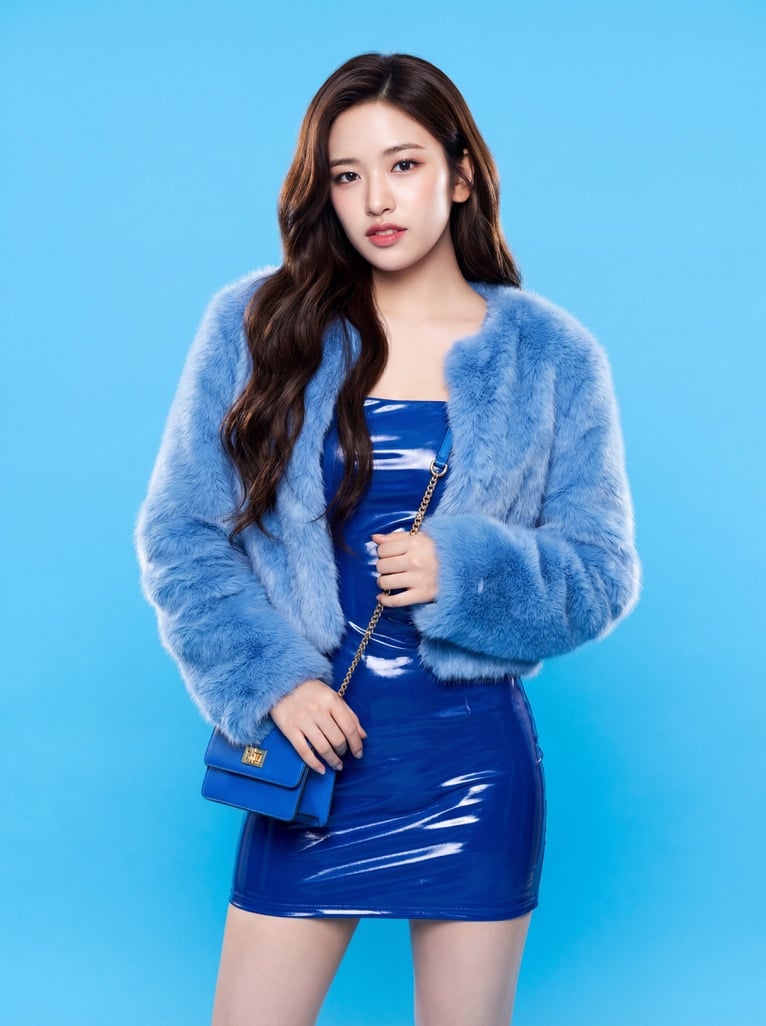
Ive Yujin Fashion Portrait in Blue

Nano Banana 2 Editorial Fashion Portrait

Caution Tape Fashion — Industrial Editorial
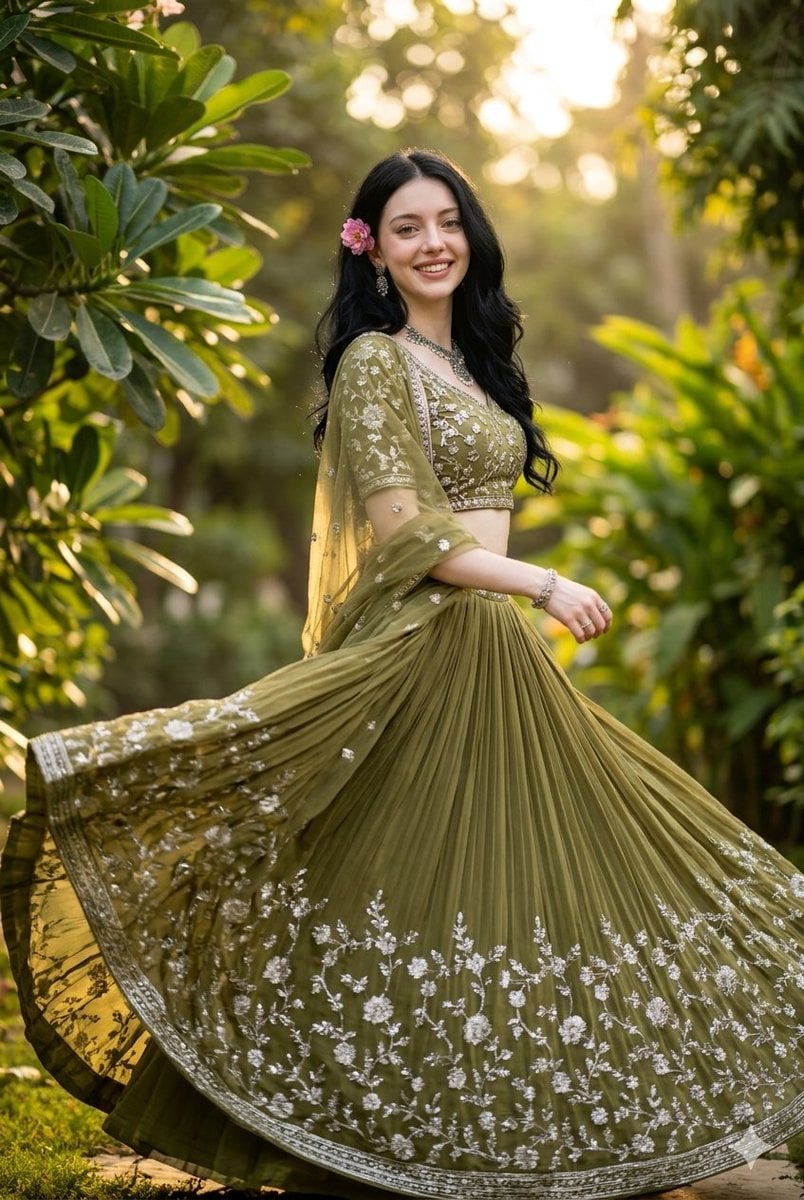
Indian Fashion Portrait in Garden
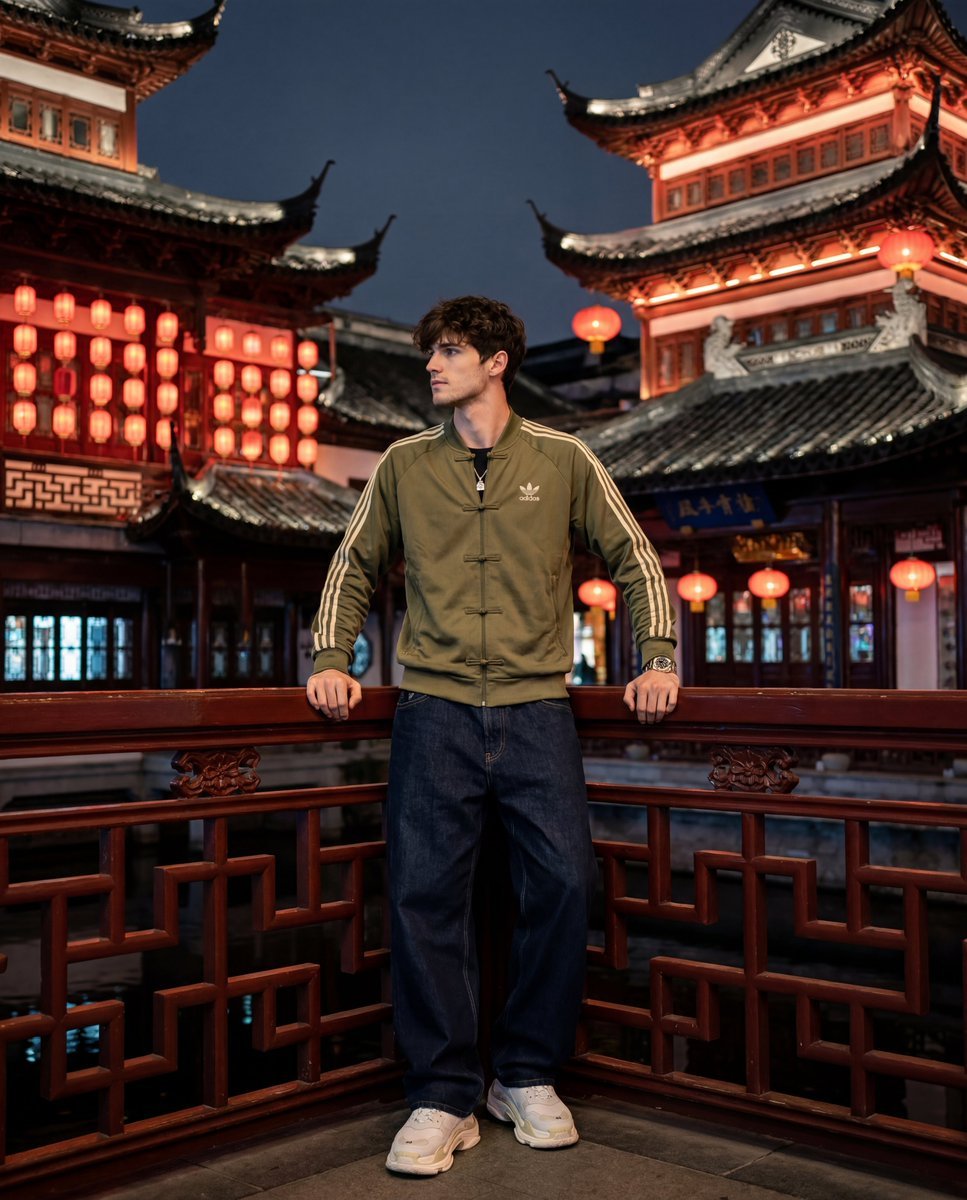
Yu Garden Adidas Fashion Portrait
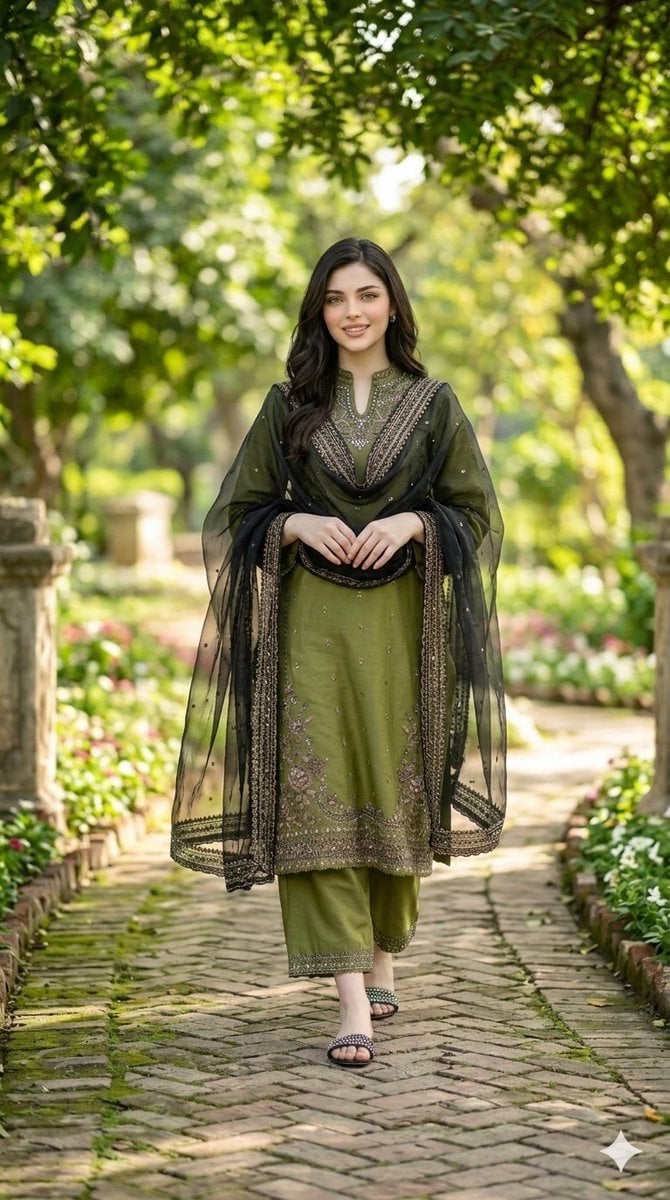
Garden Pathway Fashion Portrait
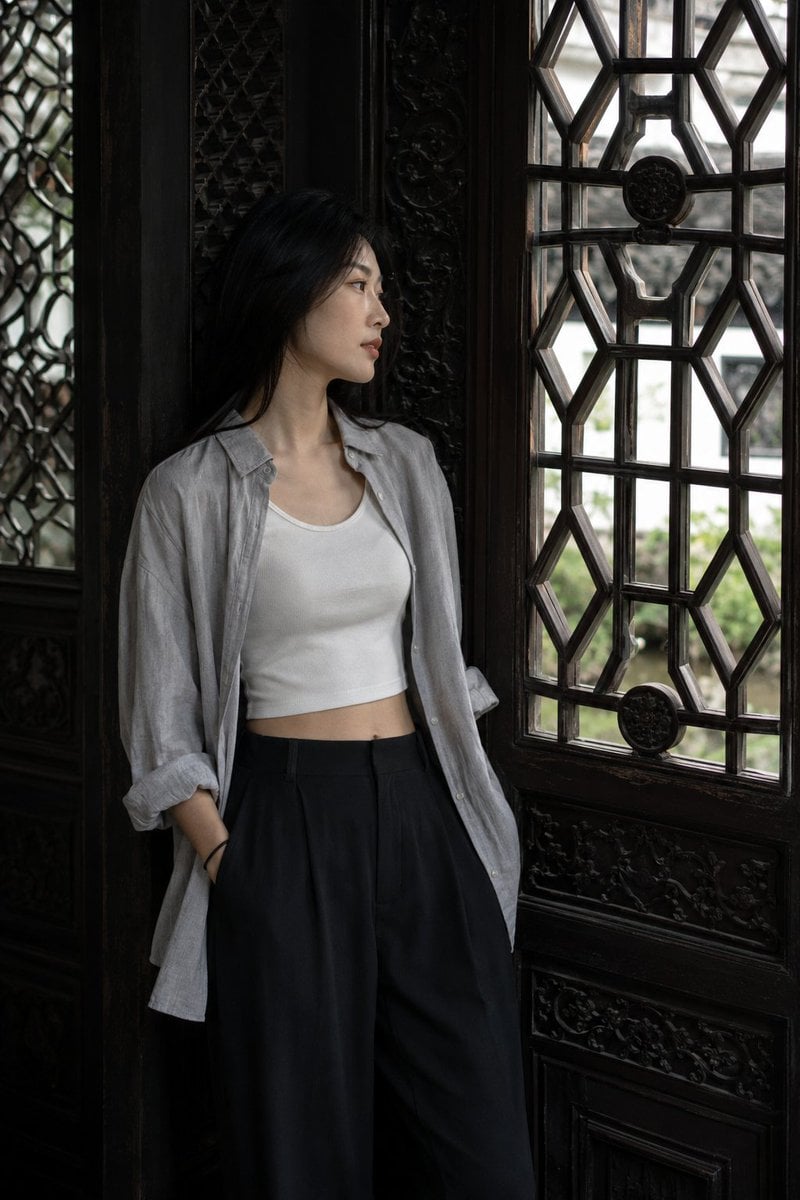
Classical Suzhou Garden Interior Portrait
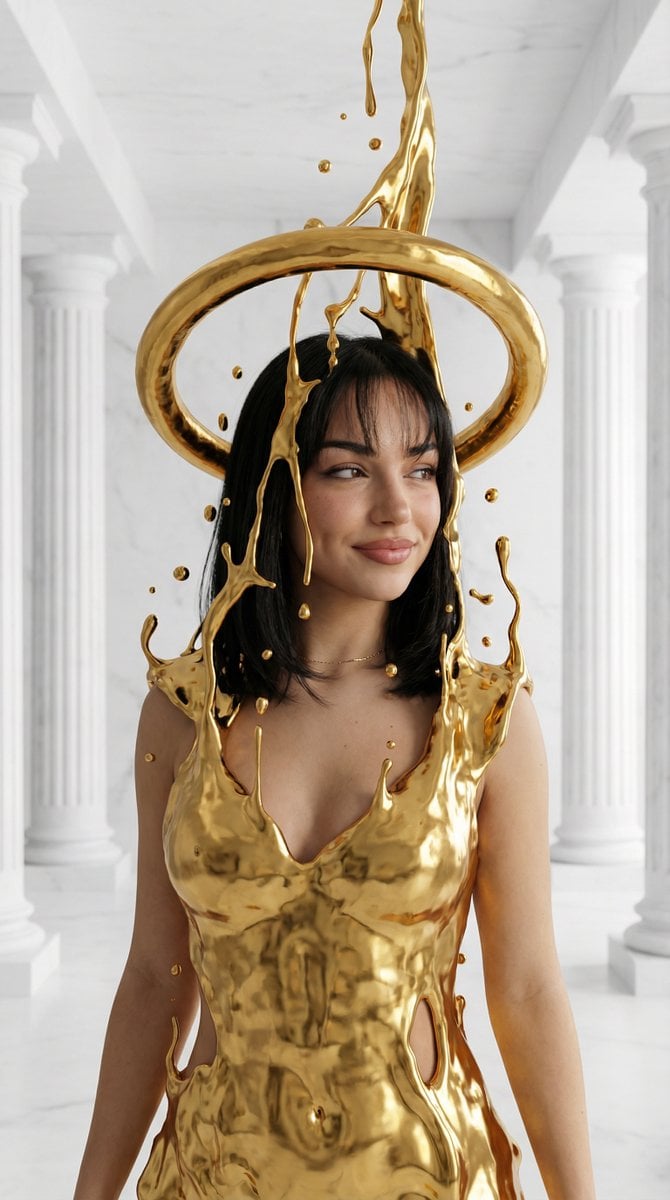
Surreal High-Fashion Portrait with Liquid Gold and Classical Architecture
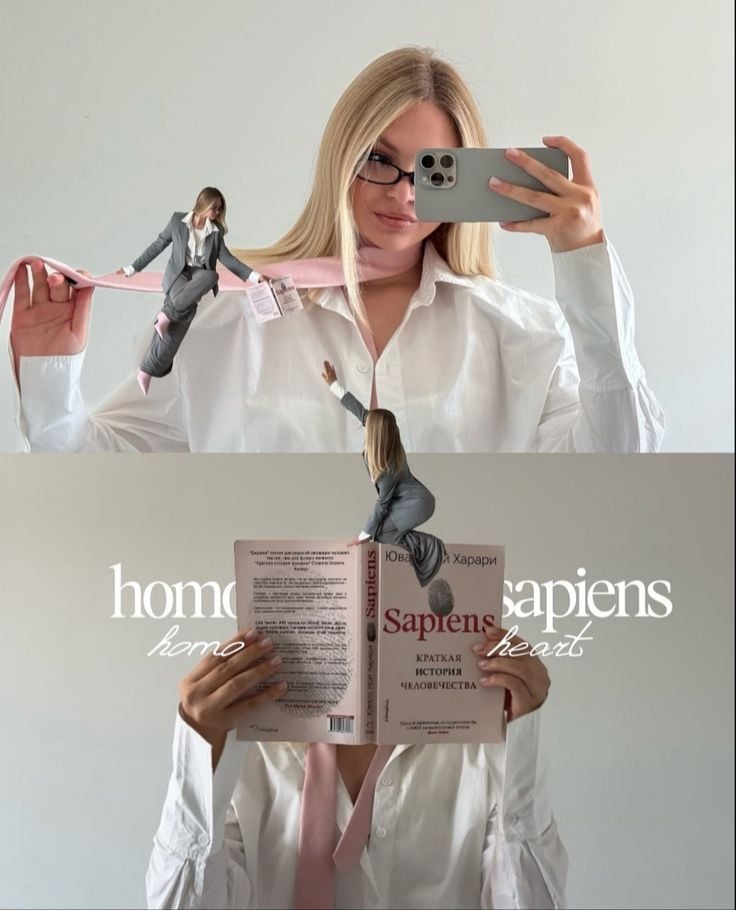
Miniature Self Portrait Collage

Found Photograph: Us, 1970
Make it yours
Classical Garden Fashion Portrait works as-is. These are the safest ways to change it without losing the look.
Change one field
Copy a single group, rewrite it, and generate again so you can see what that field is doing.
Keep the frame, change the subject
Hold the composition and light of Classical Garden Fashion Portrait, then swap wardrobe, props or the person for a new take.
| If the result… | Why | Fix |
|---|---|---|
| The result drifts from the preview | Too many fields changed at once. | Reuse Classical Garden Fashion Portrait as-is first, then change one group — subject, light, or setting. |
| The model over-stylizes the scene | The prose prompt leaves finish and camera underspecified. | Add one camera or lighting sentence and stay on Nano Banana 2. |
More Nano Banana 2 templates
Other prompts made for Nano Banana 2.

Photorealistic Leaf Shaped Like a Dragon

K-Pop Idol Portrait Grid for Rapid Selection

Poetic Rain Forest Portrait During Golden Hour

Urban Street Portrait with Cartoon Inner Self Duo

Candid Nighttime Photo with Cat Prompt

High-Concept 3D Diorama Generation Prompt

Cinematic Futuristic Studio Portrait Template

Skincare Editorial Photography Collage Prompt

Hyper-Realistic Commercial Product Photography (Splash Effect)

Hyper-Realistic Nightclub Portrait Prompt
More image prompts
Fresh picks from across the catalog.

3D Icon Collection Grid Generator
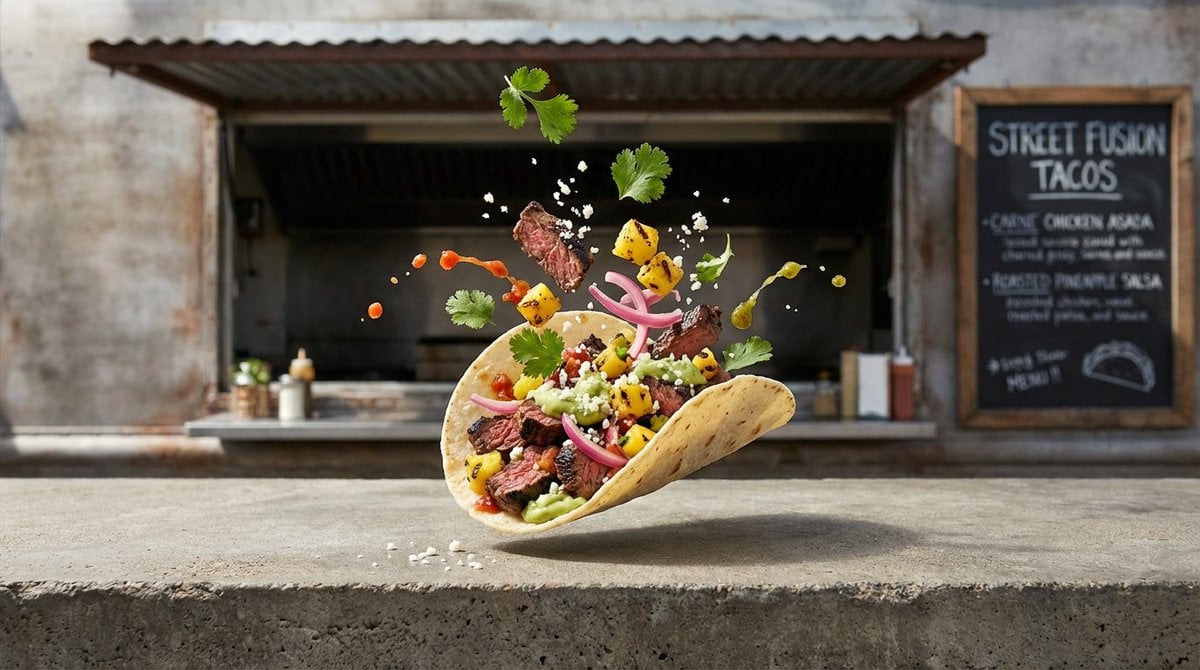
Four High-Detail Composite Photography Prompts

Juicy Mango Explosion Product Shot
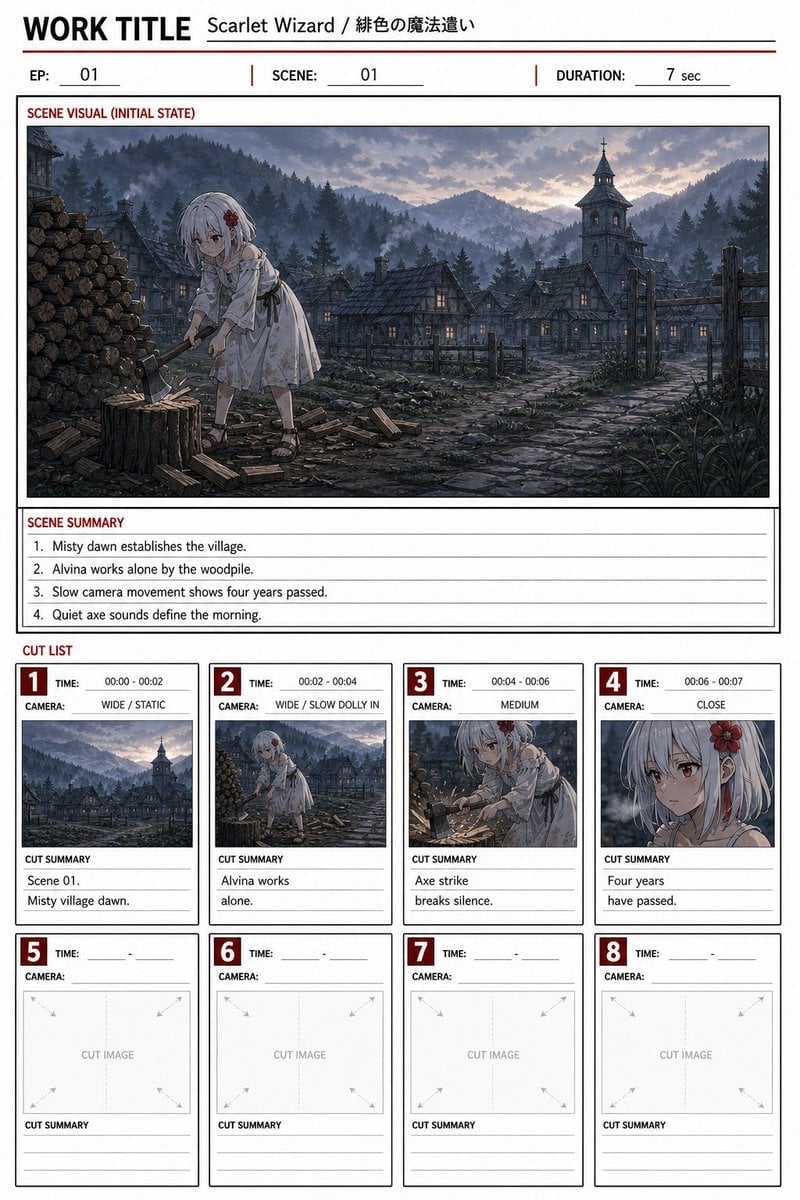
Anime Storyboard Sheet

Surreal Product Composite: Subject Emerging from Cracked Phone Screen
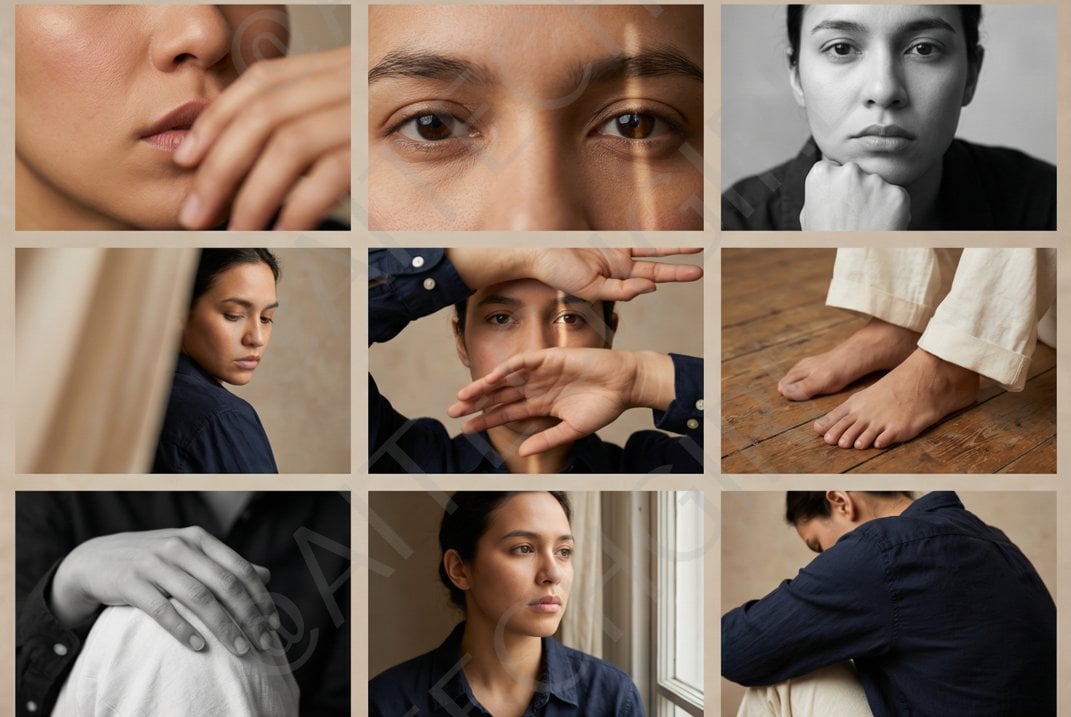
Shot Editorial Photo Grid Prompt for Nano Banana Pro
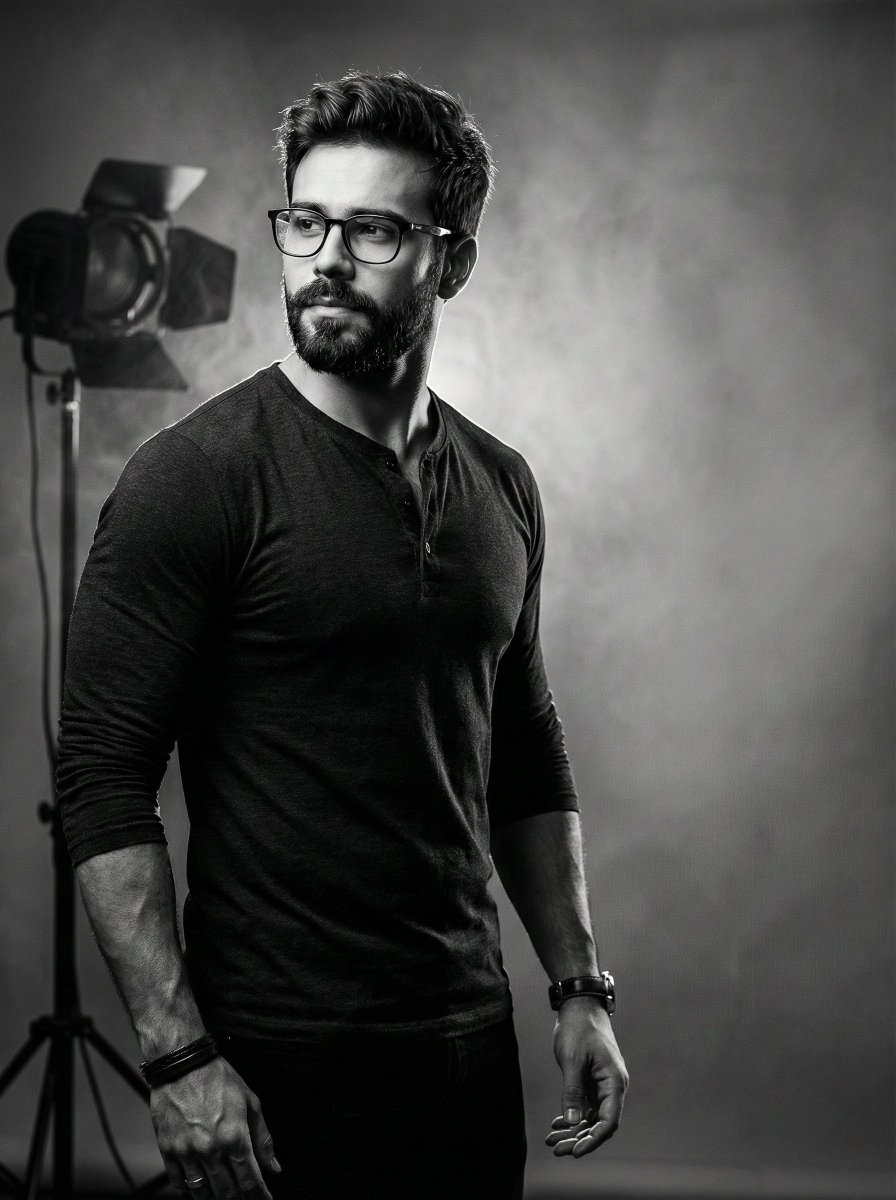
Film Noir Cinematic Portrait Prompt

Ultra-Real 16K Cinematic Scene of Romantic Date on Mars
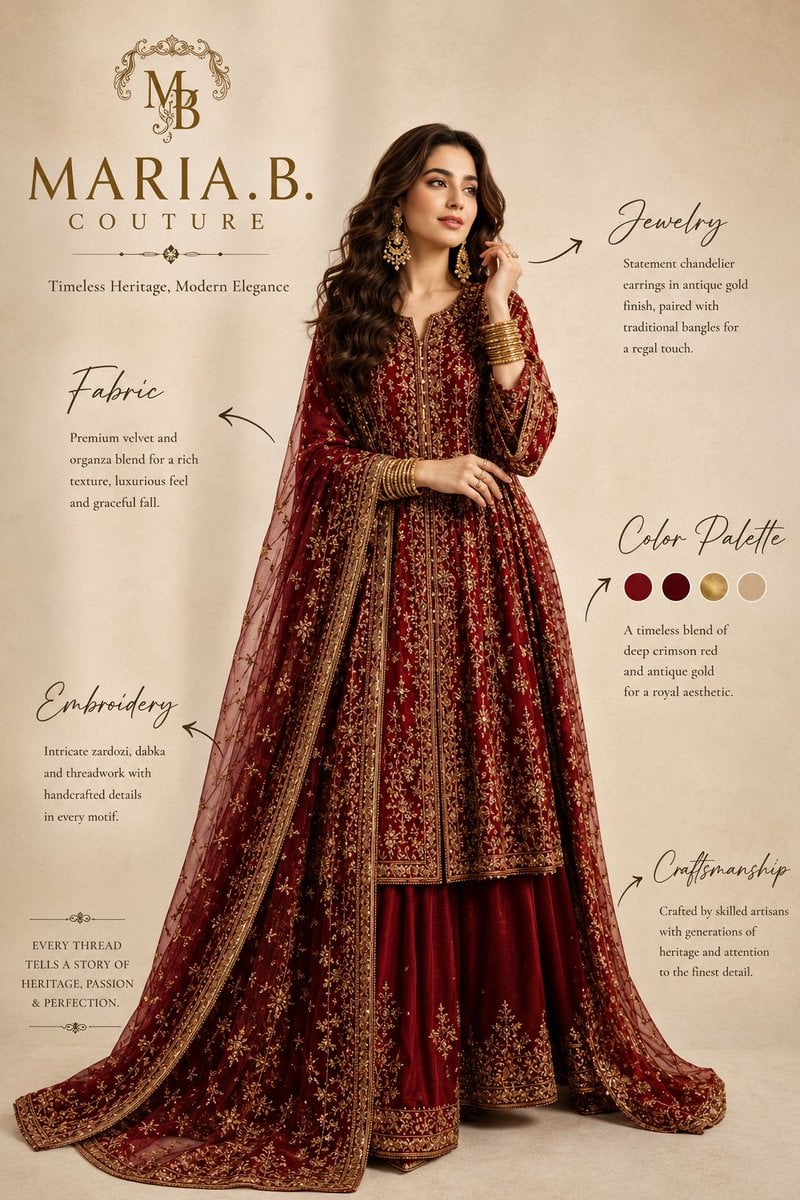
Pakistani Luxury Fashion Campaign

Anime Sunset Film Poster
Browse template categories
Classical Garden Fashion Portrait questions
How do I use the Classical Garden Fashion Portrait template?
Add your photo if the template asks for one, edit the prompt if you like — the template's model and format are already selected — and press Generate. Your version opens in PicX Studio.
Can I customize the Classical Garden Fashion Portrait template?
Yes. You can change the subject, setting, lighting, mood, format, and available model controls before creating your image.
Is the Classical Garden Fashion Portrait template free?
Opening and editing this template is free. Generating uses credits, shown on the Generate button when you are signed in.
Which AI model should I use?
Start with Nano Banana 2, which is the model associated with this template. You can compare another compatible model for a different finish.
Looking for something else? Browse all templates.

Your photo, any look
Thousands of ready templates for every top image and video model, from one credit balance.