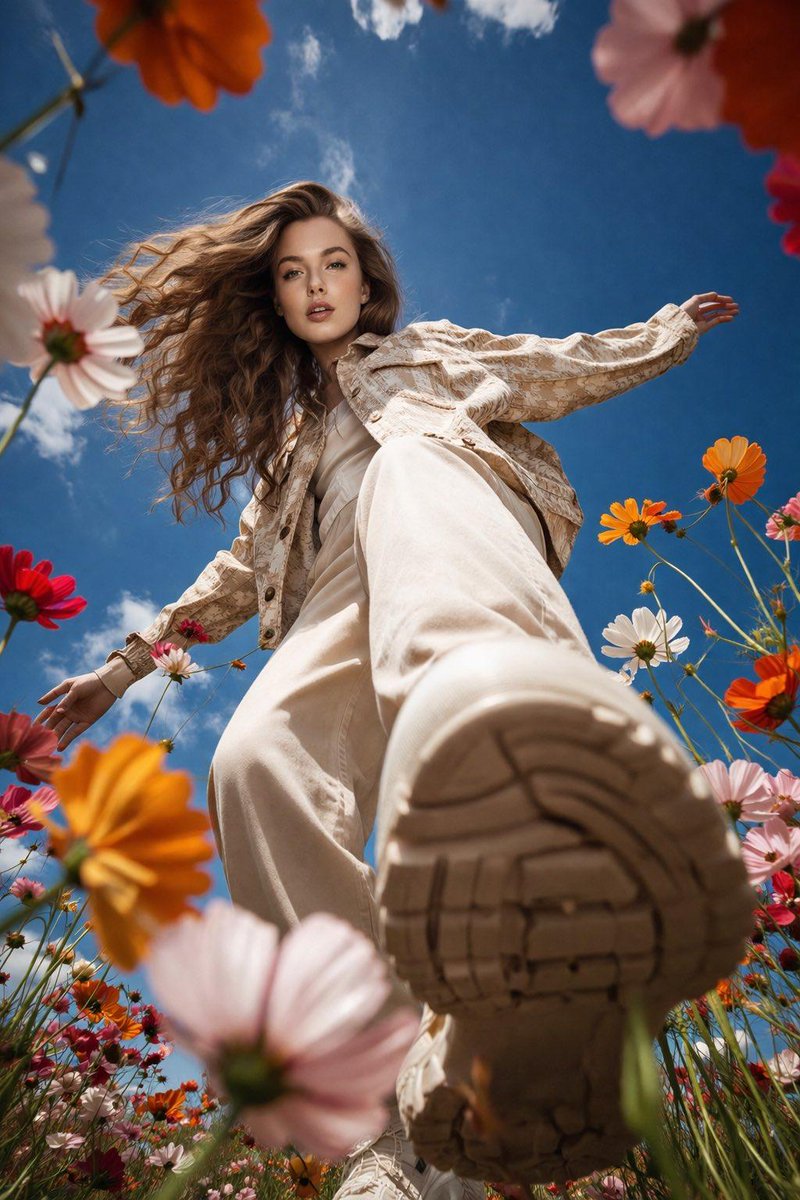
How do I use the Garden Pathway Fashion Portrait template?
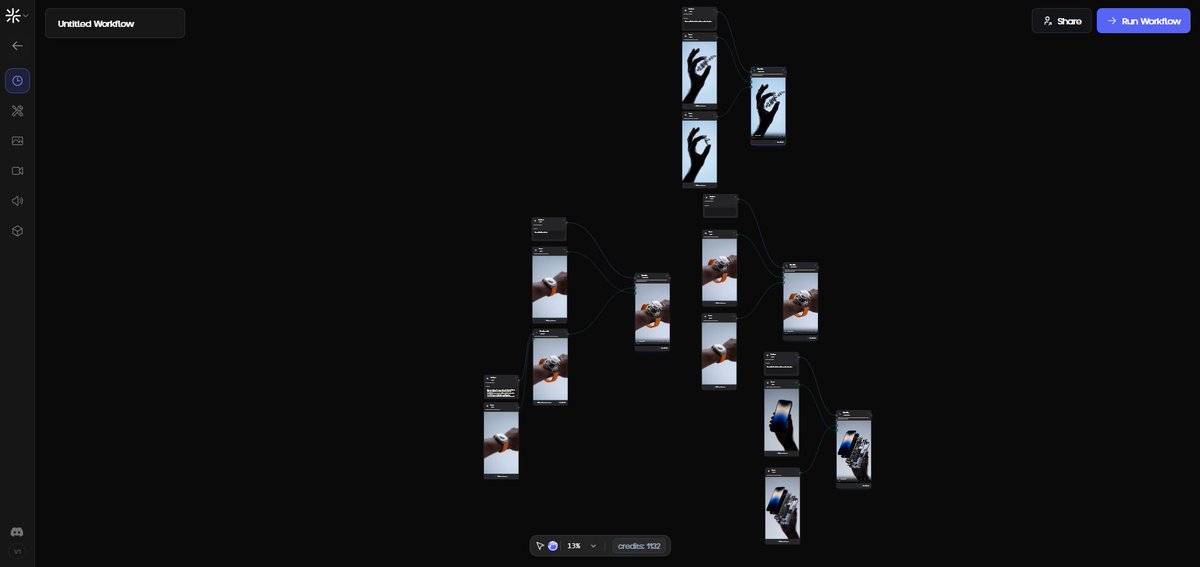
Choose the primary action to open PicX Studio with the available template settings. Review the model and format, personalize the creative direction, and generate when ready.
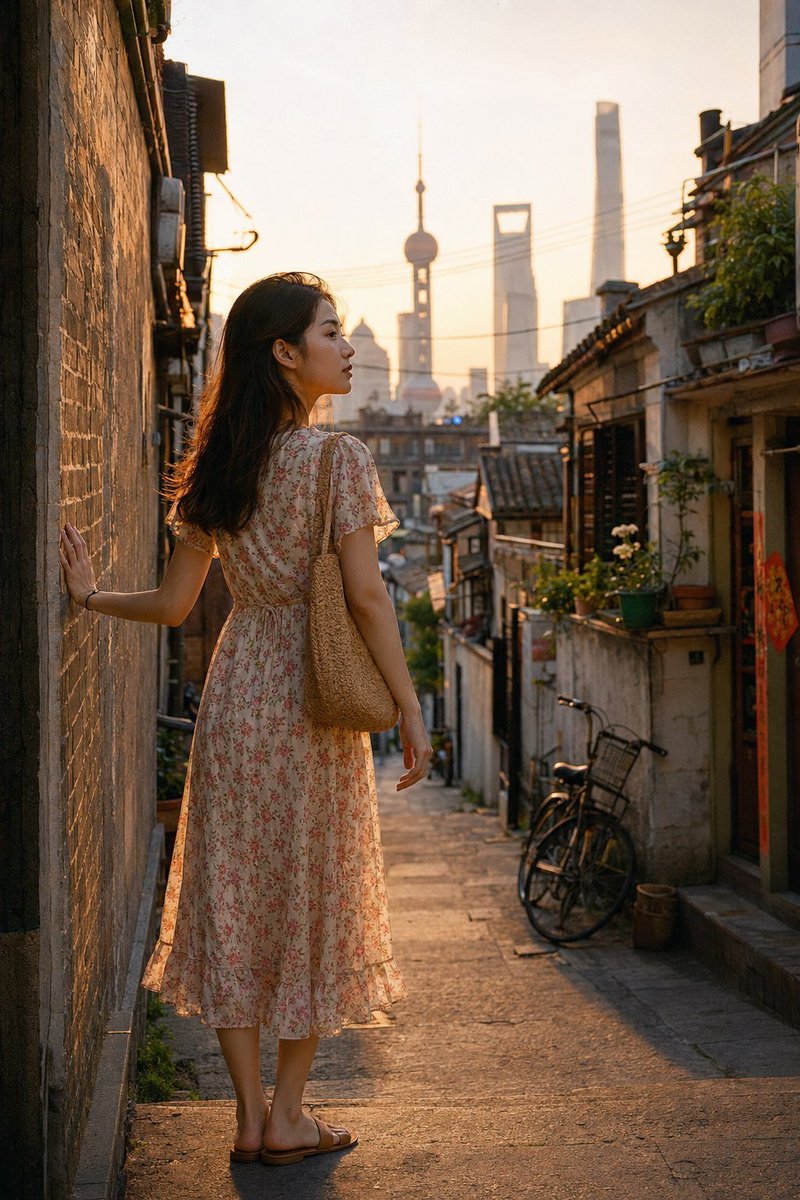
Full-body portrait in a sun-dappled outdoor park, featuring traditional South Asian attire in an olive-green silk style.

Full-body fashion portrait of a young beautiful woman walking along a brick-paved garden pathway, captured in Douyin realism style. She is wearing an elegant {argument name="outfit description" default="olive-green raw silk shalwar kameez outfit"}. The long kurti features intricate traditional embroidery along the neckline, sleeve cuffs, and the bottom hem, embellished with subtle, scattered mirror-work or sequins. She wears loose-fitting, matching olive-green culotte trousers with embroidered borders. A sheer, black organza dupatta with a delicate embroidered border is draped gracefully over her arms, catching a soft breeze. She has long, open, wavy dark brown hair cascading over her shoulders and a natural, soft makeup look. The setting is a lush, sun-dappled outdoor park with green foliage and trees creating a soft, blurred bokeh background. Shot on a professional DSLR camera with an 85mm lens at f/1.4 aperture, cinematic natural lighting, hyper-detailed skin texture with visible pores, 8K resolution, clean image composition with no watermarks or text.9:16
Choose the primary action to open PicX Studio with the available template settings. Review the model and format, personalize the creative direction, and generate when ready.
Yes. You can change the subject, setting, lighting, mood, format, and available model controls before creating your image.
This template is free to open and customize. Generation usage is shown in PicX Studio before you create.
Start with Nano Banana 2, which is the model associated with this template. You can compare another compatible model for a different finish.
Follow a topic to a crawlable collection of related PicX Studio templates.