
Anime Pear Orchard Harvest
Generates a cheerful anime pear-picking scene with two girls, farm details, and Japanese greeting text for seasonal social media art.
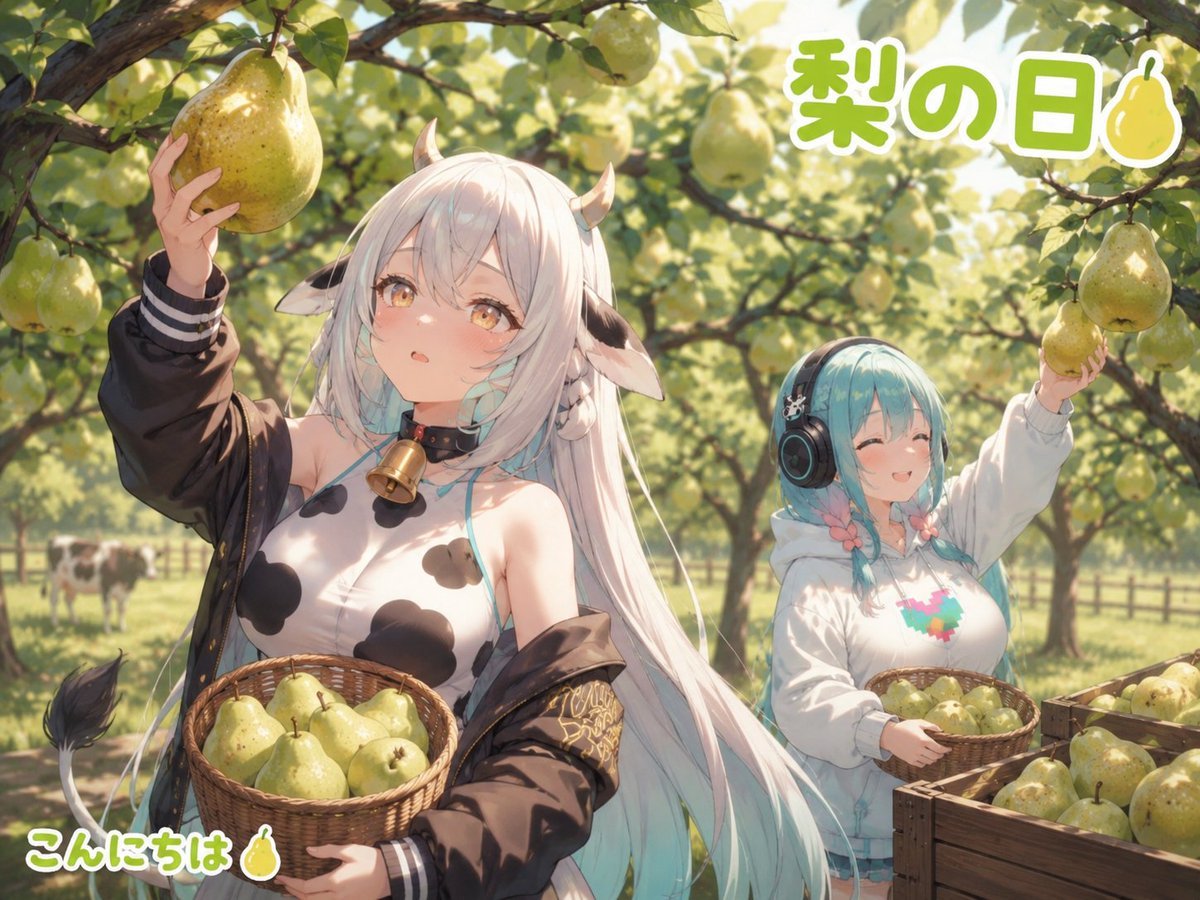
- Prompt included
- Model and format preset
- Premium template
The prompt behind this image
Copy the exact prompt behind Anime Pear Orchard Harvest, or open it in the studio and make it yours.
Create a bright anime-style orchard illustration in a 4:3 landscape frame, set on a sunny pear-picking day with warm dappled sunlight, shallow depth of field, and lush green pear trees arching overhead. Show exactly 2 cute anime girls among the trees: the foreground girl is a cow-themed original character named {argument name="character name" default="Muumuu Bell"}, with very long silky white hair fading faintly to pale aqua at the ends, small curved horns, cow ears, golden eyes, soft blush, a black choker with a large brass bell, a white cow-print sleeveless top with black spots, and a loose dark brown varsity-style jacket slipping off her shoulders; she holds 1 large yellow-green pear up in her left hand and carries 1 woven basket full of pears in her right arm. The second girl stands behind to the right, smaller and cheerful, with teal-blue bobbed hair in braids, closed smiling eyes, large black headphones with small decorations, and a white hoodie with a colorful pixel-like heart/animal graphic; she holds 1 pear up in her right hand and carries 1 smaller woven basket of pears in her left arm. Include exactly 2 visible baskets, both filled with yellow-green pears, and exactly 2 wooden produce crates at the lower right, also filled with pears. In the distant left background, include exactly 2 small black-and-white cows grazing behind a rustic fence to reinforce the farm setting. Add many pear fruits hanging from branches throughout the canopy, glossy leaves, sunbeams, and soft bokeh. Place large rounded Japanese headline text at the upper right reading {argument name="headline text" default="梨の日"}, in thick green letters with a white outline, plus a small pear icon beside it. Place a friendly greeting at the bottom left reading {argument name="greeting text" default="こんにちは🍐"}, in matching rounded green text with a white outline. Use polished high-quality anime rendering, delicate linework, expressive faces, soft pastel lighting, and a wholesome seasonal harvest mood. Avoid watermarks, extra characters, distorted hands, unreadable text, or additional logos.
How to use Anime Pear Orchard Harvest in 3 steps
- 1Upload ImagePNG, JPG or paste
Add your photo
Upload the photo the template builds on. The prompt, model and format are already set.
- 2…a portrait of your subject in softgolden-hour light, 85mm…
Personalize
Edit the subject and creative details for your destination.
- 3Generate
Generate
Press Generate — your image is created in PicX Studio, so you can compare it with the original and refine one variable at a time.
More like this
Templates with the same subject, style or setup. Open one to see its prompt.











Make it yours
Anime Pear Orchard Harvest works as-is. These are the safest ways to change it without losing the look.
Change one field
Copy a single group, rewrite it, and generate again so you can see what that field is doing.
Keep the frame, change the subject
Hold the composition and light of Anime Pear Orchard Harvest, then swap wardrobe, props or the person for a new take.
| If the result… | Why | Fix |
|---|---|---|
| The result drifts from the preview | Too many fields changed at once. | Reuse Anime Pear Orchard Harvest as-is first, then change one group — subject, light, or setting. |
| The model over-stylizes the scene | The prose prompt leaves finish and camera underspecified. | Add one camera or lighting sentence and stay on GPT Image 2. |
More GPT Image 2 templates
Other prompts made for GPT Image 2.

Six VTuber Japanese Logo Sheet

Realistic Portrait of Woman and Deer

The Vista Modular Condo Poster

AI Model Routing Comparison Infographic

2.5D Anime Art Board

Isometric Productivity Desk Scene

New York Double Exposure Poster

Four-Panel AI Landscape Comparison

Japanese Tatami Lifestyle Magazine Cover

NESCAFÉ Coffee Map Poster
More image prompts
Fresh picks from across the catalog.
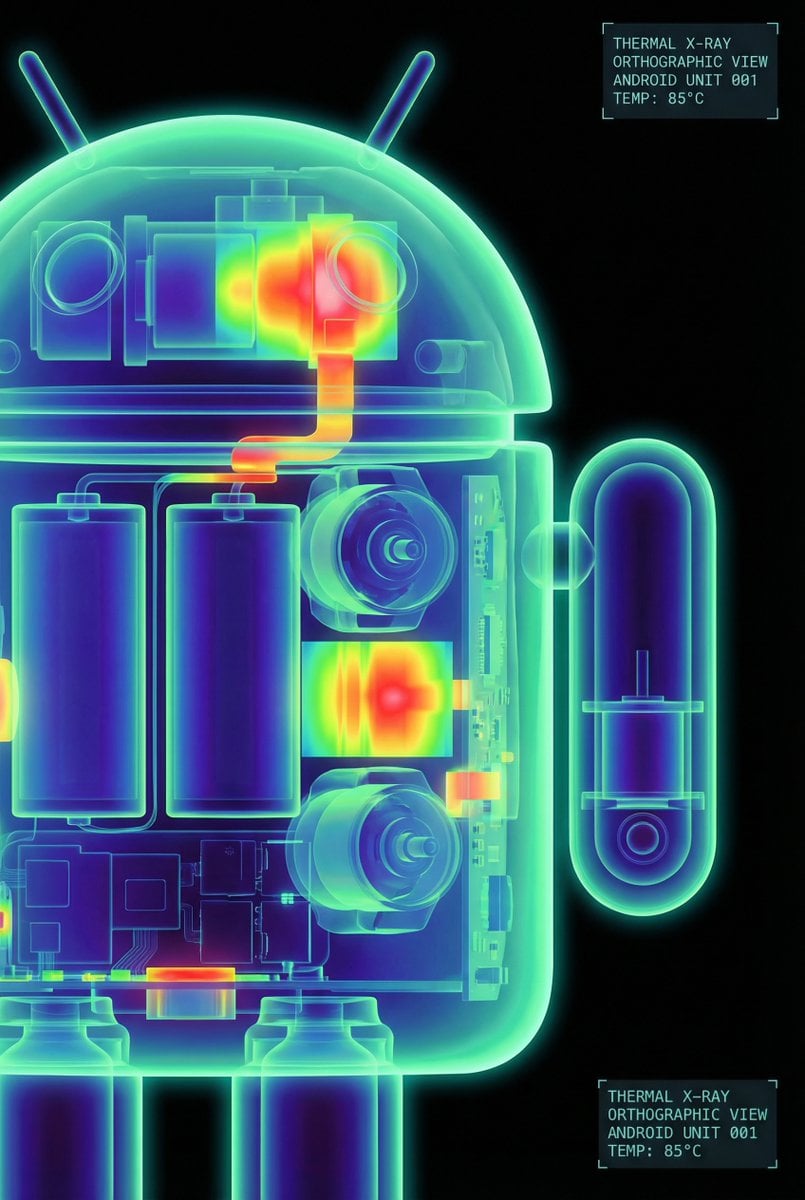
High-Contrast Thermal X-Ray Render of Android Robot

Low-Angle Fashion Portrait with Light Rings

Traditional Kurta Portrait Collage
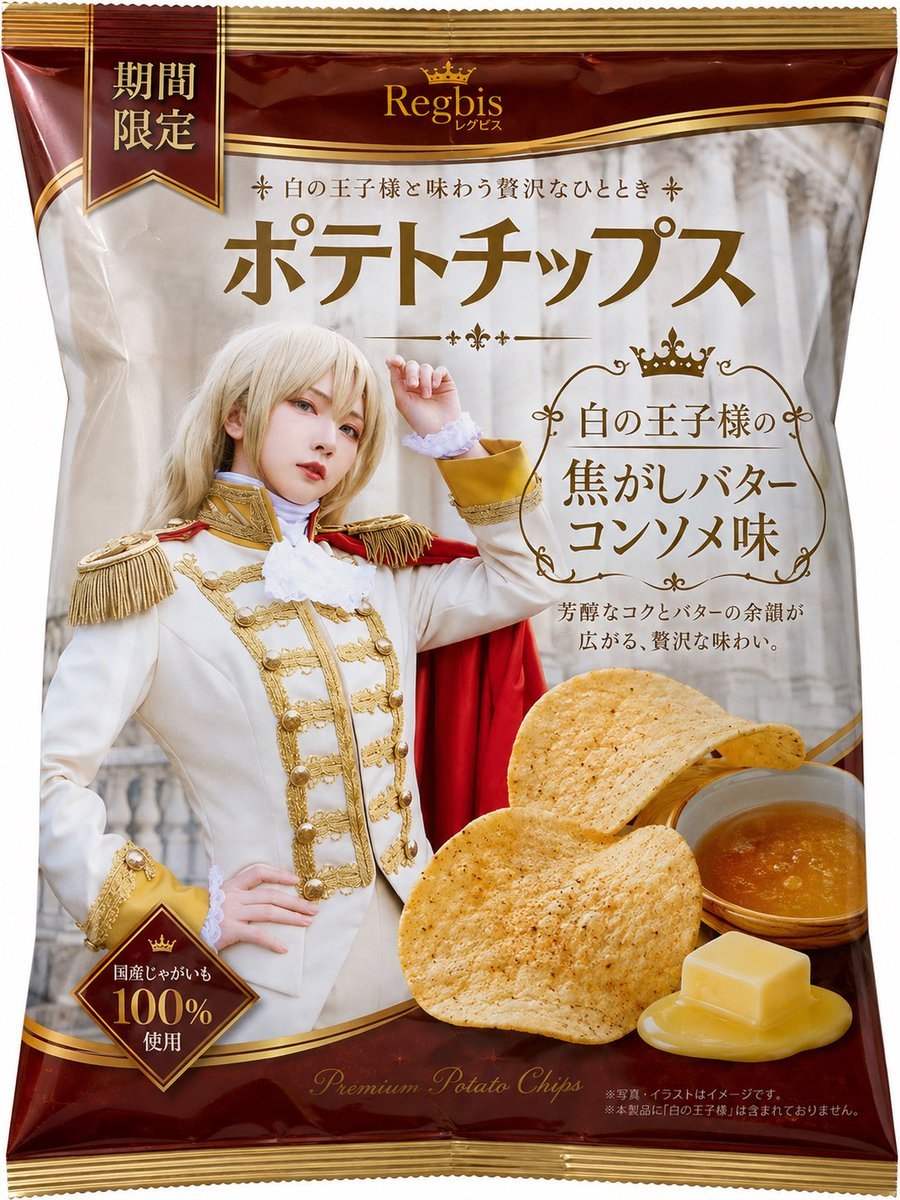
Royal Prince Potato Chips Package

Abstract Motion Illusion Prompt
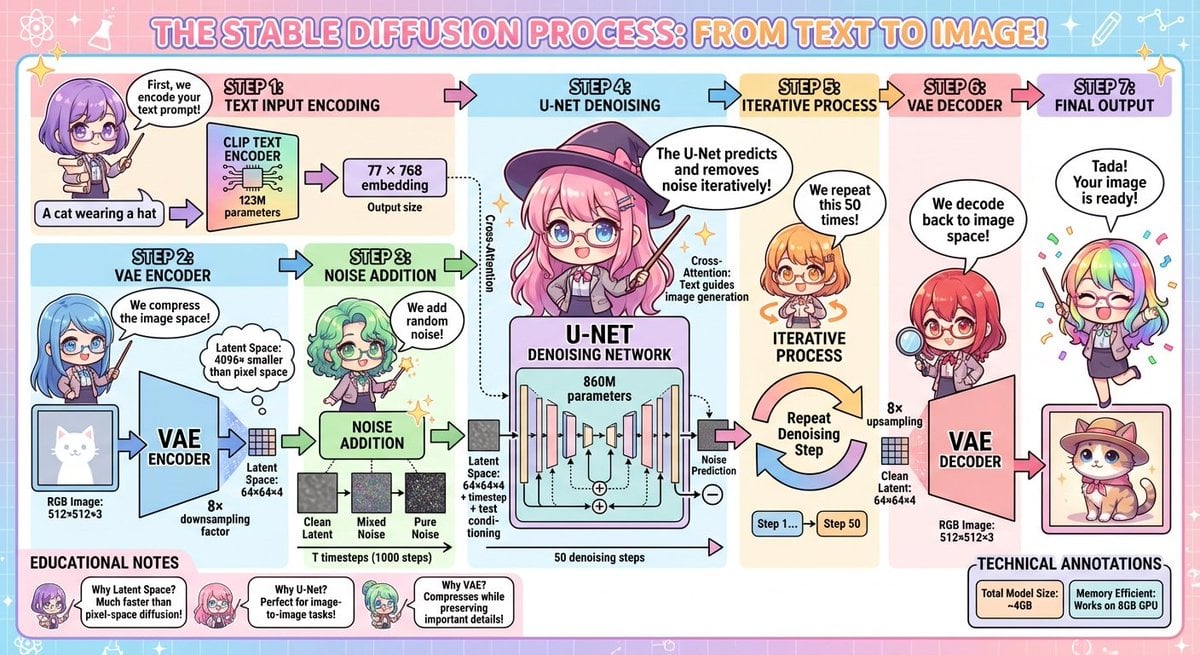
Stable Diffusion educational anime diagram
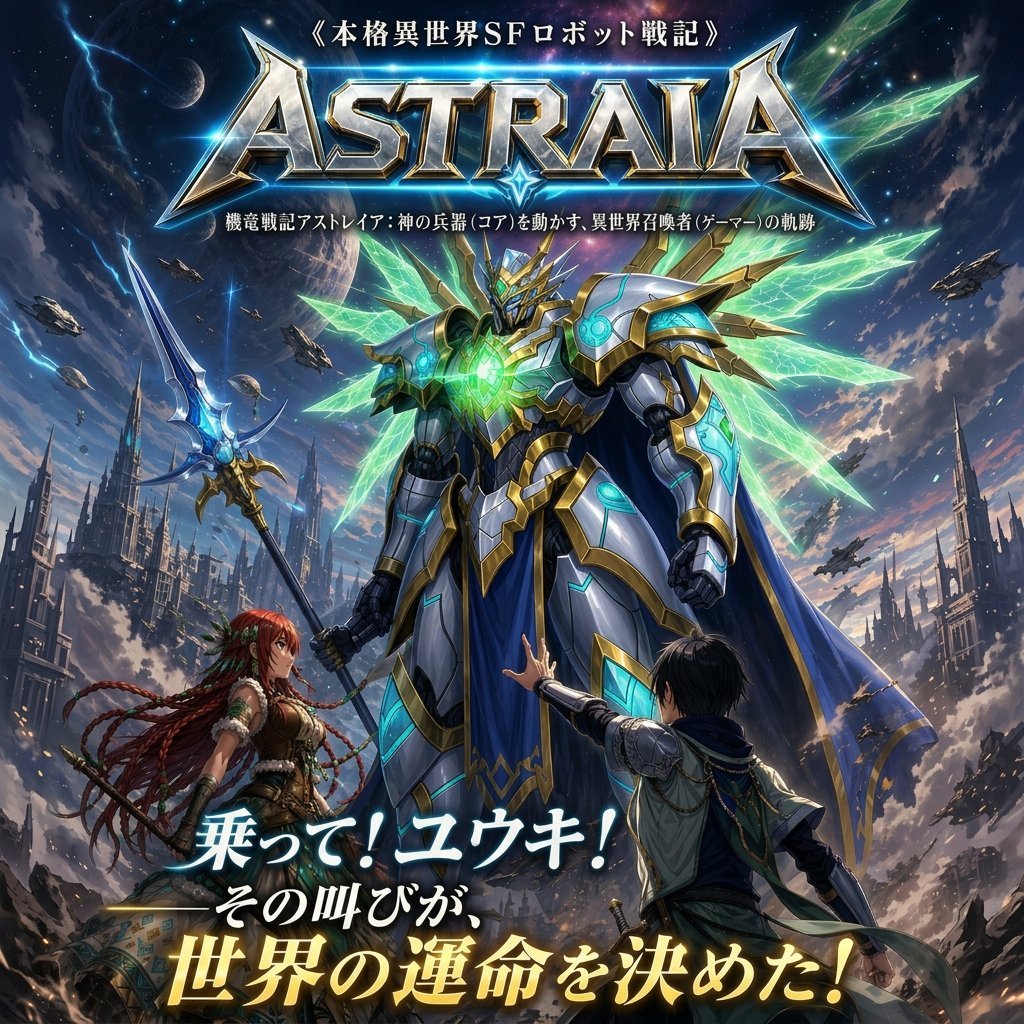
Epic Fantasy Mecha Light Novel Cover
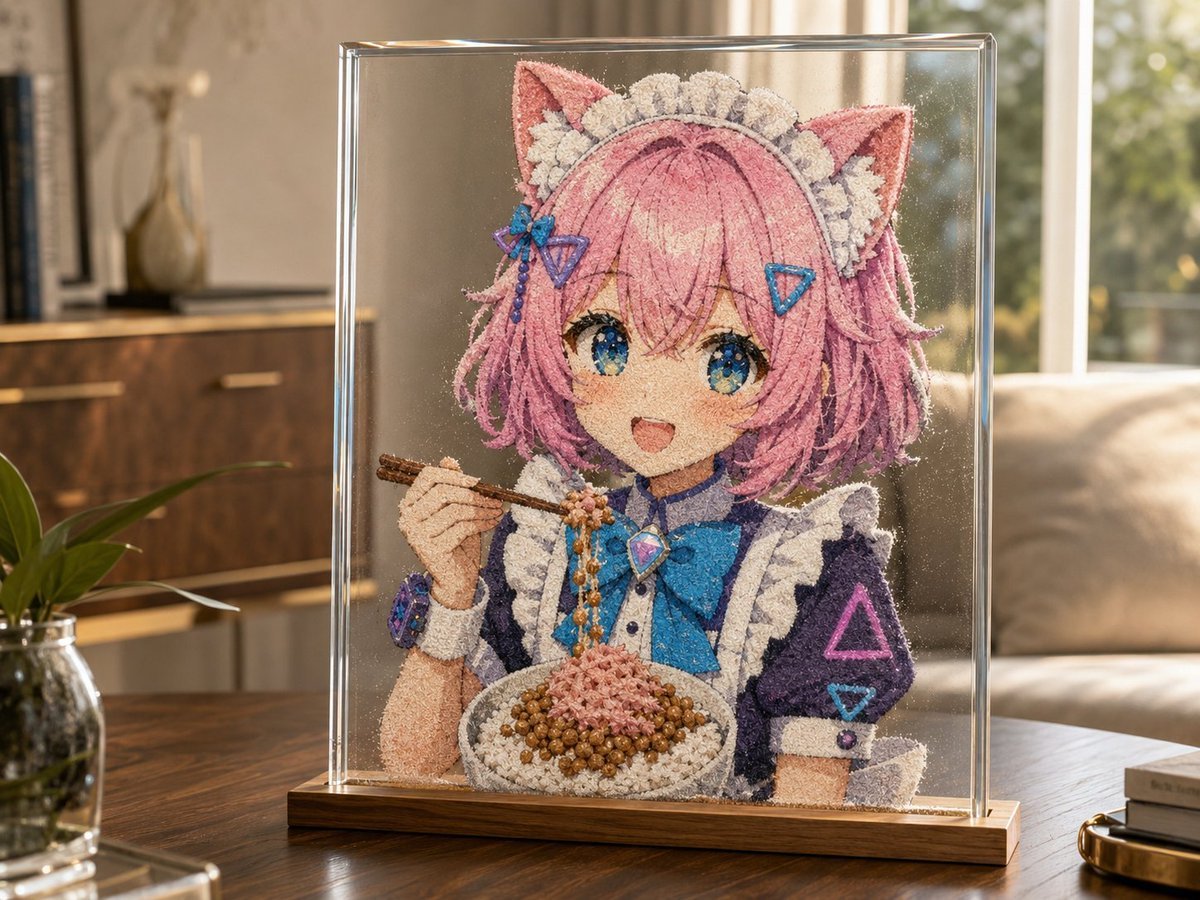
Cat-Eared Maid Sand Art Display
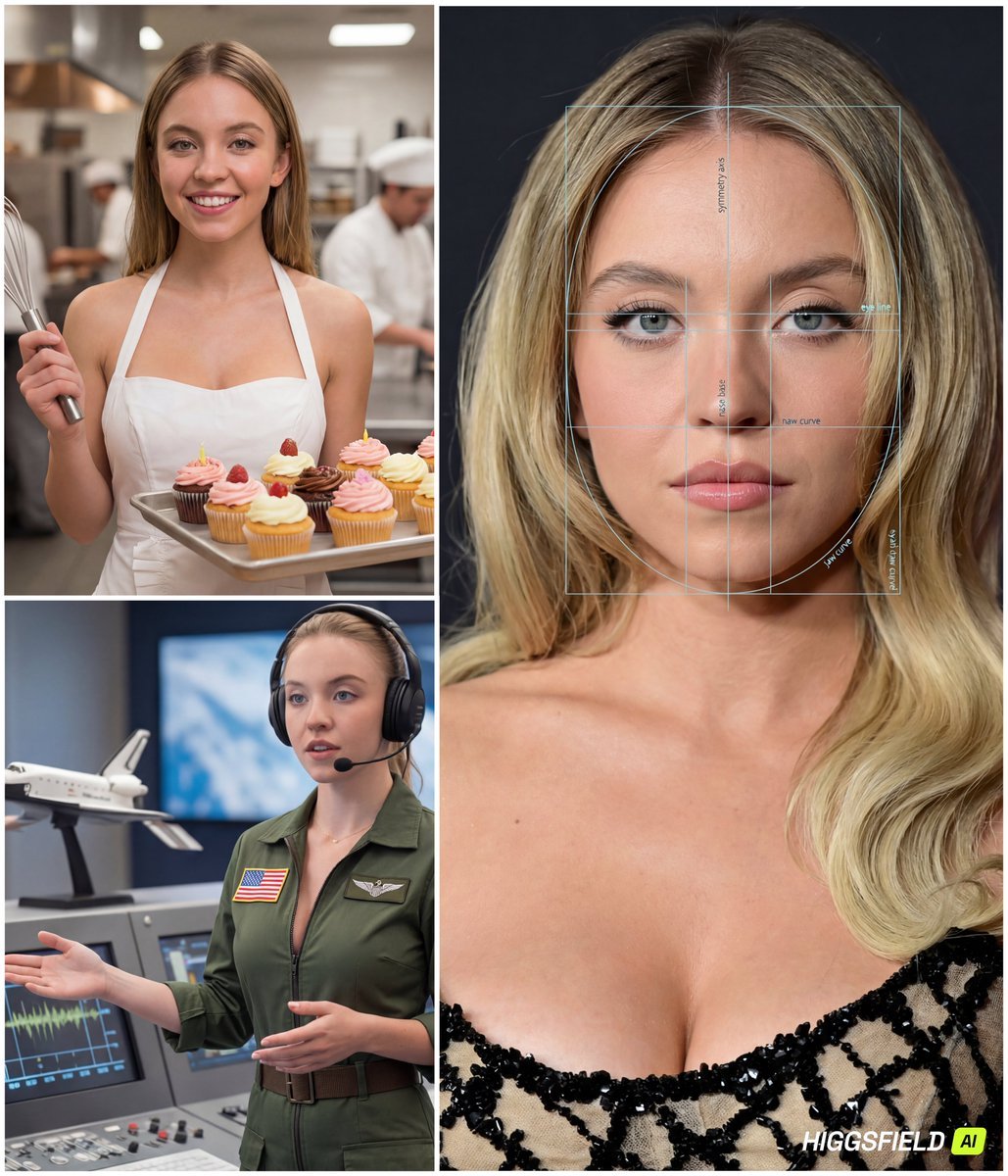
Face-to-Career Matching Composite Image Generator
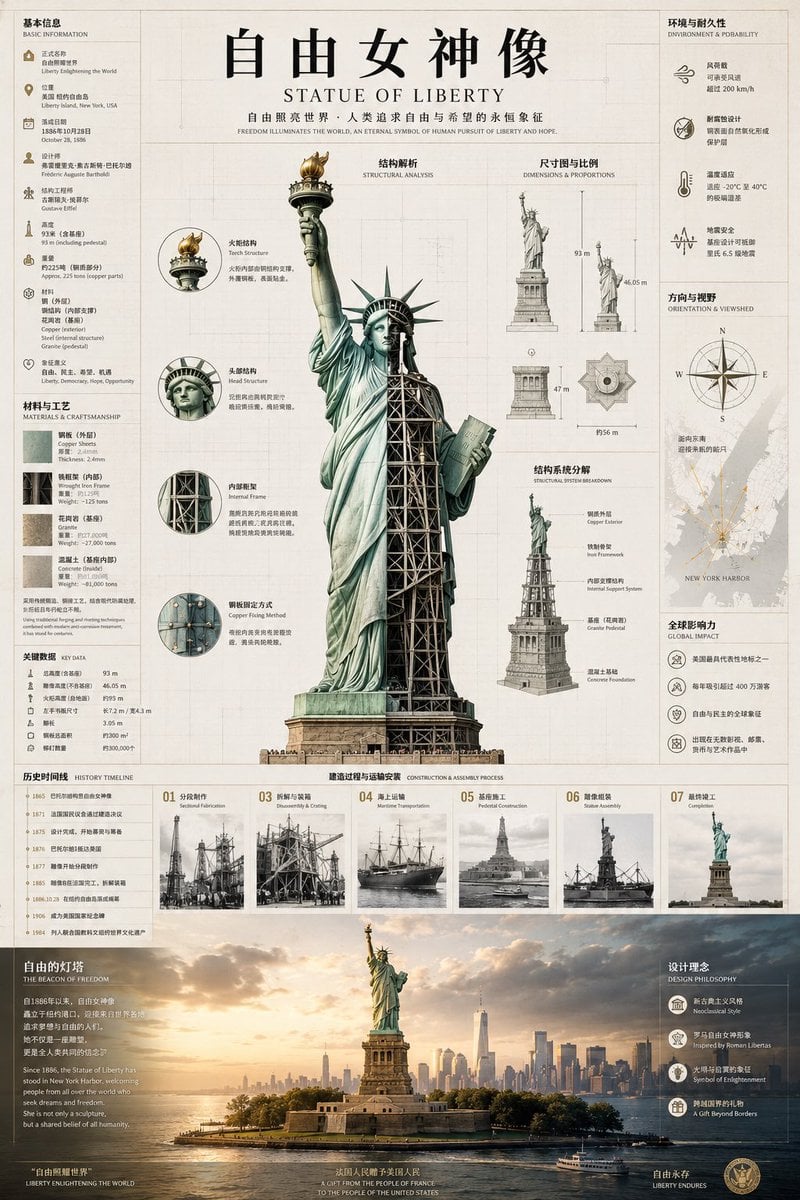
Statue of Liberty Technical Infographic
Browse template categories
Anime Pear Orchard Harvest questions
How do I use the Anime Pear Orchard Harvest template?
Add your photo if the template asks for one, edit the prompt if you like — the template's model and format are already selected — and press Generate. Your version opens in PicX Studio.
Can I customize the Anime Pear Orchard Harvest template?
Yes. You can change the subject, setting, lighting, mood, format, and available model controls before creating your image.
Is the Anime Pear Orchard Harvest template free?
Opening and editing this template is free. Generating uses credits, shown on the Generate button when you are signed in.
Which AI model should I use?
Start with GPT Image 2, which is the model associated with this template. You can compare another compatible model for a different finish.
Looking for something else? Browse all templates.

Your photo, any look
Thousands of ready templates for every top image and video model, from one credit balance.