
Use the uploaded reference image as the compositional base
{ "type": "image_generation_prompt", "style": "photorealistic cinematic street photography, documentary aesthetic", "resolution": "ultra-high resolution", "identity_preservation": { "use_reference_image": true…
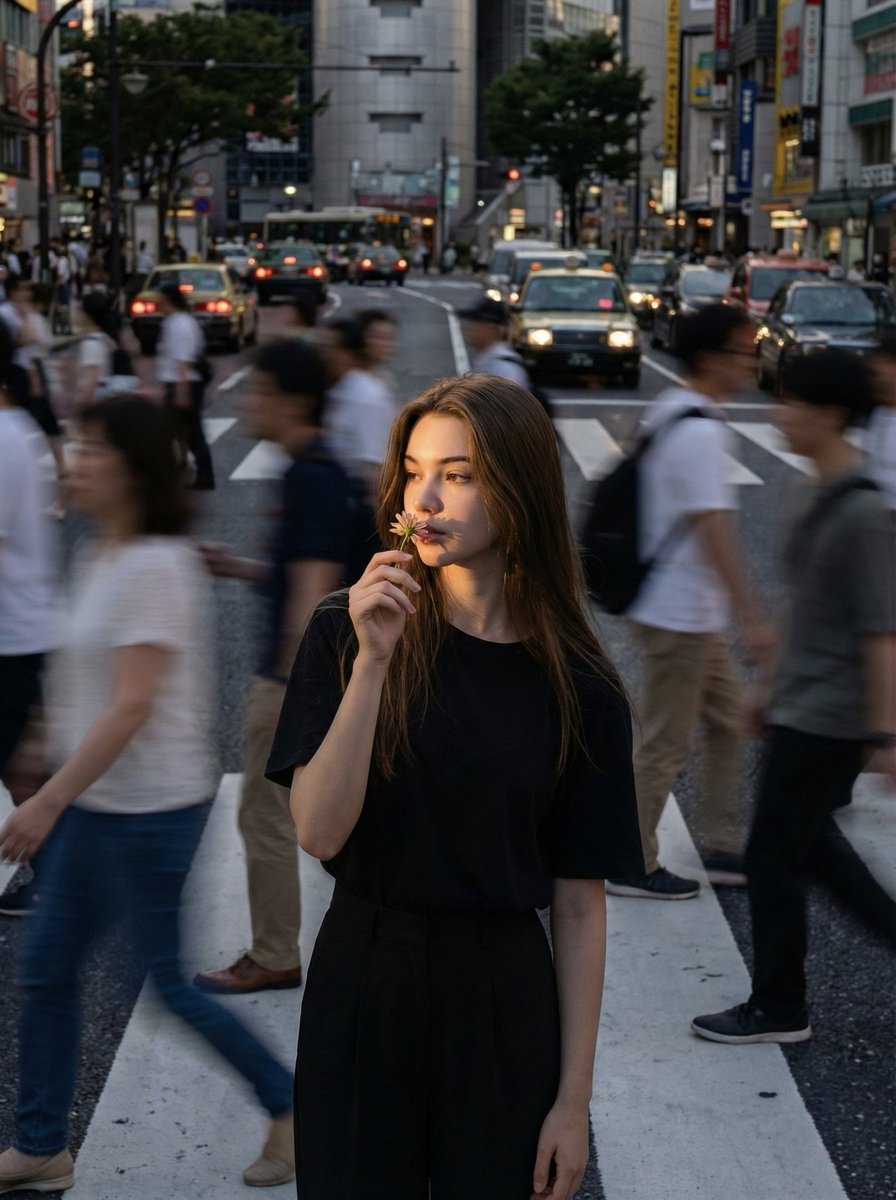
- Prompt included
- Model and format preset
- Premium template
The prompt behind this image
Copy the exact prompt behind Use the uploaded reference image as the compositional base, or open it in the studio and make it yours.
- Type
- image_generation_prompt
- Style
- photorealistic cinematic street photography, documentary aesthetic
- Resolution
- ultra-high resolution
- Identity Preservation › Use Reference Image
- true
- Identity Preservation › Alter Face
- false
- Identity Preservation › Strict Identity Lock
- true
- Identity Preservation › Notes
- Use the uploaded reference image as the compositional base. Replace the central character with the woman from the reference image, preserving exact facial structure, skin texture, lighting direction, shadows, depth of field, angle, and emotional expression. No distortions, no artifacts, no skin tone mismatch.
- Subject › Gender
- female
- Subject › Appearance › Hair
- bald (as in the original composition)
- Subject › Appearance › Age
- adult
- Subject › Appearance › Expression
- calm, introspective, emotionally neutral
- Subject › Appearance › Skin
- realistic texture with natural pores and tones
- Subject › Pose › Position
- standing still in the center of a busy urban crosswalk
- Subject › Pose › Action
- gently smelling a flower held near the face
- Subject › Pose › Posture
- upright, relaxed, perfectly static
- Subject › Wardrobe › Outerwear
- dark minimalist blazer
- Subject › Wardrobe › Top
- black shirt
- Environment › Location
- busy urban pedestrian crosswalk
- Environment › Atmosphere
- metropolitan street scene
- Environment › Crowd › Behavior
- people moving rapidly around the subject
- Environment › Crowd › Effect
- motion blur from long exposure
- Lighting › Type
- natural daylight
- Lighting › Conditions
- overcast sky
- Lighting › Quality
- soft, diffused light
Raw JSON
{
  "type": "image_generation_prompt",
  "style": "photorealistic cinematic street photography, documentary aesthetic",
  "resolution": "ultra-high resolution",
  "identity_preservation": {
    "use_reference_image": true,
    "alter_face": false,
    "strict_identity_lock": true,
    "notes": "Use the uploaded reference image as the compositional base. Replace the central character with the woman from the reference image, preserving exact facial structure, skin texture, lighting direction, shadows, depth of field, angle, and emotional expression. No distortions, no artifacts, no skin tone mismatch."
  },
  "subject": {
    "gender": "female",
    "appearance": {
      "hair": "bald (as in the original composition)",
      "age": "adult",
      "expression": "calm, introspective, emotionally neutral",
      "skin": "realistic texture with natural pores and tones"
    },
    "pose": {
      "position": "standing still in the center of a busy urban crosswalk",
      "action": "gently smelling a flower held near the face",
      "posture": "upright, relaxed, perfectly static"
    },
    "wardrobe": {
      "outerwear": "dark minimalist blazer",
      "top": "black shirt"
    }
  },
  "environment": {
    "location": "busy urban pedestrian crosswalk",
    "atmosphere": "metropolitan street scene",
    "crowd": {
      "behavior": "people moving rapidly around the subject",
      "effect": "motion blur from long exposure"
    }
  },
  "lighting": {
    "type": "natural daylight",
    "conditions": "overcast sky",
    "quality": "soft, diffused light",
    "effects": [
      "realistic skin tones",
      "no artificial highlights",
      "natural shadows"
    ]
  },
  "cinematic_effects": {
    "long_exposure": true,
    "subject_clarity": "central subject perfectly sharp",
    "surroundings": "crowd blurred with motion",
    "mood": "isolation and stillness amid chaos"
  },
  "color_grading": {
    "palette": [
      "cool grays",
      "muted browns",
      "soft blacks"
    ],
    "saturation": "desaturated",
    "style": "professional cinematic grading"
  },
  "camera": {
    "lens_look": "85mm",
    "depth_of_field": "shallow",
    "grain": "realistic film grain",
    "perspective": "identical to original reference image"
  },
  "quality_constraints": [
    "no facial deformation",
    "no AI artifacts",
    "no artificial lighting effects",
    "perfect facial integration",
    "consistent shadows and perspective"
  ],
  "output_goal": "Create a photorealistic, cinematic street photograph featuring a woman standing still in a busy crosswalk, smelling a flower, with long-exposure motion blur around her, preserving the exact realism, lighting, depth, and emotional tone of the original reference image."
}How to use Use the uploaded reference image as the compositional base in 3 steps
- 1Upload ImagePNG, JPG or paste
Add your photo
Upload the photo the template builds on. The prompt, model and format are already set.
- 2…a portrait of your subject in softgolden-hour light, 85mm…
Personalize
Edit the subject and creative details for your destination.
- 3Generate
Generate
Press Generate — your image is created in PicX Studio, so you can compare it with the original and refine one variable at a time.
More like this
Templates with the same subject, style or setup. Open one to see its prompt.
Use uploaded selfie as ONLY face reference preserve exact
Using the uploaded reference image of a 30-year-old adult, generate
Using the uploaded reference image, generate a highly realistic
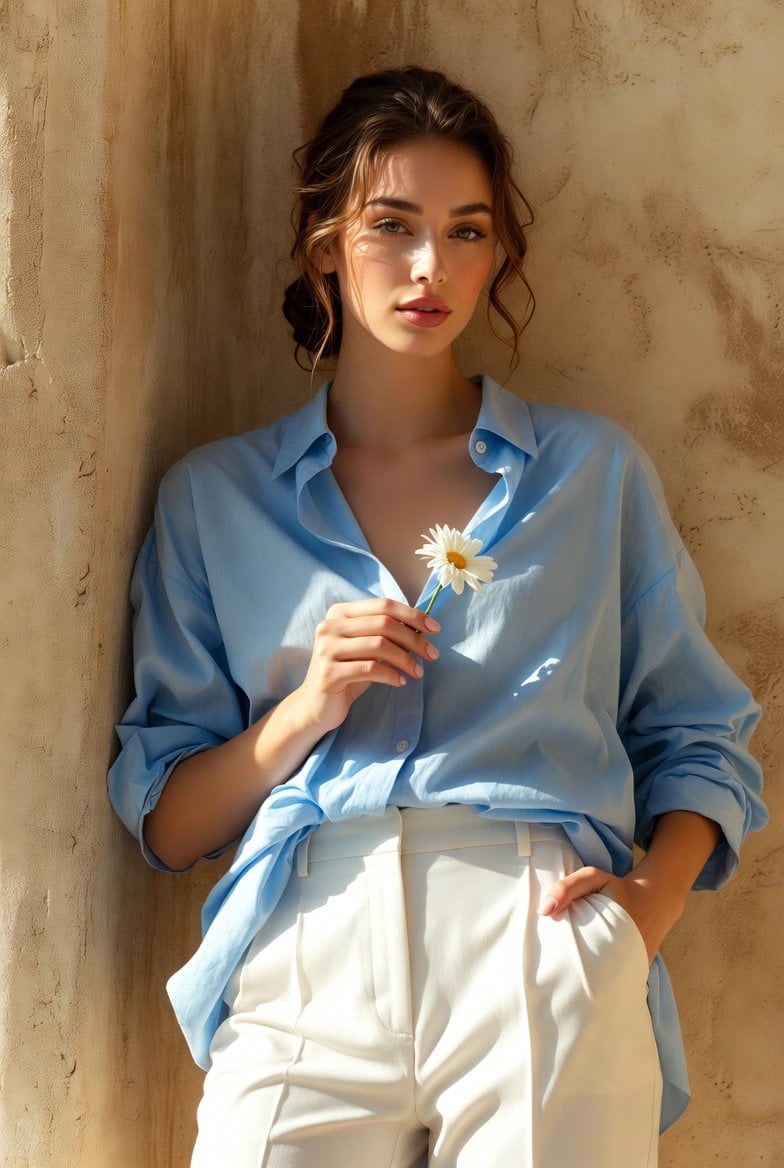
Using the uploaded reference image STRICTLY, preserve the same woman s
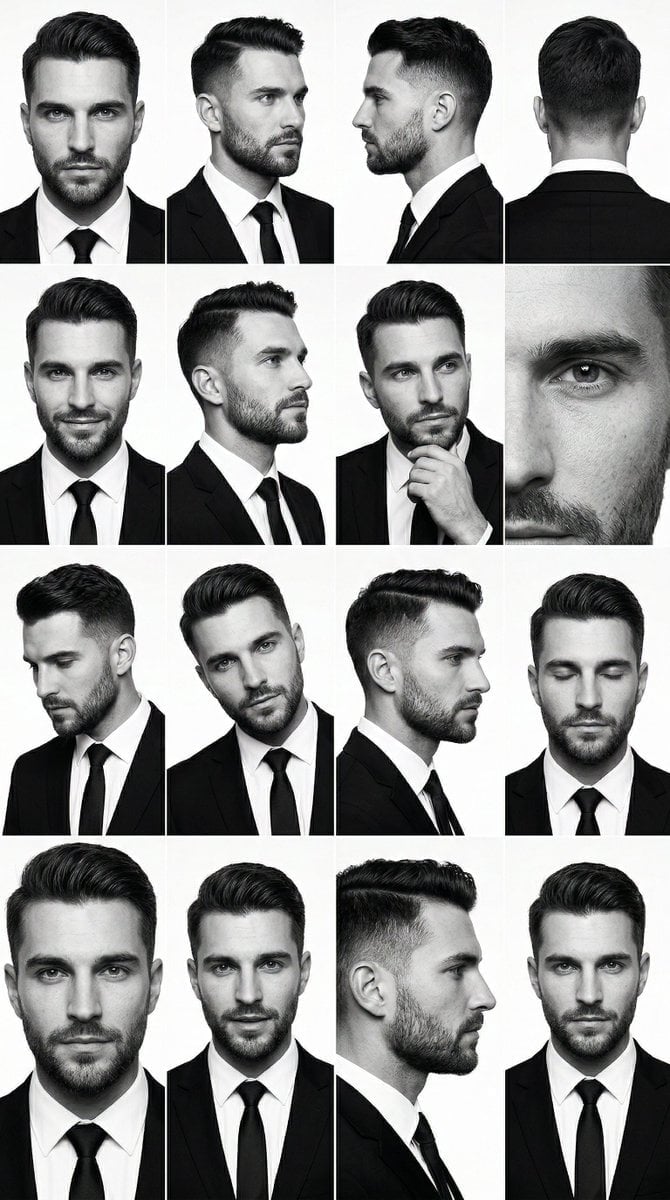
PRIMARY STRUCTURE ANCHOR use the uploaded male 4x4 grid image suit
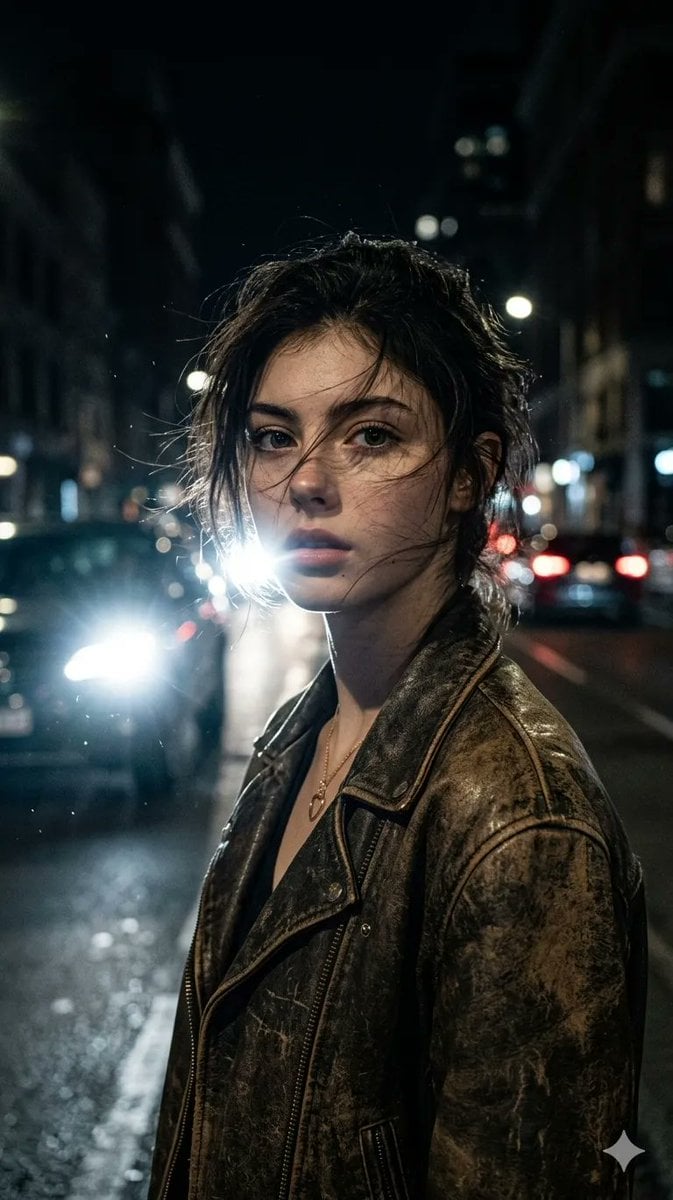
Ultra-realistic portrait of a woman from uploaded image, messy hair
Use uploaded photo as absolute main reference
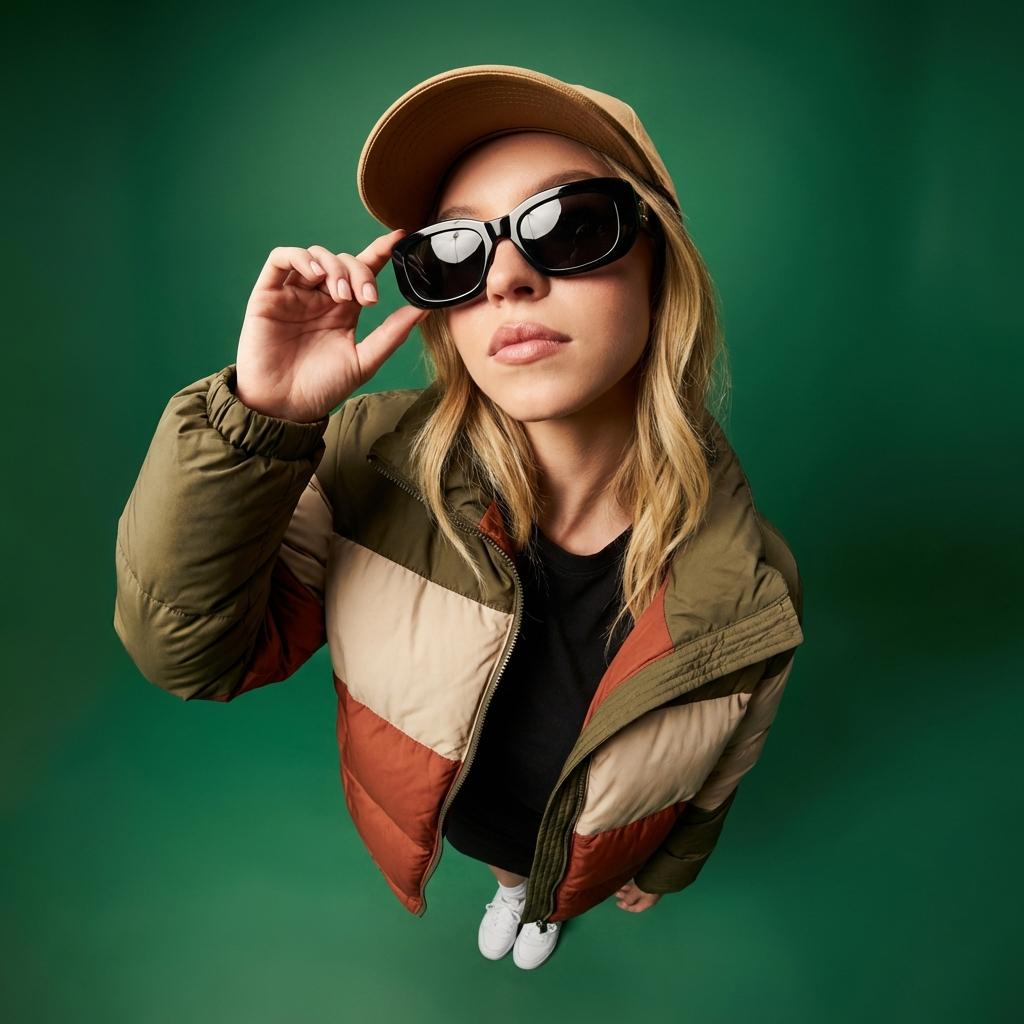
Uploaded photo into ultra-wide 10mm fisheye portrait from dramatic high

Use the uploaded image as the exact visual reference for product design

A double exposure, long exposure editorial photograph of a man Use image

Ultra-realistic photo composite of uploaded person breaking out
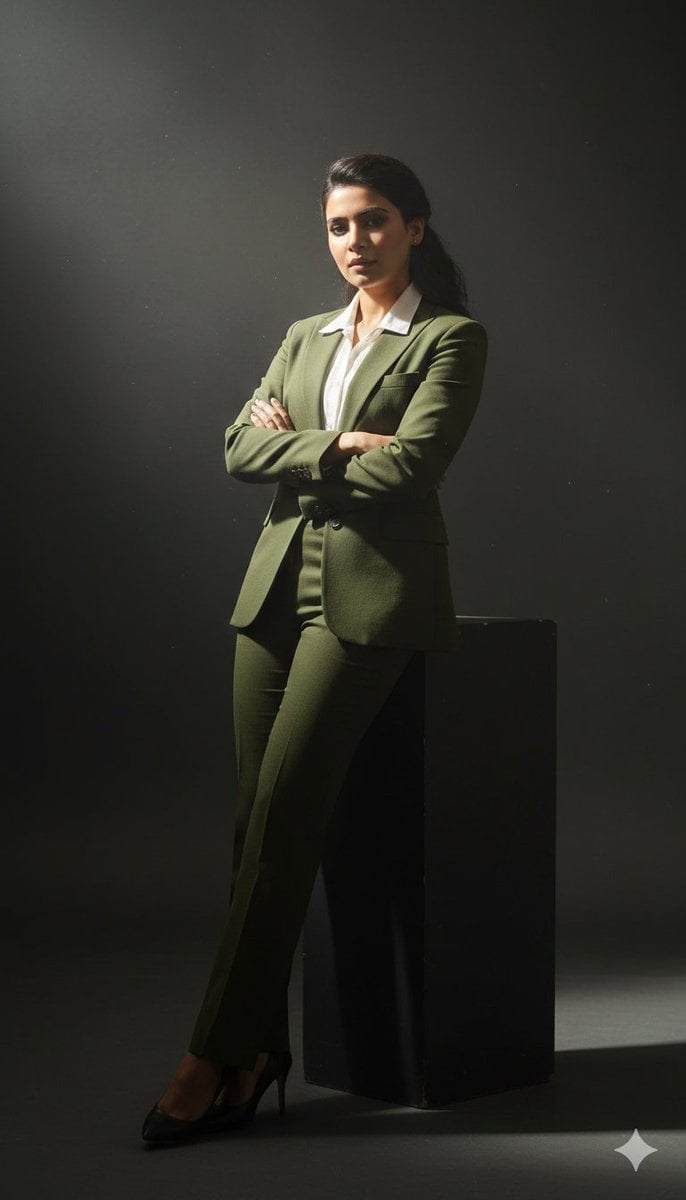
Cinematic full-body studio portrait of a subject using the uploaded face
Make it yours
Use the uploaded reference image as the compositional base works as-is. These are the safest ways to change it without losing the look.
Swap the setting
Keep the rest of the prompt and replace the location block. The current setting is “busy urban pedestrian crosswalk”.
Swap the light
One lighting change is enough to compare takes. Current light: “natural daylight”.
Change one field
Copy a single group, rewrite it, and generate again so you can see what that field is doing.
| If the result… | Why | Fix |
|---|---|---|
| The result drifts from the preview | Too many fields changed at once. | Reuse Use the uploaded reference image as the compositional base as-is first, then change one group — subject, light, or setting. |
| GPT Image 2 ignores part of the JSON | Some models flatten or skip nested keys. | Keep the same values and paste them as a short paragraph instead. |
More GPT Image 2 templates
Other prompts made for GPT Image 2.

Six VTuber Japanese Logo Sheet

Realistic Portrait of Woman and Deer

The Vista Modular Condo Poster

AI Model Routing Comparison Infographic

2.5D Anime Art Board

Isometric Productivity Desk Scene

New York Double Exposure Poster

Four-Panel AI Landscape Comparison

Japanese Tatami Lifestyle Magazine Cover

NESCAFÉ Coffee Map Poster
More image prompts
Fresh picks from across the catalog.
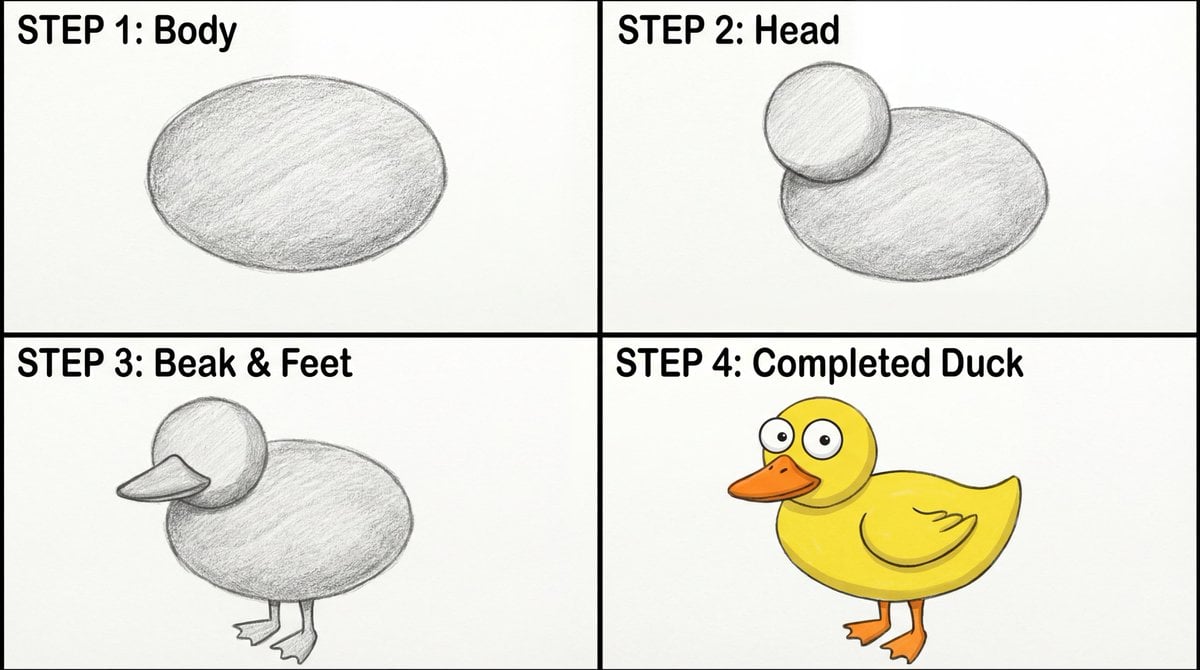
Four-Panel Guide for Drawing a Cartoon Duck
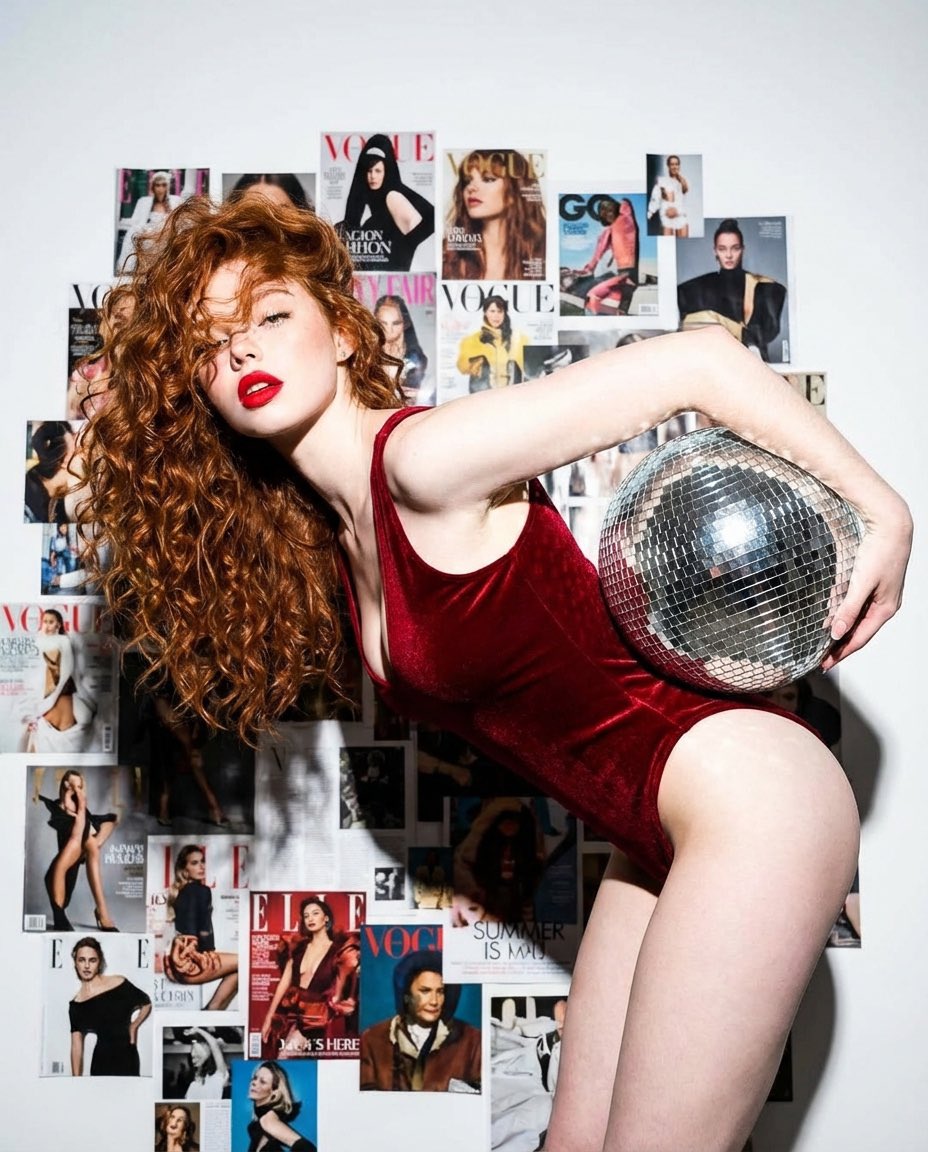
Disco Dreams Fashion Editorial Portrait

Trash Polka Urban Digital Painting
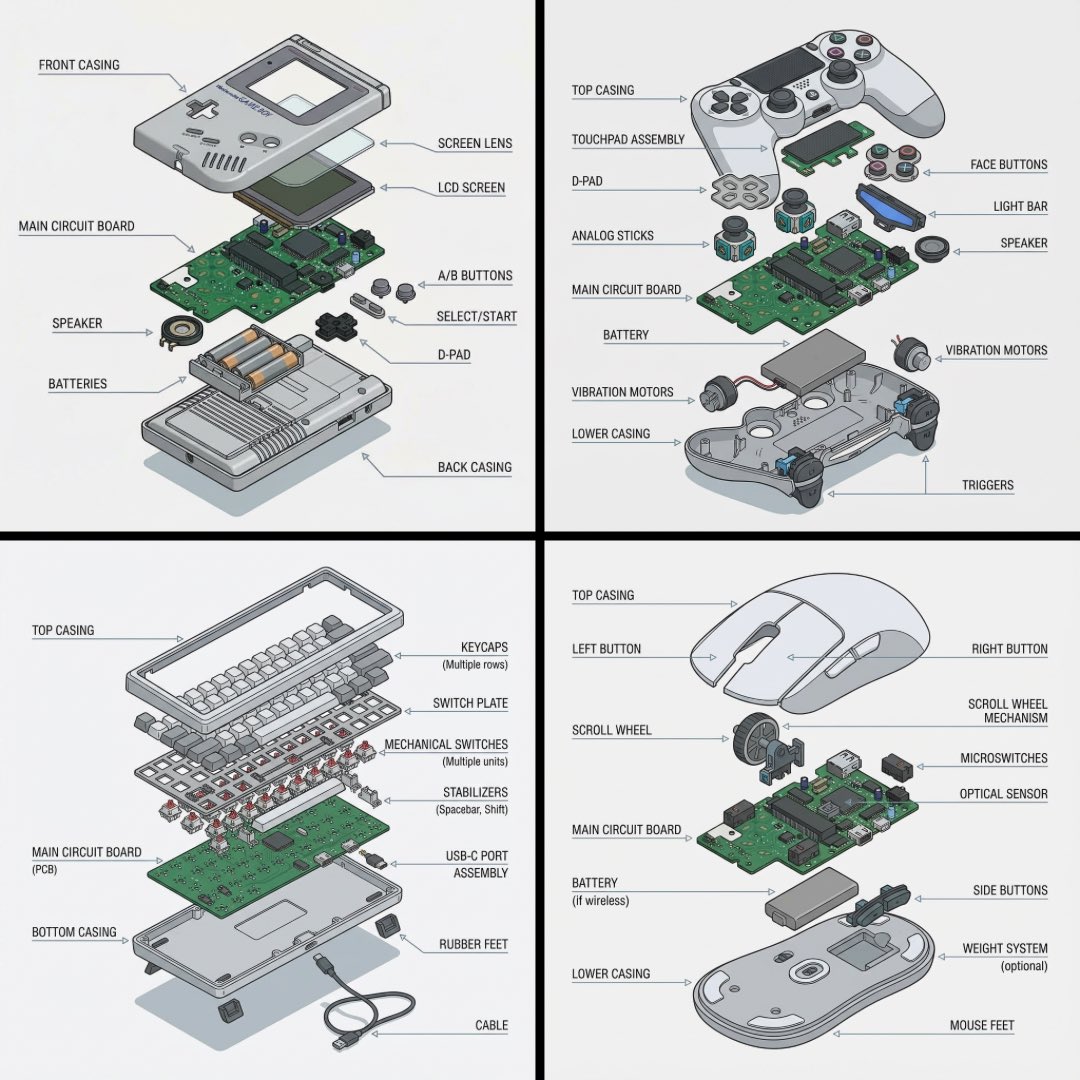
Technical exploded view diagram of a device
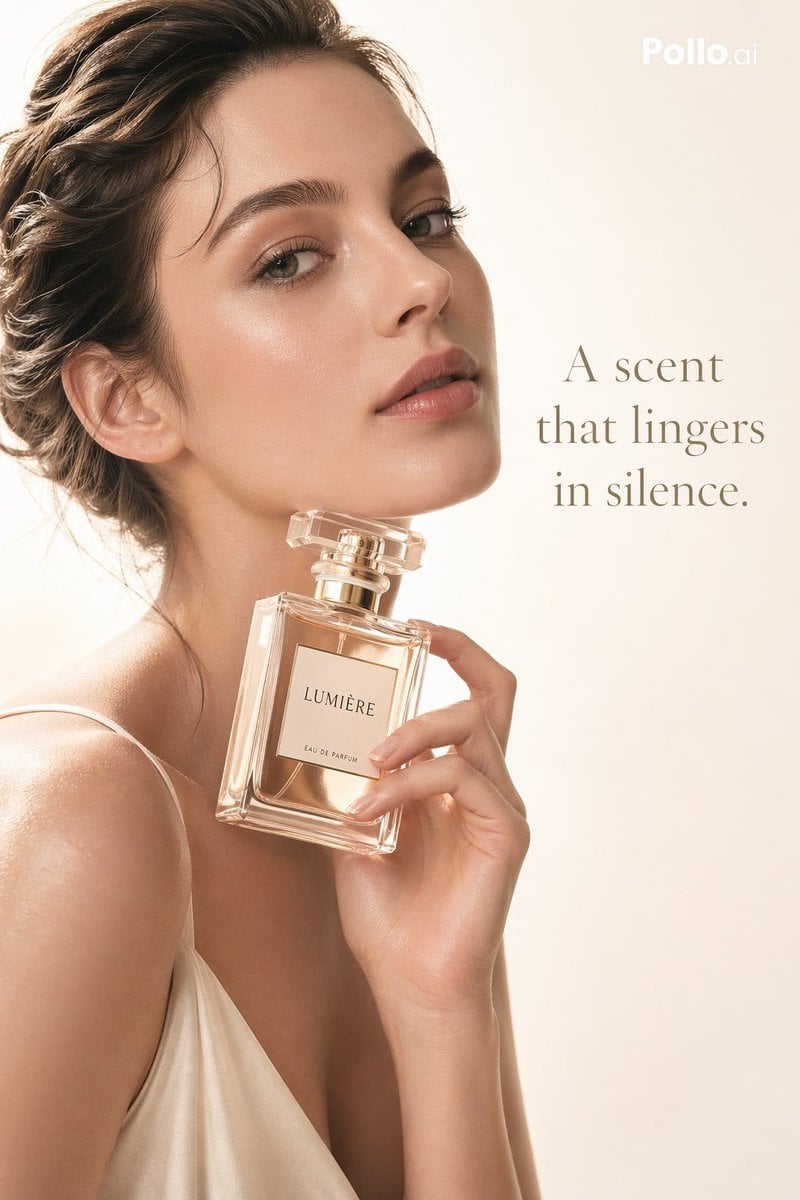
Luxury Perfume Editorial Ad
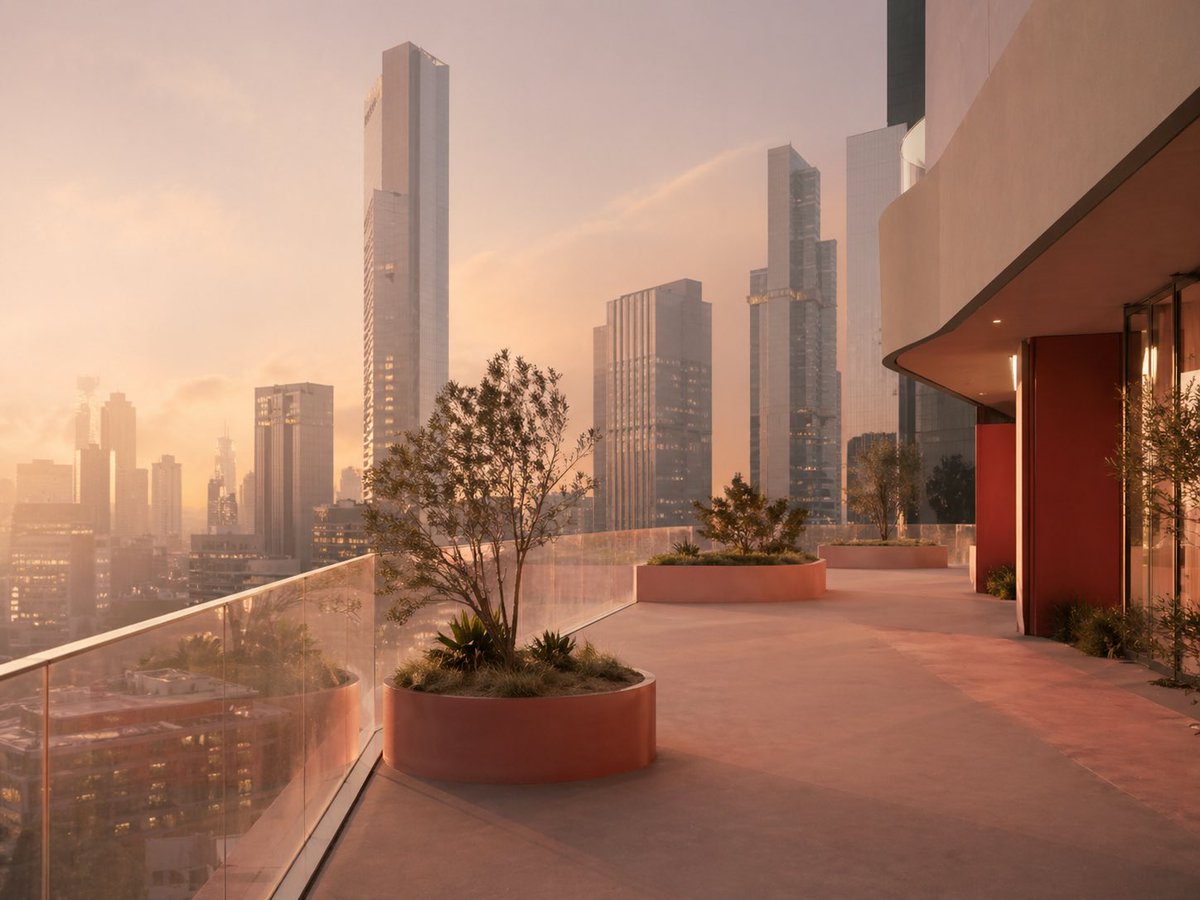
Luxury Sunset Rooftop Terrace
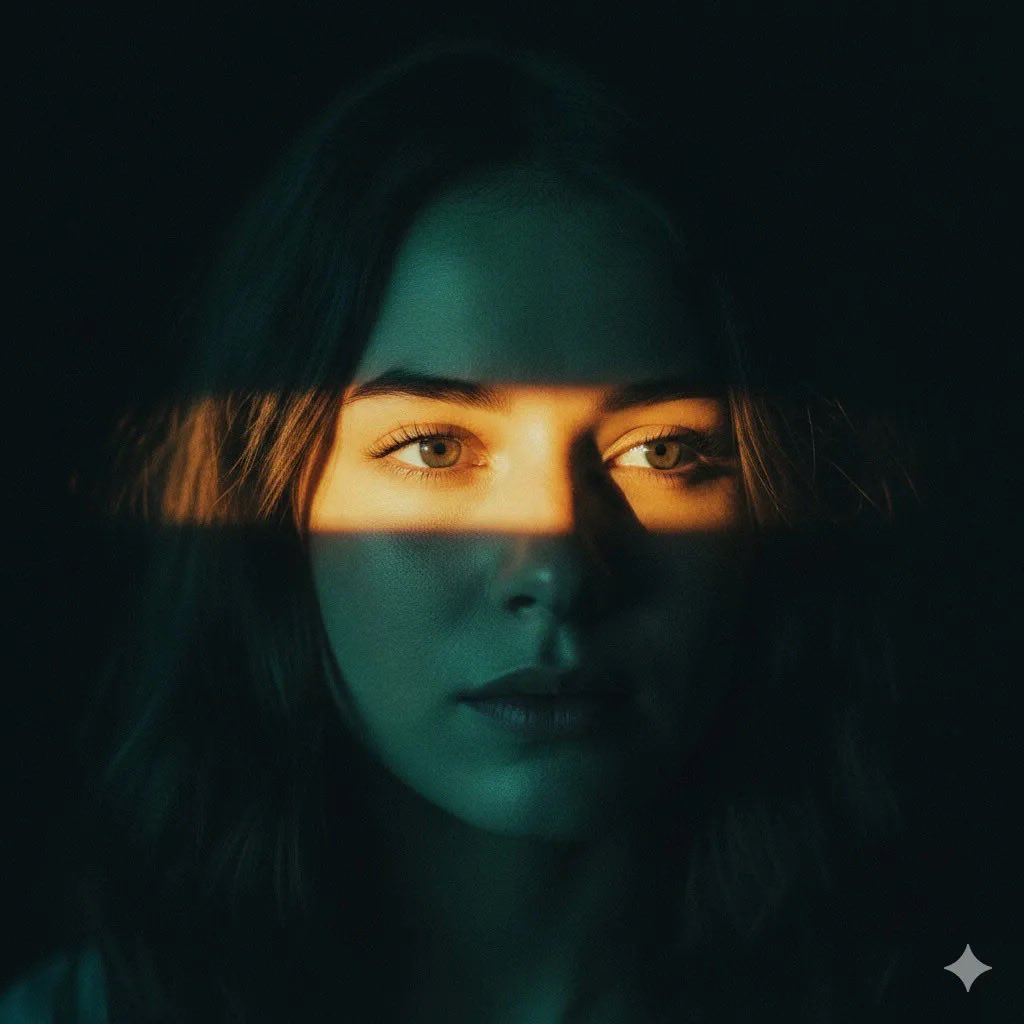
Cinematic Portrait with Dramatic Light Strip
Hyper-realistic Nighttime Fashion Photograph with On-Camera Flash

Ballpoint Pen Drawing of Umaibo Comparison

Book Recommendation Engine to Automaton Prompt
Browse template categories
Use the uploaded reference image as the compositional base questions
How do I use the Use the uploaded reference image as the compositional base template?
Add your photo if the template asks for one, edit the prompt if you like — the template's model and format are already selected — and press Generate. Your version opens in PicX Studio.
Can I customize the Use the uploaded reference image as the compositional base template?
Yes. You can change the subject, setting, lighting, mood, format, and available model controls before creating your image.
Is the Use the uploaded reference image as the compositional base template free?
Opening and editing this template is free. Generating uses credits, shown on the Generate button when you are signed in.
Which AI model should I use?
Start with GPT Image 2, which is the model associated with this template. You can compare another compatible model for a different finish.
Looking for something else? Browse all templates.

Your photo, any look
Thousands of ready templates for every top image and video model, from one credit balance.