
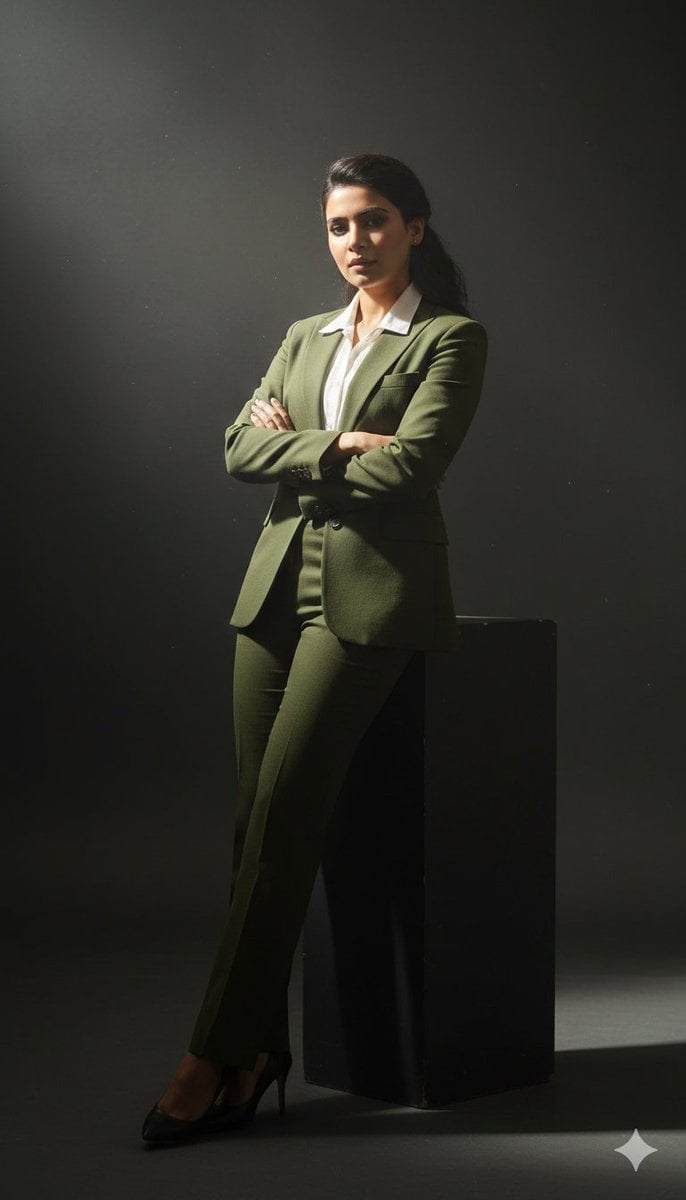
Cinematic full-body studio portrait of a subject using the uploaded face
{ "prompt": "Cinematic full-body studio portrait of a subject using the uploaded face as exact reference (preserve identity, facial structure, and proportions).
- Prompt included
- Model and format preset
- Free template
The prompt behind this image
Copy the exact prompt behind Cinematic full-body studio portrait of a subject using the uploaded face, or open it in the studio and make it yours.
- Prompt
- Cinematic full-body studio portrait of a subject using the uploaded face as exact reference (preserve identity, facial structure, and proportions). Slightly low-angle perspective with a 35mm lens for a commanding, sophisticated presence. Subject leaning casually against a dark minimalist plinth, arms crossed. Wearing a perfectly tailored slim-fit olive green suit and a crisp white dress shirt, top buttons undone. Intense chiaroscuro lighting with a single powerful volumetric spotlight from the upper-left, cutting through subtle atmospheric haze with swirling smoke and micro-dust particles. Sharp rim highlights along shoulders and silhouette, deep velvety shadows across the body, high-contrast moody aesthetic. Hyper-realistic textures, visible fabric weave, subtle reflections on a polished studio floor, professional cinematic lighting, ultra-detailed, 8K resolution, no text, no watermark.
- Resolution
- 7680x4320
- Camera › Lens
- 35mm
- Camera › Angle
- slightly low-angle
- Camera › Aperture
- f/2.0
- Camera › Iso
- 100
- Camera › Shutter Speed
- 1/125
- Quality
- ultra-high
- Style
- cinematic, hyper-realistic, studio photography
- Negative Prompt
- blurry, low-resolution, overexposed, underexposed, flat lighting, cartoon, CGI, plastic skin, extra limbs, distorted hands, bad anatomy, asymmetry, watermark, logo, text
Raw JSON
{
  "prompt": "Cinematic full-body studio portrait of a subject using the uploaded face as exact reference (preserve identity, facial structure, and proportions). Slightly low-angle perspective with a 35mm lens for a commanding, sophisticated presence. Subject leaning casually against a dark minimalist plinth, arms crossed. Wearing a perfectly tailored slim-fit olive green suit and a crisp white dress shirt, top buttons undone. Intense chiaroscuro lighting with a single powerful volumetric spotlight from the upper-left, cutting through subtle atmospheric haze with swirling smoke and micro-dust particles. Sharp rim highlights along shoulders and silhouette, deep velvety shadows across the body, high-contrast moody aesthetic. Hyper-realistic textures, visible fabric weave, subtle reflections on a polished studio floor, professional cinematic lighting, ultra-detailed, 8K resolution, no text, no watermark.",
  "resolution": "7680x4320",
  "camera": {
    "lens": "35mm",
    "angle": "slightly low-angle",
    "aperture": "f/2.0",
    "iso": "100",
    "shutter_speed": "1/125"
  },
  "quality": "ultra-high",
  "style": "cinematic, hyper-realistic, studio photography",
  "negative_prompt": "blurry, low-resolution, overexposed, underexposed, flat lighting, cartoon, CGI, plastic skin, extra limbs, distorted hands, bad anatomy, asymmetry, watermark, logo, text"
}How to use Cinematic full-body studio portrait of a subject using the uploaded face in 3 steps
- 1Upload ImagePNG, JPG or paste
Add your photo
Upload the photo the template builds on. The prompt, model and format are already set.
- 2…a portrait of your subject in softgolden-hour light, 85mm…
Personalize
Edit the subject and creative details for your destination.
- 3Generate
Generate
Press Generate — your image is created in PicX Studio, so you can compare it with the original and refine one variable at a time.
More like this
Templates with the same subject, style or setup. Open one to see its prompt.

Realistic portrait 100 identical face, no editing allowed
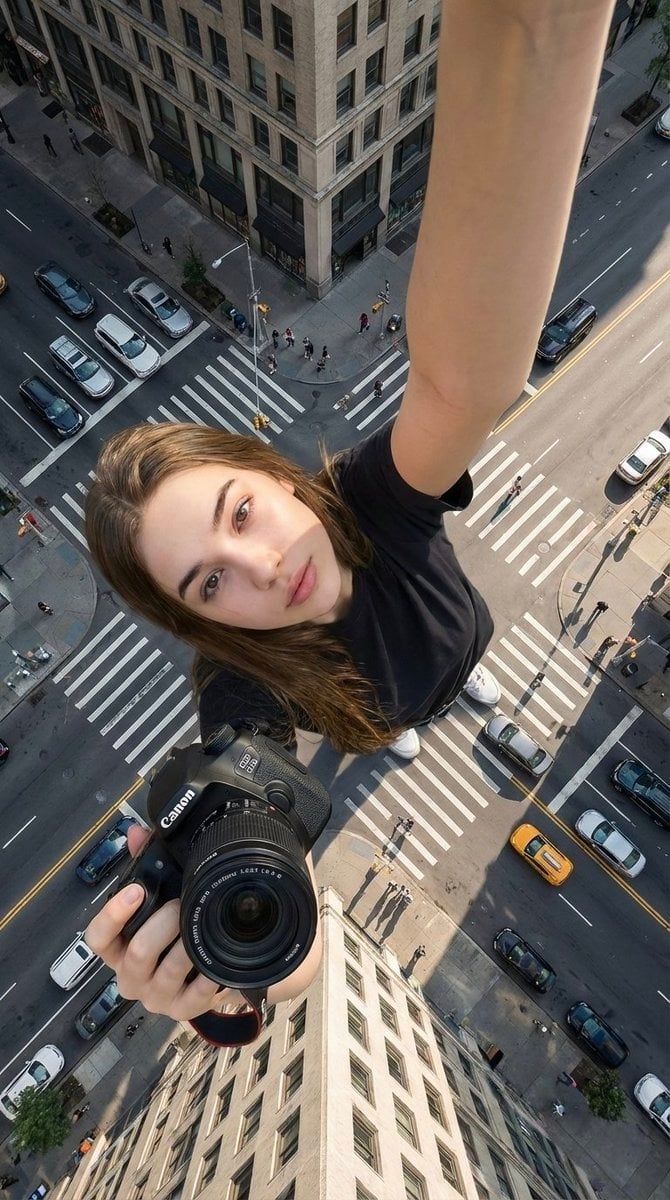
Hyper-realistic cinematic selfie image of a woman using her exact

80s Couple Studio Portrait

1985 Studio Portrait
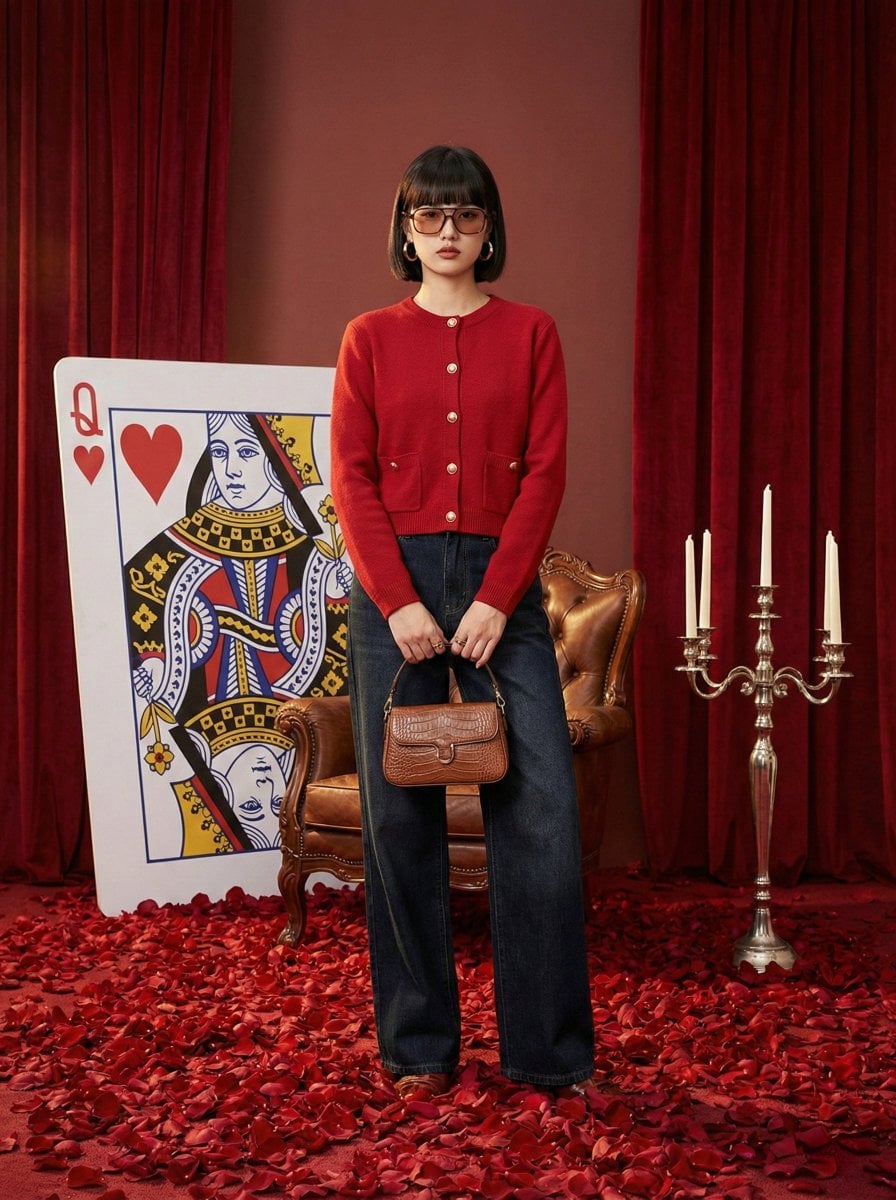
Photography Prompt #982
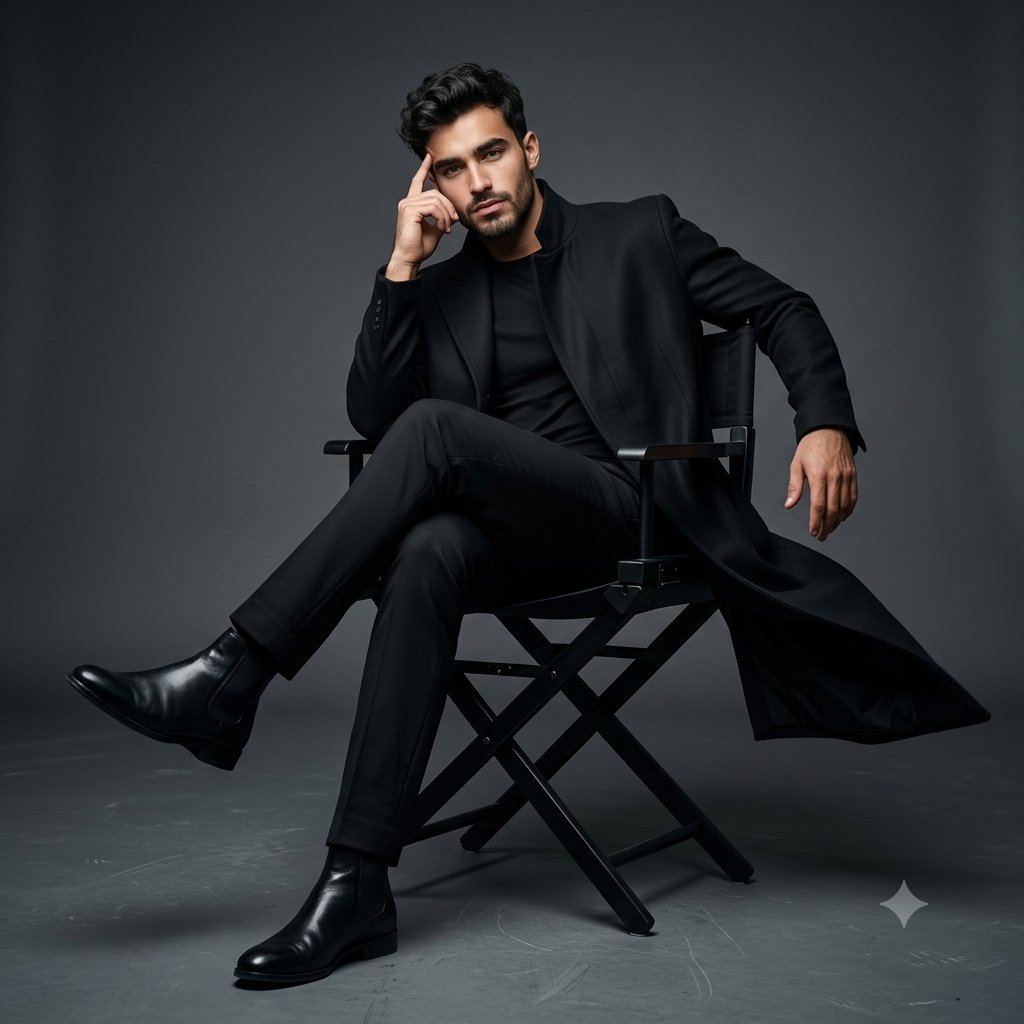
Full Body Cinematic Studio Portrait
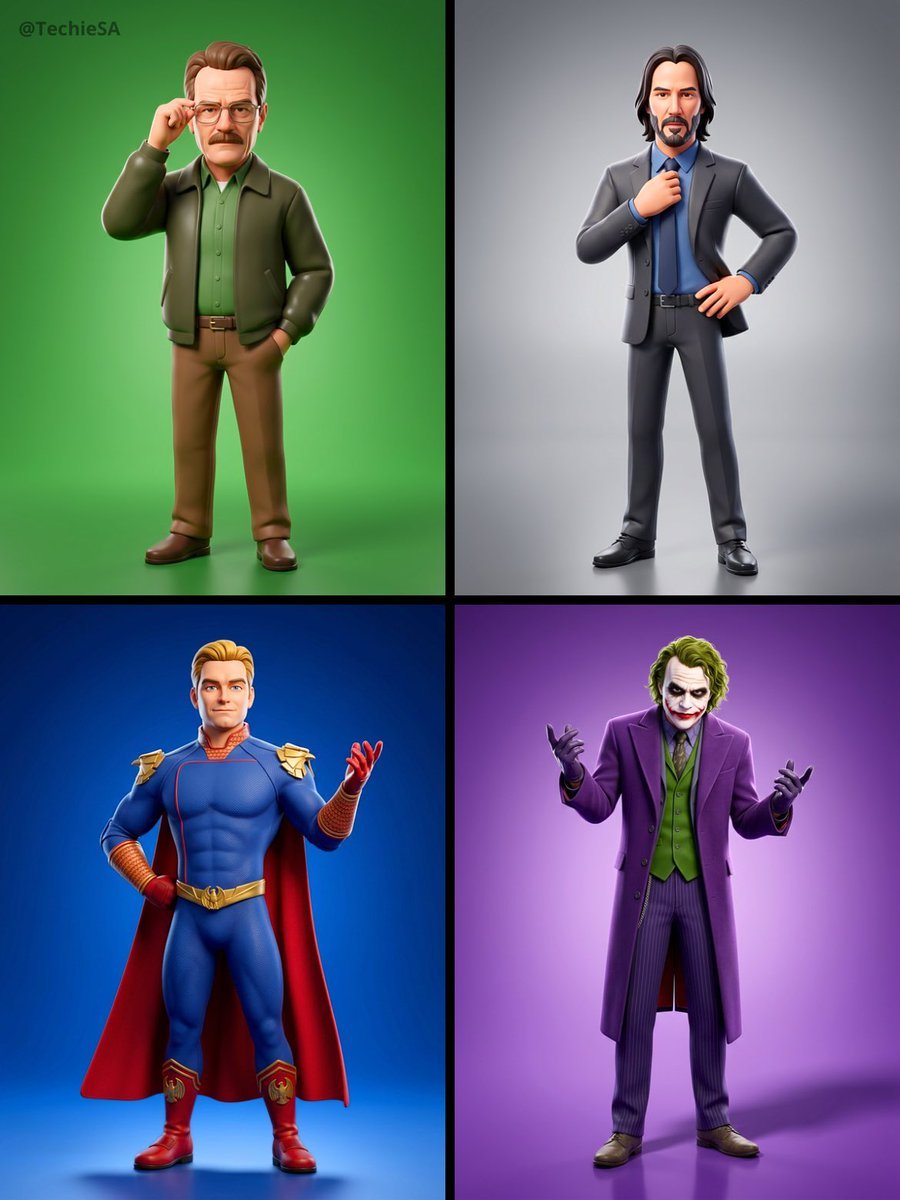
Referenced person into a premium stylized 3D animated character, full
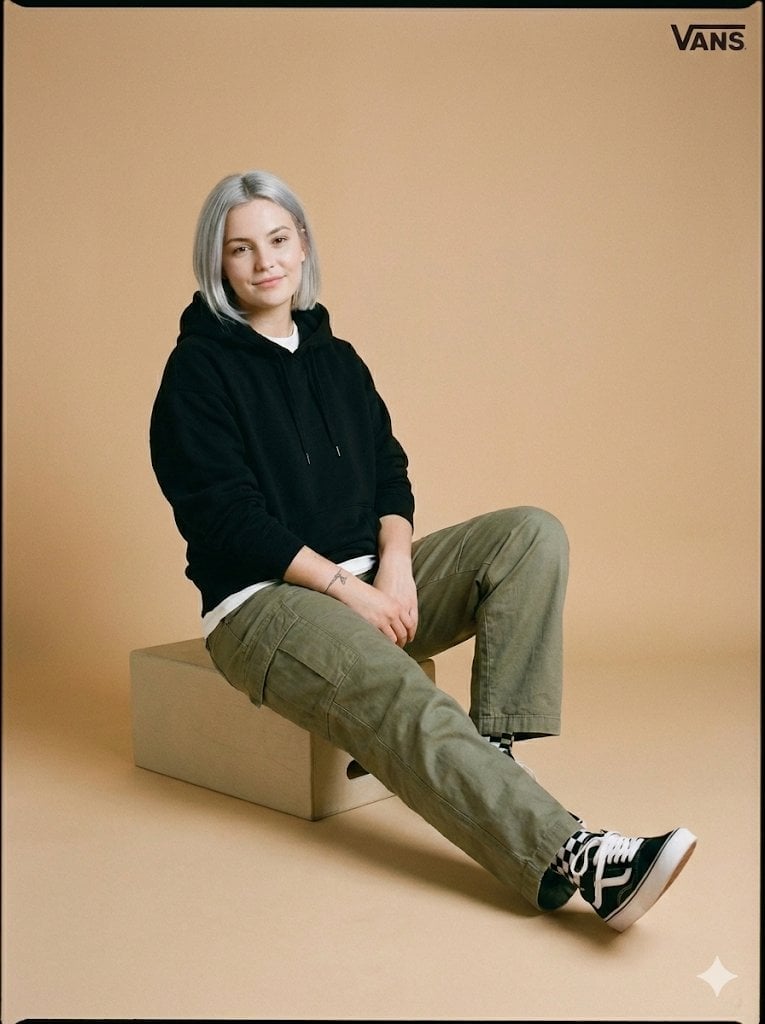
Full-Body Studio Photo in Streetwear
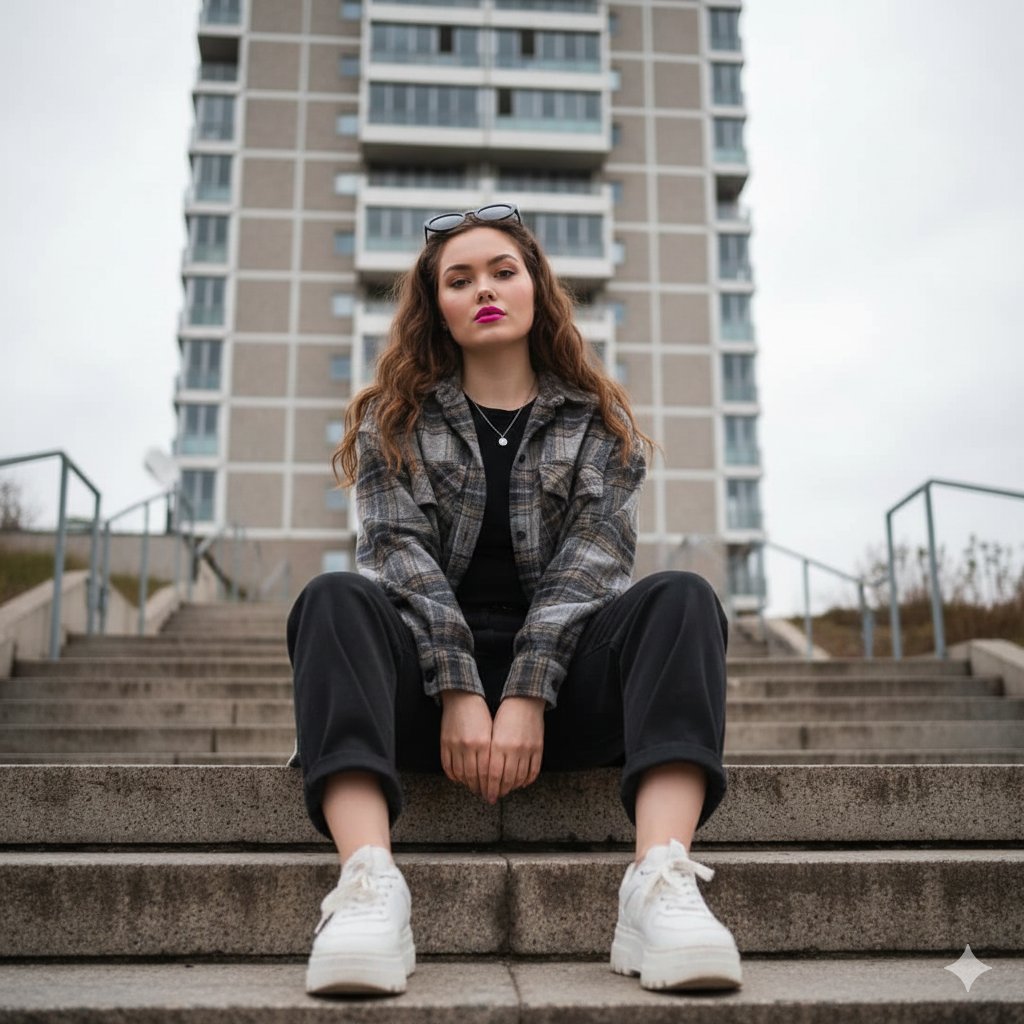
Low-Angle Full-Body Portrait on Concrete Steps
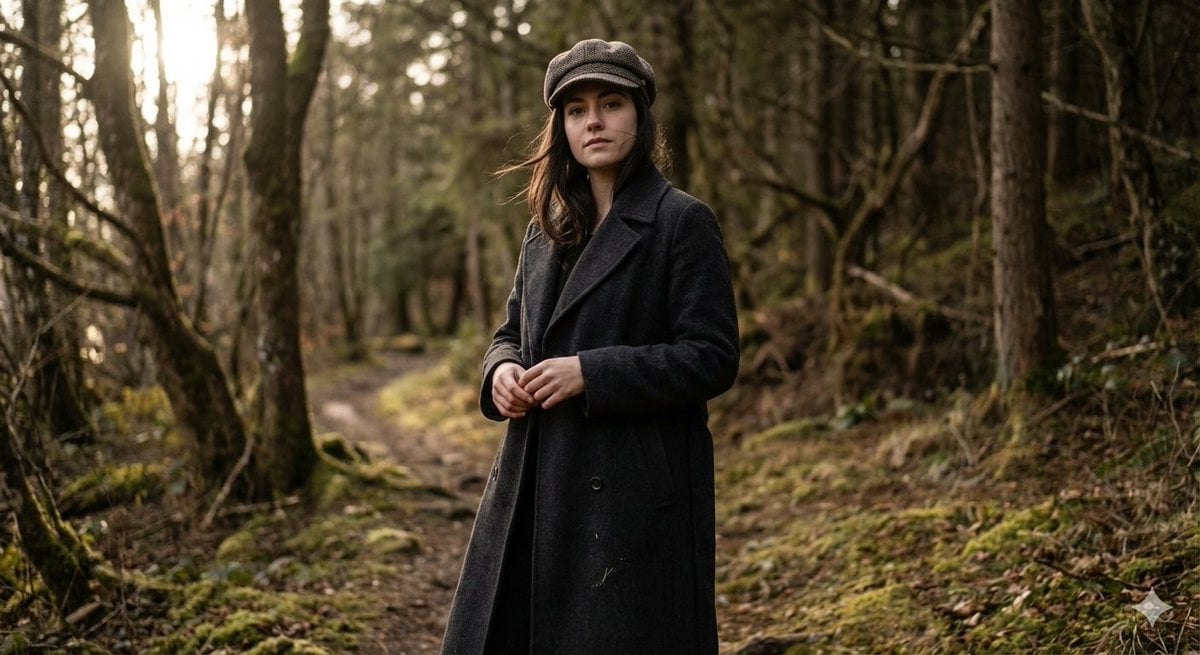
Realistic Full-Body Portrait in Forest Prompt
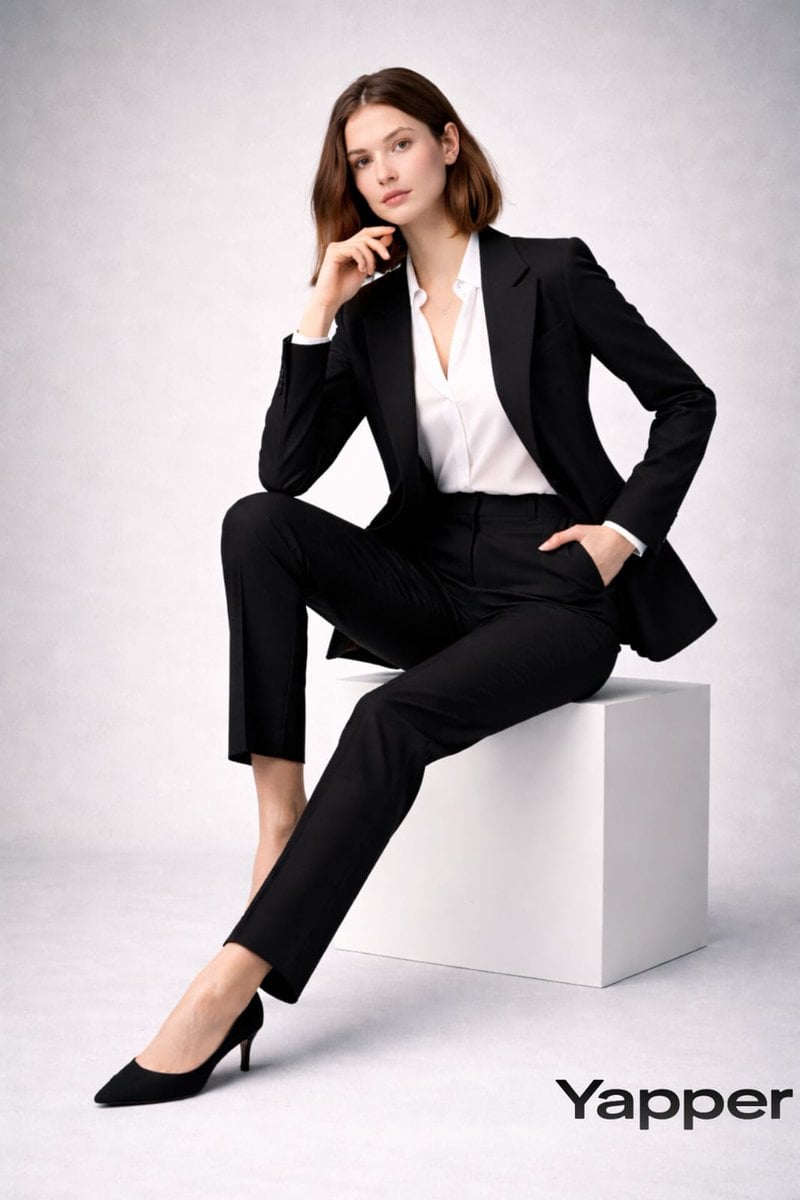
Full-body fashion magazine editorial portrait

Full Body Portrait with Identity Reference
Make it yours
Cinematic full-body studio portrait of a subject using the uploaded face works as-is. These are the safest ways to change it without losing the look.
Change one field
Copy a single group, rewrite it, and generate again so you can see what that field is doing.
Keep the frame, change the subject
Hold the composition and light of Cinematic full-body studio portrait of a subject using the uploaded face, then swap wardrobe, props or the person for a new take.
| If the result… | Why | Fix |
|---|---|---|
| The result drifts from the preview | Too many fields changed at once. | Reuse Cinematic full-body studio portrait of a subject using the uploaded face as-is first, then change one group — subject, light, or setting. |
| Nano Banana 2 ignores part of the JSON | Some models flatten or skip nested keys. | Keep the same values and paste them as a short paragraph instead. |
More Nano Banana 2 templates
Other prompts made for Nano Banana 2.

Photorealistic Leaf Shaped Like a Dragon

K-Pop Idol Portrait Grid for Rapid Selection

Poetic Rain Forest Portrait During Golden Hour

Urban Street Portrait with Cartoon Inner Self Duo

Candid Nighttime Photo with Cat Prompt

High-Concept 3D Diorama Generation Prompt

Cinematic Futuristic Studio Portrait Template

Skincare Editorial Photography Collage Prompt

Hyper-Realistic Commercial Product Photography (Splash Effect)

Hyper-Realistic Nightclub Portrait Prompt
More image prompts
Fresh picks from across the catalog.
3D Breakout Effect Editorial Ad
Low-Key Saturn Projection Portrait
Eiffel Tower Golden Hour Miniskirt Legs
Macro Photography of Miniature Workers Cleaning Ashtray
Cinematic 3x3 Grid Camera Angle Prompt
Google Fonts Japanese Tutorial Infographic

Retro Fake Anime Movie Poster
Hyper Realistic Ai Selfie Prompt Generat
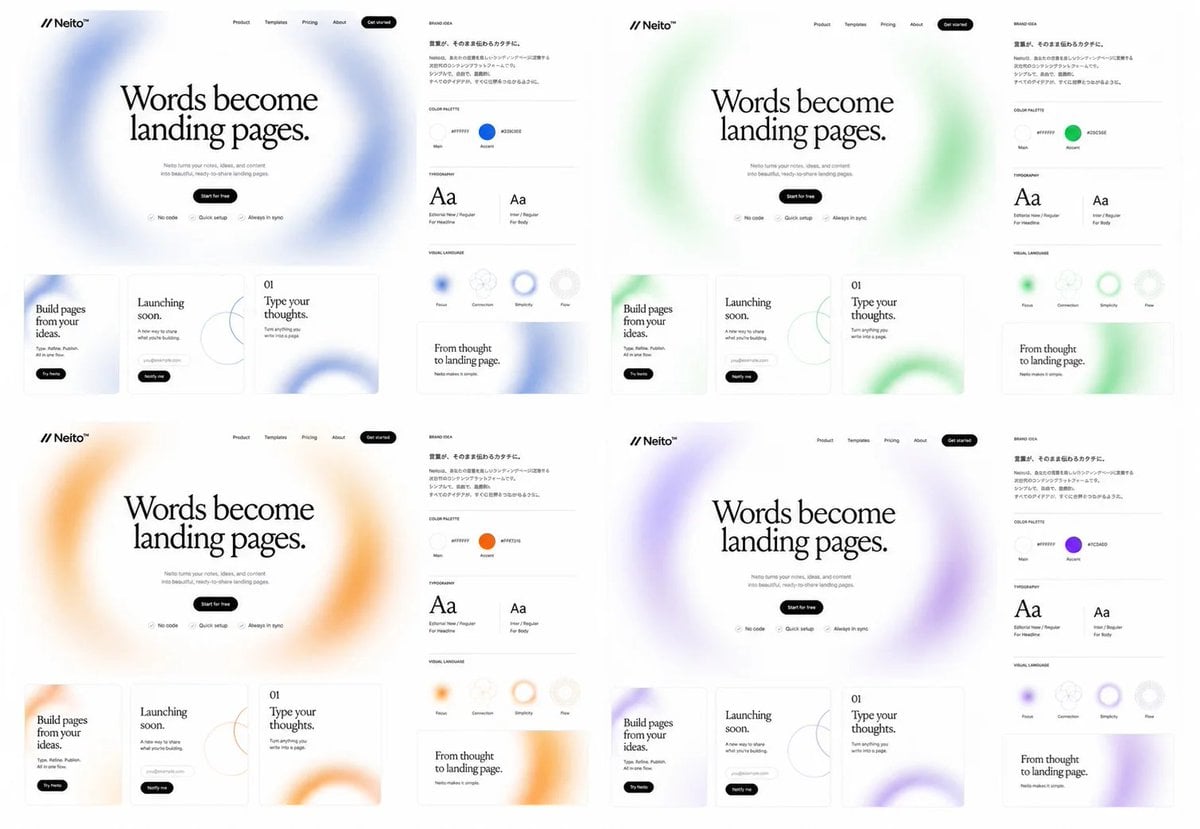
Neito Brand Color Exploration Board
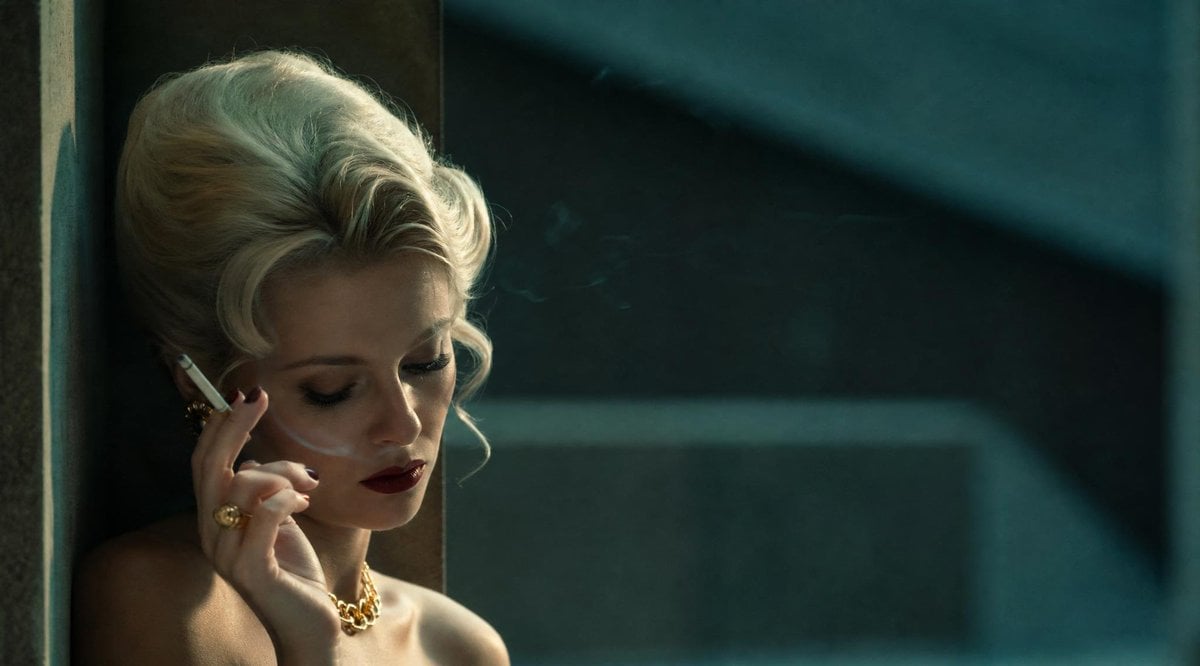
Censored Vintage Smoking Film Still
Browse template categories
Cinematic full-body studio portrait of a subject using the uploaded face questions
How do I use the Cinematic full-body studio portrait of a subject using the uploaded face template?
Add your photo if the template asks for one, edit the prompt if you like — the template's model and format are already selected — and press Generate. Your version opens in PicX Studio.
Can I customize the Cinematic full-body studio portrait of a subject using the uploaded face template?
Yes. You can change the subject, setting, lighting, mood, format, and available model controls before creating your image.
Is the Cinematic full-body studio portrait of a subject using the uploaded face template free?
Opening and editing this template is free. Generating uses credits, shown on the Generate button when you are signed in.
Which AI model should I use?
Start with Nano Banana 2, which is the model associated with this template. You can compare another compatible model for a different finish.
Looking for something else? Browse all templates.

Your photo, any look
Thousands of ready templates for every top image and video model, from one credit balance.