
Using the uploaded reference image, generate a highly realistic
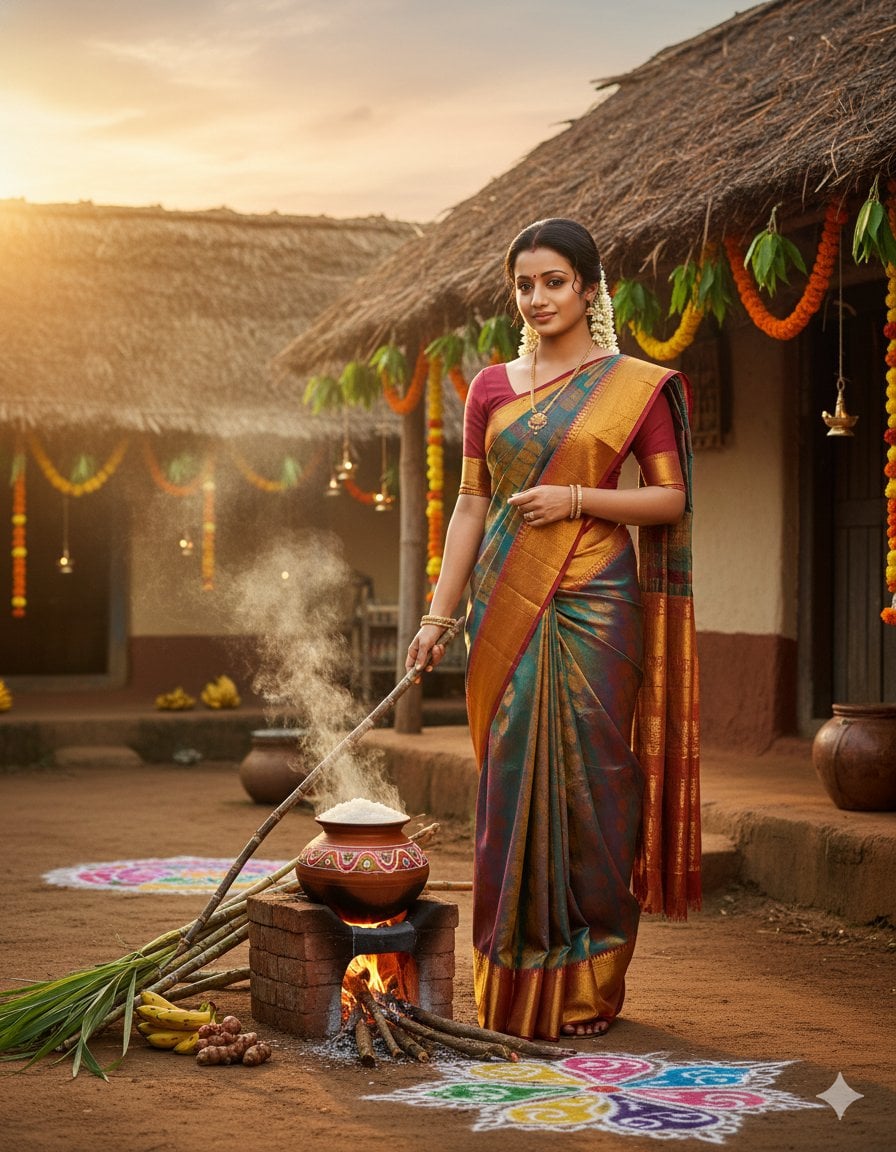
{ "prompt": "Using the uploaded reference image, generate a highly realistic full-body portrait of the SAME person with 100% identical facial structure, skin tone, facial proportions, and overall identity.
- Prompt included
- Model and format preset
- Premium template
The prompt behind this image
Copy the exact prompt behind Using the uploaded reference image, generate a highly realistic, or open it in the studio and make it yours.
- Prompt
- Using the uploaded reference image, generate a highly realistic full-body portrait of the SAME person with 100% identical facial structure, skin tone, facial proportions, and overall identity. Do NOT alter the face in any way. A proud South Indian woman celebrating the Thaipongal festival, standing gracefully in a traditional rural Tamil village courtyard at sunrise. She is wearing an elegant traditional silk saree (Kanjivaram-style) in rich festive colors with a gold zari border, draped authentically. A matching blouse complements the saree. Her hair is neatly styled in a traditional manner, adorned with fresh jasmine flowers (mallipoo). A subtle sandalwood or kumkum tilak is visible on her forehead. She holds a long brown leafy sugarcane stalk gently in one hand. In the foreground, a decorated clay Pongal pot is boiling over on a wood-fired brick stove, with rice frothing out, symbolizing prosperity. Beside the stove are tied brown sugarcane stalks, fresh turmeric plants, bananas, and intricate colorful kolam (rangoli) designs drawn on the ground. The background features a rustic mud house with a thatched roof, decorated with mango-leaf torans, marigold flower garlands, and hanging clay oil lamps. Warm golden sunrise light fills the scene, with soft smoke rising from firewood, creating a joyful and auspicious festive atmosphere. Ultra-realistic cinematic lighting, shallow depth of field, natural South Indian skin texture, authentic Tamil rural aesthetic, 8K ultra-detailed quality, vertical composition, cultural accuracy, festive mood.
- Style
- cinematic realism, South Indian traditional portrait
- Lighting
- warm golden sunrise light, soft cinematic glow
- Environment
- traditional Tamil rural village courtyard
- Camera
- professional portrait photography, shallow depth of field
- Quality
- ultra-realistic, 8K, highly detailed
- Composition
- full-body, vertical frame
- Constraints
- face must remain 100% identical to the uploaded reference image with absolutely no facial modification
Raw JSON
{
  "prompt": "Using the uploaded reference image, generate a highly realistic full-body portrait of the SAME person with 100% identical facial structure, skin tone, facial proportions, and overall identity. Do NOT alter the face in any way.\n\nA proud South Indian woman celebrating the Thaipongal festival, standing gracefully in a traditional rural Tamil village courtyard at sunrise. She is wearing an elegant traditional silk saree (Kanjivaram-style) in rich festive colors with a gold zari border, draped authentically. A matching blouse complements the saree. Her hair is neatly styled in a traditional manner, adorned with fresh jasmine flowers (mallipoo). A subtle sandalwood or kumkum tilak is visible on her forehead. She holds a long brown leafy sugarcane stalk gently in one hand.\n\nIn the foreground, a decorated clay Pongal pot is boiling over on a wood-fired brick stove, with rice frothing out, symbolizing prosperity. Beside the stove are tied brown sugarcane stalks, fresh turmeric plants, bananas, and intricate colorful kolam (rangoli) designs drawn on the ground.\n\nThe background features a rustic mud house with a thatched roof, decorated with mango-leaf torans, marigold flower garlands, and hanging clay oil lamps. Warm golden sunrise light fills the scene, with soft smoke rising from firewood, creating a joyful and auspicious festive atmosphere.\n\nUltra-realistic cinematic lighting, shallow depth of field, natural South Indian skin texture, authentic Tamil rural aesthetic, 8K ultra-detailed quality, vertical composition, cultural accuracy, festive mood.",
  "style": "cinematic realism, South Indian traditional portrait",
  "lighting": "warm golden sunrise light, soft cinematic glow",
  "environment": "traditional Tamil rural village courtyard",
  "camera": "professional portrait photography, shallow depth of field",
  "quality": "ultra-realistic, 8K, highly detailed",
  "composition": "full-body, vertical frame",
  "constraints": "face must remain 100% identical to the uploaded reference image with absolutely no facial modification"
}How to use Using the uploaded reference image, generate a highly realistic in 3 steps
- 1Upload ImagePNG, JPG or paste
Add your photo
Upload the photo the template builds on. The prompt, model and format are already set.
- 2…a portrait of your subject in softgolden-hour light, 85mm…
Personalize
Edit the subject and creative details for your destination.
- 3Generate
Generate
Press Generate — your image is created in PicX Studio, so you can compare it with the original and refine one variable at a time.
More like this
Templates with the same subject, style or setup. Open one to see its prompt.
Using the uploaded reference image of a 30-year-old adult, generate
Using the uploaded reference image STRICTLY, preserve the same woman s
Highly cinematic, realistic photo of a person using the face
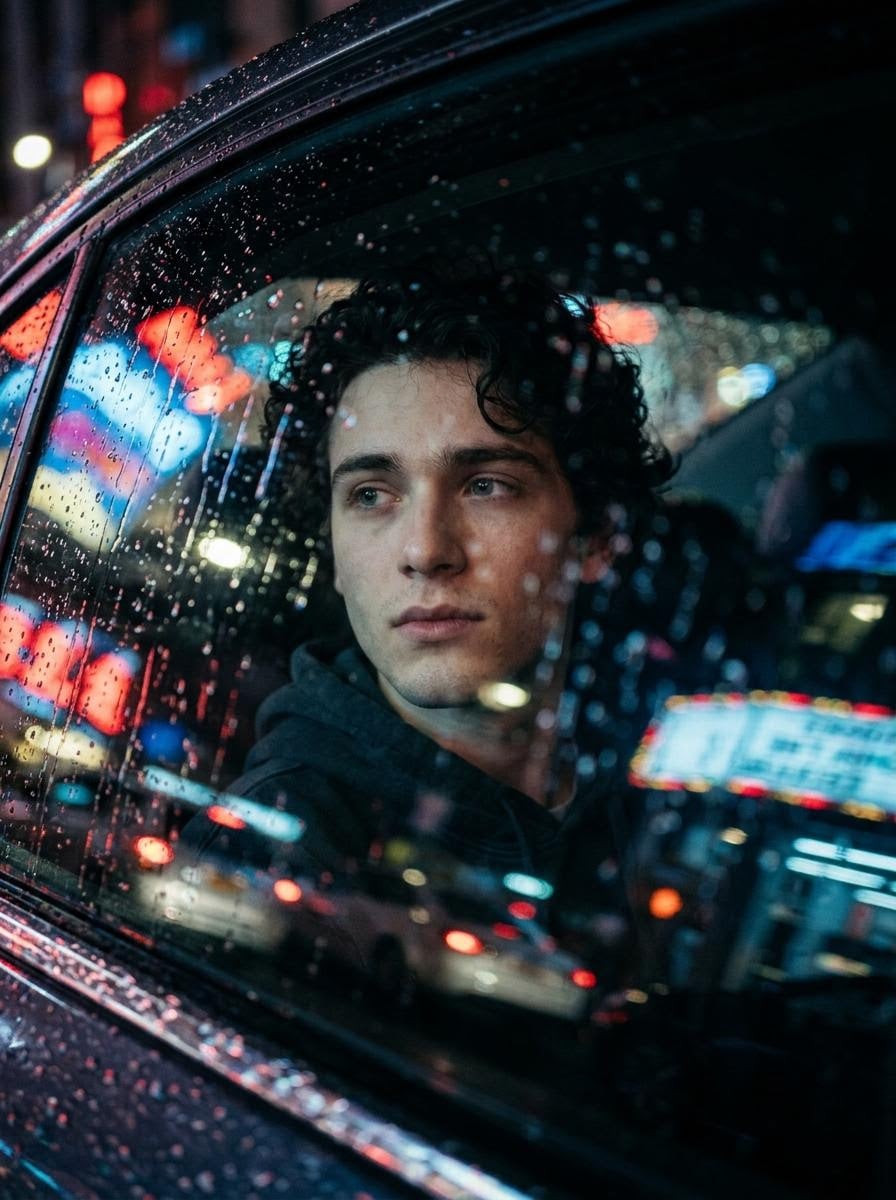
Highly cinematic and realistic photo of a person using the face
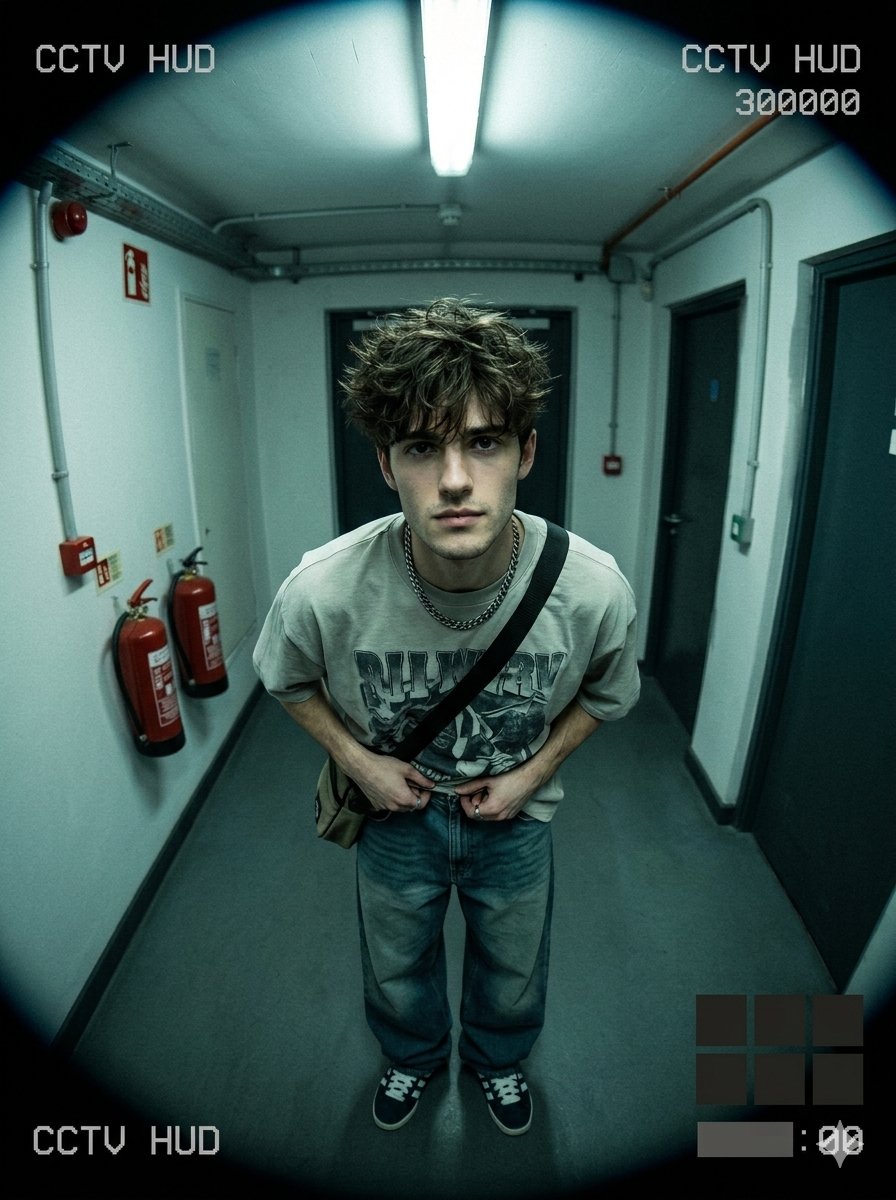
Use uploaded selfie as ONLY face reference preserve exact
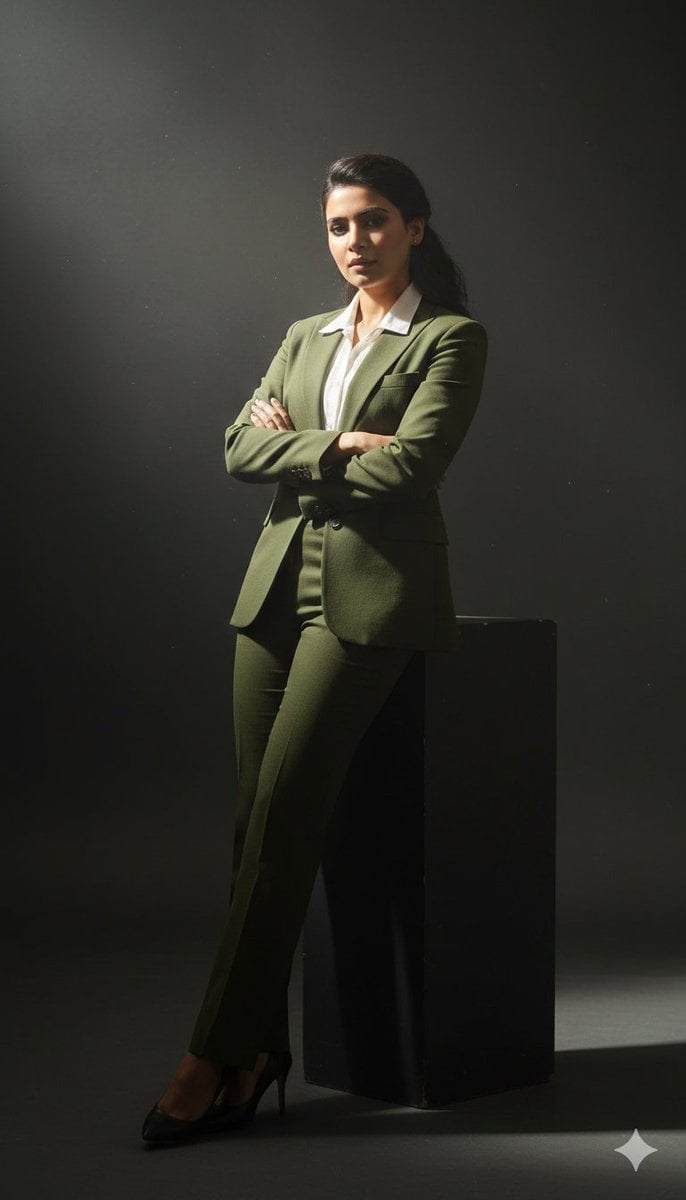
Cinematic full-body studio portrait of a subject using the uploaded face
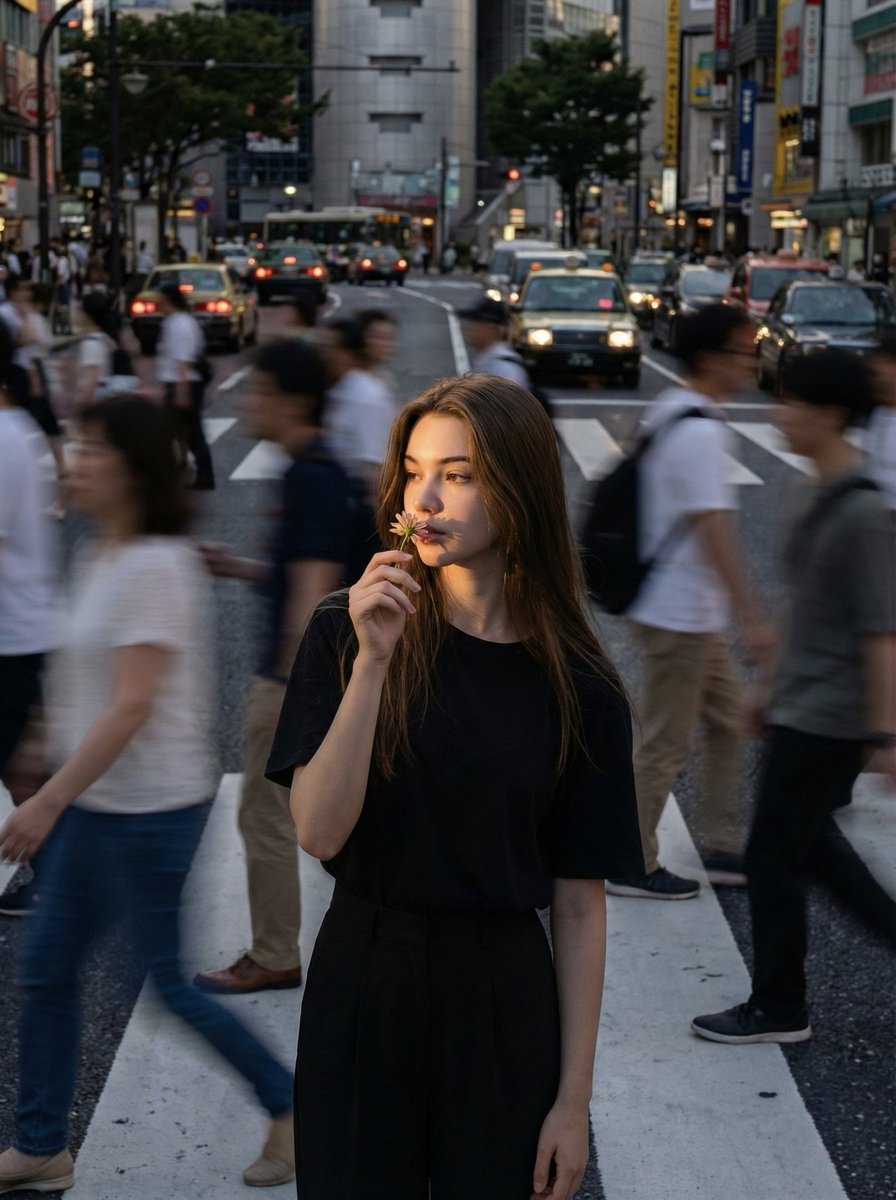
Use the uploaded reference image as the compositional base
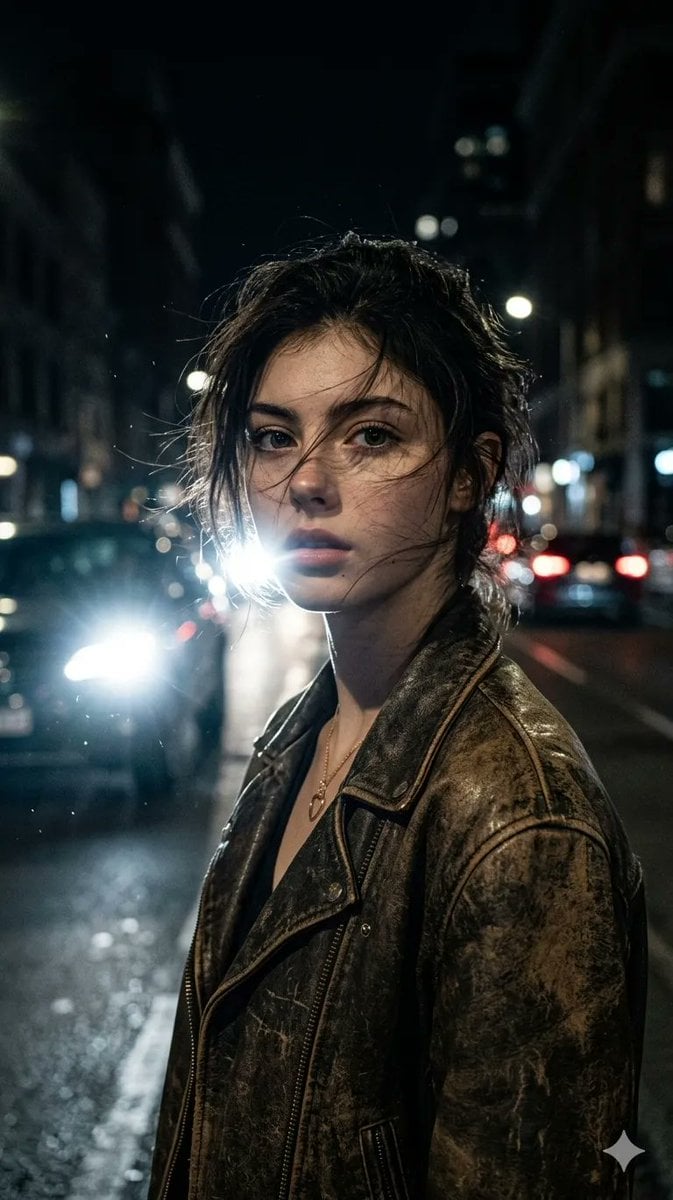
Ultra-realistic portrait of a woman from uploaded image, messy hair
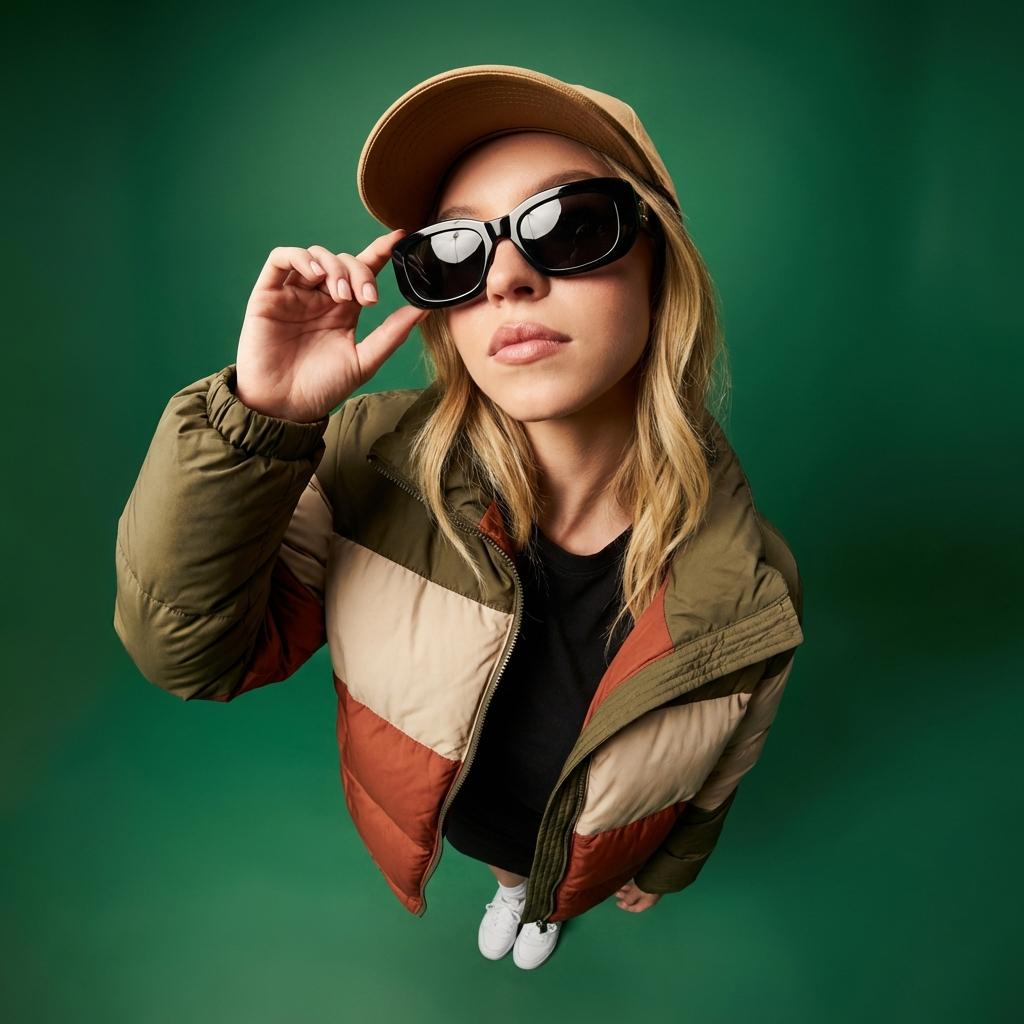
Uploaded photo into ultra-wide 10mm fisheye portrait from dramatic high
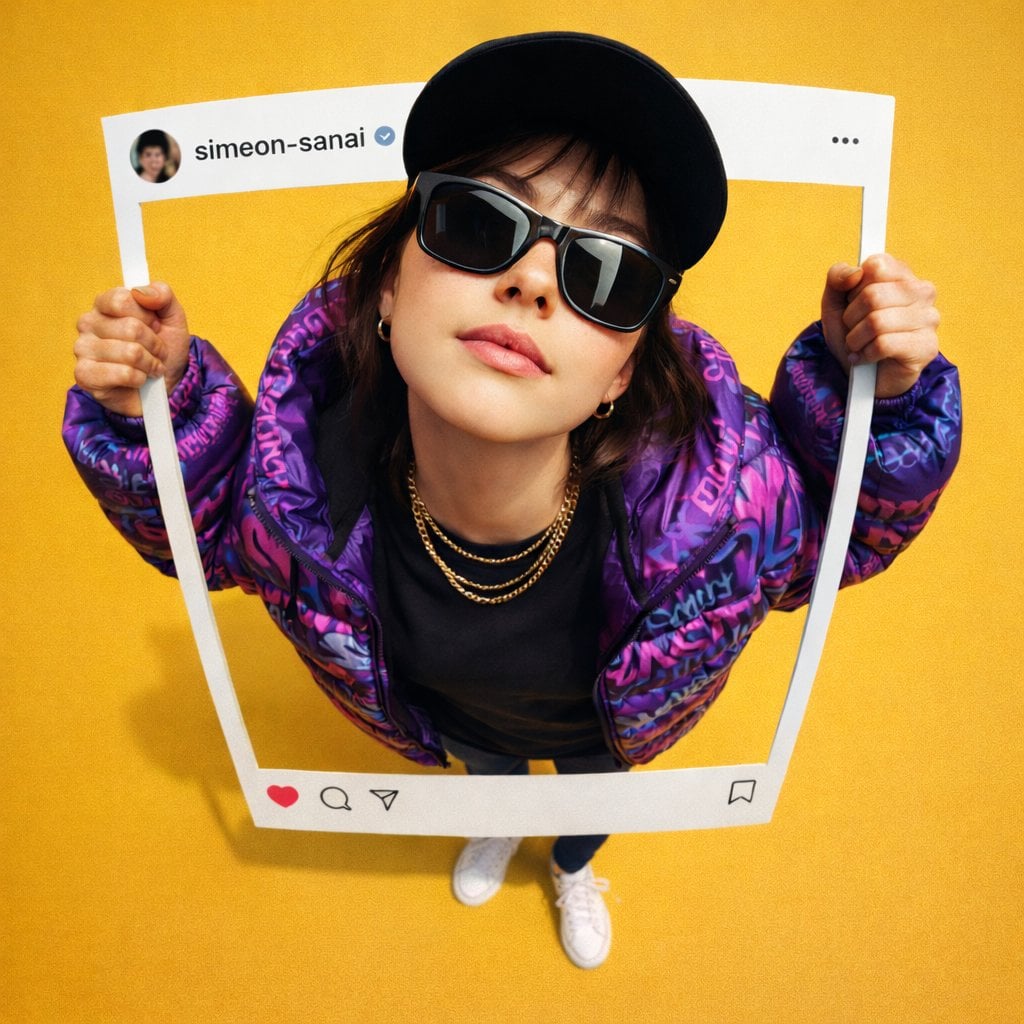
Ultra-realistic photo composite of uploaded person breaking out
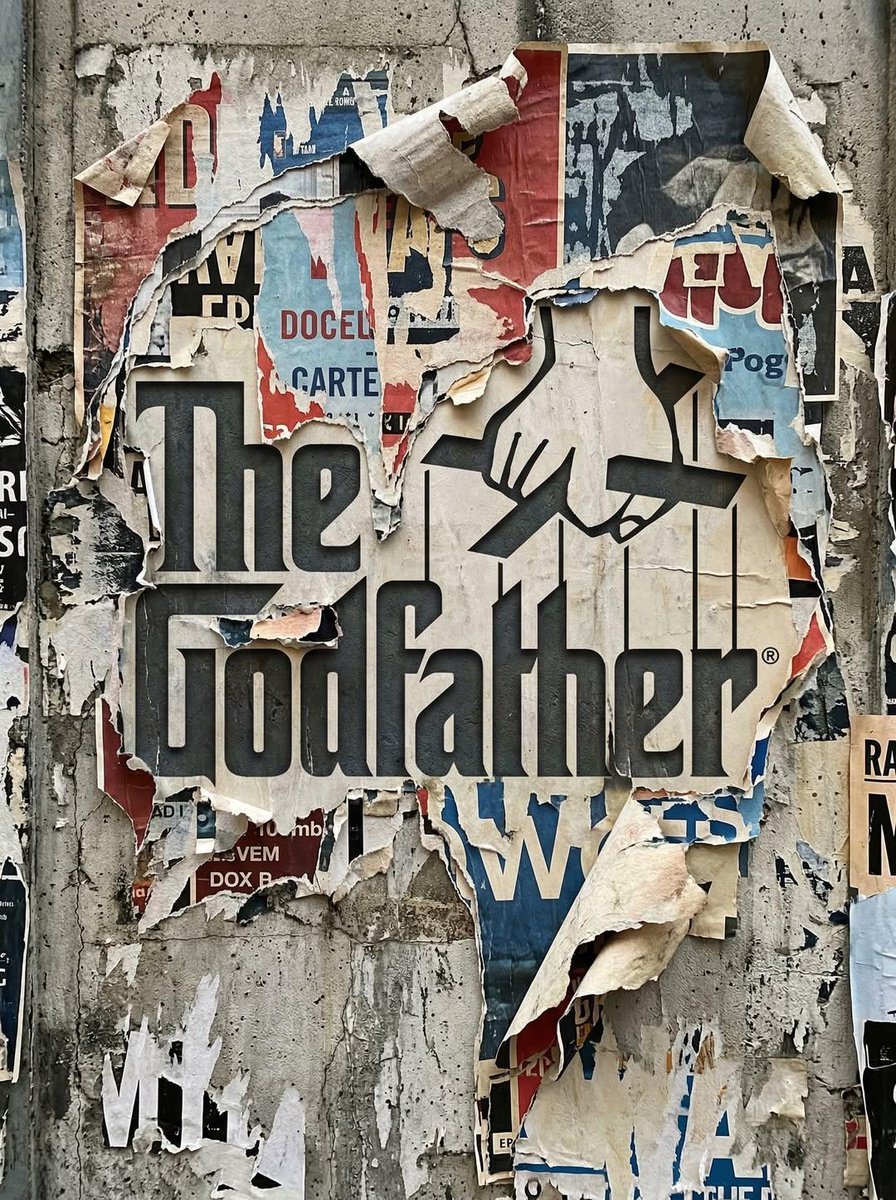
Uploaded logo into a realistic urban wall scene where the logo
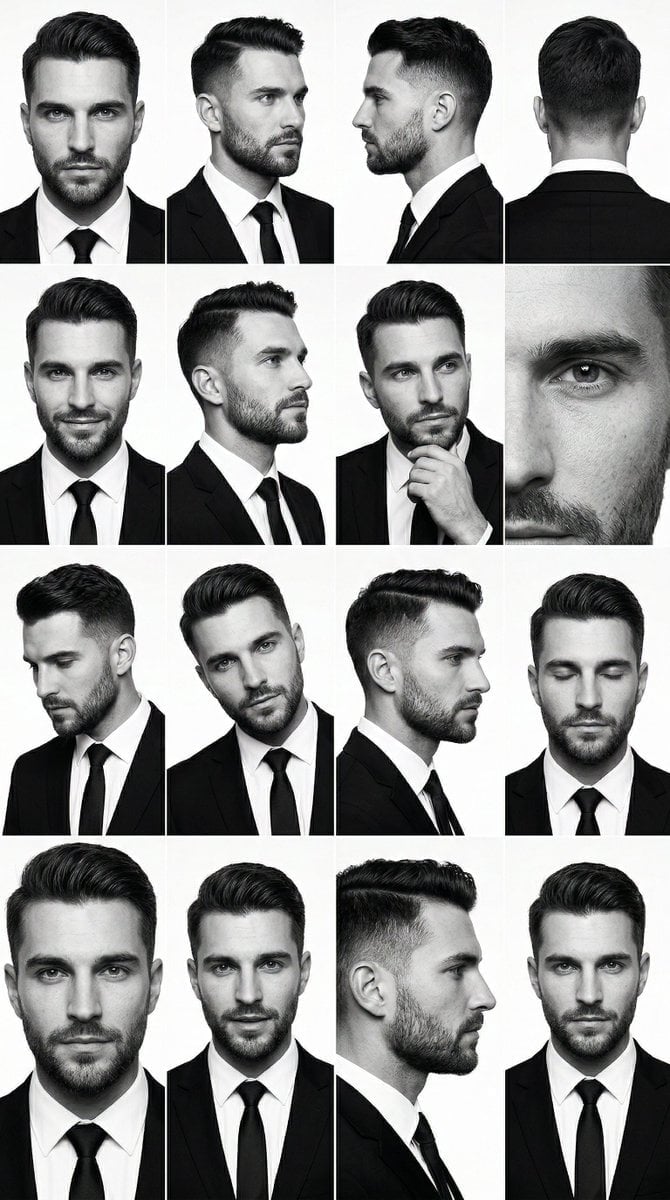
PRIMARY STRUCTURE ANCHOR use the uploaded male 4x4 grid image suit
Make it yours
Using the uploaded reference image, generate a highly realistic works as-is. These are the safest ways to change it without losing the look.
Swap the setting
Keep the rest of the prompt and replace the location block. The current setting is “traditional Tamil rural village courtyard”.
Swap the light
One lighting change is enough to compare takes. Current light: “warm golden sunrise light, soft cinematic glow”.
Change one field
Copy a single group, rewrite it, and generate again so you can see what that field is doing.
| If the result… | Why | Fix |
|---|---|---|
| The result drifts from the preview | Too many fields changed at once. | Reuse Using the uploaded reference image, generate a highly realistic as-is first, then change one group — subject, light, or setting. |
| Nano Banana 2 ignores part of the JSON | Some models flatten or skip nested keys. | Keep the same values and paste them as a short paragraph instead. |
More Nano Banana 2 templates
Other prompts made for Nano Banana 2.

Photorealistic Leaf Shaped Like a Dragon

K-Pop Idol Portrait Grid for Rapid Selection

Poetic Rain Forest Portrait During Golden Hour

Urban Street Portrait with Cartoon Inner Self Duo

Candid Nighttime Photo with Cat Prompt

High-Concept 3D Diorama Generation Prompt

Cinematic Futuristic Studio Portrait Template

Skincare Editorial Photography Collage Prompt

Hyper-Realistic Commercial Product Photography (Splash Effect)

Hyper-Realistic Nightclub Portrait Prompt
More image prompts
Fresh picks from across the catalog.
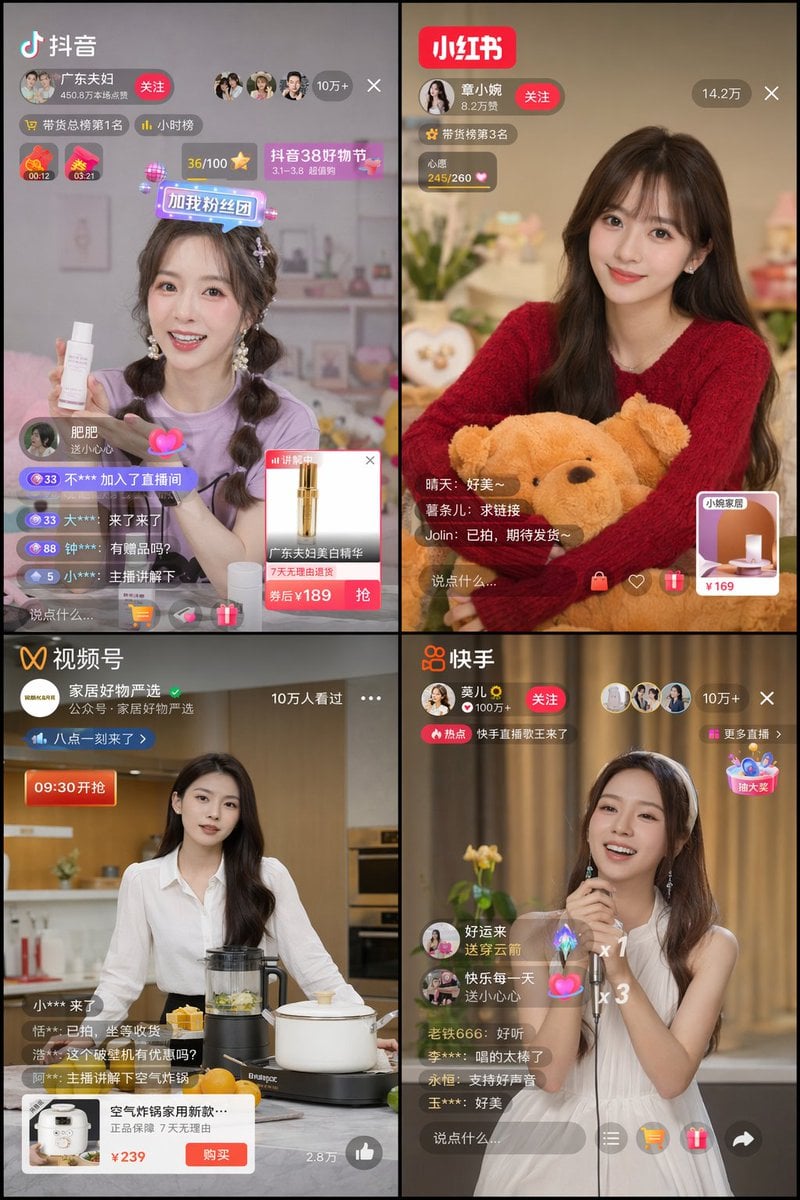
Panel Live Streaming App UI Mockup
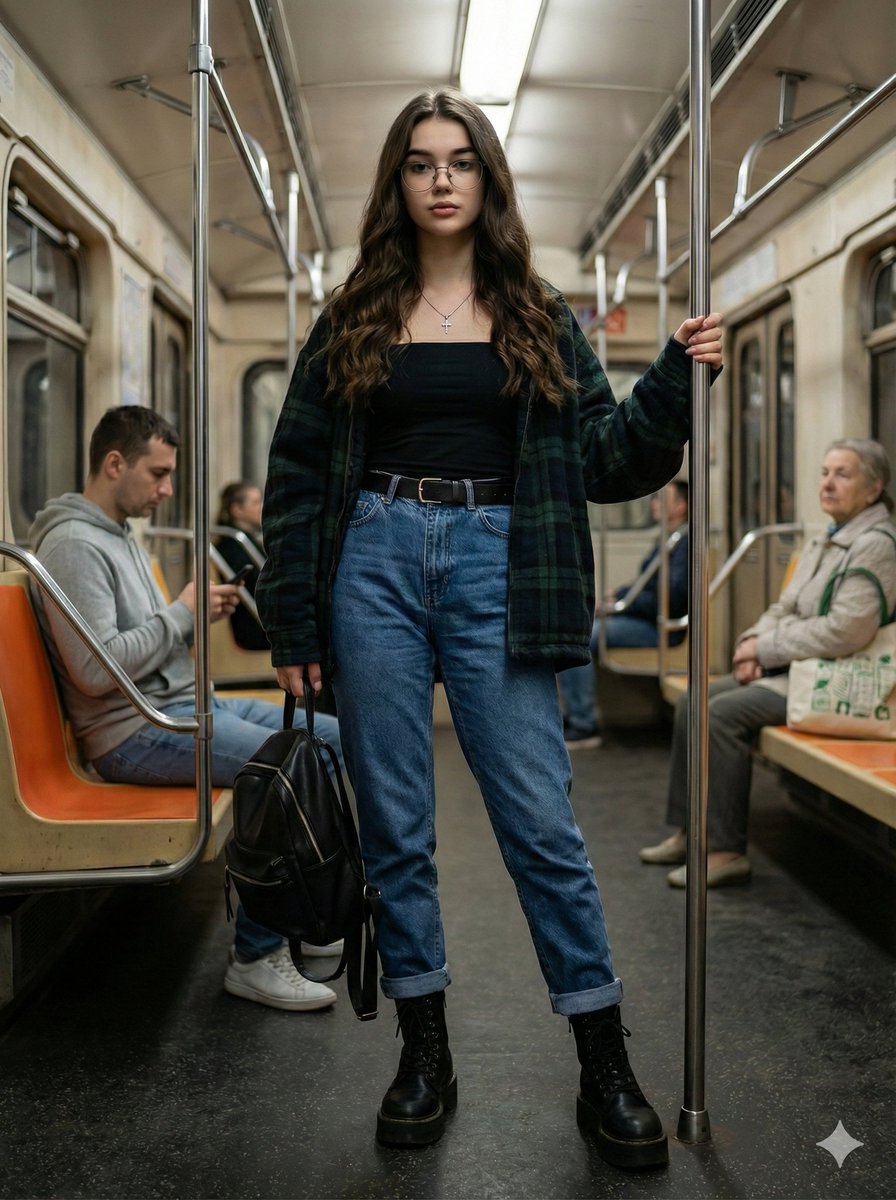
Ultra-Realistic Full-Body Subway Portrait Prompt

Anime Boxing Title Match Poster

Glowing Goblin Shaman in Swamp
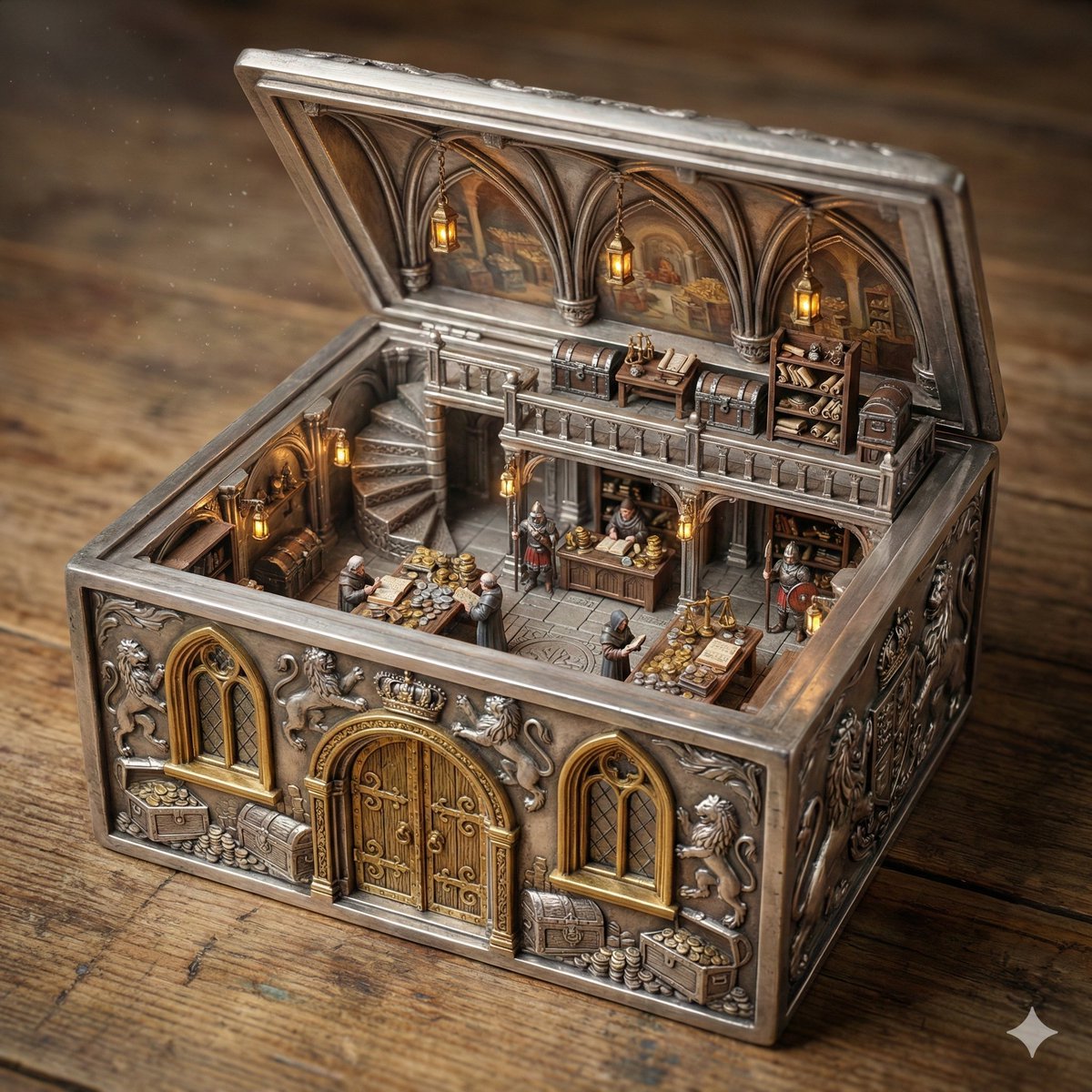
Ornate Box Diorama of a Royal Treasury Counting Room
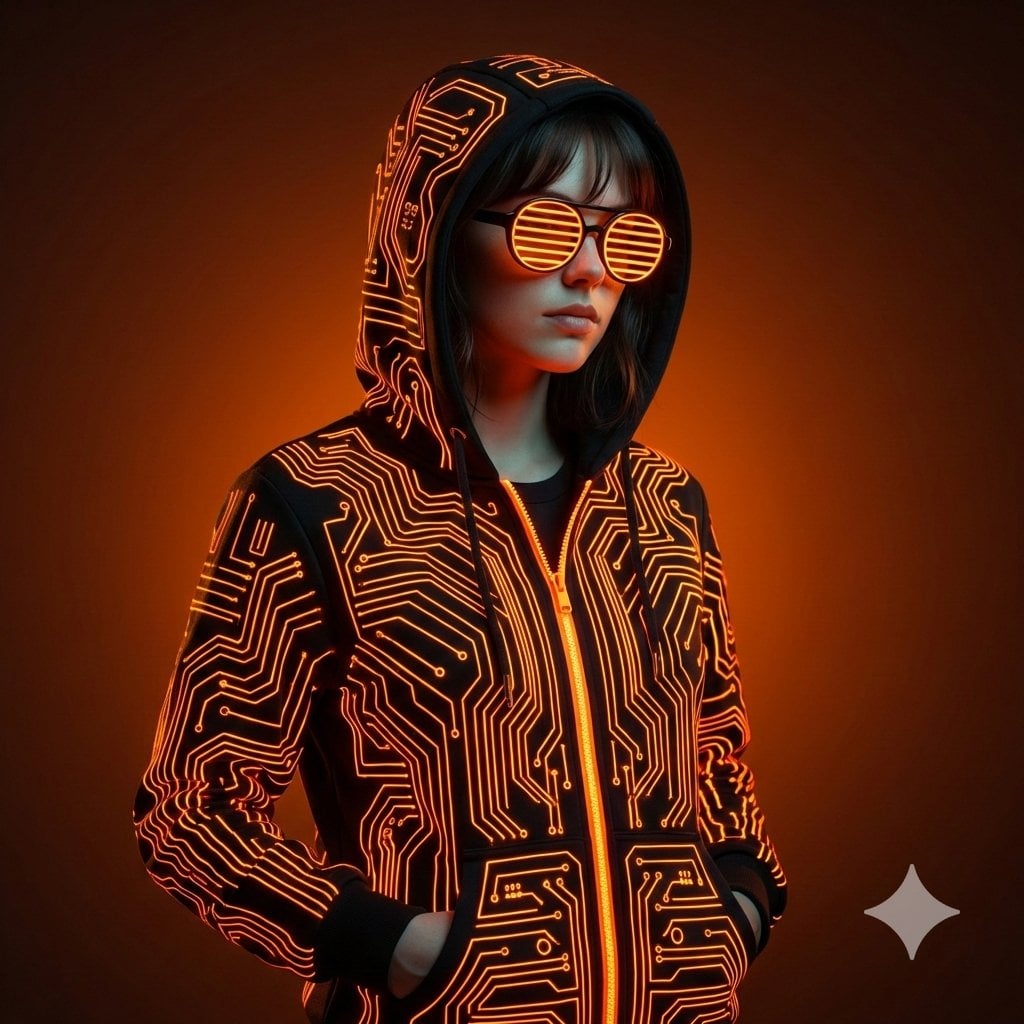
Ultra-Realistic Cyberpunk Studio Portrait
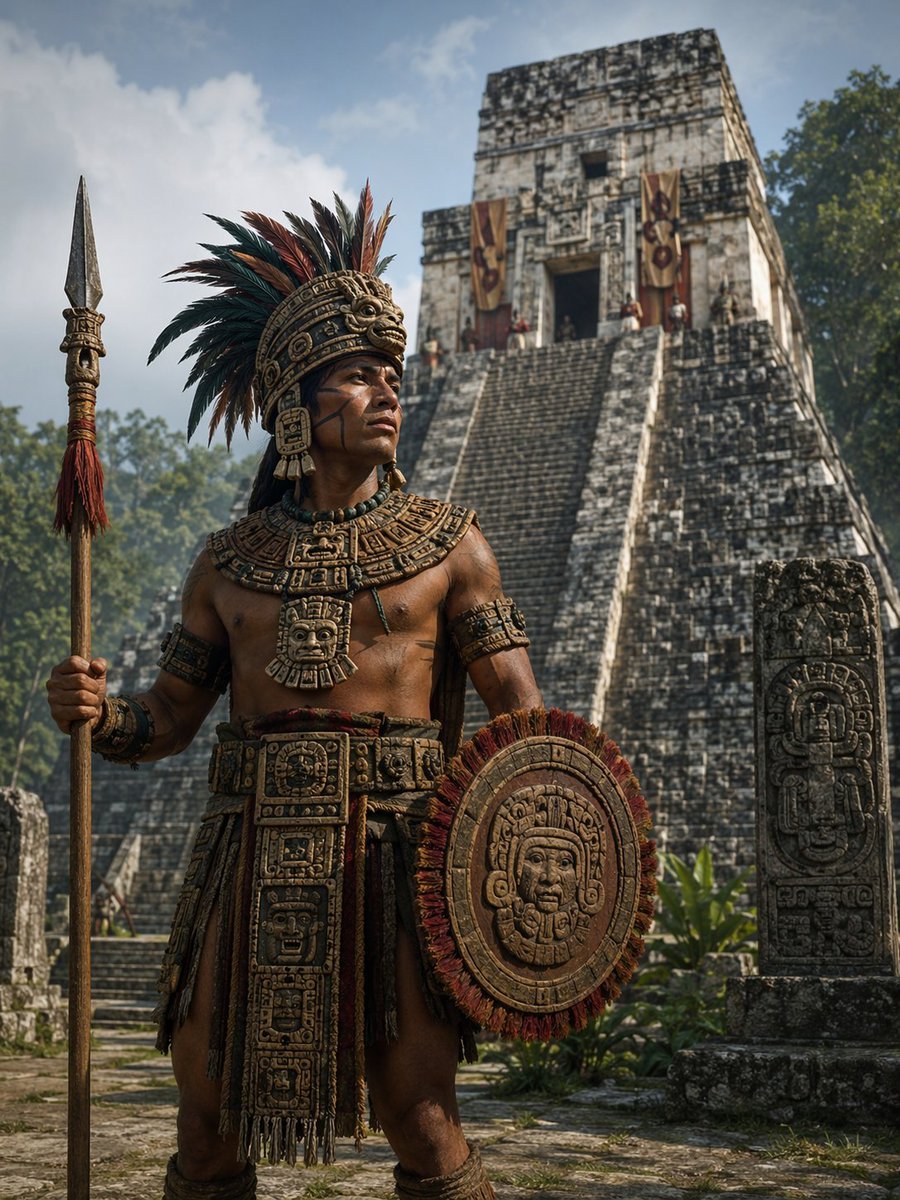
Cinematic Mesoamerican Warrior Portrait

Sprite Can Advertising Macro Shot
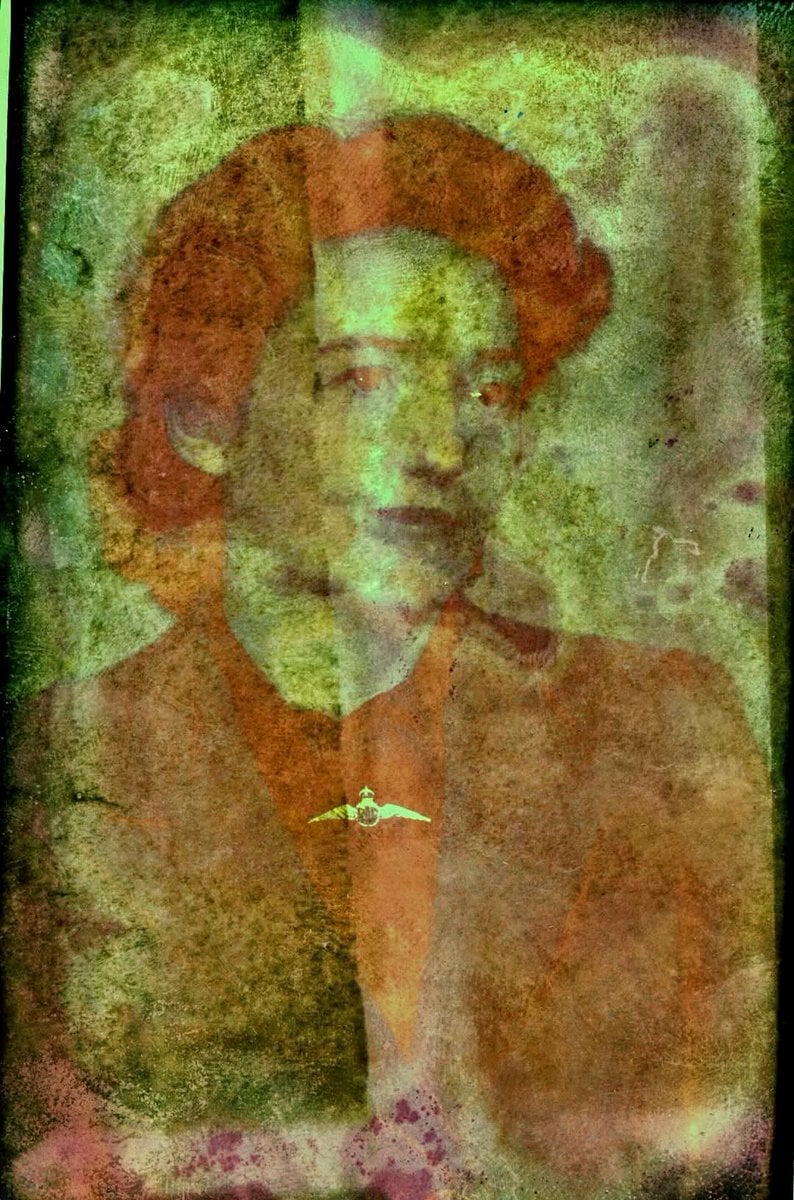
Old Photo Restoration to DSLR Quality
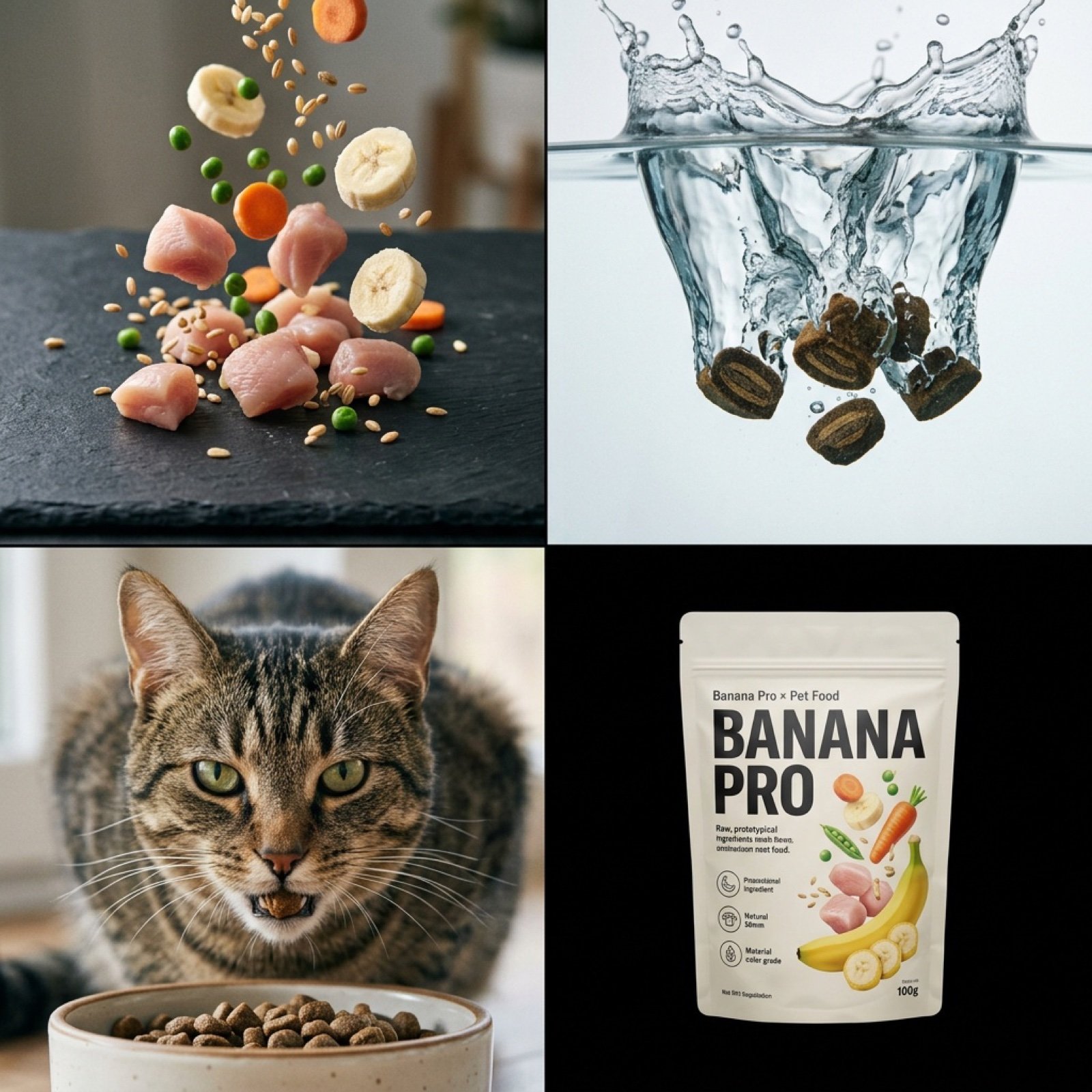
Hyper-Realistic Pet Food Ad Series Prompt
Browse template categories
Using the uploaded reference image, generate a highly realistic questions
How do I use the Using the uploaded reference image, generate a highly realistic template?
Add your photo if the template asks for one, edit the prompt if you like — the template's model and format are already selected — and press Generate. Your version opens in PicX Studio.
Can I customize the Using the uploaded reference image, generate a highly realistic template?
Yes. You can change the subject, setting, lighting, mood, format, and available model controls before creating your image.
Is the Using the uploaded reference image, generate a highly realistic template free?
Opening and editing this template is free. Generating uses credits, shown on the Generate button when you are signed in.
Which AI model should I use?
Start with Nano Banana 2, which is the model associated with this template. You can compare another compatible model for a different finish.
Looking for something else? Browse all templates.

Your photo, any look
Thousands of ready templates for every top image and video model, from one credit balance.