
Uploaded logo into a realistic urban wall scene where the logo
Transform the uploaded logo into a realistic urban wall scene where the logo silhouette is revealed through layers of torn posters.
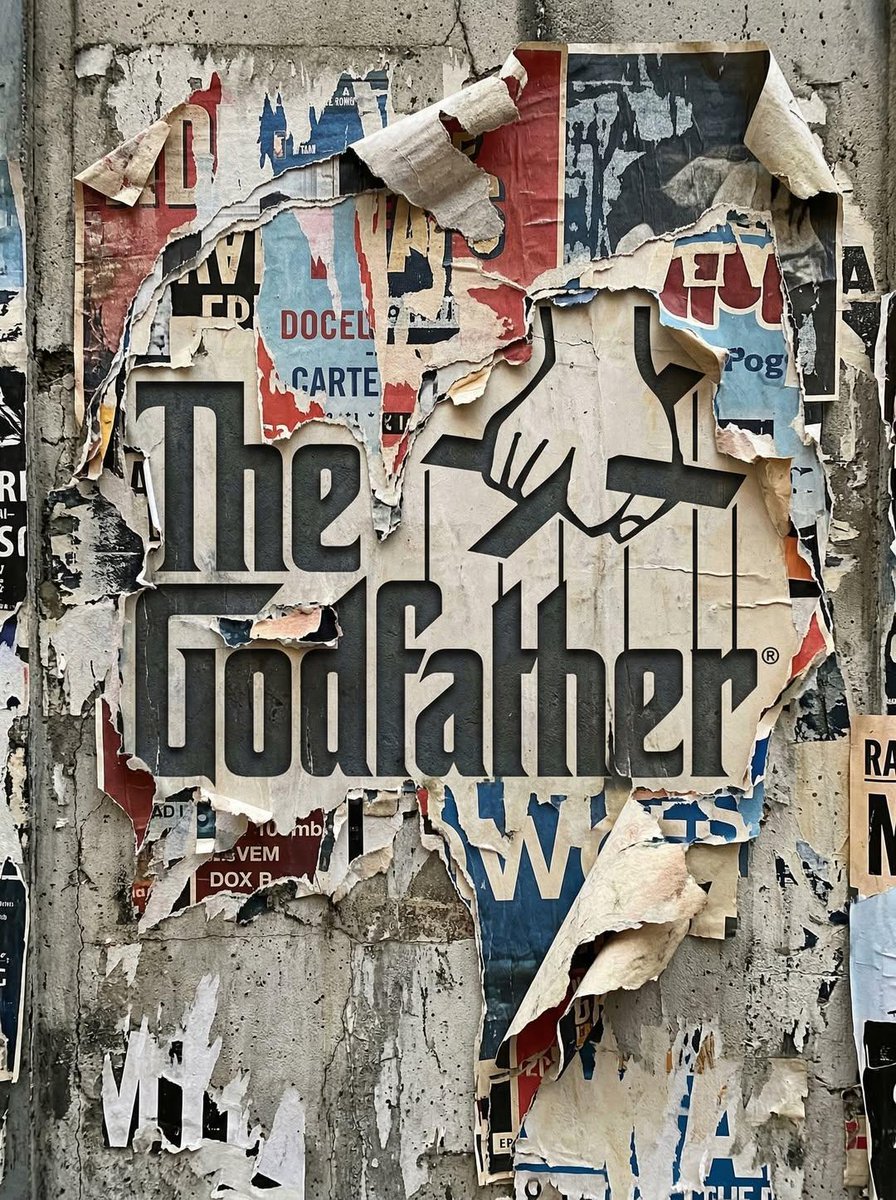
- Prompt included
- Model and format preset
- Free template
The prompt behind this image
Copy the exact prompt behind Uploaded logo into a realistic urban wall scene where the logo, or open it in the studio and make it yours.
Transform the uploaded logo into a realistic urban wall scene where the logo silhouette is revealed through layers of torn posters. The logo must keep its exact shape and proportions, appearing as if multiple posters have been ripped away over time, exposing the shape naturally within the layered paper textures. Material details: Multiple overlapping poster layers with different colors, prints, and paper types. Ripped edges with fibrous texture, curls, and torn fragments. Aged paper with fading, stains, glue residue, and slight peeling. Some areas showing older layers beneath, creating depth. Physics behavior: Paper tearing should look natural — irregular edges, varying thickness, partial detachment. Edges curling outward due to humidity and time. Glue holding some sections while others peel away. Layer separation revealing deeper textures gradually. Surface interaction: Rough concrete or plaster wall beneath the posters. Glue marks and residue where posters were attached. Cracks, dirt, and weathering visible on exposed wall areas. Environment: Urban street setting - alley wall or city corner. Hints of surrounding posters, graffiti, or wear. No overly clean or staged look. Lighting: Natural daylight or soft urban lighting. Shadows inside torn layers creating depth. Subtle highlights on curled paper edges. Atmosphere: Raw. Layered. Time-worn. Authentic street texture. Camera & composition: Straight-on or slightly angled close-up view. Logo clearly visible through torn layers. Depth emphasized through overlapping paper textures. Format: Aspect ratio: STRICT 4:5 vertical. No text overlays. Style: Hyper-real urban surface photography. Physically accurate material aging and layering.
How to use Uploaded logo into a realistic urban wall scene where the logo in 3 steps
- 1Upload ImagePNG, JPG or paste
Add your photo
Upload the photo the template builds on. The prompt, model and format are already set.
- 2…a portrait of your subject in softgolden-hour light, 85mm…
Personalize
Edit the subject and creative details for your destination.
- 3Generate
Generate
Press Generate — your image is created in PicX Studio, so you can compare it with the original and refine one variable at a time.
More like this
Templates with the same subject, style or setup. Open one to see its prompt.
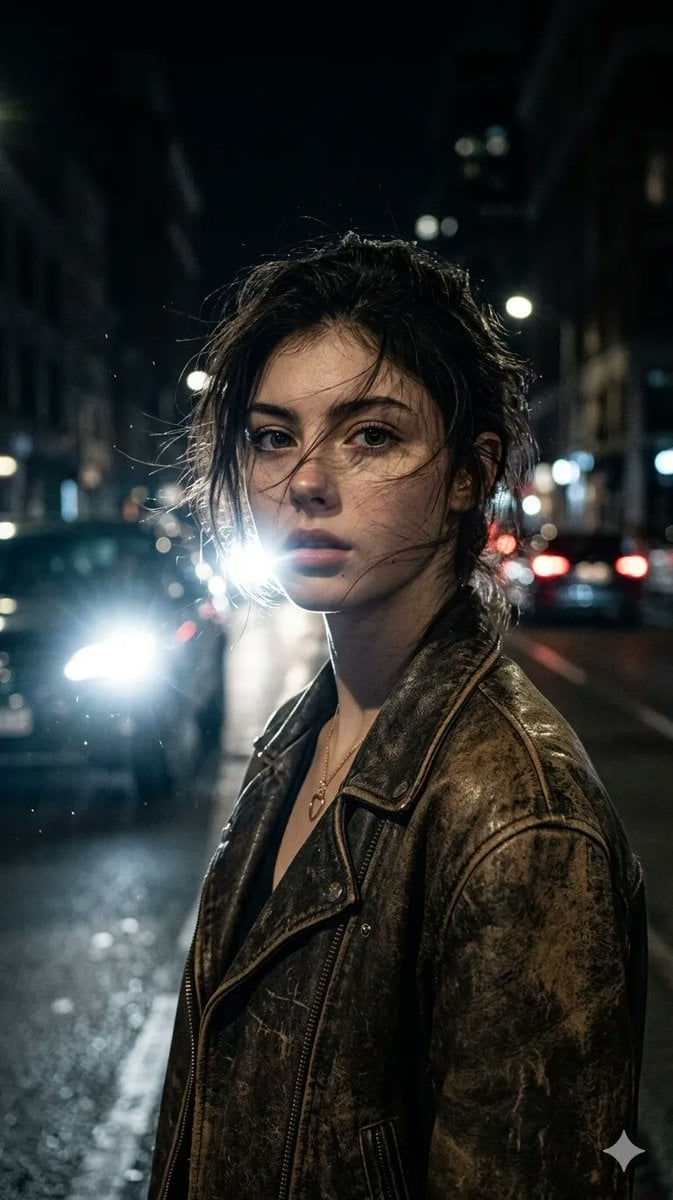
Ultra-realistic portrait of a woman from uploaded image, messy hair
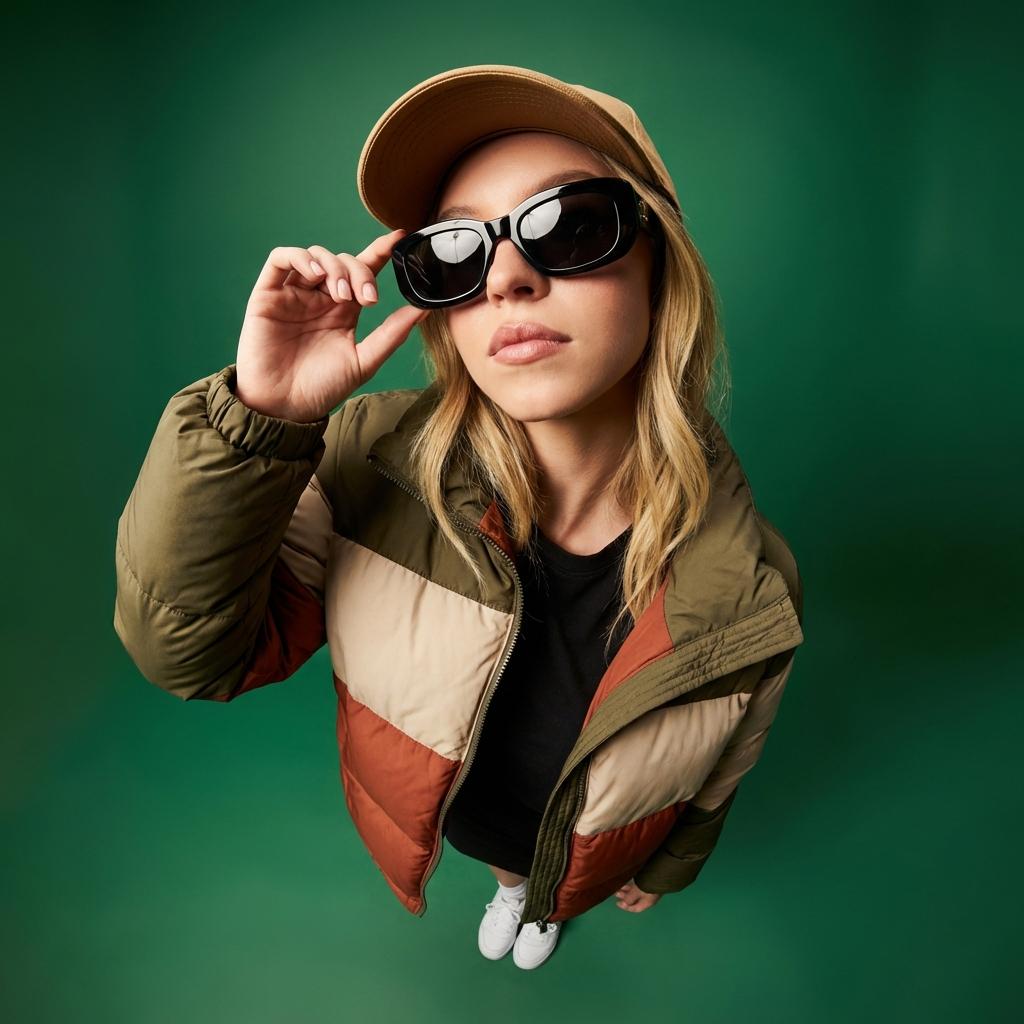
Uploaded photo into ultra-wide 10mm fisheye portrait from dramatic high

Ultra-realistic photo composite of uploaded person breaking out
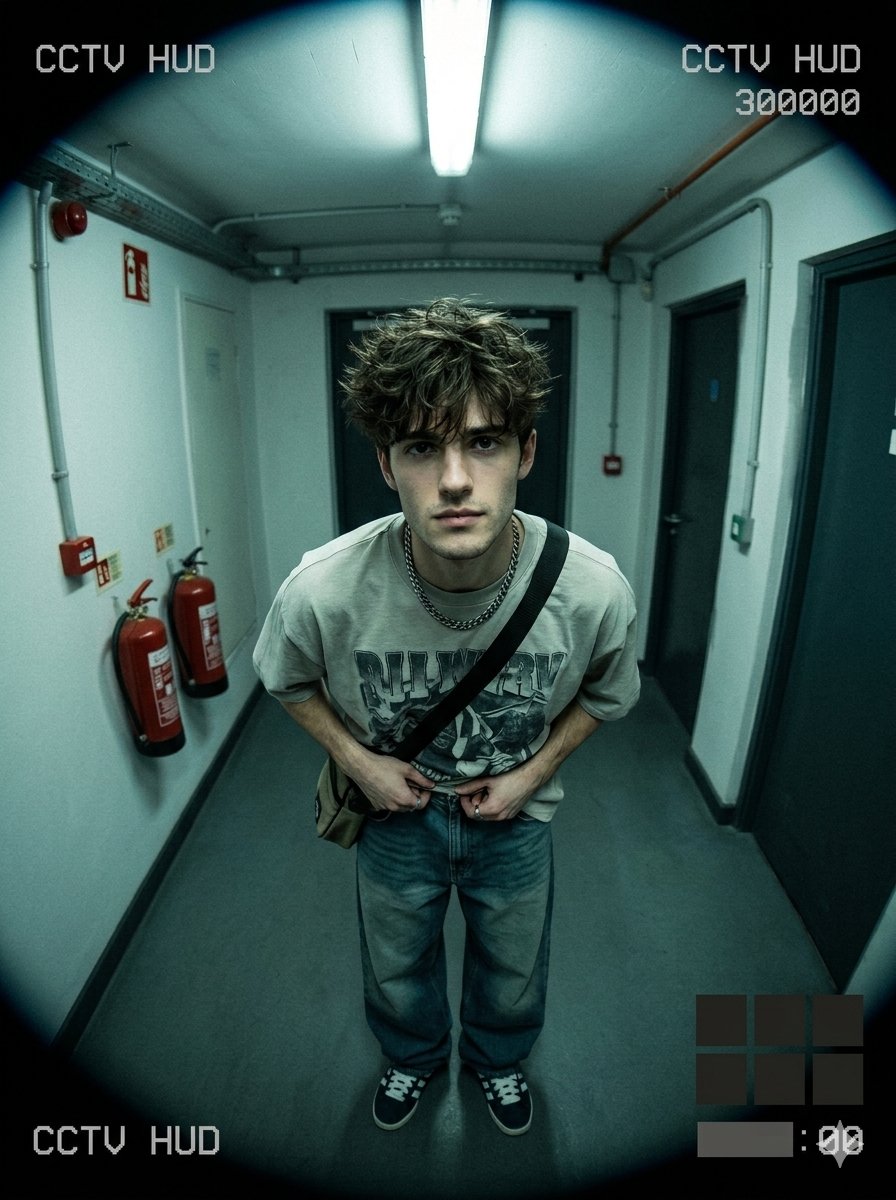
Use uploaded selfie as ONLY face reference preserve exact
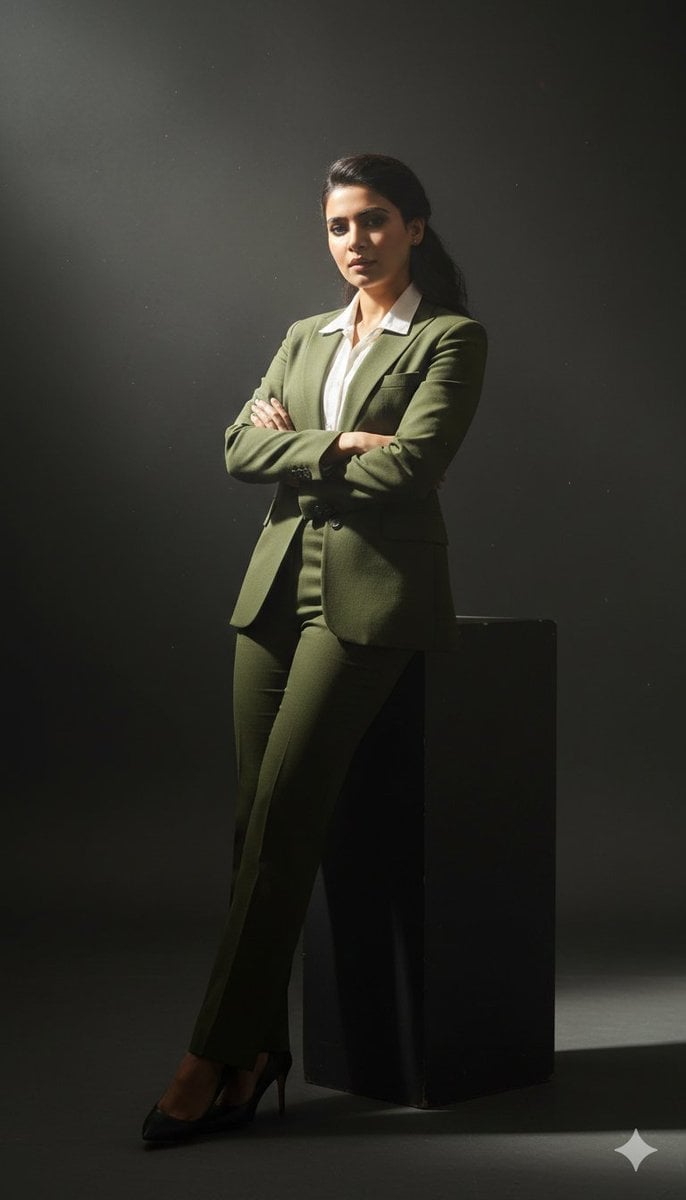
Cinematic full-body studio portrait of a subject using the uploaded face
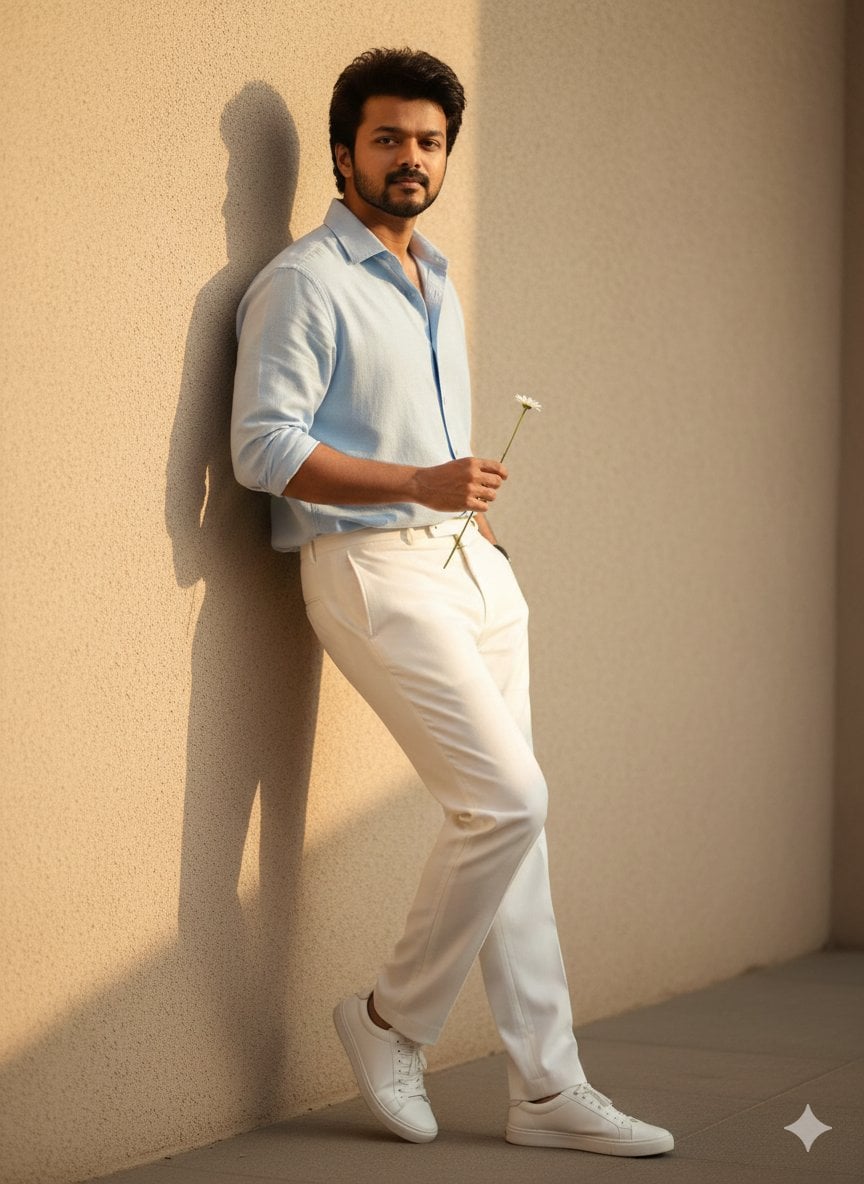
Using the uploaded reference image of a 30-year-old adult, generate
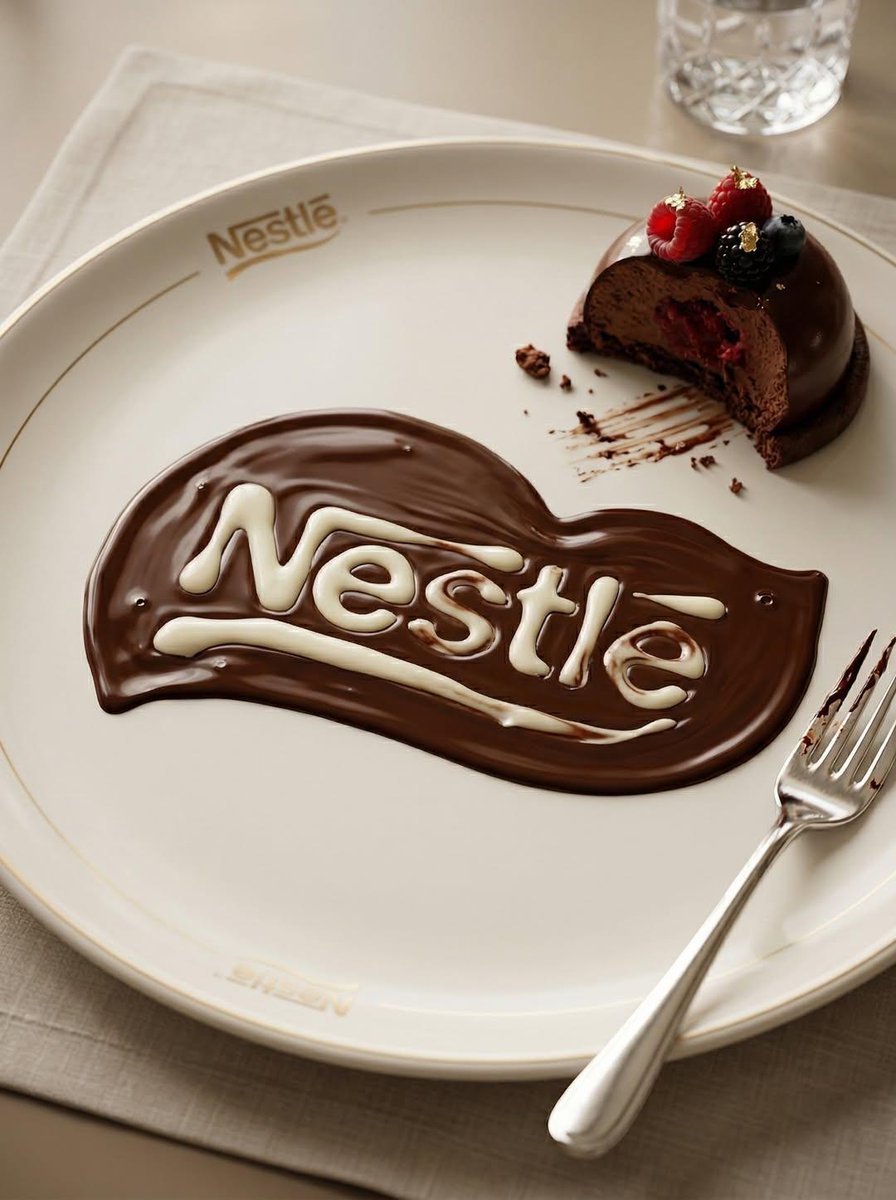
Uploaded logo into a realistic dessert scene where the logo silhouette
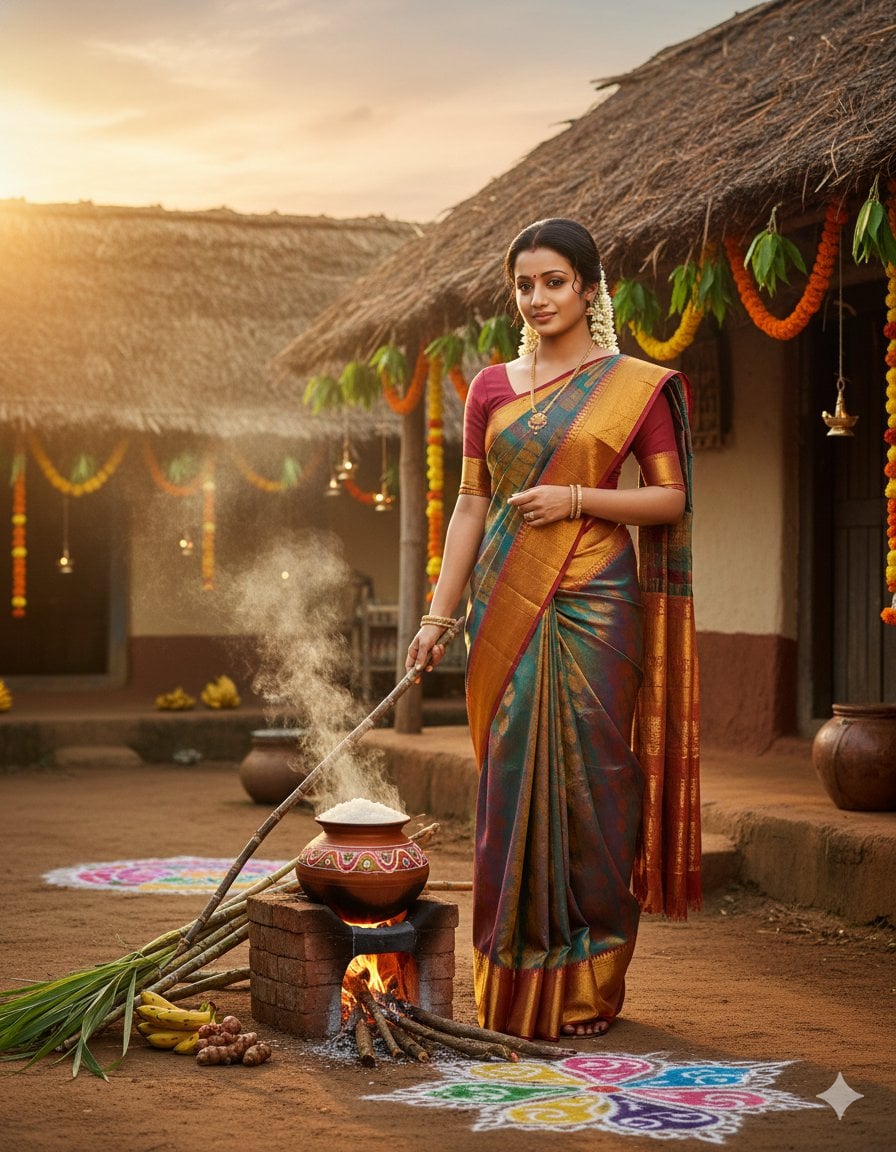
Using the uploaded reference image, generate a highly realistic
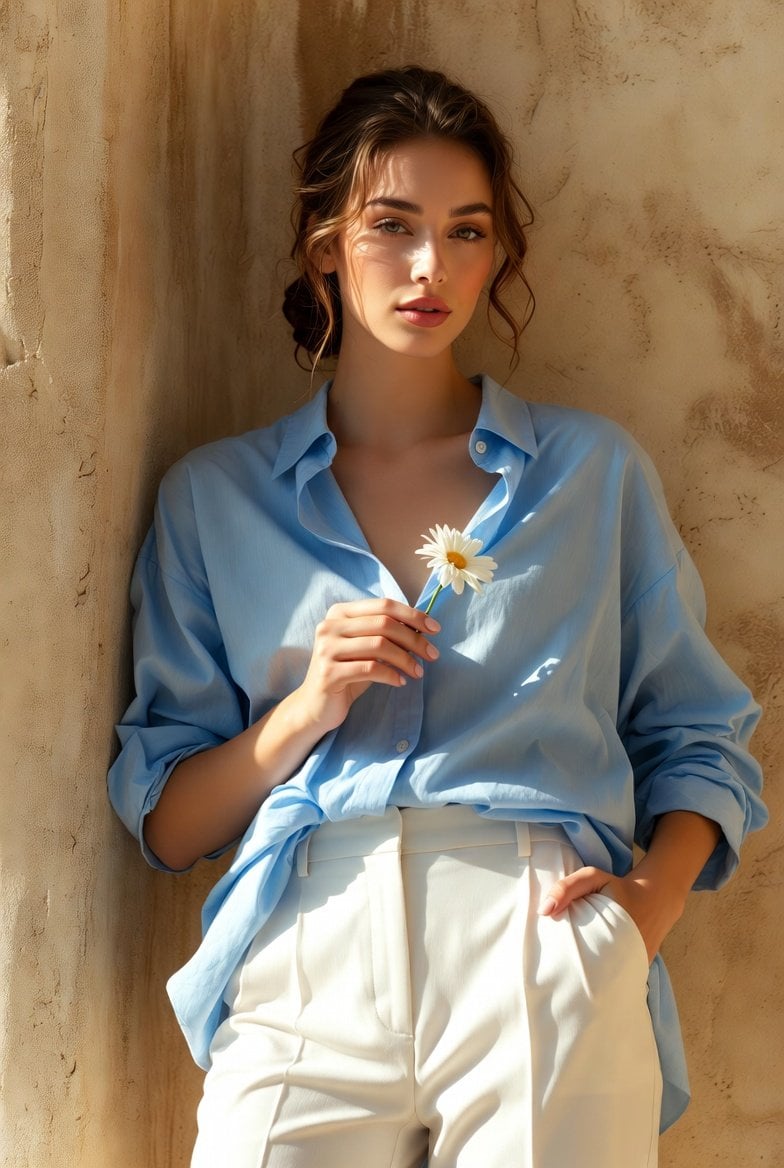
Using the uploaded reference image STRICTLY, preserve the same woman s
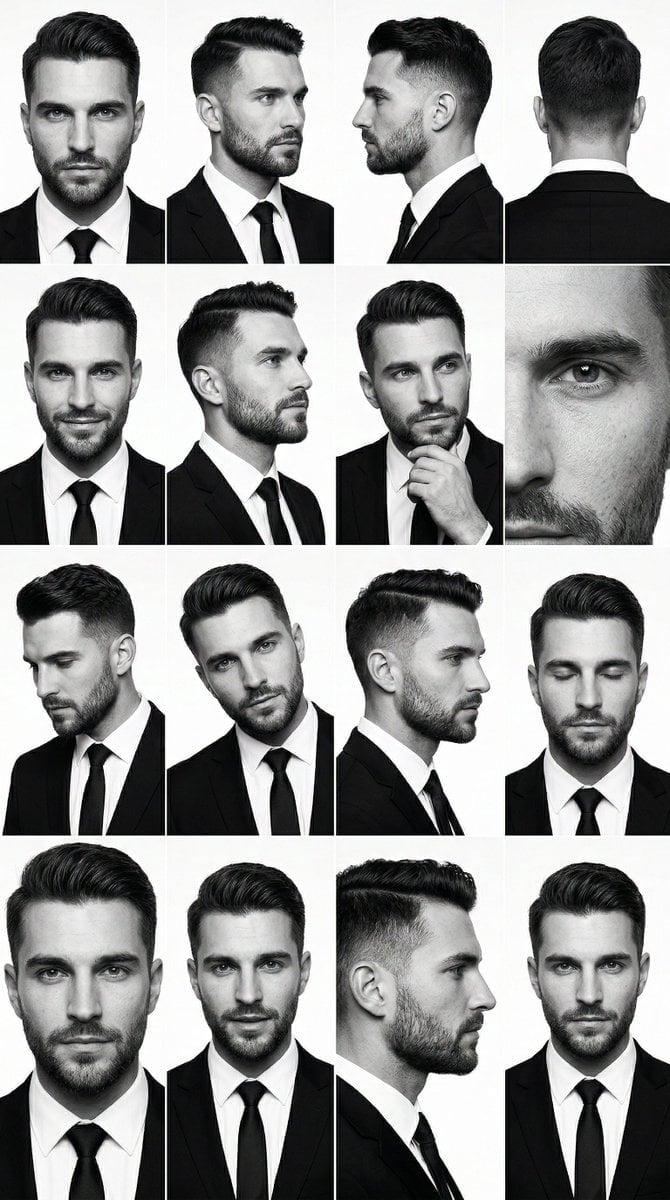
PRIMARY STRUCTURE ANCHOR use the uploaded male 4x4 grid image suit
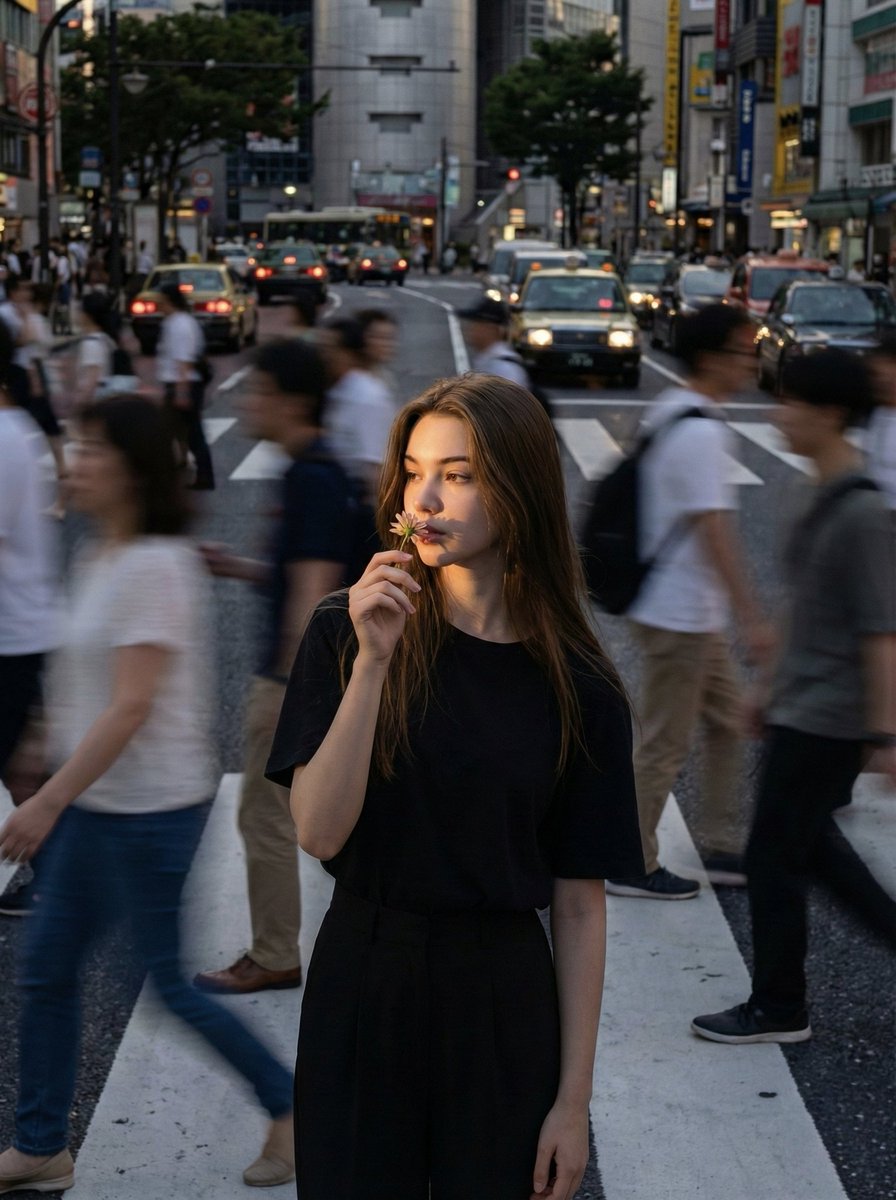
Use the uploaded reference image as the compositional base

青蛇小青写真大片,绿色紧身蛇鳞裙,湿发红唇,妖娆妩媚
Make it yours
Uploaded logo into a realistic urban wall scene where the logo works as-is. These are the safest ways to change it without losing the look.
Change one field
Copy a single group, rewrite it, and generate again so you can see what that field is doing.
Keep the frame, change the subject
Hold the composition and light of Uploaded logo into a realistic urban wall scene where the logo, then swap wardrobe, props or the person for a new take.
| If the result… | Why | Fix |
|---|---|---|
| The result drifts from the preview | Too many fields changed at once. | Reuse Uploaded logo into a realistic urban wall scene where the logo as-is first, then change one group — subject, light, or setting. |
| The model over-stylizes the scene | The prose prompt leaves finish and camera underspecified. | Add one camera or lighting sentence and stay on Nano Banana 2. |
More Nano Banana 2 templates
Other prompts made for Nano Banana 2.

Photorealistic Leaf Shaped Like a Dragon

K-Pop Idol Portrait Grid for Rapid Selection

Poetic Rain Forest Portrait During Golden Hour

Urban Street Portrait with Cartoon Inner Self Duo

Candid Nighttime Photo with Cat Prompt

High-Concept 3D Diorama Generation Prompt

Cinematic Futuristic Studio Portrait Template

Skincare Editorial Photography Collage Prompt

Hyper-Realistic Commercial Product Photography (Splash Effect)

Hyper-Realistic Nightclub Portrait Prompt
More image prompts
Fresh picks from across the catalog.

Cinematic Close-up of a Woman Holding a Magical Apple
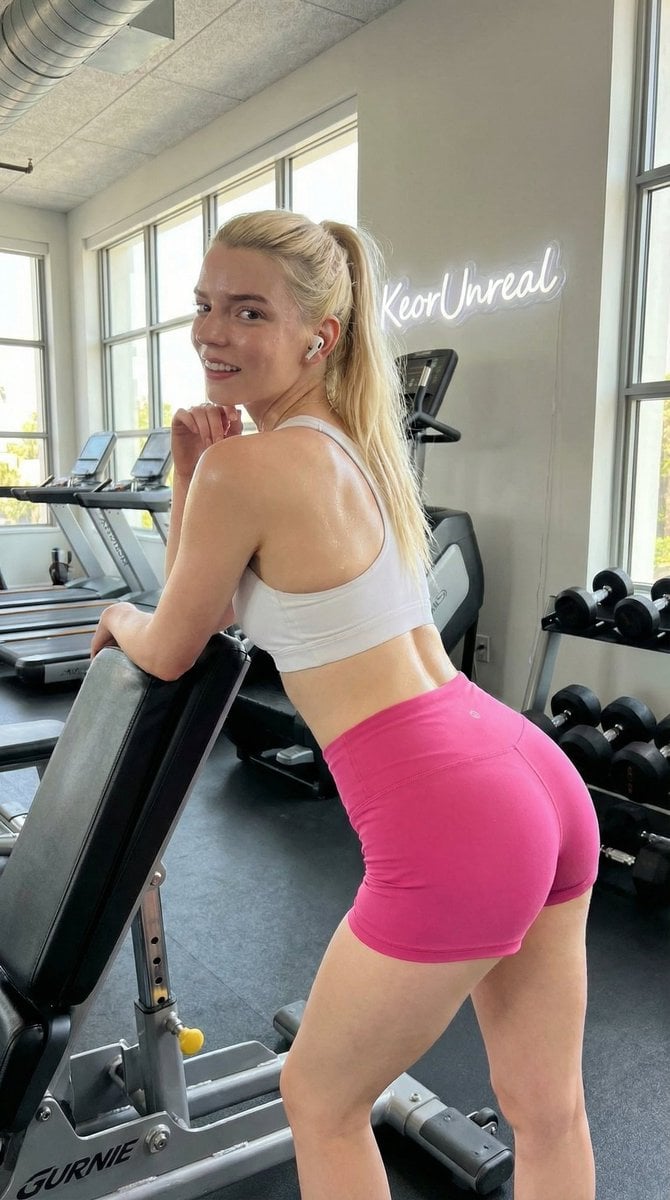
High-Resolution Fitness Lifestyle Portrait in a Modern Gym
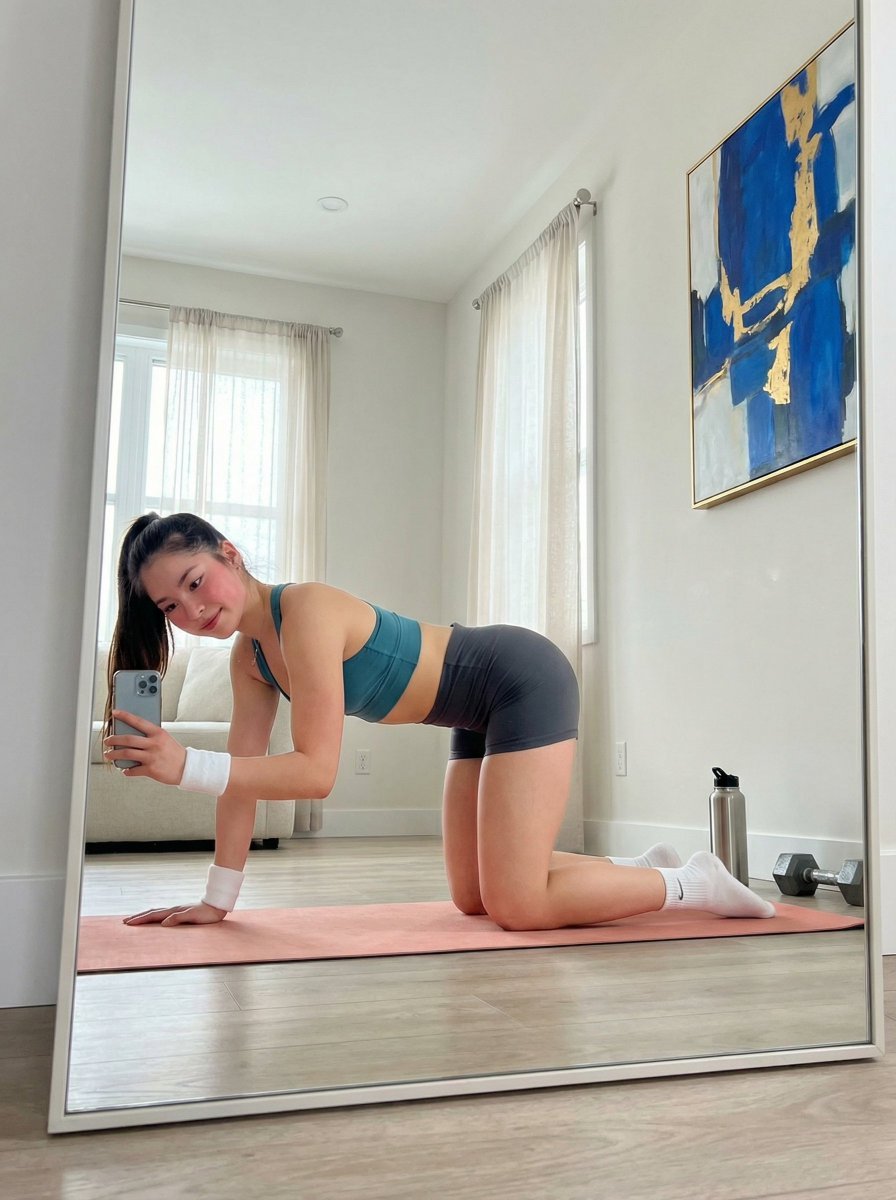
Yoga Mat Mirror Selfie Prompt (JSON)
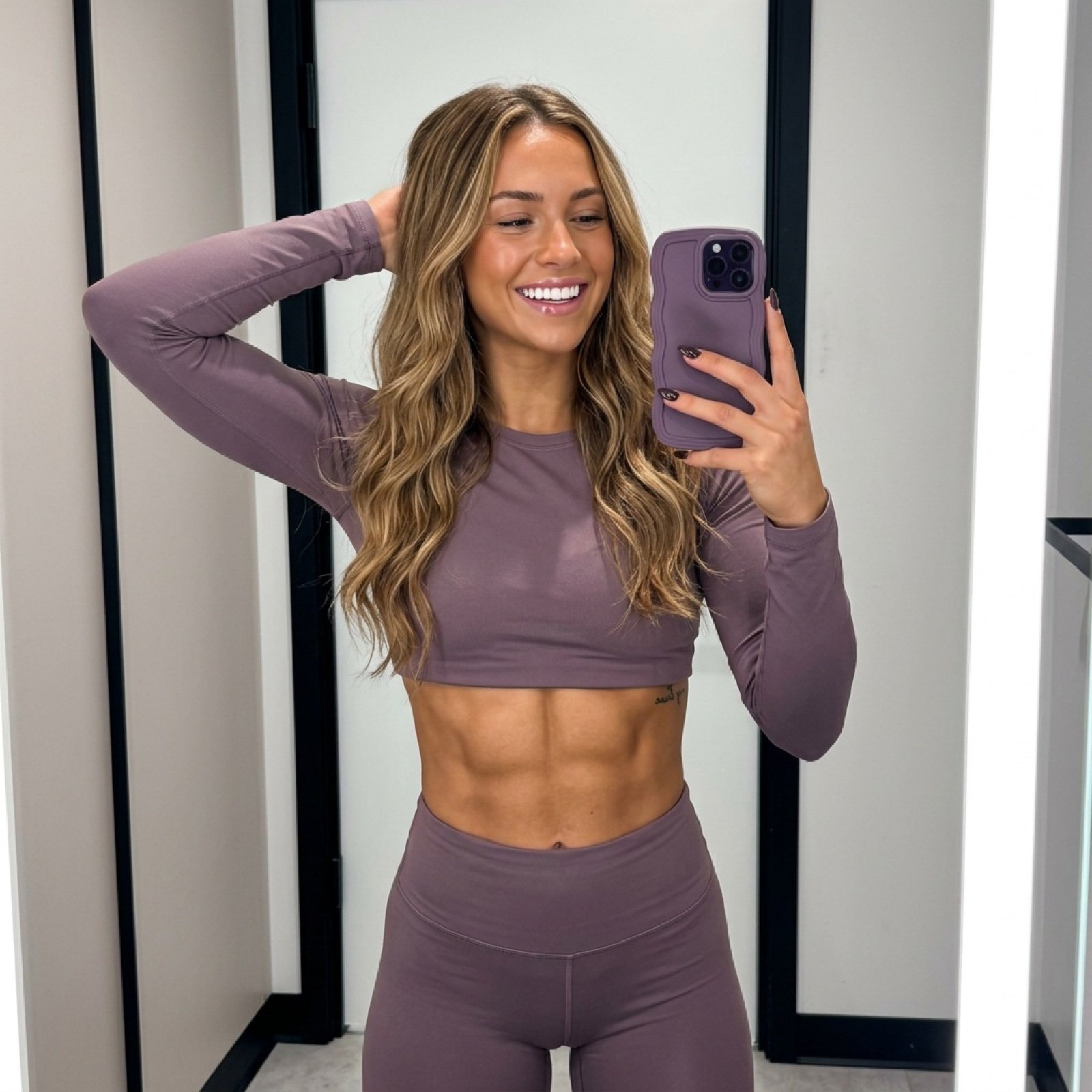
Athletic Mirror Selfie with Defined Physique
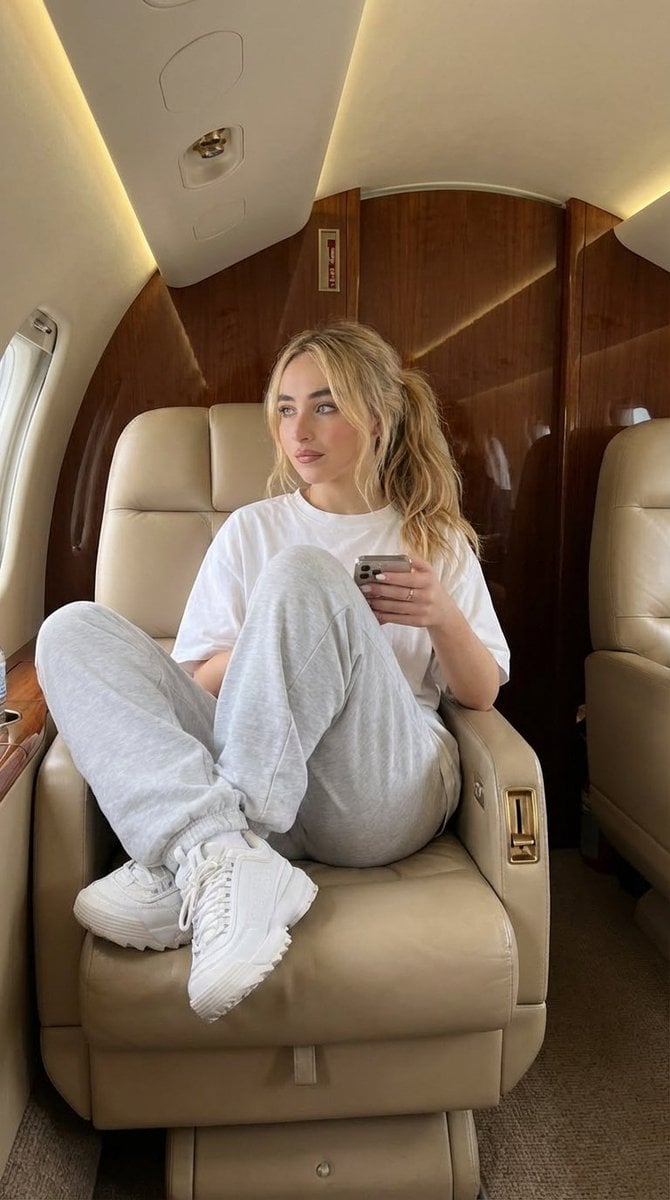
Luxury Private Jet Photoshoot Prompt for Stylish Young Woman
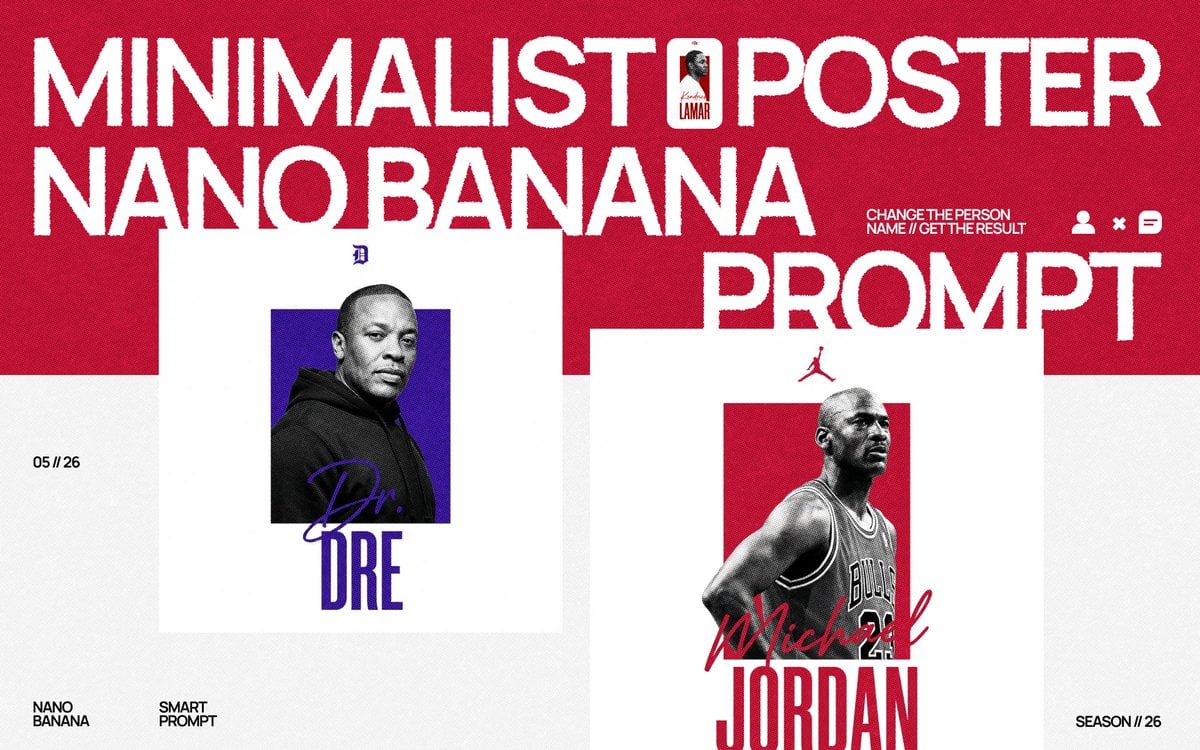
Minimalist Nano Banana Poster Layout
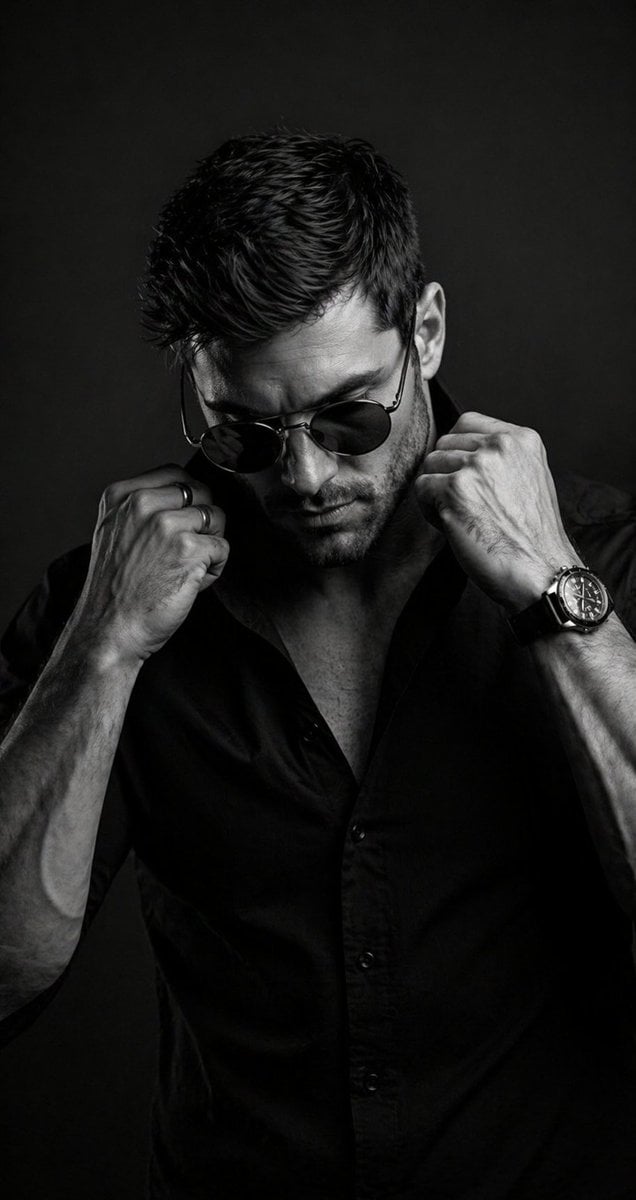
B&W Cinematic Studio Portrait
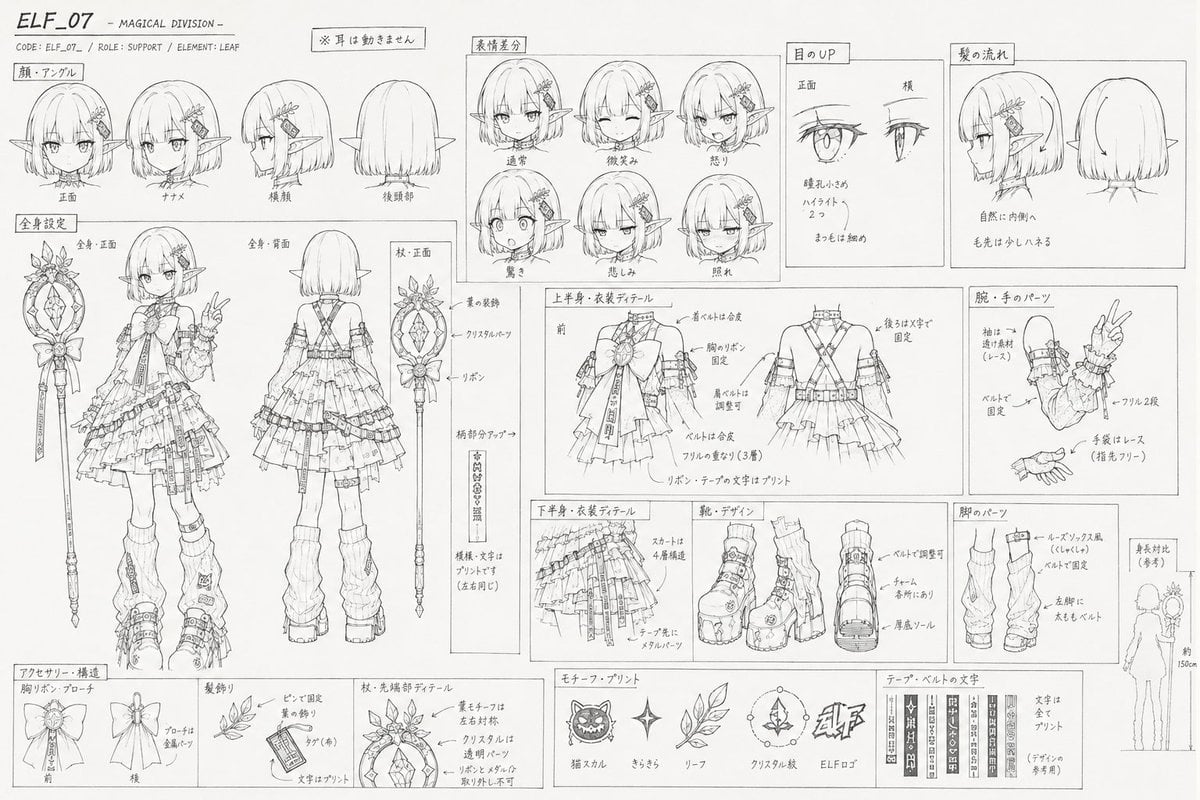
Professional Anime Character Line Art Sheet

Magazine-style photo containing given article text
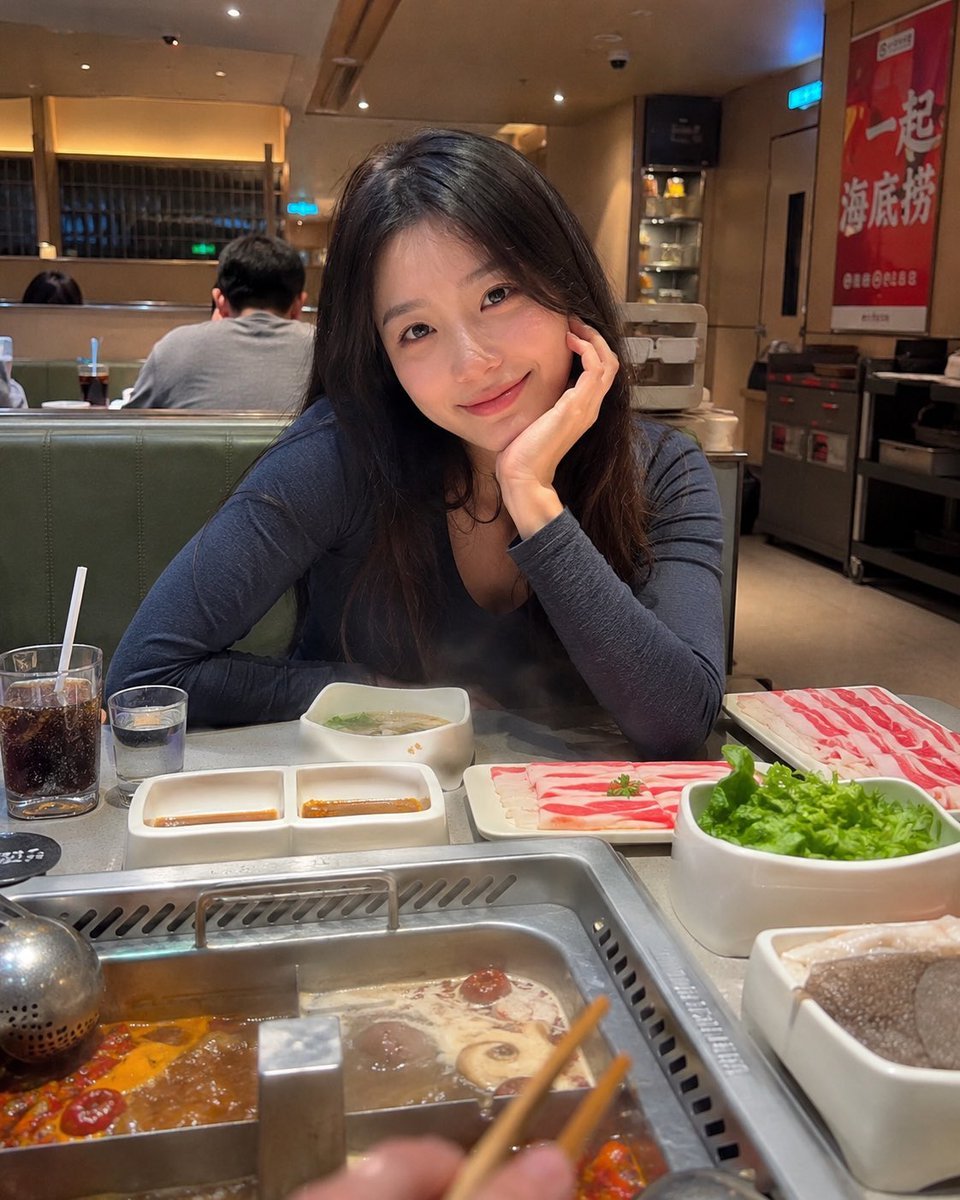
Haidilao Hotpot Date POV
Browse template categories
Uploaded logo into a realistic urban wall scene where the logo questions
How do I use the Uploaded logo into a realistic urban wall scene where the logo template?
Add your photo if the template asks for one, edit the prompt if you like — the template's model and format are already selected — and press Generate. Your version opens in PicX Studio.
Can I customize the Uploaded logo into a realistic urban wall scene where the logo template?
Yes. You can change the subject, setting, lighting, mood, format, and available model controls before creating your image.
Is the Uploaded logo into a realistic urban wall scene where the logo template free?
Opening and editing this template is free. Generating uses credits, shown on the Generate button when you are signed in.
Which AI model should I use?
Start with Nano Banana 2, which is the model associated with this template. You can compare another compatible model for a different finish.
Looking for something else? Browse all templates.

Your photo, any look
Thousands of ready templates for every top image and video model, from one credit balance.