
Uploaded logo into a realistic dessert scene where the logo silhouette
Transform the uploaded logo into a realistic dessert scene where the logo silhouette is formed naturally by melted chocolate spread across a plate, while the plate and dessert presentation are also subtly designed…
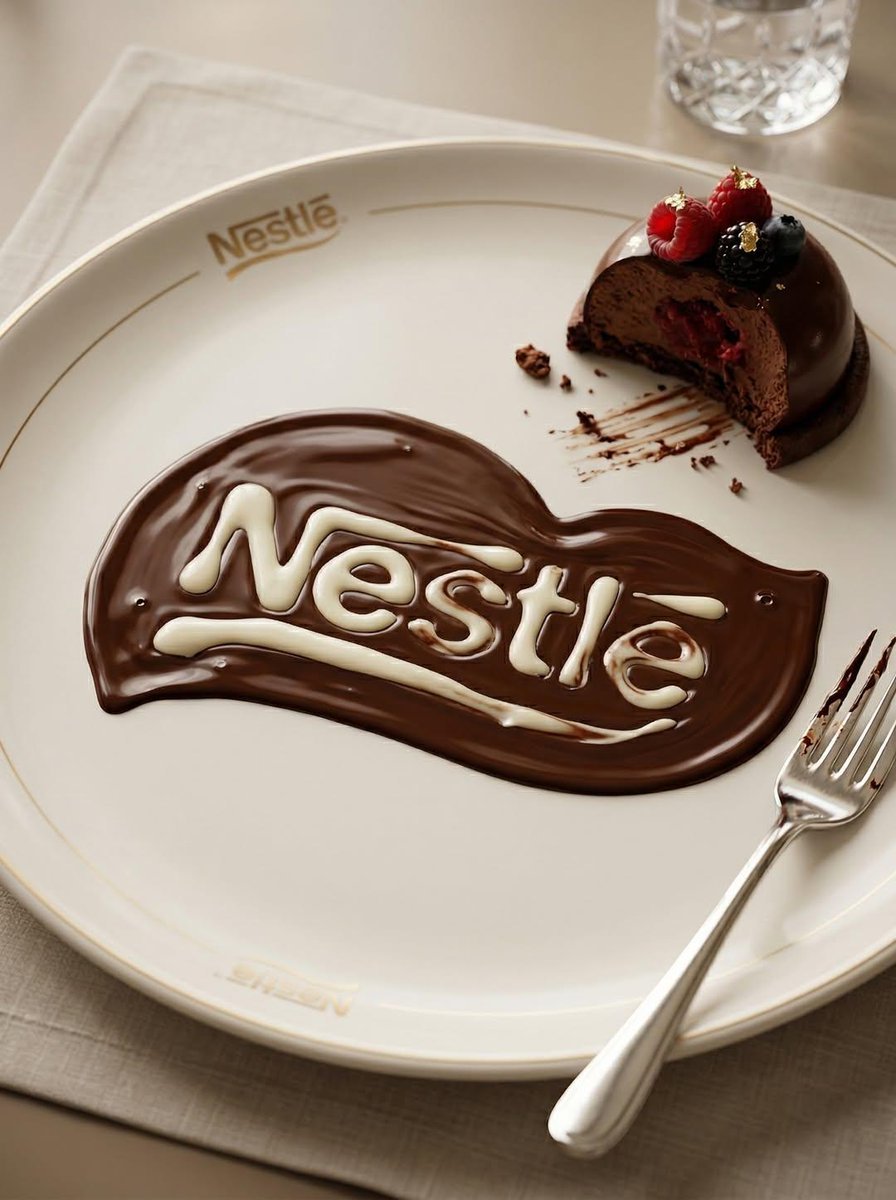
- Prompt included
- Model and format preset
- Premium template
The prompt behind this image
Copy the exact prompt behind Uploaded logo into a realistic dessert scene where the logo silhouette, or open it in the studio and make it yours.
Transform the uploaded logo into a realistic dessert scene where the logo silhouette is formed naturally by melted chocolate spread across a plate, while the plate and dessert presentation are also subtly designed around the same logo as a brand identity.The logo must keep its exact shape and proportions, appearing both as a clean branded element (engraved or printed on the plate) and as a naturally melted chocolate formation created through real fluid behavior. Material details: Rich dark chocolate with high viscosity and glossy reflective surface. Thicker areas forming smooth pools, thinner areas creating soft fading edges. Visible chocolate streaks where it has been dragged or spread naturally. Subtle ripples and surface tension curves, with occasional small air bubbles. Physics behavior: Chocolate should behave realistically — slow flow, rounded edges, gravity pulling it into thicker pools. Slight directional flow suggesting it was poured or spread. Variations in thickness depending on how it settled on the plate. Natural imperfections — no perfectly sharp lines. Surface interaction: Ceramic or porcelain dessert plate with subtle gloss finish. Plate includes a minimal branded logo (engraved, embossed, or printed). Chocolate partially overlaps or interacts with the plate’s logo design for realism. Small chocolate smears or residue near edges. Environment & atmosphere: Fine dining or café dessert setting. Partially eaten dessert (cake, pastry, or mousse) nearby. Subtle crumbs, fork marks, and realistic usage details. Refined but not overly staged. Lighting: Soft warm lighting (restaurant or café ambiance). Highlights reflecting on chocolate surface. Gentle shadows adding depth to textures. Camera & composition: Slightly angled top-down macro shot. Logo clearly visible through chocolate formation. Balanced composition showing both dessert and branding. Format: Aspect ratio: STRICT 4:5 vertical. No text overlays. Style: Hyper-real food photography. Luxury dessert aesthetic with natural fluid realism. Brand integrated into environment.
How to use Uploaded logo into a realistic dessert scene where the logo silhouette in 3 steps
- 1Upload ImagePNG, JPG or paste
Add your photo
Upload the photo the template builds on. The prompt, model and format are already set.
- 2…a portrait of your subject in softgolden-hour light, 85mm…
Personalize
Edit the subject and creative details for your destination.
- 3Generate
Generate
Press Generate — your image is created in PicX Studio, so you can compare it with the original and refine one variable at a time.
More like this
Templates with the same subject, style or setup. Open one to see its prompt.
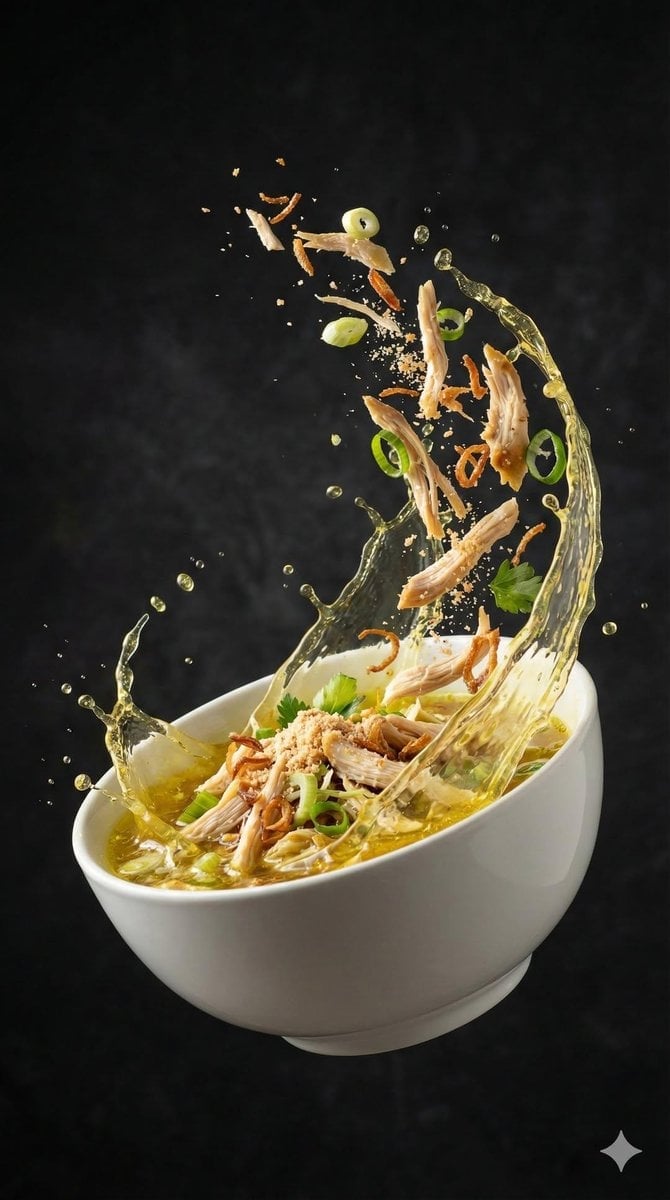
Use uploaded photo as absolute main reference
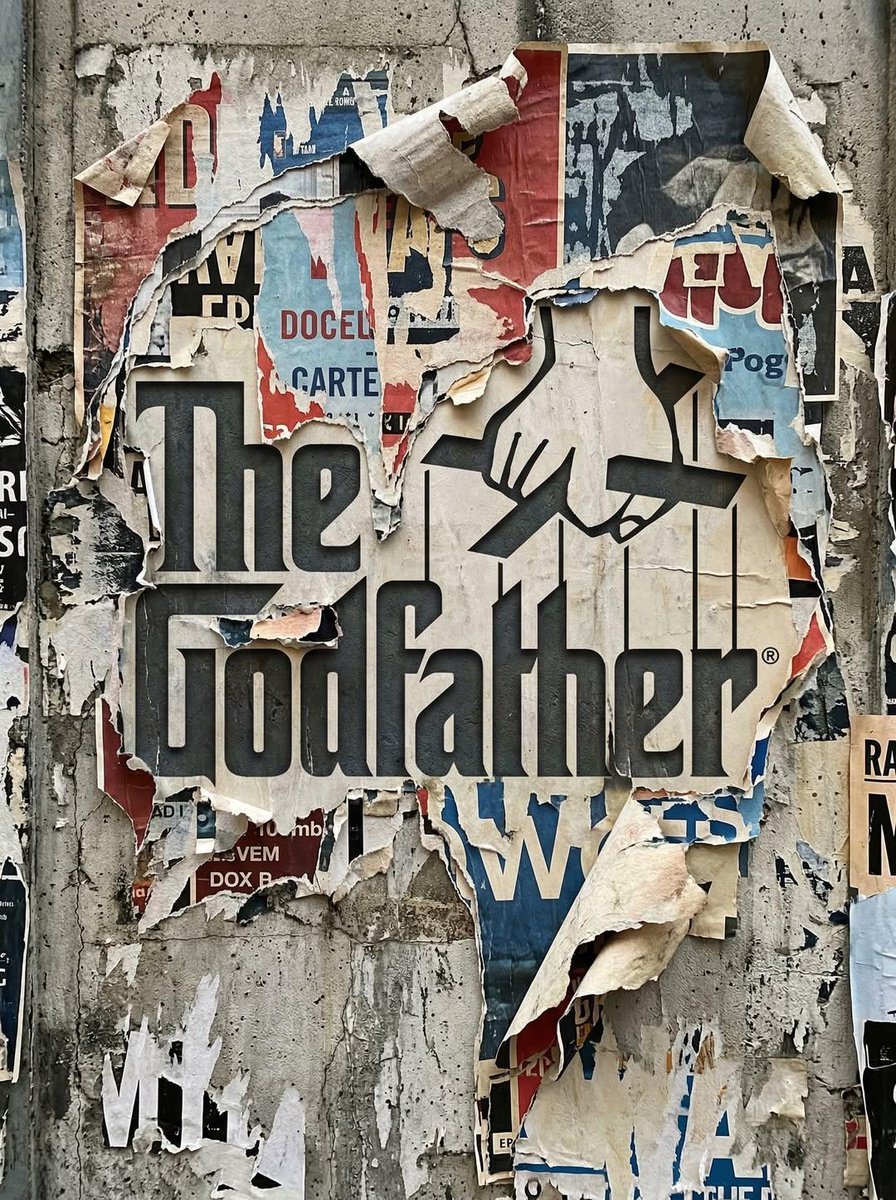
Uploaded logo into a realistic urban wall scene where the logo
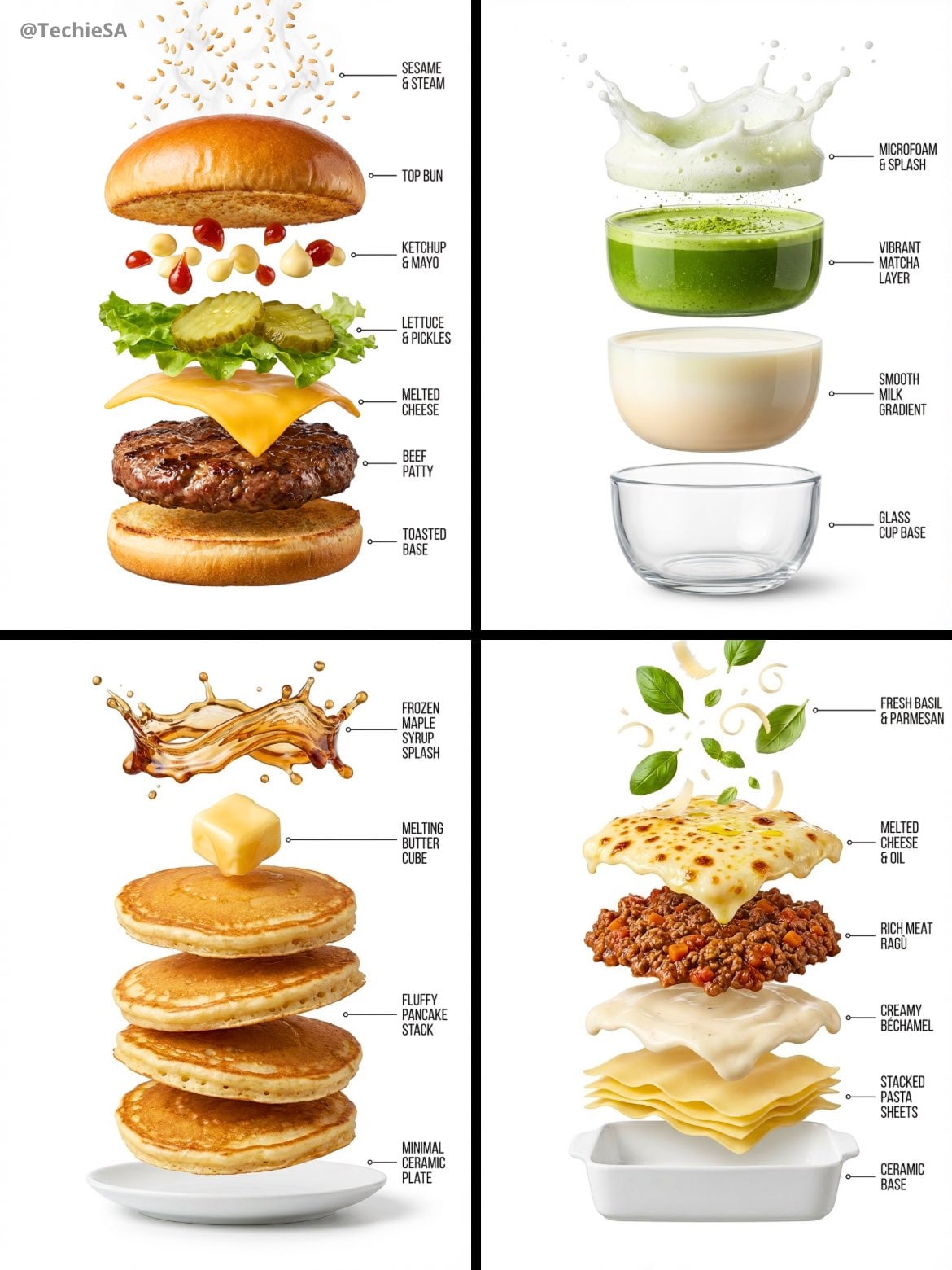
Hyper-realistic exploded vertical infographic composition
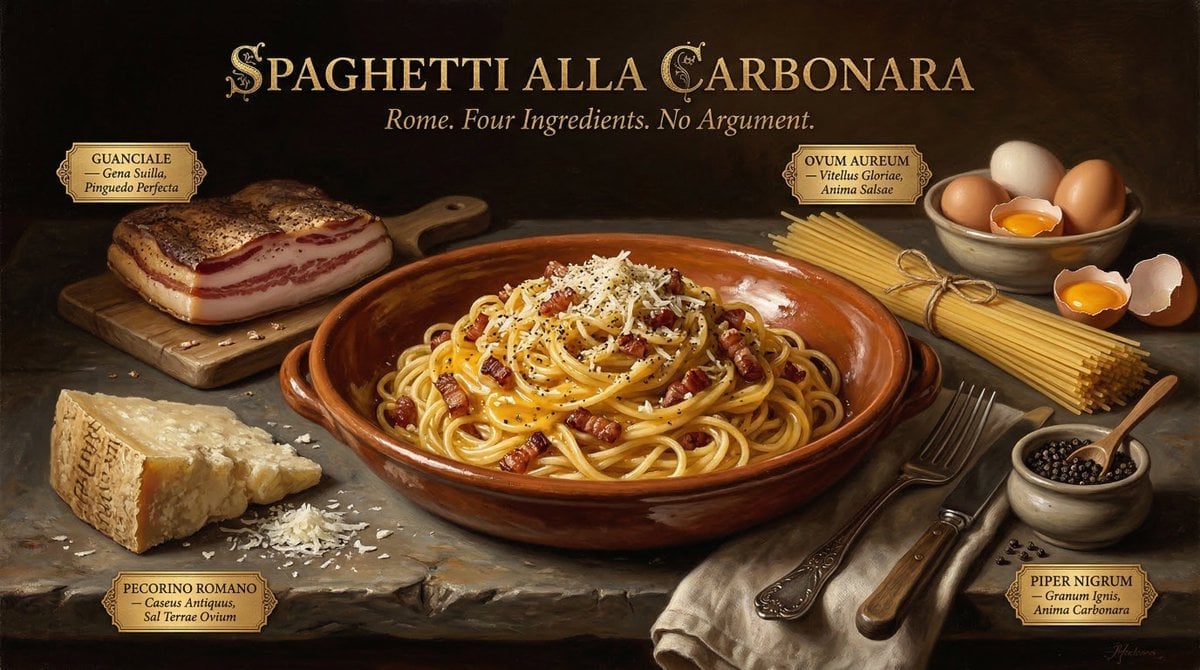
Food & Drink Prompt #913
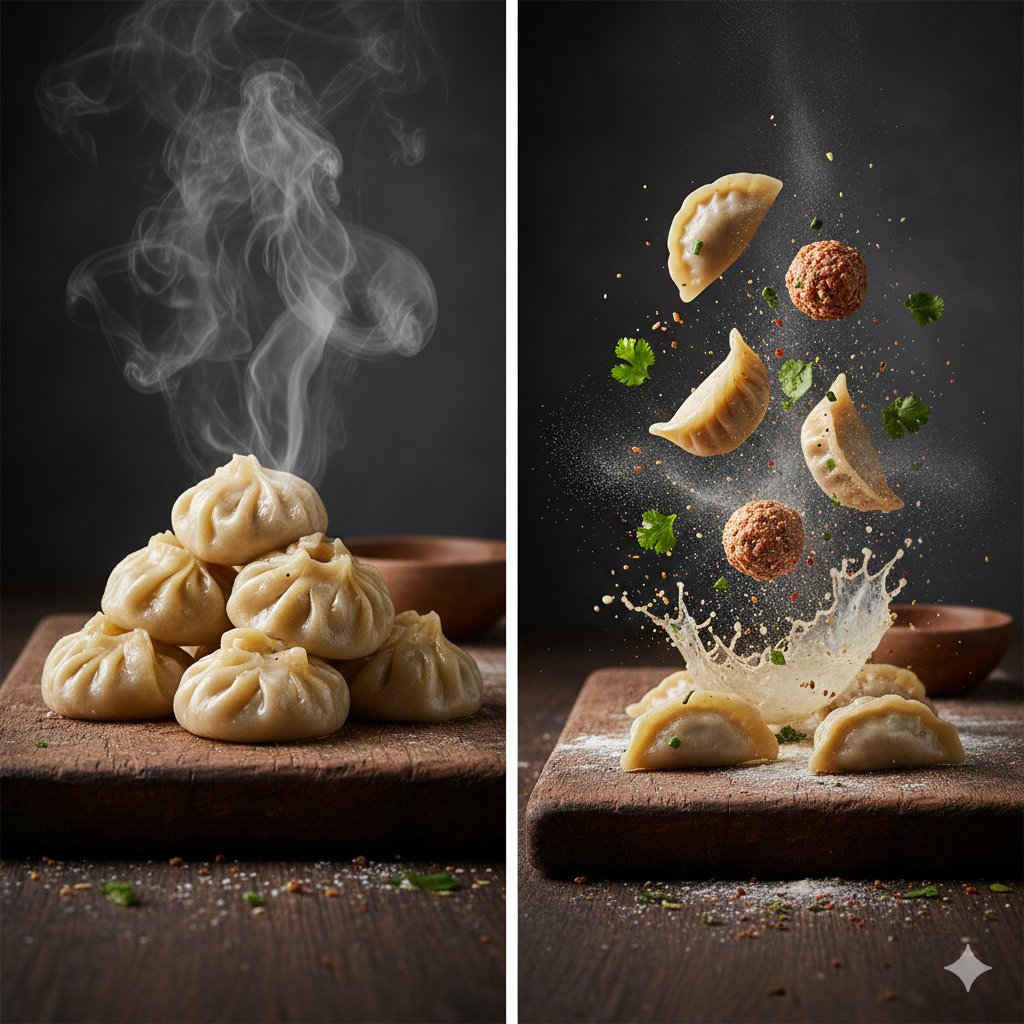
The Cinematic Momo Duo
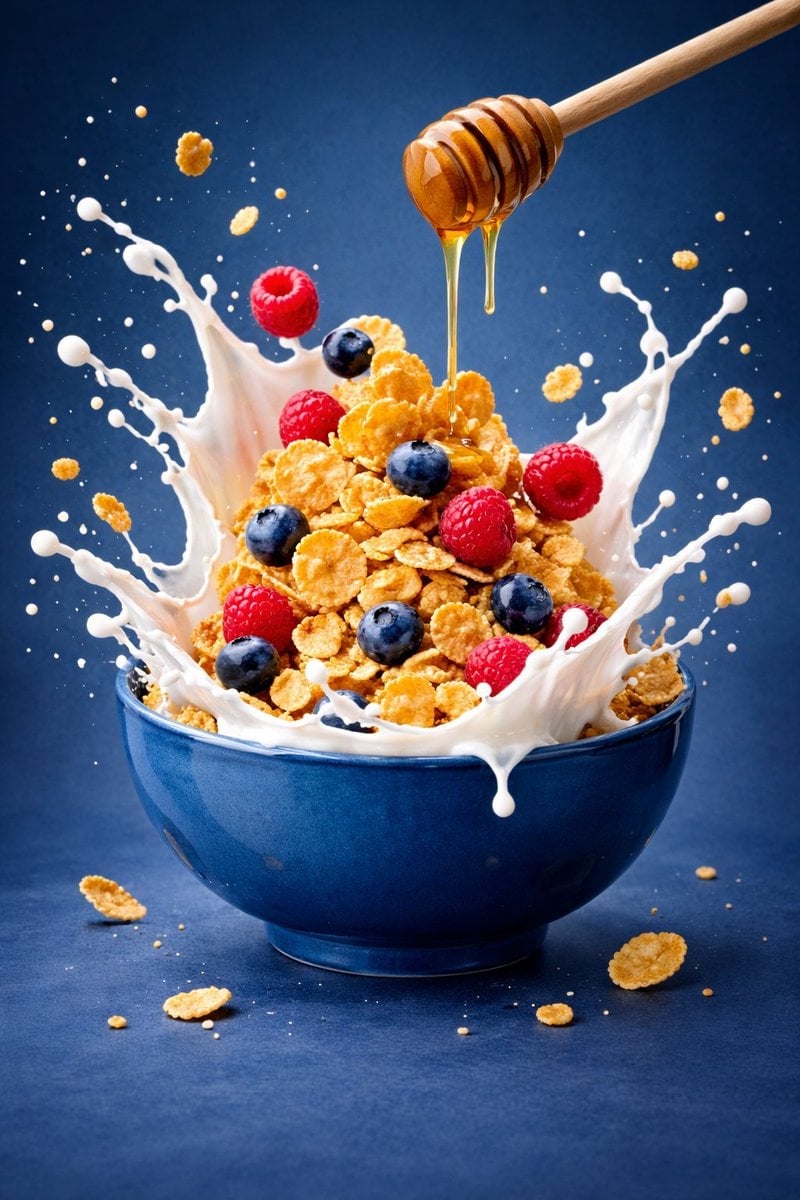
Ultra-premium cinematic food photography, 8K UHD, 3 4 aspect ratio
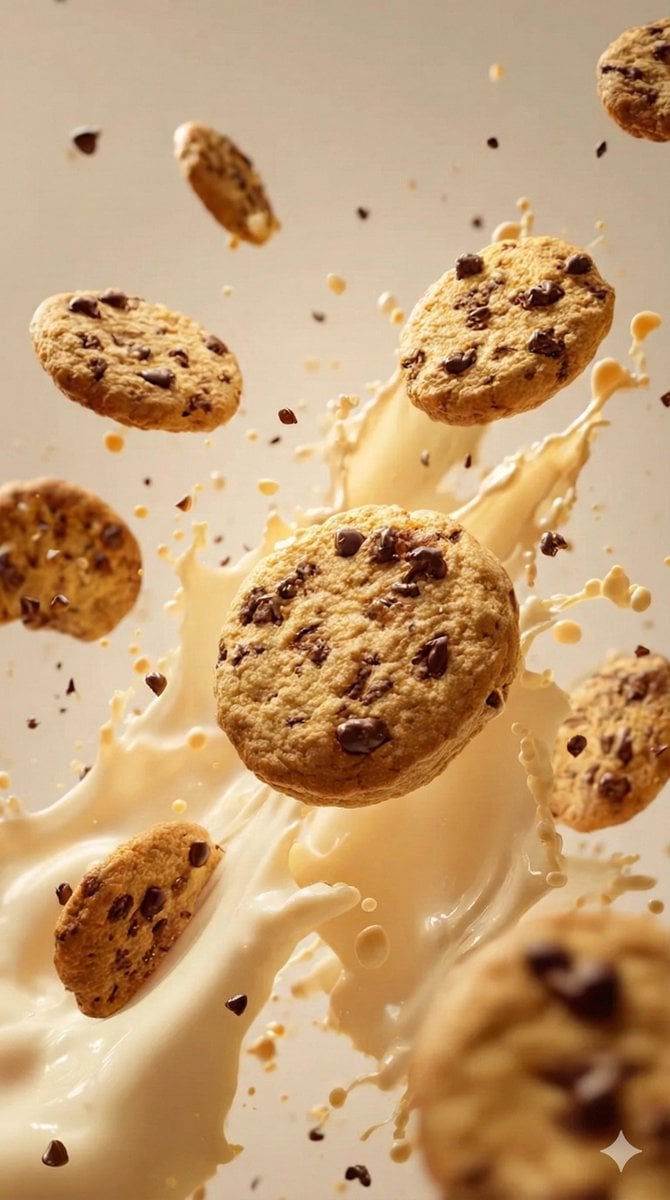
Food & Drink Prompt #1406

Bold, intense, premium, cinematic, high-impact food commercial aesthetic

Multiple dark purple berries erupting from inside the can
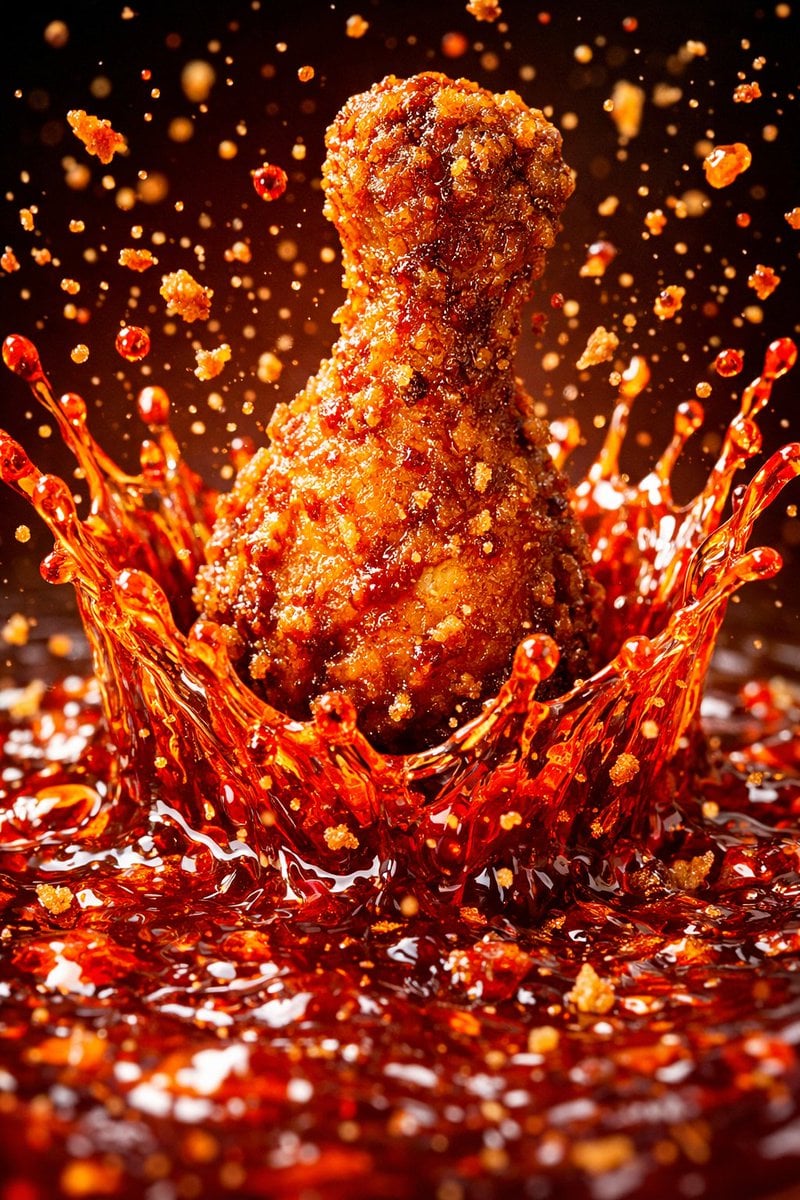
Each module shares structure but maintains unique visual dynamics
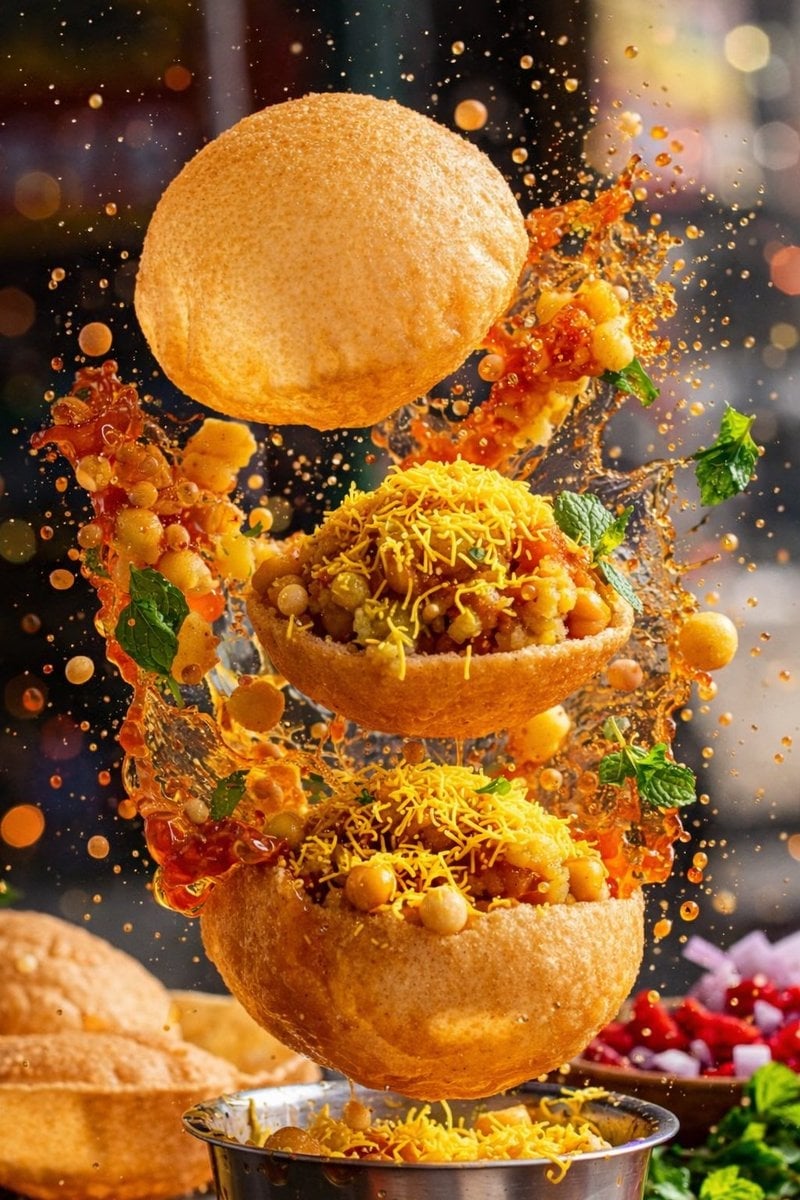
Enhanced realism, minimal alteration from original composition
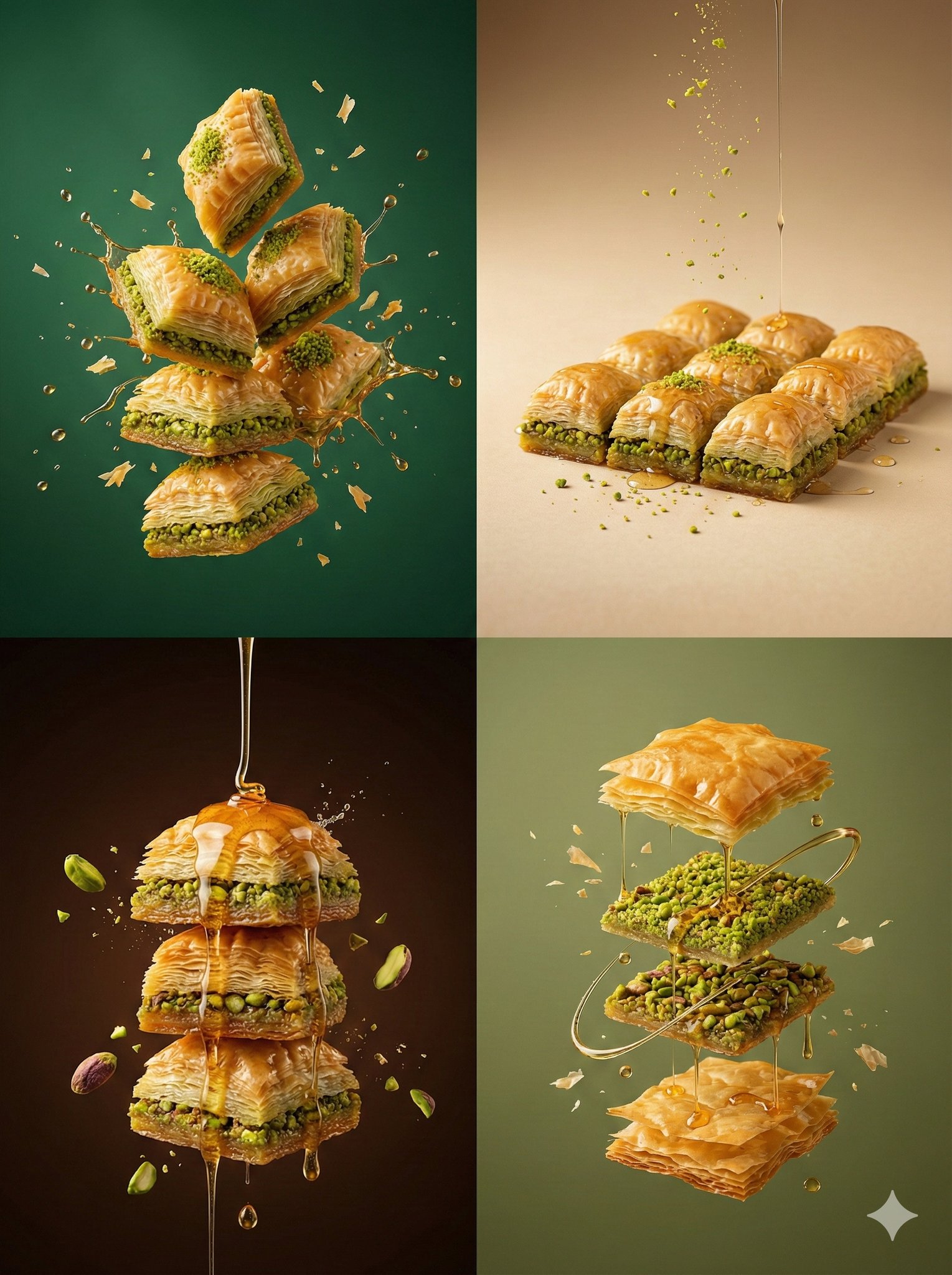
Controlled studio lighting emphasizing texture, layers, and syrup
Make it yours
Uploaded logo into a realistic dessert scene where the logo silhouette works as-is. These are the safest ways to change it without losing the look.
Change one field
Copy a single group, rewrite it, and generate again so you can see what that field is doing.
Keep the frame, change the subject
Hold the composition and light of Uploaded logo into a realistic dessert scene where the logo silhouette, then swap wardrobe, props or the person for a new take.
| If the result… | Why | Fix |
|---|---|---|
| The result drifts from the preview | Too many fields changed at once. | Reuse Uploaded logo into a realistic dessert scene where the logo silhouette as-is first, then change one group — subject, light, or setting. |
| The model over-stylizes the scene | The prose prompt leaves finish and camera underspecified. | Add one camera or lighting sentence and stay on Nano Banana 2. |
More Nano Banana 2 templates
Other prompts made for Nano Banana 2.

Photorealistic Leaf Shaped Like a Dragon

K-Pop Idol Portrait Grid for Rapid Selection

Poetic Rain Forest Portrait During Golden Hour

Urban Street Portrait with Cartoon Inner Self Duo

Candid Nighttime Photo with Cat Prompt

High-Concept 3D Diorama Generation Prompt

Cinematic Futuristic Studio Portrait Template

Skincare Editorial Photography Collage Prompt

Hyper-Realistic Commercial Product Photography (Splash Effect)

Hyper-Realistic Nightclub Portrait Prompt
More image prompts
Fresh picks from across the catalog.
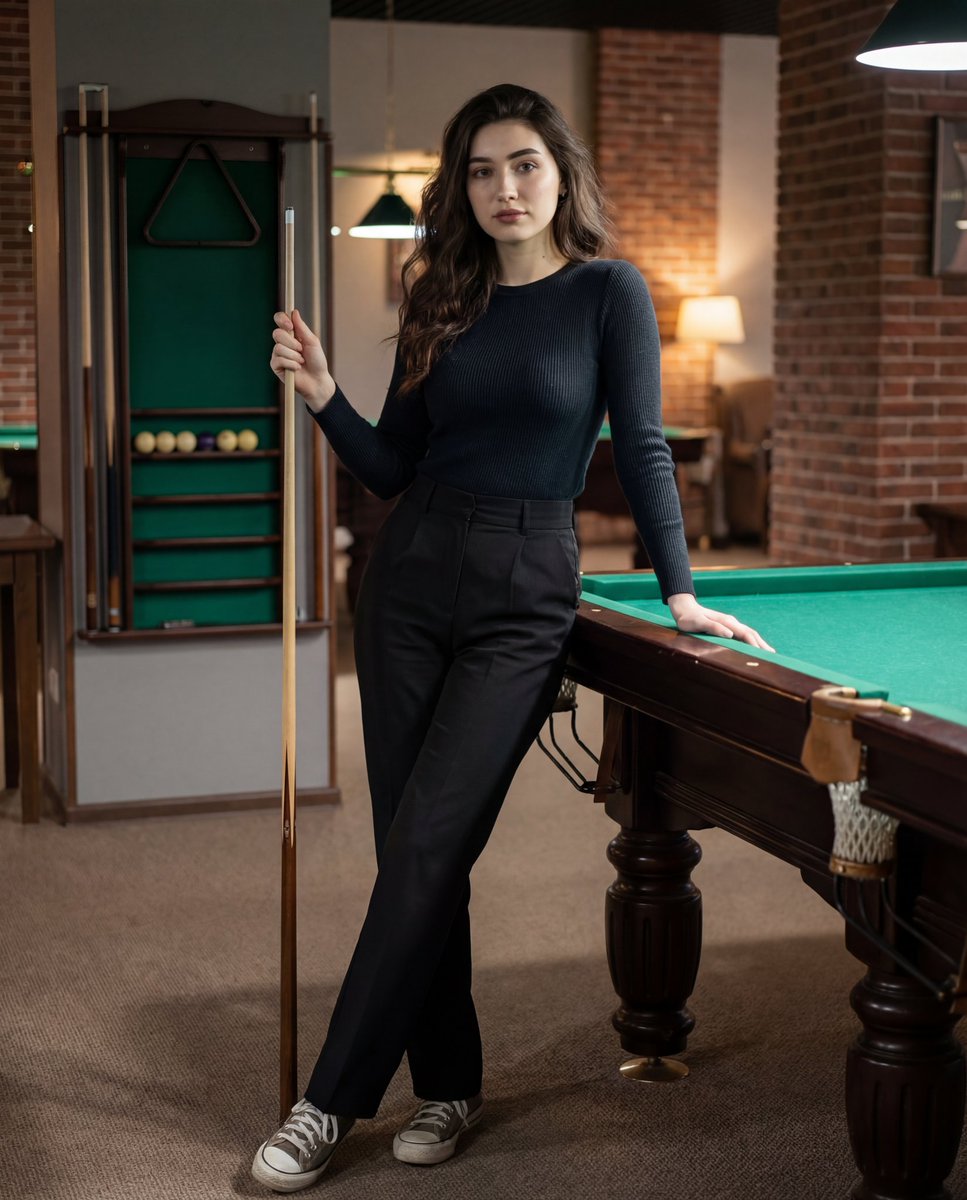
Photorealistic Lifestyle Portrait Prompt (Identity Locked)

Interactive Hand-Drawn Doodle Art
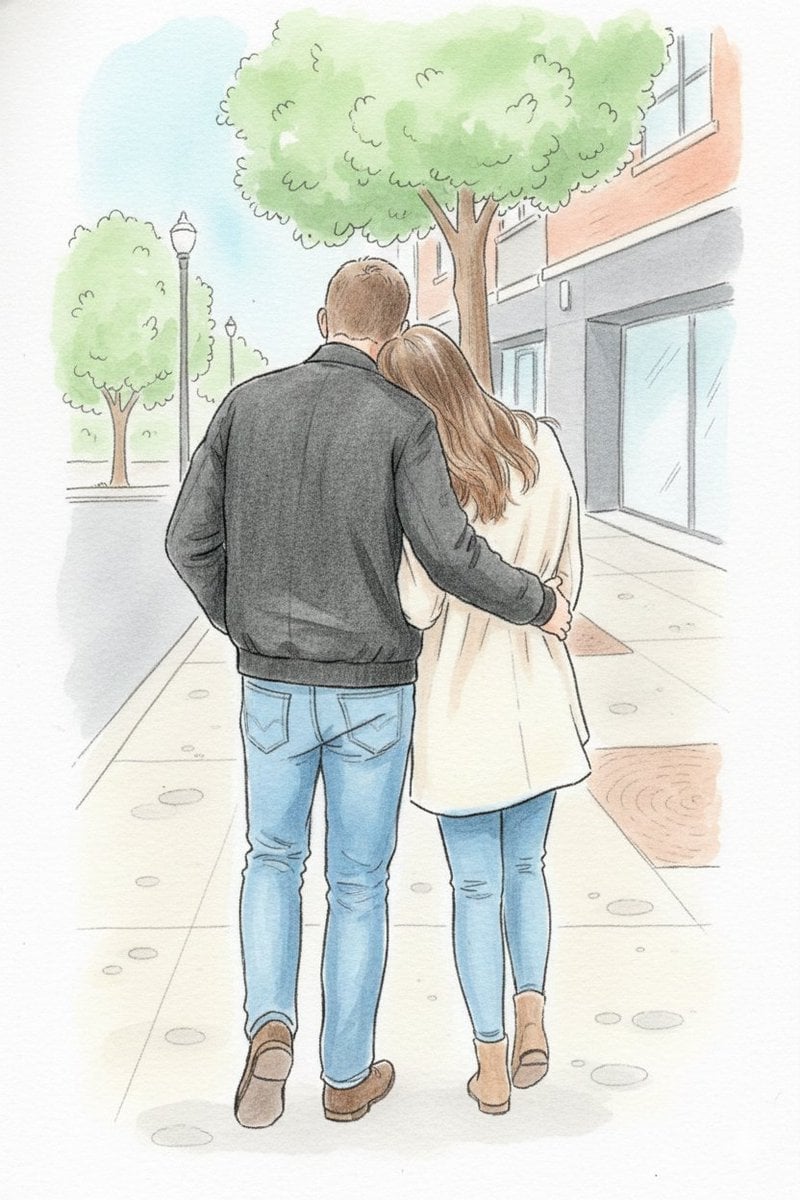
Identity-Preserving Storybook Illustration
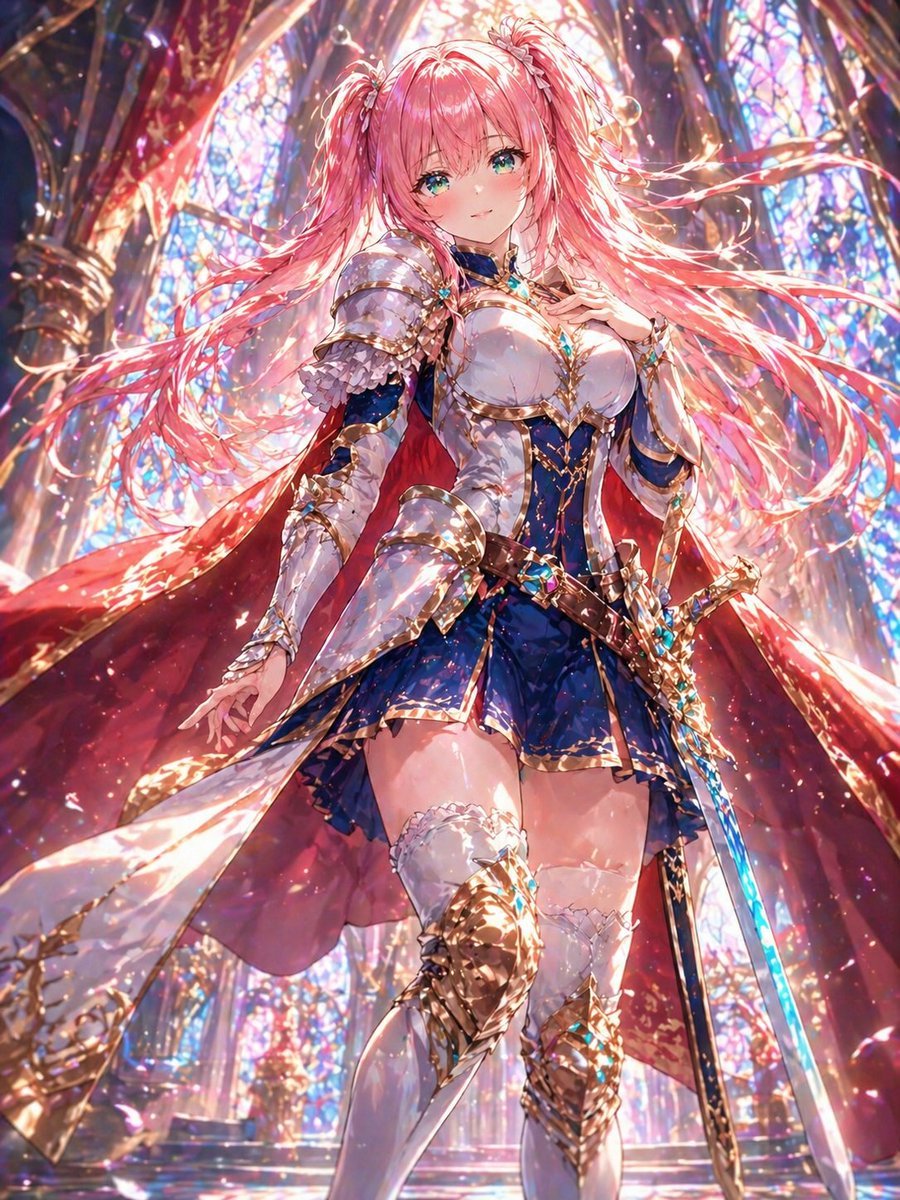
Pink-Haired Cathedral Knight
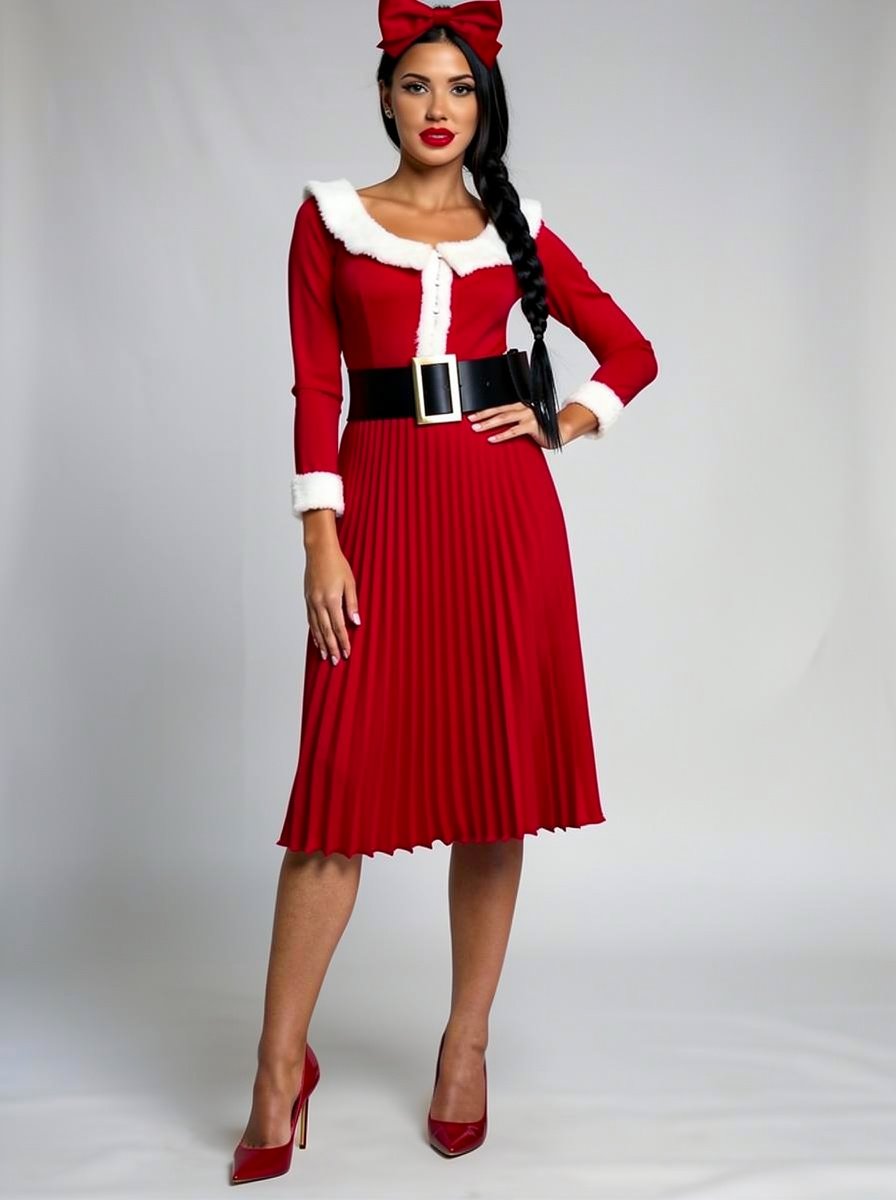
Outfit Style Edit: Santa-Inspired Dress
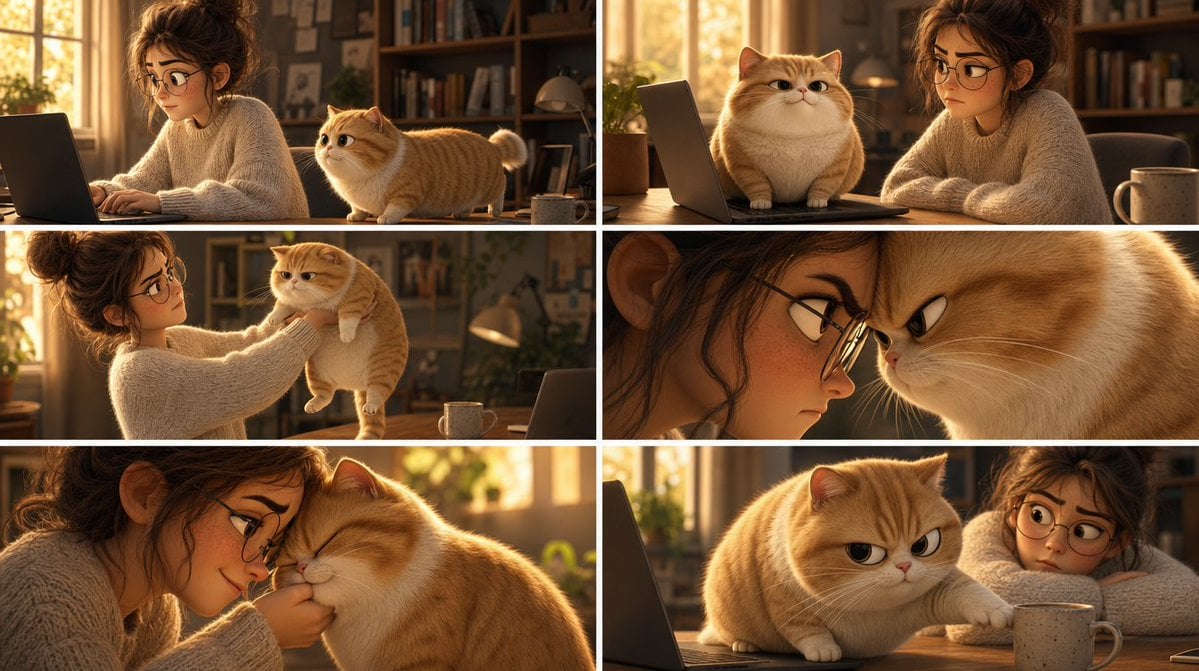
Pixar Cat Desk Storyboard
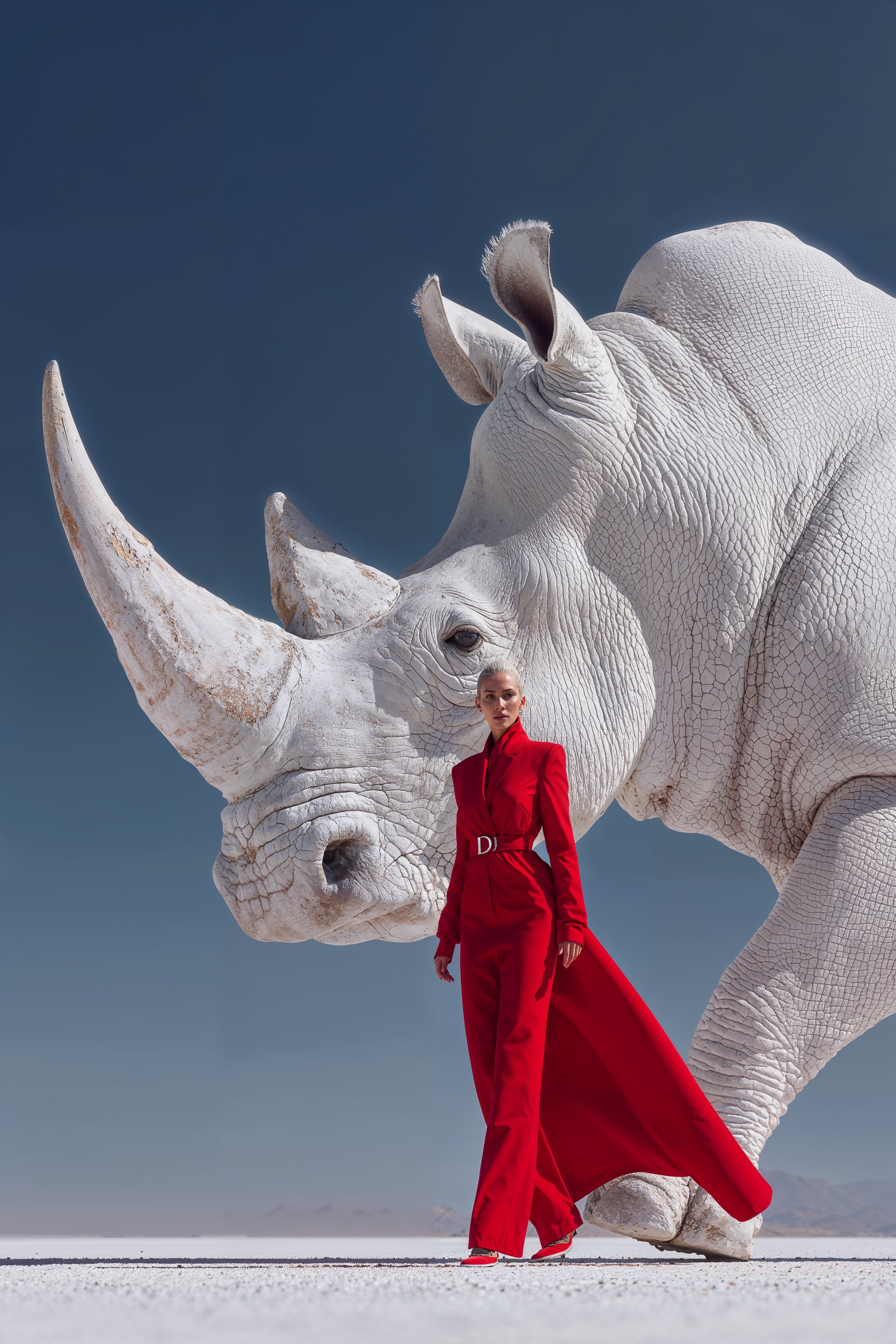
Midjourney Magnific Power Couple
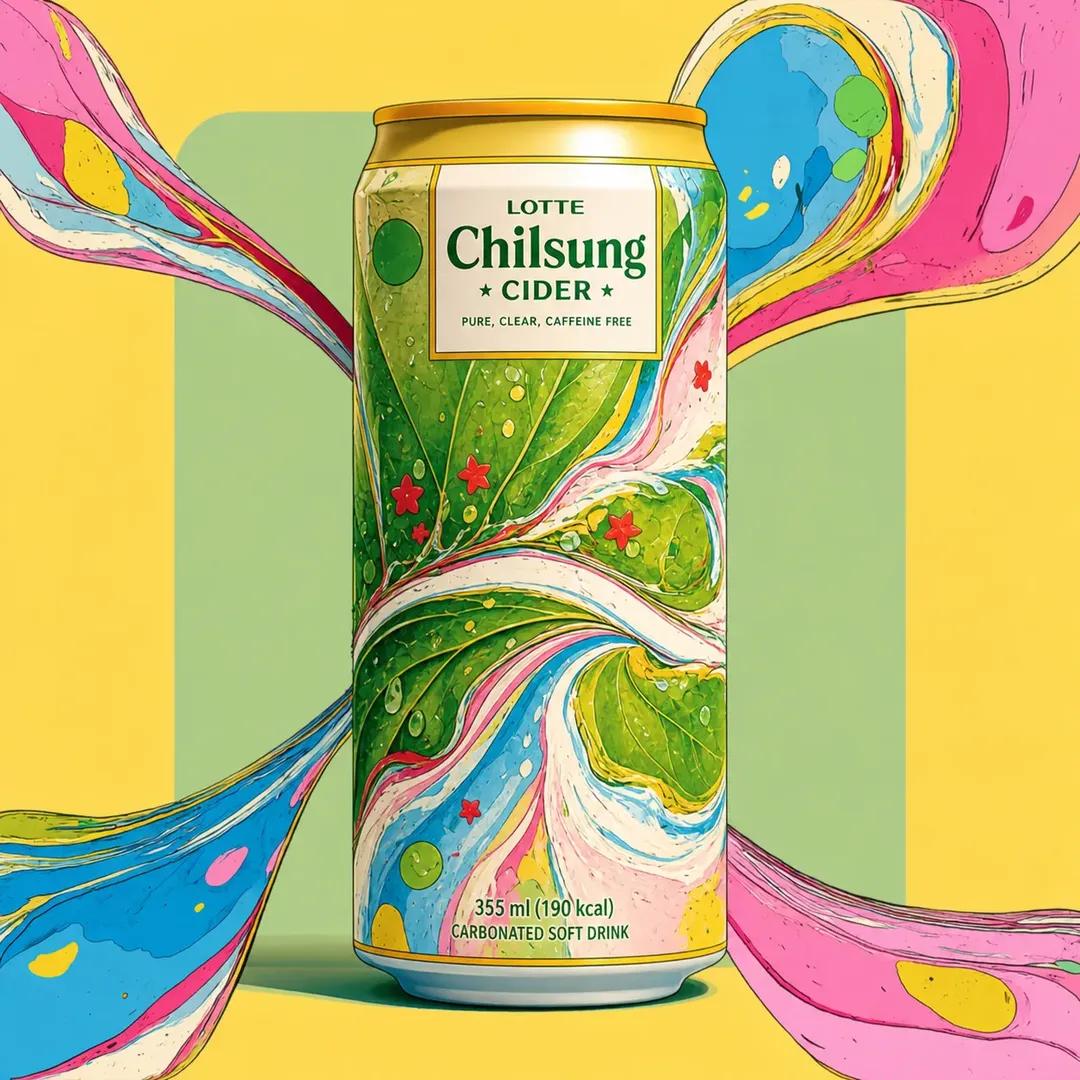
Psychedelic Commercial Beverage Photography
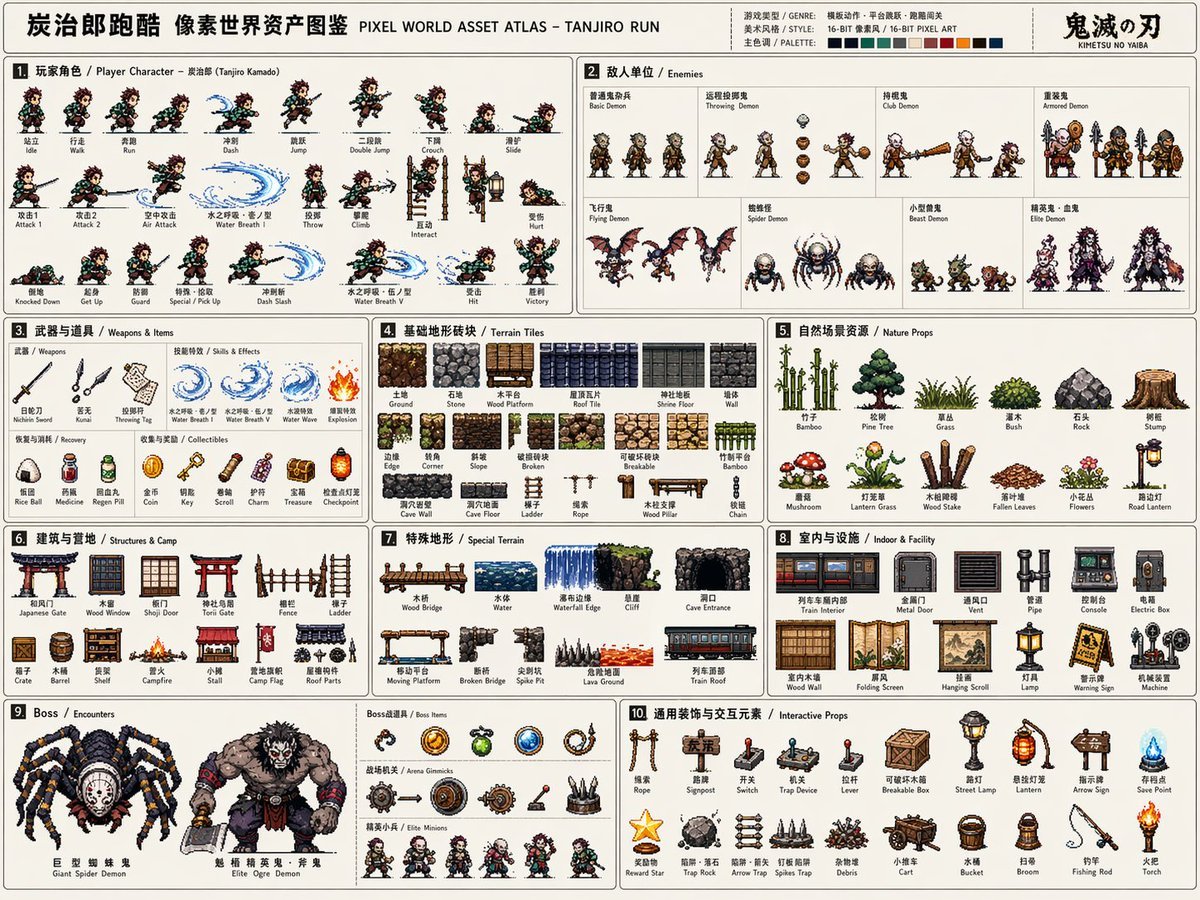
Pixel Game Asset Atlas Template
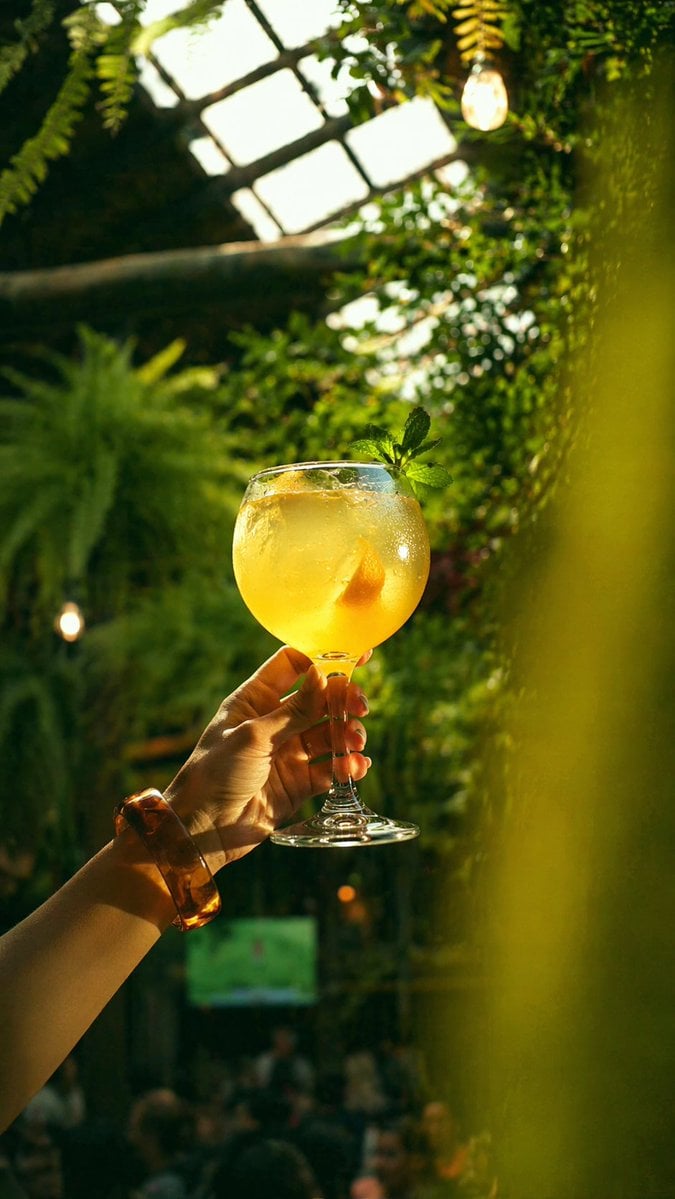
Gpt2 Social Media Post Golden Cocktail in Greenhouse Bar
Browse template categories
Uploaded logo into a realistic dessert scene where the logo silhouette questions
How do I use the Uploaded logo into a realistic dessert scene where the logo silhouette template?
Add your photo if the template asks for one, edit the prompt if you like — the template's model and format are already selected — and press Generate. Your version opens in PicX Studio.
Can I customize the Uploaded logo into a realistic dessert scene where the logo silhouette template?
Yes. You can change the subject, setting, lighting, mood, format, and available model controls before creating your image.
Is the Uploaded logo into a realistic dessert scene where the logo silhouette template free?
Opening and editing this template is free. Generating uses credits, shown on the Generate button when you are signed in.
Which AI model should I use?
Start with Nano Banana 2, which is the model associated with this template. You can compare another compatible model for a different finish.
Looking for something else? Browse all templates.

Your photo, any look
Thousands of ready templates for every top image and video model, from one credit balance.