
Pink-Haired Cathedral Knight
This prompt generates a dramatic full-body anime knight heroine in ornate armor inside a glowing stained-glass cathedral, ideal for fantasy character art and high-detail AI illustration showcases.
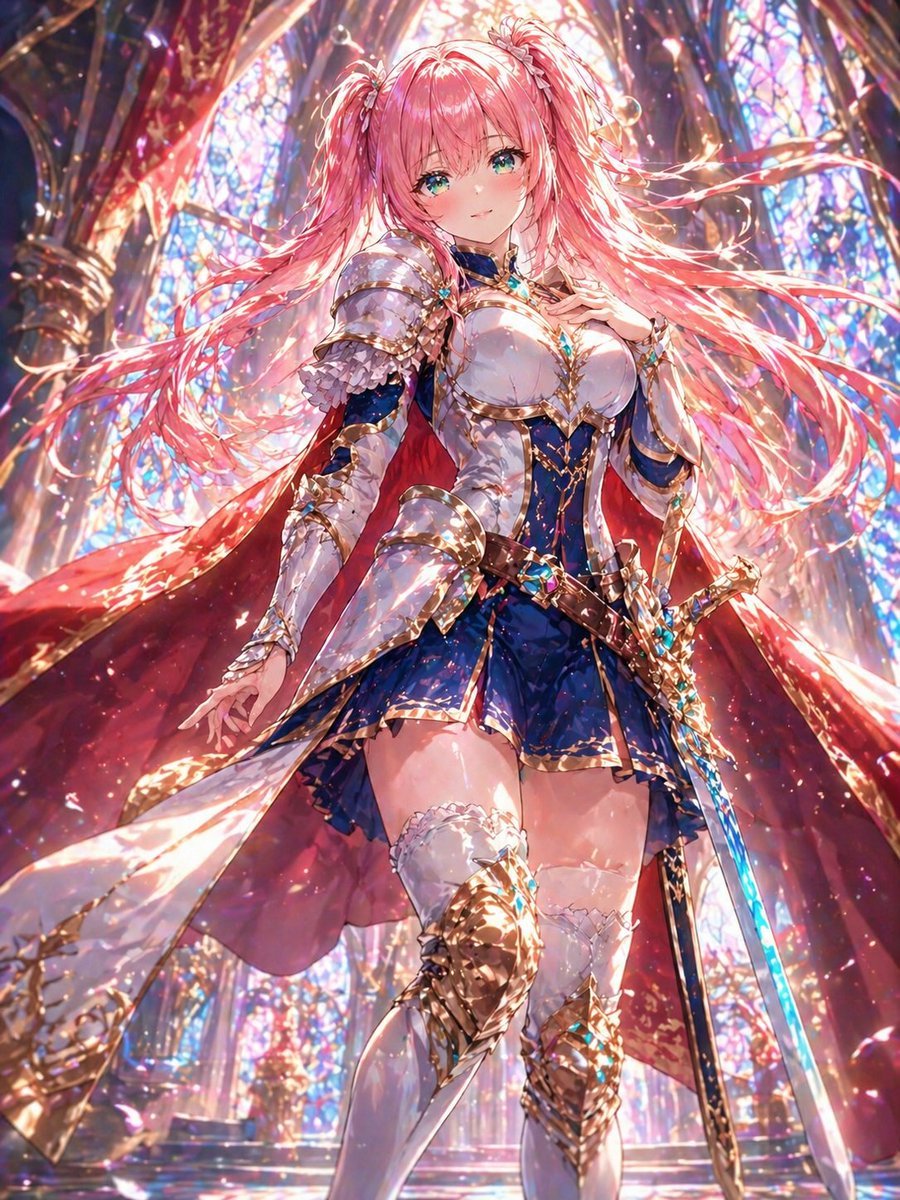
- Prompt included
- Model and format preset
- Free template
The prompt behind this image
Copy the exact prompt behind Pink-Haired Cathedral Knight, or open it in the studio and make it yours.
A full-body anime fantasy heroine in a grand stained-glass cathedral, viewed from a dramatic low angle. She is a beautiful young knight-princess with very long, flowing twin-tail hair in {argument name="hair color" default="pastel pink"}, the hair streaming outward in luminous ribbons as if caught by magical wind. Her face is intentionally obscured by a simple rectangular blur block. She wears ornate white and deep royal blue ceremonial armor with lavish gold filigree, a fitted breastplate, layered shoulder armor, long armored sleeves, a short blue skirt with gold trim, white thigh-high stockings with lace tops, and intricate gold knee and shin guards. A large crimson cape with a pale inner lining billows around her. One hand rests near her chest while the other hangs gracefully at her side. At her hip is an elegant sword with a glowing blue blade and a highly decorated gold-and-jewel hilt. The setting is flooded with radiant sunlight pouring through towering multicolored stained-glass windows and gothic arches, filling the scene with sparkling highlights, prism-like reflections, floating glitter, and magical particles. Use an ultra-detailed, highly polished anime illustration style with rich gemlike colors, intense backlighting, glossy surfaces, shimmering metal, dynamic cloth motion, and a majestic holy-fantasy atmosphere. Emphasize cinematic composition, heroic presence, and breathtaking luminous detail.
How to use Pink-Haired Cathedral Knight in 3 steps
- 1Upload ImagePNG, JPG or paste
Add your photo
Upload the photo the template builds on. The prompt, model and format are already set.
- 2…a portrait of your subject in softgolden-hour light, 85mm…
Personalize
Edit the subject and creative details for your destination.
- 3Generate
Generate
Press Generate — your image is created in PicX Studio, so you can compare it with the original and refine one variable at a time.
More like this
Templates with the same subject, style or setup. Open one to see its prompt.
Pink-Haired Nymph in Bouguereau Style

Knight Facing Cathedral Giant
Silver-Haired Cathedral Battle Maiden
Teal Dragon Knight Cathedral Fantasy
Pink-Haired Anime Female Hero
Candid Pink-Haired Street Portrait
Pink-Haired Dojo Martial Artist
Crimson Angel Princess in Floral Cathedral
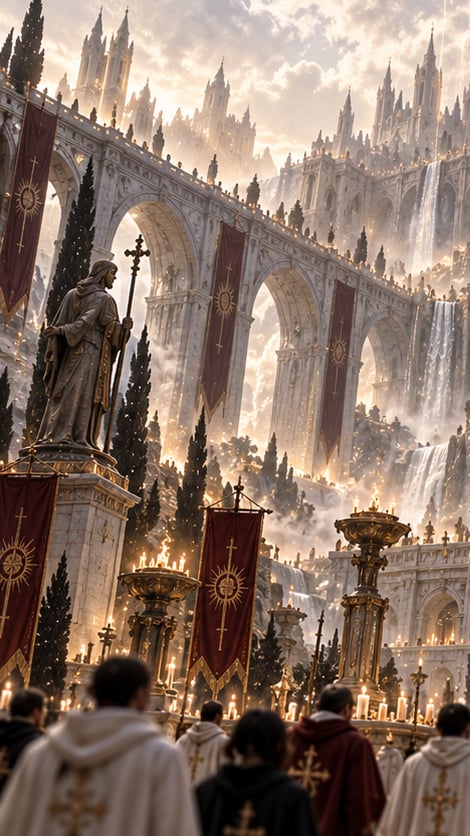
Gothic Saint Pilgrimage Cathedral
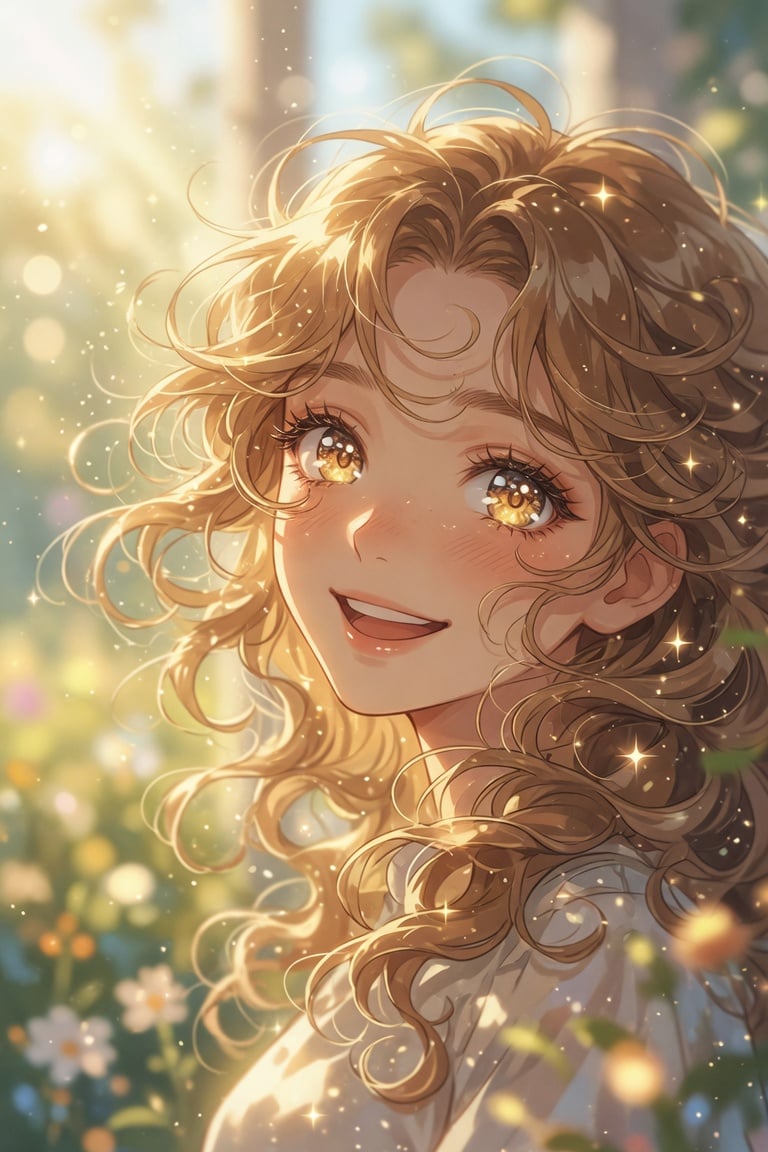
Golden Curly-Haired Anime Garden Portrait
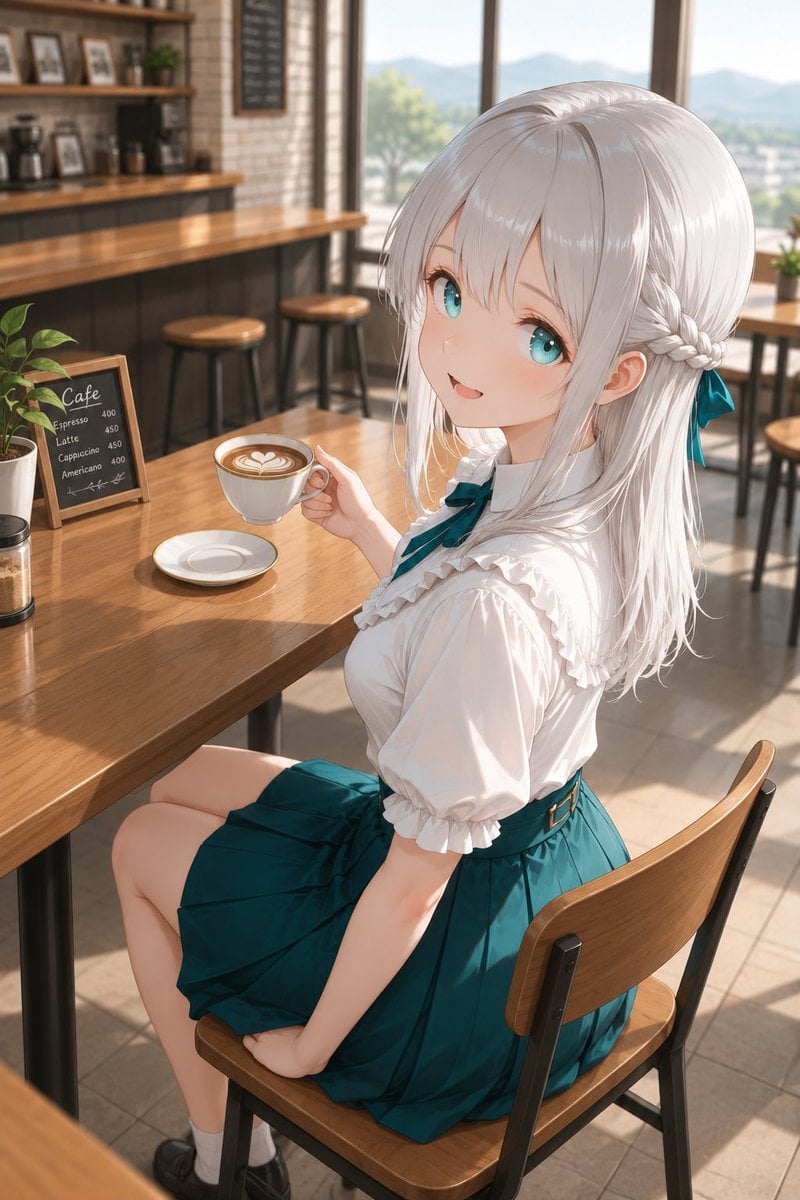
Silver-Haired Girl in Sunny Café
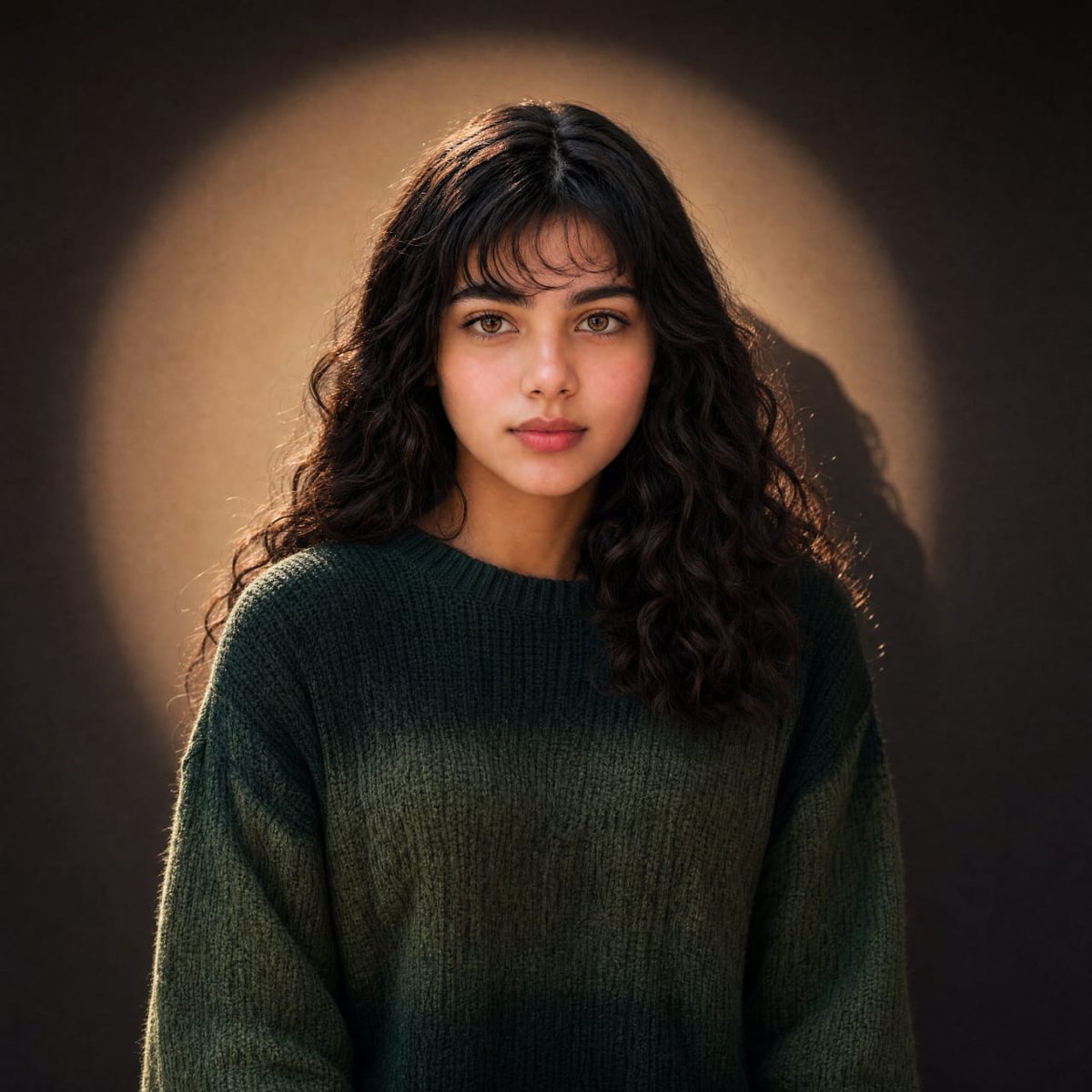
Warm Cinematic Curly-Haired Portrait
Make it yours
Pink-Haired Cathedral Knight works as-is. These are the safest ways to change it without losing the look.
Change one field
Copy a single group, rewrite it, and generate again so you can see what that field is doing.
Keep the frame, change the subject
Hold the composition and light of Pink-Haired Cathedral Knight, then swap wardrobe, props or the person for a new take.
| If the result… | Why | Fix |
|---|---|---|
| The result drifts from the preview | Too many fields changed at once. | Reuse Pink-Haired Cathedral Knight as-is first, then change one group — subject, light, or setting. |
| The model over-stylizes the scene | The prose prompt leaves finish and camera underspecified. | Add one camera or lighting sentence and stay on GPT Image 2. |
More GPT Image 2 templates
Other prompts made for GPT Image 2.

Six VTuber Japanese Logo Sheet

Realistic Portrait of Woman and Deer

The Vista Modular Condo Poster

AI Model Routing Comparison Infographic

2.5D Anime Art Board

Isometric Productivity Desk Scene

New York Double Exposure Poster

Four-Panel AI Landscape Comparison

Japanese Tatami Lifestyle Magazine Cover

NESCAFÉ Coffee Map Poster
More image prompts
Fresh picks from across the catalog.
Ultra-realistic Cinematic Portrait with Miniature Self
Glitch Character Transformation
Technical Architectural Blueprint of a Smash Burger
Boy Fighting Storm With Umbrella
Nano Banana Pro Prompt Sharing
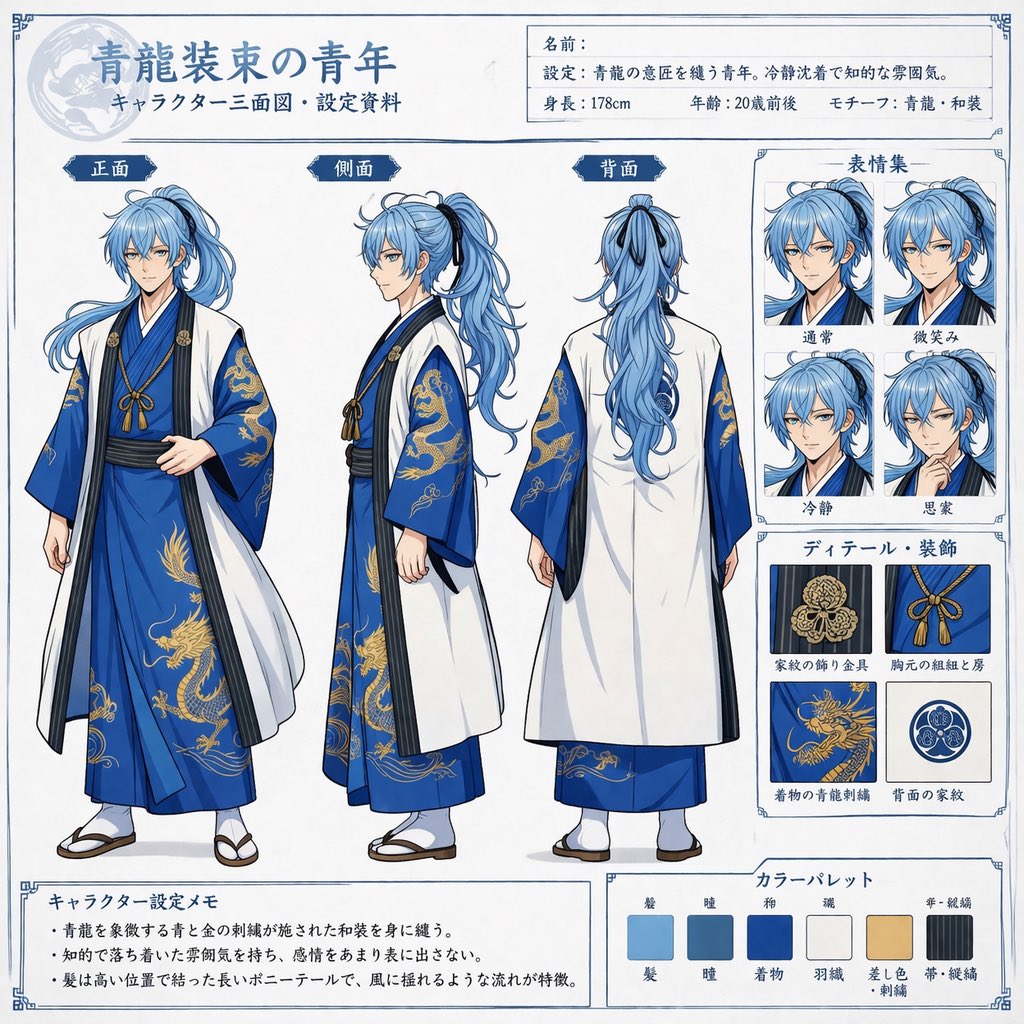
Comprehensive Anime Character Reference Sheet
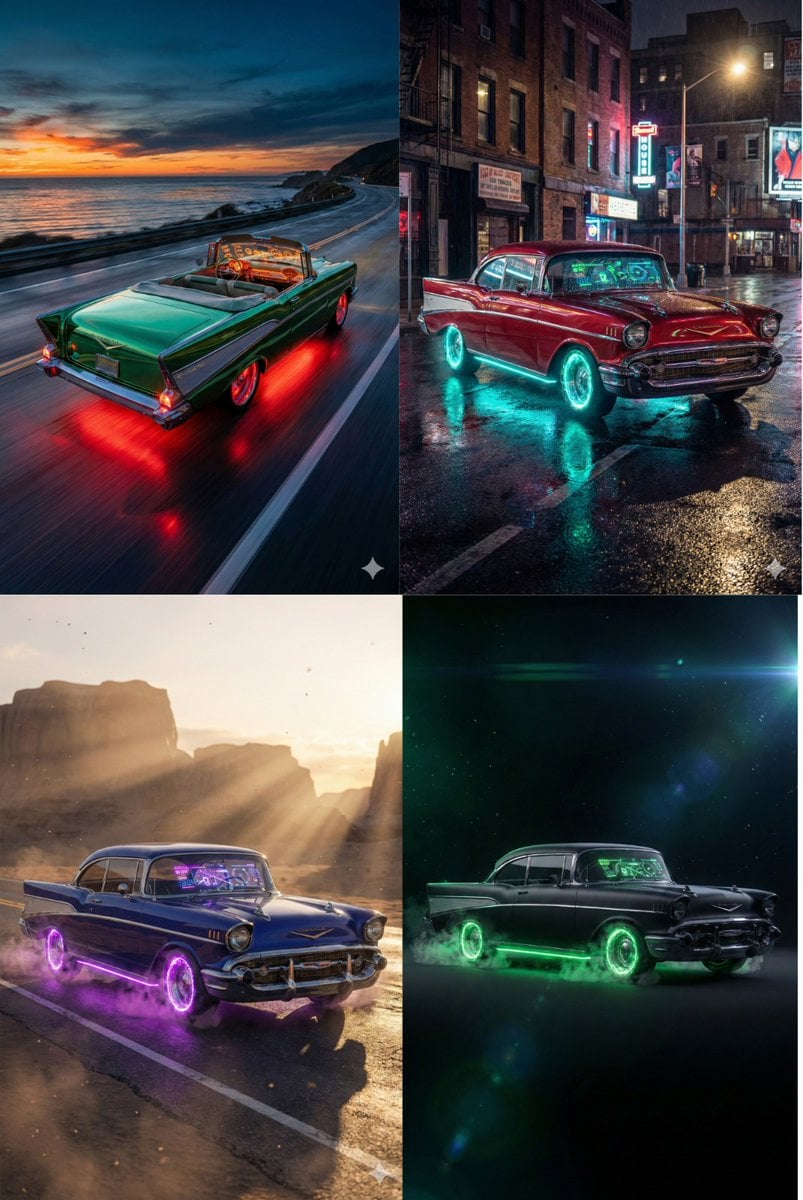
Retro-Futuristic Muscle Car Prompt
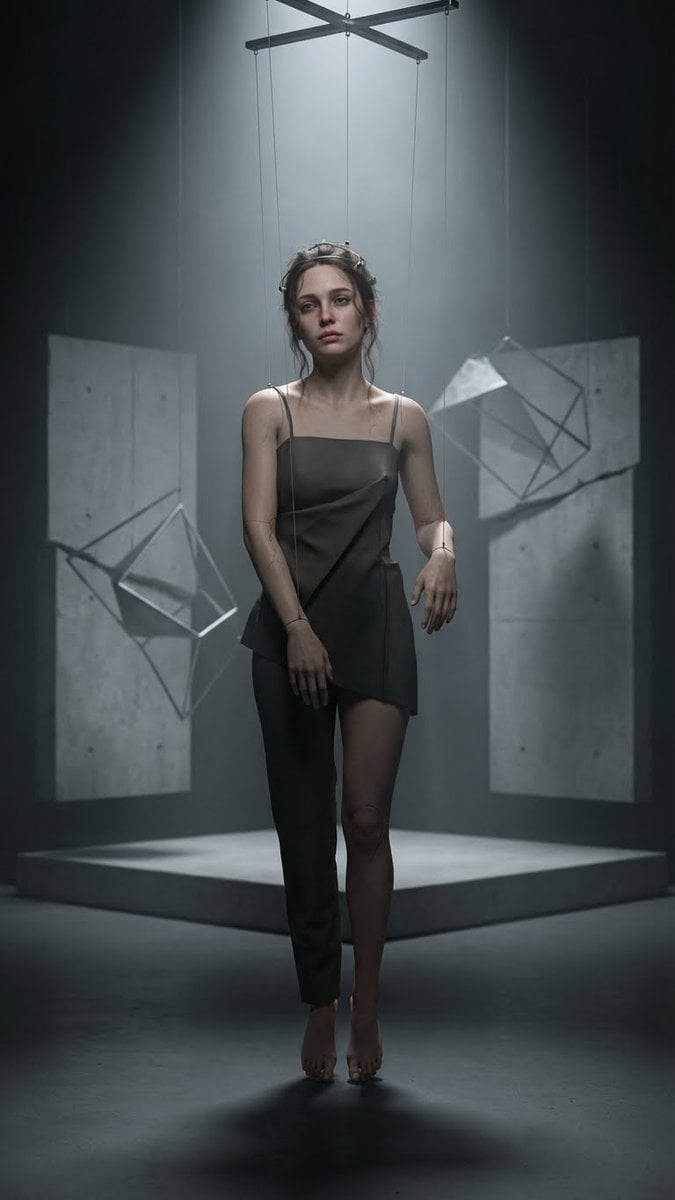
Hyper-Realistic Marionette in Post-Modern Gallery
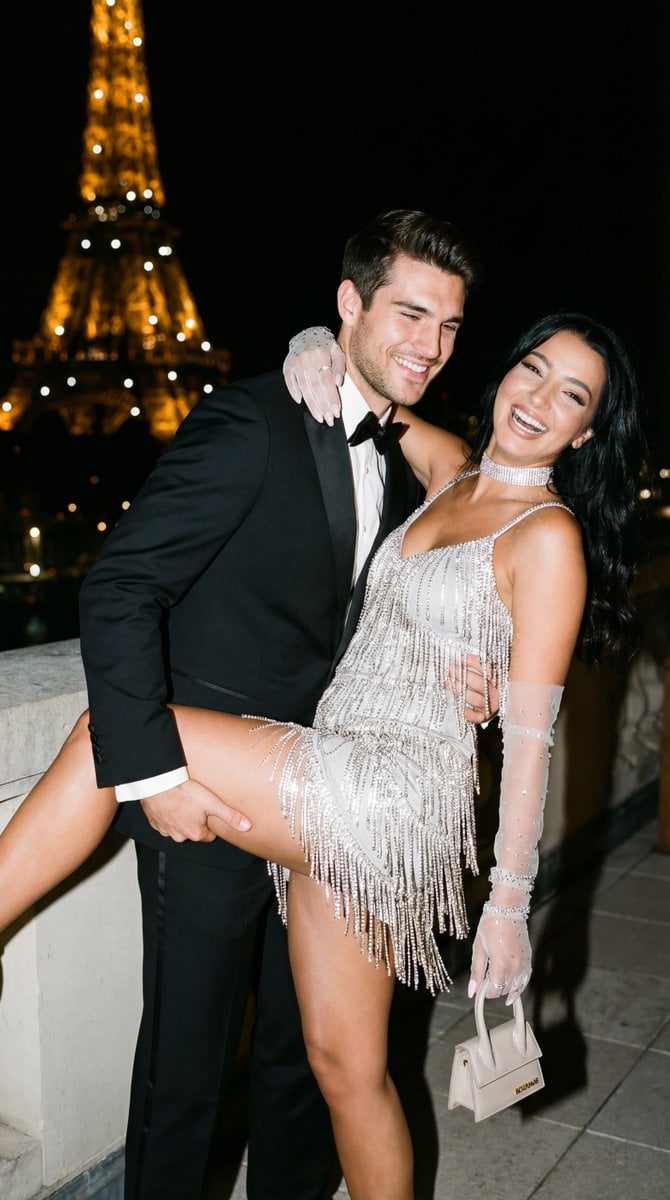
Cinematic Flash Editorial Couple Portrait in Paris
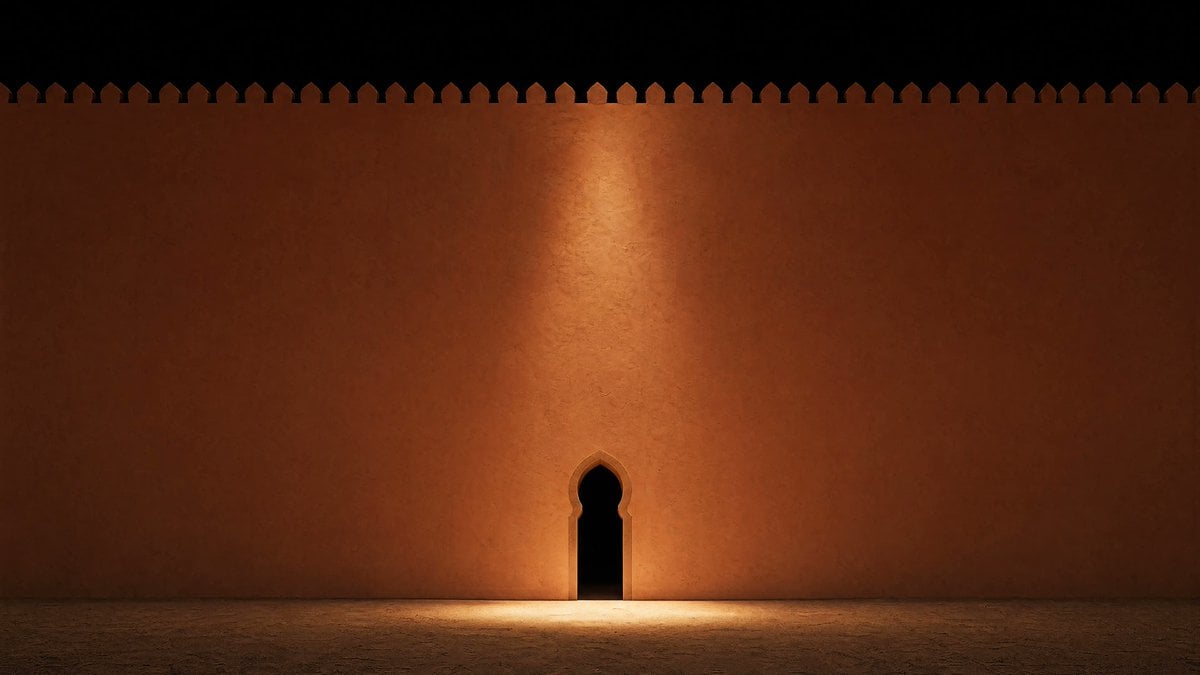
Minimalist Moorish Wall at Night
Browse template categories
Pink-Haired Cathedral Knight questions
How do I use the Pink-Haired Cathedral Knight template?
Add your photo if the template asks for one, edit the prompt if you like — the template's model and format are already selected — and press Generate. Your version opens in PicX Studio.
Can I customize the Pink-Haired Cathedral Knight template?
Yes. You can change the subject, setting, lighting, mood, format, and available model controls before creating your image.
Is the Pink-Haired Cathedral Knight template free?
Opening and editing this template is free. Generating uses credits, shown on the Generate button when you are signed in.
Which AI model should I use?
Start with GPT Image 2, which is the model associated with this template. You can compare another compatible model for a different finish.
Looking for something else? Browse all templates.

Your photo, any look
Thousands of ready templates for every top image and video model, from one credit balance.