
Shipping Port and Manga Collage Mashup
A surreal editorial prompt blending a realistic maritime shipping port scene with a black-and-white Japanese manga collage wall.
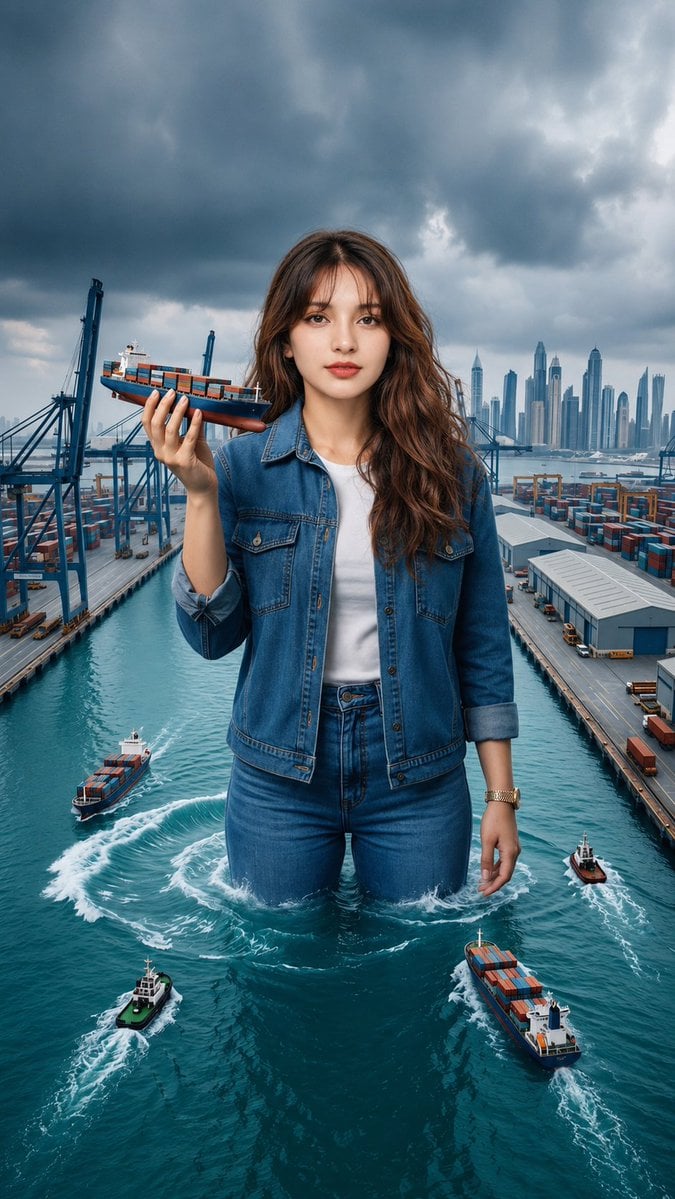
- Prompt included
- Model and format preset
- Premium template
The prompt behind this image
Copy the exact prompt behind Shipping Port and Manga Collage Mashup, or open it in the studio and make it yours.
Create a hyper-realistic, cinematic editorial portrait of the {argument name="subject" default="same young woman with long wavy dark-brown hair, soft natural makeup, and a calm, confident expression"}. She wears a {argument name="clothing" default="blue denim jacket over a fitted top, matching blue jeans, and black high heels"}, maintaining the exact same facial identity, hairstyle, body proportions, and outfit throughout the composition. Blend two surreal concepts into one seamless scene: On one side, depict the woman as a giant standing waist-deep in a modern international shipping port, surrounded by container terminals, cargo cranes, warehouses, turquoise seawater, and multiple cargo ships. She gently holds a miniature container ship in one hand while several real cargo vessels navigate around her, leaving realistic water wakes. A dramatic overcast sky with dark storm clouds creates a cinematic atmosphere, with a futuristic city skyline visible in the distance. On the other side, merge the environment into a black-and-white Japanese manga collage wall filled with dynamic comic panels featuring motorcycles, office scenes, city streets, livestreaming, friendship, expressive characters, speed lines, Japanese sound effects, and speech bubbles. The woman stands naturally in front of the manga artwork with a relaxed editorial pose, creating a striking contrast between the colorful realistic subject and the monochrome manga background. The transition between the shipping port and manga collage should feel smooth and artistic, combining surreal scale, fantasy, editorial fashion photography, and comic-book aesthetics into one cohesive composition. Ultra-detailed textures, realistic lighting, sharp focus, natural skin tones, HDR, 8K resolution, volumetric lighting, cinematic color grading, professional fashion photography, highly detailed environment, masterpiece quality.
How to use Shipping Port and Manga Collage Mashup in 3 steps
- 1
Open
The prompt is already in the box next to the preview, with the template's model and format selected.
- 2…a portrait of your subject in softgolden-hour light, 85mm…
Personalize
Edit the subject and creative details for your destination.
- 3Generate
Generate
Press Generate — your image is created in PicX Studio, so you can compare it with the original and refine one variable at a time.
More like this
Templates with the same subject, style or setup. Open one to see its prompt.
Paper Cut Hero Portrait
Indonesian Woman Newspaper Collage Portrait

Royal Sherwani Portrait Collage Prompt

Paper Cut Finale Fireworks

Paper Cut Garden Maze

Paper Cut Rooftop Concert

Paper Cut Bicycle Coast

Paper Cut Castle Gate

Paper Cut Kitchen Chaos

Paper Cut Carnival Ride

Paper Cut Rainy Bus Stop

Paper Cut Space Dock
Make it yours
Shipping Port and Manga Collage Mashup works as-is. These are the safest ways to change it without losing the look.
Change one field
Copy a single group, rewrite it, and generate again so you can see what that field is doing.
Keep the frame, change the subject
Hold the composition and light of Shipping Port and Manga Collage Mashup, then swap wardrobe, props or the person for a new take.
| If the result… | Why | Fix |
|---|---|---|
| The result drifts from the preview | Too many fields changed at once. | Reuse Shipping Port and Manga Collage Mashup as-is first, then change one group — subject, light, or setting. |
| The model over-stylizes the scene | The prose prompt leaves finish and camera underspecified. | Add one camera or lighting sentence and stay on GPT Image 2. |
More GPT Image 2 templates
Other prompts made for GPT Image 2.

Six VTuber Japanese Logo Sheet

Realistic Portrait of Woman and Deer

The Vista Modular Condo Poster

AI Model Routing Comparison Infographic

2.5D Anime Art Board

Isometric Productivity Desk Scene

New York Double Exposure Poster

Four-Panel AI Landscape Comparison

Japanese Tatami Lifestyle Magazine Cover

NESCAFÉ Coffee Map Poster
More image prompts
Fresh picks from across the catalog.
Summer Oriental Courtyard Illustration
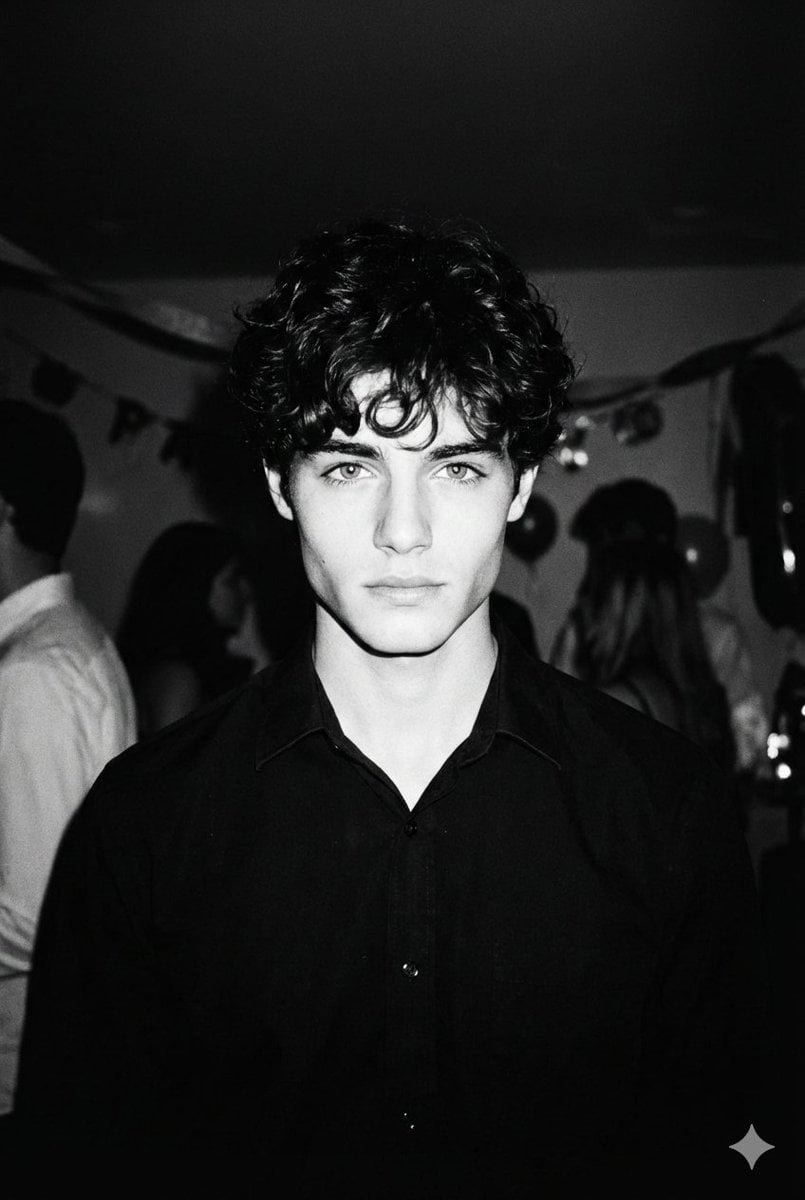
High-Contrast 90s Disposable Camera Portrait
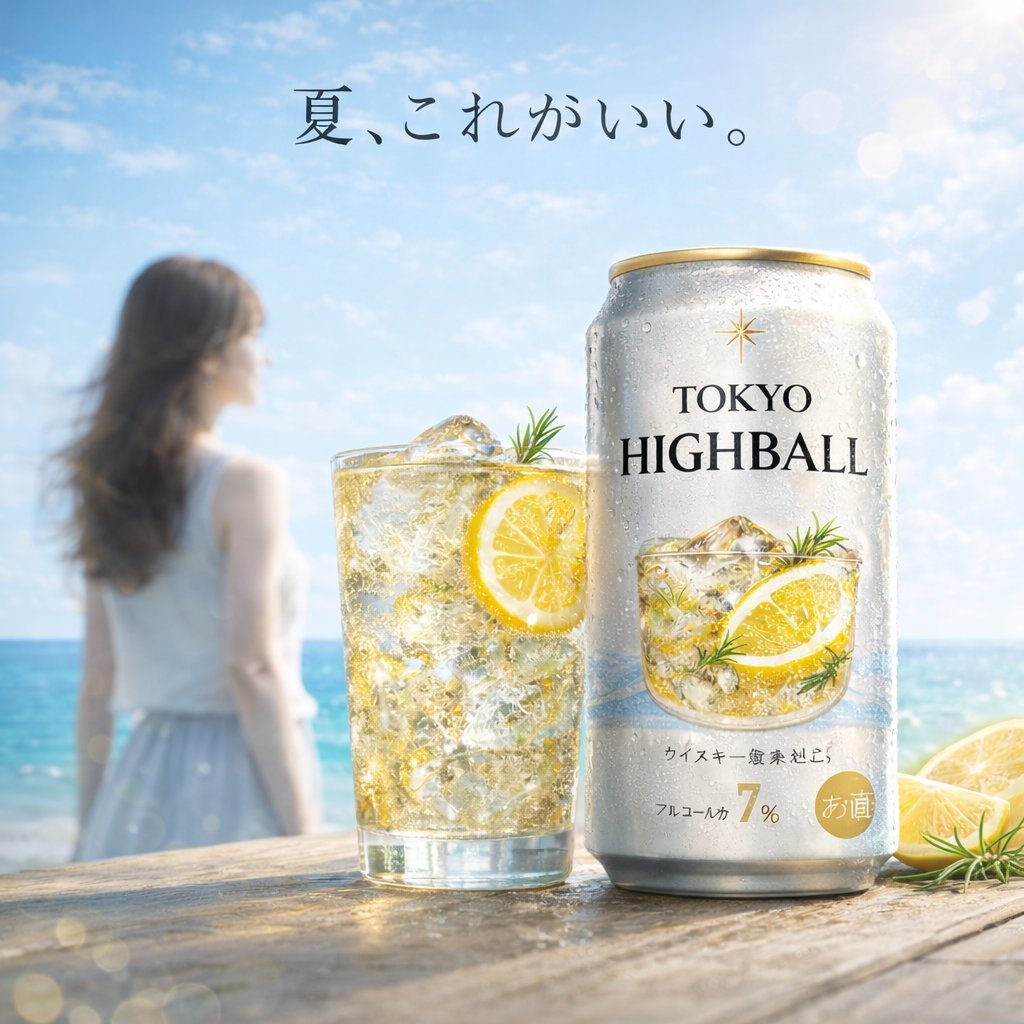
Summer Beach Beverage Commercial Shot
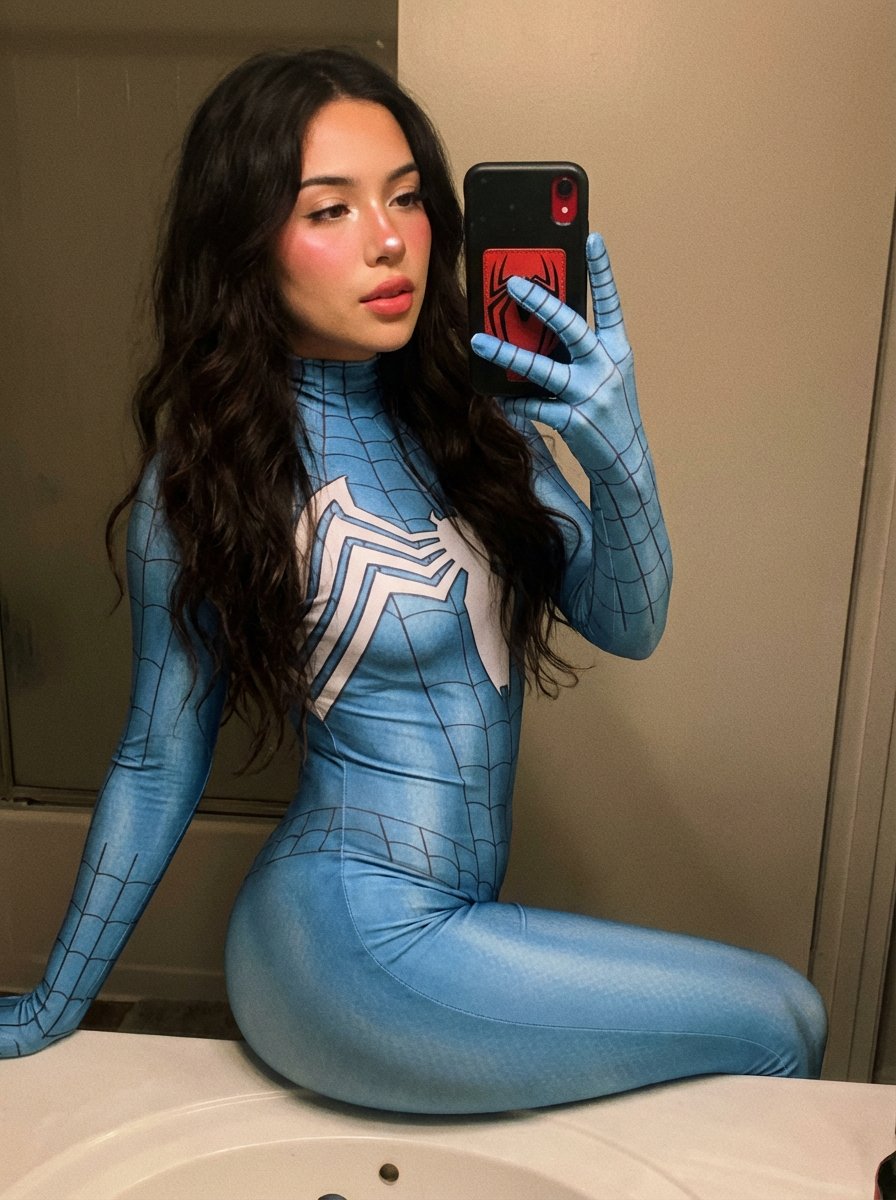
Spider-Woman Symbiote Mirror Selfie Prompt
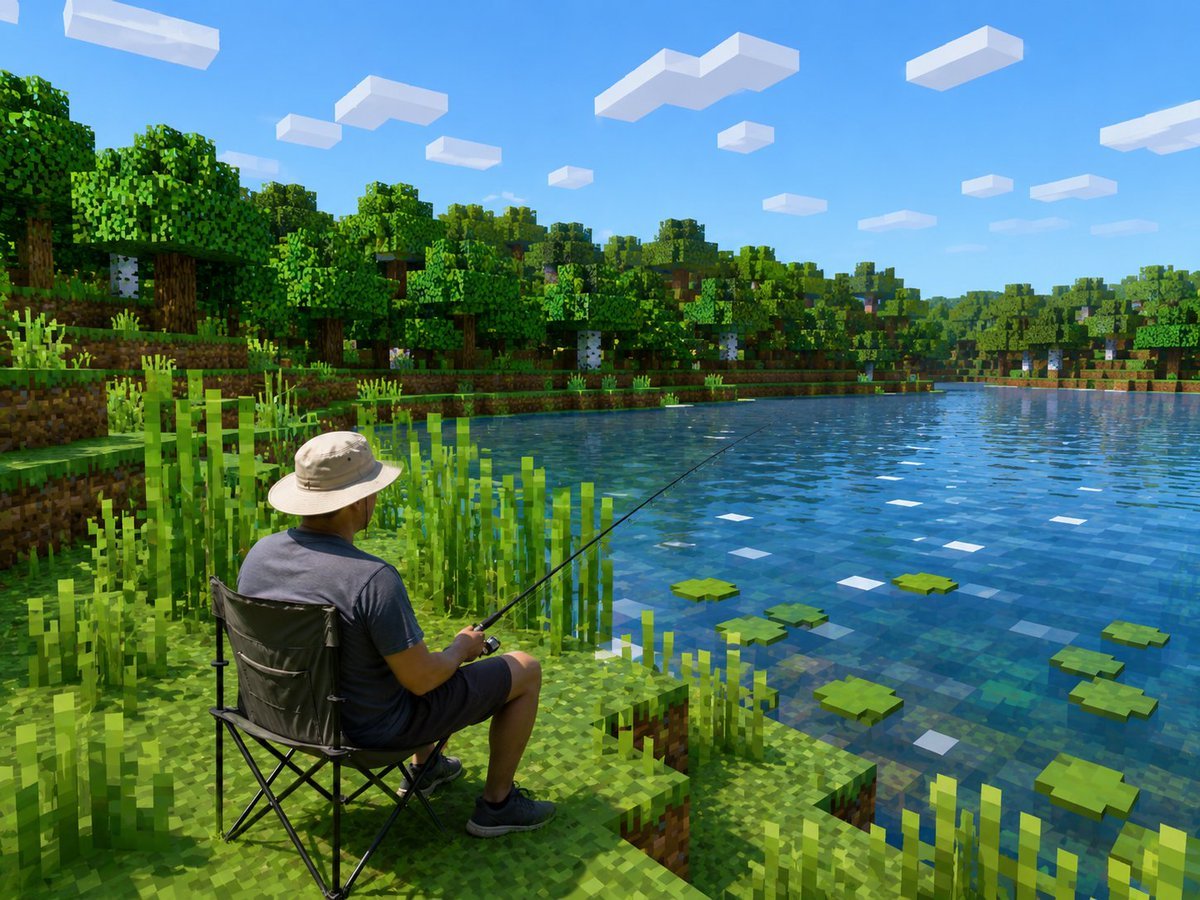
Realistic Fisherman in Minecraft Lake
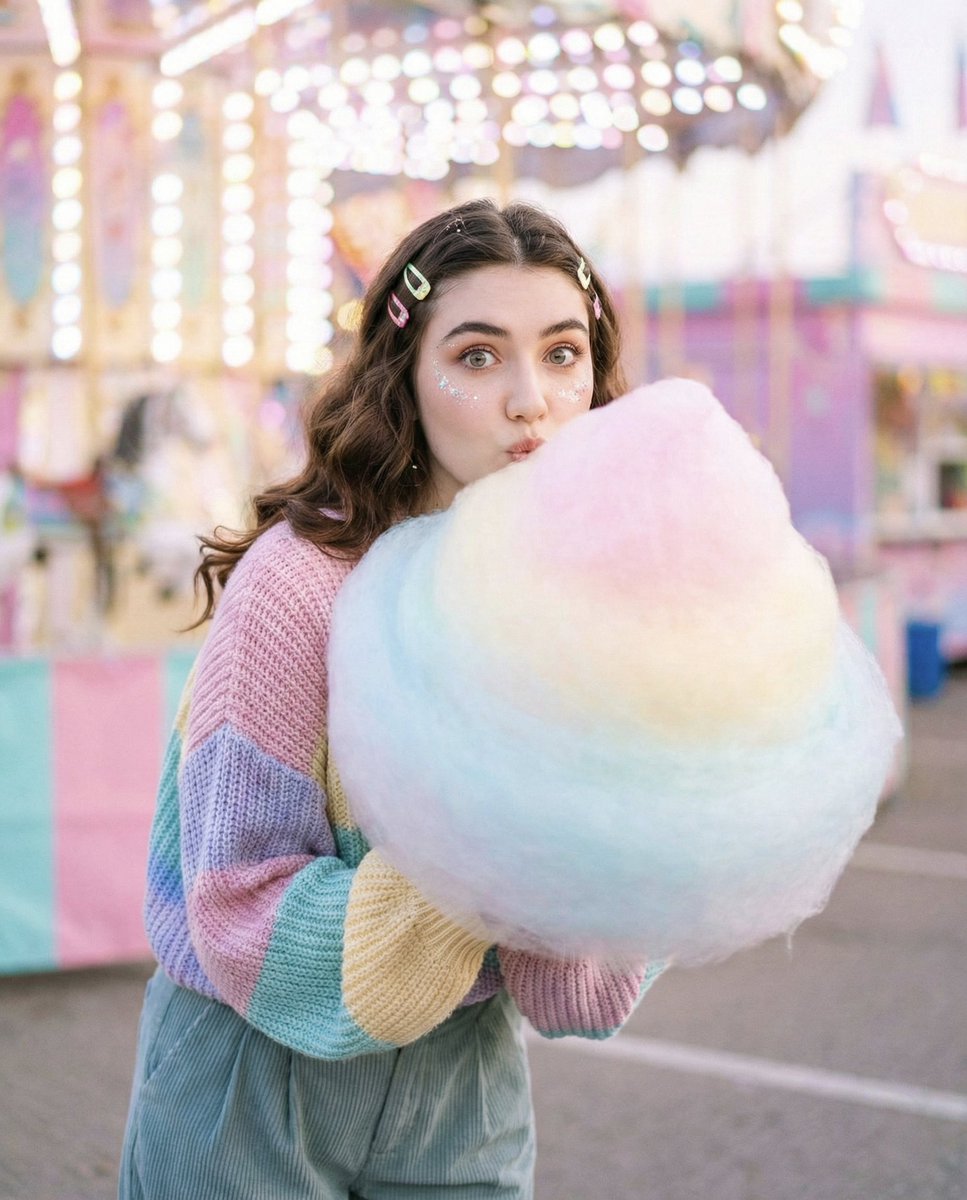
Cozy-Sweet Editorial Portrait with Cotton Candy

Oriental Opera Beauty Character Redesign

AI Saws Enterprise Developers Branch
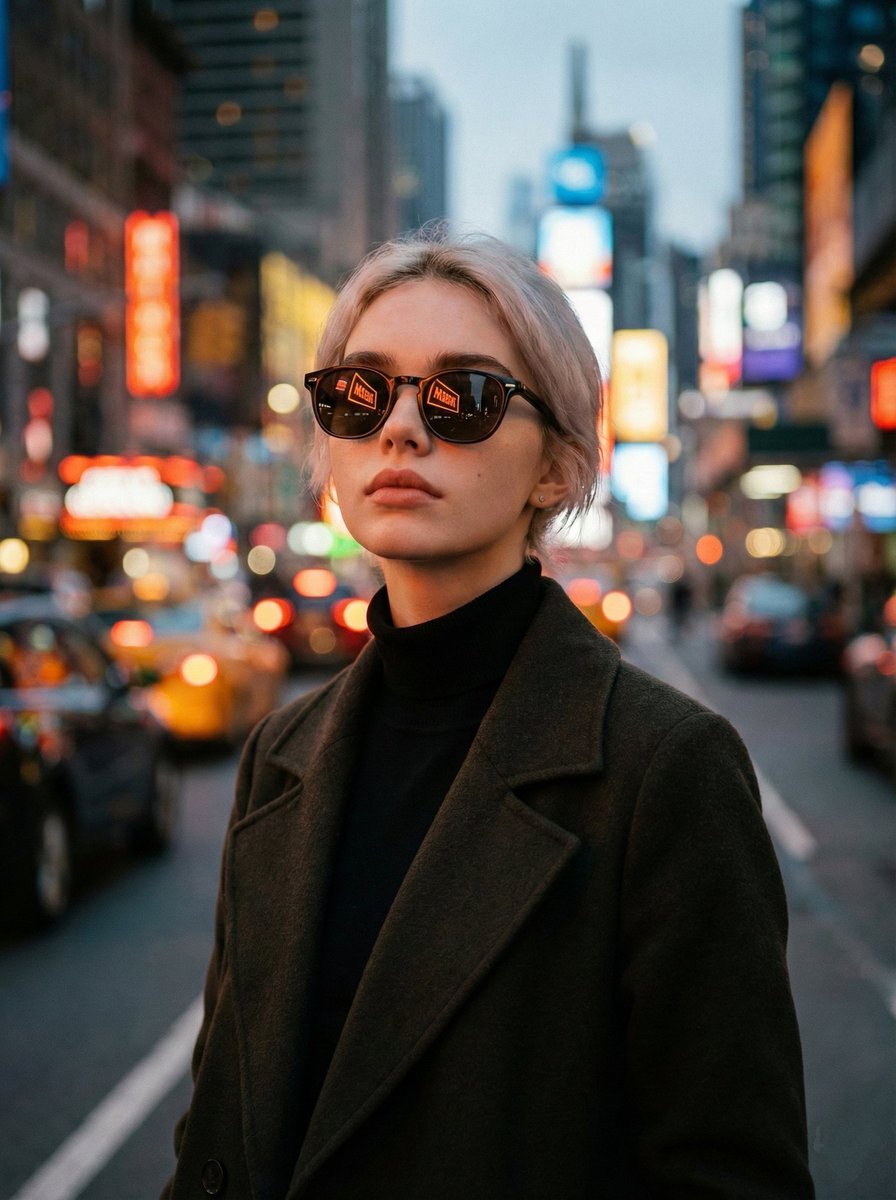
Cinematic Twilight City Portrait with Neon Reflections
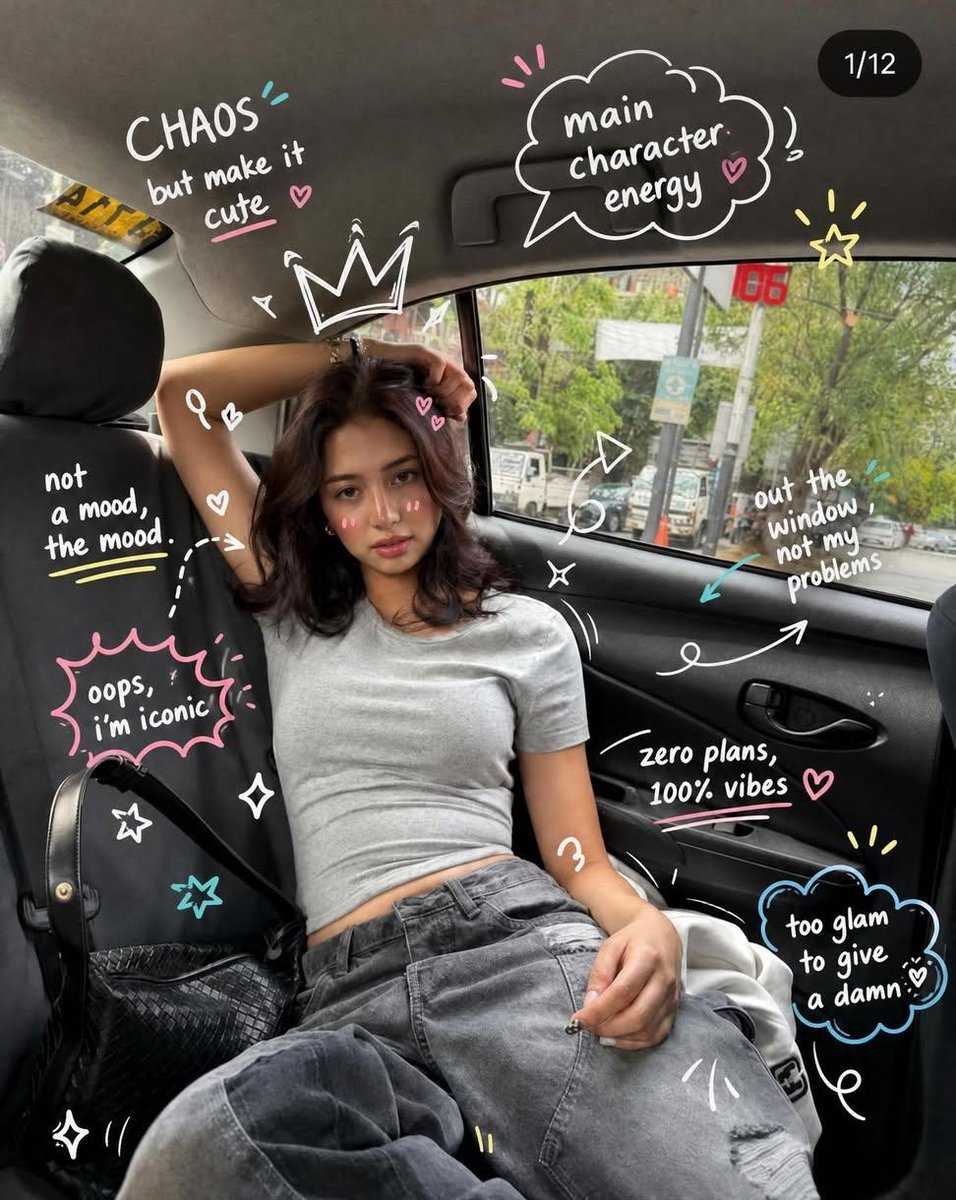
Trendy Car Interior Portrait
Browse template categories
Shipping Port and Manga Collage Mashup questions
How do I use the Shipping Port and Manga Collage Mashup template?
Add your photo if the template asks for one, edit the prompt if you like — the template's model and format are already selected — and press Generate. Your version opens in PicX Studio.
Can I customize the Shipping Port and Manga Collage Mashup template?
Yes. You can change the subject, setting, lighting, mood, format, and available model controls before creating your image.
Is the Shipping Port and Manga Collage Mashup template free?
Opening and editing this template is free. Generating uses credits, shown on the Generate button when you are signed in.
Which AI model should I use?
Start with GPT Image 2, which is the model associated with this template. You can compare another compatible model for a different finish.
Looking for something else? Browse all templates.

Your photo, any look
Thousands of ready templates for every top image and video model, from one credit balance.