How do I use the Tropical Beach Palm Bridge template?
Choose the primary action to open PicX Studio with the available template settings. Review the model and format, personalize the creative direction, and generate when ready.
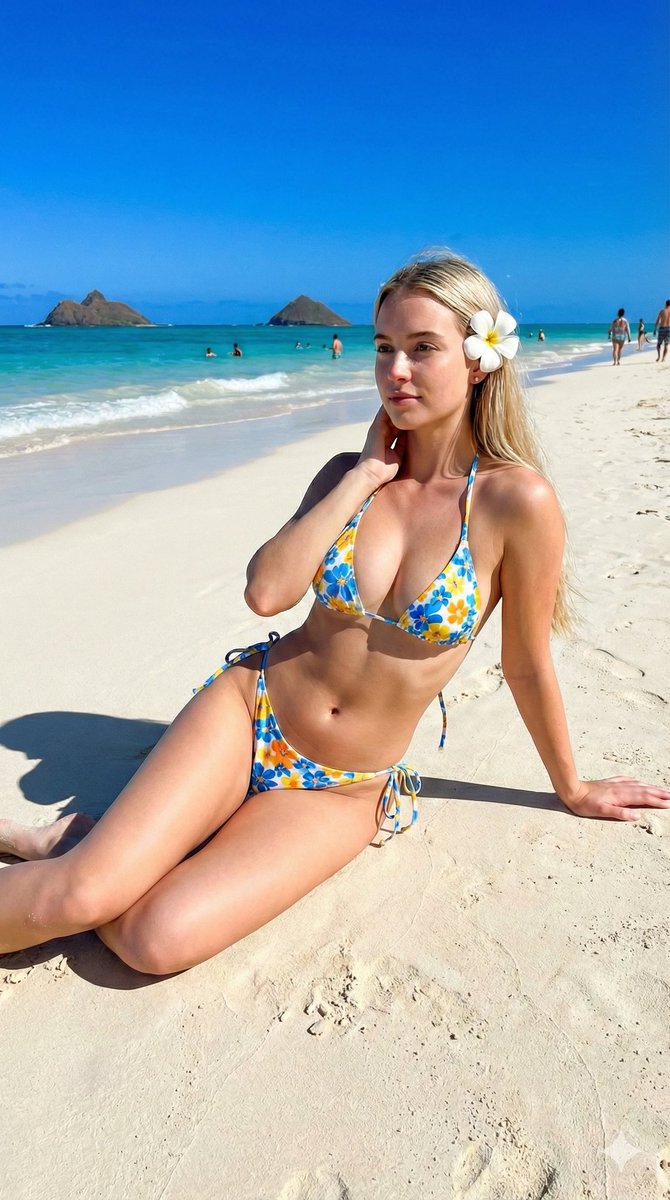
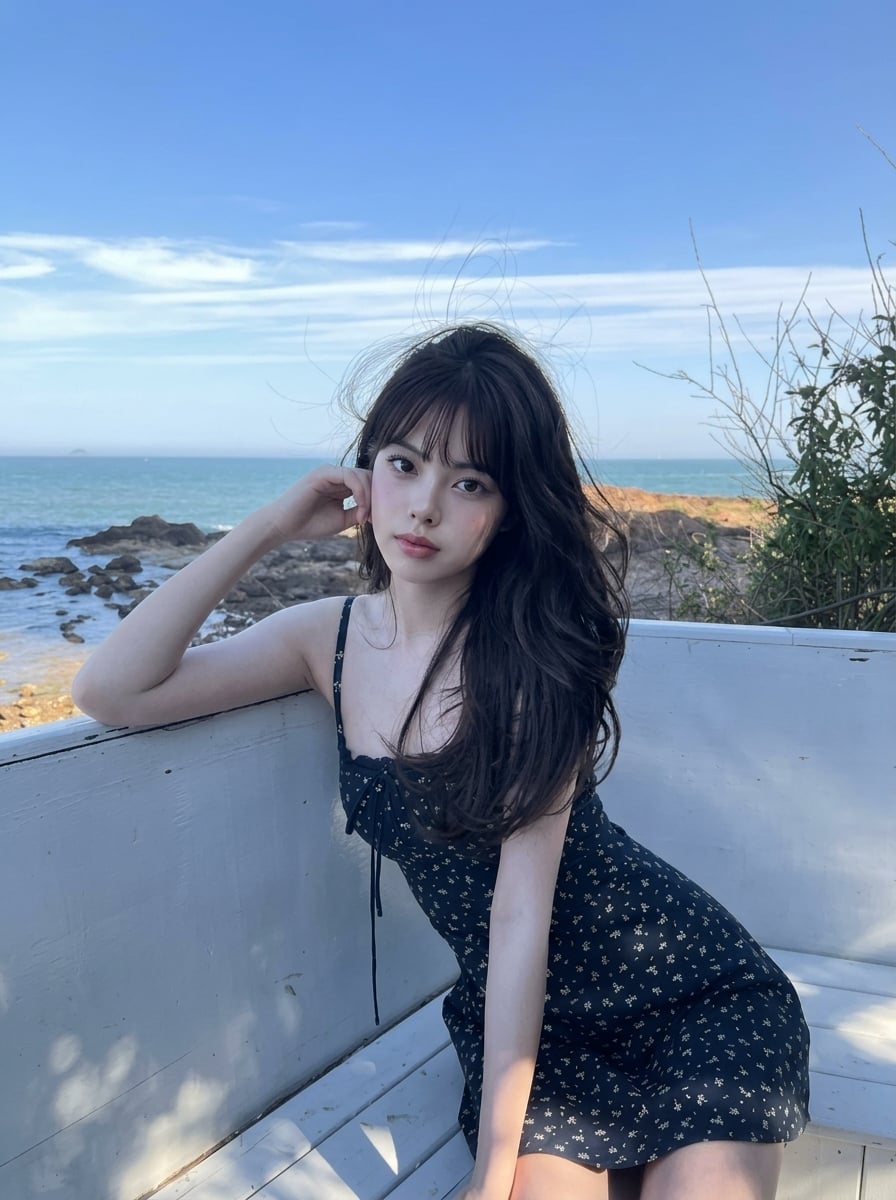
A hyper-realistic photograph of a woman reclining on a horizontally curved palm trunk over a turquoise lagoon at sunset.

[Insert your appearance parameters: {argument name="age" default="25 years old"}, {argument name="hair" default="long wavy dark hair"}, {argument name="body build" default="athletic yet feminine figure"}, no beard] Hyper-realistic vertical photograph 4:5. Tropical beach with a turquoise lagoon stretching to the horizon. In the center of the frame — a single coconut palm with a horizontally curved trunk extending over the water, forming a natural bridge. A young woman is lying relaxed along the trunk in a graceful pose, head resting on one hand, fingers gently touching the surface of the water. Clothing: olive-green sleeveless tank top, dark gray tailored Bermuda shorts, khaki-beige bucket hat pushed back on her head, delicate silver chain with a small cross pendant, elegant steel Patek Philippe Aquanaut watch with blue dial. Bare feet, with a discarded suede clog nearby. Lighting: golden hour, warm sunset light, backlit, soft golden highlights on the palm bark and water, emerald-aquamarine accents. Camera: Leica M11, 50mm f/1.4 lens, 8K sharpness, natural skin and bark texture, natural depth of field. No plasticity, CGI, or AI artifacts.
Choose the primary action to open PicX Studio with the available template settings. Review the model and format, personalize the creative direction, and generate when ready.
Yes. You can change the subject, setting, lighting, mood, format, and available model controls before creating your image.
This template is free to open and customize. Generation usage is shown in PicX Studio before you create.
Start with Nano Banana 2, which is the model associated with this template. You can compare another compatible model for a different finish.
Follow a topic to a crawlable collection of related PicX Studio templates.