How do I use the Tropical Luxury Beach Portrait template?
Edit the prompt in the box under the preview — the template's model and format are already selected — and press Generate. Your version appears right on this page.
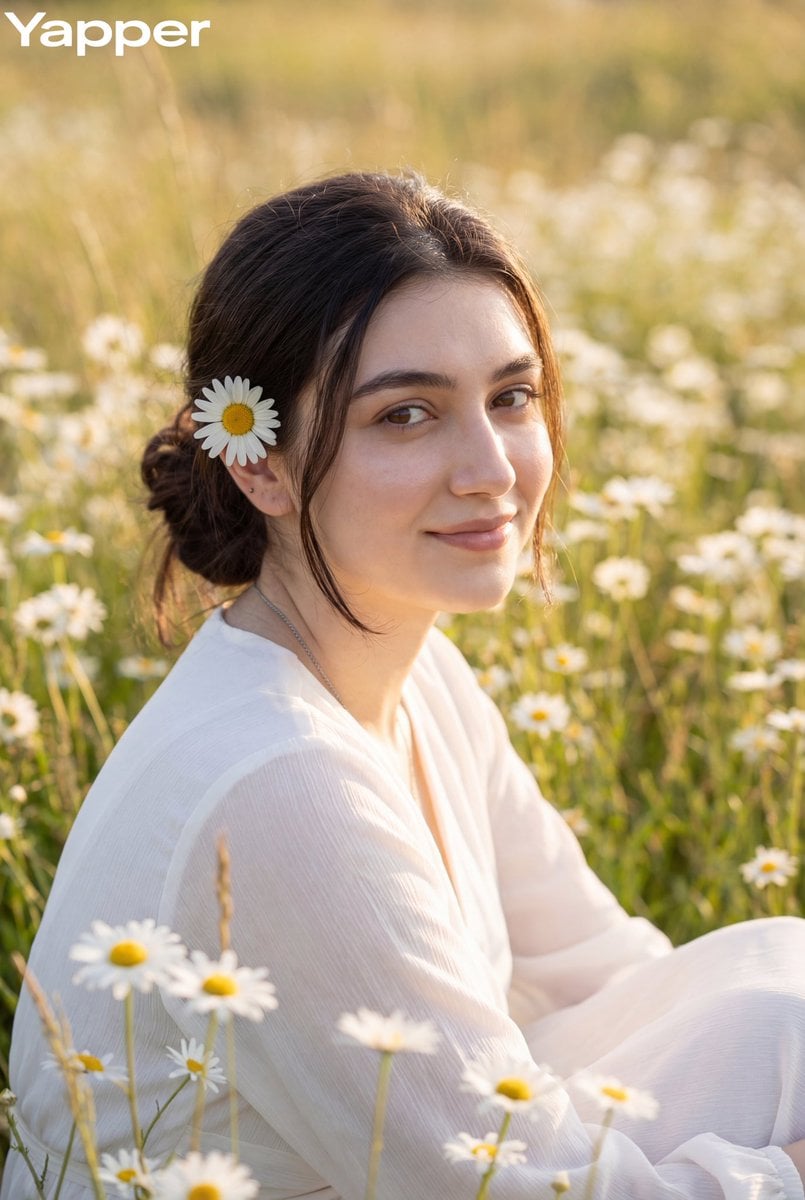
A comprehensive prompt for generating high-end tropical fashion campaign images at sunset, focusing on sand textures and volcanic rock backdrops.

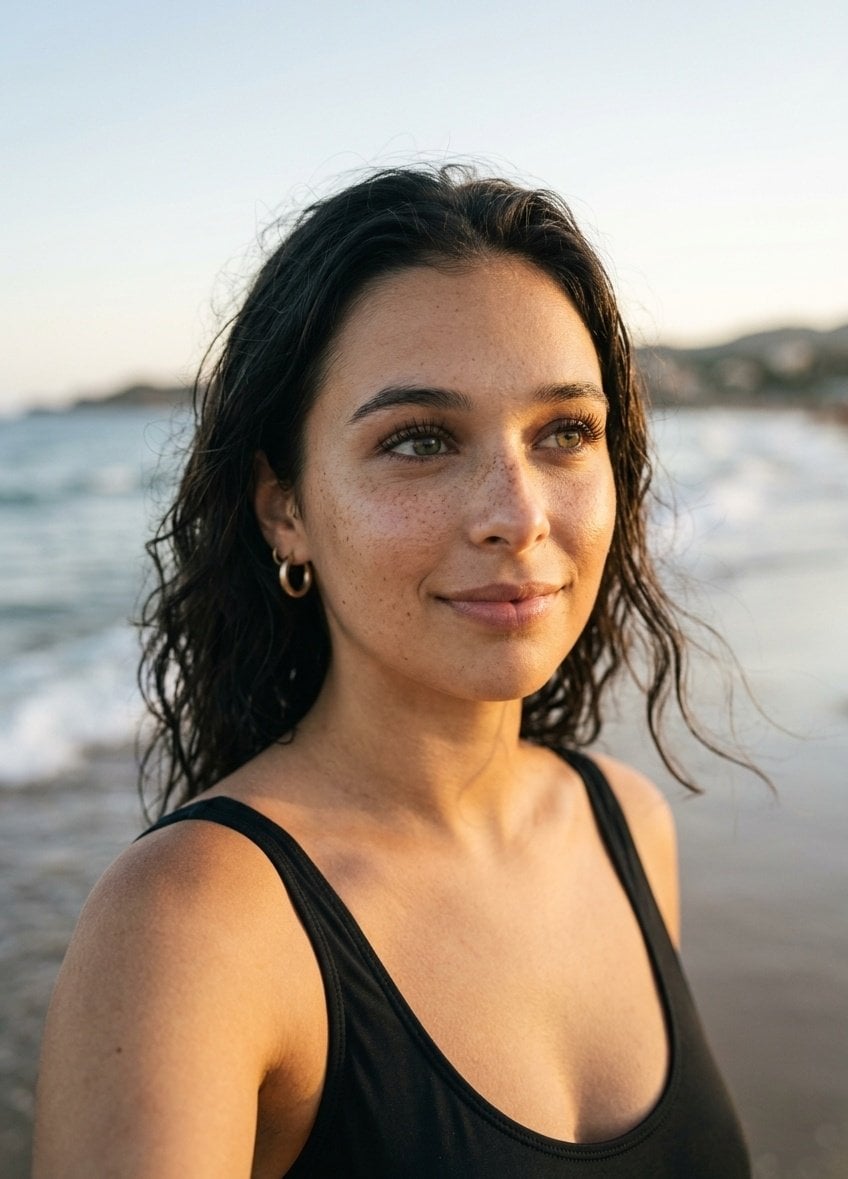
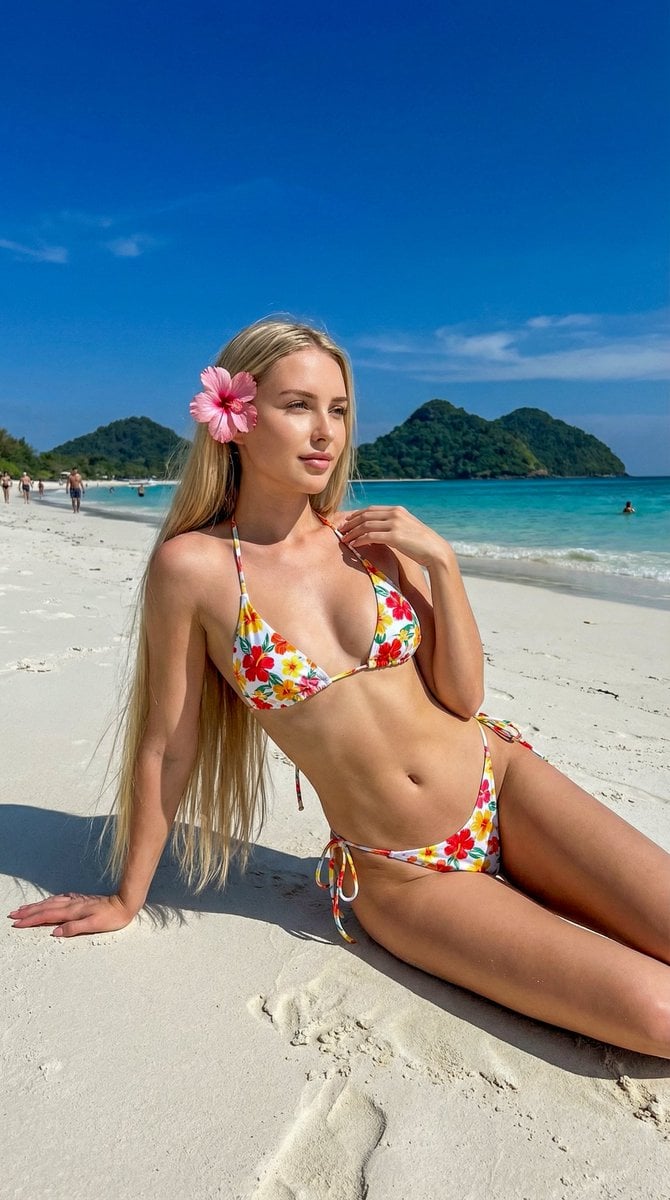
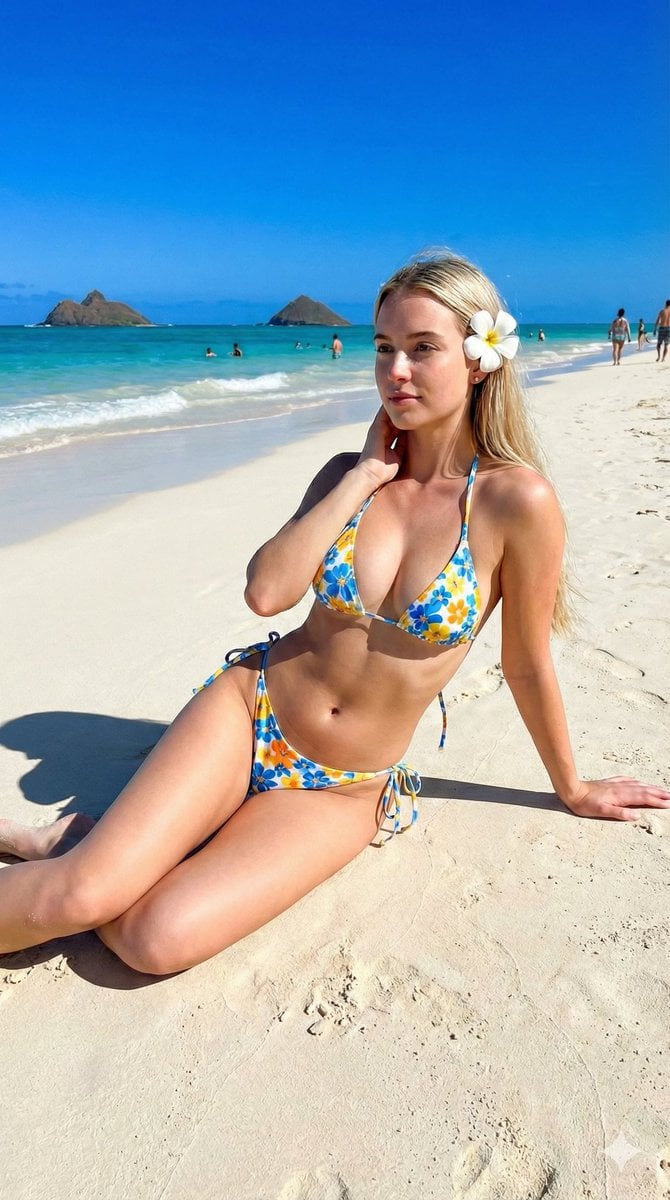
Ultra-realistic beach portrait of a {argument name="subject" default="young blonde woman"} sitting gracefully on warm golden sand at sunset. She has long wavy sun-kissed blonde hair adorned with a {argument name="accessory" default="white plumeria flower"} tucked behind her ear, soft natural makeup, luminous skin, and a calm, captivating gaze directed toward the camera. She wears an {argument name="outfit" default="elegant strapless ivory mini dress with subtle ruching and a decorative starfish accent"}, layered gold necklaces, delicate bracelets, rings, and small hoop earrings. The setting is a tropical beach with gentle waves, dark volcanic rock formations, and distant islands silhouetted against a pastel sunset sky. Warm golden-hour lighting casts a soft glow across the scene, highlighting skin texture and creating cinematic depth. Luxury resort editorial photography, tropical fashion campaign, shallow depth of field, highly detailed, photorealistic, natural colors, premium magazine quality.
Ultra-realistic beach portrait of a {argument name="subject" default="young blonde woman"} sitting gracefully on warm golden sand at sunset. She has long wavy sun-kissed blonde hair adorned with a {argument name="accessory" default="white plumeria flower"} tucked behind her ear, soft natural makeup, luminous skin, and a calm, captivating gaze directed toward the camera. She wears an {argument name="outfit" default="elegant strapless ivory mini dress with subtle ruching and a decorative starfish accent"}, layered gold necklaces, delicate bracelets, rings, and small hoop earrings. The setting is a tropical beach with gentle waves, dark volcanic rock formations, and distant islands silhouetted against a pastel sunset sky. Warm golden-hour lighting casts a soft glow across the scene, highlighting skin texture and creating cinematic depth. Luxury resort editorial photography, tropical fashion campaign, shallow depth of field, highly detailed, photorealistic, natural colors, premium magazine quality.
Edit the prompt in the box under the preview — the template's model and format are already selected — and press Generate. Your version appears right on this page.
Yes. You can change the subject, setting, lighting, mood, format, and available model controls before creating your image.
Opening and editing this template is free. Generating uses credits, shown on the Generate button when you are signed in.
Start with Nano Banana 2, which is the model associated with this template. You can compare another compatible model for a different finish.
Follow a topic to a crawlable collection of related PicX Studio templates.