
Tropical Luxury Yacht Portrait
A highly structured JSON prompt for a luxury lifestyle yacht scene, emphasizing identity preservation, elegant tropical fashion, and realistic environmental lighting.
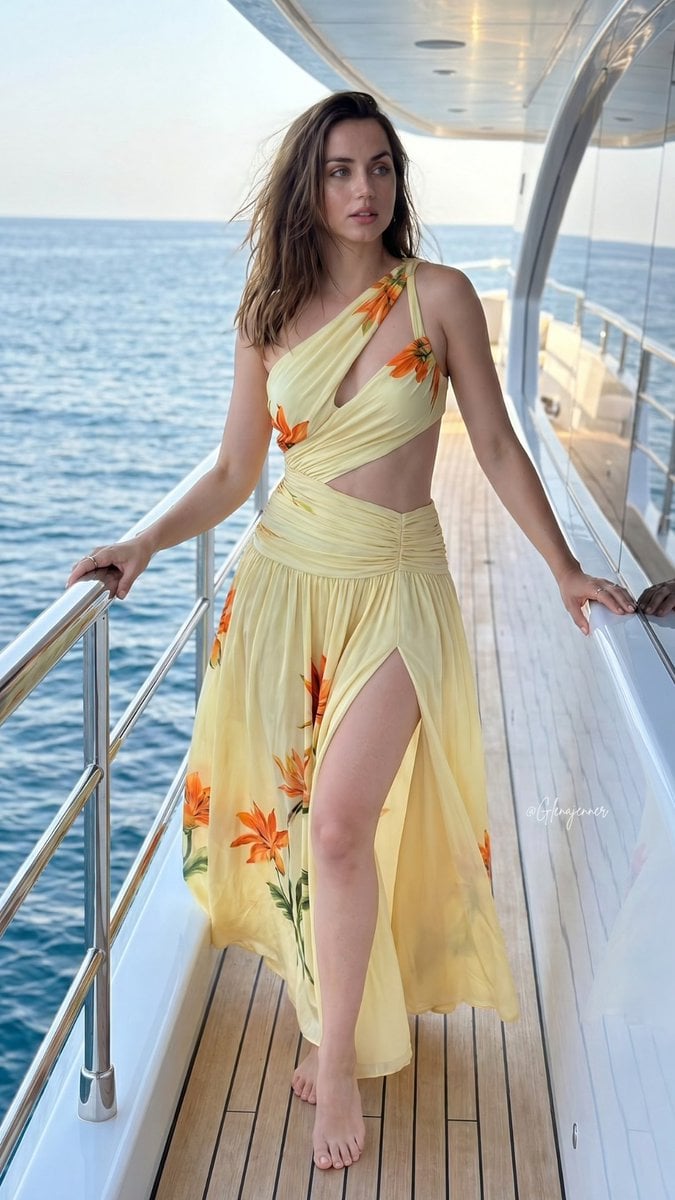
- Prompt included
- Model and format preset
- Free template
The prompt behind this image
Copy the exact prompt behind Tropical Luxury Yacht Portrait, or open it in the studio and make it yours.
{\n "subject": {\n "face": {\n "description": "Use uploaded reference image face, keep identity exact. Preserve exact hair color, hairstyle, eyes, lips, eyebrows, skin tone, and all natural facial details. Do not alter identity, beautify, or stylize."\n },\n "expression": "neutral confident expression with relaxed eyes and slightly parted lips",\n "pose": "standing barefoot on yacht deck, body facing forward with head turned slightly sideways, both hands resting naturally on metal railing",\n "body": {\n "build": "slim toned physique",\n "skin_tone": "warm lightly tanned skin"\n },\n "clothing": {\n "outfit": "{argument name=\"outfit\" default=\"flowing pale yellow asymmetrical cutout dress with tropical orange flower details\"}, one-shoulder top design, ruched waist, sheer layered fabric, high slit, cascading ruffle edges",\n "accessories": []\n }\n },\n "environment": {\n "location": "{argument name=\"location\" default=\"luxury yacht on open water\"}",\n "background_elements": [\n "blue ocean water",\n "white yacht railing",\n "wooden yacht flooring",\n "soft natural reflections on water",\n "minimal luxury boat setting"\n ],\n "atmosphere": "elegant tropical vacation mood with calm luxury aesthetic"\n },\n "lighting": {\n "type": "adjusted natural daylight",\n "direction": "soft side daylight with balanced exposure",\n "qualities": [\n "realistic skin reflections",\n "soft natural highlights",\n "balanced shadows",\n "natural outdoor white balance",\n "slightly diffused sunlight",\n "realistic ocean light bounce",\n "soft contrast rendering"\n ]\n },\n "camera": {\n "framing": "full body portrait",\n "angle": "slightly above waist level",\n "lens": "smartphone portrait lens",\n "depth_of_field": "soft natural background separation",\n "image_quality": "ultra realistic high-resolution social media photo"\n },\n "style": {\n "photography_type": "realistic luxury lifestyle photography",\n "color_palette": "soft ocean blues, pale yellows, warm skin tones, clean whites",\n "filter": "subtle realistic photo filter with authentic skin texture, softened digital sharpness, realistic dynamic range, natural saturation, and true-to-life outdoor lighting",\n "imperfections": [\n "minor skin texture",\n "natural fabric folds",\n "slight wind movement in hair",\n "subtle lens softness",\n "realistic daylight reflections",\n "natural environmental haze"\n ]\n }\n}
How to use Tropical Luxury Yacht Portrait in 3 steps
- 1Upload ImagePNG, JPG or paste
Add your photo
Upload the photo the template builds on. The prompt, model and format are already set.
- 2…a portrait of your subject in softgolden-hour light, 85mm…
Personalize
Edit the subject and creative details for your destination.
- 3Generate
Generate
Press Generate — your image is created in PicX Studio, so you can compare it with the original and refine one variable at a time.
More like this
Templates with the same subject, style or setup. Open one to see its prompt.
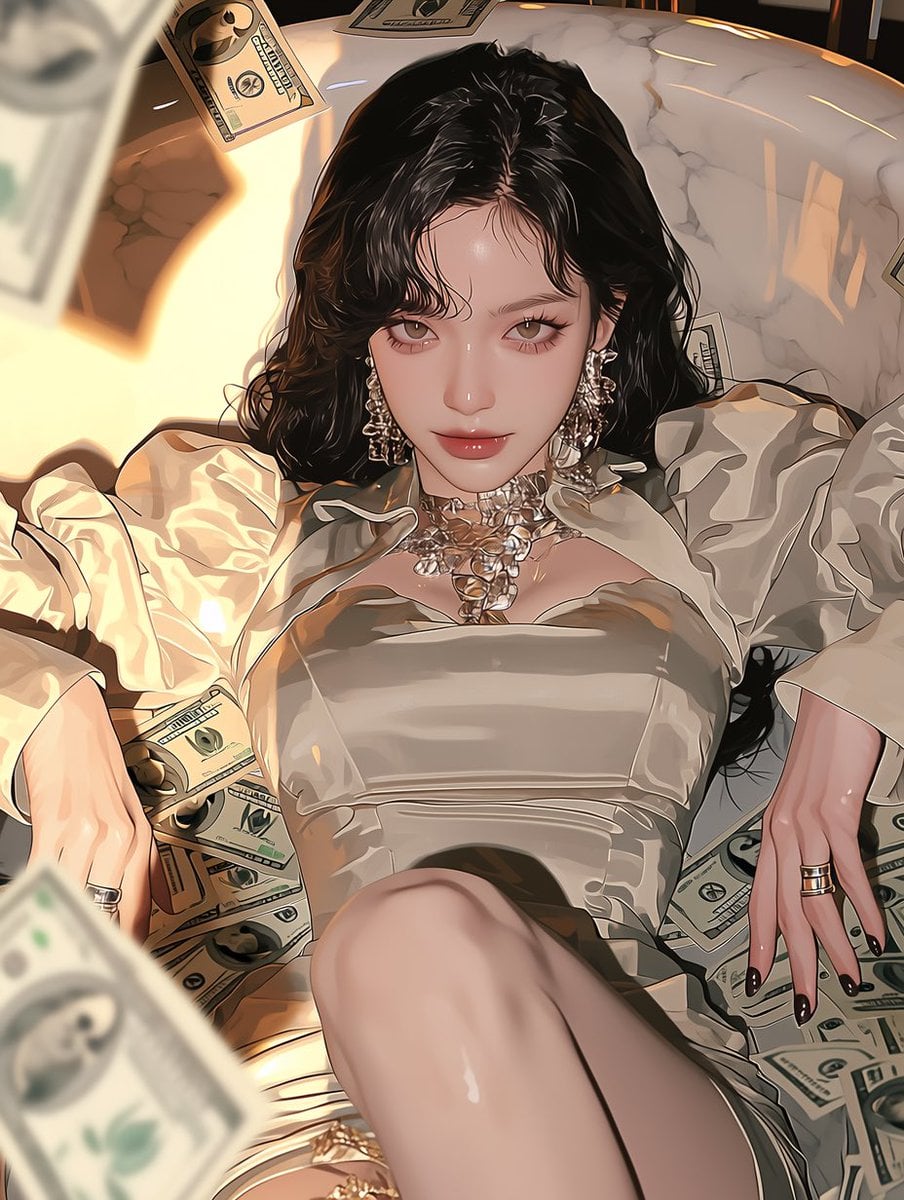
Yacht Galley Cash Toast
Yacht Deck Cash Briefcase
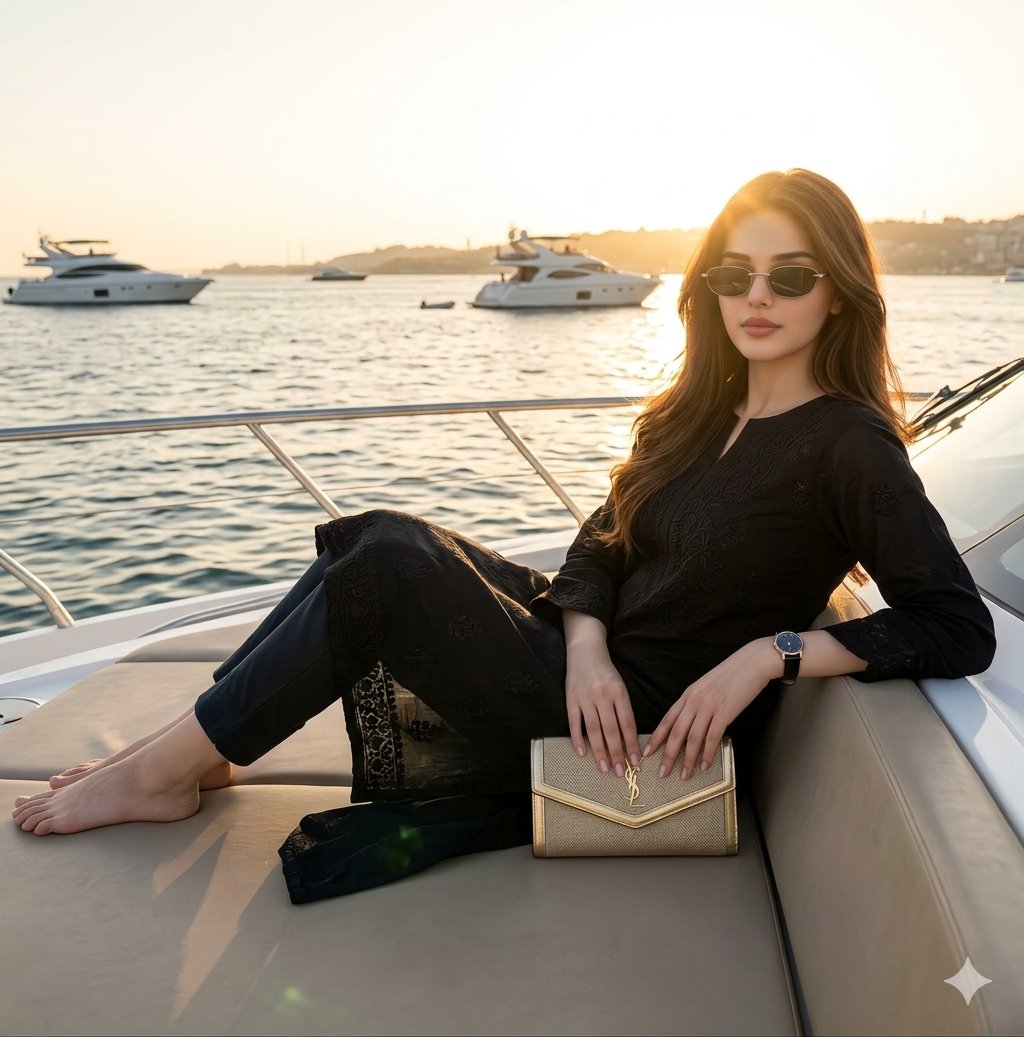
Ultra Realistic Luxury Yacht Portrait
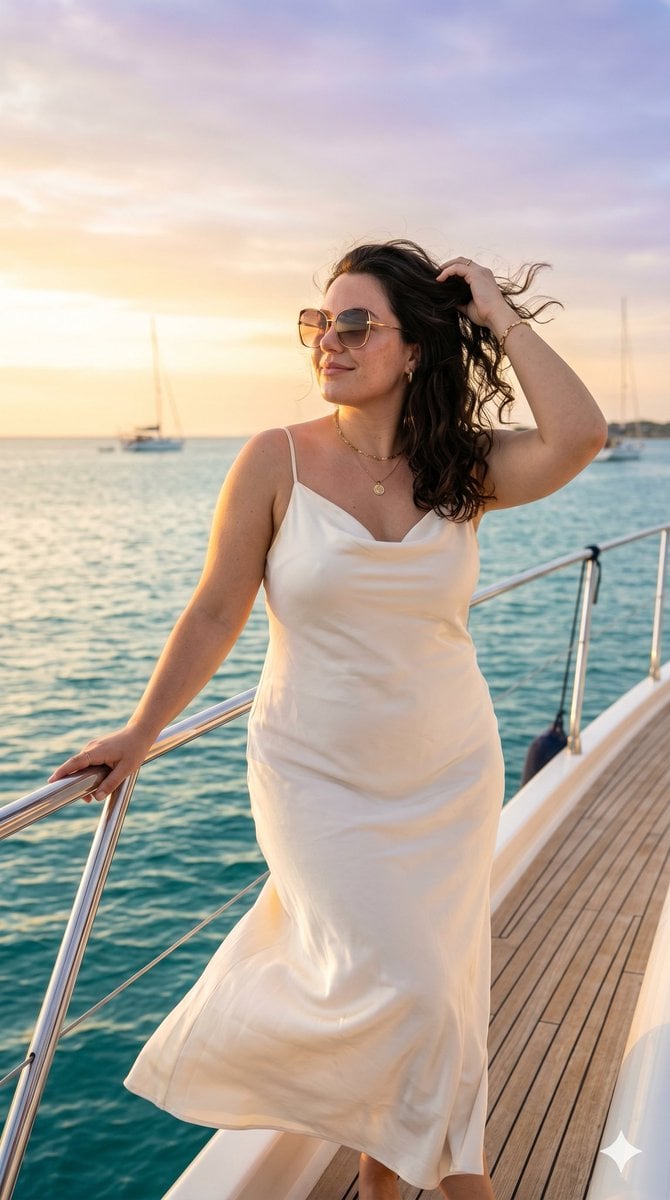
Luxury Yacht Fashion Portrait
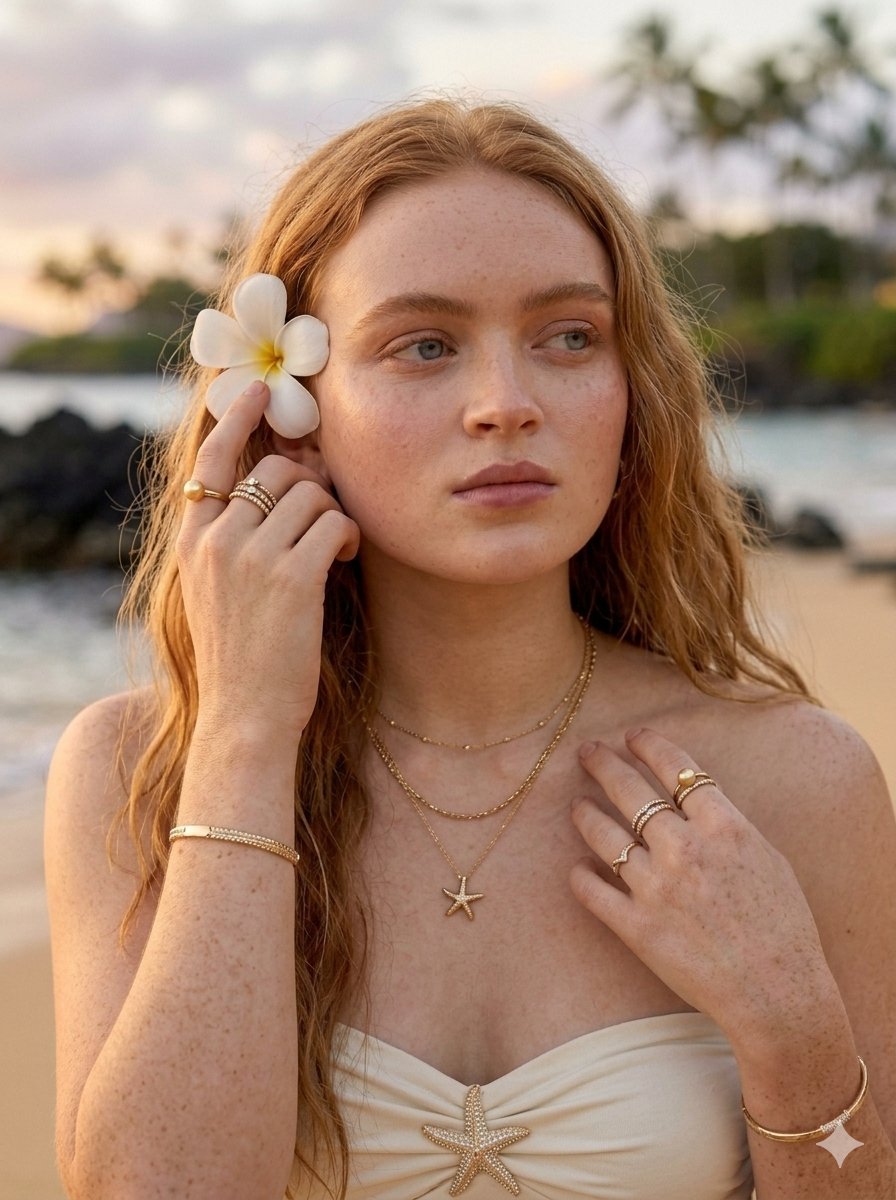
Tropical Luxury Beach Portrait

Found Photograph: Us, 1970

80s Couple Studio Portrait

80s Bollywood Star

80s Golden Hour Cinema

Me in 1985

1985 Studio Portrait

Hyper-Realistic Minecraft POV Portrait
Make it yours
Tropical Luxury Yacht Portrait works as-is. These are the safest ways to change it without losing the look.
Change one field
Copy a single group, rewrite it, and generate again so you can see what that field is doing.
Keep the frame, change the subject
Hold the composition and light of Tropical Luxury Yacht Portrait, then swap wardrobe, props or the person for a new take.
| If the result… | Why | Fix |
|---|---|---|
| The result drifts from the preview | Too many fields changed at once. | Reuse Tropical Luxury Yacht Portrait as-is first, then change one group — subject, light, or setting. |
| The model over-stylizes the scene | The prose prompt leaves finish and camera underspecified. | Add one camera or lighting sentence and stay on Nano Banana 2. |
More Nano Banana 2 templates
Other prompts made for Nano Banana 2.

Photorealistic Leaf Shaped Like a Dragon

K-Pop Idol Portrait Grid for Rapid Selection

Poetic Rain Forest Portrait During Golden Hour

Urban Street Portrait with Cartoon Inner Self Duo

Candid Nighttime Photo with Cat Prompt

High-Concept 3D Diorama Generation Prompt

Cinematic Futuristic Studio Portrait Template

Skincare Editorial Photography Collage Prompt

Hyper-Realistic Commercial Product Photography (Splash Effect)

Hyper-Realistic Nightclub Portrait Prompt
More image prompts
Fresh picks from across the catalog.
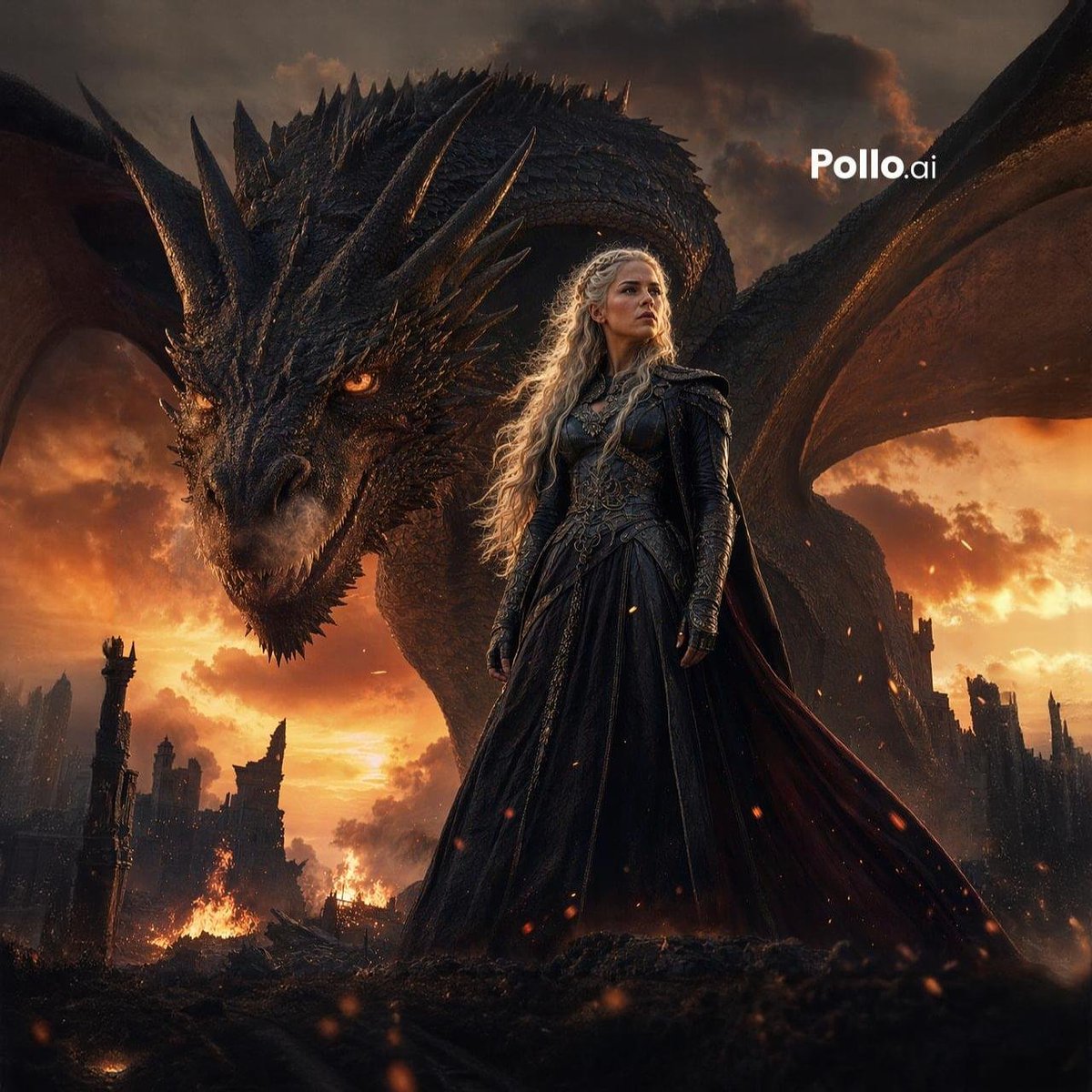
Dragon Queen at Burning Sunset
Premium Studio Ad Visual for Starbucks Frappuccino
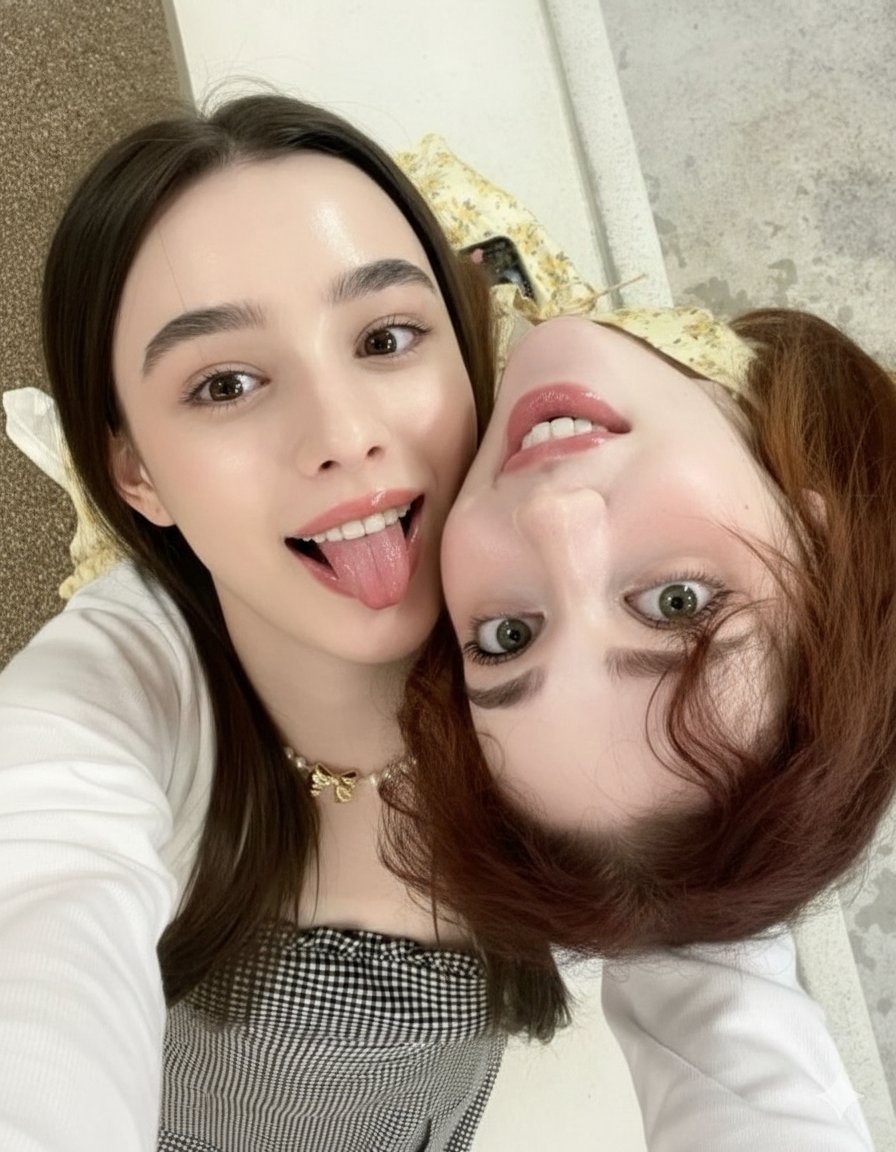
Ultra-Detailed Close-Up Selfie of Two Girls
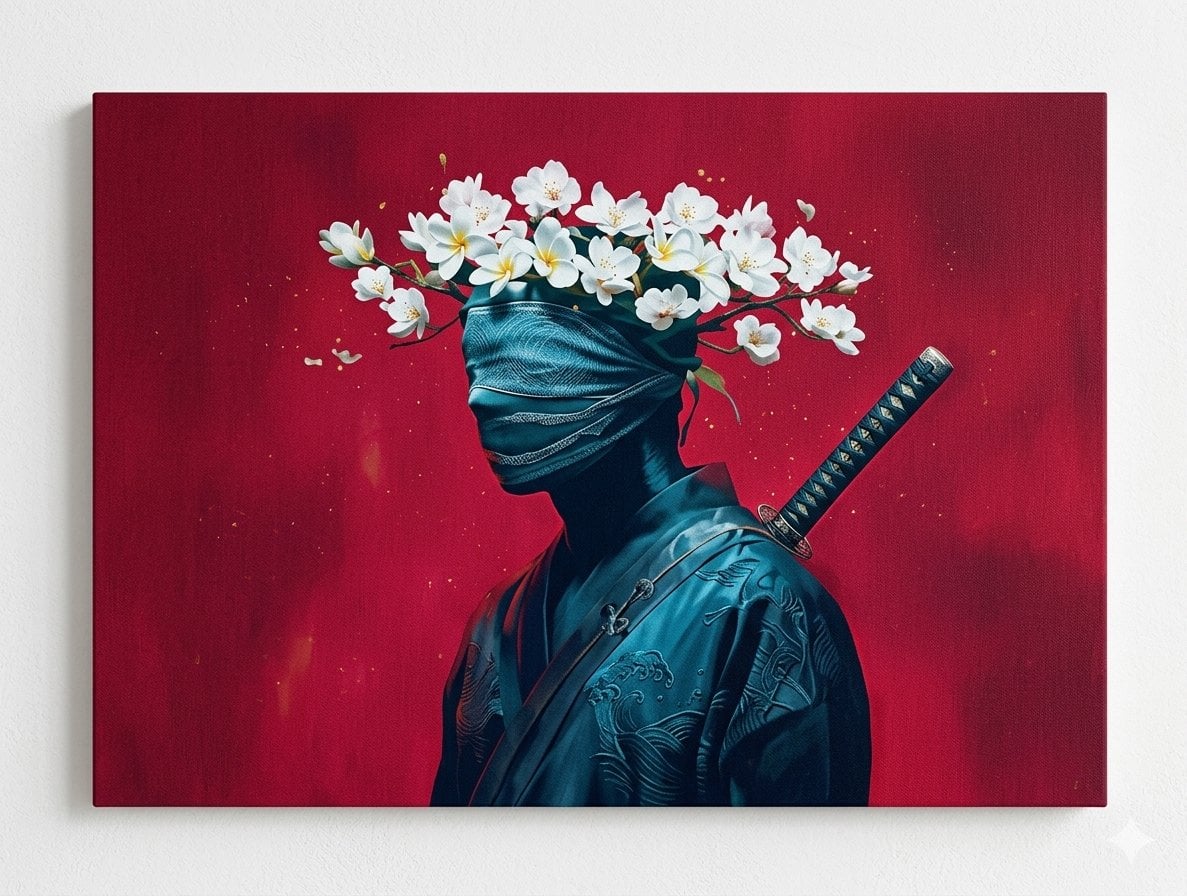
Surreal Canvas Art Edition Prompts
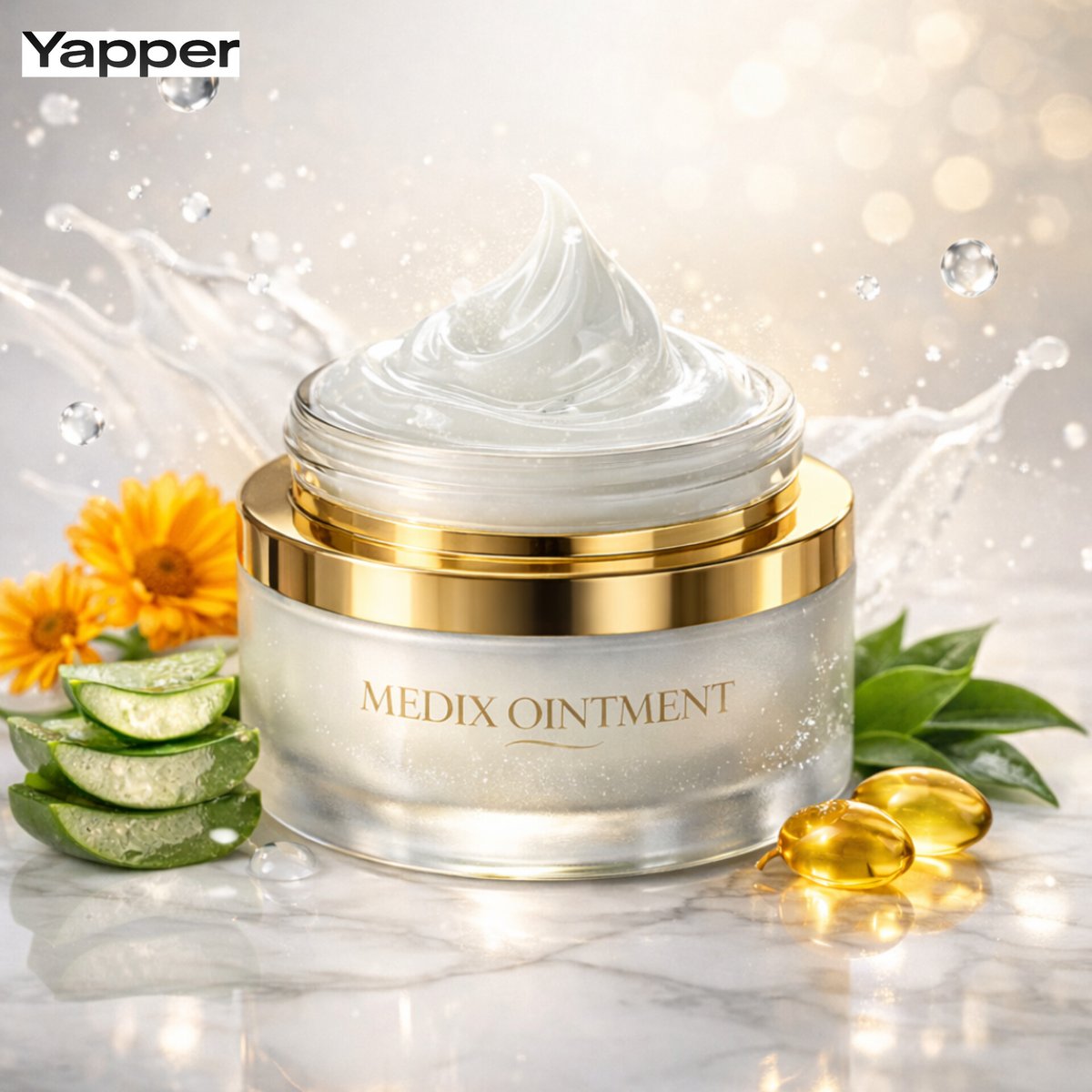
Ultra-Premium Cinematic Skincare Product Photography
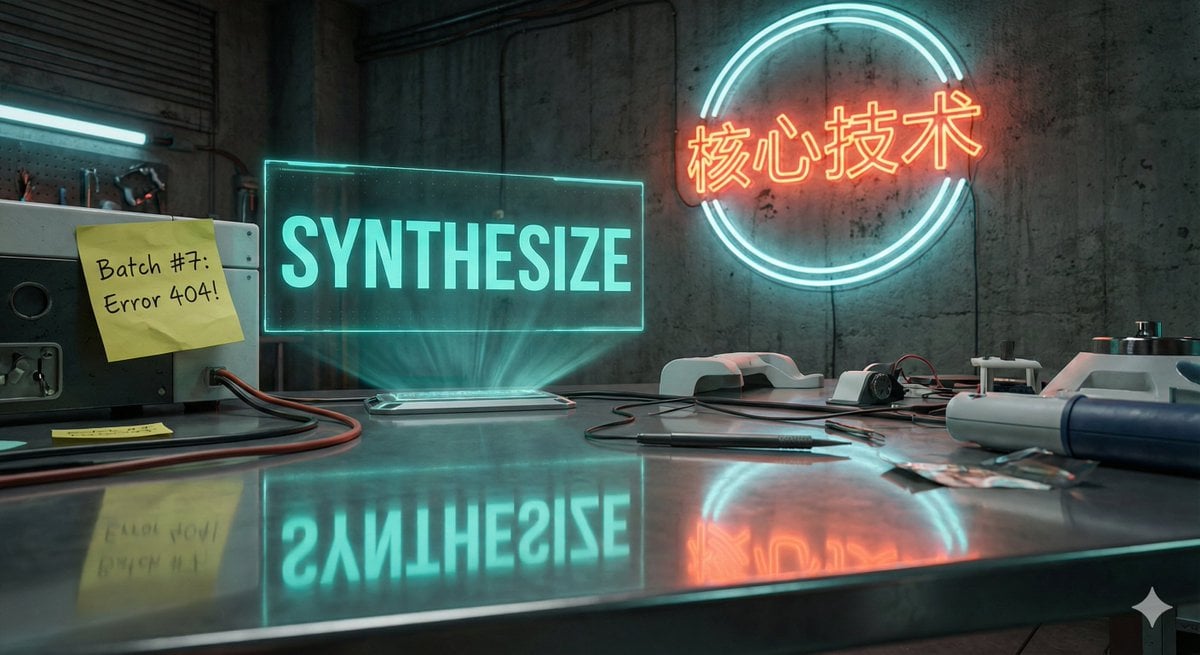
Futuristic Laboratory Text Accuracy Test Prompt
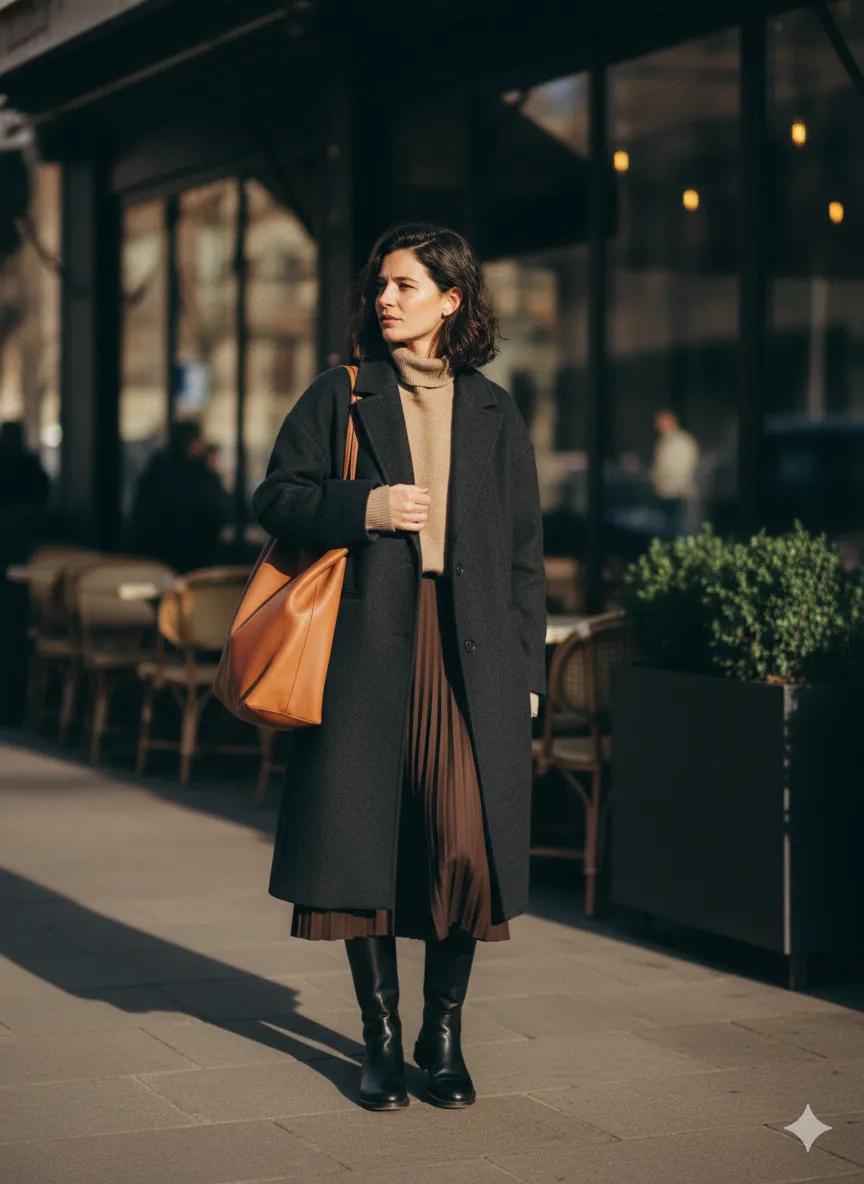
Scott Schuman Style Street Photography Portrait
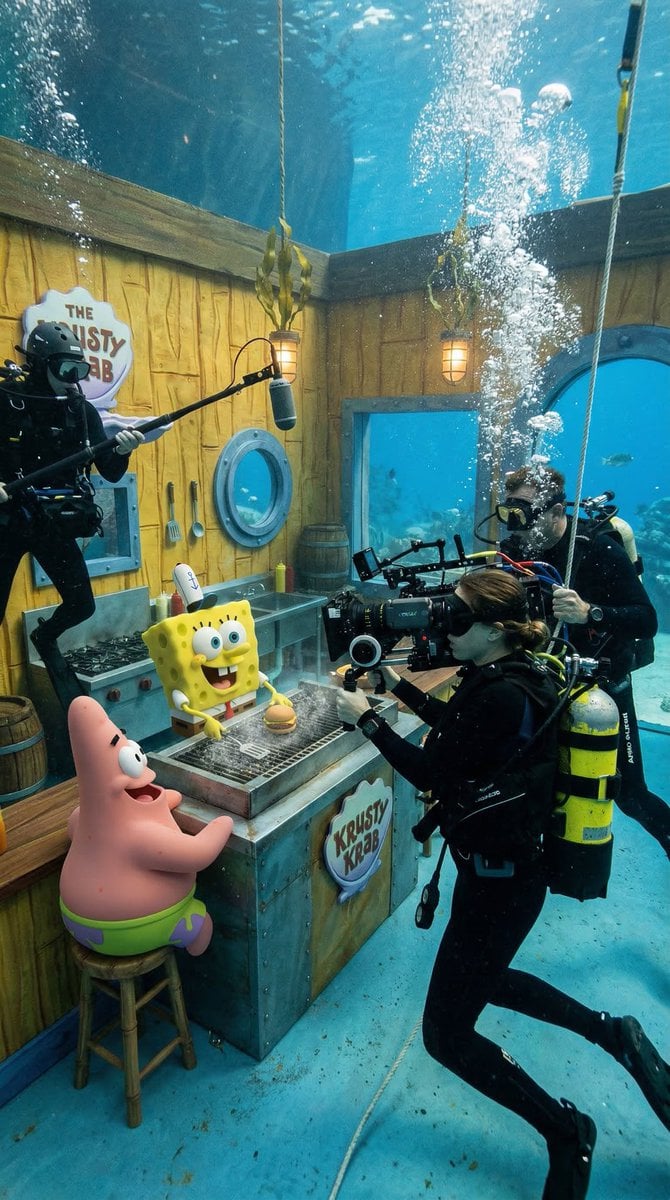
Photorealistic BTS SpongeBob Scene

Spring Flower Field Portrait Prompt for Google Gemini Nano Banana Pro
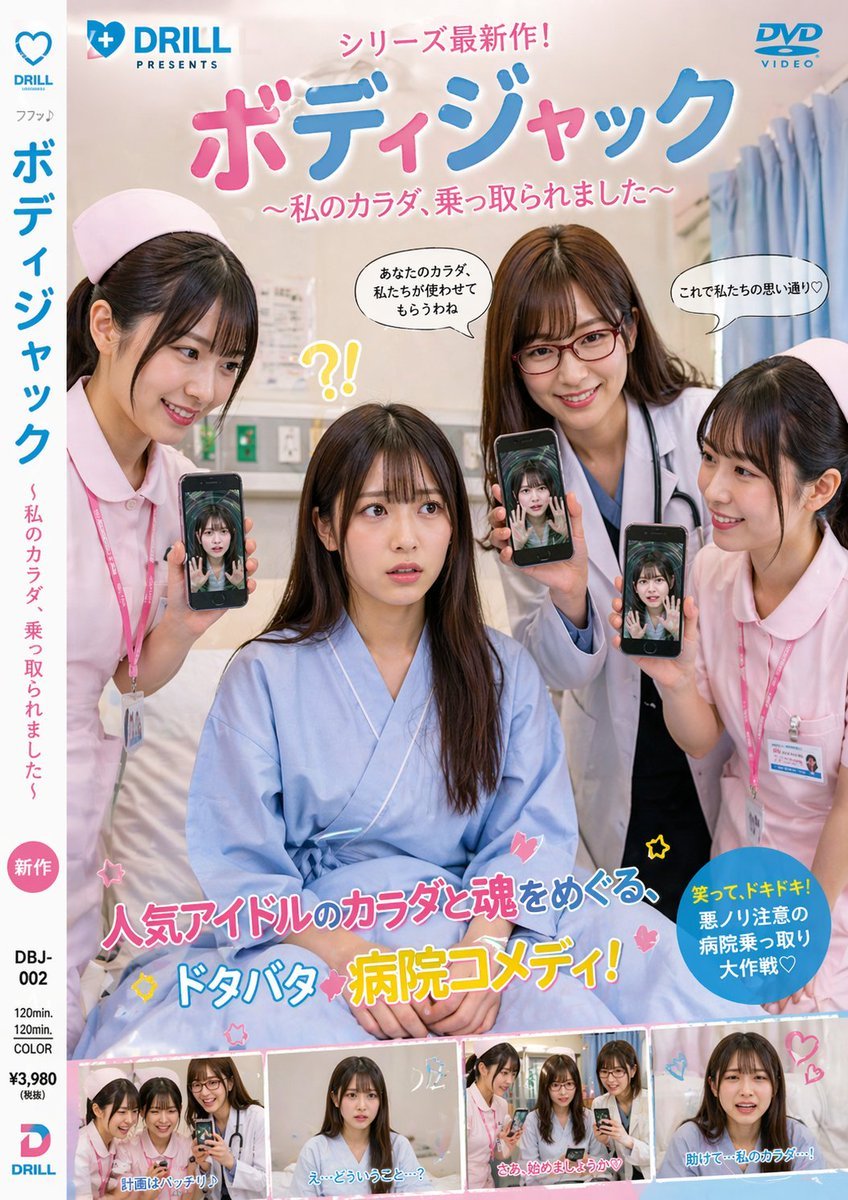
Japanese Hospital Comedy DVD Cover
Browse template categories
Tropical Luxury Yacht Portrait questions
How do I use the Tropical Luxury Yacht Portrait template?
Add your photo if the template asks for one, edit the prompt if you like — the template's model and format are already selected — and press Generate. Your version opens in PicX Studio.
Can I customize the Tropical Luxury Yacht Portrait template?
Yes. You can change the subject, setting, lighting, mood, format, and available model controls before creating your image.
Is the Tropical Luxury Yacht Portrait template free?
Opening and editing this template is free. Generating uses credits, shown on the Generate button when you are signed in.
Which AI model should I use?
Start with Nano Banana 2, which is the model associated with this template. You can compare another compatible model for a different finish.
Looking for something else? Browse all templates.

Your photo, any look
Thousands of ready templates for every top image and video model, from one credit balance.