How do I use the Luxury Yacht Fashion Portrait template?
Choose the primary action to open PicX Studio with the available template settings. Review the model and format, personalize the creative direction, and generate when ready.
A high-fashion prompt for creating elegant portraits on a luxury yacht with warm sunset lighting and cinematic atmosphere.
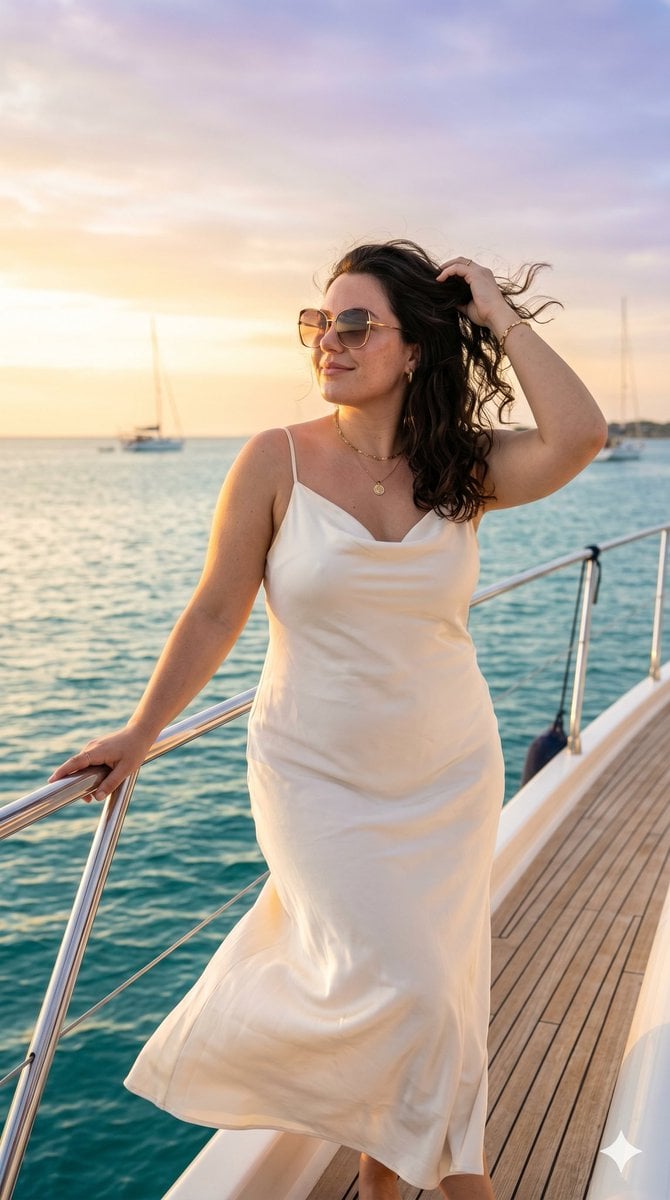
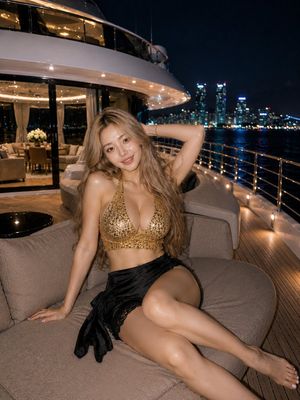
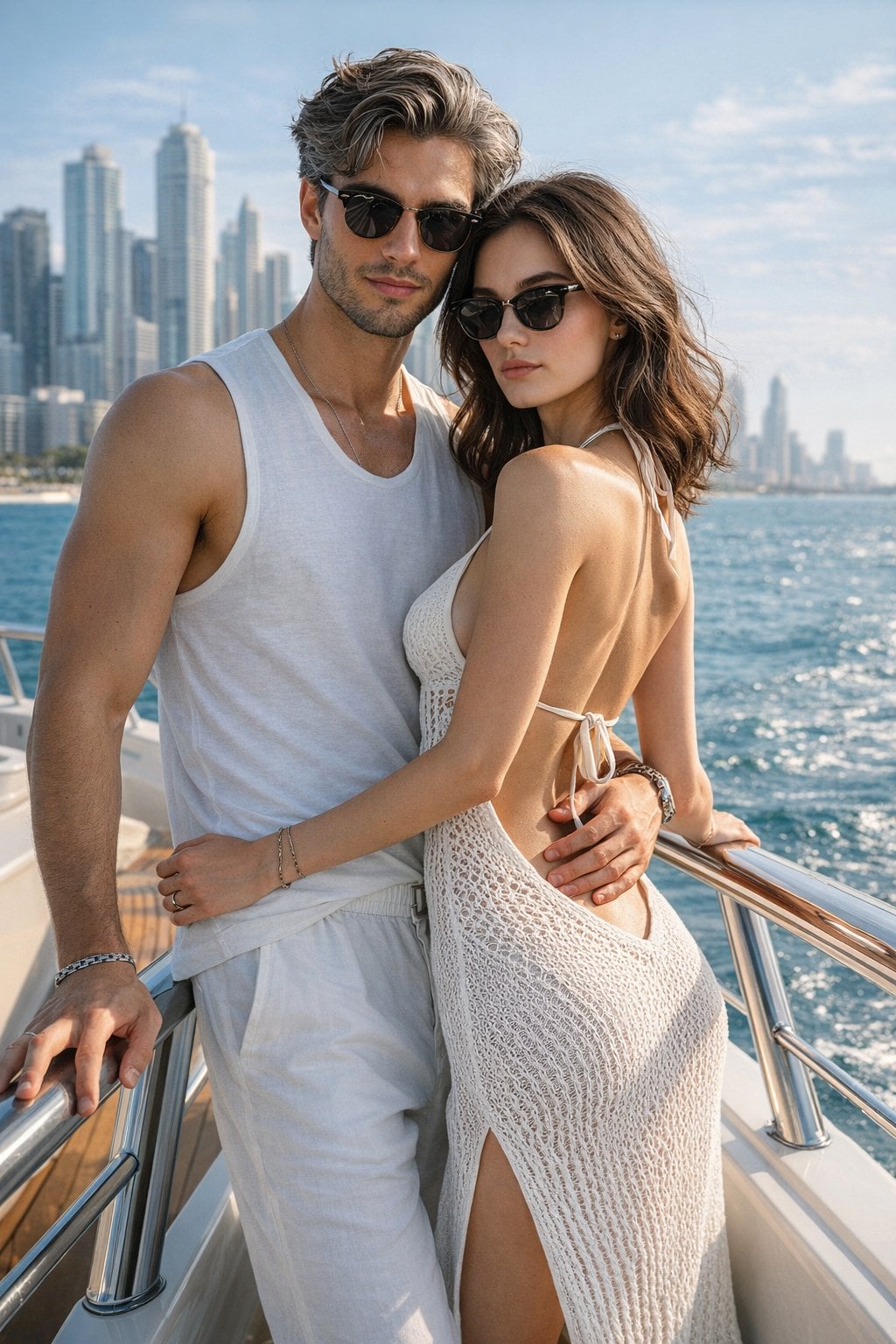
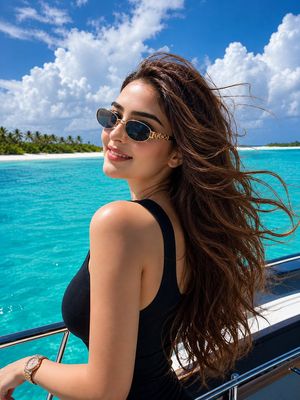
A professional, high-fashion portrait of a stylish young woman from the uploaded image standing on the deck of a luxury yacht overlooking a calm turquoise sea at sunset. She stands confidently near the railing with one hand lightly resting on it while the other gently lifts a strand of hair moved by the ocean breeze. Her posture is elegant and relaxed, projecting confidence, sophistication, and effortless charm. She wears a flowing {argument name="dress material" default="ivory silk"} dress paired with delicate gold jewelry and oversized designer sunglasses. The fabric catches the wind naturally, creating graceful movement and adding a sense of cinematic drama. Her hair flows freely, illuminated by the warm sunset light, while her expression is serene, confident, and slightly mysterious as she gazes toward the distant horizon. The background features endless ocean views, a glowing sunset sky painted with soft shades of gold, peach, and lavender, and distant sailboats blurred into the horizon. The lighting is warm and luxurious, creating golden highlights on her hair and skin while casting soft shadows that enhance depth and dimension. Captured in the style of a premium fashion campaign for a luxury lifestyle brand. Ultra-realistic photography, natural skin texture, exquisite facial detail, shallow depth of field, cinematic color grading, soft ocean reflections, elegant composition, luxury travel aesthetic, magazine-cover quality, high-end editorial photography, atmospheric depth, breathtaking sunset ambiance, and timeless sophistication.
Choose the primary action to open PicX Studio with the available template settings. Review the model and format, personalize the creative direction, and generate when ready.
Yes. You can change the subject, setting, lighting, mood, format, and available model controls before creating your image.
This template is free to open and customize. Generation usage is shown in PicX Studio before you create.
Start with Nano Banana 2, which is the model associated with this template. You can compare another compatible model for a different finish.
Follow a topic to a crawlable collection of related PicX Studio templates.