How do I use the Tropical Beach Vacation Portrait template?
Choose the primary action to open PicX Studio with the available template settings. Review the model and format, personalize the creative direction, and generate when ready.
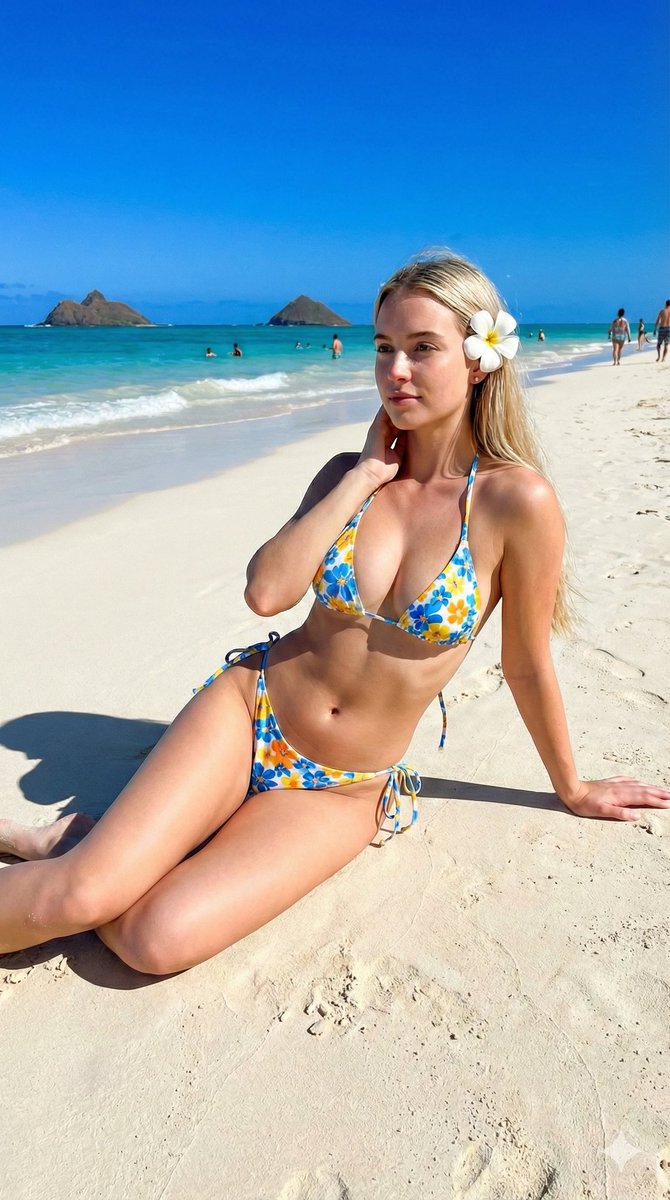
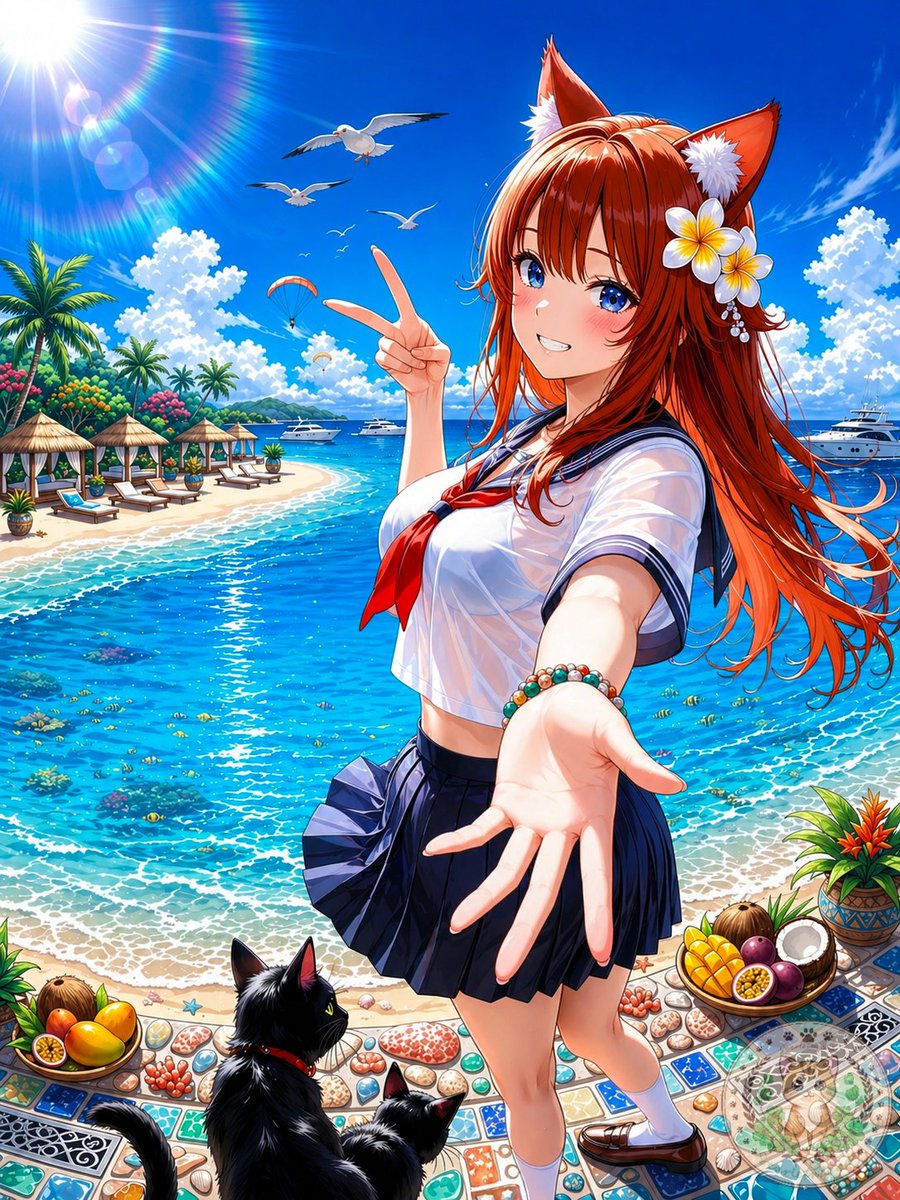
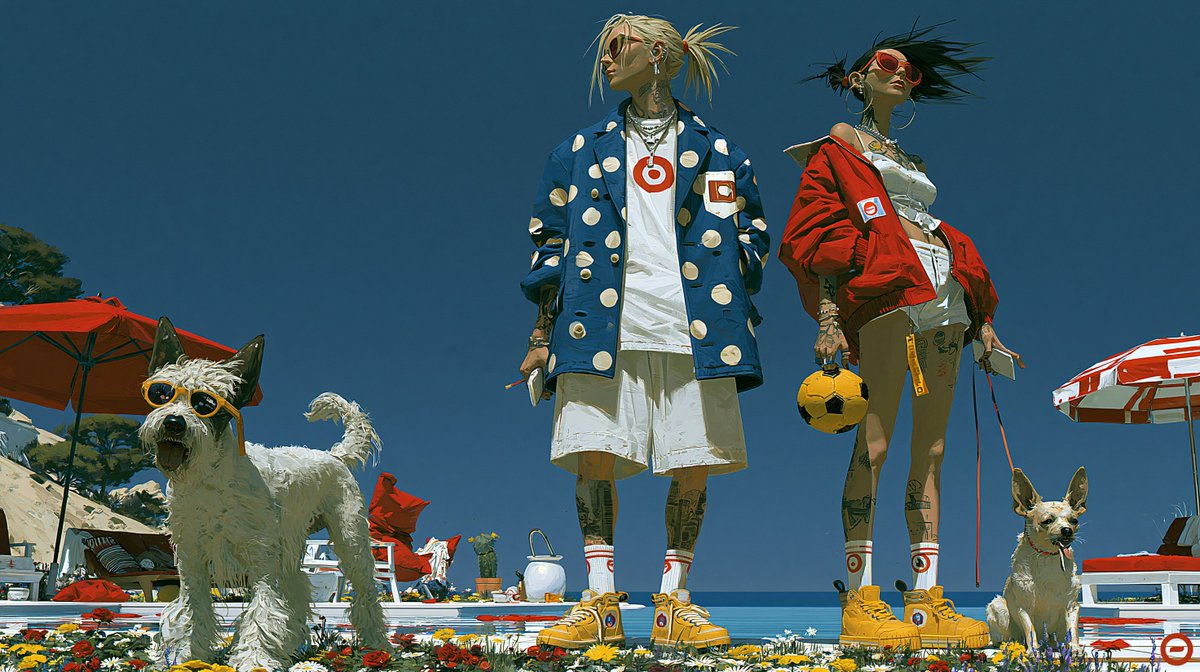
An ultra-realistic travel magazine style portrait of a young woman walking along a luxury tropical resort beach at golden hour.
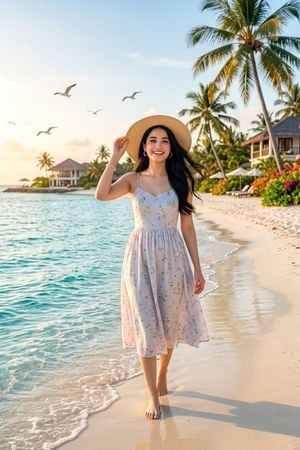
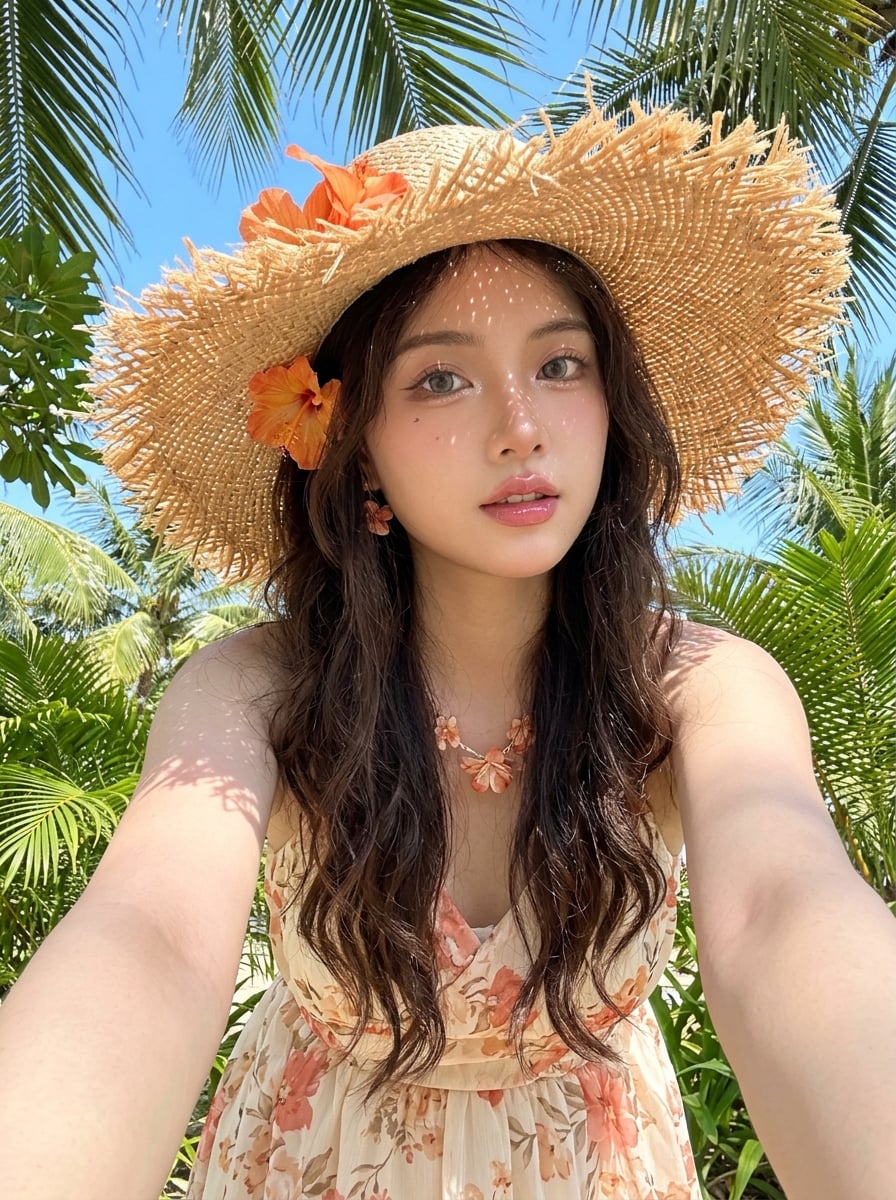
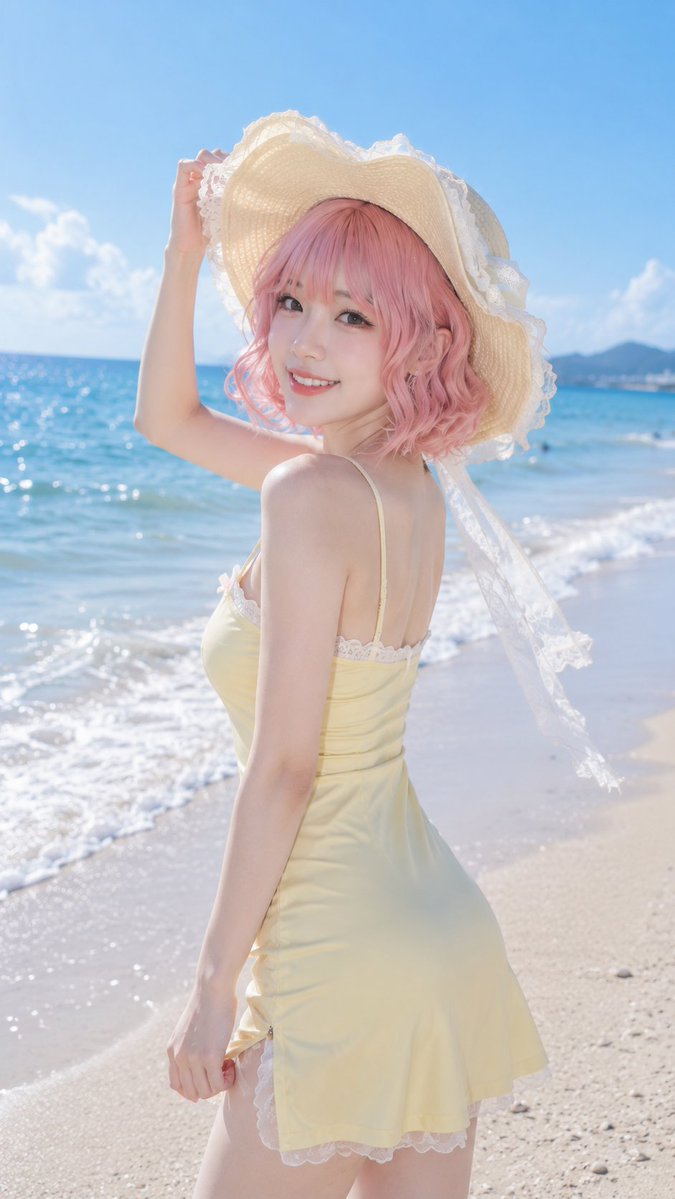
Create an ultra-realistic professional travel magazine photograph of {argument name="character description" default="a young woman with long silky black hair, bright expressive eyes, and flawless natural skin"} walking barefoot along the shoreline of a luxurious tropical beach at golden hour. She wears {argument name="outfit" default="a pale lavender-white sleeveless midi sundress with a delicate small floral print, thin straps, a fitted bodice, and a softly flowing skirt"}, a wide woven straw sunhat held lightly with one hand, small hoop earrings, and a pearl bracelet. Her black hair flows gently in the ocean breeze, her posture is relaxed and elegant, and she looks like she is enjoying a dream vacation. The composition is vertical, full-body, centered slightly right, with turquoise shallow ocean water and foamy waves on the left, smooth cream sand on the right, and her long shadow cast across the beach. In the background include exactly 5 visible seabirds flying in the sky, multiple tall palm trees, luxury beach villas, white beach umbrellas, lounge chairs, lush tropical flowers, and a calm resort coastline. Use warm sunset light, soft rim lighting, clear blue sky with pastel clouds, sparkling water reflections, natural skin tones, shallow depth of field, high-end editorial travel photography, crisp realistic detail, 85mm lens look, vibrant but natural colors. Make the destination feel like {argument name="vacation location" default="a Maldives-style tropical island resort"}. Avoid text, logos, watermarks, distorted anatomy, extra limbs, or cartoon styling.
Choose the primary action to open PicX Studio with the available template settings. Review the model and format, personalize the creative direction, and generate when ready.
Yes. You can change the subject, setting, lighting, mood, format, and available model controls before creating your image.
This template is free to open and customize. Generation usage is shown in PicX Studio before you create.
Start with GPT Image 2, which is the model associated with this template. You can compare another compatible model for a different finish.
Follow a topic to a crawlable collection of related PicX Studio templates.