
Tropical Beach Reflection in Sunglasses
A high-resolution macro photography prompt for a reflection of a beach scene in mirrored aviator sunglasses.
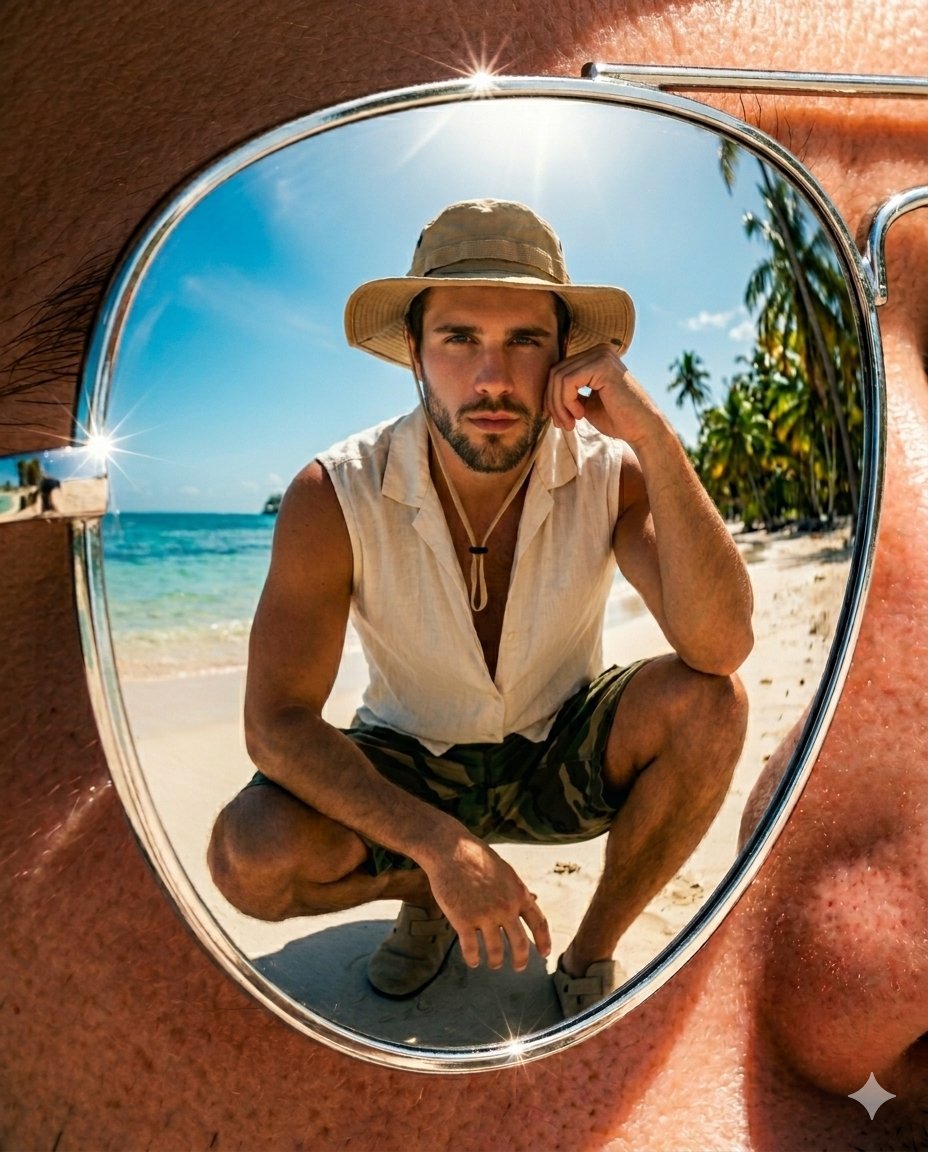
- Prompt included
- Model and format preset
- Free template
The prompt behind this image
Copy the exact prompt behind Tropical Beach Reflection in Sunglasses, or open it in the studio and make it yours.
Subject appearance should match the uploaded reference image exactly, preserving facial identity, proportions, hairstyle, skin tone, and body type with high accuracy. A hyper-realistic vertical photograph in a 4:5 aspect ratio. The composition features an {argument name="shot type" default="extreme close-up"} of oversized {argument name="sunglasses" default="metallic aviator sunglasses with elliptical chrome-mirrored lenses"}, dominating the frame with a bold, editorial aesthetic. Within the lens reflection, a {argument name="reflection scene" default="tropical beach scene"} is clearly visible under bright midday sunlight. A person is captured in a natural crouching pose, positioned with relaxed confidence, forming a “frame fingers” gesture near the face (thumbs and index fingers creating a viewfinder shape). The pose should feel stylish, balanced, and candid. Hands must remain clean and minimal, with no rings or finger accessories. Wardrobe Styling: A cream-white linen sleeveless tank top paired with vintage woodland camouflage cargo shorts. Accessories include a wide-brim straw boonie hat in a soft sand-beige tone, suede clogs in a matching sand-beige palette, and a subtle silver chain bracelet on the wrist. Lighting & Atmosphere: Bright tropical midday sunlight with strong, natural highlights. Intense chrome reflections on the lenses, visible sky reflections, and subtle rim lighting to enhance depth and separation. Camera & Image Quality: Captured on Sony A7R V with a 100mm f/2.8 macro lens. Ultra-high-resolution 8K detail, razor-sharp focus, realistic skin texture, and highly defined reflections with intricate micro-details. Strictly photorealistic output — no plastic textures, no CGI look, no AI artifacts.
How to use Tropical Beach Reflection in Sunglasses in 3 steps
- 1Upload ImagePNG, JPG or paste
Add your photo
Upload the photo the template builds on. The prompt, model and format are already set.
- 2…a portrait of your subject in softgolden-hour light, 85mm…
Personalize
Edit the subject and creative details for your destination.
- 3Generate
Generate
Press Generate — your image is created in PicX Studio, so you can compare it with the original and refine one variable at a time.
More like this
Templates with the same subject, style or setup. Open one to see its prompt.
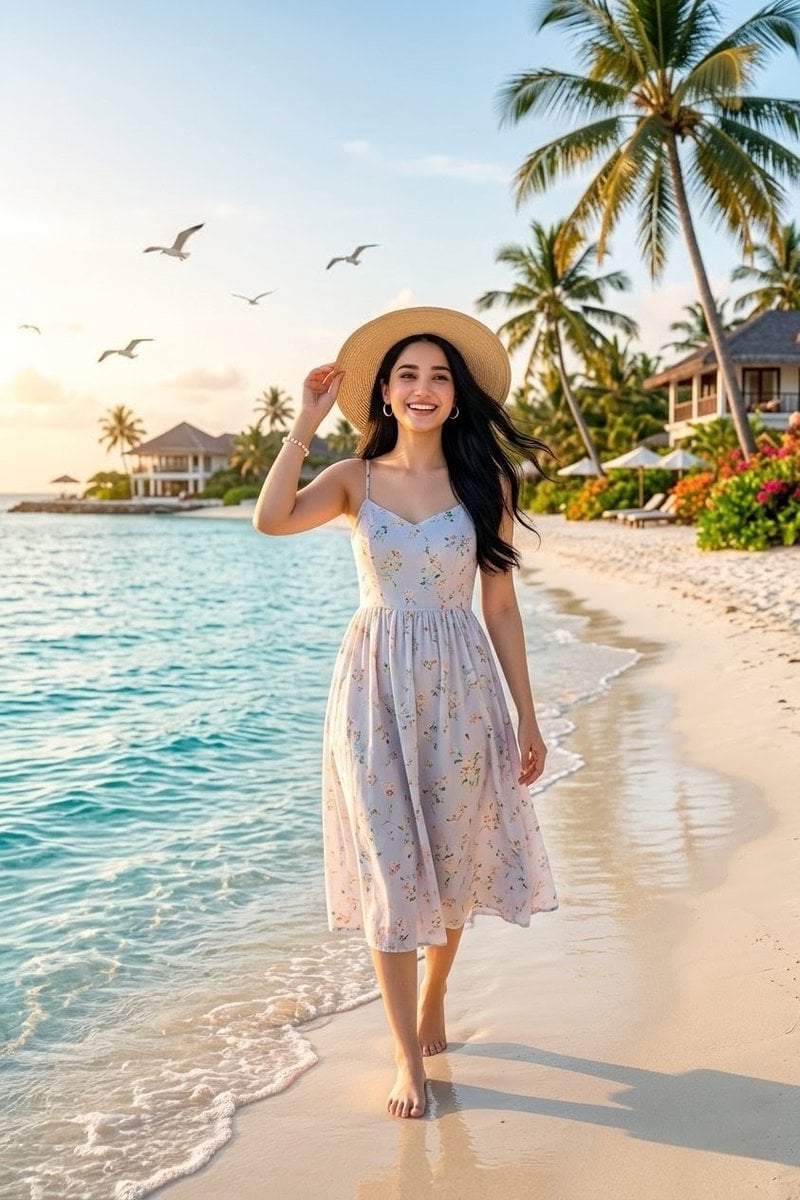
Tropical Beach Vacation Portrait
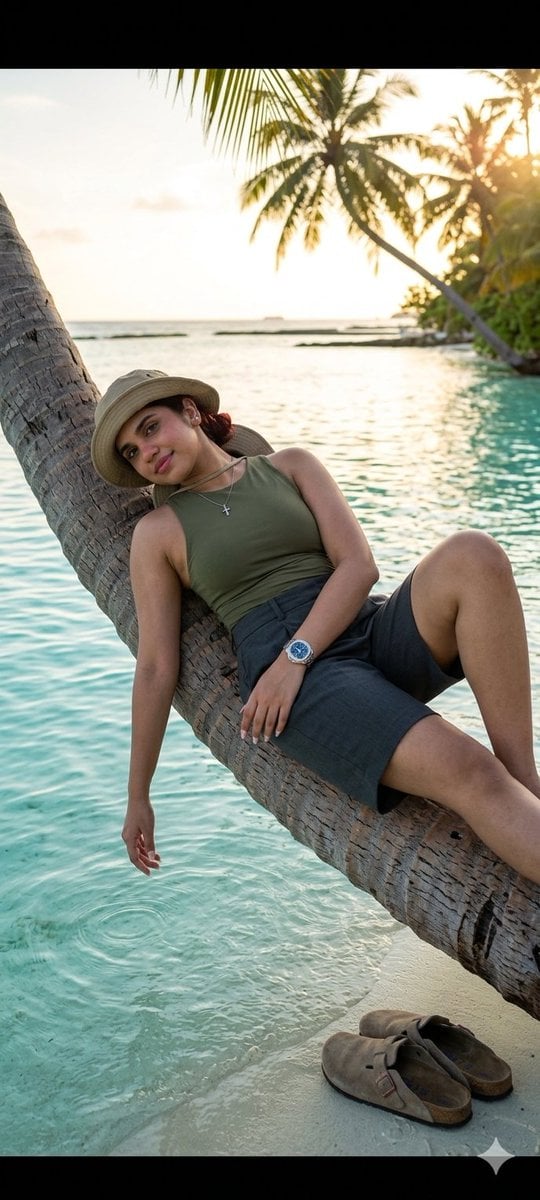
Tropical Beach Palm Bridge
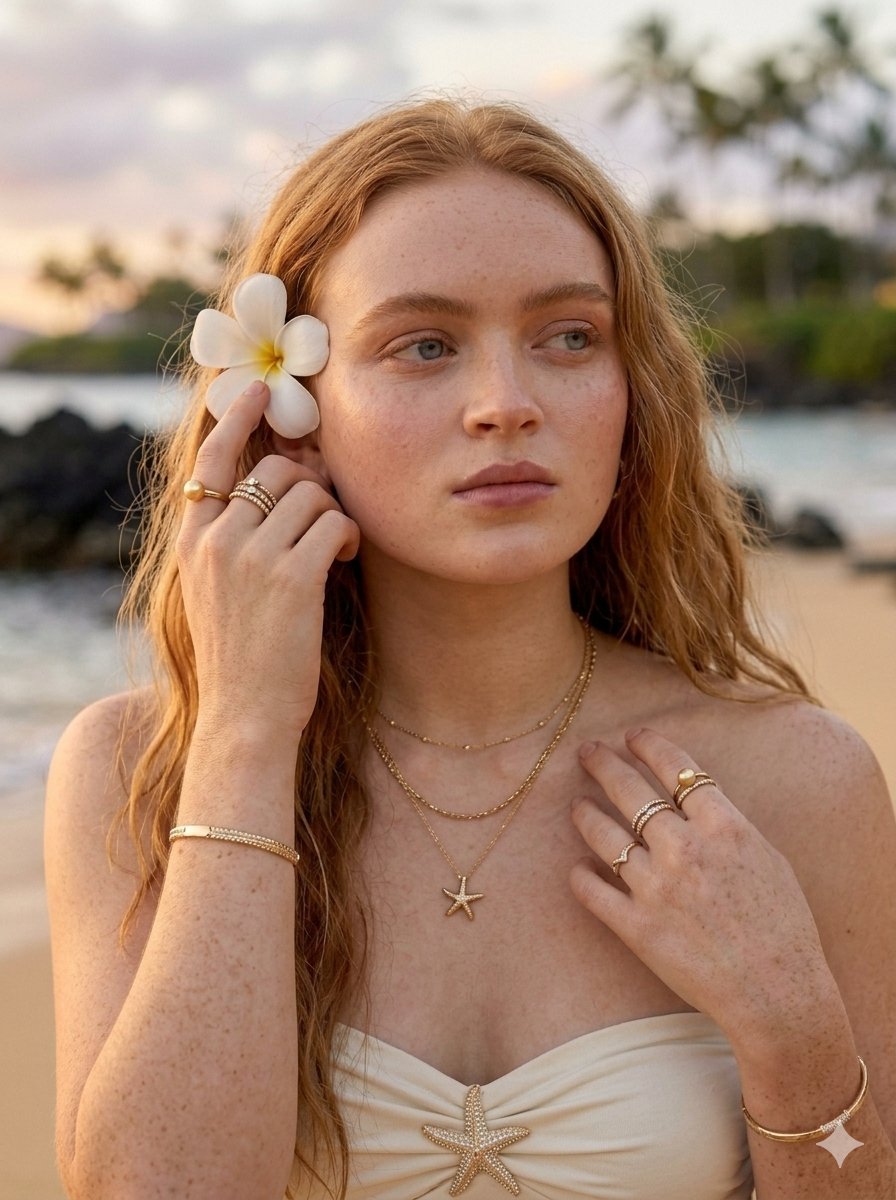
Tropical Luxury Beach Portrait
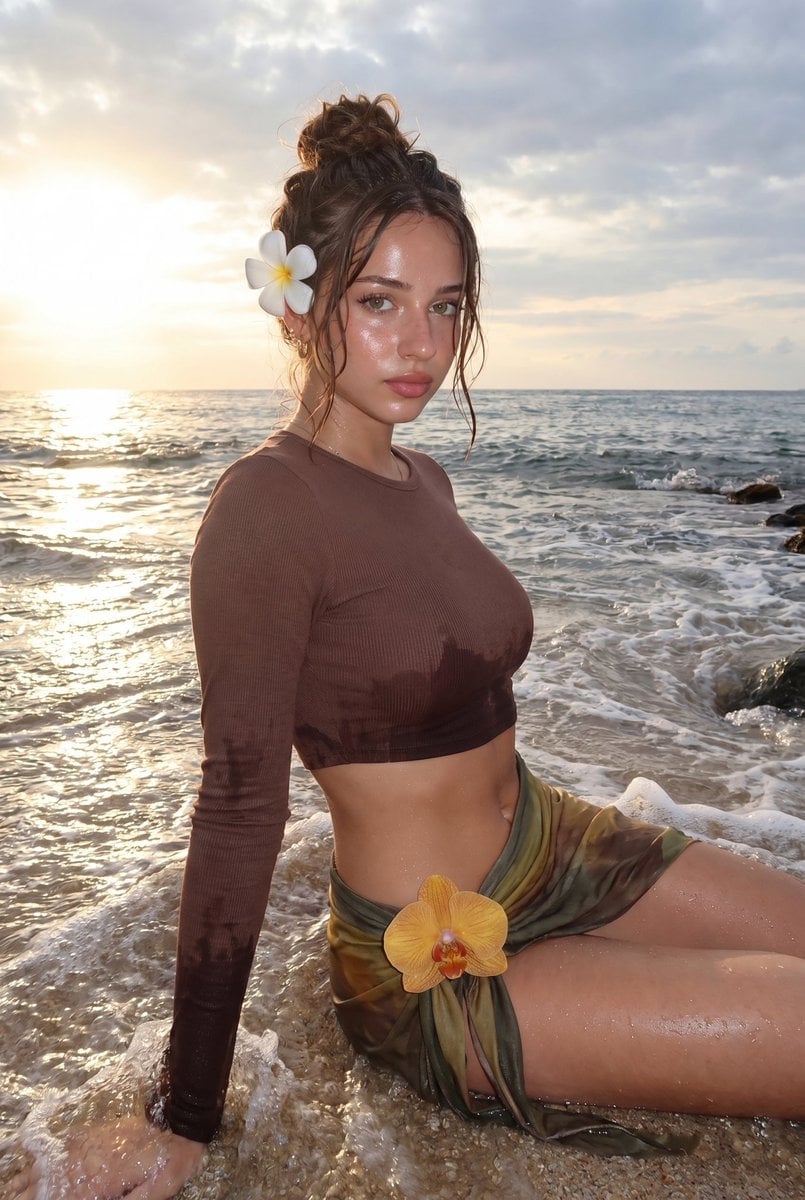
Tropical Beach Sunset Fashion Portrait
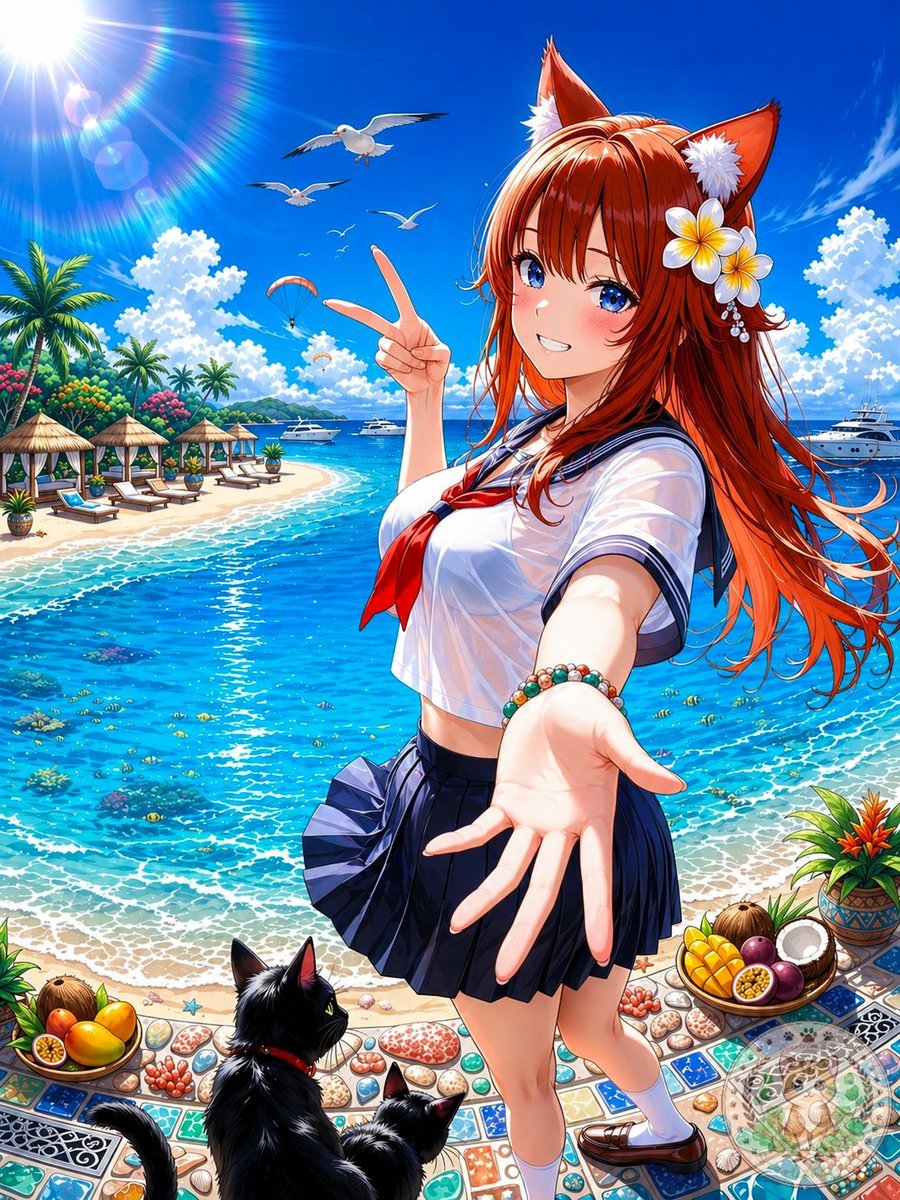
Anime Fox Girl at Tropical Beach
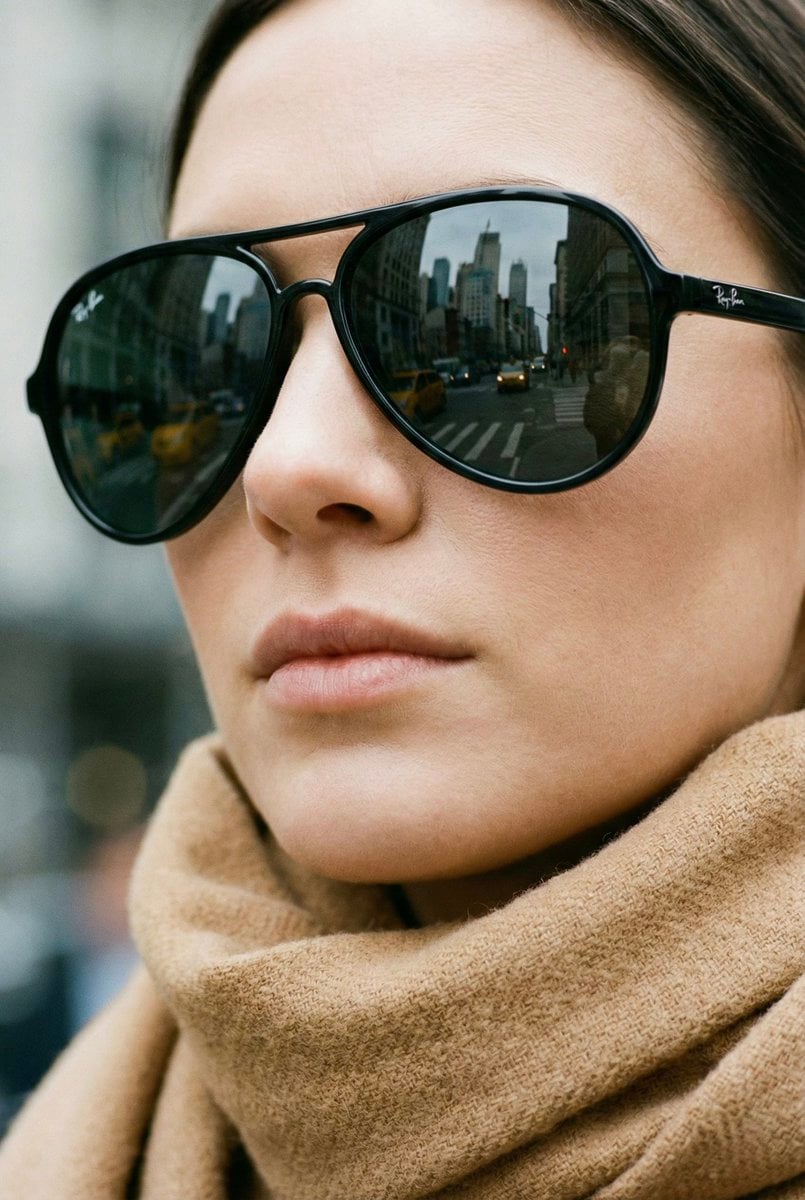
High-Fashion Aviator Sunglasses Portrait with NYC Reflection
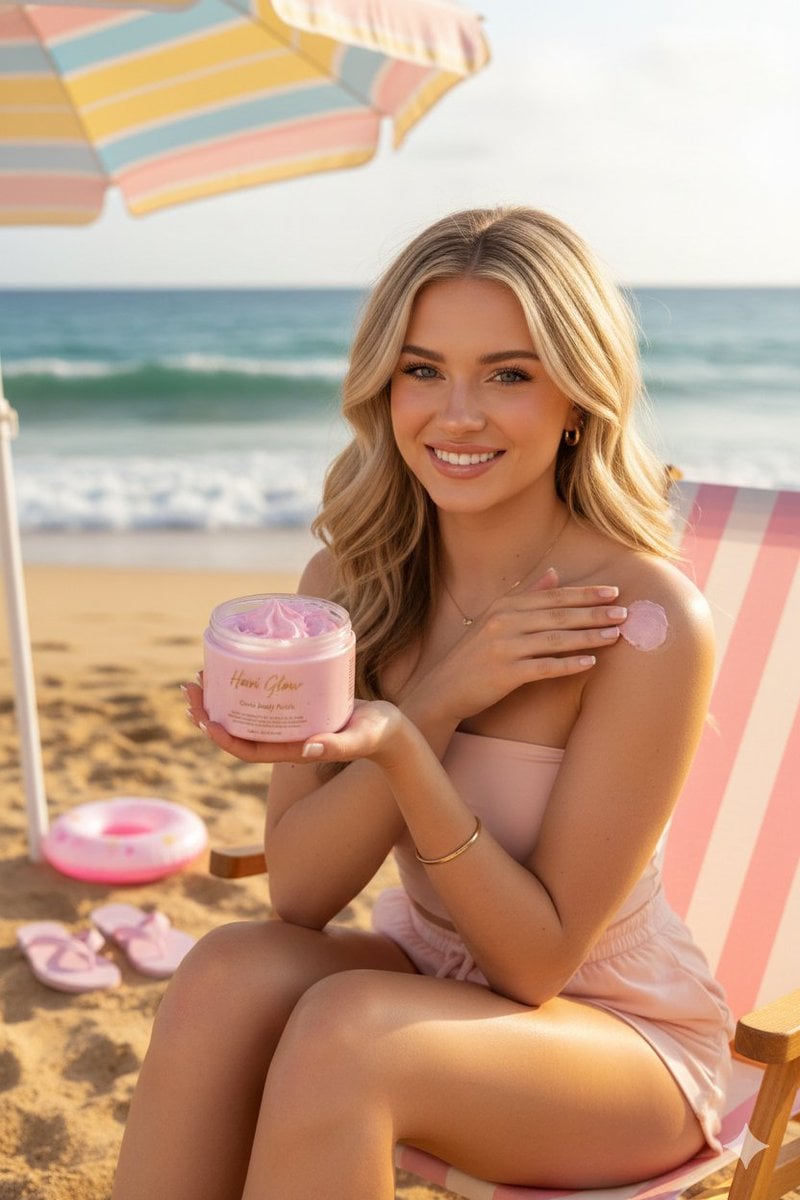
Luxury Body Polish Commercial on Tropical Beach
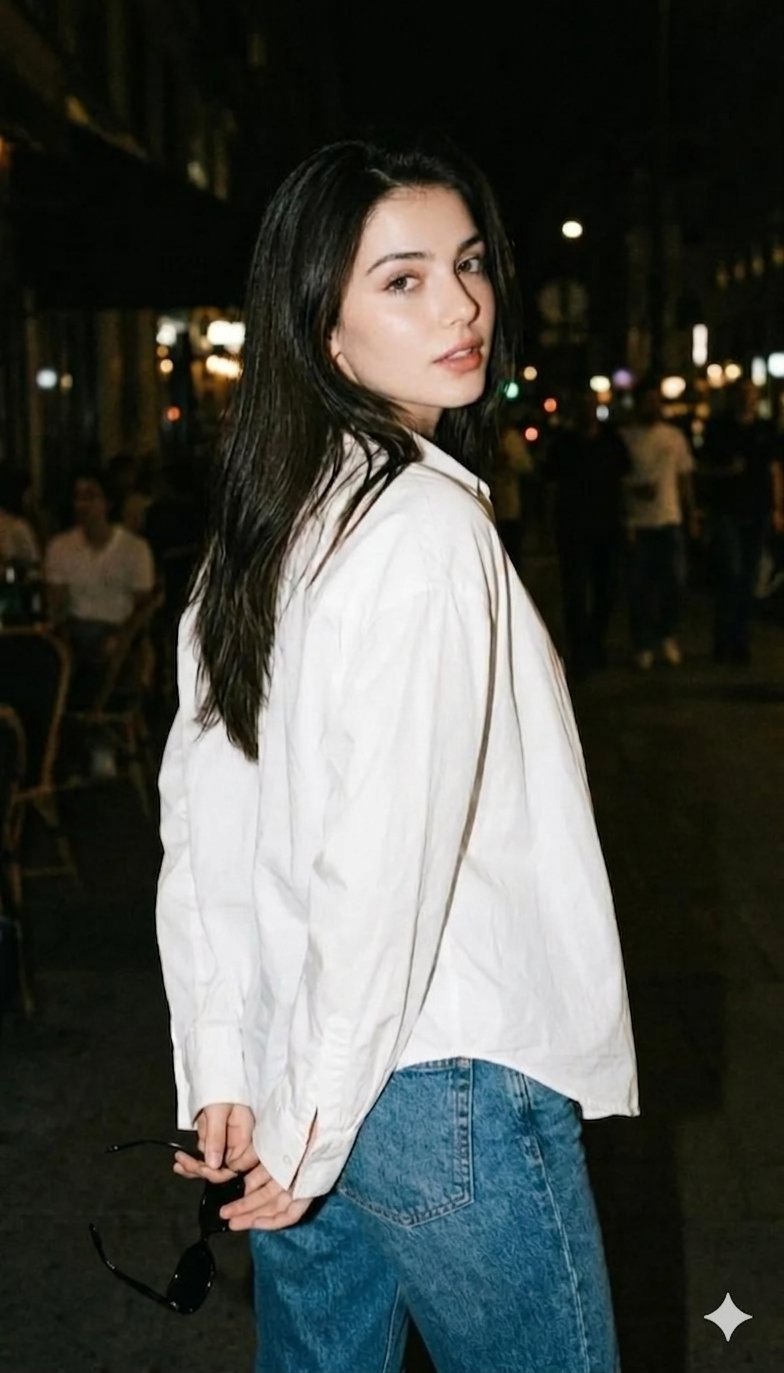
Gemini Night Flash Portrait

Japanese Film Reflection Idol

Tropical Vacation Selfie — Nano Banana (Chryzleen)

Tropical Hammock Latte — Nano Banana iPhone Style

Coastal Bench Portrait — Navy Floral Sundress
Make it yours
Tropical Beach Reflection in Sunglasses works as-is. These are the safest ways to change it without losing the look.
Change one field
Copy a single group, rewrite it, and generate again so you can see what that field is doing.
Keep the frame, change the subject
Hold the composition and light of Tropical Beach Reflection in Sunglasses, then swap wardrobe, props or the person for a new take.
| If the result… | Why | Fix |
|---|---|---|
| The result drifts from the preview | Too many fields changed at once. | Reuse Tropical Beach Reflection in Sunglasses as-is first, then change one group — subject, light, or setting. |
| The model over-stylizes the scene | The prose prompt leaves finish and camera underspecified. | Add one camera or lighting sentence and stay on Nano Banana 2. |
More Nano Banana 2 templates
Other prompts made for Nano Banana 2.

Photorealistic Leaf Shaped Like a Dragon

K-Pop Idol Portrait Grid for Rapid Selection

Poetic Rain Forest Portrait During Golden Hour

Urban Street Portrait with Cartoon Inner Self Duo

Candid Nighttime Photo with Cat Prompt

High-Concept 3D Diorama Generation Prompt

Cinematic Futuristic Studio Portrait Template

Skincare Editorial Photography Collage Prompt

Hyper-Realistic Commercial Product Photography (Splash Effect)

Hyper-Realistic Nightclub Portrait Prompt
More image prompts
Fresh picks from across the catalog.
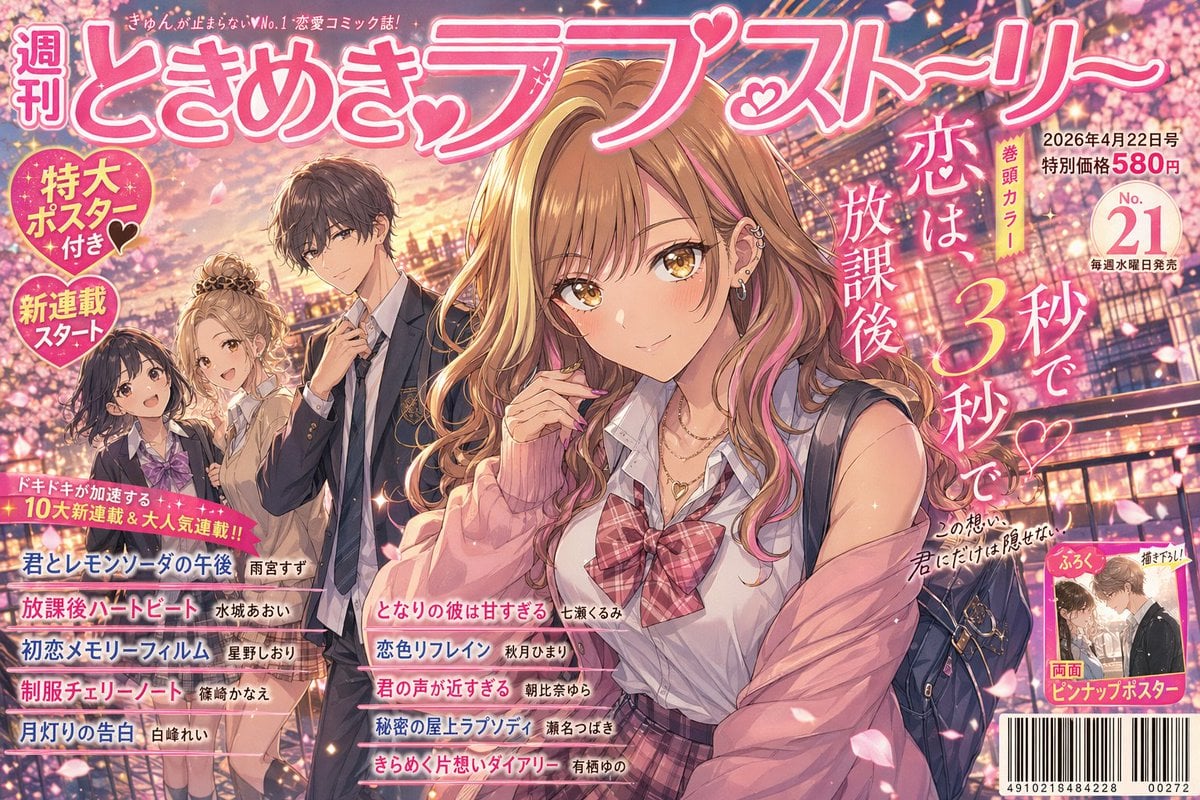
Shoujo Manga Magazine Cover
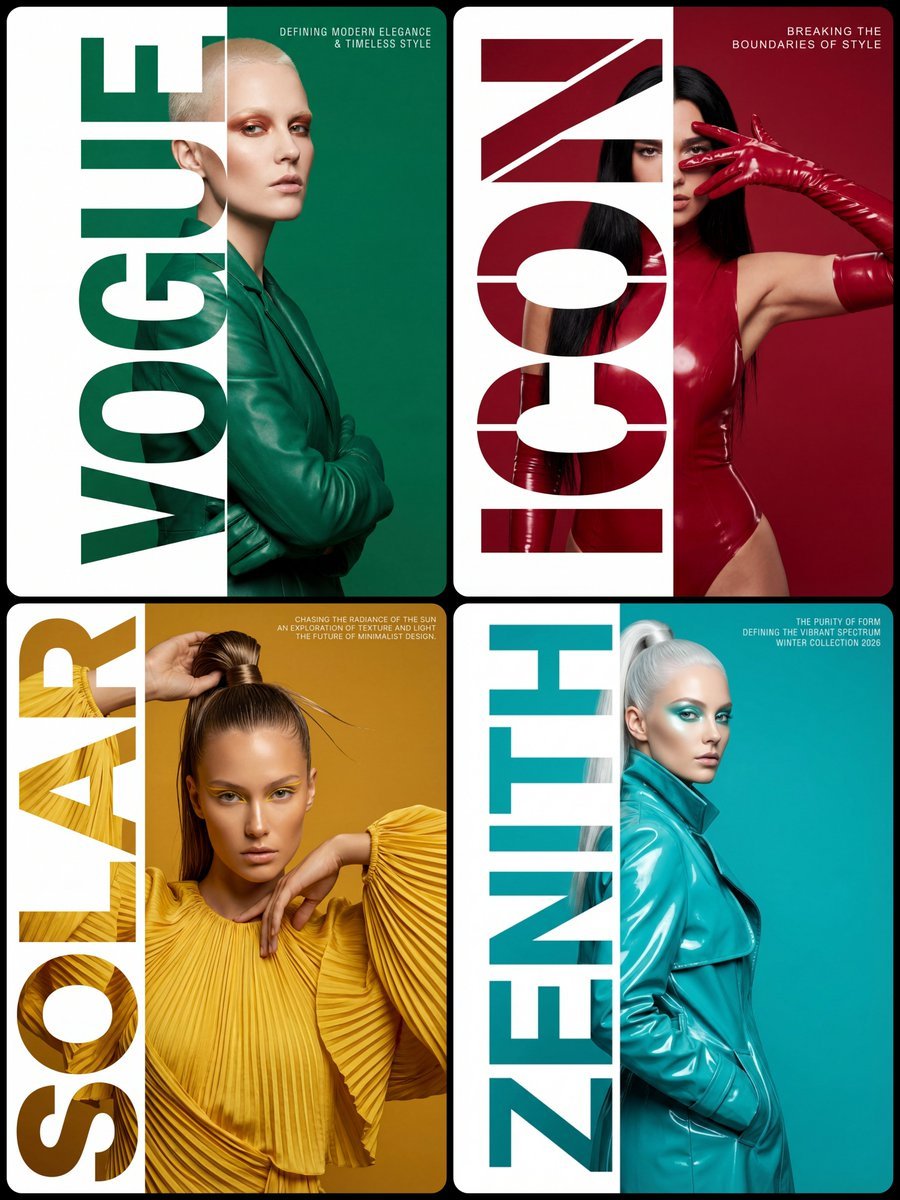
High-Fashion Typography Poster Template
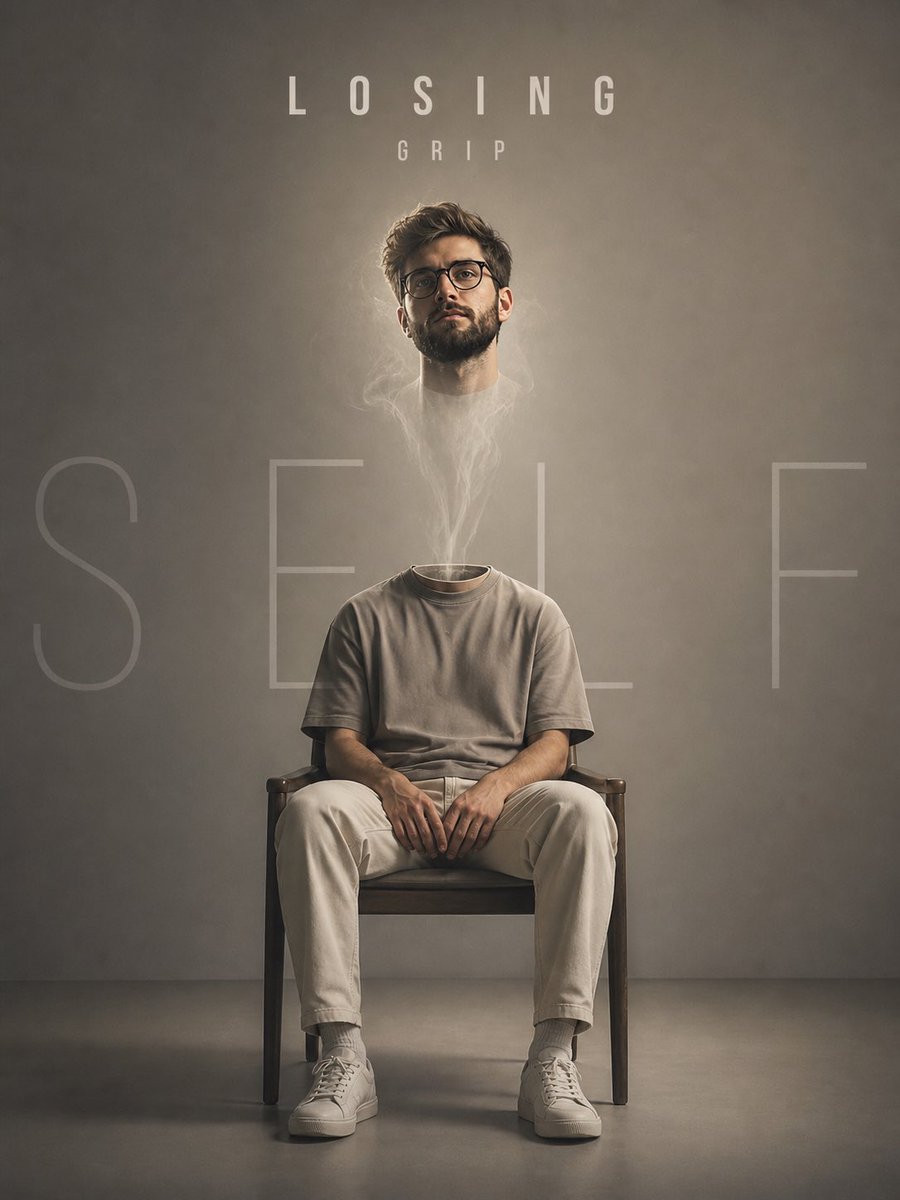
Floating Head Concept Art

Ultra-Realistic Corporate Executive Portrait

Passport Photo Style Portrait Replication Prompt

Enchanted Forest Root Kiss Scene By Nano
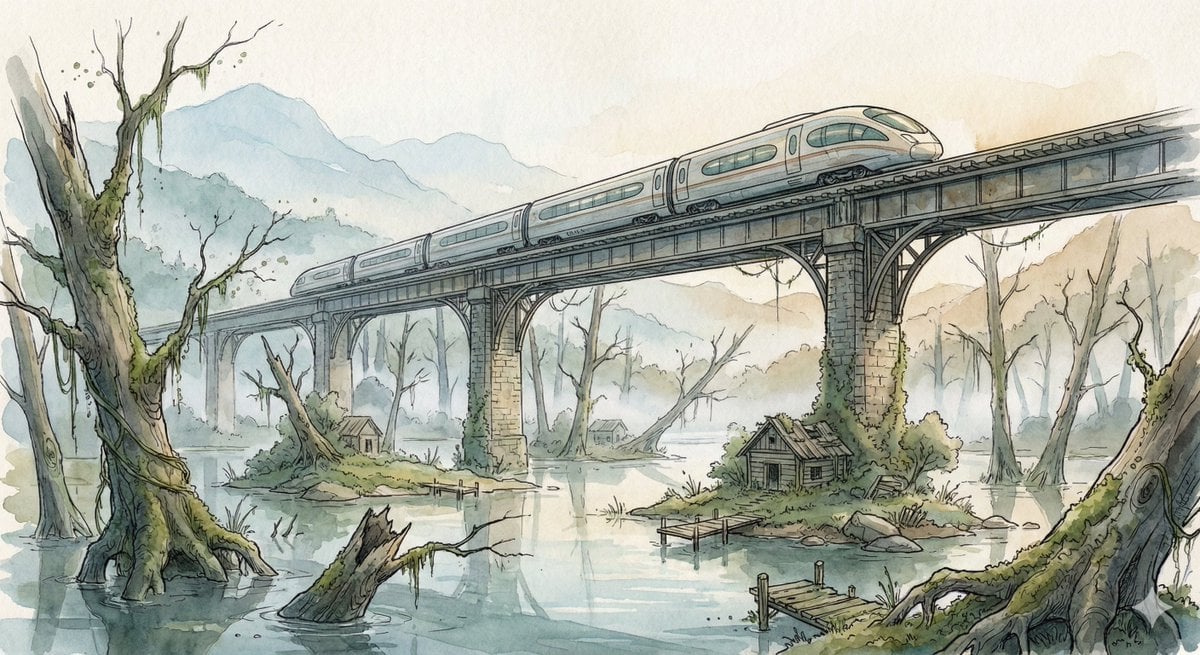
Fantasy Watercolor Illustration of an Elevated Rail Bridge over Flooded Forest

QR Code Business Card Designer
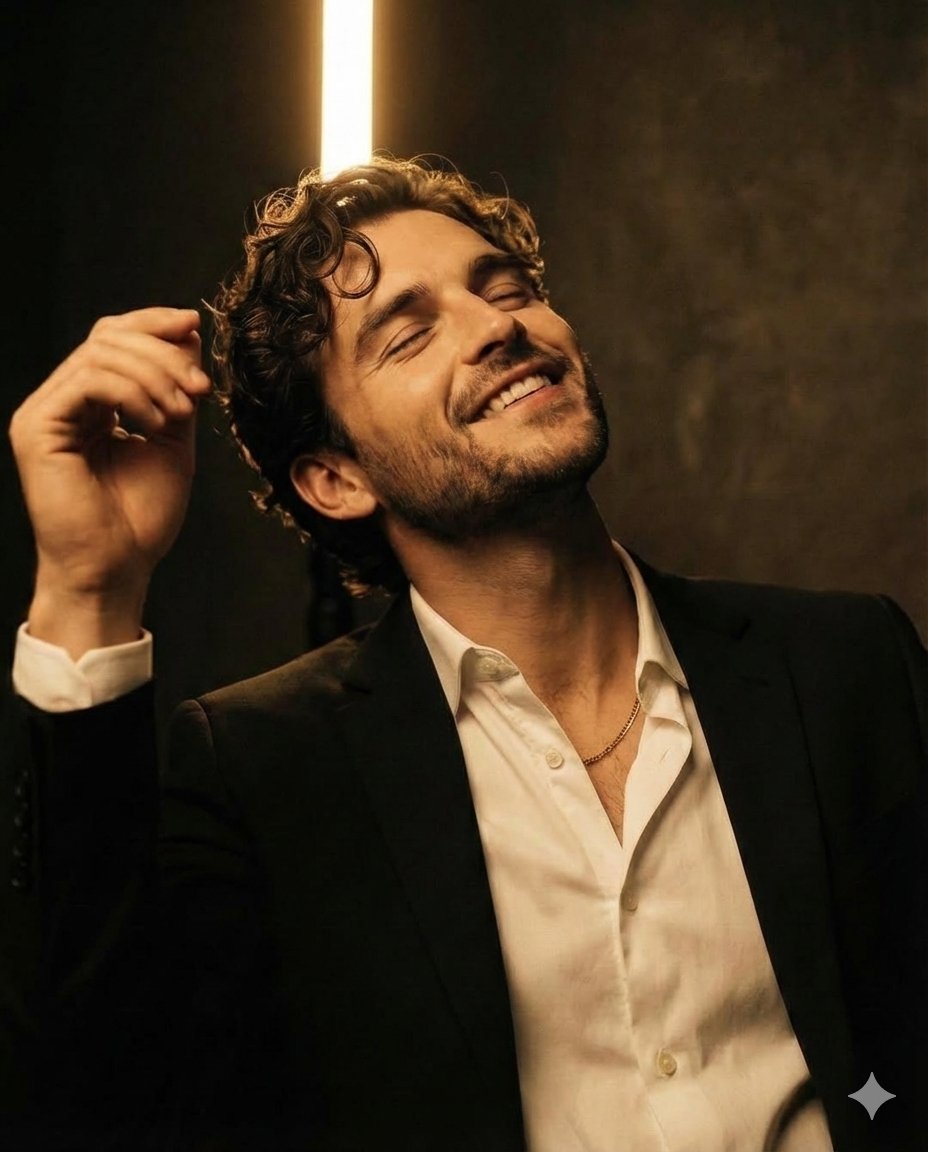
Chiaroscuro Editorial Portrait of a Man
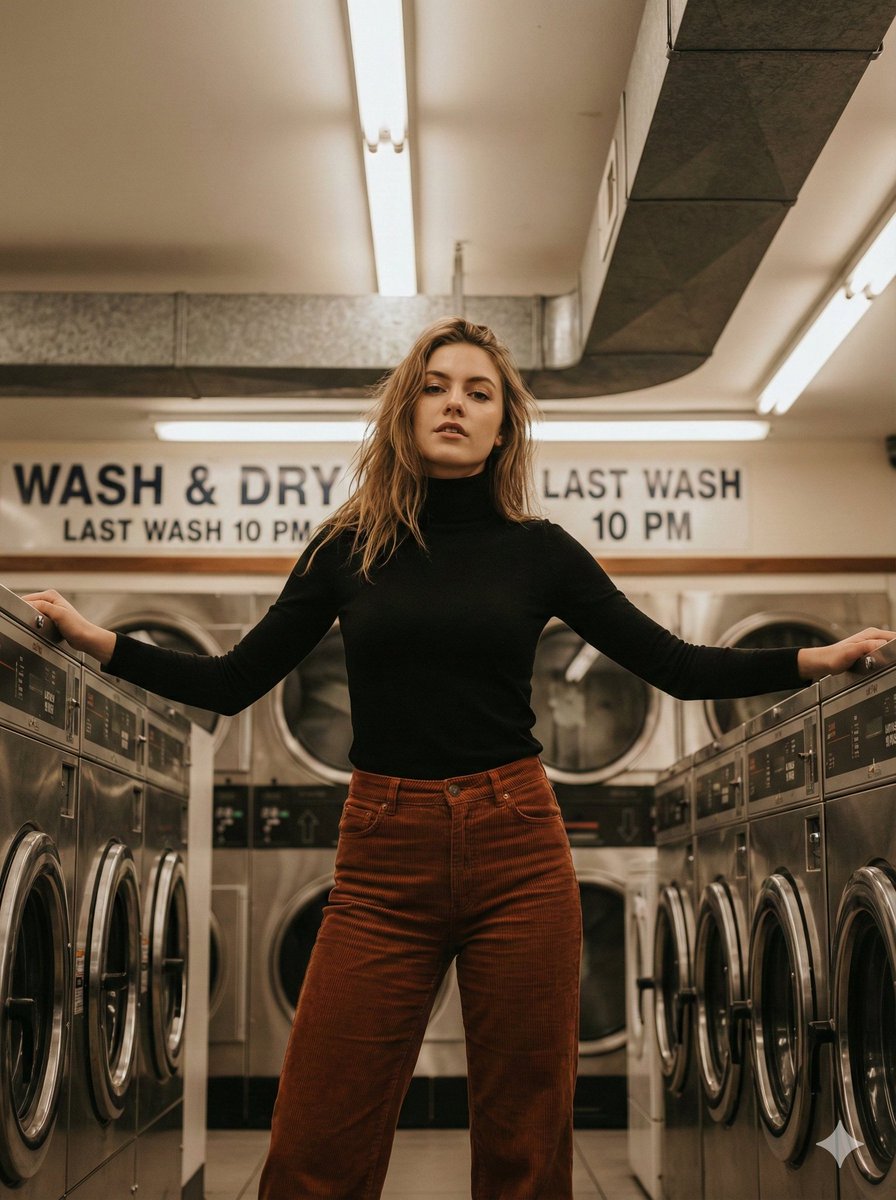
Editorial Lifestyle Portrait in an Urban Laundromat
Browse template categories
Tropical Beach Reflection in Sunglasses questions
How do I use the Tropical Beach Reflection in Sunglasses template?
Add your photo if the template asks for one, edit the prompt if you like — the template's model and format are already selected — and press Generate. Your version opens in PicX Studio.
Can I customize the Tropical Beach Reflection in Sunglasses template?
Yes. You can change the subject, setting, lighting, mood, format, and available model controls before creating your image.
Is the Tropical Beach Reflection in Sunglasses template free?
Opening and editing this template is free. Generating uses credits, shown on the Generate button when you are signed in.
Which AI model should I use?
Start with Nano Banana 2, which is the model associated with this template. You can compare another compatible model for a different finish.
Looking for something else? Browse all templates.

Your photo, any look
Thousands of ready templates for every top image and video model, from one credit balance.