How do I use the QR Code Business Card Designer template?
Choose the primary action to open PicX Studio with the available template settings. Review the model and format, personalize the creative direction, and generate when ready.
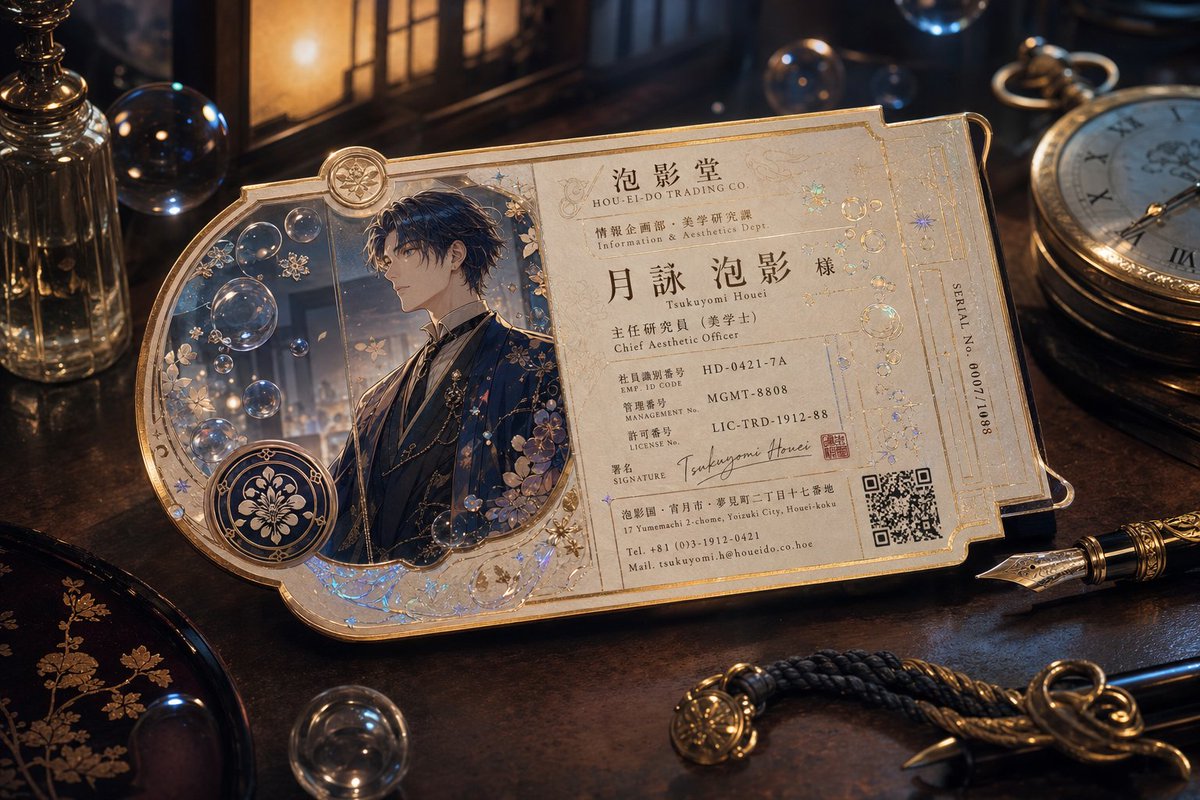
A functional prompt for GPT Image 2.0 to design a sophisticated business card that includes a scannable QR code and professional layout.
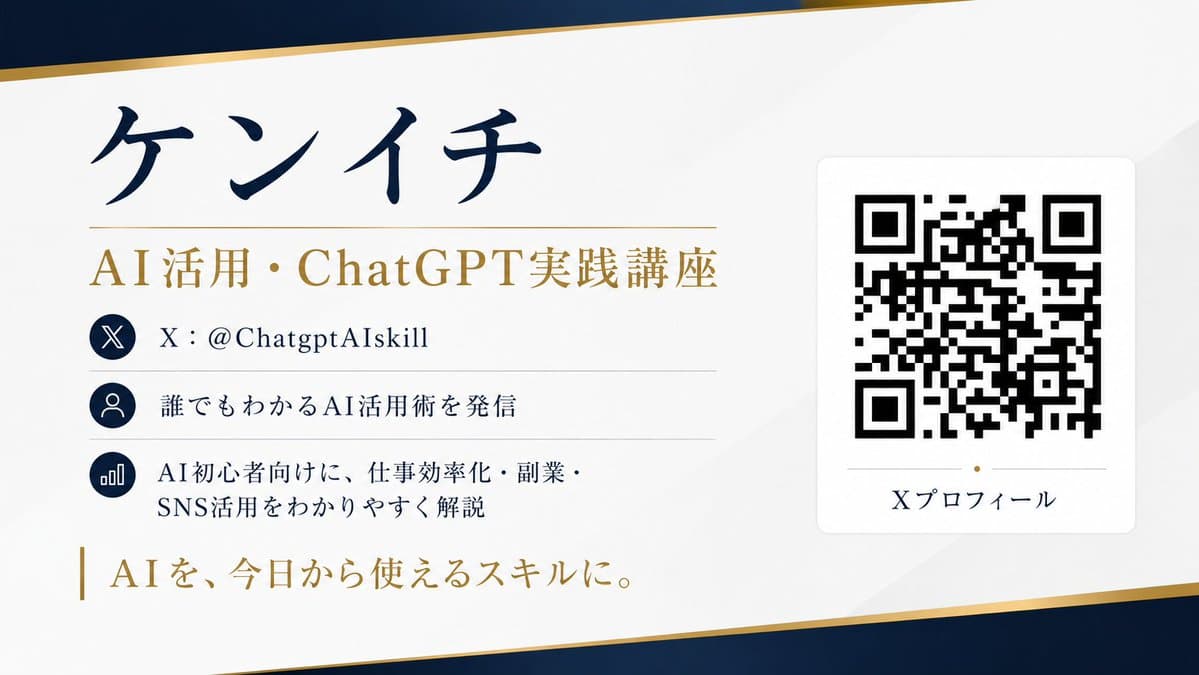
SNS(X)のプロフィール情報をもとに、実際に読み取れるQRコード付きの名刺デザインを作成してください。 【目的】 Xアカウントのプロフィール情報を、洗練された横型名刺として1枚にまとめてください。 名刺のデザイン、配色、レイアウト、余白設計、フォントの雰囲気は、全体が最も美しく見えるようにAIが自動で提案してください。 【掲載する情報】 ・名前:{argument name="名前" default="〇〇〇〇"} ・肩書き:{argument name="肩書き" default="〇〇〇〇"} ・Xアカウント:@{argument name="アカウント名" default="〇〇〇〇"} ・プロフィール文:〇〇〇〇 ・実績や特徴:〇〇〇〇 ・一言キャッチコピー:〇〇〇〇 ・QRコードのリンク先: https://t.co/OQINcuK6wH〇〇〇〇 【QRコードについて】 ・QRコードは装飾用ではなく、実際にスマートフォンで読み取れるものにしてください ・リンク先は「https://t.co/OQINcuK6wH〇〇〇〇」を正確に埋め込んでください ・QRコードは十分なサイズで配置し、読み取り精度を優先してください ・QRコードの周囲には十分な余白(クワイエットゾーン)を確保してください ・QRコードの上に文字や装飾を重ねないでください ・QRコードの形を崩したり、過度な加工をしないでください ・背景とのコントラストを高くし、読み取りやすさを最優先してください 【デザイン条件】 ・横型の名刺デザイン ・デザイン(例:高級感/洗練/信頼感/プロフェッショナル感)が伝わること ・余白を活かしたミニマルで美しいレイアウト ・文字はすべて日本語で、くっきり読みやすく ・情報の優先順位を明確にし、名前と肩書きが最も目立つようにする ・全体の雰囲気に合うように、AIが最適な背景色、アクセント、フォントバランスを自動で決める ・安っぽいテンプレート感は避ける ・実際の印刷にも使えそうな上品な仕上がりにする 【重要】 ・名刺デザインは人間が細かく指定したような固定レイアウトではなく、AIが美しく自然にデザイン提案すること ・ただし、QRコードだけは必ず実用性を優先すること ・文字化けを避け、すべての文字が明確に読めるようにする ・情報量は整理し、見やすさを最優先する アスペクト比は16:9。 高解像度で作成してください。
Choose the primary action to open PicX Studio with the available template settings. Review the model and format, personalize the creative direction, and generate when ready.
Yes. You can change the subject, setting, lighting, mood, format, and available model controls before creating your image.
This template is free to open and customize. Generation usage is shown in PicX Studio before you create.
Start with GPT Image 2, which is the model associated with this template. You can compare another compatible model for a different finish.
© 2026 PicX Studio. All rights reserved.

Follow a topic to a crawlable collection of related PicX Studio templates.