
Japanese AI Prompt Designer Poster
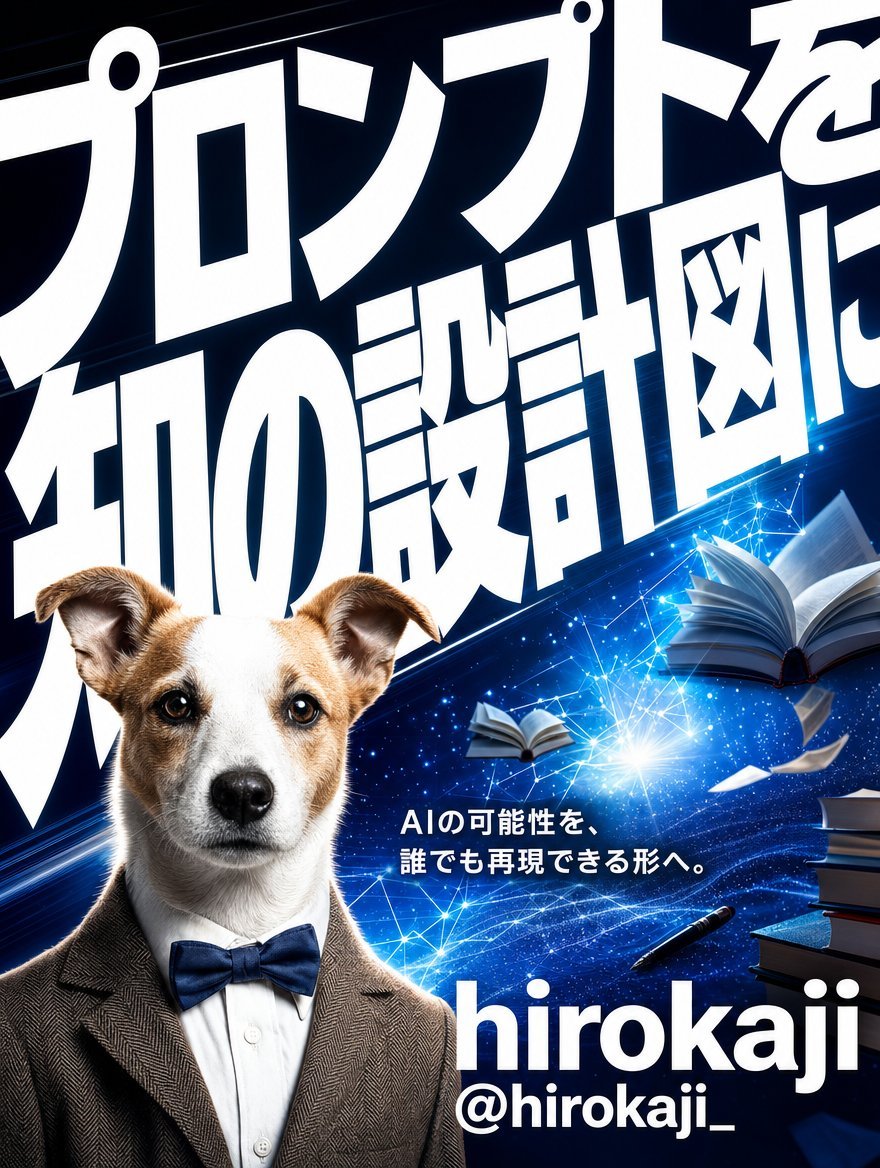
A cinematic Japanese tech poster featuring a professor-like terrier, bold typography, books, and glowing AI knowledge effects for promoting a prompt-design expert.
- Prompt included
- Model and format preset
- Free template
The prompt behind this image
Copy the exact prompt behind Japanese AI Prompt Designer Poster, or open it in the studio and make it yours.
Goal: Create a dramatic vertical promotional poster for {argument name="character name" default="hirokaji"}, presenting them as an expert in advanced prompt design and AI creativity. Canvas: Portrait poster, approximately 3:4 aspect ratio, high-resolution, cinematic Japanese tech-advertising style. Use a deep navy-to-black background with electric blue highlights, glowing particles, lens flares, and network-like lines. Layout: The poster has 4 main visual zones: 1) a huge oversized Japanese headline filling the top and upper background, cropped by the canvas edges; 2) a realistic anthropomorphic dog portrait occupying the lower-left foreground; 3) a magical AI/knowledge scene with books and light trails across the middle-right; 4) name and handle typography at the lower-right. Text content: Use a massive bold white Japanese headline in the background, extremely condensed and poster-like, reading {argument name="headline text" default="プロンプトを知の設計図に"}. Place a smaller white Japanese tagline near the center-right reading {argument name="tagline text" default="AIの可能性を、誰でも再現できる形へ。"}. At the bottom-right, set the name in very large lowercase white Latin letters: {argument name="display name" default="hirokaji"}. Directly below it, add the handle in smaller bold white text: {argument name="social handle" default="@hirokaji_"}. Subject details: Create exactly 1 dog character in the lower-left foreground: a realistic Jack Russell terrier with a white face, tan ears and tan patches, dark expressive eyes, black nose, looking straight at the viewer with a serious intelligent expression. Dress the dog like a professor or prompt engineer: exactly 3 visible clothing pieces — a brown tweed blazer, a crisp white dress shirt, and a navy blue bow tie. Objects and effects: Include exactly 2 open floating books on the right side, one larger open book near the upper-right and one smaller open book near the mid-right. Include exactly 1 stack of books at the far right edge near the lower-right, made of 4 visible books. Include exactly 1 black pen floating diagonally near the lower-middle-right. Include exactly 2 loose white paper sheets flying near the right side. Add a bright blue-white burst of light near the center-right, connected to thin glowing network lines, star points, and sweeping blue energy waves. Visual style: Photorealistic dog and clothing combined with a glossy cinematic sci-fi poster background. High contrast, sharp focus on the dog, bold white typography, intense electric blue lighting, dynamic diagonal motion, professional Japanese magazine-cover energy. Constraints: Keep all typography white and bold. The huge Japanese headline must dominate the top half and be partially cropped for impact. Do not add extra people, extra animals, logos, watermarks, or additional readable text beyond the specified headline, tagline, name, and handle.
How to use Japanese AI Prompt Designer Poster in 3 steps
- 1Upload ImagePNG, JPG or paste
Add your photo
Upload the photo the template builds on. The prompt, model and format are already set.
- 2…a portrait of your subject in softgolden-hour light, 85mm…
Personalize
Edit the subject and creative details for your destination.
- 3Generate
Generate
Press Generate — your image is created in PicX Studio, so you can compare it with the original and refine one variable at a time.
More like this
Templates with the same subject, style or setup. Open one to see its prompt.

Minecraft Japanese Research Lab Exploration

Japan Travel Brochure Poster
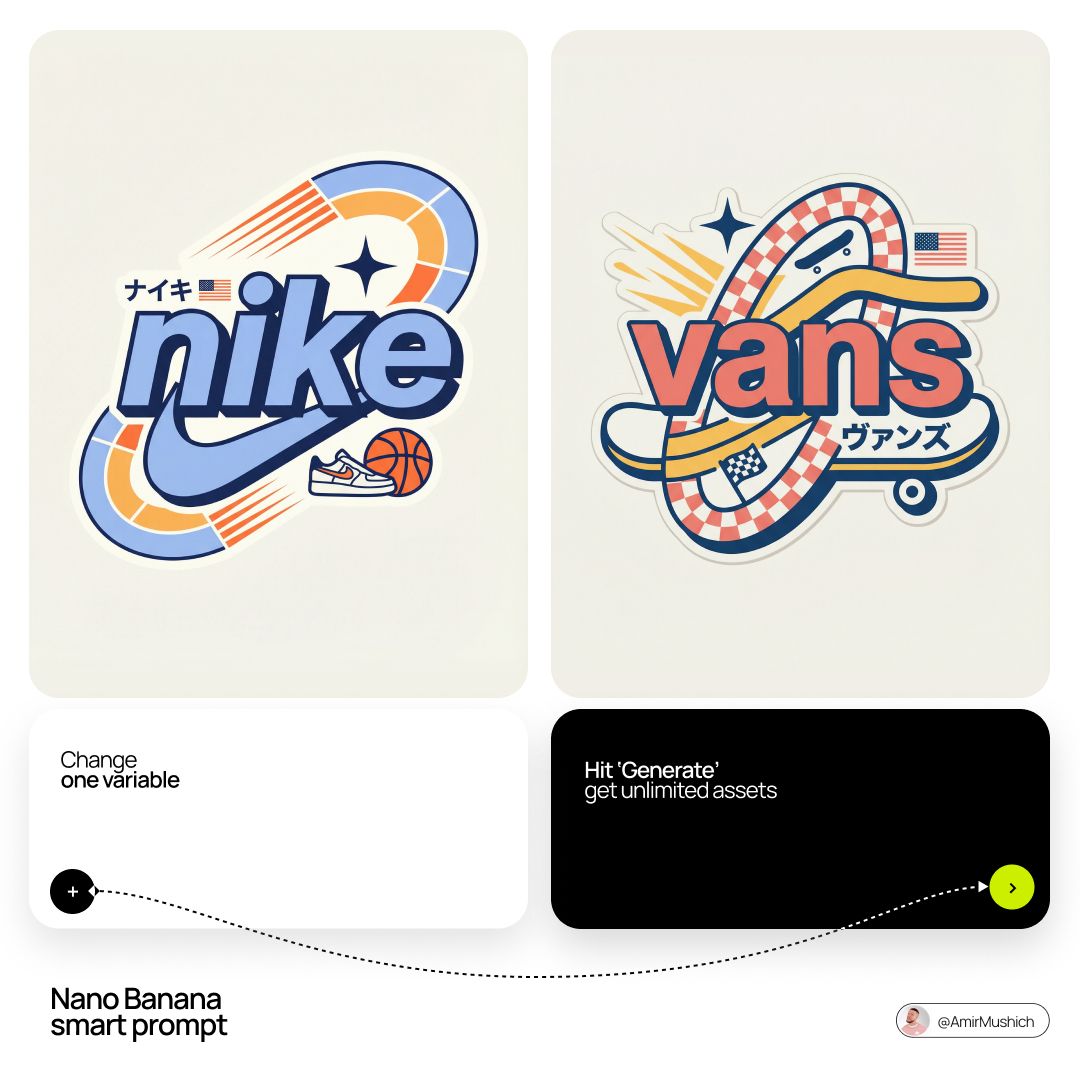
Act as a Senior Vector Graphic Designer specializing in Y2K Japanese

Cartoon TV Show Poster Pack

Trendy Cafe Drink Promo Poster

Urban Fashion Editorial Collage Streetwear Poster

Japanese Architectural Concrete Studio Fashion Campaign

Premium Fashion Editorial Cover Layout System

Polo Ralph Lauren Luxury American Heritage Fashion Campaign

Monochrome Halftone Editorial Fashion Poster

Retro Mirror Luxury Fashion Campaign Poster

Luxury Fashion Campaign Typography Poster System
Make it yours
Japanese AI Prompt Designer Poster works as-is. These are the safest ways to change it without losing the look.
Change one field
Copy a single group, rewrite it, and generate again so you can see what that field is doing.
Keep the frame, change the subject
Hold the composition and light of Japanese AI Prompt Designer Poster, then swap wardrobe, props or the person for a new take.
| If the result… | Why | Fix |
|---|---|---|
| The result drifts from the preview | Too many fields changed at once. | Reuse Japanese AI Prompt Designer Poster as-is first, then change one group — subject, light, or setting. |
| The model over-stylizes the scene | The prose prompt leaves finish and camera underspecified. | Add one camera or lighting sentence and stay on GPT Image 2. |
More GPT Image 2 templates
Other prompts made for GPT Image 2.

Six VTuber Japanese Logo Sheet

Realistic Portrait of Woman and Deer

The Vista Modular Condo Poster

AI Model Routing Comparison Infographic

2.5D Anime Art Board

Isometric Productivity Desk Scene

New York Double Exposure Poster

Four-Panel AI Landscape Comparison

Japanese Tatami Lifestyle Magazine Cover

NESCAFÉ Coffee Map Poster
More image prompts
Fresh picks from across the catalog.

Professional Corporate Logo Generator
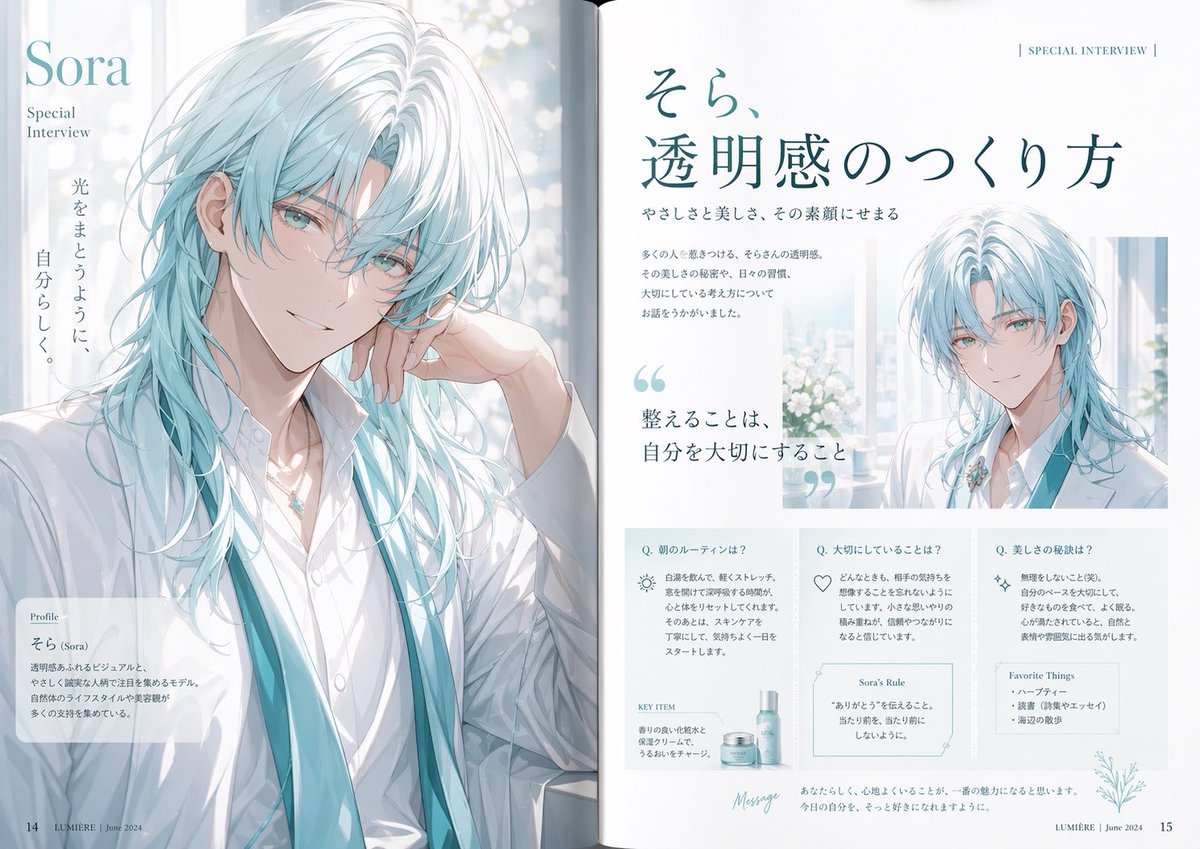
Anime Magazine Interview Spread
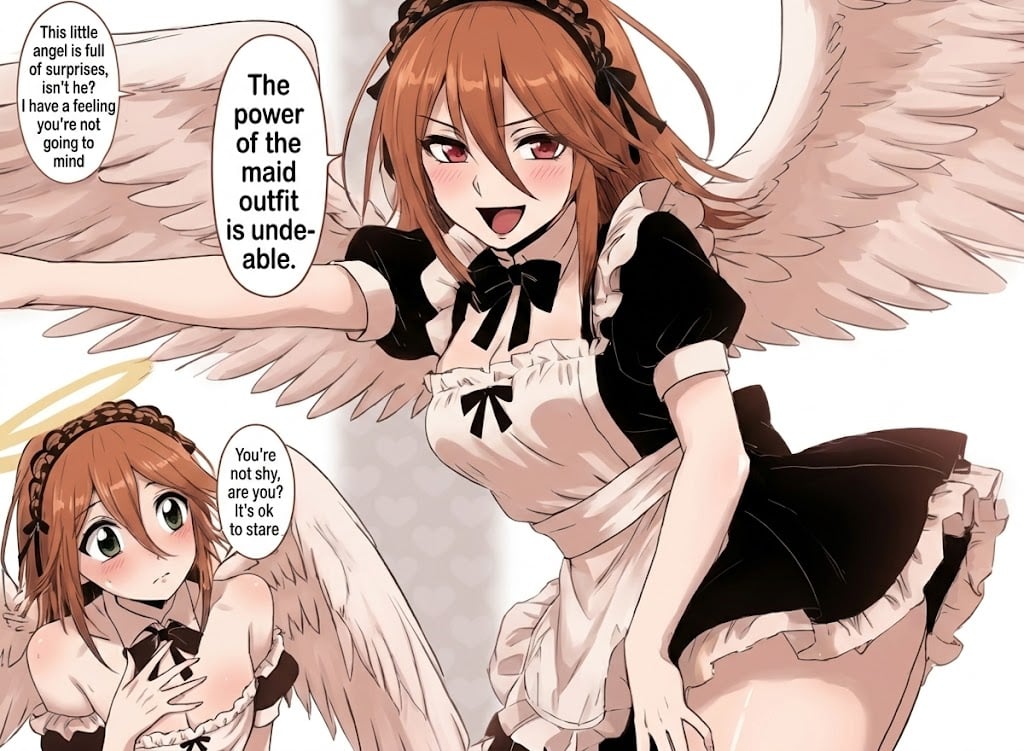
Sharpening and Text Insertion Prompt
Cinematic illustration of a poem
Fidelity-Locked Edit Base Pose Variation
Minimal Luxury Skincare Product Photography (4 Variations)
High-Fashion Black and White Portrait with Cigarette Smoke

Hyper-Realistic Go-Kart Race Video Prompt (Grok Imagine)
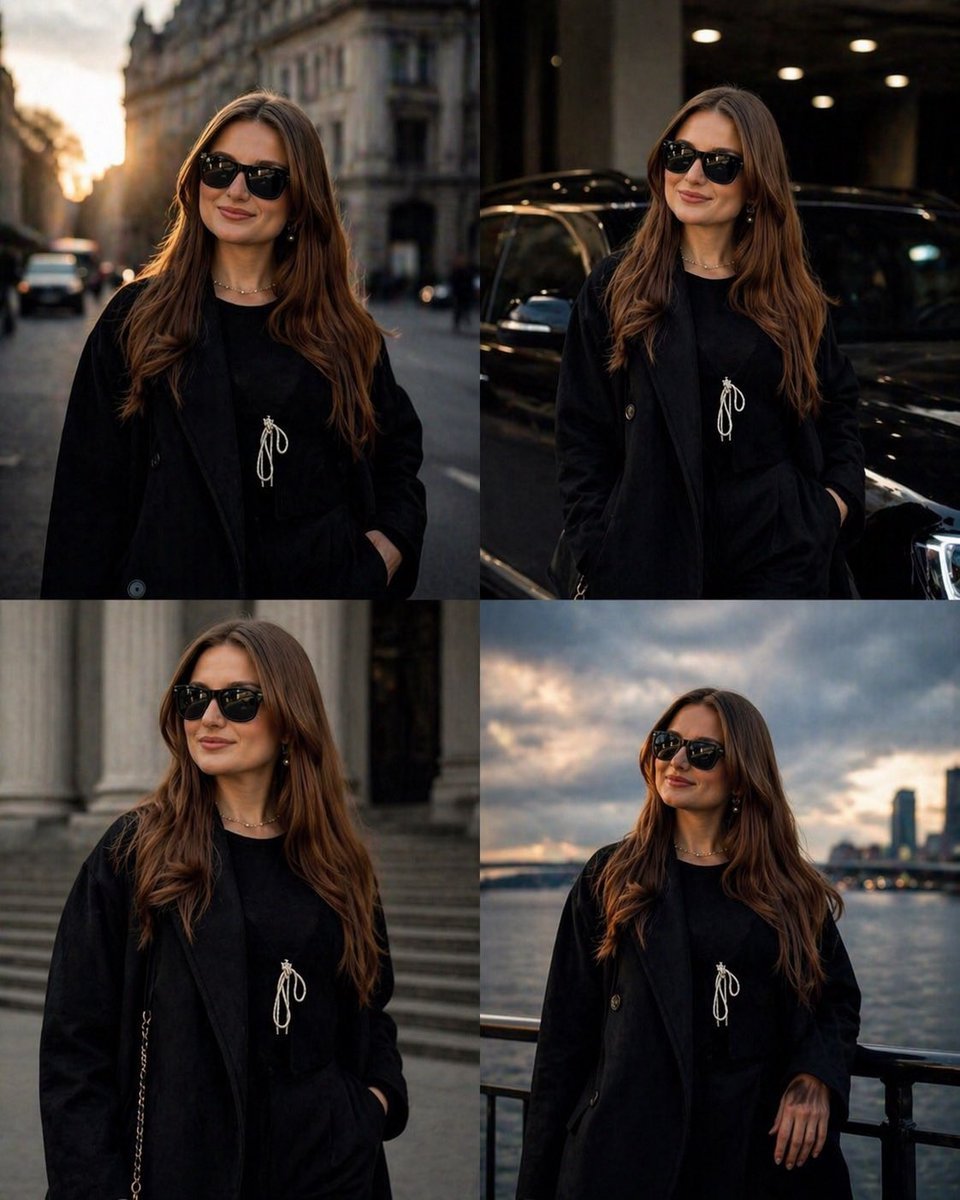
Luxury Urban Street Portrait
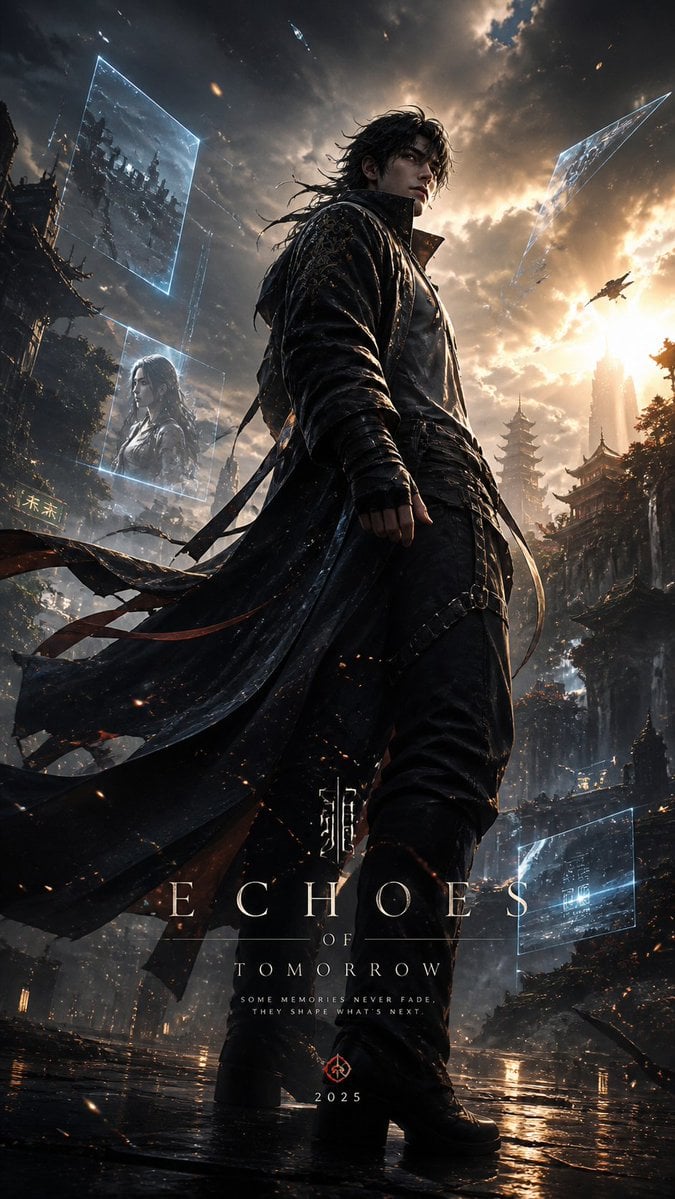
Cinematic Character Poster with Layered Depth
Browse template categories
Japanese AI Prompt Designer Poster questions
How do I use the Japanese AI Prompt Designer Poster template?
Add your photo if the template asks for one, edit the prompt if you like — the template's model and format are already selected — and press Generate. Your version opens in PicX Studio.
Can I customize the Japanese AI Prompt Designer Poster template?
Yes. You can change the subject, setting, lighting, mood, format, and available model controls before creating your image.
Is the Japanese AI Prompt Designer Poster template free?
Opening and editing this template is free. Generating uses credits, shown on the Generate button when you are signed in.
Which AI model should I use?
Start with GPT Image 2, which is the model associated with this template. You can compare another compatible model for a different finish.
Looking for something else? Browse all templates.

Your photo, any look
Thousands of ready templates for every top image and video model, from one credit balance.