
Cinematic Character Poster with Layered Depth
A prompt designed to create high-end movie posters featuring a strong sense of spatial depth and cinematic lighting, focusing on a character interacting naturally with an atmospheric environment.
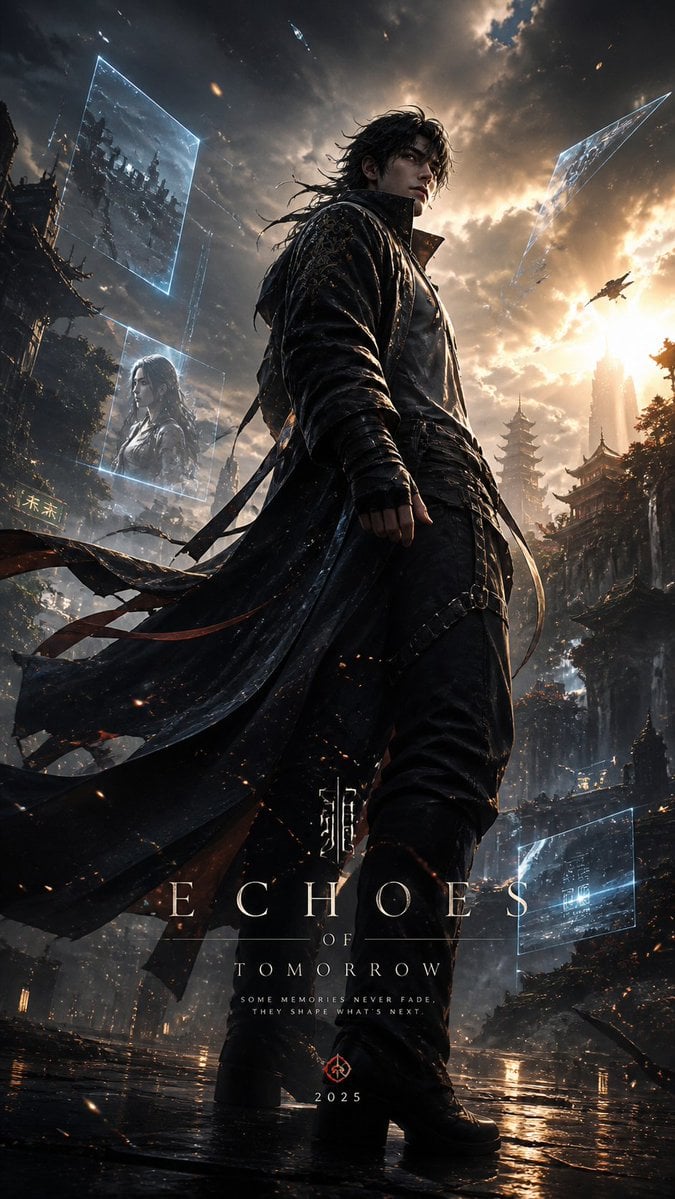
- Prompt included
- Model and format preset
- Free template
The prompt behind this image
Copy the exact prompt behind Cinematic Character Poster with Layered Depth, or open it in the studio and make it yours.
Design a high-end cinematic character poster in a layered depth composition (9:16 vertical) with a strong foreground–midground–background separation instead of silhouette framing. The {argument name="character" default="character"} stands slightly off-center in a dynamic, perspective-driven pose, interacting naturally with the {argument name="environment" default="environment (wind, light, particles, fabric movement)"}. The camera angle should feel intentional—low-angle for power or slight tilt for tension—creating a sense of motion and presence. The background should not be contained inside shapes. Instead, build a living world around the character: atmospheric environments (fog, city lights, ruins, nature, etc.) light rays, volumetric glow, drifting particles subtle storytelling elements placed naturally in space (not collage-based) Introduce floating fragments or layered planes (glass shards, light panels, memories, holographic slices, or torn paper edges) that orbit or intersect the scene, each containing faint symbolic visuals tied to the character’s story—keep them minimal and elegant, not cluttered. Lighting should be cinematic and directional: strong key light shaping the subject rim lighting to separate from background soft gradients and shadow falloff for depth Color palette should follow a {argument name="color palette" default="controlled dual-tone system (e.g., teal–orange, violet–gold, crimson–black)"} with smooth transitions and no oversaturation. Typography: place the title in a clean, modern cinematic layout integrate text subtly into the environment (ground plane, light projection, or floating UI style) avoid heavy or oversized typography Overall style: ultra-realistic + cinematic editorial, sharp detail on subject, soft atmospheric depth in background, minimal but intentional storytelling elements, premium movie-poster quality. Avoid: silhouette fill compositions, heavy collage density, watercolor textures, or ink-wash edges. Focus on spatial depth, realism, and cinematic immersion.
How to use Cinematic Character Poster with Layered Depth in 3 steps
- 1
Open
The prompt is already in the box next to the preview, with the template's model and format selected.
- 2…a portrait of your subject in softgolden-hour light, 85mm…
Personalize
Edit the subject and creative details for your destination.
- 3Generate
Generate
Press Generate — your image is created in PicX Studio, so you can compare it with the original and refine one variable at a time.
More like this
Templates with the same subject, style or setup. Open one to see its prompt.

Saudi Arabia Paper Cut Travel Poster

Japan Travel Brochure Poster

Soft Handcrafted Paper-Cut Layered Illustration

Paper Cut Craft Illustration

Layered Paper Cut Illustration Template

Decorative Folk Flat Paper Cut Illustration

Paper Cut Finale Fireworks

Paper Cut Garden Maze

Paper Cut Rooftop Concert

Paper Cut Bicycle Coast

Paper Cut Castle Gate

Paper Cut Kitchen Chaos
Make it yours
Cinematic Character Poster with Layered Depth works as-is. These are the safest ways to change it without losing the look.
Change one field
Copy a single group, rewrite it, and generate again so you can see what that field is doing.
Keep the frame, change the subject
Hold the composition and light of Cinematic Character Poster with Layered Depth, then swap wardrobe, props or the person for a new take.
| If the result… | Why | Fix |
|---|---|---|
| The result drifts from the preview | Too many fields changed at once. | Reuse Cinematic Character Poster with Layered Depth as-is first, then change one group — subject, light, or setting. |
| The model over-stylizes the scene | The prose prompt leaves finish and camera underspecified. | Add one camera or lighting sentence and stay on GPT Image 2. |
More GPT Image 2 templates
Other prompts made for GPT Image 2.

Six VTuber Japanese Logo Sheet

Realistic Portrait of Woman and Deer

The Vista Modular Condo Poster

AI Model Routing Comparison Infographic

2.5D Anime Art Board

Isometric Productivity Desk Scene

New York Double Exposure Poster

Four-Panel AI Landscape Comparison

Japanese Tatami Lifestyle Magazine Cover

NESCAFÉ Coffee Map Poster
More image prompts
Fresh picks from across the catalog.
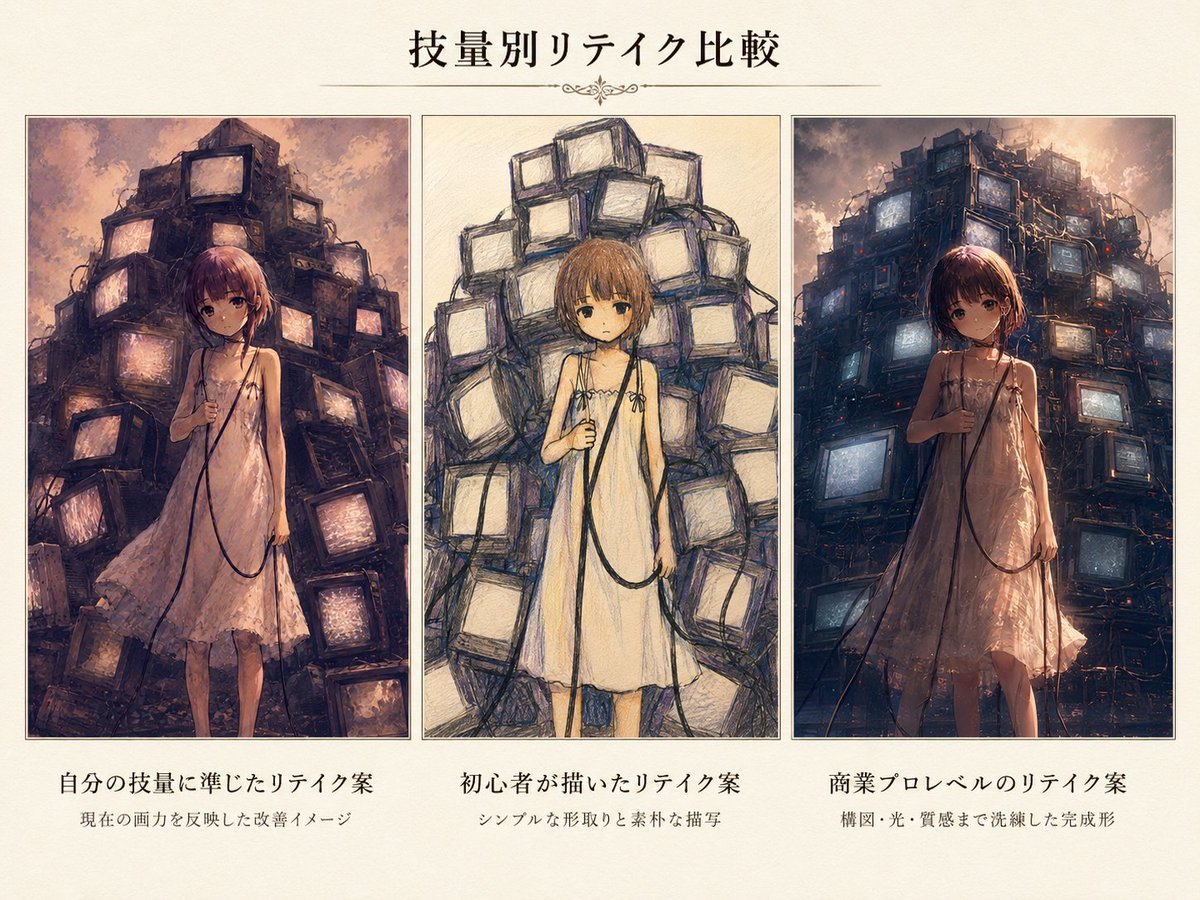
Three-Level Illustration Retake Comparison
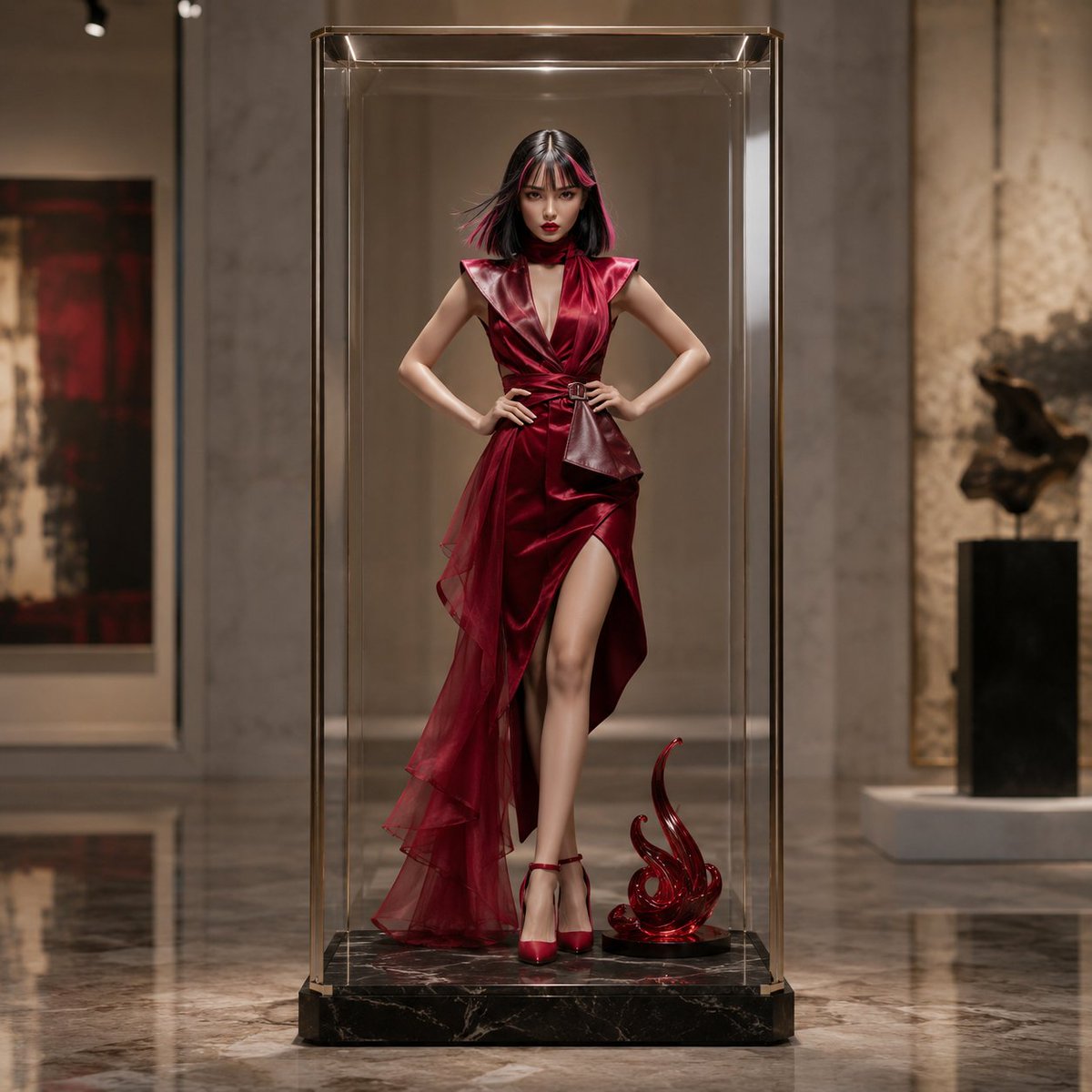
Luxury Art Figure Museum Display
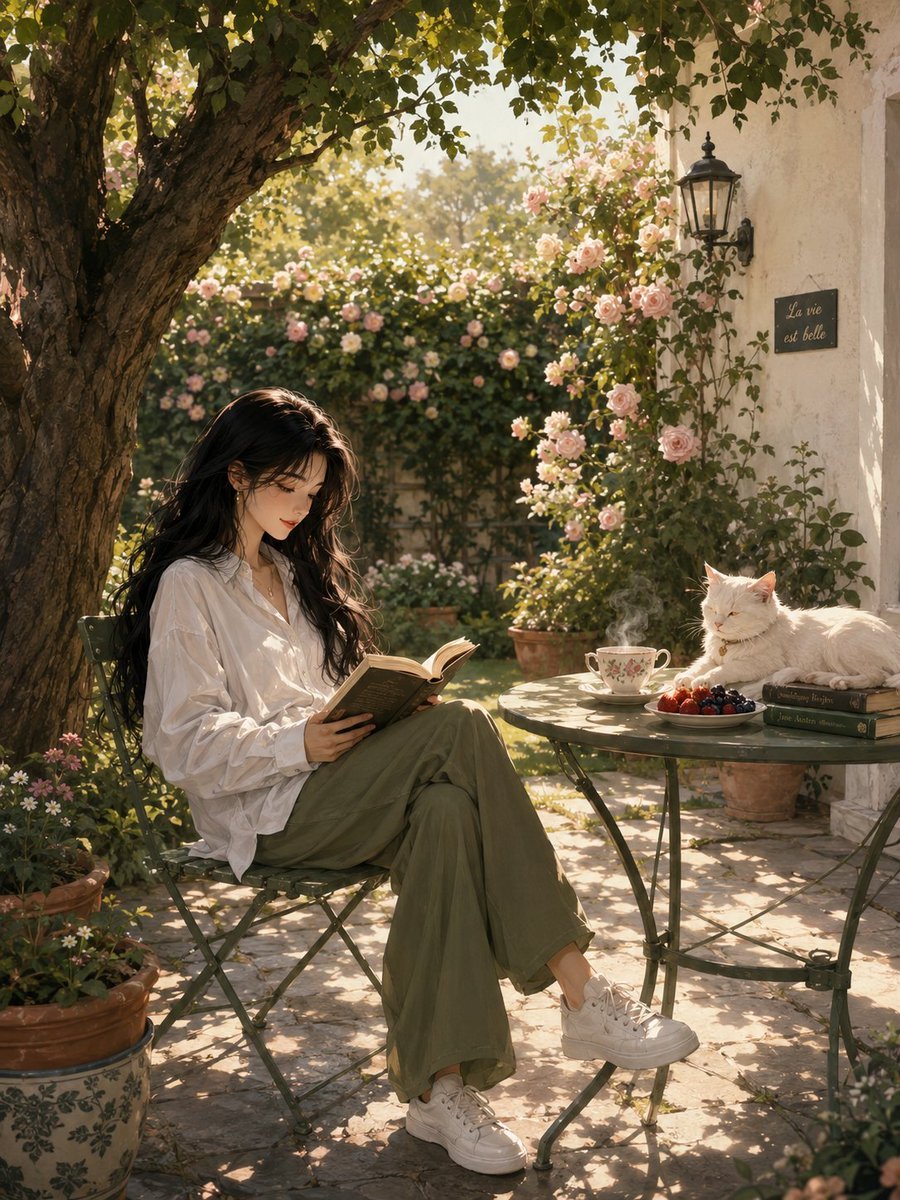
Serene Sunlit Garden Reading Scene
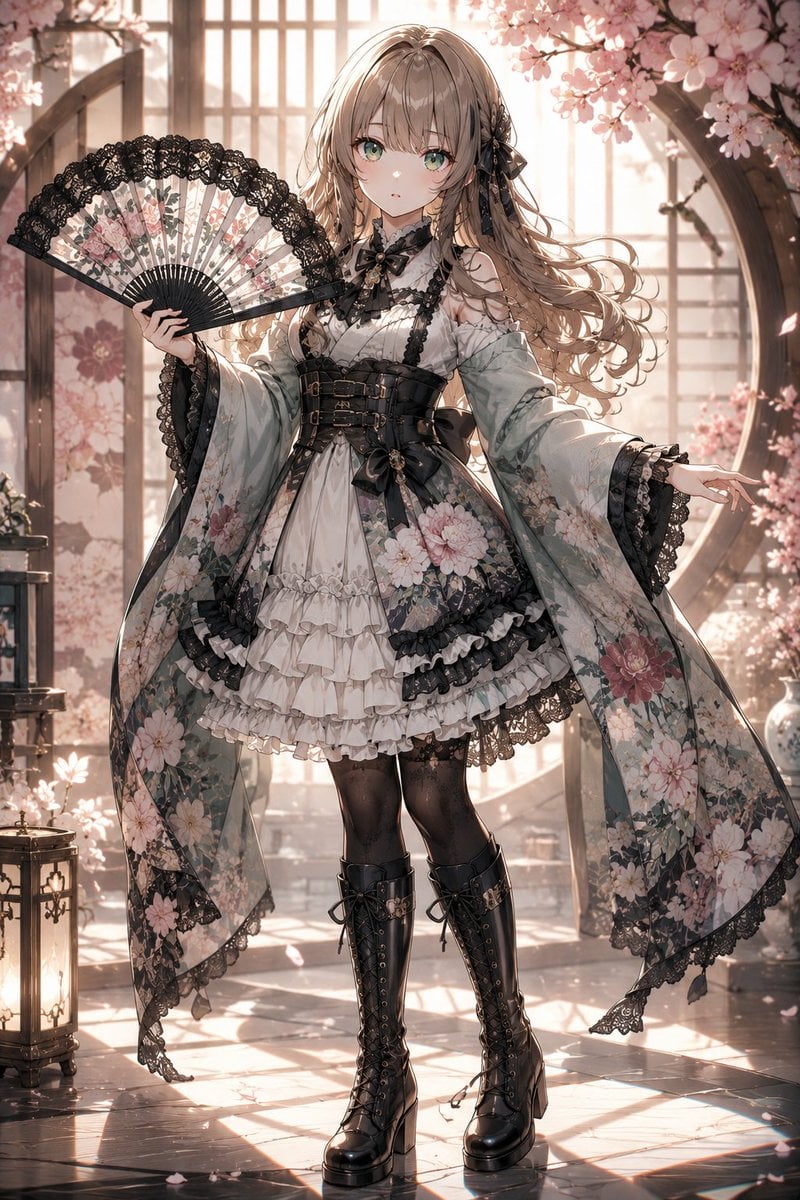
Gothic Lolita Furisode Outfit
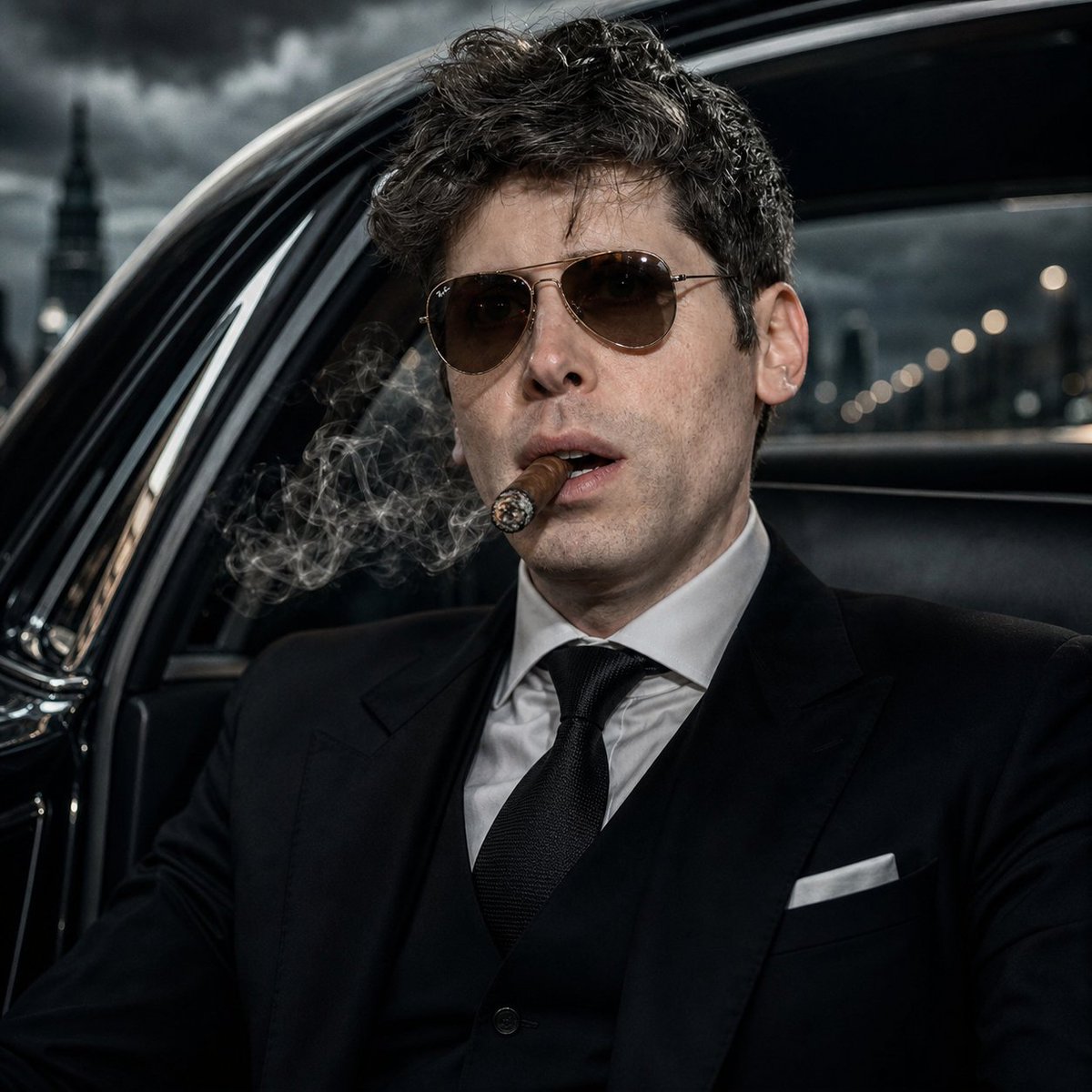
Noir Mafia Boss Car Portrait
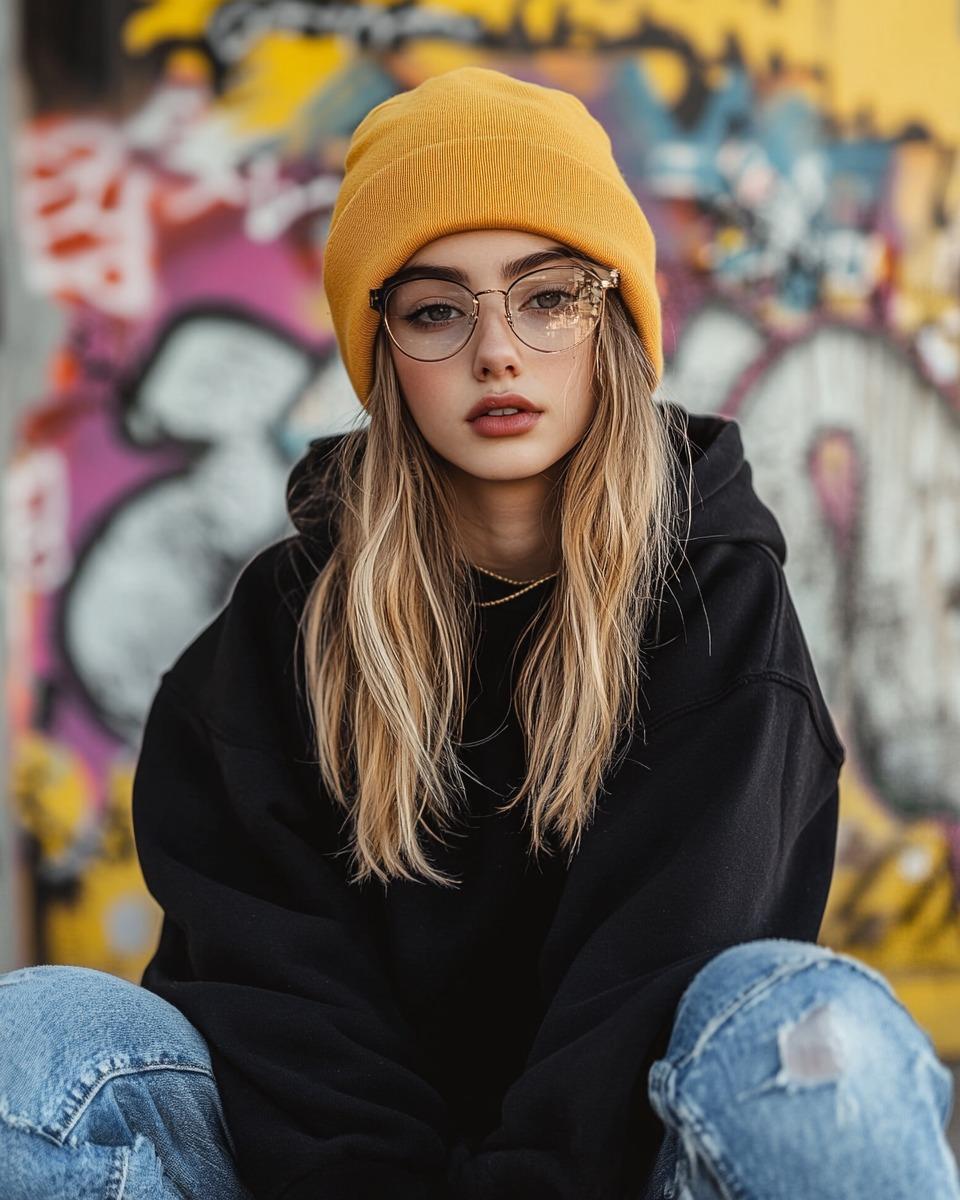
Urban Street Fashion Portrait
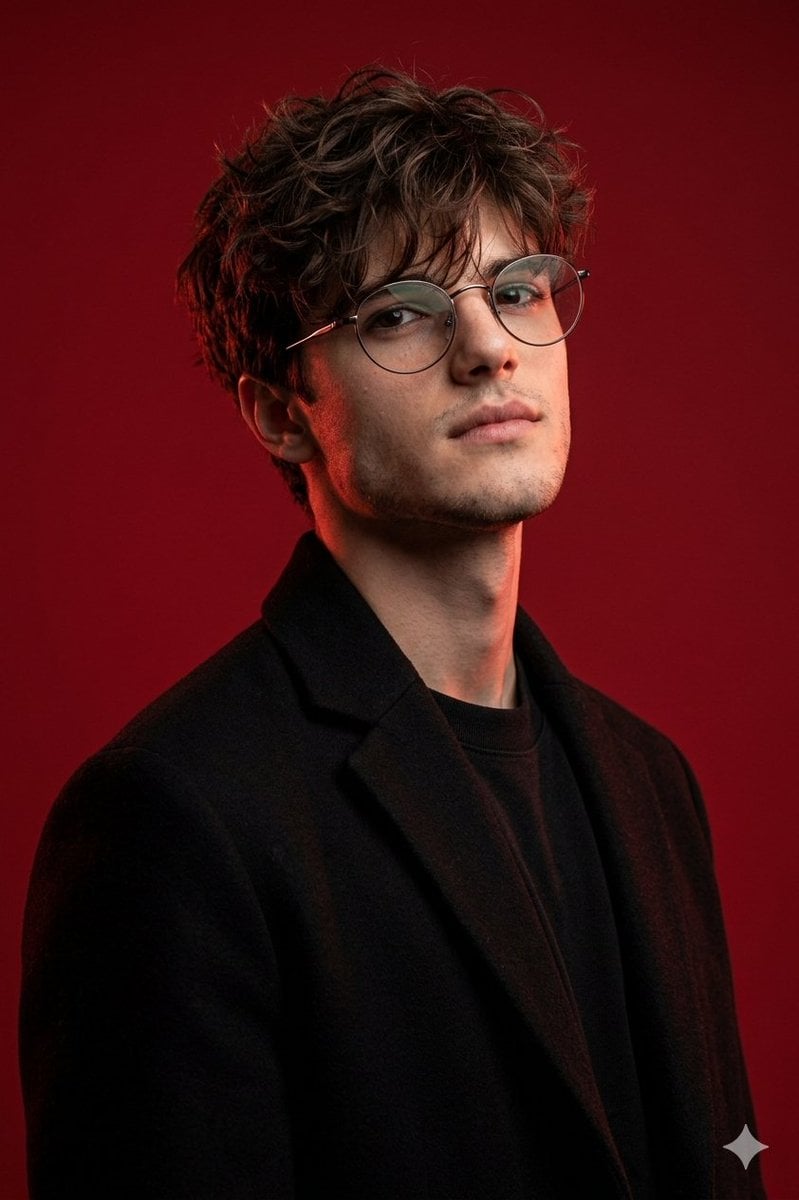
Brutal Studio Red Backdrop Portrait
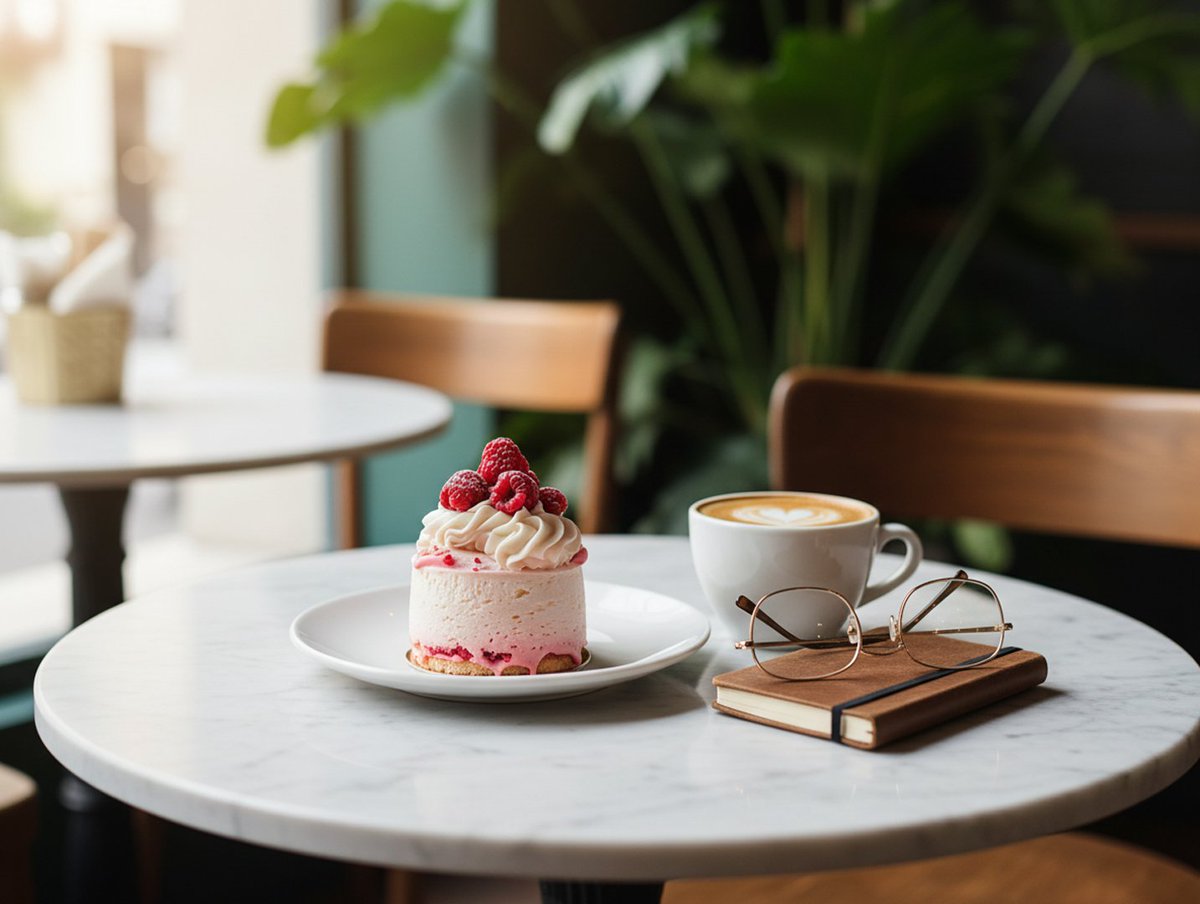
Wes Anderson Style Pop-Art Food Photography

Mechanical Keyboard Themed Art Poster Prompt
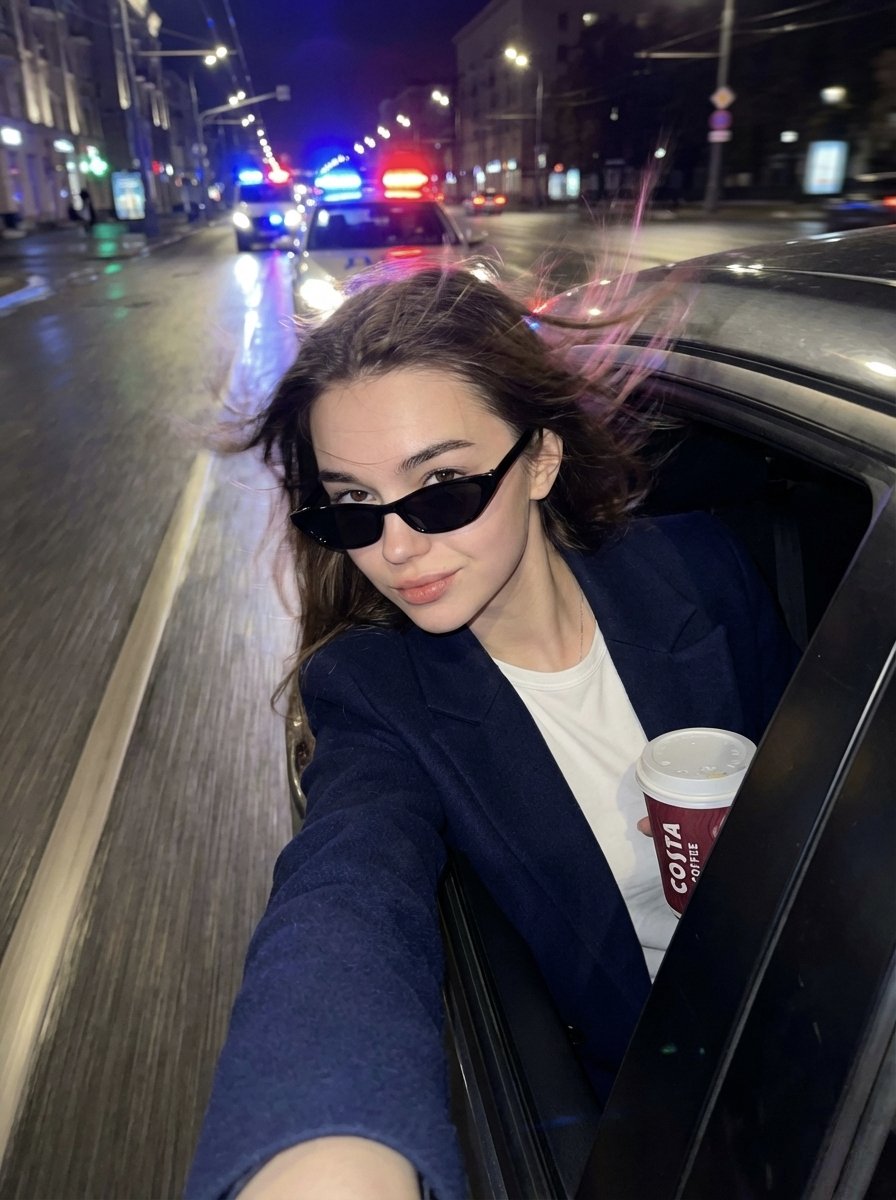
Cinematic Night Street Selfie Prompt with Identity Lock
Browse template categories
Cinematic Character Poster with Layered Depth questions
How do I use the Cinematic Character Poster with Layered Depth template?
Add your photo if the template asks for one, edit the prompt if you like — the template's model and format are already selected — and press Generate. Your version opens in PicX Studio.
Can I customize the Cinematic Character Poster with Layered Depth template?
Yes. You can change the subject, setting, lighting, mood, format, and available model controls before creating your image.
Is the Cinematic Character Poster with Layered Depth template free?
Opening and editing this template is free. Generating uses credits, shown on the Generate button when you are signed in.
Which AI model should I use?
Start with GPT Image 2, which is the model associated with this template. You can compare another compatible model for a different finish.
Looking for something else? Browse all templates.

Your photo, any look
Thousands of ready templates for every top image and video model, from one credit balance.