
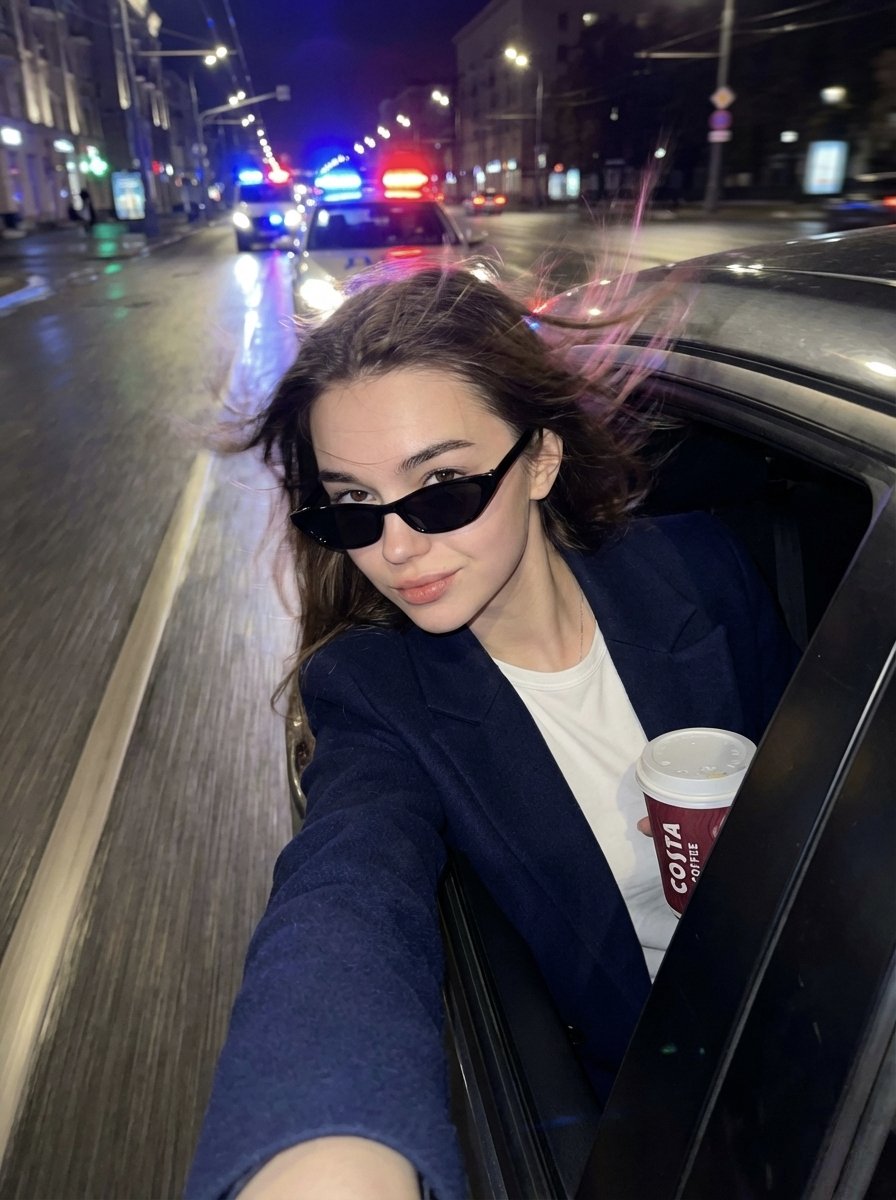
Cinematic Night Street Selfie Prompt with Identity Lock
A highly detailed, structured prompt for Nano Banana Pro on Higgsfield, designed to create an ultra-realistic cinematic night street selfie with a 'fashion-editorial crime aesthetic.' The prompt mandates strict identity…
- Prompt included
- Model and format preset
- Free template
The prompt behind this image
Copy the exact prompt behind Cinematic Night Street Selfie Prompt with Identity Lock, or open it in the studio and make it yours.
{ "type": "image_generation_prompt", "style": "ultra-realistic cinematic night street selfie, fashion-editorial crime aesthetic", "identity_lock": { "use_uploaded_face_only": true, "strict_identity_preservation": true, "notes": "Preserve the original facial identity 100% with no changes to facial structure, proportions, or unique features. Face locked." }, "subject": { "gender": "female", "pose": { "description": "leaning out of a car window during a high-speed escape", "arm_position": "one arm fully extended toward the camera holding the phone", "head_position": "head slightly tilted back", "gesture": "provocative and playful", "attitude": "fearless, confident, rebellious" }, "face_and_skin": { "skin_quality": "smooth and luminous", "details": [ "realistic skin texture with visible pores", "glossy streetlight highlights", "softly sculpted cheekbones", "glossy lips slightly parted" ], "eyes": "expressive eyes partially hidden behind narrow black rectangular sunglasses" }, "hair": { "style": "wind-blown by speed and night air", "movement": "dynamic, flowing naturally" }, "outfit_and_accessories": { "outerwear": "navy blue blazer coat draped luxuriously over the shoulders", "top": "white t-shirt", "jewelry": "minimal silver rings", "prop": "{argument name="prop" default="Costa Coffee"} cup held in hand" } }, "environment": { "setting": "rainy night city street", "ground": "wet asphalt with long reflective streaks", "background_action": [ "police car chasing behind", "flashing red and blue sirens", "blurred headlights", "cinematic urban depth" ], "visual_effects": [ "dramatic motion blur", "golden street lamp bokeh circles", "police light flares", "reflections stretching across the rain-soaked road" ] }, "lighting": { "sources": [ "warm sodium streetlights", "cold blue police lights", "red siren flashes" ], "style": "high contrast", "effects": [ "glossy reflections on skin", "reflections on car glass and body", "reflections on wet street" ] }, "mood": { "vibe": "rebellious, playful, glamorous chaos", "energy": "adrenaline-fueled nightlife", "tone": "modern luxury runaway" }, "camera_and_style": { "perspective": "wide-angle smartphone selfie", "depth_of_field": "shallow", "motion_effects": "strong background motion blur and light streaks", "image_quality": [ "ultra-high detail", "realistic film grain", "cinematic color grading" ] }, "constraints": [ "No alteration of facial identity", "No change to facial proportions", "No AI-stylized face", "No cartoon or CGI look" ], "output_goal": "Create an ultra-realistic cinematic night street selfie of a confident woman l" }
How to use Cinematic Night Street Selfie Prompt with Identity Lock in 3 steps
- 1
Open
The prompt is already in the box next to the preview, with the template's model and format selected.
- 2…a portrait of your subject in softgolden-hour light, 85mm…
Personalize
Edit the subject and creative details for your destination.
- 3Generate
Generate
Press Generate — your image is created in PicX Studio, so you can compare it with the original and refine one variable at a time.
More like this
Templates with the same subject, style or setup. Open one to see its prompt.

Two Tickets, One Night

Photoreal Selfie Minecraft Block World

Giant Forced Perspective Street Product Selfie

Face-Locked Cream Half-Zip Street Walk
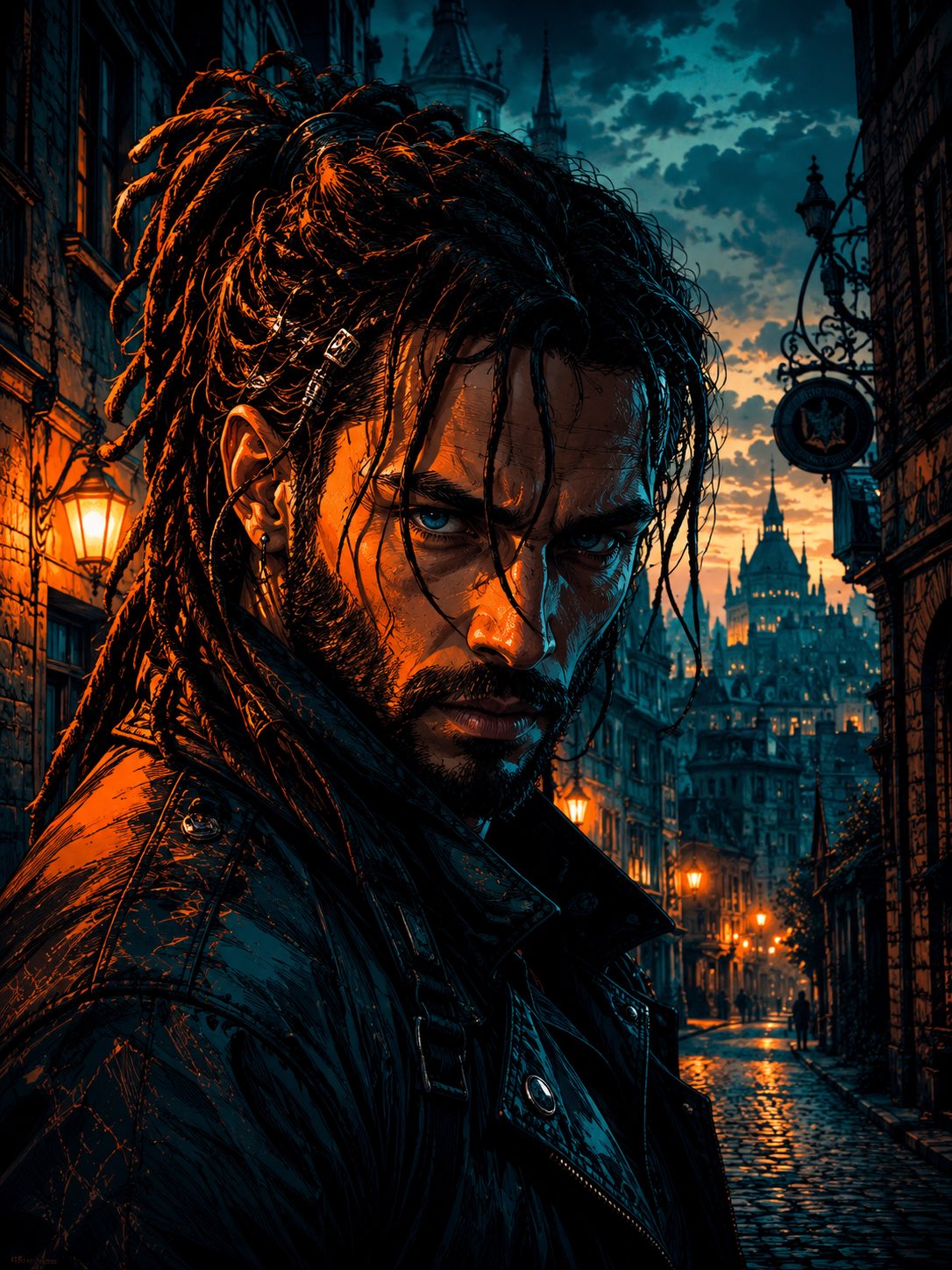
Cyber Noir Dreadlocks Street Portrait

Face-Locked City Skyline Double Exposure
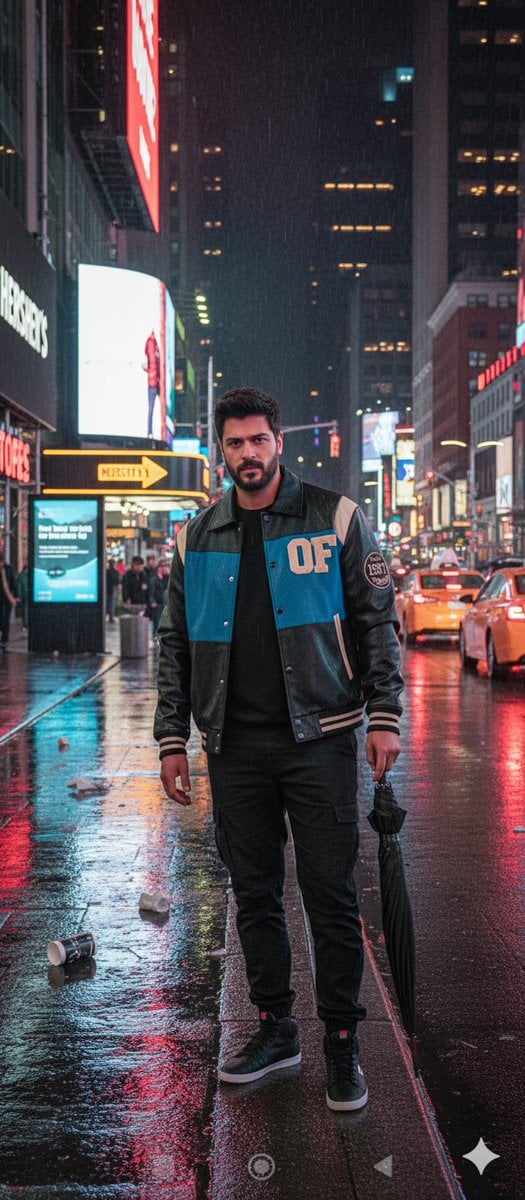
Times Square Rainy Night Portrait with Identity Lock
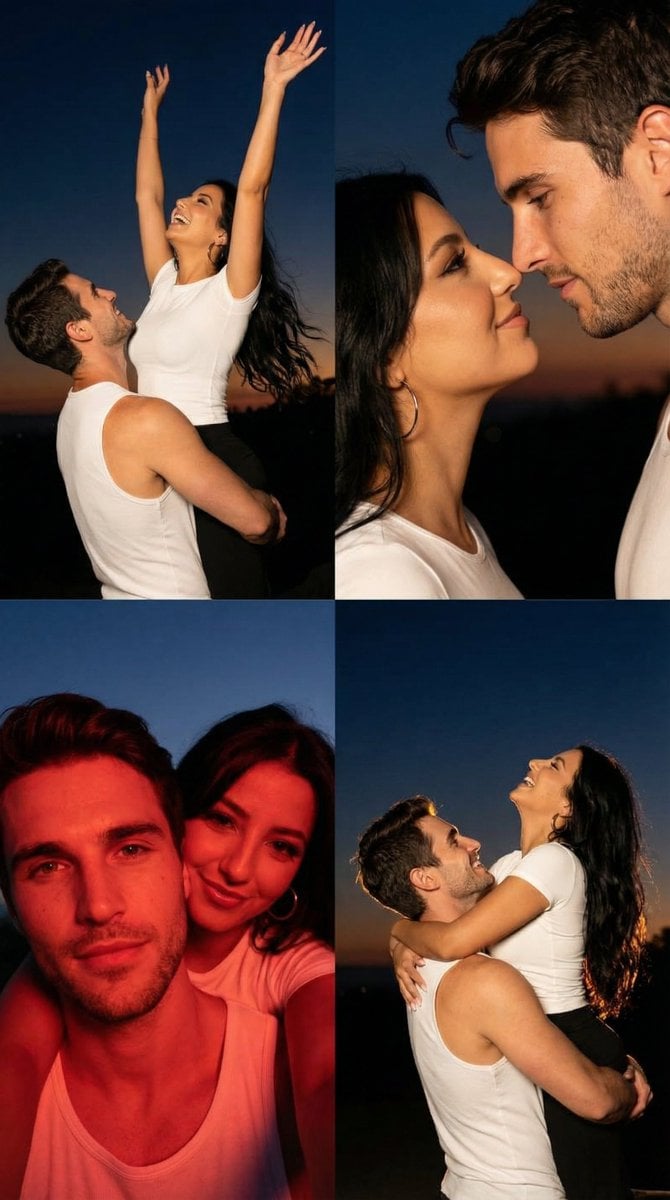
2x2 Grid Cinematic Night Couple Portrait with Identity Lock
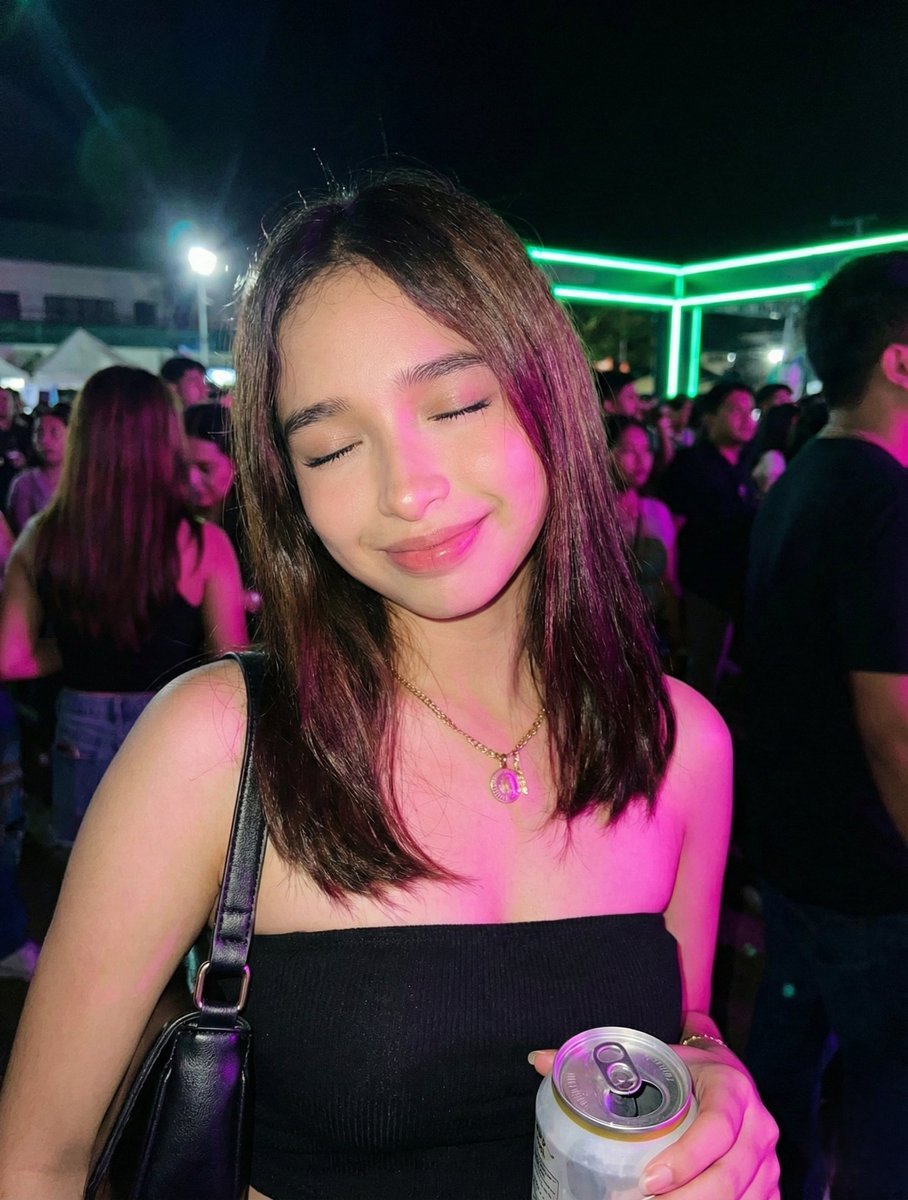
Night Party Portrait with Identity Lock Prompt

Meet Me When It Rains

Two Hearts. One Scooter.

1986 Street Couple
Make it yours
Cinematic Night Street Selfie Prompt with Identity Lock works as-is. These are the safest ways to change it without losing the look.
Change one field
Copy a single group, rewrite it, and generate again so you can see what that field is doing.
Keep the frame, change the subject
Hold the composition and light of Cinematic Night Street Selfie Prompt with Identity Lock, then swap wardrobe, props or the person for a new take.
| If the result… | Why | Fix |
|---|---|---|
| The result drifts from the preview | Too many fields changed at once. | Reuse Cinematic Night Street Selfie Prompt with Identity Lock as-is first, then change one group — subject, light, or setting. |
| The model over-stylizes the scene | The prose prompt leaves finish and camera underspecified. | Add one camera or lighting sentence and stay on Nano Banana 2. |
More Nano Banana 2 templates
Other prompts made for Nano Banana 2.

Photorealistic Leaf Shaped Like a Dragon

K-Pop Idol Portrait Grid for Rapid Selection

Poetic Rain Forest Portrait During Golden Hour

Urban Street Portrait with Cartoon Inner Self Duo

Candid Nighttime Photo with Cat Prompt

High-Concept 3D Diorama Generation Prompt

Cinematic Futuristic Studio Portrait Template

Skincare Editorial Photography Collage Prompt

Hyper-Realistic Commercial Product Photography (Splash Effect)

Hyper-Realistic Nightclub Portrait Prompt
More image prompts
Fresh picks from across the catalog.
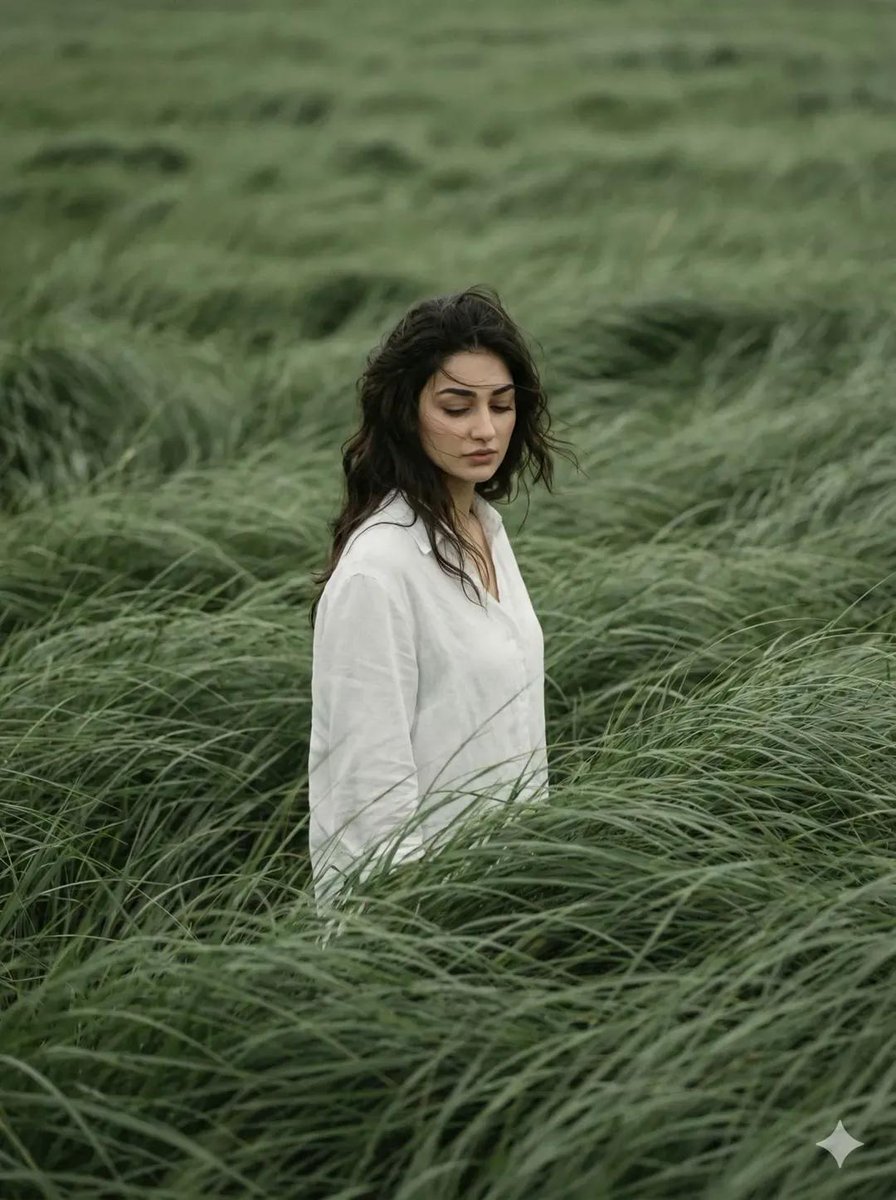
Cinematic Editorial Portrait in Wind-Swept Grass Fields
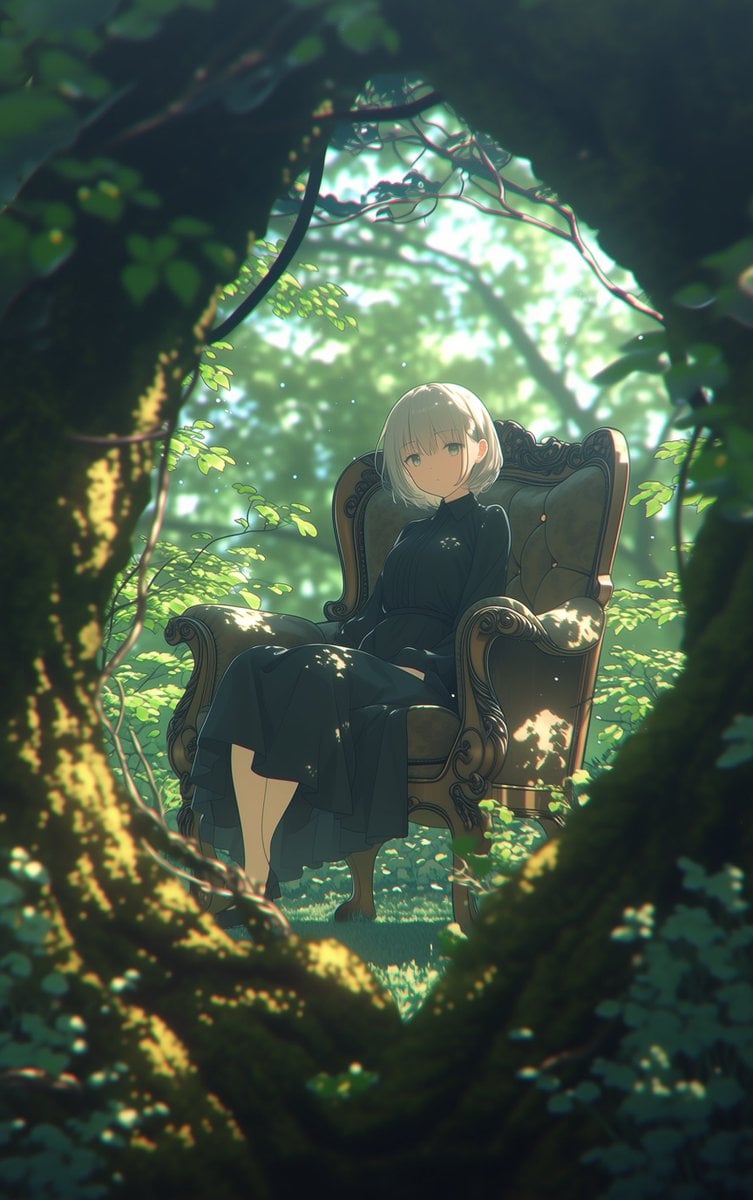
Line Art Correction Prompt for Nano Banana Pro
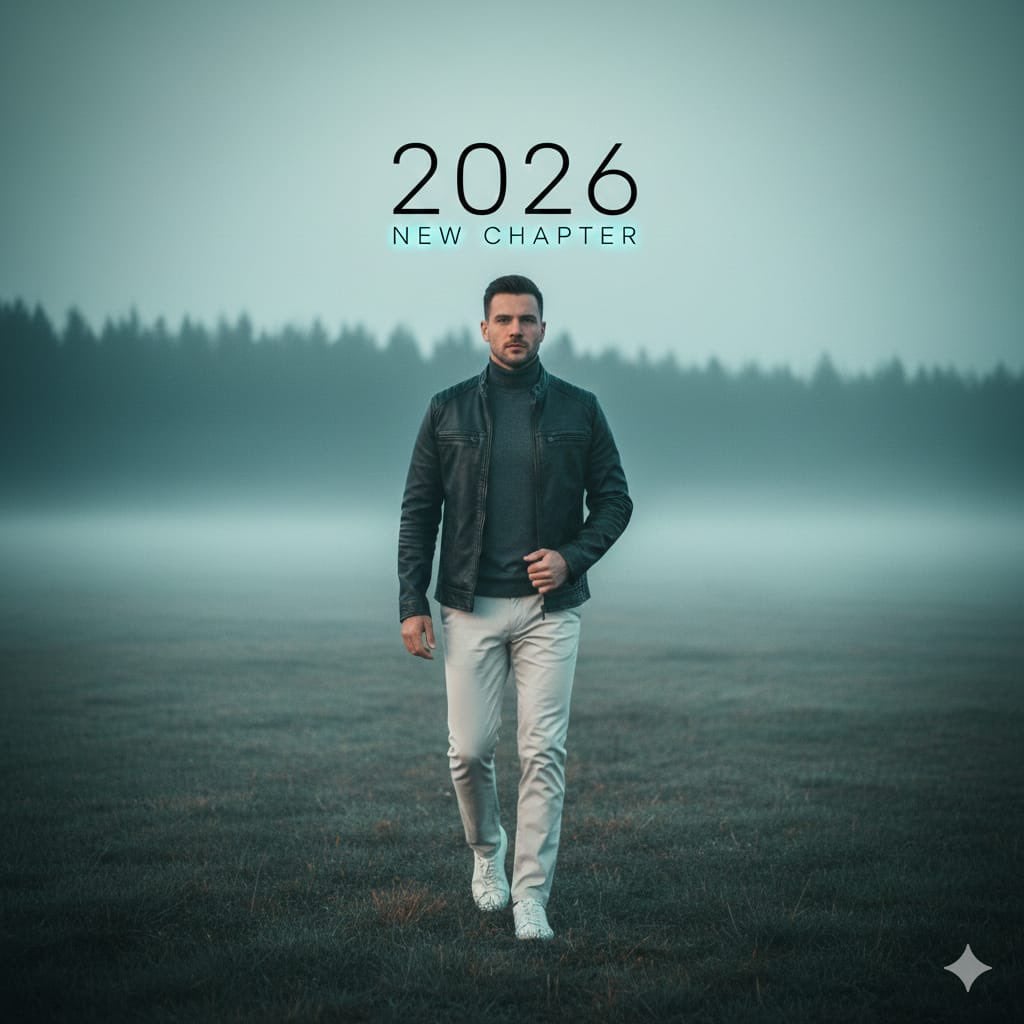
Cinematic Portrait: Man Walking in Foggy Meadow with Typography
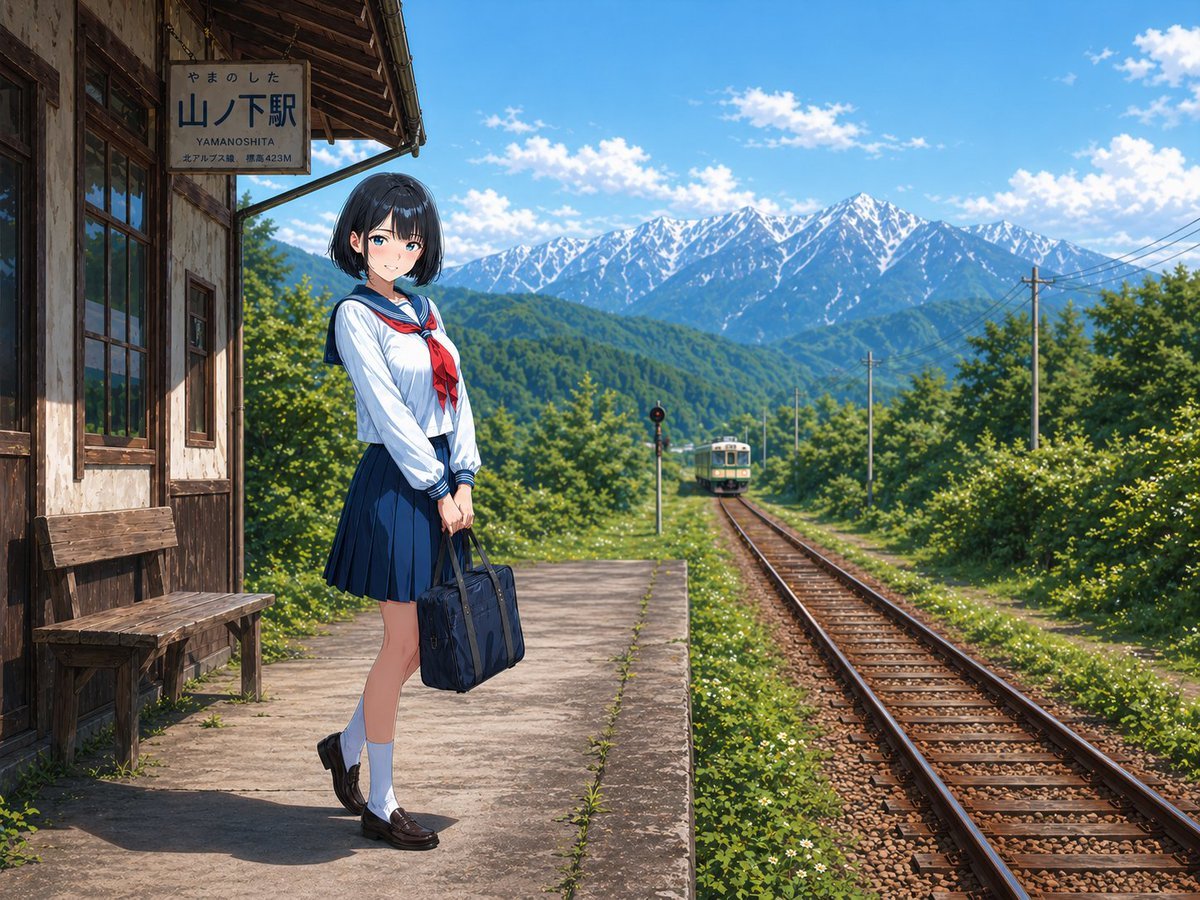
Rural Station Schoolgirl Scene
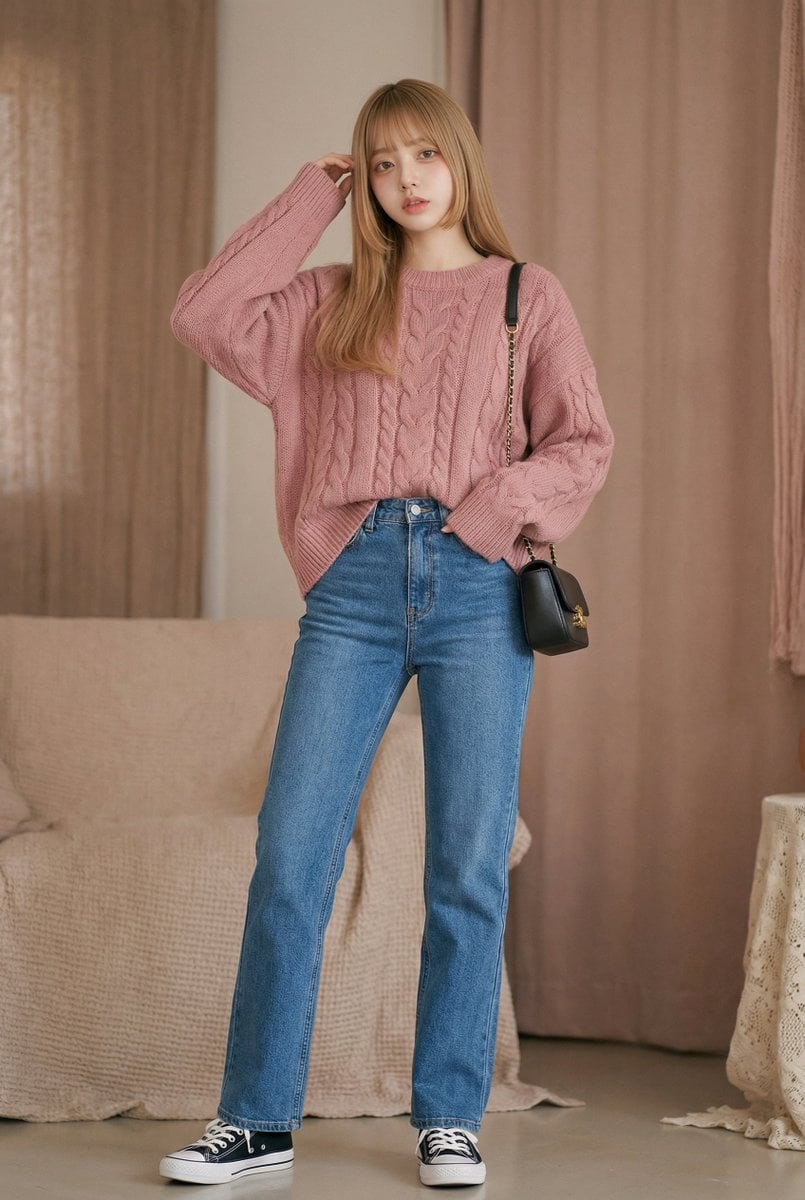
Morning Routine Video Generation using Kling 3.0
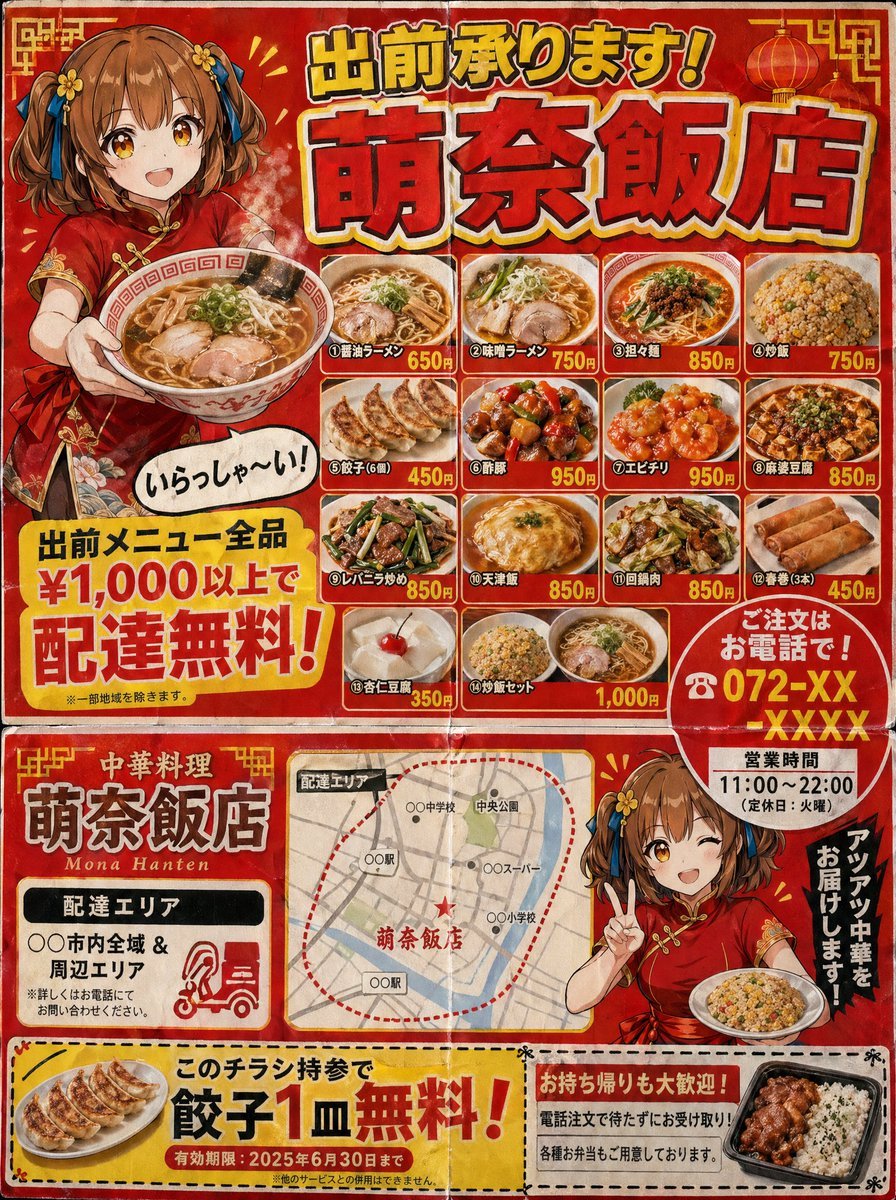
Authentic Japanese Delivery Flyer
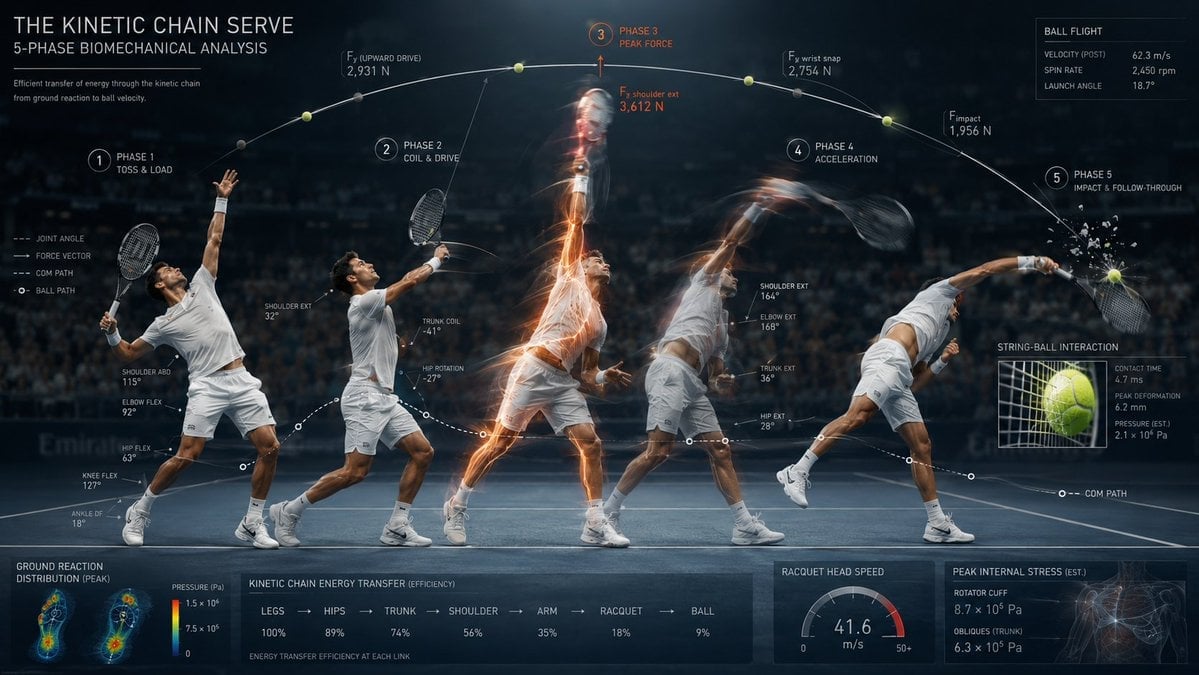
Stroboscopic Multi-Exposure Sports Action
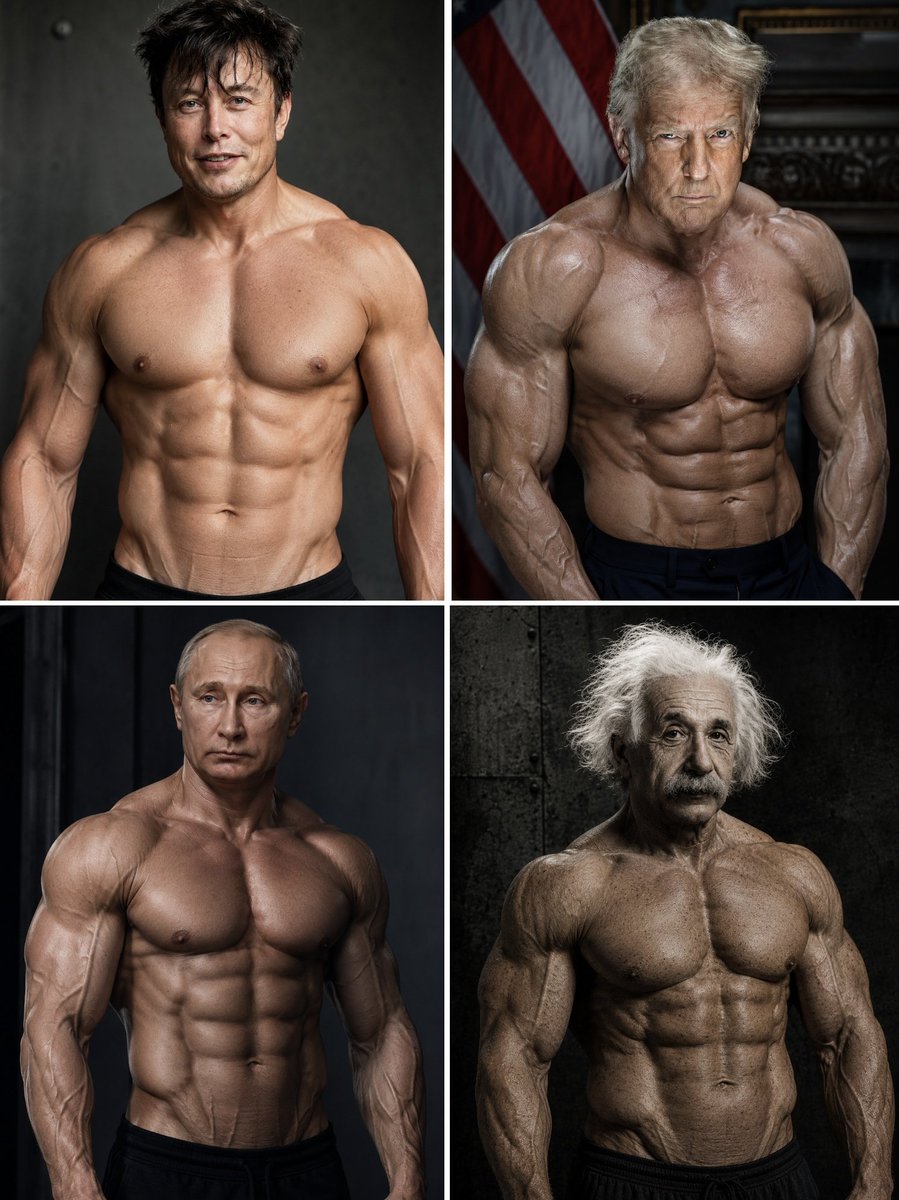
Hyper-Muscular Man 8K Portrait
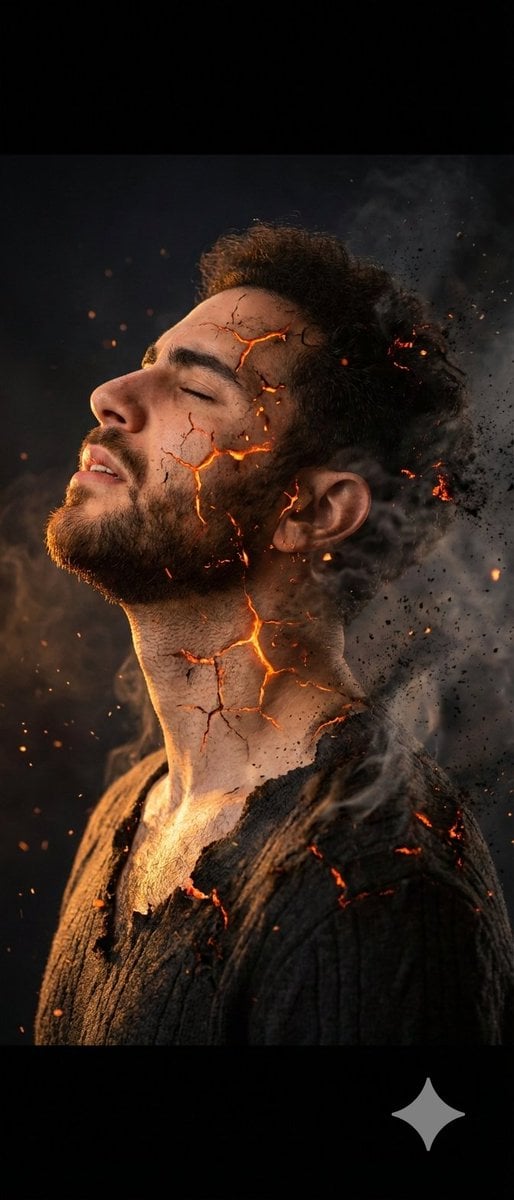
Side Profile Photo of Man in Pain with Molten Fissures
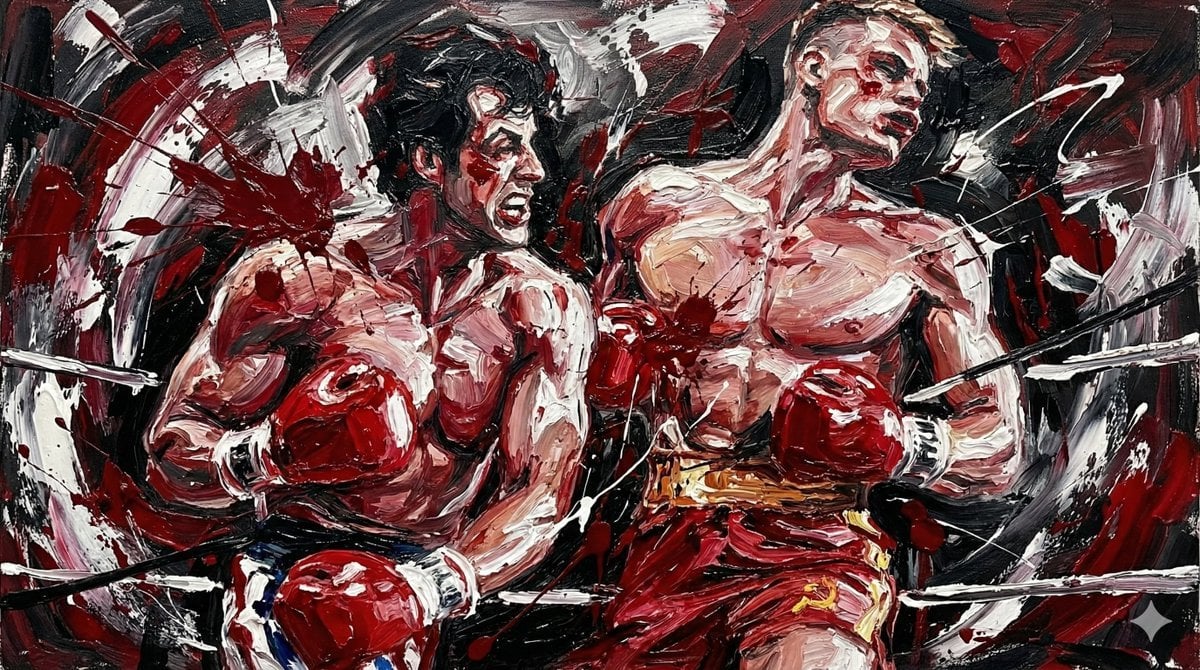
Abstract Expressionist Boxing Match
Browse template categories
Cinematic Night Street Selfie Prompt with Identity Lock questions
How do I use the Cinematic Night Street Selfie Prompt with Identity Lock template?
Add your photo if the template asks for one, edit the prompt if you like — the template's model and format are already selected — and press Generate. Your version opens in PicX Studio.
Can I customize the Cinematic Night Street Selfie Prompt with Identity Lock template?
Yes. You can change the subject, setting, lighting, mood, format, and available model controls before creating your image.
Is the Cinematic Night Street Selfie Prompt with Identity Lock template free?
Opening and editing this template is free. Generating uses credits, shown on the Generate button when you are signed in.
Which AI model should I use?
Start with Nano Banana 2, which is the model associated with this template. You can compare another compatible model for a different finish.
Looking for something else? Browse all templates.

Your photo, any look
Thousands of ready templates for every top image and video model, from one credit balance.