
Three-Level Illustration Retake Comparison
Generates a Japanese three-panel poster comparing beginner, self-matched, and professional retakes of the same anime illustration for art critique workflows.
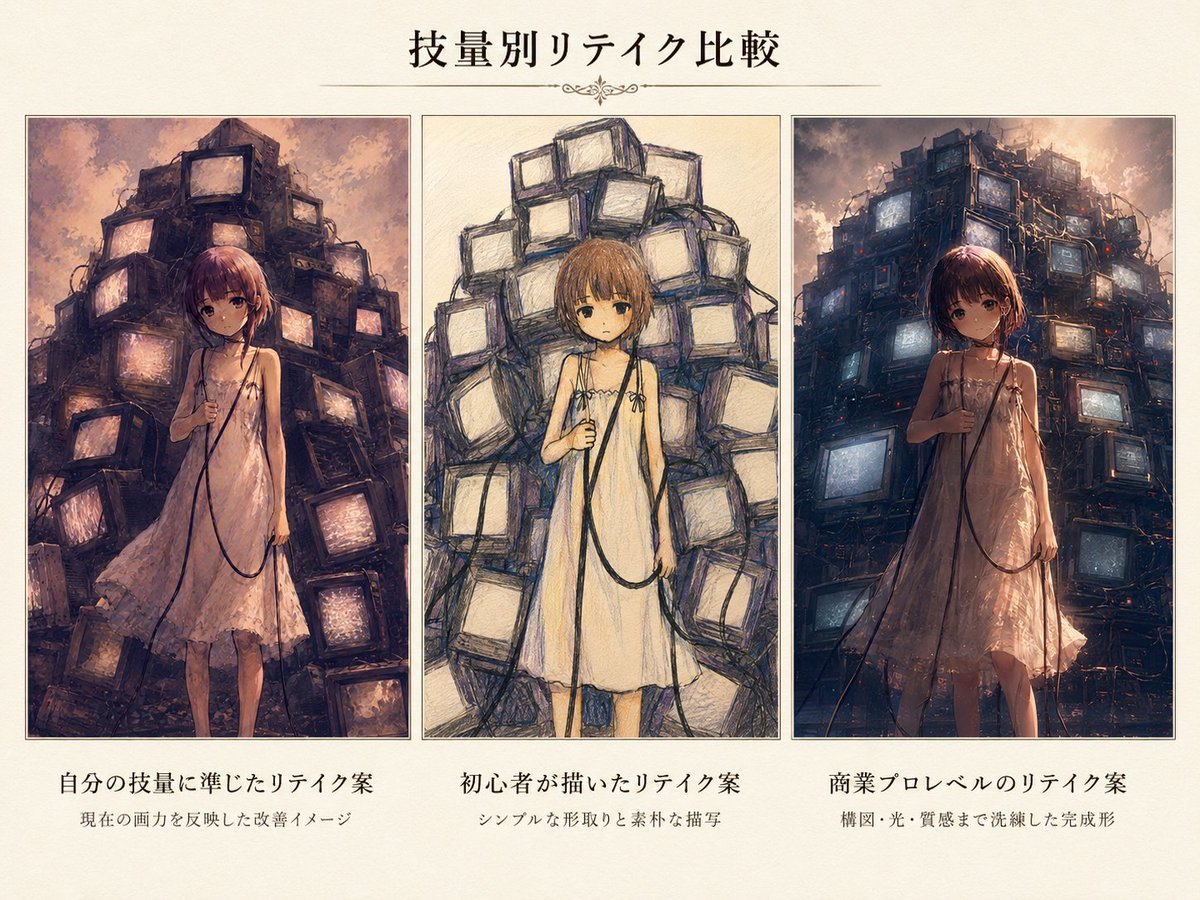
- Prompt included
- Model and format preset
- Free template
The prompt behind this image
Copy the exact prompt behind Three-Level Illustration Retake Comparison, or open it in the studio and make it yours.
- Type
- three-panel critique comparison poster
- Language
- Japanese
- Overall Style
- cream parchment background, elegant editorial layout, thin dark borders around panels, subtle paper grain, centered Japanese typography, decorative horizontal divider with small flourish under the title
- Title Text
- {argument name="main title" default="技量別リテイク比較"}
- Canvas
- landscape 4:3 poster, warm off-white margins, three equal vertical image panels aligned horizontally
- Shared Subject › Description
- a young anime-style girl standing front-facing in a pale sleeveless slip dress, holding a long black cable in one hand, melancholic atmospheric sci-fi mood
- Shared Subject › Hair
- {argument name="hair color" default="short reddish-brown bob hair"}
- Shared Subject › Dress
- {argument name="dress color" default="pale pink beige"}
- Shared Subject › Background Motif
- towering pile of old CRT televisions and tangled wires behind her
- Layout › Section Count
- 3
- Layout › Sections › 0 › Position
- left
- Layout › Sections › 0 › Title
- 自分の技量に準じたリテイク案
- Layout › Sections › 0 › Subtitle
- 現在の画力を反映した改善イメージ
- Layout › Sections › 0 › Visual Style
- semi-polished anime illustration with painterly texture, muted dusk lighting, imperfect but appealing composition, many CRT monitors stacked into a dark chaotic tower, some screens glowing peach and lavender, girl fully visible with small face details, slightly rough anatomy and fabric rendering
- Layout › Sections › 1 › Position
- center
- Layout › Sections › 1 › Title
- 初心者が描いたリテイク案
- Layout › Sections › 1 › Subtitle
- シンプルな形取りと素朴な描写
- Layout › Sections › 1 › Visual Style
- intentionally amateur pencil-and-crayon sketch, loose messy linework, simplified blocky CRT shapes, flat pale colors, visible construction-like strokes, naive proportions, minimal lighting, face area left as a blurred square, childlike roughness while preserving the same composition
- Layout › Sections › 2 › Position
- right
- Layout › Sections › 2 › Title
- 商業プロレベルのリテイク案
- Layout › Sections › 2 › Subtitle
- 構図・光・質感まで洗練した完成形
- Layout › Sections › 2 › Visual Style
- highly polished commercial anime concept art, cinematic backlighting and dramatic sky, complex detailed CRT television fortress with cables, realistic reflective glass screens glowing blue and amber, rich atmospheric depth, refined dress fabric translucency and folds, face area obscured by a dark blurred square, professional color grading
- Typography
- large black Mincho-style Japanese title centered at top, smaller bold Japanese captions below each panel, tiny explanatory subtitles beneath captions
- Mood
- comparison of illustration skill levels and AI-assisted retake suggestions, nostalgic cyberpunk melancholy, art education presentation
Raw JSON
{"type":"three-panel critique comparison poster","language":"Japanese","overall_style":"cream parchment background, elegant editorial layout, thin dark borders around panels, subtle paper grain, centered Japanese typography, decorative horizontal divider with small flourish under the title","title_text":"{argument name=\"main title\" default=\"技量別リテイク比較\"}","canvas":"landscape 4:3 poster, warm off-white margins, three equal vertical image panels aligned horizontally","shared_subject":{"description":"a young anime-style girl standing front-facing in a pale sleeveless slip dress, holding a long black cable in one hand, melancholic atmospheric sci-fi mood","hair":"{argument name=\"hair color\" default=\"short reddish-brown bob hair\"}","dress":"{argument name=\"dress color\" default=\"pale pink beige\"}","background_motif":"towering pile of old CRT televisions and tangled wires behind her"},"layout":{"section_count":3,"sections":[{"position":"left","title":"自分の技量に準じたリテイク案","subtitle":"現在の画力を反映した改善イメージ","visual_style":"semi-polished anime illustration with painterly texture, muted dusk lighting, imperfect but appealing composition, many CRT monitors stacked into a dark chaotic tower, some screens glowing peach and lavender, girl fully visible with small face details, slightly rough anatomy and fabric rendering"},{"position":"center","title":"初心者が描いたリテイク案","subtitle":"シンプルな形取りと素朴な描写","visual_style":"intentionally amateur pencil-and-crayon sketch, loose messy linework, simplified blocky CRT shapes, flat pale colors, visible construction-like strokes, naive proportions, minimal lighting, face area left as a blurred square, childlike roughness while preserving the same composition"},{"position":"right","title":"商業プロレベルのリテイク案","subtitle":"構図・光・質感まで洗練した完成形","visual_style":"highly polished commercial anime concept art, cinematic backlighting and dramatic sky, complex detailed CRT television fortress with cables, realistic reflective glass screens glowing blue and amber, rich atmospheric depth, refined dress fabric translucency and folds, face area obscured by a dark blurred square, professional color grading"}]},"typography":"large black Mincho-style Japanese title centered at top, smaller bold Japanese captions below each panel, tiny explanatory subtitles beneath captions","mood":"comparison of illustration skill levels and AI-assisted retake suggestions, nostalgic cyberpunk melancholy, art education presentation","rendering_notes":"ensure exactly three bordered panels, exactly three caption blocks, same girl and CRT-TV composition repeated in each panel but rendered at three different skill levels; no extra panels, no logos, no watermarks"}How to use Three-Level Illustration Retake Comparison in 3 steps
- 1Upload ImagePNG, JPG or paste
Add your photo
Upload the photo the template builds on. The prompt, model and format are already set.
- 2…a portrait of your subject in softgolden-hour light, 85mm…
Personalize
Edit the subject and creative details for your destination.
- 3Generate
Generate
Press Generate — your image is created in PicX Studio, so you can compare it with the original and refine one variable at a time.
More like this
Templates with the same subject, style or setup. Open one to see its prompt.

Three Character Asset Comparison Board
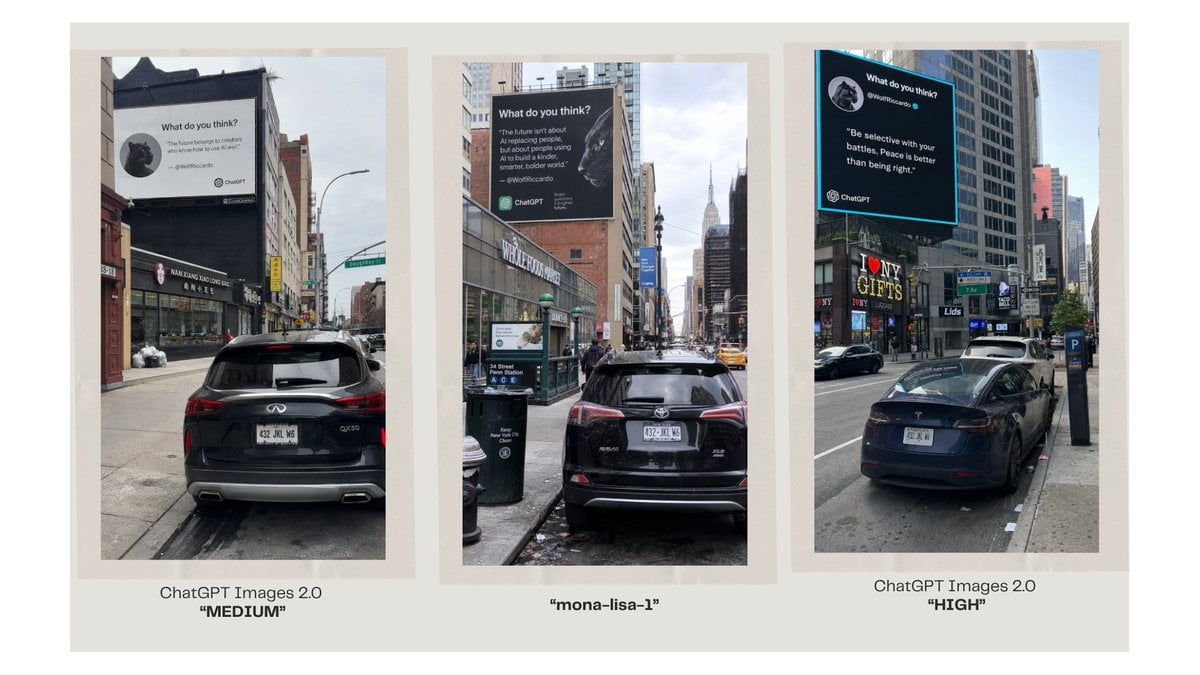
Three-Panel AI Billboard Comparison

Quiet Minimalist Anime Style Guide

Real Illustration Split Portrait Transition
Quiet Minimalist Anime Style Guide

Watercolor Café Cheesecake Editorial Illustration
Real Illustration Split Portrait Transition

Bold Side Profile Superhero Poster

Hero Portrait Comic Multi-Panel Poster

Spider-Verse Painterly Portrait Poster

Captain Tsubasa Anime World Cup Poster

Anime Character Charm Analysis Sheet
Make it yours
Three-Level Illustration Retake Comparison works as-is. These are the safest ways to change it without losing the look.
Swap the setting
Keep the rest of the prompt and replace the location block. The current setting is “towering pile of old CRT televisions and tangled wires behind her”.
Change one field
Copy a single group, rewrite it, and generate again so you can see what that field is doing.
Keep the frame, change the subject
Hold the composition and light of Three-Level Illustration Retake Comparison, then swap wardrobe, props or the person for a new take.
| If the result… | Why | Fix |
|---|---|---|
| The result drifts from the preview | Too many fields changed at once. | Reuse Three-Level Illustration Retake Comparison as-is first, then change one group — subject, light, or setting. |
| GPT Image 2 ignores part of the JSON | Some models flatten or skip nested keys. | Keep the same values and paste them as a short paragraph instead. |
More GPT Image 2 templates
Other prompts made for GPT Image 2.

Six VTuber Japanese Logo Sheet

Realistic Portrait of Woman and Deer

The Vista Modular Condo Poster

AI Model Routing Comparison Infographic

2.5D Anime Art Board

Isometric Productivity Desk Scene

New York Double Exposure Poster

Four-Panel AI Landscape Comparison

Japanese Tatami Lifestyle Magazine Cover

NESCAFÉ Coffee Map Poster
More image prompts
Fresh picks from across the catalog.
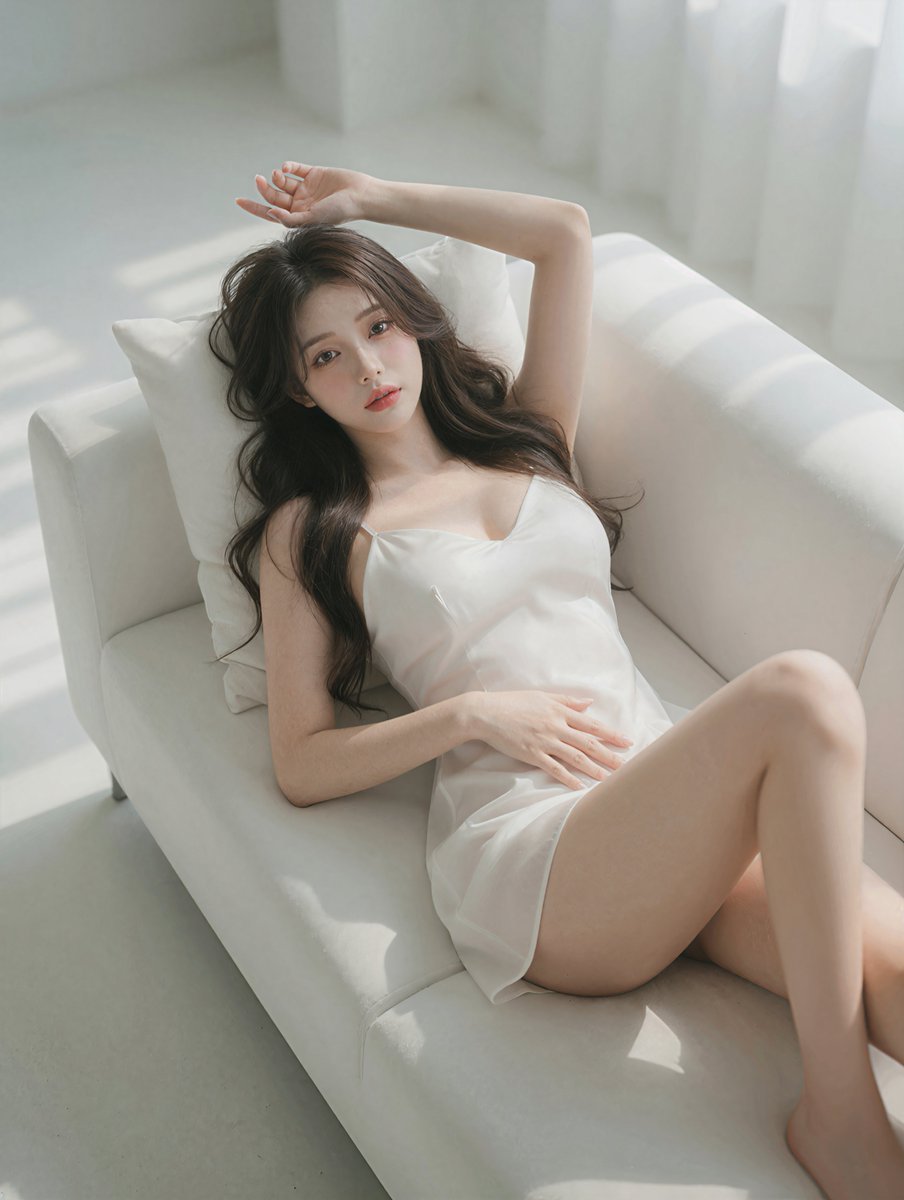
Photorealistic Reclining Portrait
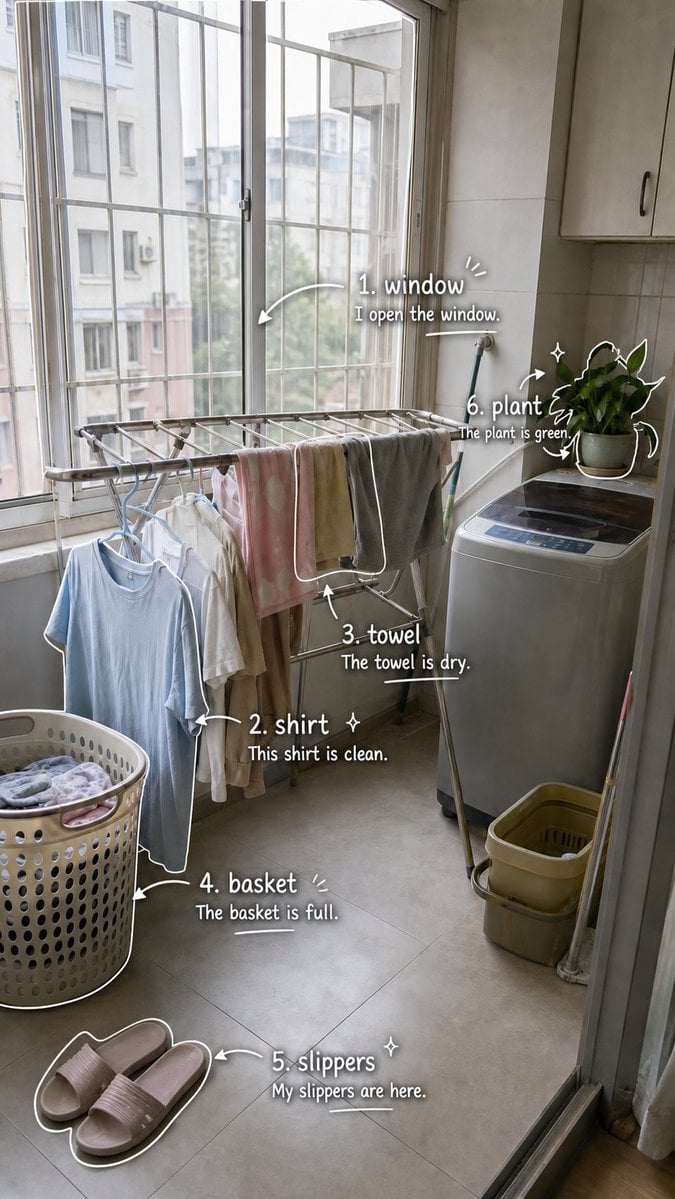
Laundry Balcony Vocabulary Journal
1️⃣Generate the base plate with the red flight pat
Photorealistic Portrait of Young Woman in Lounge Wear
Spicy Nacho Tornado Ad
T-Shirt Text Customization Prompt
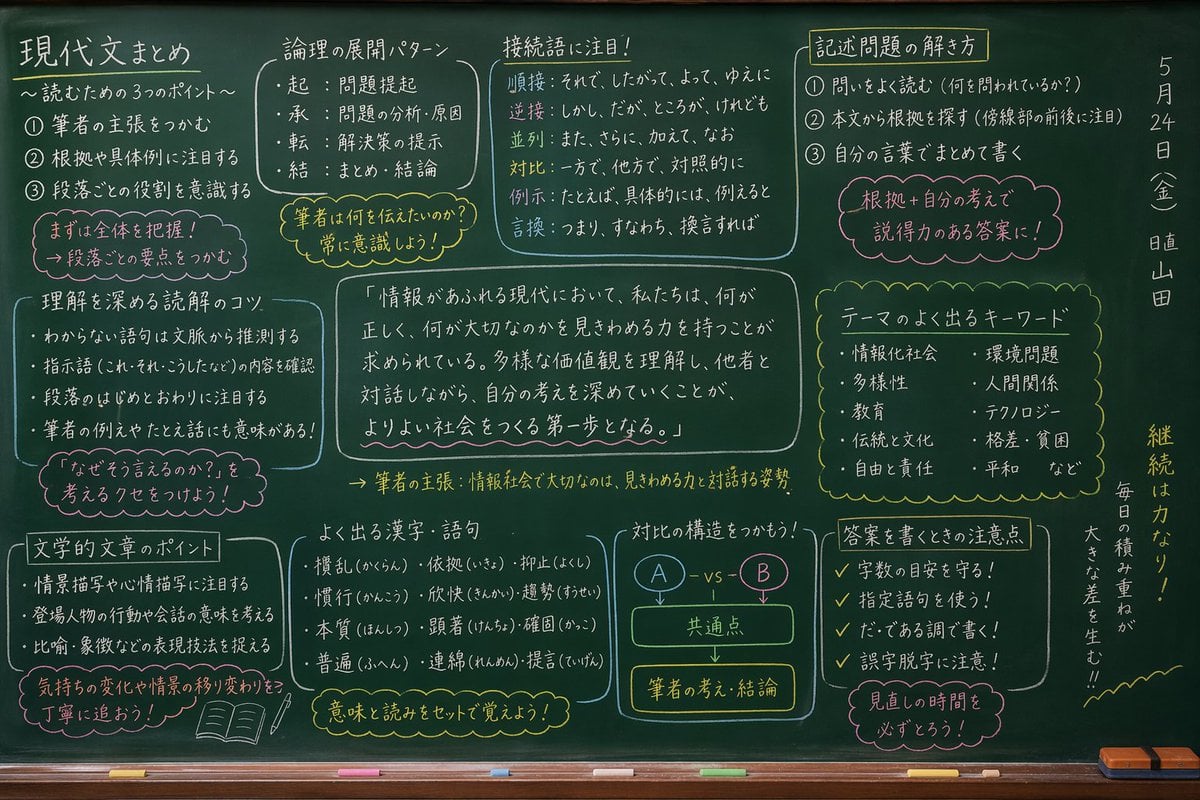
Japanese Classroom Chalkboard Notes
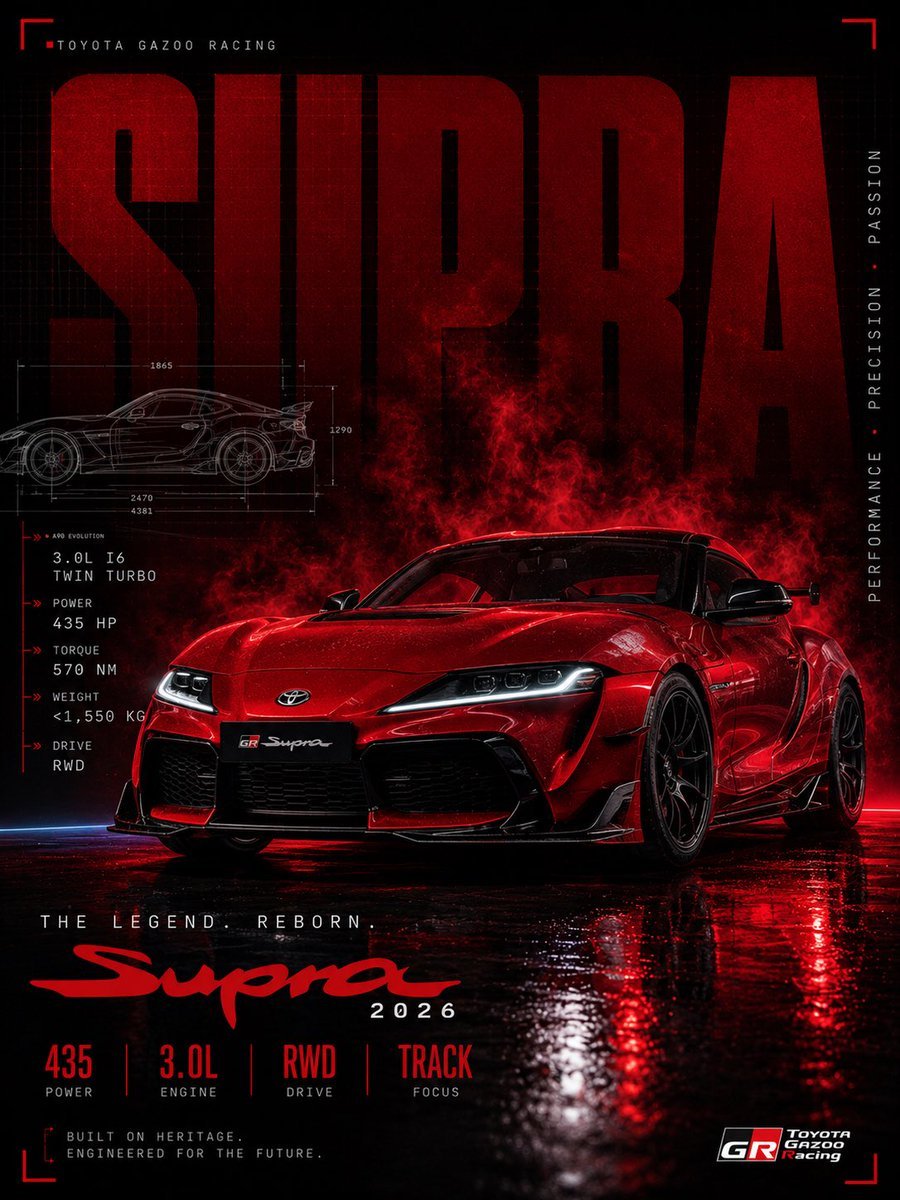
Red Toyota GR Supra Motorsport Poster
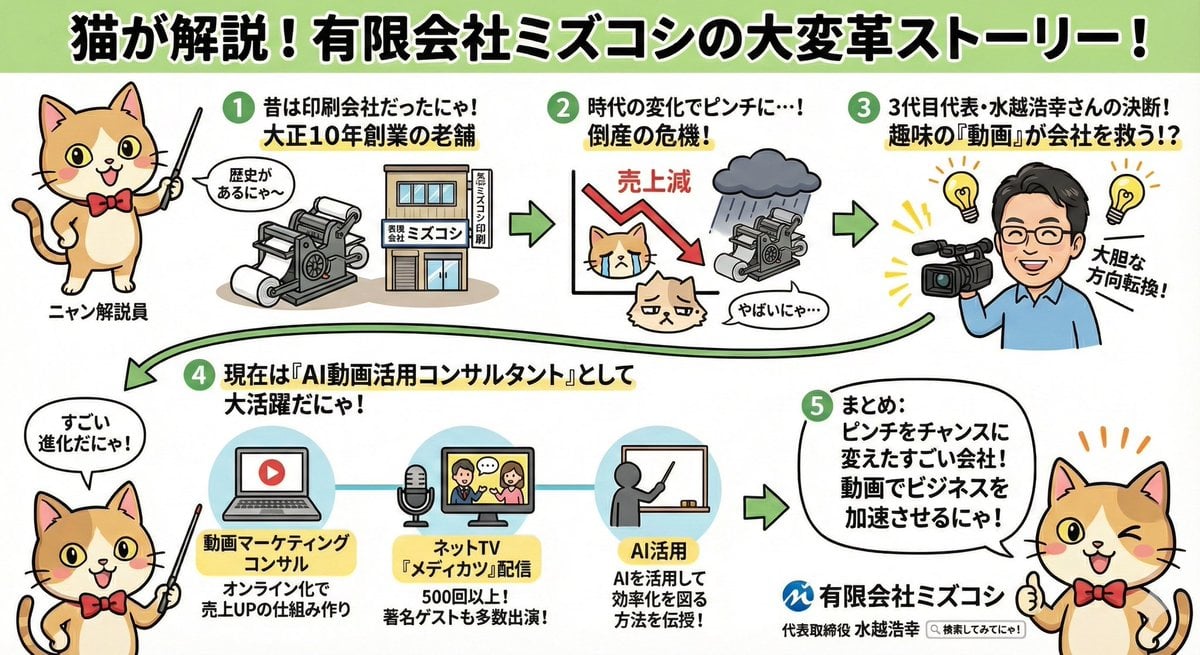
Anime-style Graphic Recording from Web Search Results
Noir Portrait with Balaclava and Cigarette Smoke
Browse template categories
Three-Level Illustration Retake Comparison questions
How do I use the Three-Level Illustration Retake Comparison template?
Add your photo if the template asks for one, edit the prompt if you like — the template's model and format are already selected — and press Generate. Your version opens in PicX Studio.
Can I customize the Three-Level Illustration Retake Comparison template?
Yes. You can change the subject, setting, lighting, mood, format, and available model controls before creating your image.
Is the Three-Level Illustration Retake Comparison template free?
Opening and editing this template is free. Generating uses credits, shown on the Generate button when you are signed in.
Which AI model should I use?
Start with GPT Image 2, which is the model associated with this template. You can compare another compatible model for a different finish.
Looking for something else? Browse all templates.

Your photo, any look
Thousands of ready templates for every top image and video model, from one credit balance.