How do I use the Candid Portrait at Venice Rialto Bridge template?
Choose the primary action to open PicX Studio with the available template settings. Review the model and format, personalize the creative direction, and generate when ready.
A highly detailed prompt for generating a candid-style portrait of a man on the Rialto Bridge in Venice during golden hour, featuring specific clothing and ligh

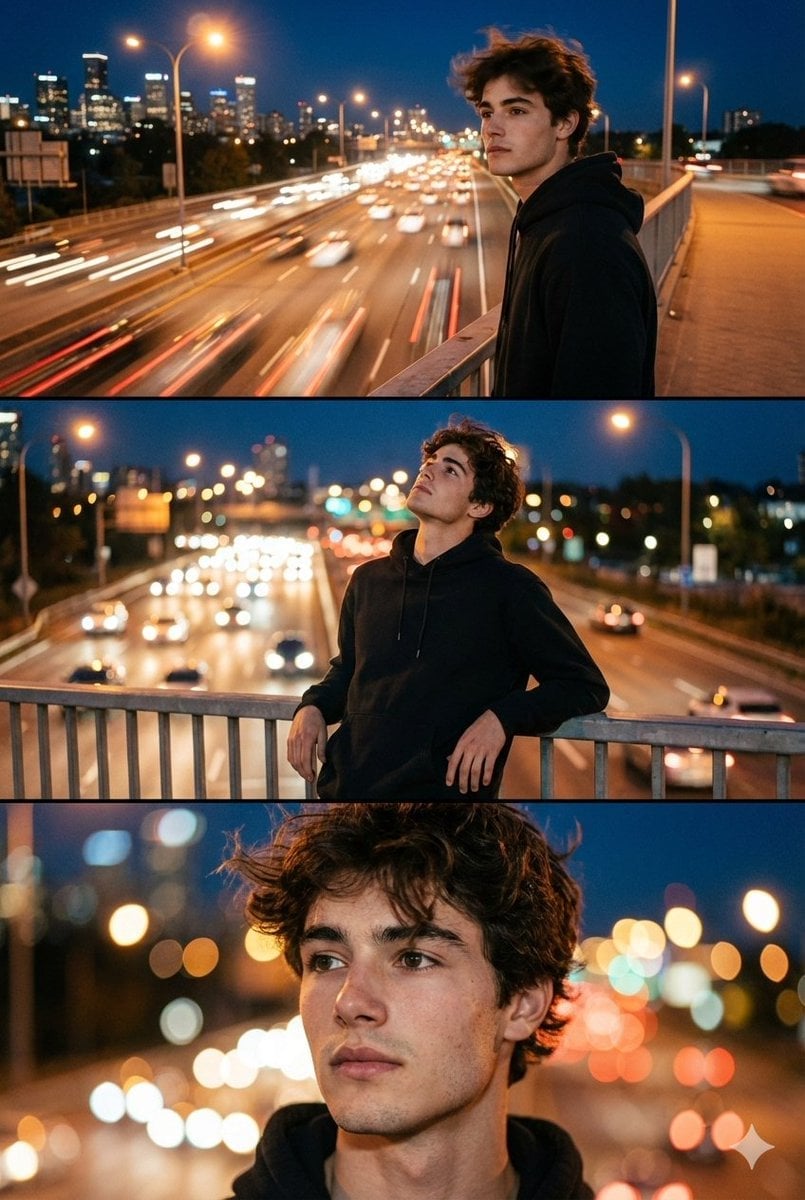
A candid-style portrait of {argument name="subject and location" default="a young man leaning against a bridge parapet on a Venice Rialto bridge"}, set against a colorful, venice city backdrop. Subject and Styling The man is positioned in the left foreground, leaning against to the parapet with his head slightly looking down and his hands resting against the rail. He is dressed in a minimalist, classic style: Lighting and Mood The most striking element of the image is the {argument name="lighting" default="golden hour lighting"}. The sun is positioned behind the subject, creating several visual effects: Lens Flare: A soft, circular lens flare and hazy light streaks are visible in the top right corner. Atmosphere: The overall mood is warm, contemplative, emphasizing a soft, low-key aesthetic. Outfit : {argument name="outfit" default="A white short-sleeves T-shirt, and a Oversized short-sleeves unbuttoned Blue White Striped Linen Shirt on top.and a beige loose pants"}. Accessories: He wears a silver necklace, a silver ring, and a classic silver watch with a white face. Setting and Composition The scene takes place on what appears to be a palazzo barocci bridge. The Background: the Venice building , creating a soft, natural sunlight that contrasts with the rail of the bridge and the subject.
Choose the primary action to open PicX Studio with the available template settings. Review the model and format, personalize the creative direction, and generate when ready.
Yes. You can change the subject, setting, lighting, mood, format, and available model controls before creating your image.
This template is free to open and customize. Generation usage is shown in PicX Studio before you create.
Start with Nano Banana 2, which is the model associated with this template. You can compare another compatible model for a different finish.
Follow a topic to a crawlable collection of related PicX Studio templates.