
Vintage Little Prince Space Postcard
A nostalgic illustrated postcard layout combining The Little Prince and a modern rocket launch, ideal for editorial art, themed prints, or brand-crossover concept visuals.
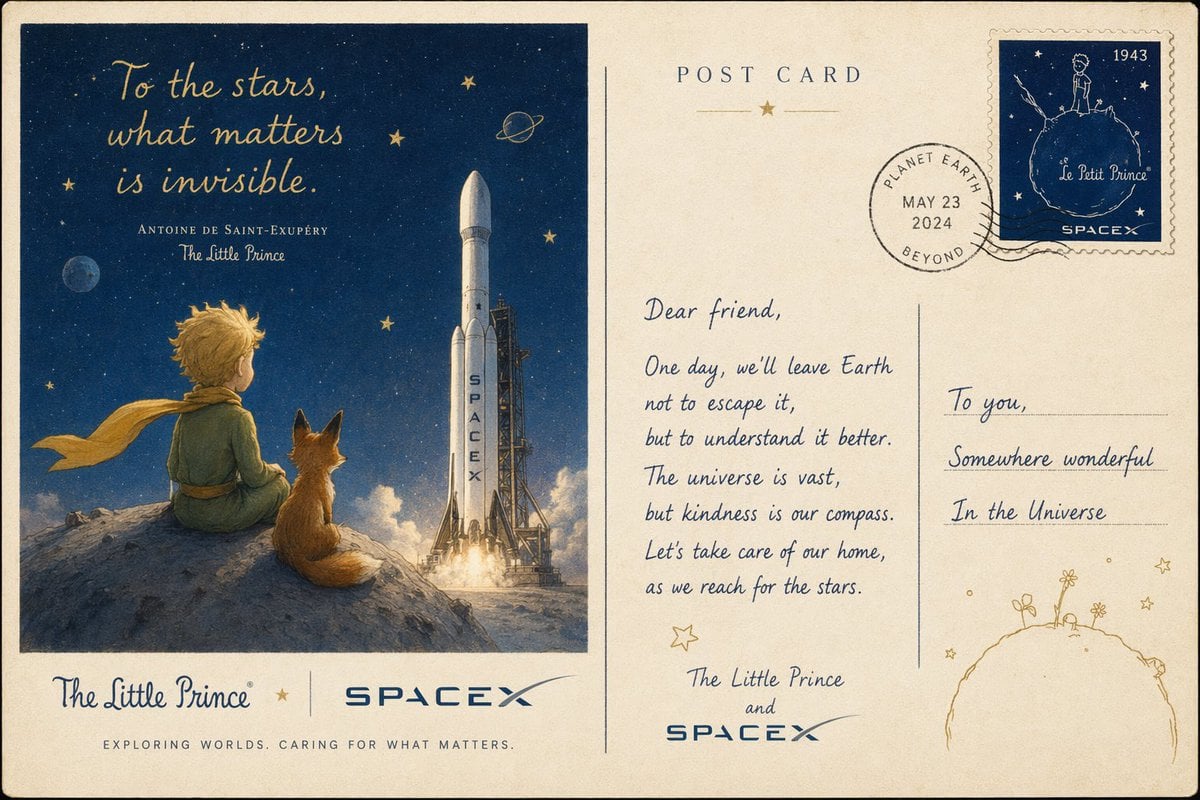
- Prompt included
- Model and format preset
- Free template
The prompt behind this image
Copy the exact prompt behind Vintage Little Prince Space Postcard, or open it in the studio and make it yours.
Create a vintage illustrated postcard designed as a whimsical collaboration between {argument name="franchise name" default="The Little Prince"} and {argument name="space company name" default="SPACEX"}, shown as the front and back of the postcard side by side on one canvas. Use warm aged paper with slightly worn edges, subtle grain, faint stains, and a nostalgic mid-century print feel. The left half is the postcard image: a deep midnight blue starry sky with small golden stars and a tiny ringed planet, a large white rocket standing upright on a launch pad with bright exhaust at liftoff, and a small blond child in a green outfit with a long golden scarf sitting on a rocky hill beside an orange fox, both seen from behind and looking toward the rocket. Add elegant hand-lettered quote text in the sky that reads {argument name="quote" default="To the stars, what matters is invisible."}, with smaller serif and script attribution beneath: "ANTOINE DE SAINT-EXUPÉRY" and "The Little Prince". Along the bottom of the left panel, include 2 brand names: "The Little Prince" in blue script on the left and "SPACEX" in bold blue futuristic capitals on the right, separated by a small gold star and a thin divider line. Beneath that, add the slogan in spaced small caps: {argument name="tagline" default="EXPLORING WORLDS. CARING FOR WHAT MATTERS."}. The right half is the postcard back on the same aged paper, with a centered heading "POST CARD" near the top and a small gold star ornament below it. Add a circular postmark near the upper center-right with 4 visible text parts arranged inside the stamp: "PLANET EARTH", "MAY 23", "2024", and "BEYOND". In the top-right corner, place a blue postage stamp with perforated edges showing the Little Prince standing on a tiny planet under stars, with 4 readable text elements: "1943", "Le Petit Prince", "SPACE", and a small star symbol. The right side should have 2 writing columns divided by a vertical line. In the left writing area, place a handwritten-style message beginning with "Dear friend," followed by this text in neat cursive line breaks: "One day, we'll leave Earth not to escape it, but to understand it better. The universe is vast, but kindness is our compass. Let's take care of our home, as we reach for the stars." Then sign it on 3 lines: "The Little Prince", "and", "SPACEX". In the right address area, write "To you," on the first line, then "Somewhere wonderful" and "In the Universe" on the next lines with horizontal guide lines. Add small gold star doodles and, at the bottom-right corner, a simple line drawing of a tiny round planet with little flowers sprouting from it. Keep the palette limited to cream, navy, soft gold, muted green, warm orange, and blue-gray, with crisp but painterly illustration, accurate decorative typography, and a magical, hopeful, literary-meets-space-exploration tone.
How to use Vintage Little Prince Space Postcard in 3 steps
- 1Upload ImagePNG, JPG or paste
Add your photo
Upload the photo the template builds on. The prompt, model and format are already set.
- 2…a portrait of your subject in softgolden-hour light, 85mm…
Personalize
Edit the subject and creative details for your destination.
- 3Generate
Generate
Press Generate — your image is created in PicX Studio, so you can compare it with the original and refine one variable at a time.
More like this
Templates with the same subject, style or setup. Open one to see its prompt.












Make it yours
Vintage Little Prince Space Postcard works as-is. These are the safest ways to change it without losing the look.
Change one field
Copy a single group, rewrite it, and generate again so you can see what that field is doing.
Keep the frame, change the subject
Hold the composition and light of Vintage Little Prince Space Postcard, then swap wardrobe, props or the person for a new take.
| If the result… | Why | Fix |
|---|---|---|
| The result drifts from the preview | Too many fields changed at once. | Reuse Vintage Little Prince Space Postcard as-is first, then change one group — subject, light, or setting. |
| The model over-stylizes the scene | The prose prompt leaves finish and camera underspecified. | Add one camera or lighting sentence and stay on GPT Image 2. |
More GPT Image 2 templates
Other prompts made for GPT Image 2.

Six VTuber Japanese Logo Sheet

Realistic Portrait of Woman and Deer

The Vista Modular Condo Poster

AI Model Routing Comparison Infographic

2.5D Anime Art Board

Isometric Productivity Desk Scene

New York Double Exposure Poster

Four-Panel AI Landscape Comparison

Japanese Tatami Lifestyle Magazine Cover

NESCAFÉ Coffee Map Poster
More image prompts
Fresh picks from across the catalog.
Photorealistic Lifestyle Portrait Prompt (Identity Locked)
High Fashion Editorial Poster
Gym Bro Aesthetic Photo Analysis
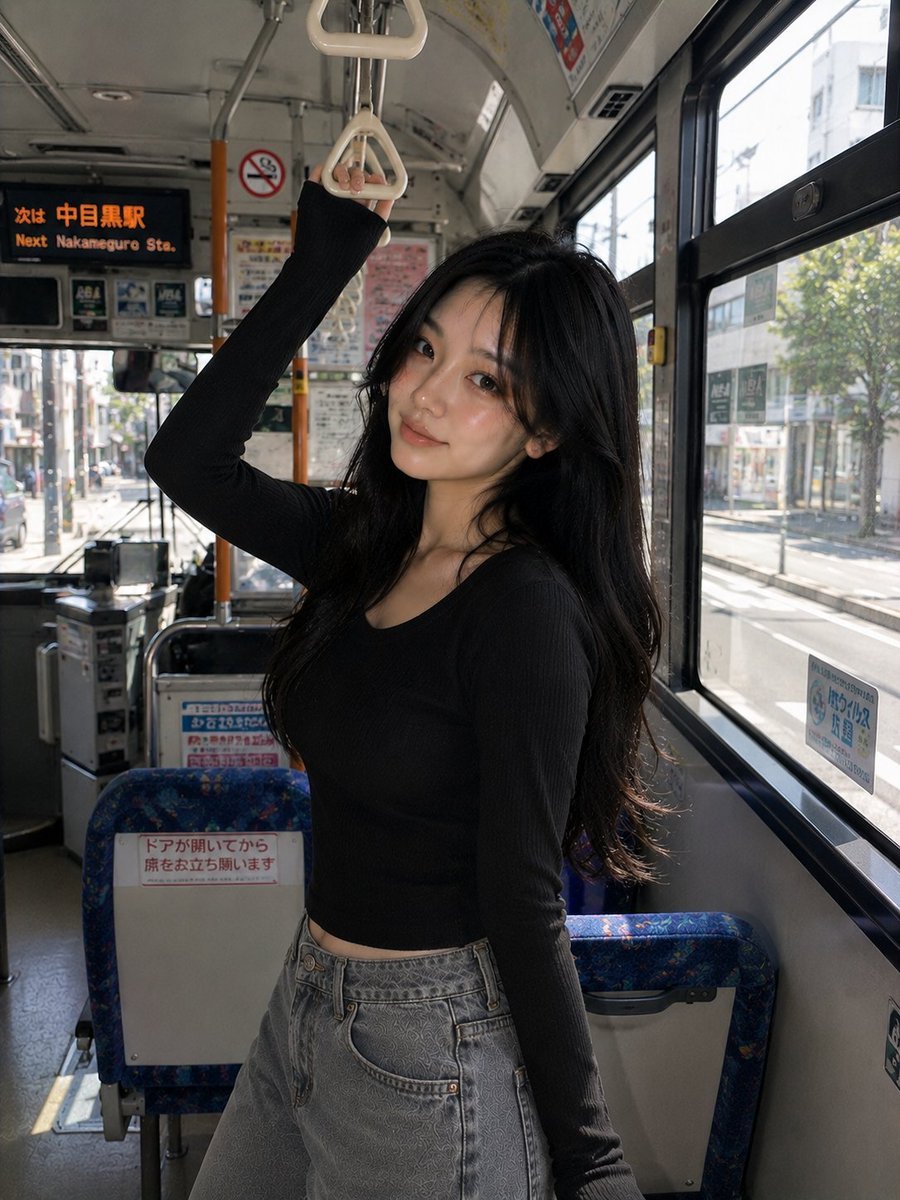
Korean Girl Urban Bus Candid
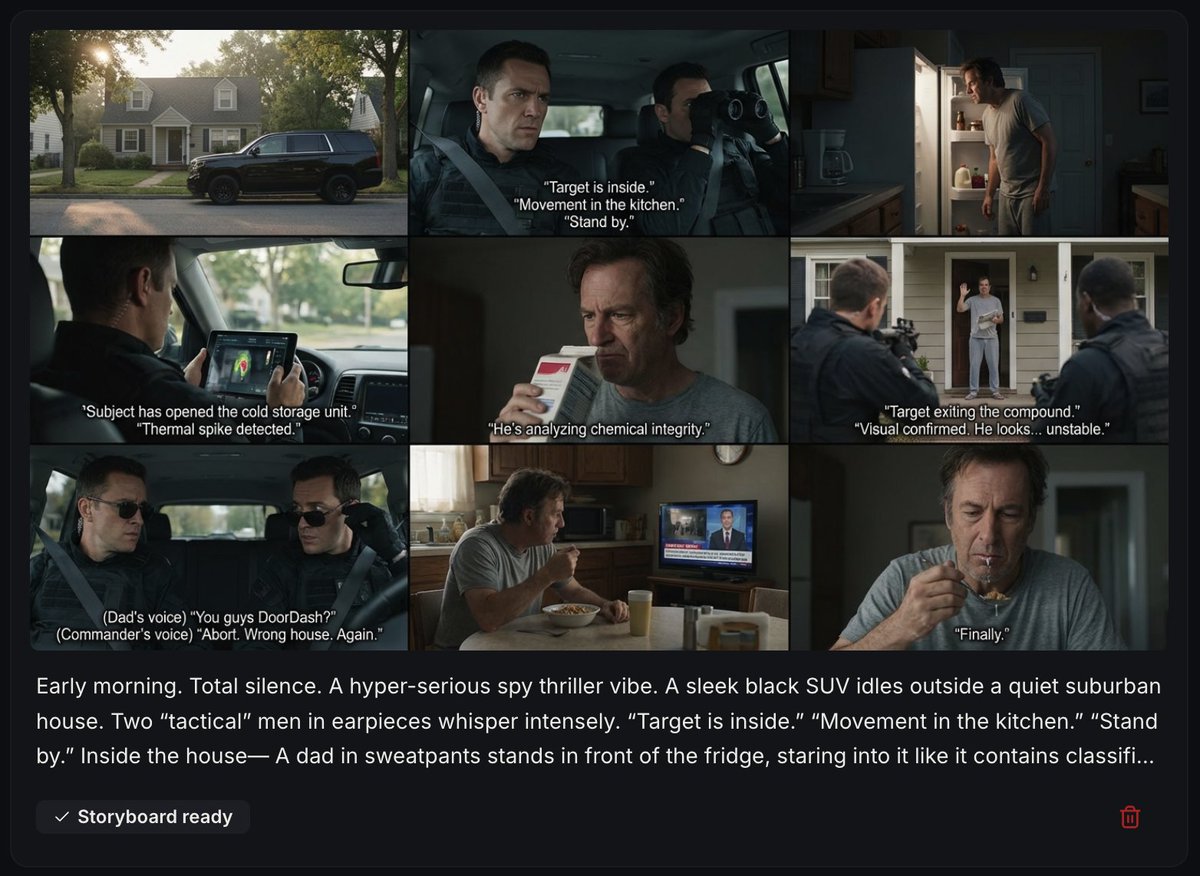
Spy Thriller Comedy Storyboard Prompt
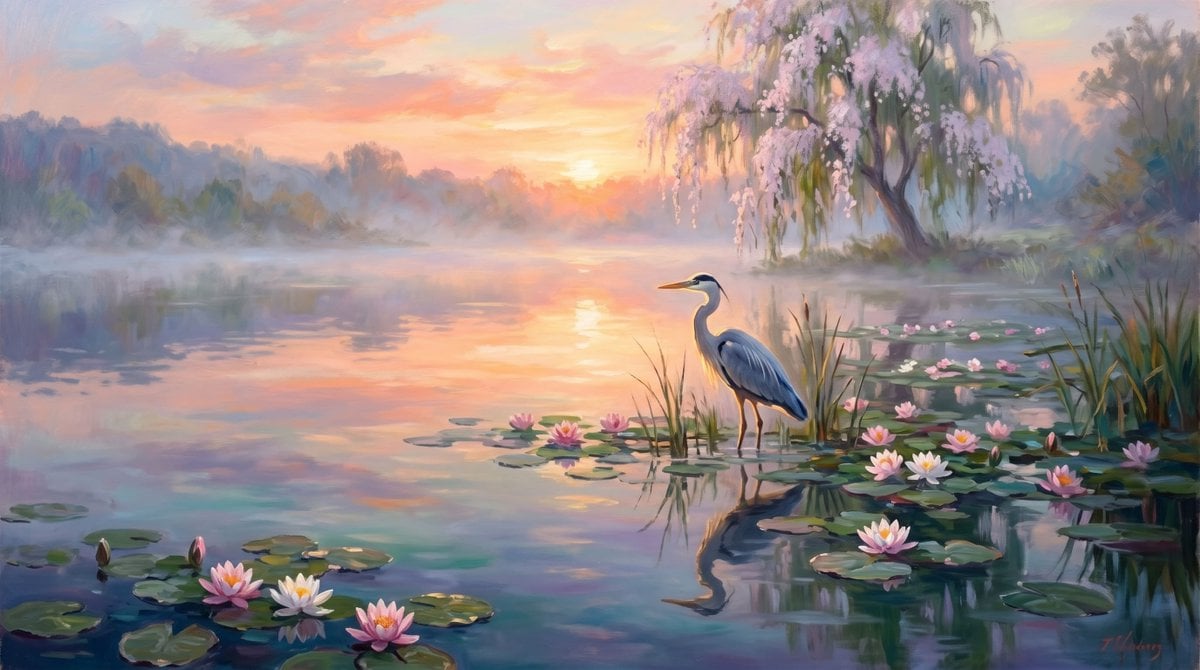
Misty Sunrise Heron Lake
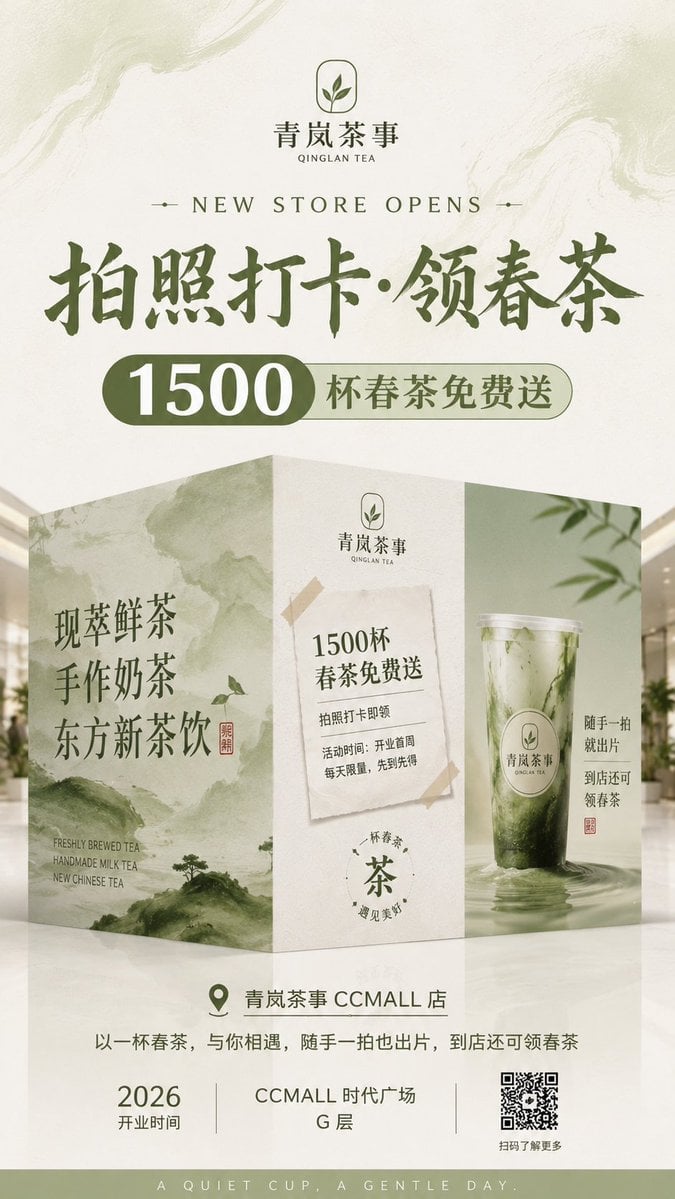
New Chinese Tea Store Hoarding Poster
Censored Rain Portrait
Red Pink Fractal Kaleidoscope
Flat Color to Rendered Anime Shading
Browse template categories
Vintage Little Prince Space Postcard questions
How do I use the Vintage Little Prince Space Postcard template?
Add your photo if the template asks for one, edit the prompt if you like — the template's model and format are already selected — and press Generate. Your version opens in PicX Studio.
Can I customize the Vintage Little Prince Space Postcard template?
Yes. You can change the subject, setting, lighting, mood, format, and available model controls before creating your image.
Is the Vintage Little Prince Space Postcard template free?
Opening and editing this template is free. Generating uses credits, shown on the Generate button when you are signed in.
Which AI model should I use?
Start with GPT Image 2, which is the model associated with this template. You can compare another compatible model for a different finish.
Looking for something else? Browse all templates.

Your photo, any look
Thousands of ready templates for every top image and video model, from one credit balance.