How do I use the Handmade Play-Doh City Scene template?
Choose the primary action to open PicX Studio with the available template settings. Review the model and format, personalize the creative direction, and generate when ready.
A whimsical editorial illustration prompt of a child building a miniature city out of modeling clay, complete with fingerprints and charming imperfections. Change the subject, setting, or lighting one variable at a time.
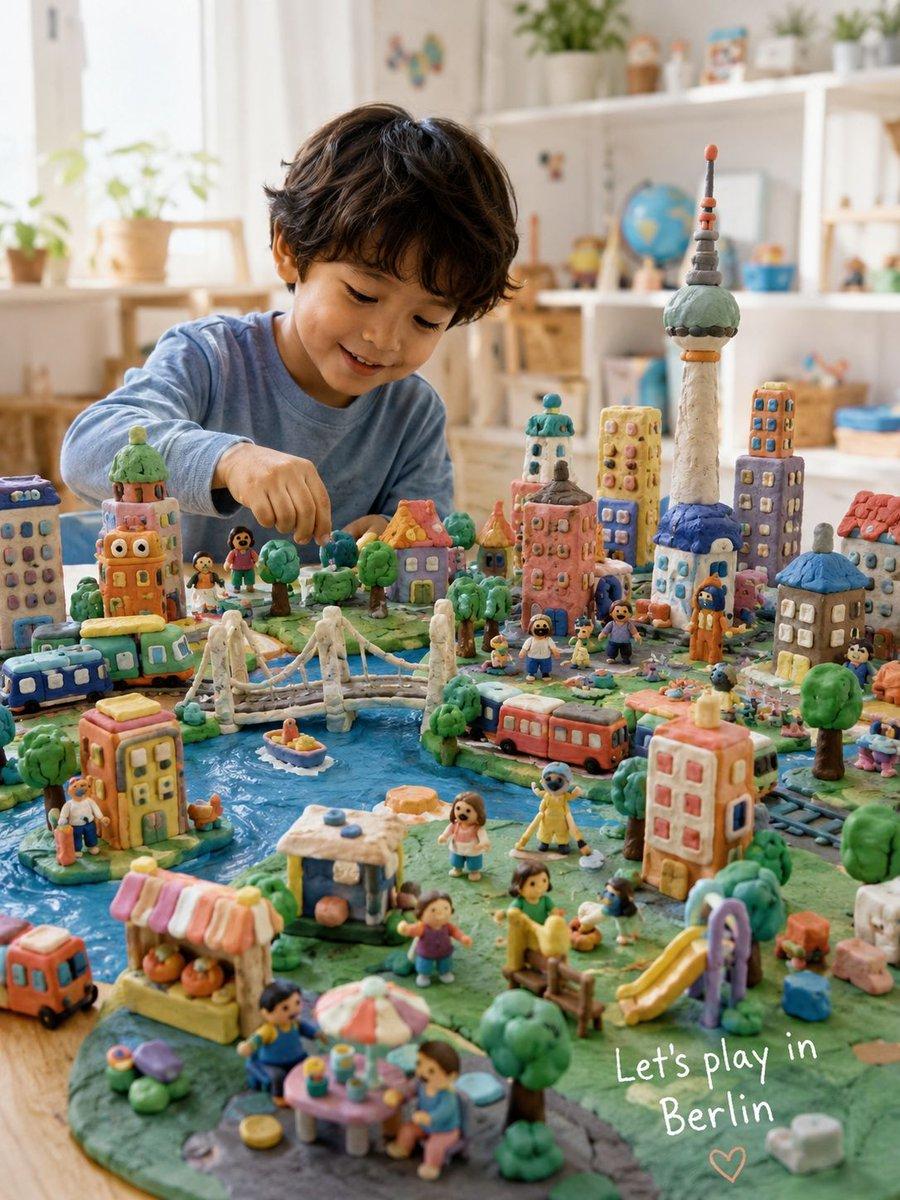
Create a whimsical 3:4 editorial-style illustration of a five-year-old child sitting at a warm craft table, proudly creating a handmade Play-Doh version of {argument name="city" default="London"}. The entire miniature world should clearly feel sculpted by a real child using colorful modeling clay, soft rounded edges, uneven shapes, tiny fingerprints, squishy textures, crooked little buildings, playful proportions, and charming imperfections throughout. The clay city should be packed with delightful tiny details: recognizable landmarks, rivers, bridges, cafés, food carts, parks, trains, buses, apartment buildings, trees, street scenes, market stalls, miniature clay people, clouds, and cozy neighborhood moments. Everything should feel imaginative, dense, lively, and lovingly handmade rather than professionally modeled. The child should look natural and believable, wearing simple everyday clothes with a joyful, curious expression while interacting with the miniature city. Avoid costume-like outfits or exaggerated styling. Art direction: premium children’s magazine illustration, handcrafted claymation-inspired aesthetic, cozy Scandinavian editorial atmosphere, miniature diorama photography feel, emotionally warm storytelling, highly detailed but soft and playful. Lighting should feel bright, airy, and naturally diffused with soft indoor daylight, clean whites, fresh pastel Play-Doh colors, subtle cool-neutral tones, gentle highlights, and luminous soft shadows. No logos, fake text, AI artifacts, hyper-detailed realism, or sterile perfection. Bottom-right corner: add a small handwritten white crayon sentence: “Let’s play in {argument name="city name" default="London"}” The handwriting should feel cute, childlike, uneven, and naturally imperfect.
Choose the primary action to open PicX Studio with the available template settings. Review the model and format, personalize the creative direction, and generate when ready.
Yes. You can change the subject, setting, lighting, mood, format, and available model controls before creating your image.
This template is free to open and customize. Generation usage is shown in PicX Studio before you create.
Start with GPT Image 2, which is the model associated with this template. You can compare another compatible model for a different finish.
© 2026 PicX Studio. All rights reserved.

Follow a topic to a crawlable collection of related PicX Studio templates.
43,474 public templates available. Verified via the PicX Studio public templates API; refreshed hourly.














![Minimalist Flat Vector Travel Poster — Premium minimalist flat-vector travel poster for {argument name="city name" default="[CITY_NAME]"}, 3:4 vertical format.](https://cms-assets.youmind.com/media/1787917359711_3ug846_HQX205cbMAA6F6S-300x400.jpg)




















![Miniature Construction Site Product Ad — A miniature construction crew assembling {argument name="product name" default="[PRODUCT]"} like a skyscraper. Cranes,](https://pbs.twimg.com/media/G93pSEmbgAAKM4c.jpg)

![Cinematic Fantasy Country Atlas — An ultra-premium cinematic fantasy atlas visualization of {argument name="country" default="[COUNTRY]"}, transformed into a br](https://cms-assets.youmind.com/media/1779786533268_9afi5m_HJAvGJKaYAAtsip.jpg)







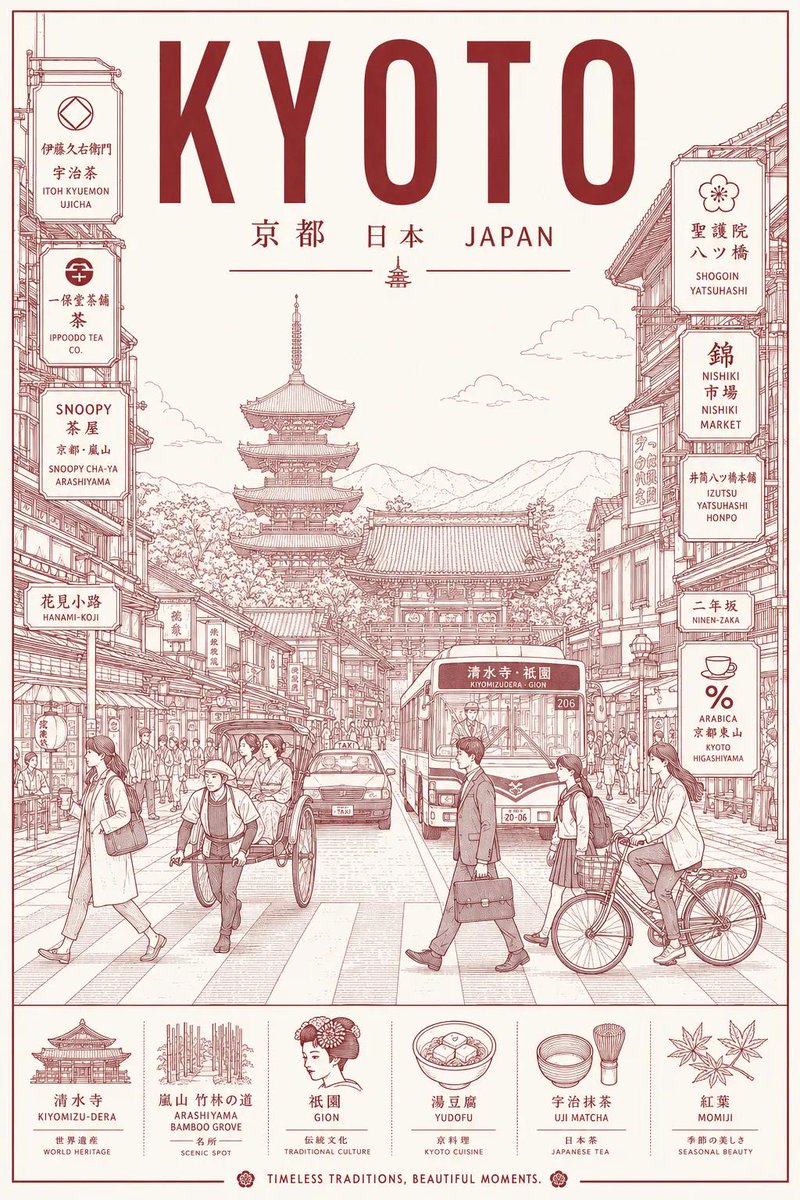
![Torn Poster of Contrasting Kyoto Eras — Create a [2:3] poster where the center is torn diagonally, revealing two contrasting eras of Kyoto.…](https://pbs.twimg.com/media/HDuuSZmWwAAiNGW.jpg)


![[ Just upload your portrait to generate it ]
Prom — Use the uploaded portrait only as the identity and hairstyle reference. Preserve the person’s facial identi](https://cms-assets.youmind.com/media/1779008265608_a16vrs_HIaCBvoboAE0CQN.jpg)

![Technical Infographic Overlay for Object Annotation — Create an infographic image of {argument name="object" default="[OBJECT]"}, combining a realistic ph…](https://pbs.twimg.com/media/HBzijzrXkAAFkKT.jpg)