
Panel Anime Sci-Fi Course Promo
Generates a three-panel vertical infographic comparing different AI models, featuring an anime character in dynamic poses and detailed typography.
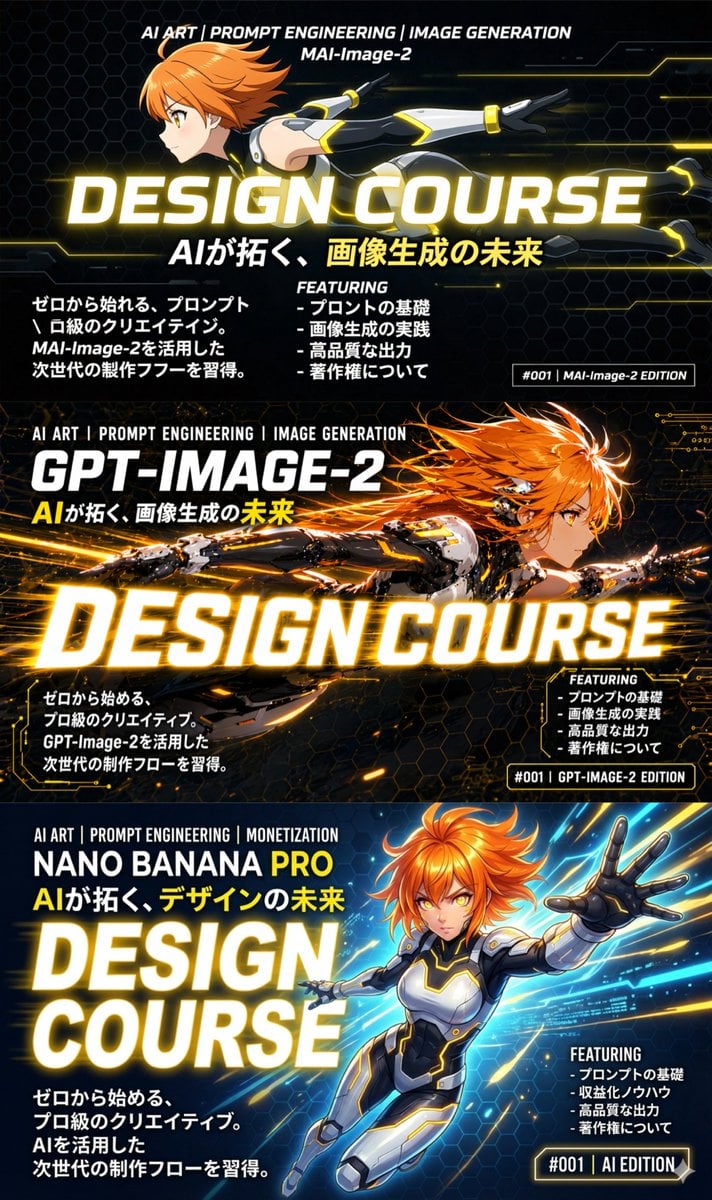
- Prompt included
- Model and format preset
- Free template
The prompt behind this image
Copy the exact prompt behind Panel Anime Sci-Fi Course Promo, or open it in the studio and make it yours.
- Type
- 3-panel vertical promotional infographic
- Theme
- sci-fi anime, dynamic action, glowing effects, high-tech interface
- Character Design › Gender
- female
- Character Design › Hair
- {argument name="hair color" default="orange"}, short
- Character Design › Outfit
- futuristic black, white, and grey bodysuit with glowing yellow accents
- Layout › Structure
- vertical stack of 3 horizontal banners
- Layout › Panels › 0 › Position
- top
- Layout › Panels › 0 › Model Name
- {argument name="top model name" default="MAI-Image-2"}
- Layout › Panels › 0 › Header Text
- AI ART | PROMPT ENGINEERING | IMAGE GENERATION
- Layout › Panels › 0 › Main Title
- {argument name="main title" default="DESIGN COURSE"}
- Layout › Panels › 0 › Subtitle
- {argument name="subtitle" default="AIが拓く、画像生成の未来"}
- Layout › Panels › 0 › Character Pose
- flying horizontally to the right, profile view, clean flat anime style
- Layout › Panels › 0 › Left Text Block
- ゼロから始める、プロンプト 級のクリエイティブ。 MAI-Image-2を活用した 次世代の制作フローを習得。
- Layout › Panels › 0 › Featuring List › Title
- FEATURING
- Layout › Panels › 0 › Featuring List › Count
- 4
- Layout › Panels › 0 › Featuring List › Items
- - プロンプトの基礎, - 画像生成の実践, - 高品質な出力, - 著作権について
- Layout › Panels › 0 › Bottom Right Tag
- #001 | MAI-Image-2 EDITION
- Layout › Panels › 1 › Position
- middle
- Layout › Panels › 1 › Model Name
- {argument name="middle model name" default="GPT-IMAGE-2"}
- Layout › Panels › 1 › Header Text
- AI ART | PROMPT ENGINEERING | IMAGE GENERATION
- Layout › Panels › 1 › Main Title
- {argument name="main title" default="DESIGN COURSE"}
- Layout › Panels › 1 › Subtitle
- {argument name="subtitle" default="AIが拓く、画像生成の未来"}
- Layout › Panels › 1 › Character Pose
- flying horizontally to the right, highly detailed, dynamic lighting, glowing particles, intense expression, mecha details
- Layout › Panels › 1 › Left Text Block
- ゼロから始める、 プロ級のクリエイティブ。 GPT-Image-2を活用した 次世代の制作フローを習得。
Raw JSON
{
  "type": "3-panel vertical promotional infographic",
  "theme": "sci-fi anime, dynamic action, glowing effects, high-tech interface",
  "character_design": {
    "gender": "female",
    "hair": "{argument name=\"hair color\" default=\"orange\"}, short",
    "outfit": "futuristic black, white, and grey bodysuit with glowing yellow accents"
  },
  "layout": {
    "structure": "vertical stack of 3 horizontal banners",
    "panels": [
      {
        "position": "top",
        "model_name": "{argument name=\"top model name\" default=\"MAI-Image-2\"}",
        "header_text": "AI ART | PROMPT ENGINEERING | IMAGE GENERATION",
        "main_title": "{argument name=\"main title\" default=\"DESIGN COURSE\"}",
        "subtitle": "{argument name=\"subtitle\" default=\"AIが拓く、画像生成の未来\"}",
        "character_pose": "flying horizontally to the right, profile view, clean flat anime style",
        "left_text_block": "ゼロから始める、プロンプト\n級のクリエイティブ。\nMAI-Image-2を活用した\n次世代の制作フローを習得。",
        "featuring_list": {
          "title": "FEATURING",
          "count": 4,
          "items": ["- プロンプトの基礎", "- 画像生成の実践", "- 高品質な出力", "- 著作権について"]
        },
        "bottom_right_tag": "#001 | MAI-Image-2 EDITION"
      },
      {
        "position": "middle",
        "model_name": "{argument name=\"middle model name\" default=\"GPT-IMAGE-2\"}",
        "header_text": "AI ART | PROMPT ENGINEERING | IMAGE GENERATION",
        "main_title": "{argument name=\"main title\" default=\"DESIGN COURSE\"}",
        "subtitle": "{argument name=\"subtitle\" default=\"AIが拓く、画像生成の未来\"}",
        "character_pose": "flying horizontally to the right, highly detailed, dynamic lighting, glowing particles, intense expression, mecha details",
        "left_text_block": "ゼロから始める、\nプロ級のクリエイティブ。\nGPT-Image-2を活用した\n次世代の制作フローを習得。",
        "featuring_list": {
          "title": "FEATURING",
          "count": 4,
          "items": ["- プロンプトの基礎", "- 画像生成の実践", "- 高品質な出力", "- 著作権について"]
        },
        "bottom_right_tag": "#001 | GPT-IMAGE-2 EDITION"
      },
      {
        "position": "bottom",
        "model_name": "NANO BANANA PRO",
        "header_text": "AI ART | PROMPT ENGINEERING | MONETIZATION",
        "main_title": "{argument name=\"main title\" default=\"DESIGN COURSE\"}",
        "subtitle": "AIが拓く、デザインの未来",
        "character_pose": "flying towards the viewer, reaching out with left hand, dynamic perspective, starry space background",
        "left_text_block": "ゼロから始める、\nプロ級のクリエイティブ。\nAIを活用した\n次世代の制作フローを習得。",
        "featuring_list": {
          "title": "FEATURING",
          "count": 4,
          "items": ["- プロンプトの基礎", "- 収益化ノウハウ", "- 高品質な出力", "- 著作権について"]
        },
        "bottom_right_tag": "#001 | AI EDITION"
      }
    ]
  }
}Reference images included
Panel Anime Sci-Fi Course Promo needs input media to work. They load alongside the prompt when you open it in the studio.
How to use Panel Anime Sci-Fi Course Promo in 3 steps
- 1Upload ImagePNG, JPG or paste
Add your photo
Upload the photo the template builds on. The prompt, model and format are already set.
- 2…a portrait of your subject in softgolden-hour light, 85mm…
Personalize
Edit the subject and creative details for your destination.
- 3Generate
Generate
Press Generate — your image is created in PicX Studio, so you can compare it with the original and refine one variable at a time.
More like this
Templates with the same subject, style or setup. Open one to see its prompt.











Make it yours
Panel Anime Sci-Fi Course Promo works as-is. These are the safest ways to change it without losing the look.
Change one field
Copy a single group, rewrite it, and generate again so you can see what that field is doing.
Keep the frame, change the subject
Hold the composition and light of 3-Panel Anime Sci-Fi Course Promo, then swap wardrobe, props or the person for a new take.
| If the result… | Why | Fix |
|---|---|---|
| The result drifts from the preview | Too many fields changed at once. | Reuse 3-Panel Anime Sci-Fi Course Promo as-is first, then change one group — subject, light, or setting. |
| GPT Image 2 ignores part of the JSON | Some models flatten or skip nested keys. | Keep the same values and paste them as a short paragraph instead. |
More GPT Image 2 templates
Other prompts made for GPT Image 2.

Six VTuber Japanese Logo Sheet

Realistic Portrait of Woman and Deer

The Vista Modular Condo Poster

AI Model Routing Comparison Infographic

2.5D Anime Art Board

Isometric Productivity Desk Scene

New York Double Exposure Poster

Four-Panel AI Landscape Comparison

Japanese Tatami Lifestyle Magazine Cover

NESCAFÉ Coffee Map Poster
More image prompts
Fresh picks from across the catalog.
Candid Bedroom Selfie of Three Freckled Girls
Witch in Japanese Washitsu Portal
Luxury Fast Food Chef Advertisement
Minimalist Cinematic Portrait with Paper-Cut Art

Violet Ghost in a Golden Room K-Pop Aesthetic Image Prompt
Cute Cat Selfie
Y2K Windowsill Maple Leaf — Early 2000s Digital Photo
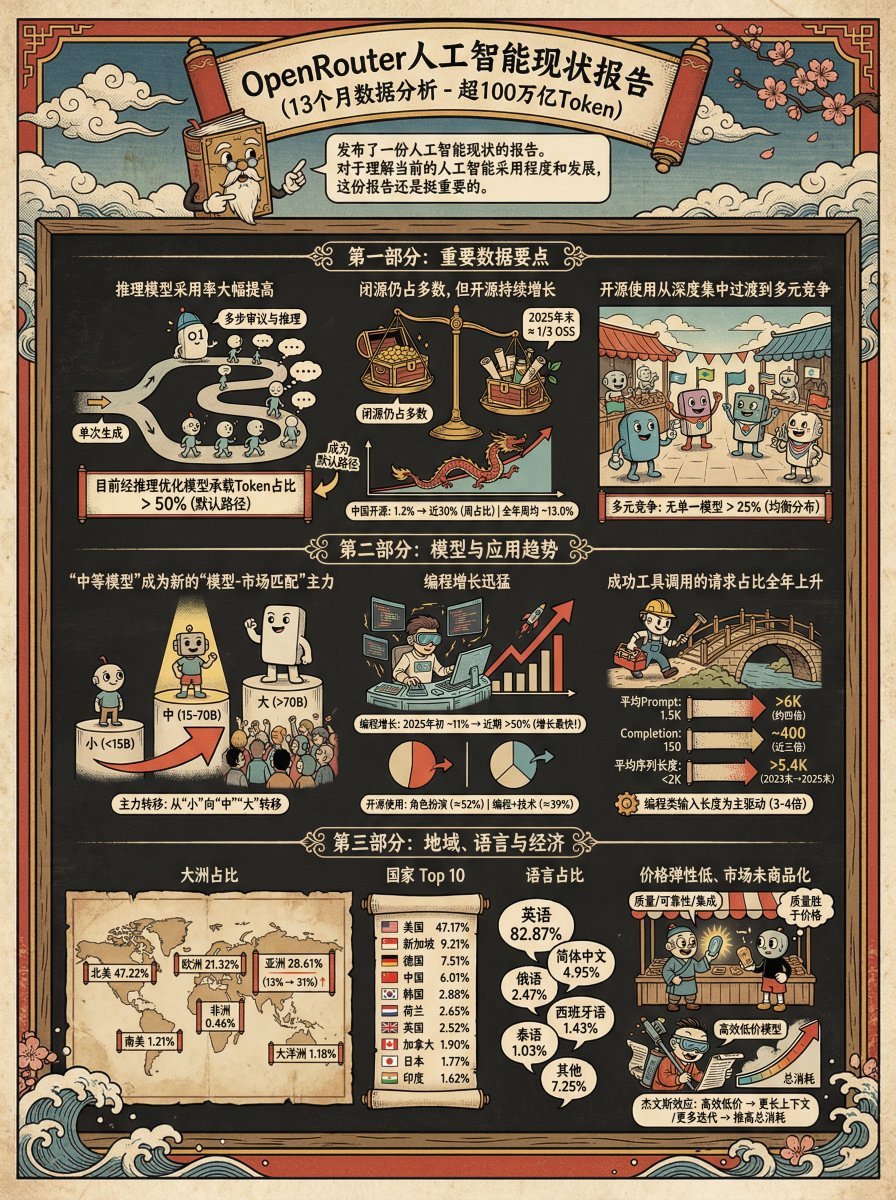
Ukiyo-e Teacup Head Infographic Prompt
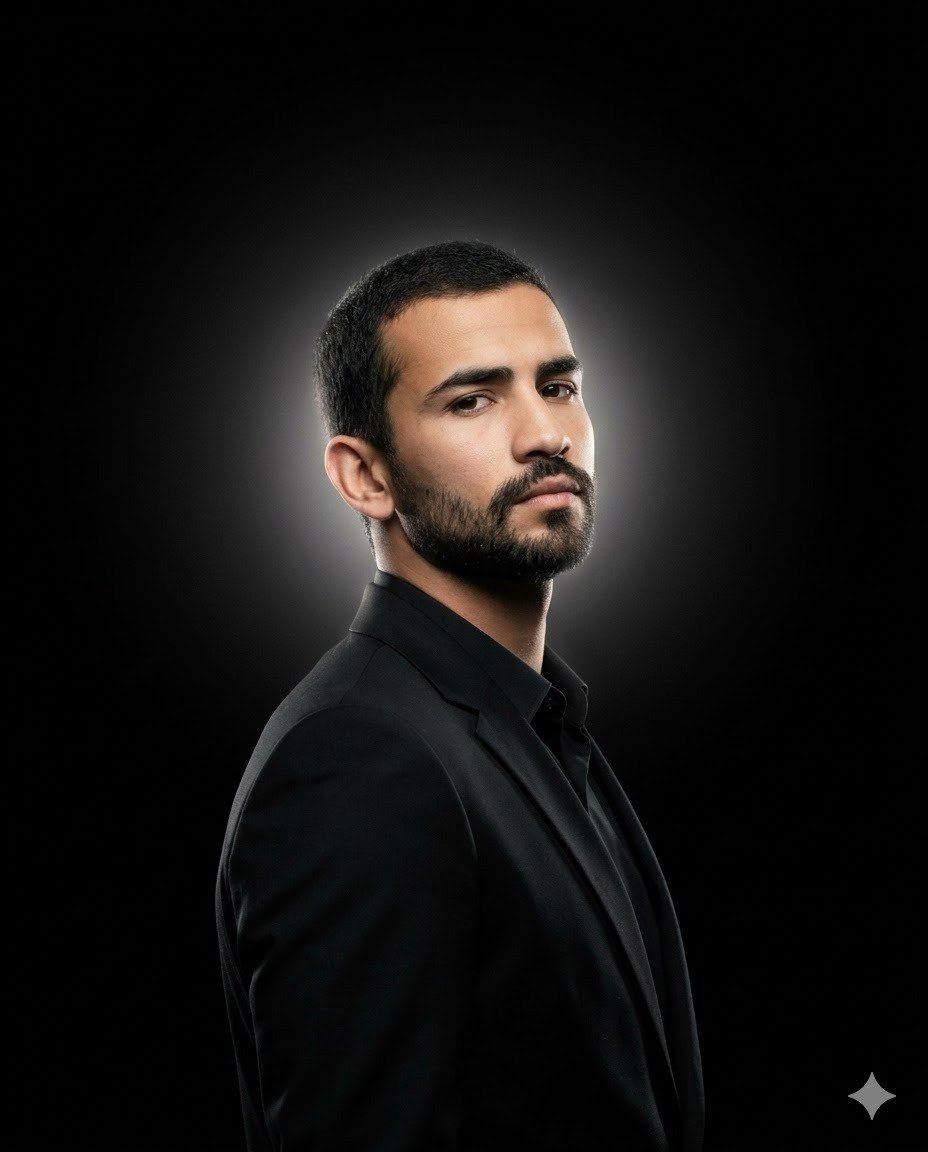
Minimalist Cinematic Fashion Editorial Studio Portrait
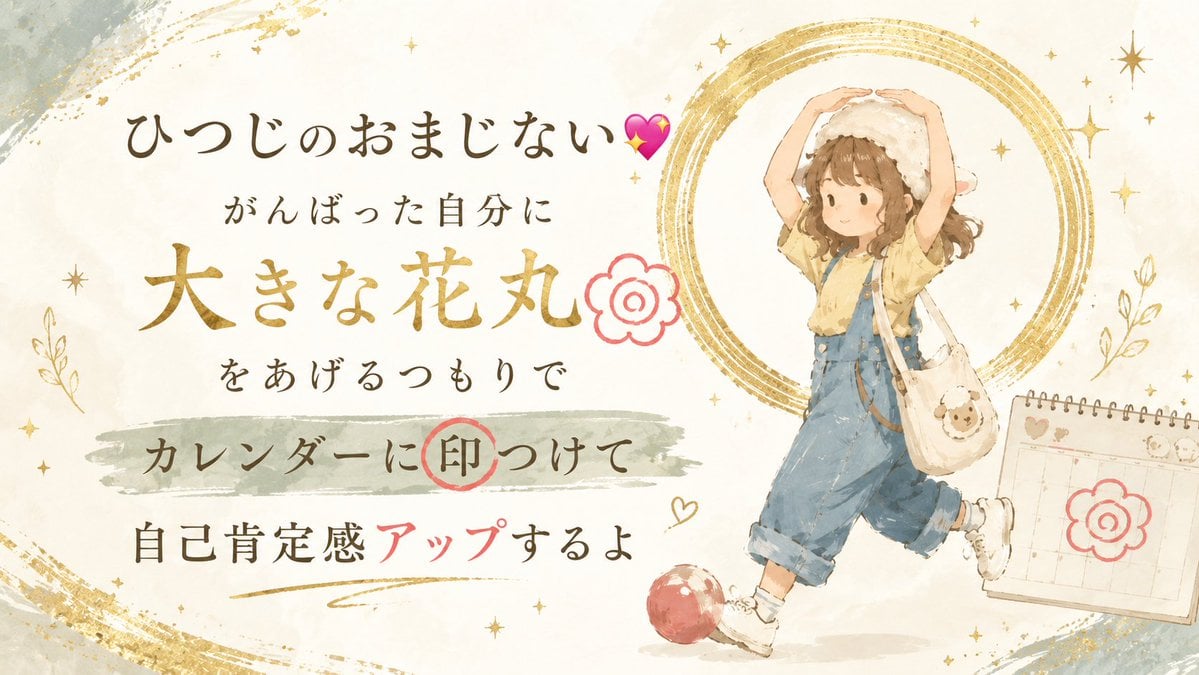
Japanese Self-Care Flower Mark Card
Browse template categories
Panel Anime Sci-Fi Course Promo questions
How do I use the 3-Panel Anime Sci-Fi Course Promo template?
Add your photo if the template asks for one, edit the prompt if you like — the template's model and format are already selected — and press Generate. Your version opens in PicX Studio.
Can I customize the 3-Panel Anime Sci-Fi Course Promo template?
Yes. You can change the subject, setting, lighting, mood, format, and available model controls before creating your image.
Is the 3-Panel Anime Sci-Fi Course Promo template free?
Opening and editing this template is free. Generating uses credits, shown on the Generate button when you are signed in.
Which AI model should I use?
Start with GPT Image 2, which is the model associated with this template. You can compare another compatible model for a different finish.
Looking for something else? Browse all templates.

Your photo, any look
Thousands of ready templates for every top image and video model, from one credit balance.