
Minimal Magnus Effect Infographic
A polished academic poster explaining the Magnus Effect with four numbered sections, fluid-flow diagrams, pressure equations, and clean textbook-style visuals for educational or presentation use.
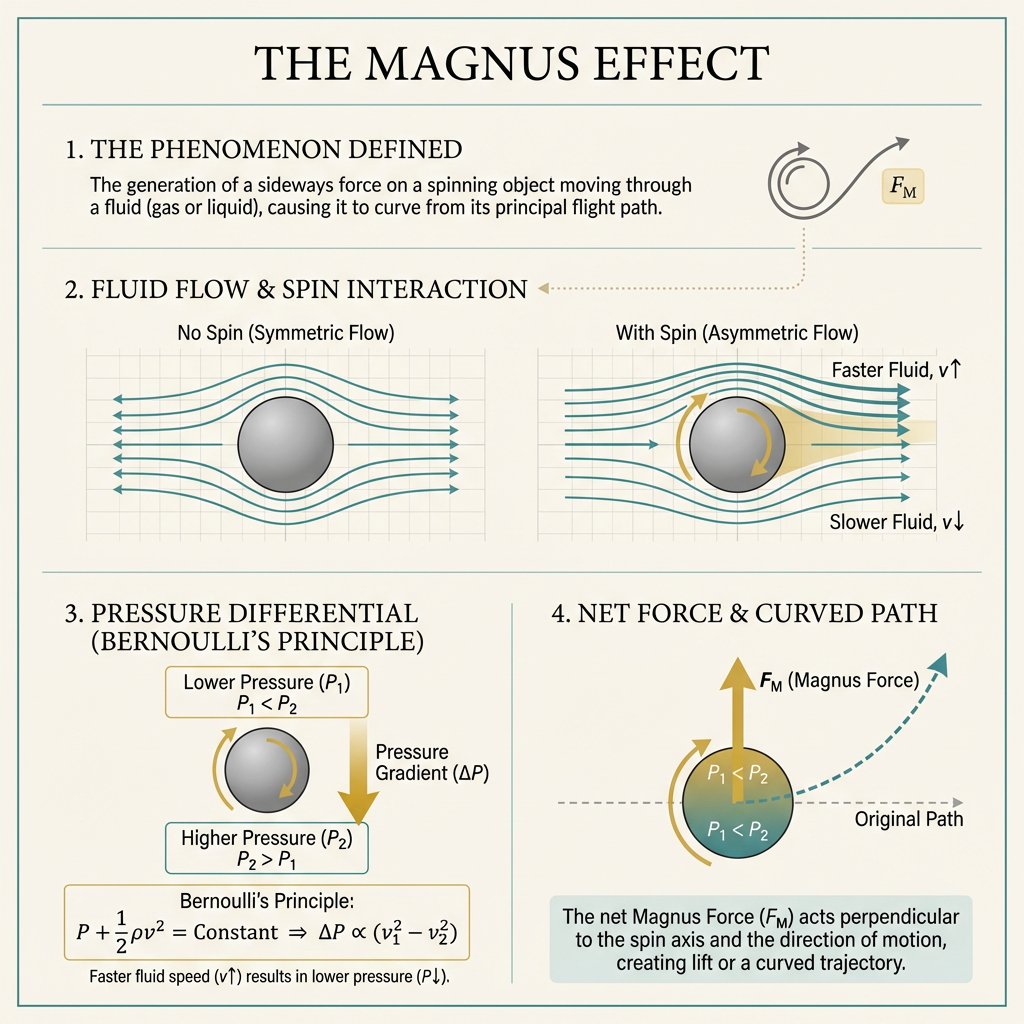
- Prompt included
- Model and format preset
- Free template
The prompt behind this image
Copy the exact prompt behind Minimal Magnus Effect Infographic, or open it in the studio and make it yours.
- Type
- educational physics infographic poster
- Topic
- The Magnus Effect
- Style
- minimal academic poster, premium textbook-meets-modern design, clean symmetry, balanced spacing, soft neutral cream background, thin teal border, elegant serif typography for headings, minimalist sans-serif for explanatory text, limited palette of teal, muted gold, dark gray, and light beige
- Layout › Orientation
- square poster
- Layout › Sections › 0 › Title
- THE MAGNUS EFFECT
- Layout › Sections › 0 › Position
- top center
- Layout › Sections › 0 › Count
- 1
- Layout › Sections › 0 › Labels
- main title
- Layout › Sections › 1 › Title
- 1. THE PHENOMENON DEFINED
- Layout › Sections › 1 › Position
- upper section
- Layout › Sections › 1 › Count
- 2
- Layout › Sections › 1 › Labels
- definition text block, small top-right icon showing a spinning ball with a curved arrow and a gold force label F_M
- Layout › Sections › 2 › Title
- 2. FLUID FLOW & SPIN INTERACTION
- Layout › Sections › 2 › Position
- middle section
- Layout › Sections › 2 › Count
- 2
- Layout › Sections › 2 › Labels
- No Spin (Symmetric Flow), With Spin (Asymmetric Flow)
- Layout › Sections › 3 › Title
- 3. PRESSURE DIFFERENTIAL (BERNOULLI’S PRINCIPLE)
- Layout › Sections › 3 › Position
- bottom left
- Layout › Sections › 3 › Count
- 4
- Layout › Sections › 3 › Labels
- Lower Pressure (P1) / P1 < P2, spinning ball with gold rotational arrows, Higher Pressure (P2) / P2 > P1, Bernoulli's Principle formula box
- Layout › Sections › 4 › Title
- 4. NET FORCE & CURVED PATH
- Layout › Sections › 4 › Position
- bottom right
- Layout › Sections › 4 › Count
- 4
- Layout › Sections › 4 › Labels
- ball with pressure labels P1 < P2 on top and P1 < P2 on lower region, upward gold arrow labeled F_M (Magnus Force), gray dashed Original Path arrow, teal dashed curved trajectory arrow
Raw JSON
{"type":"educational physics infographic poster","topic":"The Magnus Effect","style":"minimal academic poster, premium textbook-meets-modern design, clean symmetry, balanced spacing, soft neutral cream background, thin teal border, elegant serif typography for headings, minimalist sans-serif for explanatory text, limited palette of teal, muted gold, dark gray, and light beige","layout":{"orientation":"square poster","sections":[{"title":"THE MAGNUS EFFECT","position":"top center","count":1,"labels":["main title"]},{"title":"1. THE PHENOMENON DEFINED","position":"upper section","count":2,"labels":["definition text block","small top-right icon showing a spinning ball with a curved arrow and a gold force label F_M"]},{"title":"2. FLUID FLOW & SPIN INTERACTION","position":"middle section","count":2,"labels":["No Spin (Symmetric Flow)","With Spin (Asymmetric Flow)"]},{"title":"3. PRESSURE DIFFERENTIAL (BERNOULLI’S PRINCIPLE)","position":"bottom left","count":4,"labels":["Lower Pressure (P1) / P1 < P2","spinning ball with gold rotational arrows","Higher Pressure (P2) / P2 > P1","Bernoulli's Principle formula box"]},{"title":"4. NET FORCE & CURVED PATH","position":"bottom right","count":4,"labels":["ball with pressure labels P1 < P2 on top and P1 < P2 on lower region","upward gold arrow labeled F_M (Magnus Force)","gray dashed Original Path arrow","teal dashed curved trajectory arrow"]}],"dividers":"4 thin teal horizontal and vertical divider lines separating the poster into distinct bands and lower two-column panels"},"content_details":{"section_1":{"heading":"1. THE PHENOMENON DEFINED","body":"The generation of a sideways force on a spinning object moving through a fluid (gas or liquid), causing it to curve from its principal flight path.","diagram":"simple gray circular ball icon with a curved spin arrow above it, an outward curved motion arrow, and a small rounded gold box containing F_M"},"section_2":{"heading":"2. FLUID FLOW & SPIN INTERACTION","panels":[{"title":"No Spin (Symmetric Flow)","diagram":"gray sphere centered on a faint square grid, with 6 teal horizontal streamlines flowing left to right and bending symmetrically around the sphere; small teal arrows indicate equal flow speed above and below"},{"title":"With Spin (Asymmetric Flow)","diagram":"gray sphere with 2 gold rotational arrows around it, centered on a faint square grid, with 6 teal streamlines compressed and faster above the sphere and more spaced below; right side labels read 'Faster Fluid, v↑' near the upper lines and 'Slower Fluid, v↓' near the lower lines; subtle gold highlight wedge behind the upper-right flow region"}]},"section_3":{"heading":"3. PRESSURE DIFFERENTIAL (BERNOULLI’S PRINCIPLE)","elements":["top rounded rectangle with lower pressure label","center spinning sphere with gold curved arrows","large vertical gold downward arrow labeled Pressure Gradient (ΔP)","bottom rounded rectangle with higher pressure label","wide formula box with Bernoulli equation"],"text_boxes":{"top":"Lower Pressure (P1)\nP1 < P2","bottom":"Higher Pressure (P2)\nP2 > P1","formula":"Bernoulli's Principle:\nP + 1/2 ρv^2 = Constant ⇒ ΔP ∝ (v1^2 − v2^2)","caption":"Faster fluid speed (v↑) results in lower pressure (P↓)."}},"section_4":{"heading":"4. NET FORCE & CURVED PATH","diagram":"large central sphere filled with a teal-to-gold split shading, gold curved spin arrow wrapping around the left side, thick upward gold arrow emerging from the top labeled F_M (Magnus Force), thin gray dashed horizontal arrow labeled Original Path extending to the right, and a teal dashed curved path arcing upward to the top-right with an arrowhead","caption_box":"The net Magnus Force (F_M) acts perpendicular to the spin axis and the direction of motion, creating lift or a curved trajectory."}},"rendering":"crisp vector-style infographic, subtle paper texture, high legibility, light shadows only inside rounded label boxes, precise alignment, understated scientific elegance"}How to use Minimal Magnus Effect Infographic in 3 steps
- 1Upload ImagePNG, JPG or paste
Add your photo
Upload the photo the template builds on. The prompt, model and format are already set.
- 2…a portrait of your subject in softgolden-hour light, 85mm…
Personalize
Edit the subject and creative details for your destination.
- 3Generate
Generate
Press Generate — your image is created in PicX Studio, so you can compare it with the original and refine one variable at a time.
More like this
Templates with the same subject, style or setup. Open one to see its prompt.

Japan Travel Brochure Poster

Clean, minimalist fashion infographic from an uploaded reference photo

Japanese Architectural Concrete Studio Fashion Campaign

Quiet Luxury Black and White Fashion Editorial Portrait

Premium Editorial Branding Poster Charcoal Green

Premium Vintage Travel Poster Landscape

Japanese Café Sketch Duo Illustration

Delicate Japanese Café Lifestyle Illustration

Soft Shadow Studio Minimalist Product Shot

Minimalist Skincare Product Water Stone Still

Botanical Skincare Minimal Product Advertising

Luxury Sliced Wordmark Player Poster
Make it yours
Minimal Magnus Effect Infographic works as-is. These are the safest ways to change it without losing the look.
Change one field
Copy a single group, rewrite it, and generate again so you can see what that field is doing.
Keep the frame, change the subject
Hold the composition and light of Minimal Magnus Effect Infographic, then swap wardrobe, props or the person for a new take.
| If the result… | Why | Fix |
|---|---|---|
| The result drifts from the preview | Too many fields changed at once. | Reuse Minimal Magnus Effect Infographic as-is first, then change one group — subject, light, or setting. |
| GPT Image 2 ignores part of the JSON | Some models flatten or skip nested keys. | Keep the same values and paste them as a short paragraph instead. |
More GPT Image 2 templates
Other prompts made for GPT Image 2.

Six VTuber Japanese Logo Sheet

Realistic Portrait of Woman and Deer

The Vista Modular Condo Poster

AI Model Routing Comparison Infographic

2.5D Anime Art Board

Isometric Productivity Desk Scene

New York Double Exposure Poster

Four-Panel AI Landscape Comparison

Japanese Tatami Lifestyle Magazine Cover

NESCAFÉ Coffee Map Poster
More image prompts
Fresh picks from across the catalog.

Cinematic Portrait with Dramatic Light Strip
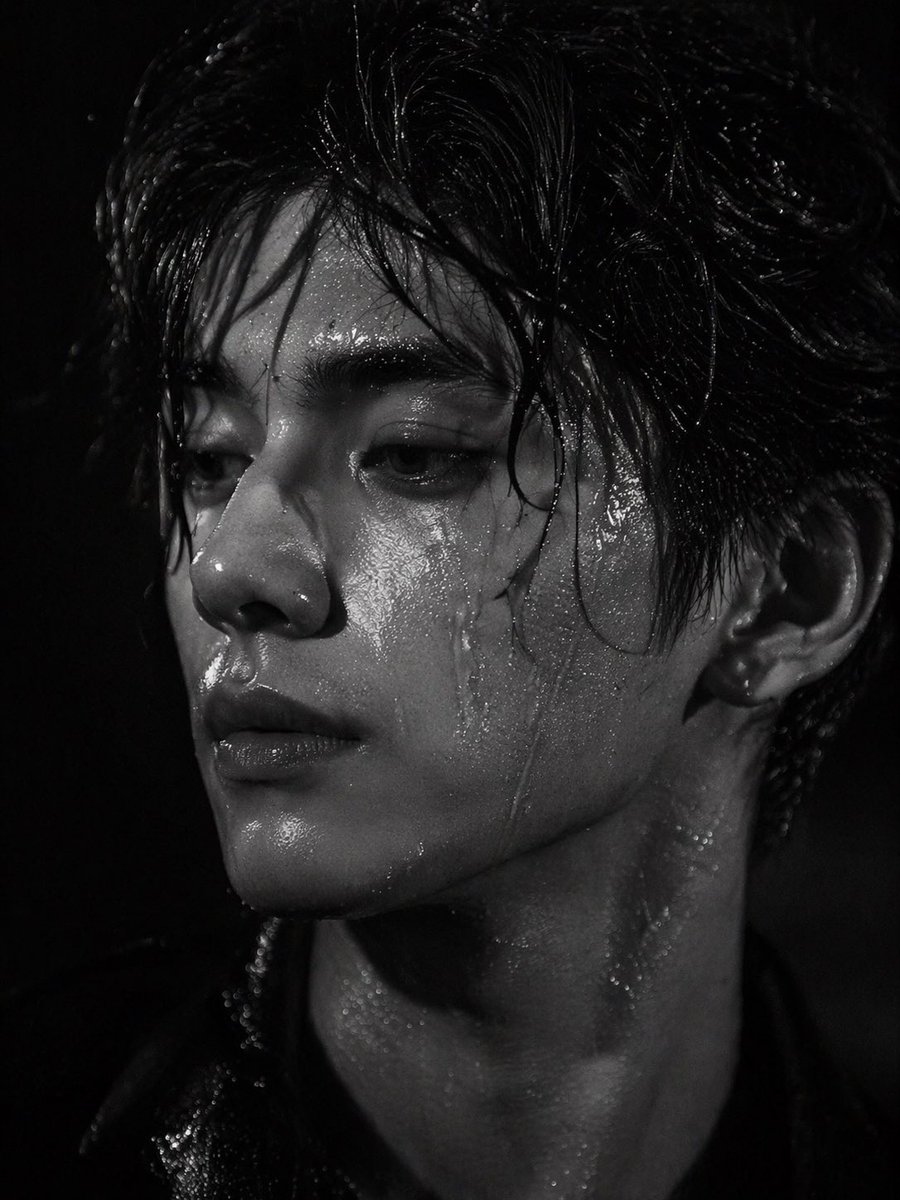
Dramatic Wet Portrait Photography

Cinematic Street Fashion Photo Prompt (Male)

Cinematic Podcast Studio Portrait

Vinyl Record Store Illusion Portrait

Letter S Editorial Portrait
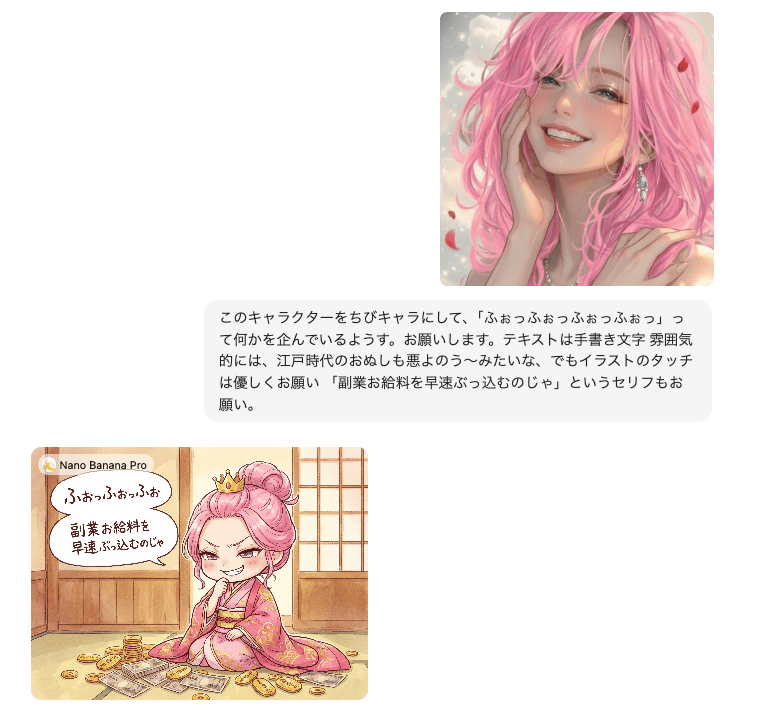
Instruction for Image Generation Based on Uploaded Material
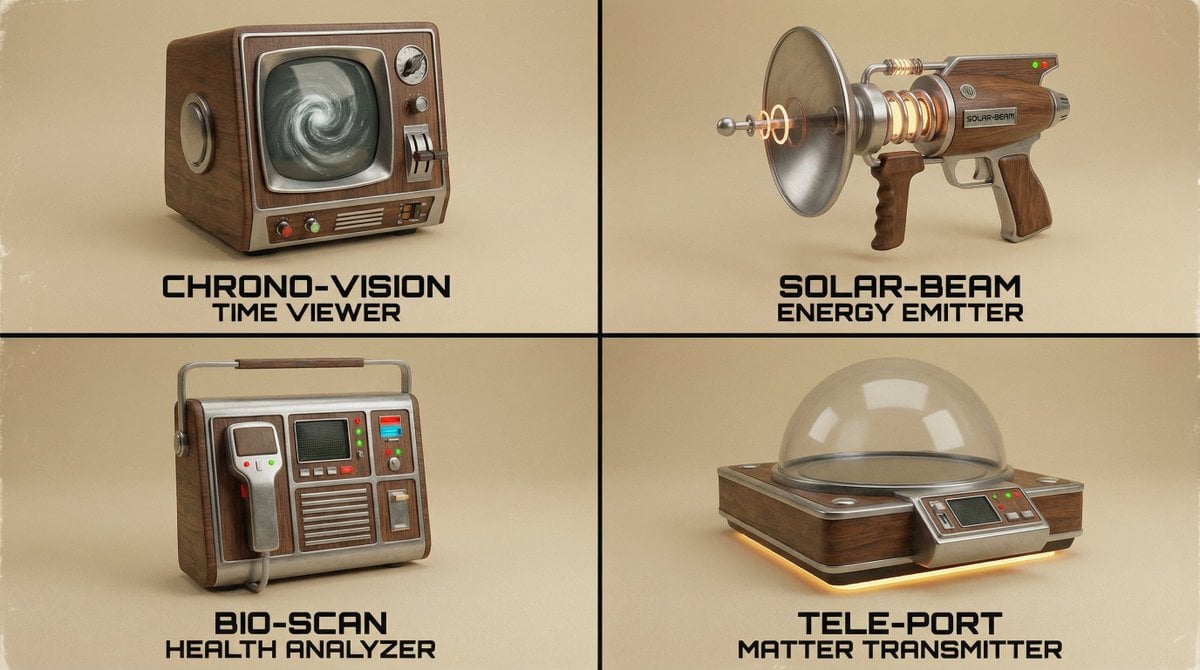
Random Strange Product Grid Generator

Flashy Gold AI Income Thumbnail
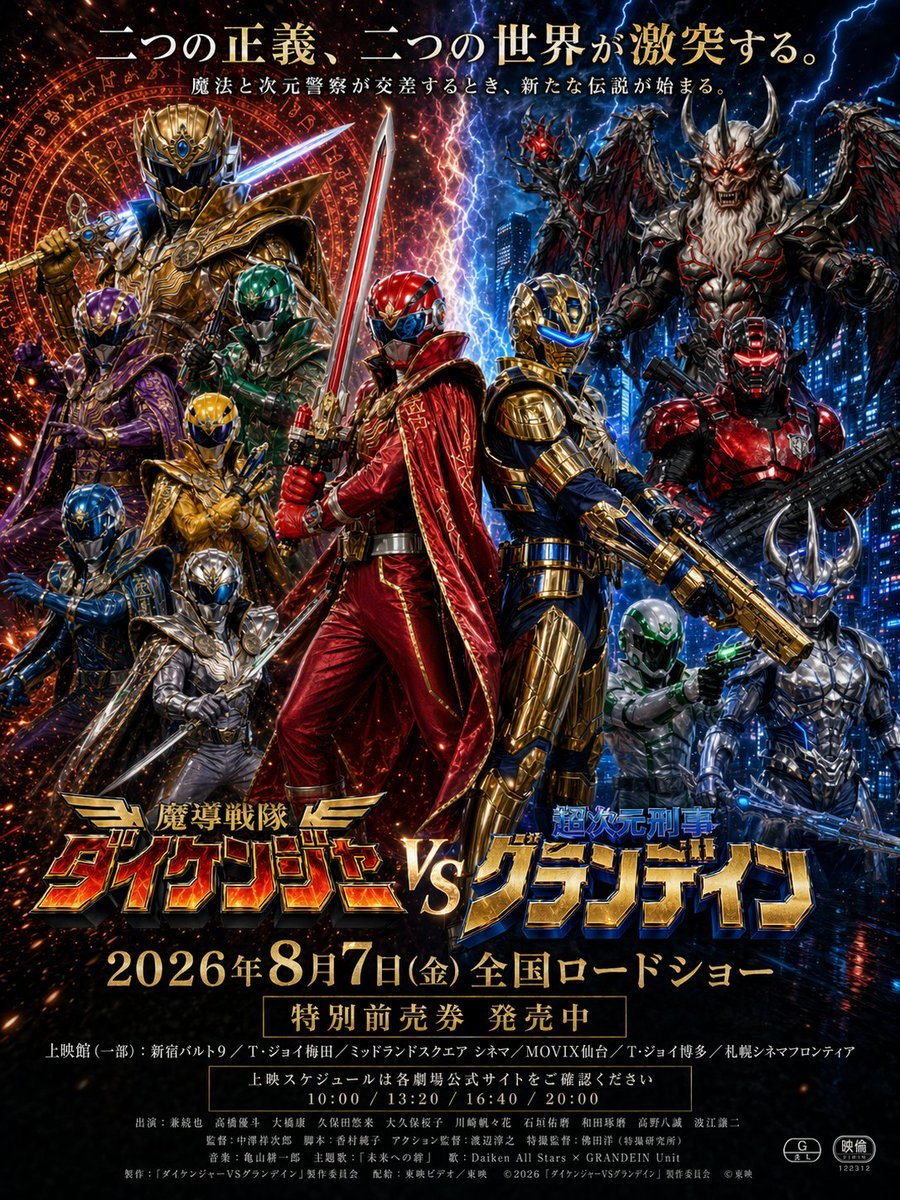
Tokusatsu Movie Poster Generator
Browse template categories
Minimal Magnus Effect Infographic questions
How do I use the Minimal Magnus Effect Infographic template?
Add your photo if the template asks for one, edit the prompt if you like — the template's model and format are already selected — and press Generate. Your version opens in PicX Studio.
Can I customize the Minimal Magnus Effect Infographic template?
Yes. You can change the subject, setting, lighting, mood, format, and available model controls before creating your image.
Is the Minimal Magnus Effect Infographic template free?
Opening and editing this template is free. Generating uses credits, shown on the Generate button when you are signed in.
Which AI model should I use?
Start with GPT Image 2, which is the model associated with this template. You can compare another compatible model for a different finish.
Looking for something else? Browse all templates.

Your photo, any look
Thousands of ready templates for every top image and video model, from one credit balance.