
Man Sleeping on Giant Smartphone
An ultra-realistic overhead bedroom scene of a young man lying on a bed-sized smartphone surrounded by social media icons and creator gear.
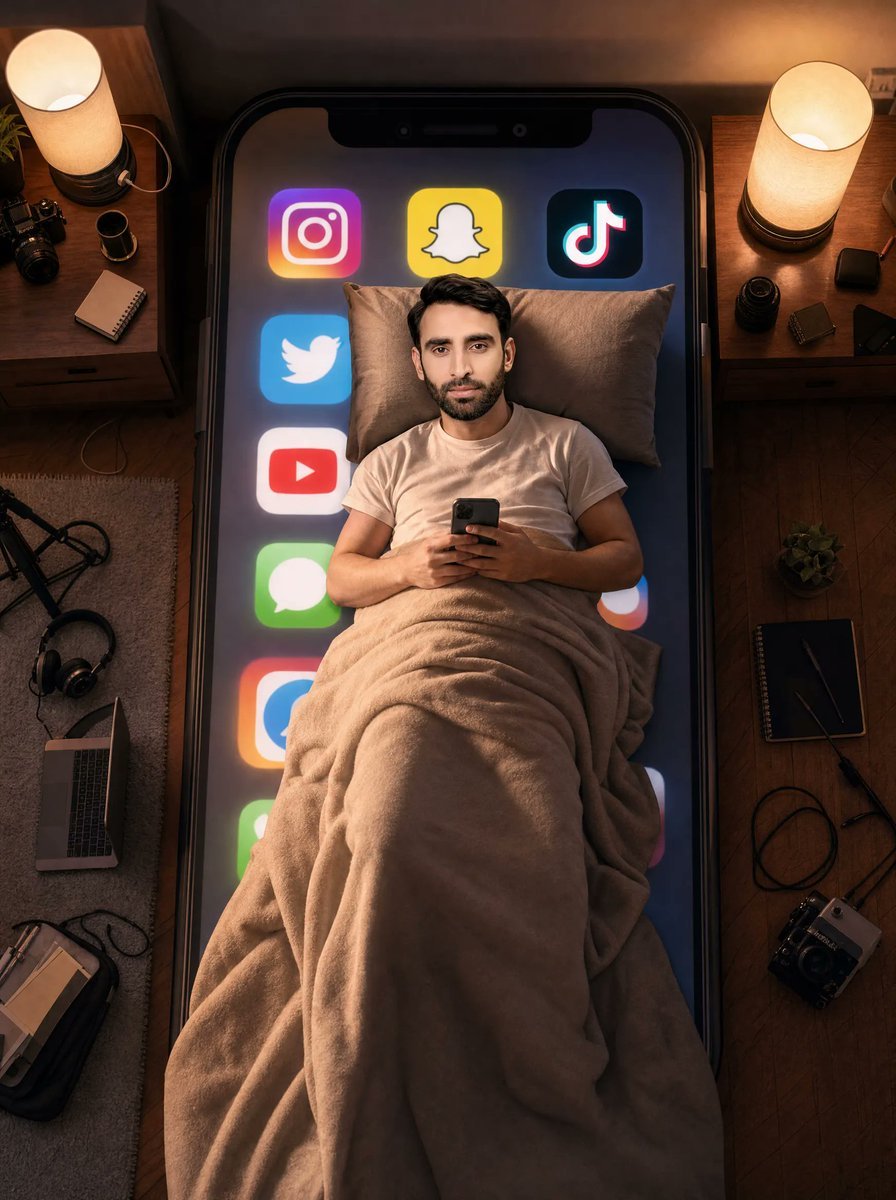
- Prompt included
- Model and format preset
- Free template
The prompt behind this image
Copy the exact prompt behind Man Sleeping on Giant Smartphone, or open it in the studio and make it yours.
Create an ultra-realistic cinematic overhead photo of {argument name="character description" default="a young South Asian man with short black hair"} lying in bed at night, centered on top of an enormous black smartphone that functions like a mattress. He is wearing a plain white T-shirt, resting on two beige pillows, covered from chest to feet by a thick plush beige blanket with heavy realistic folds, and holding a small dark smartphone with both hands as if scrolling before sleep. His face is intentionally obscured by a soft square blur or anonymized patch while the hairline and ears remain visible. The giant phone screen beneath him glows dark blue and displays exactly 8 large social media/app icons arranged around his body: Instagram at upper left, Snapchat at top center, TikTok at upper right, Twitter/X-style bird icon on the left, YouTube icon below it, green Messages icon lower left, a partially visible blue-and-orange app icon near the lower left edge, and a partially visible multicolor circular app icon on the right edge. Surround the giant phone-bed with a cozy creator bedroom setup viewed from directly above: two wooden nightstands at the top left and top right, each with a warm cylindrical bedside lamp; on the left nightstand include a small potted plant, a camera, a camera lens, and a notebook; on the right nightstand include small camera lenses, dark tech accessories, and cables. On the floor around the bed include a rug on the left, an open laptop, headphones, a tripod or light stand, notebooks, a backpack, and a camera; on the right wooden floor include a notebook, pen, cable, small plant, and camera gear. Use warm amber lamp light mixed with cool phone-screen glow, realistic shadows, shallow cinematic contrast, detailed fabric texture, reflective glass phone edges, 35mm editorial photography look, vertical 3:4 composition, no text overlays, no watermark. Customize the phone screen glow as {argument name="screen color mood" default="dark blue with neon app glows"}, the blanket as {argument name="blanket color" default="warm beige"}, the room lighting as {argument name="lighting mood" default="warm cozy night lighting"}, and the device scale as {argument name="giant phone scale" default="bed-sized smartphone"}.
How to use Man Sleeping on Giant Smartphone in 3 steps
- 1Upload ImagePNG, JPG or paste
Add your photo
Upload the photo the template builds on. The prompt, model and format are already set.
- 2…a portrait of your subject in softgolden-hour light, 85mm…
Personalize
Edit the subject and creative details for your destination.
- 3Generate
Generate
Press Generate — your image is created in PicX Studio, so you can compare it with the original and refine one variable at a time.
More like this
Templates with the same subject, style or setup. Open one to see its prompt.

Floating Woman Above Cityscape with Notifications
Sleeping Woman in Nightcap

Giant Woman Forced Perspective Street Photo
Miniature Girl on Giant Smartphone Desk
Cinematic Man and Giant Wolf Companion
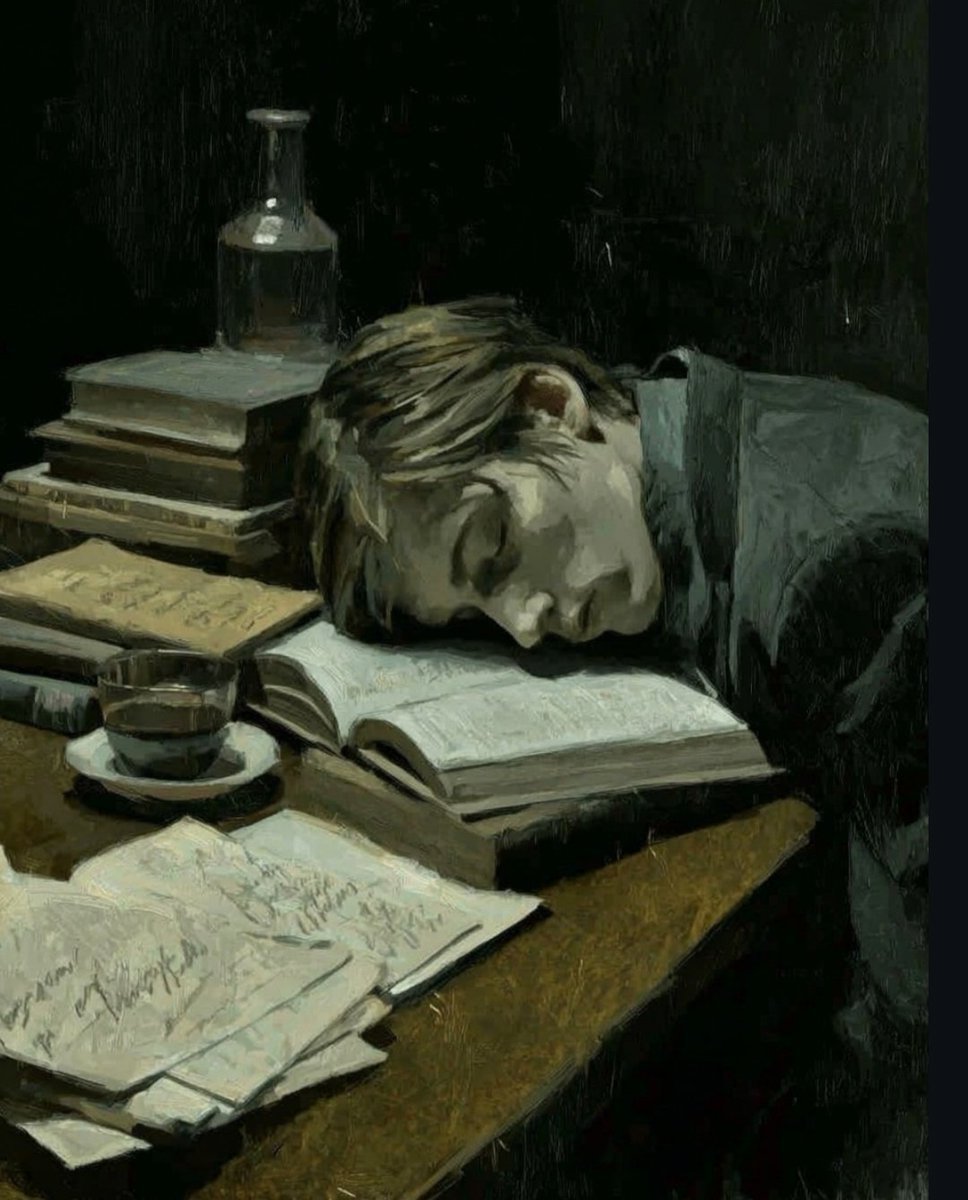
Dark Academia Oil Painting of Sleeping Man
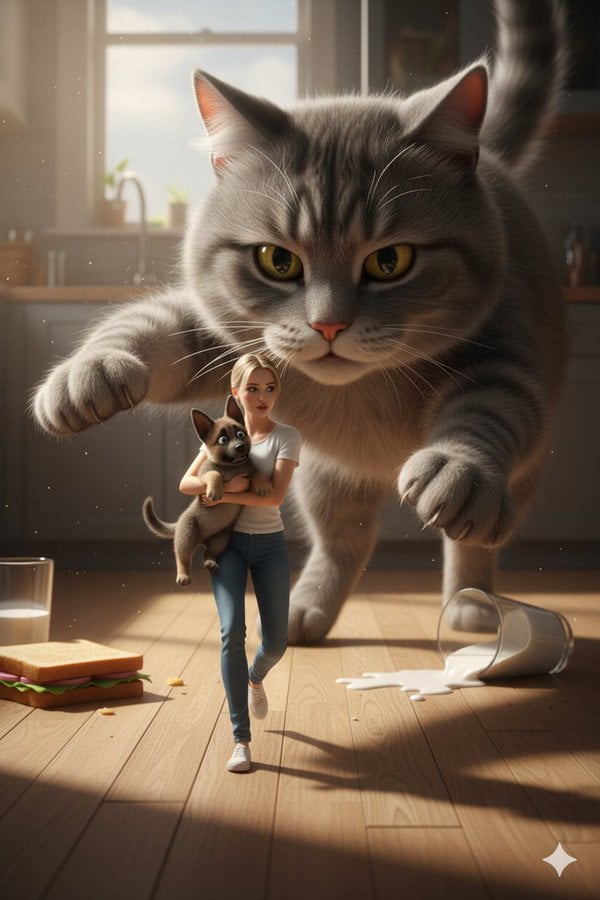
Cinematic Giant Cat Chasing Tiny Woman
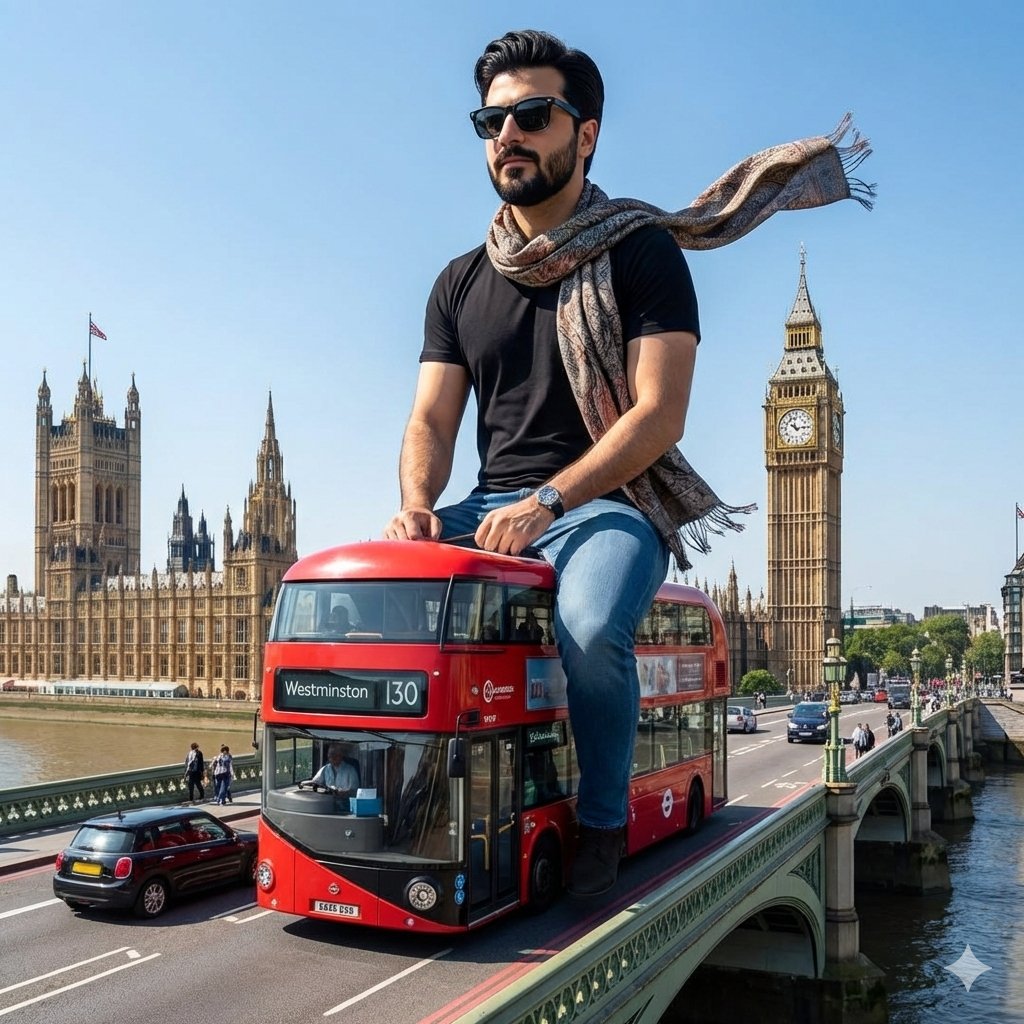
Surreal Giant Man Riding Miniature London Bus
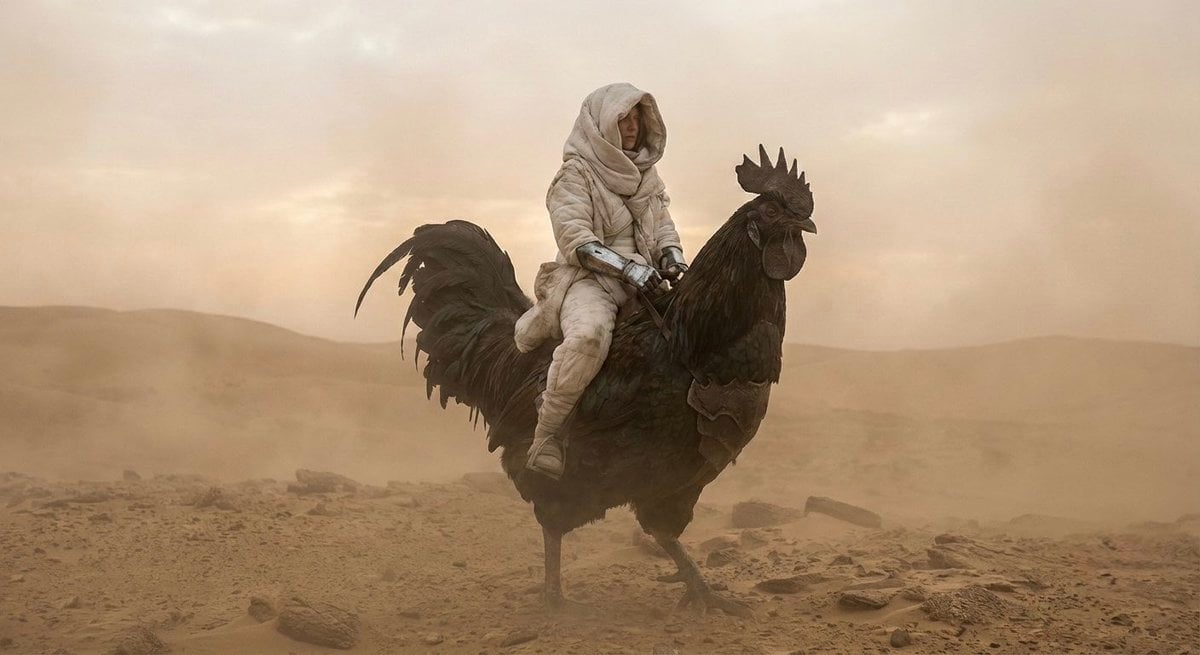
Dune-Inspired Epic Scene with Woman Riding a Giant Rooster

Nano Banana Pro 2.0 — 3x3 Travel Profile Grid
Nano Banana 2 Portrait Gemini

Paris Travel Collage Grid - Face Reference
Make it yours
Man Sleeping on Giant Smartphone works as-is. These are the safest ways to change it without losing the look.
Change one field
Copy a single group, rewrite it, and generate again so you can see what that field is doing.
Keep the frame, change the subject
Hold the composition and light of Man Sleeping on Giant Smartphone, then swap wardrobe, props or the person for a new take.
| If the result… | Why | Fix |
|---|---|---|
| The result drifts from the preview | Too many fields changed at once. | Reuse Man Sleeping on Giant Smartphone as-is first, then change one group — subject, light, or setting. |
| The model over-stylizes the scene | The prose prompt leaves finish and camera underspecified. | Add one camera or lighting sentence and stay on GPT Image 2. |
More GPT Image 2 templates
Other prompts made for GPT Image 2.

Six VTuber Japanese Logo Sheet

Realistic Portrait of Woman and Deer

The Vista Modular Condo Poster

AI Model Routing Comparison Infographic

2.5D Anime Art Board

Isometric Productivity Desk Scene

New York Double Exposure Poster

Four-Panel AI Landscape Comparison

Japanese Tatami Lifestyle Magazine Cover

NESCAFÉ Coffee Map Poster
More image prompts
Fresh picks from across the catalog.
Vintage Classroom Cinematic Portrait
Surreal Dreamy Portrait with Cloud Headphones
Four-Panel Streetwear Advertisement Grid
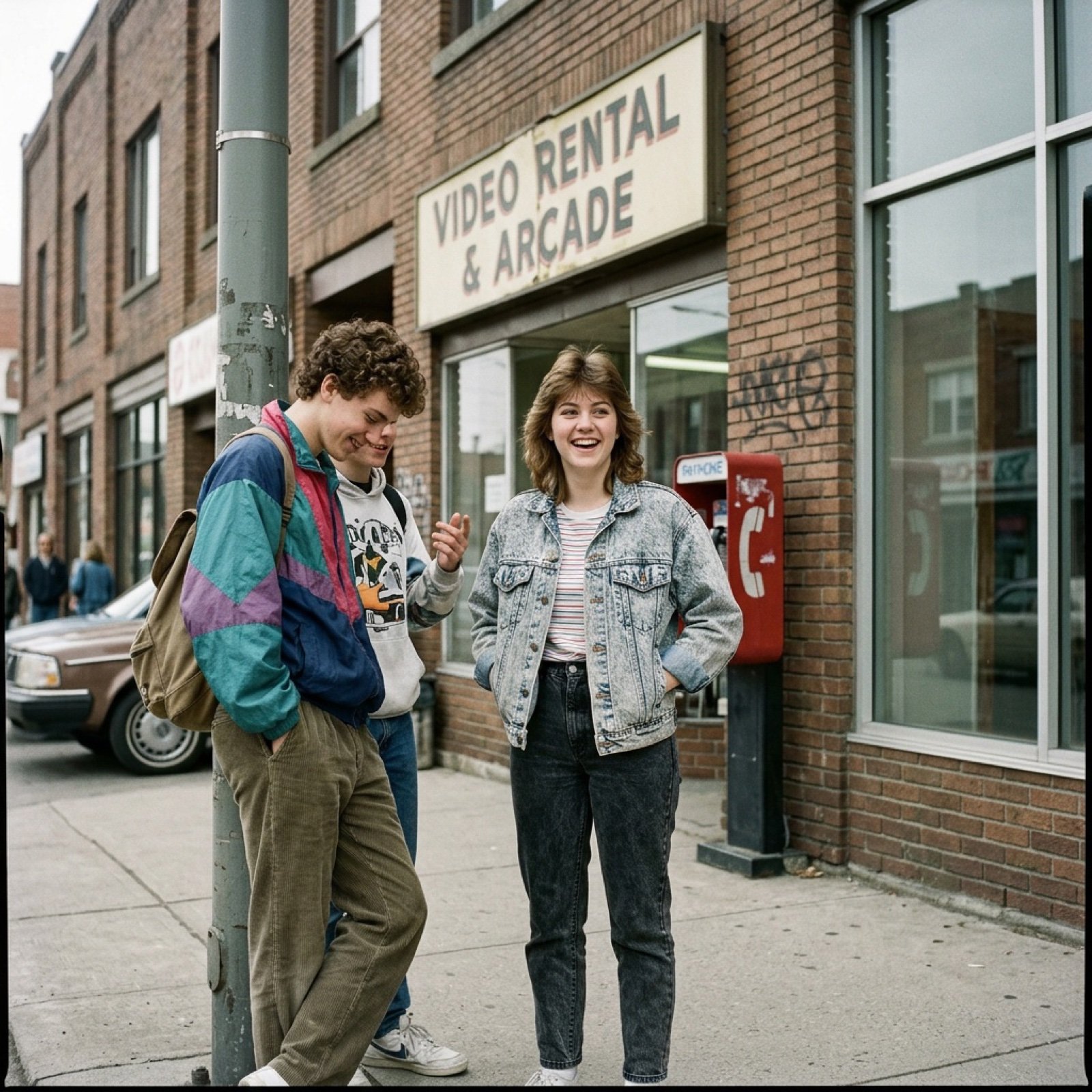
80s Low-Fidelity Snapshot Prompt

SSR Savanna Creature Card
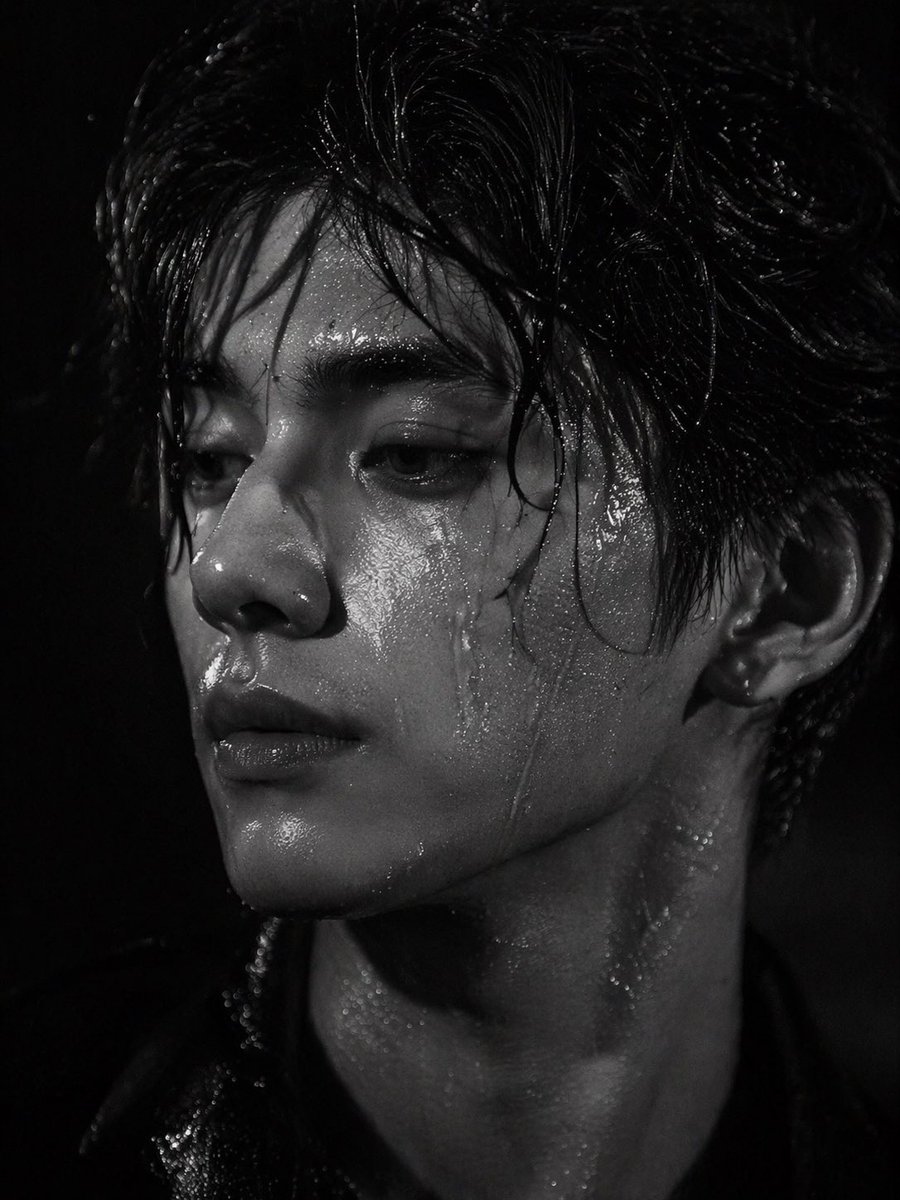
Dramatic Wet Portrait Photography
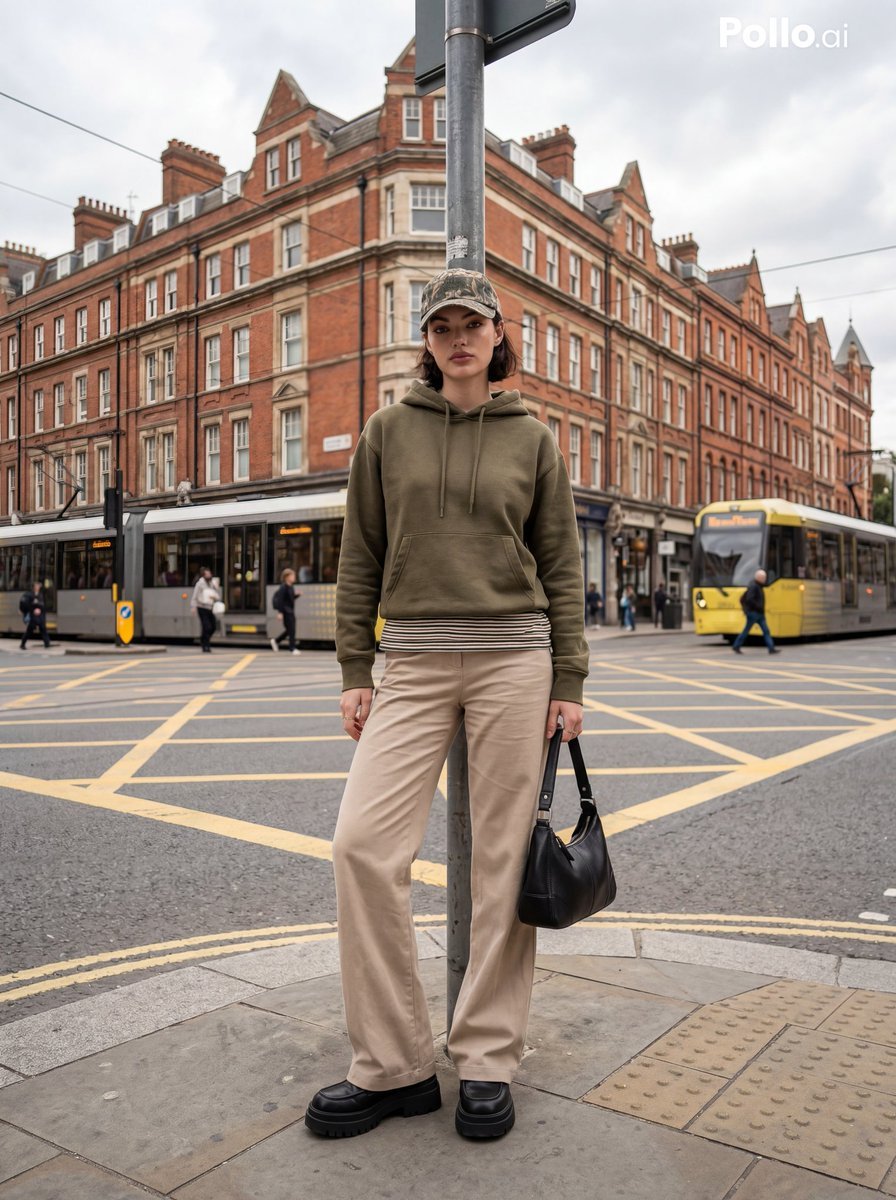
Street Fashion Editorial in European City
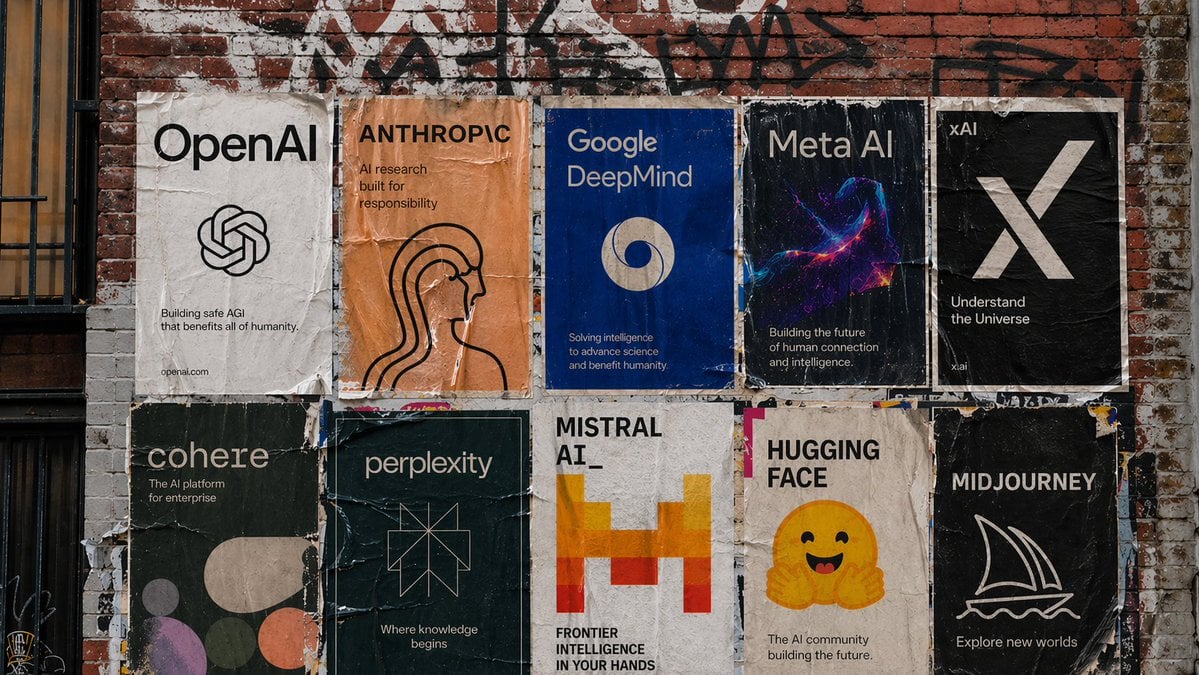
Urban Wheatpaste Poster Setup

Modern Heterogeneous Chinese Font Design
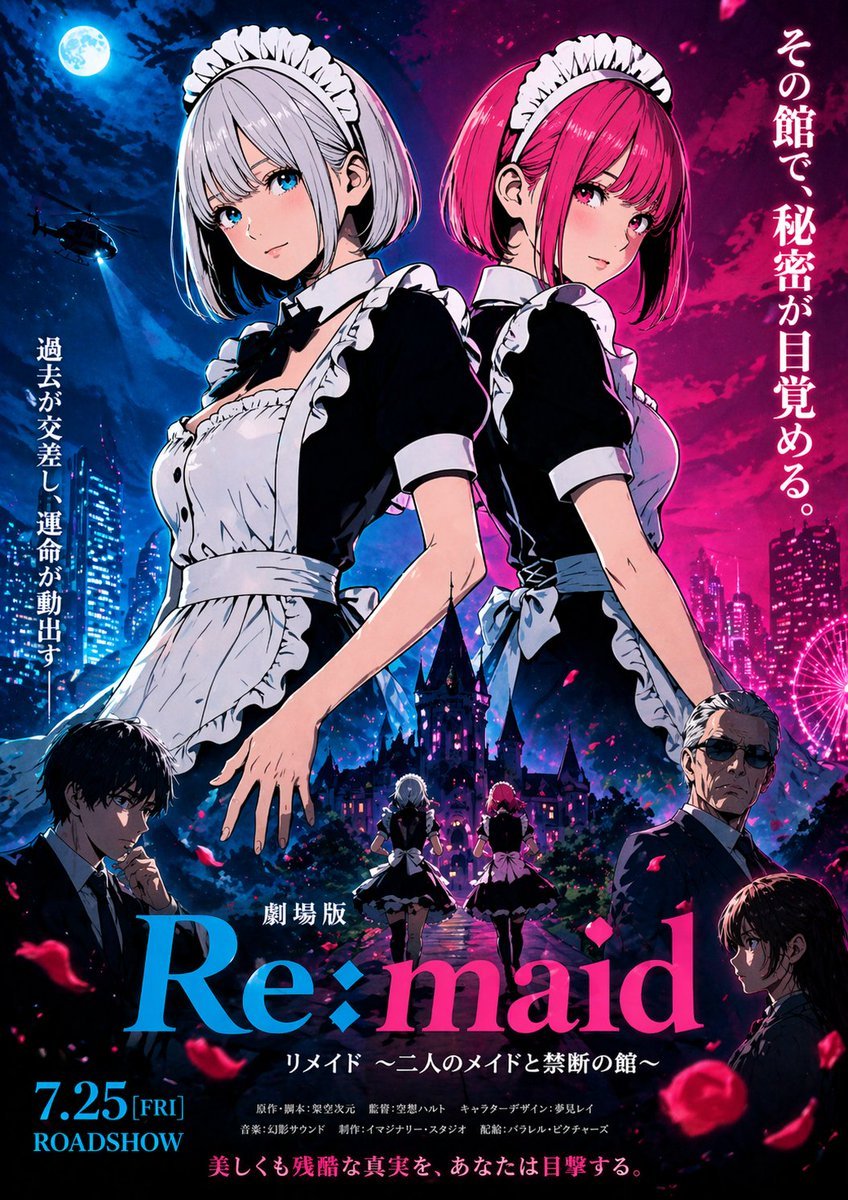
Anime Maid Thriller Movie Poster
Browse template categories
Man Sleeping on Giant Smartphone questions
How do I use the Man Sleeping on Giant Smartphone template?
Add your photo if the template asks for one, edit the prompt if you like — the template's model and format are already selected — and press Generate. Your version opens in PicX Studio.
Can I customize the Man Sleeping on Giant Smartphone template?
Yes. You can change the subject, setting, lighting, mood, format, and available model controls before creating your image.
Is the Man Sleeping on Giant Smartphone template free?
Opening and editing this template is free. Generating uses credits, shown on the Generate button when you are signed in.
Which AI model should I use?
Start with GPT Image 2, which is the model associated with this template. You can compare another compatible model for a different finish.
Looking for something else? Browse all templates.

Your photo, any look
Thousands of ready templates for every top image and video model, from one credit balance.