
Cinematic Man and Giant Wolf Companion
A high-identity fidelity prompt for an ultra-realistic cinematic portrait of a man with an enormous Alaskan Malamute in a luxurious outdoor setting.
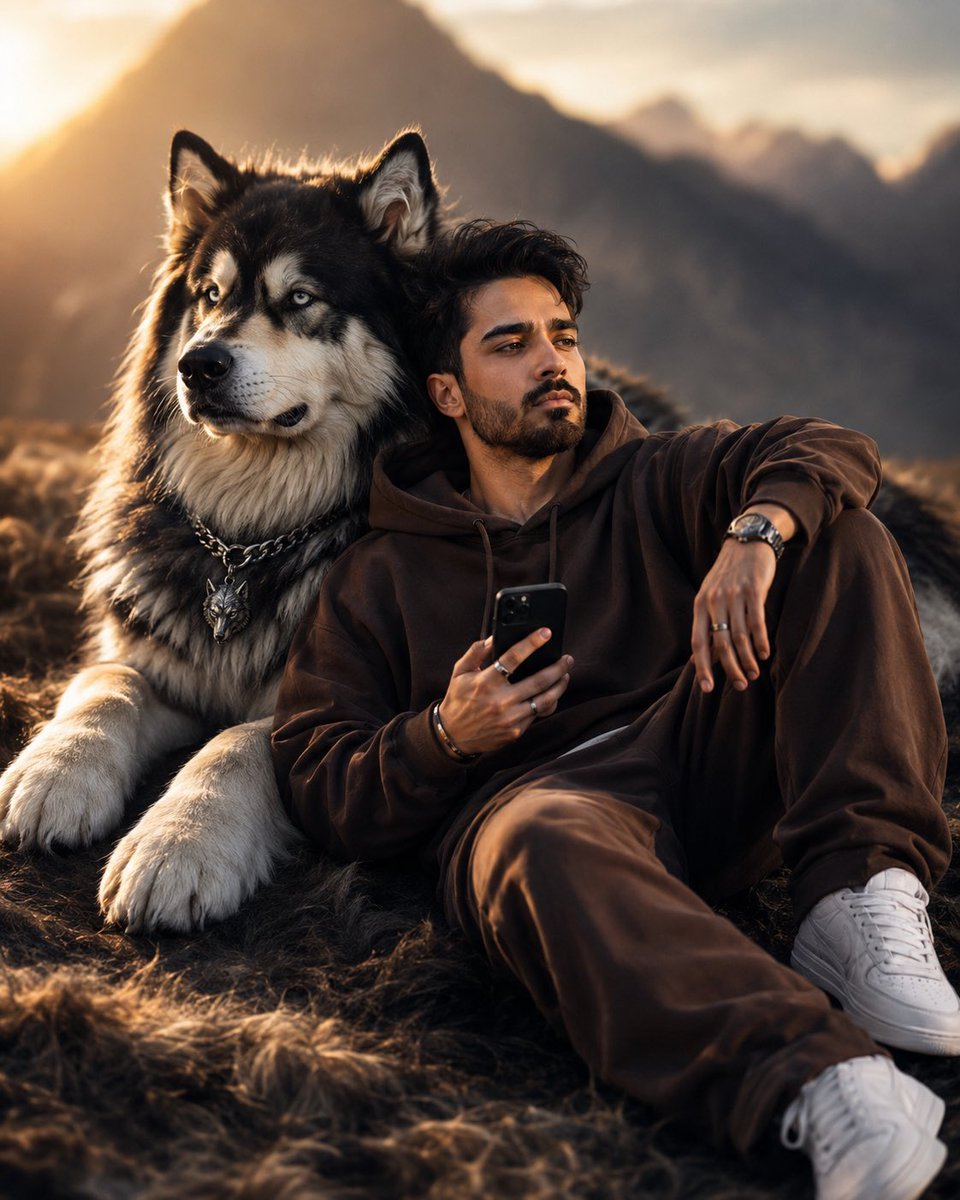
- Prompt included
- Model and format preset
- Free template
The prompt behind this image
Copy the exact prompt behind Cinematic Man and Giant Wolf Companion, or open it in the studio and make it yours.
Use my uploaded face image as the primary identity reference. Preserve my exact facial structure, jawline, cheekbones, nose shape, lips, eye shape, eyebrow structure, beard/stubble pattern, hairstyle, hair texture, skin texture, natural South Asian masculine features, and overall recognizable appearance with extremely high identity fidelity. Maintain realistic male proportions, authentic skin details, and natural facial anatomy. Do not alter or stylize my face beyond realistic photographic enhancement. Create an ultra-realistic cinematic portrait of the same man relaxing beside an enormous majestic {argument name="dog" default="Alaskan Malamute / Husky wolf-like dog"}. The dog is positioned slightly behind and beside him, creating a powerful companionship scene. The dog has thick black, grey, and white fur, piercing icy blue eyes, massive paws, realistic fur texture, and a luxury metallic wolf-head pendant attached to a heavy chain collar. The man is seated casually on a plush fur-covered ground, leaning comfortably against the giant dog. His body is angled slightly toward the camera while his head is turned sideways in a thoughtful, distant gaze. One arm rests casually on a raised knee while the other hand holds a modern black smartphone. His expression is calm, confident, introspective, and effortlessly stylish. He wears an {argument name="outfit" default="oversized premium chocolate-brown hoodie"}, matching relaxed-fit brown joggers, luxury wristwatch with metallic bracelet, minimalist rings, subtle bracelet accessories, and clean white designer sneakers. The clothing features realistic folds, premium fabric texture, and natural draping. The environment is a luxurious cinematic outdoor setting with soft atmospheric haze, subtle ground fog, and warm evening ambience. The background contains softly blurred mountains and natural landscapes fading into creamy bokeh. The scene feels like a high-end fashion editorial mixed with a cinematic adventure film. Lighting is dramatic and professional, with a warm golden key light illuminating both the man and dog from the front-left side. Strong rim lighting highlights the edges of the hair, beard, hoodie, dog fur, and shoulders. Soft shadows add depth and realism. The dog’s fur catches the light beautifully, creating glowing highlights and exceptional texture detail. Composition: full-body seated pose, man positioned slightly right of center, giant dog positioned left and slightly behind him, relaxed luxury lifestyle composition, balanced visual weight, cinematic depth, shallow depth of field. Camera: Sony A7R V, 85mm f/1.4 GM lens, f/1.4 aperture, ultra-shallow depth of field, professional portrait photography, HDR, razor-sharp focus on face and eyes, smooth background separation. Color grading: warm brown, gold, amber, and charcoal tones, luxury editorial mood, cinematic contrast, rich shadows, glowing highlights, premium fashion-magazine aesthetic. Quality: hyper-realistic, photorealistic skin texture, visible beard
How to use Cinematic Man and Giant Wolf Companion in 3 steps
- 1Upload ImagePNG, JPG or paste
Add your photo
Upload the photo the template builds on. The prompt, model and format are already set.
- 2…a portrait of your subject in softgolden-hour light, 85mm…
Personalize
Edit the subject and creative details for your destination.
- 3Generate
Generate
Press Generate — your image is created in PicX Studio, so you can compare it with the original and refine one variable at a time.
More like this
Templates with the same subject, style or setup. Open one to see its prompt.

Giant Woman Forced Perspective Street Photo
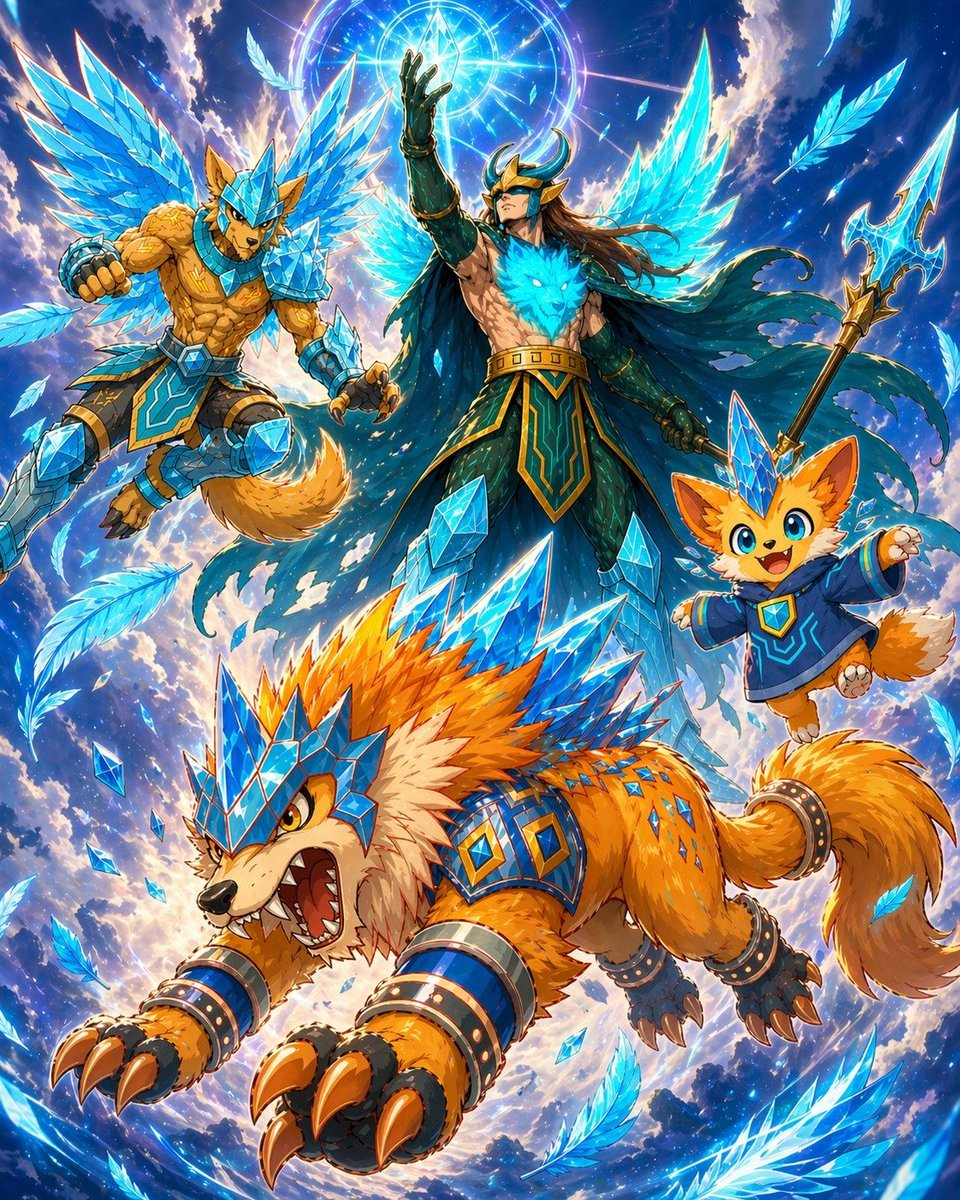
Epic Anime Warrior with Crystal Wolf Companions
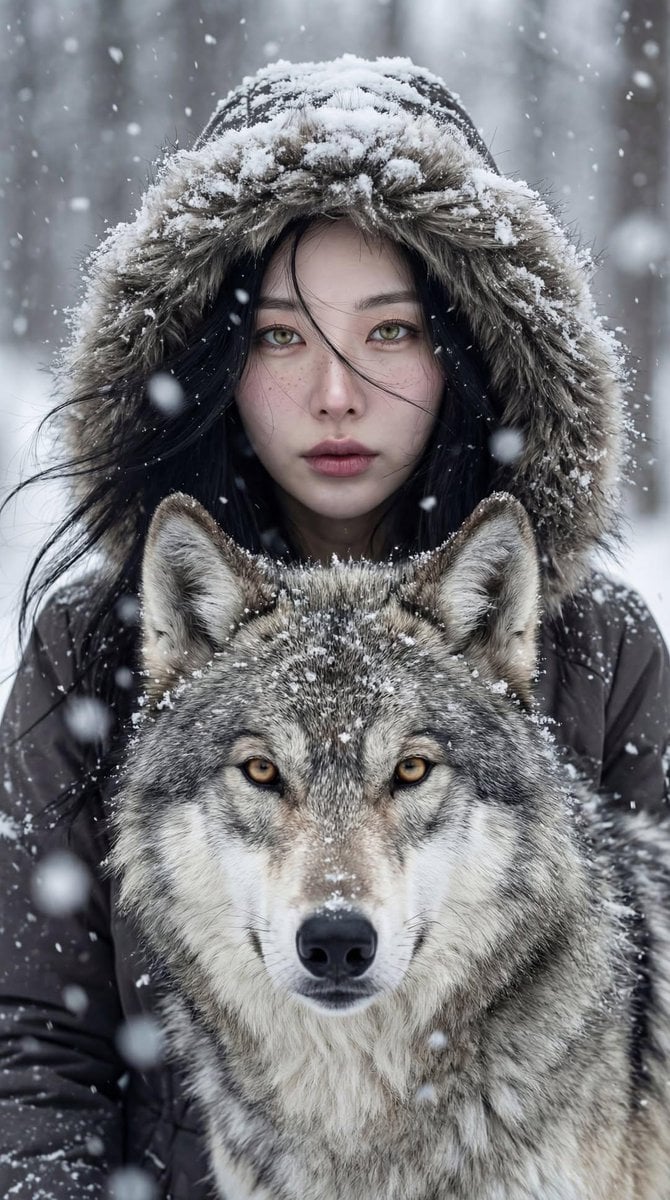
Cinematic Winter Portrait: Woman and Wolf
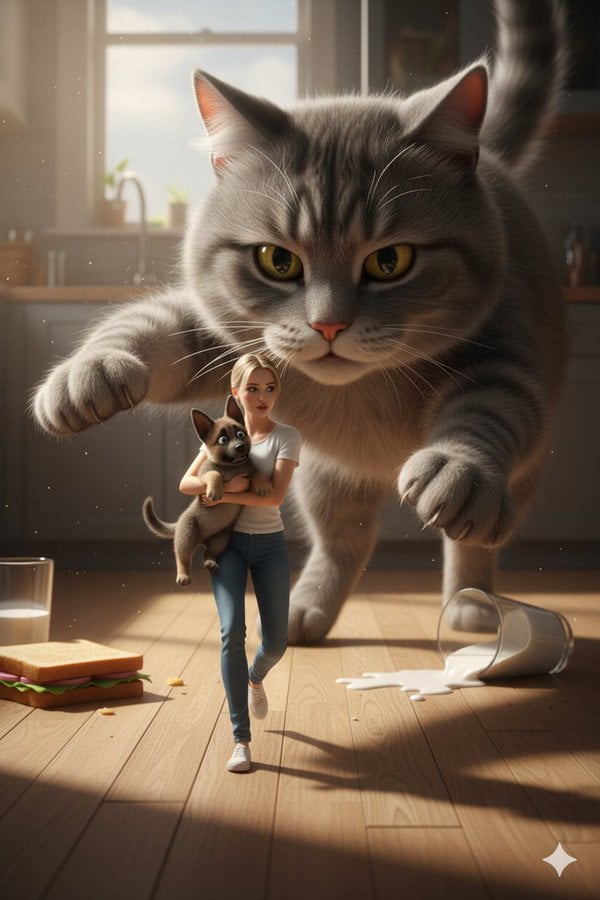
Cinematic Giant Cat Chasing Tiny Woman
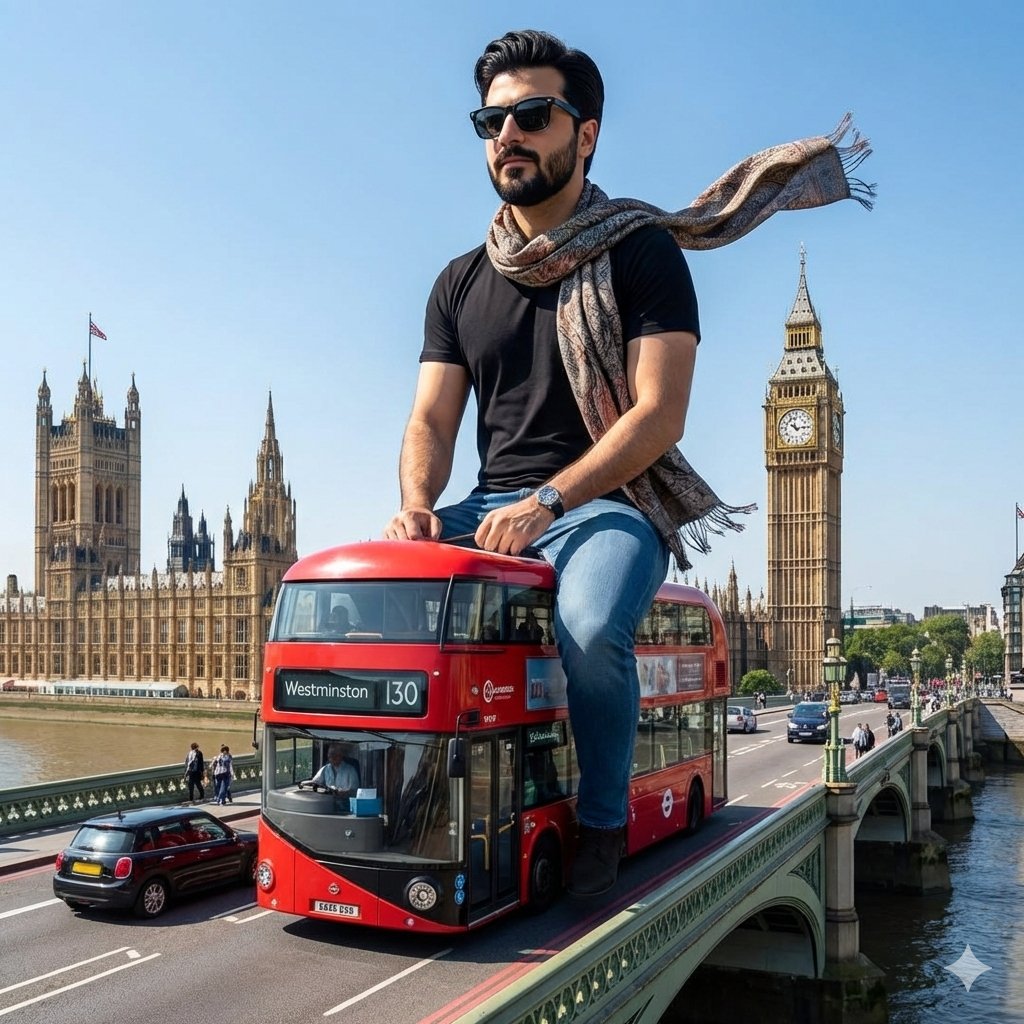
Surreal Giant Man Riding Miniature London Bus
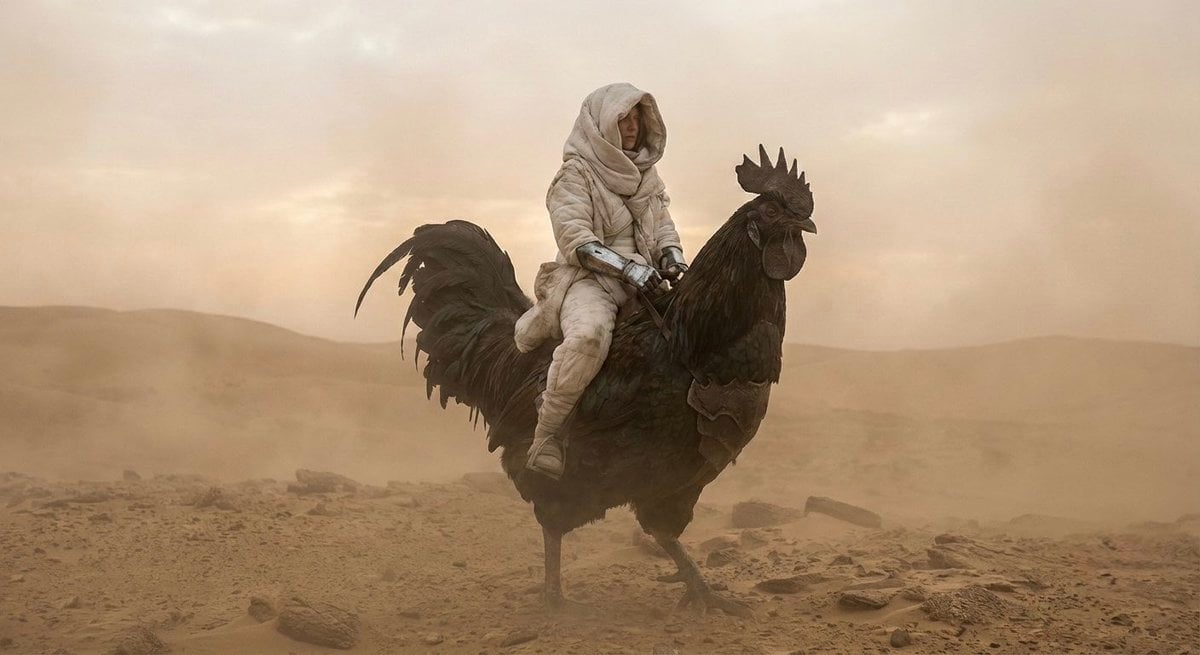
Dune-Inspired Epic Scene with Woman Riding a Giant Rooster
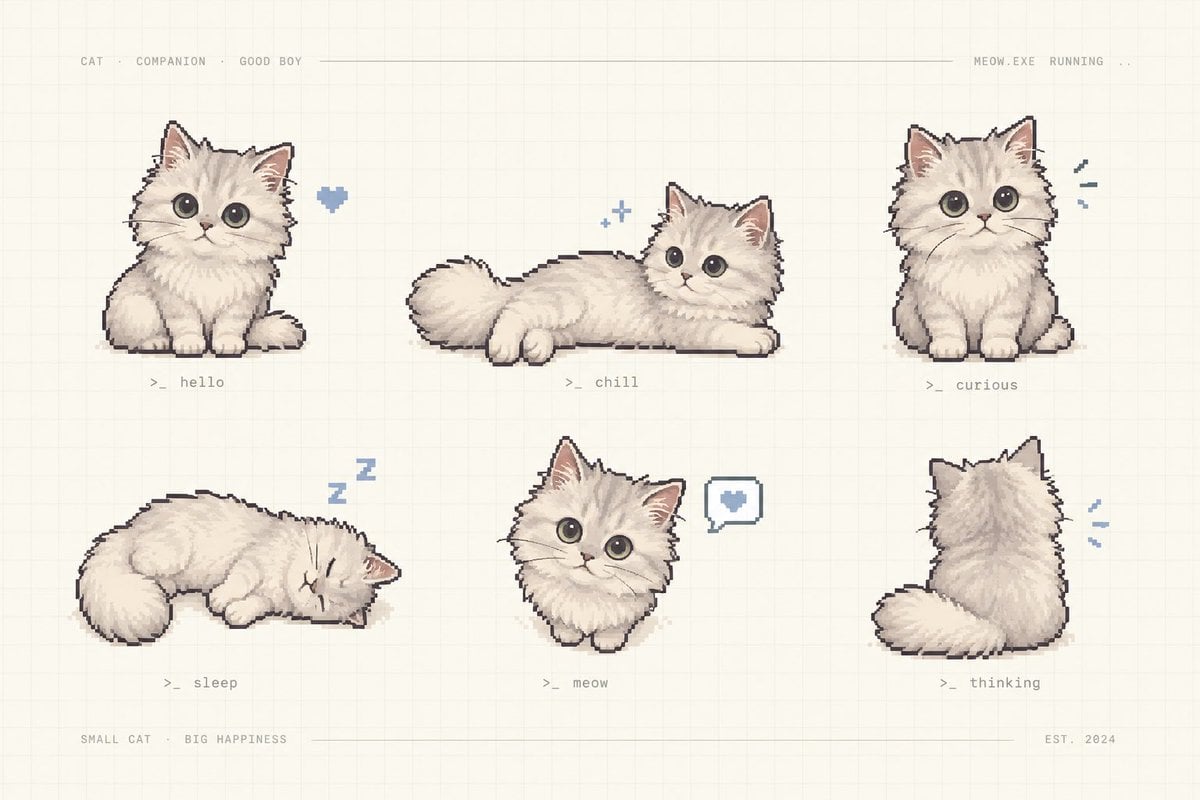
Pixel Art Kitten Companion Sheet

Quiet Hamster Manga Page
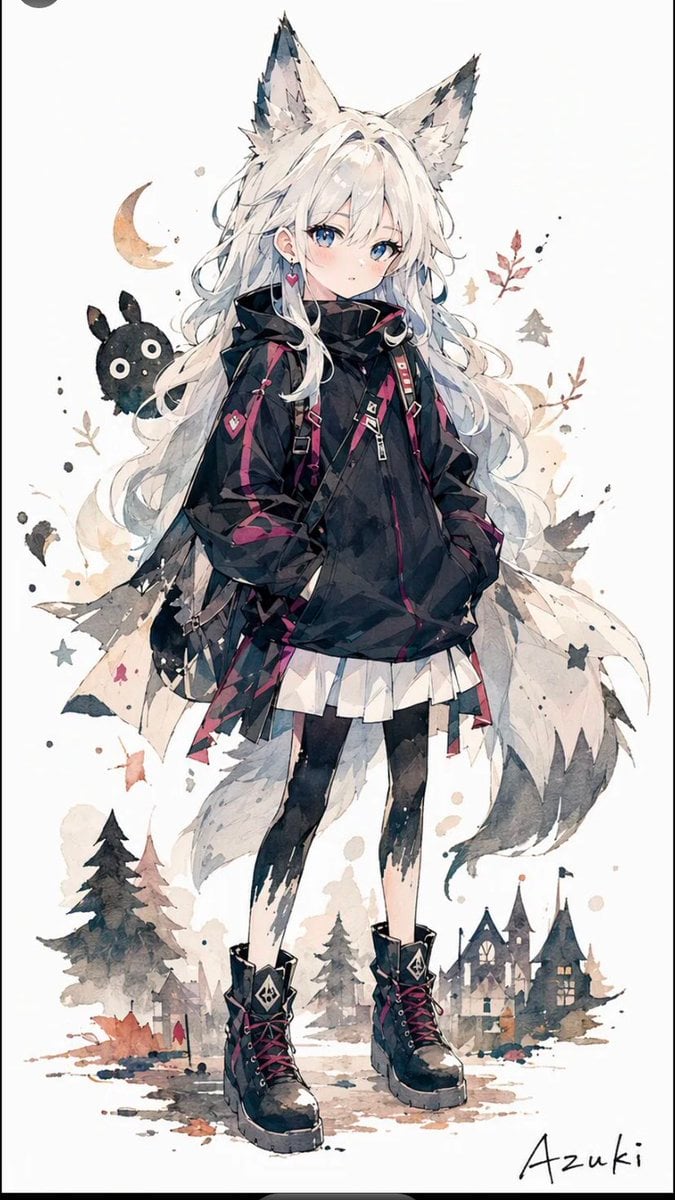
Solitary Wolf-Girl Fantasy Character
Anime Companion Portrait

Giant Lotus Pond Portrait
Minimalist Portrait with Doodle Companion
Make it yours
Cinematic Man and Giant Wolf Companion works as-is. These are the safest ways to change it without losing the look.
Change one field
Copy a single group, rewrite it, and generate again so you can see what that field is doing.
Keep the frame, change the subject
Hold the composition and light of Cinematic Man and Giant Wolf Companion, then swap wardrobe, props or the person for a new take.
| If the result… | Why | Fix |
|---|---|---|
| The result drifts from the preview | Too many fields changed at once. | Reuse Cinematic Man and Giant Wolf Companion as-is first, then change one group — subject, light, or setting. |
| The model over-stylizes the scene | The prose prompt leaves finish and camera underspecified. | Add one camera or lighting sentence and stay on Nano Banana 2. |
More Nano Banana 2 templates
Other prompts made for Nano Banana 2.

Photorealistic Leaf Shaped Like a Dragon

K-Pop Idol Portrait Grid for Rapid Selection

Poetic Rain Forest Portrait During Golden Hour

Urban Street Portrait with Cartoon Inner Self Duo

Candid Nighttime Photo with Cat Prompt

High-Concept 3D Diorama Generation Prompt

Cinematic Futuristic Studio Portrait Template

Skincare Editorial Photography Collage Prompt

Hyper-Realistic Commercial Product Photography (Splash Effect)

Hyper-Realistic Nightclub Portrait Prompt
More image prompts
Fresh picks from across the catalog.
Cinematic Street Romance with Slow Shutter Effect
Playful Fashion Shoot with Giant Bugs Bunny
Cozy Bedtime Woman With Ginger Kitten
Mao-Era Courtyard Meeting Photo
Four-Panel Male Hairstyle Reference

Japanese Journal Style Cat Diary
Luxury Boat Alpine Lake Editorial Photo Prompt

Anime Cosmos Credit Card Design
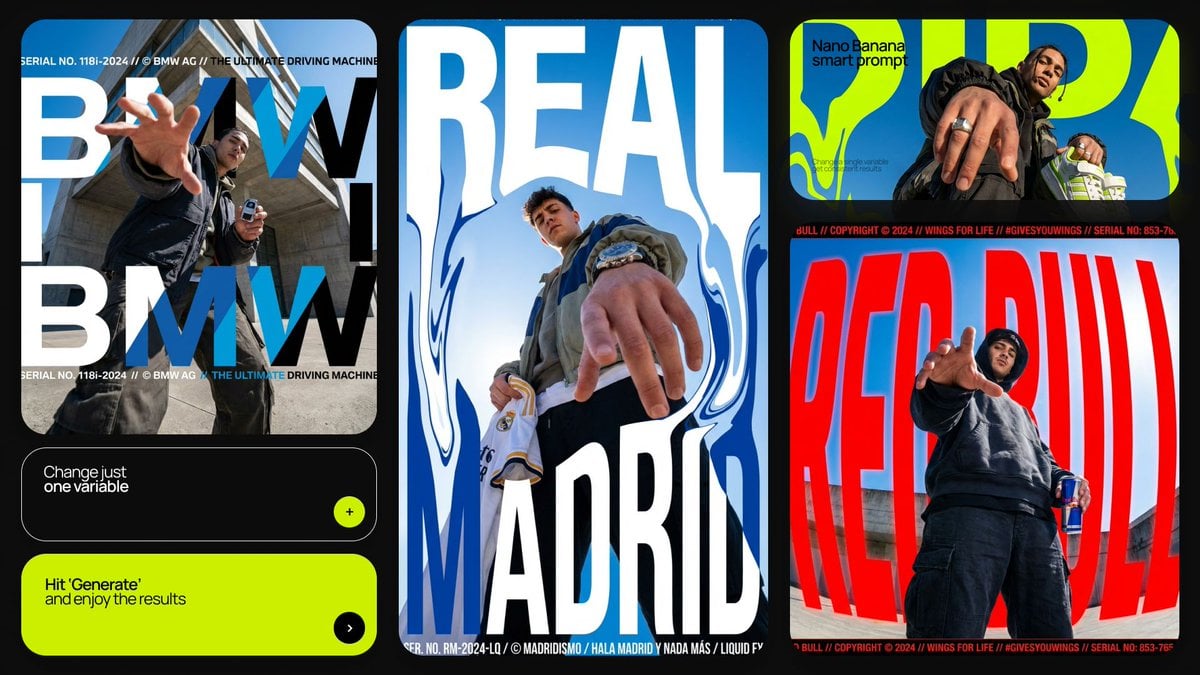
Dramatic Low Angle Brand Poster
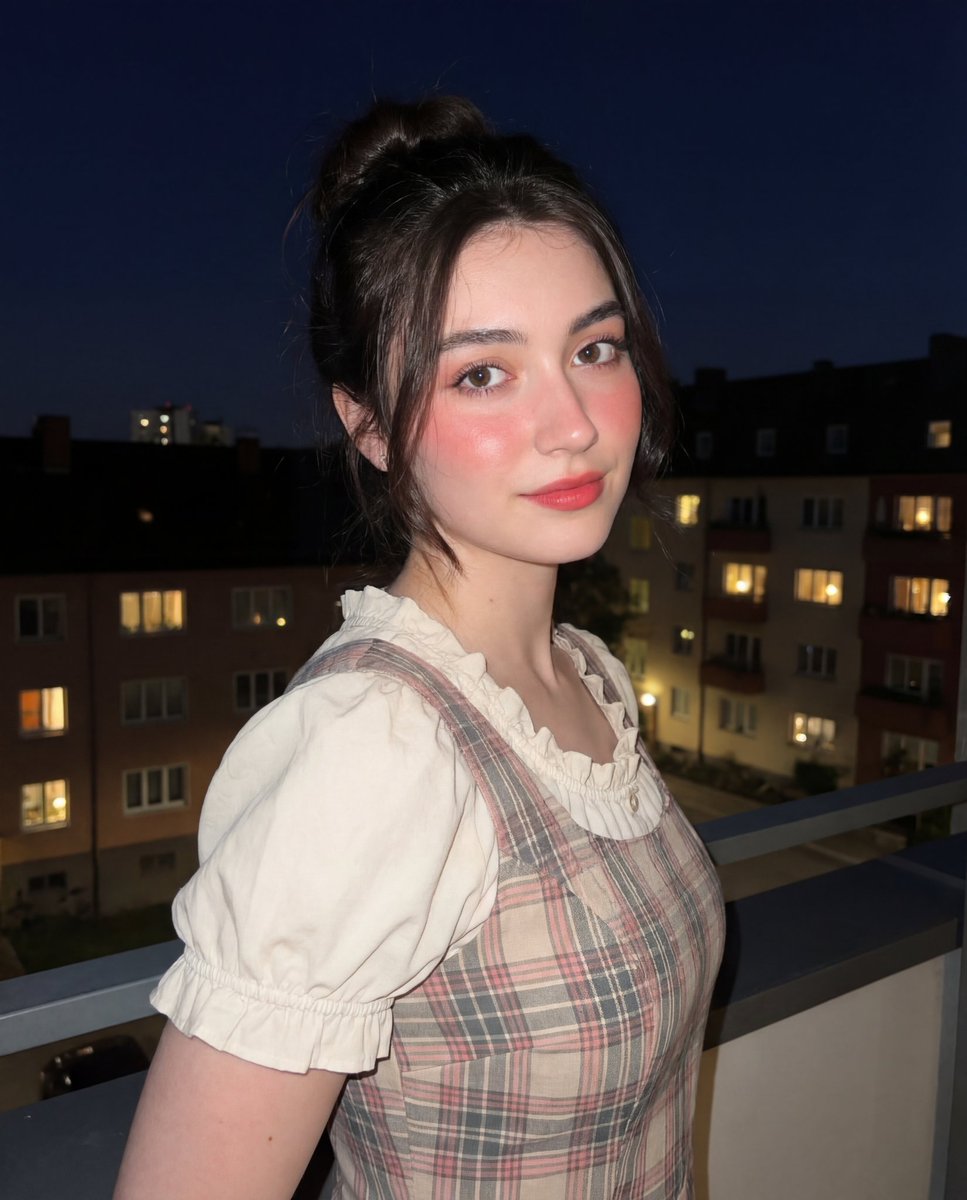
Soft-Glow Night Portrait with On-Camera Flash
Browse template categories
Cinematic Man and Giant Wolf Companion questions
How do I use the Cinematic Man and Giant Wolf Companion template?
Add your photo if the template asks for one, edit the prompt if you like — the template's model and format are already selected — and press Generate. Your version opens in PicX Studio.
Can I customize the Cinematic Man and Giant Wolf Companion template?
Yes. You can change the subject, setting, lighting, mood, format, and available model controls before creating your image.
Is the Cinematic Man and Giant Wolf Companion template free?
Opening and editing this template is free. Generating uses credits, shown on the Generate button when you are signed in.
Which AI model should I use?
Start with Nano Banana 2, which is the model associated with this template. You can compare another compatible model for a different finish.
Looking for something else? Browse all templates.

Your photo, any look
Thousands of ready templates for every top image and video model, from one credit balance.