
Orange Oshi Afternoon Tea
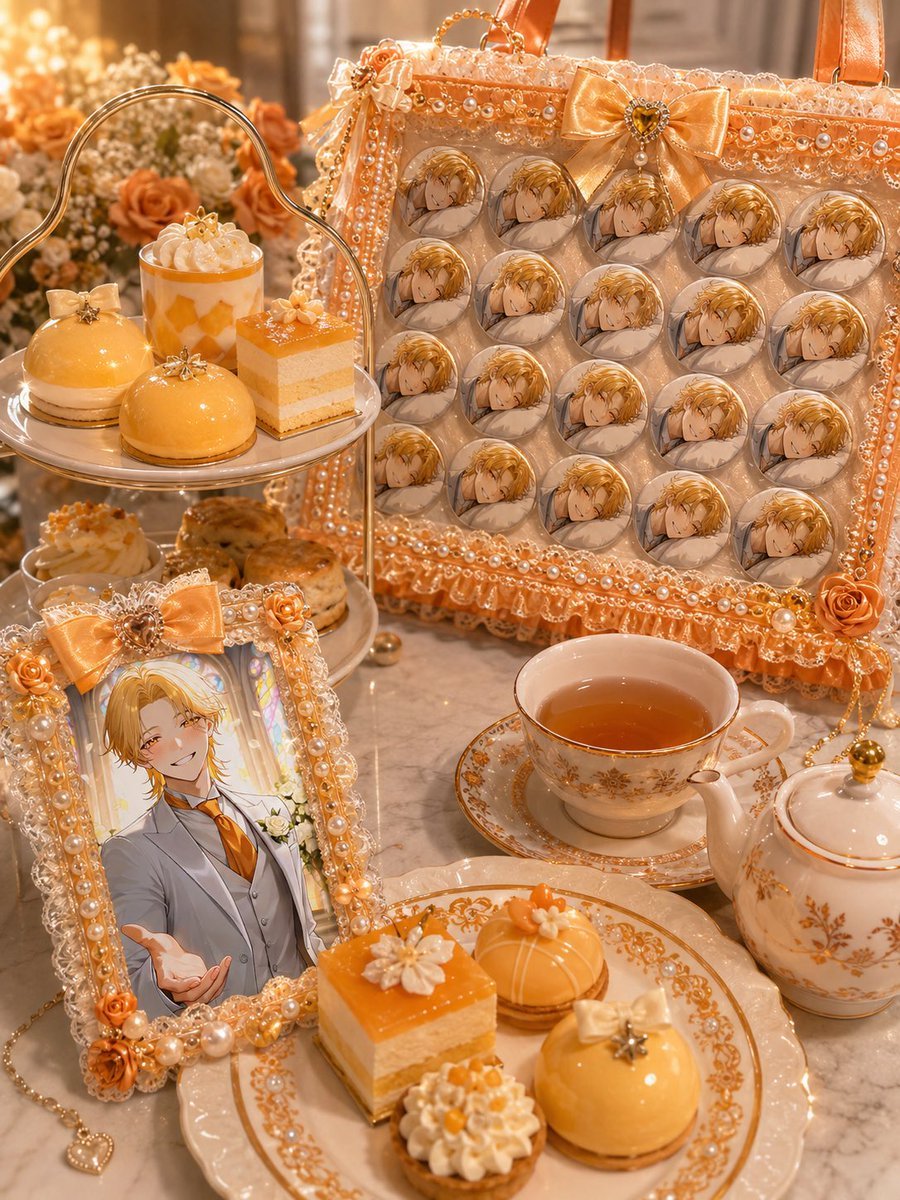
Generates a photorealistic orange-and-gold fan-merch afternoon tea scene with an ita-bag, character badges, desserts, and elegant café styling.
- Prompt included
- Model and format preset
- Free template
The prompt behind this image
Copy the exact prompt behind Orange Oshi Afternoon Tea, or open it in the studio and make it yours.
Create a warm, luxurious hobby-fan afternoon tea flat-lay/tabletop photograph themed around {argument name="oshi color" default="orange"} with {argument name="accent color" default="gold"}. Show an elegant marble café table filled with idol/anime fan goods and desserts. The main subject is a decorated ita-bag standing upright in the back right, trimmed with lace, pearls, ribbons, bead chains, small roses, and a large satin bow; inside the clear panel are exactly 20 round pin badges arranged in a 4-by-5 grid, each badge showing the same {argument name="favorite character" default="blond anime prince in a gray suit with an orange tie"} face illustration. In the front left, place a matching ornate photo frame covered in pearls, orange roses, lace, and a bow, containing a full-body character portrait of the same blond anime man smiling and reaching toward the viewer. Surround the fan goods with a refined afternoon tea setup: exactly 2 visible dessert plates/tiers, one silver two-tier stand at left and one ornate porcelain dessert plate in front; exactly 9 visible pastries total, including glossy orange dome cakes, square orange-and-cream layer cakes, whipped cream tartlets, and small macarons, all decorated with tiny bows, flowers, or star charms. Add a white-and-gold porcelain teacup filled with amber tea, a matching saucer, and a matching teapot on the right. Use abundant pearl strands, gold chain charms, lace ruffles, satin ribbons, rose decorations, and sparkling highlights. Background should be softly blurred with cream and orange flowers and warm bokeh lights. Overall style: highly detailed photorealistic smartphone café photo, cozy golden lighting, shallow depth of field, elegant otaku merch aesthetic, no text, no watermark, vertical 3:4 composition.
How to use Orange Oshi Afternoon Tea in 3 steps
- 1Upload ImagePNG, JPG or paste
Add your photo
Upload the photo the template builds on. The prompt, model and format are already set.
- 2…a portrait of your subject in softgolden-hour light, 85mm…
Personalize
Edit the subject and creative details for your destination.
- 3Generate
Generate
Press Generate — your image is created in PicX Studio, so you can compare it with the original and refine one variable at a time.
More like this
Templates with the same subject, style or setup. Open one to see its prompt.

Nostalgic Digicam Café Afternoon Portrait
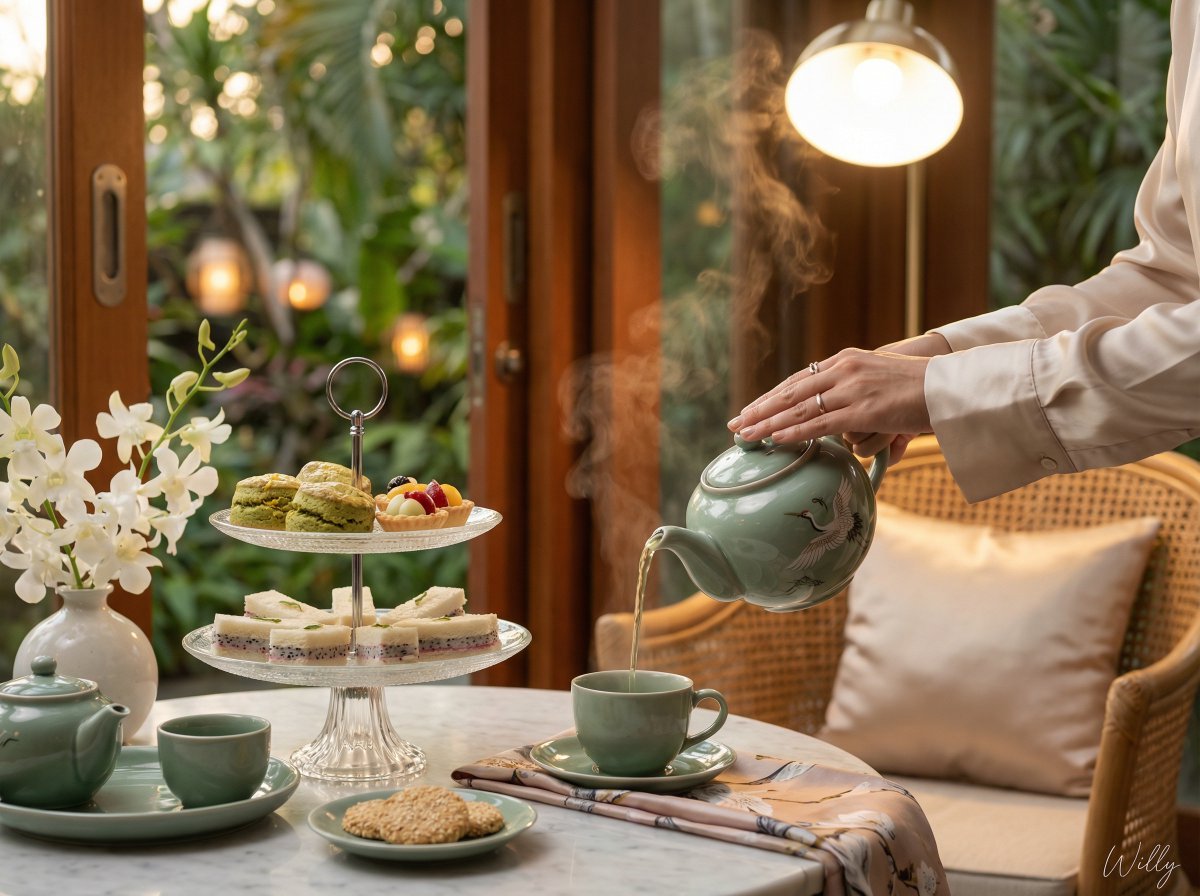
Photorealistic Vietnamese Afternoon Tea Scene
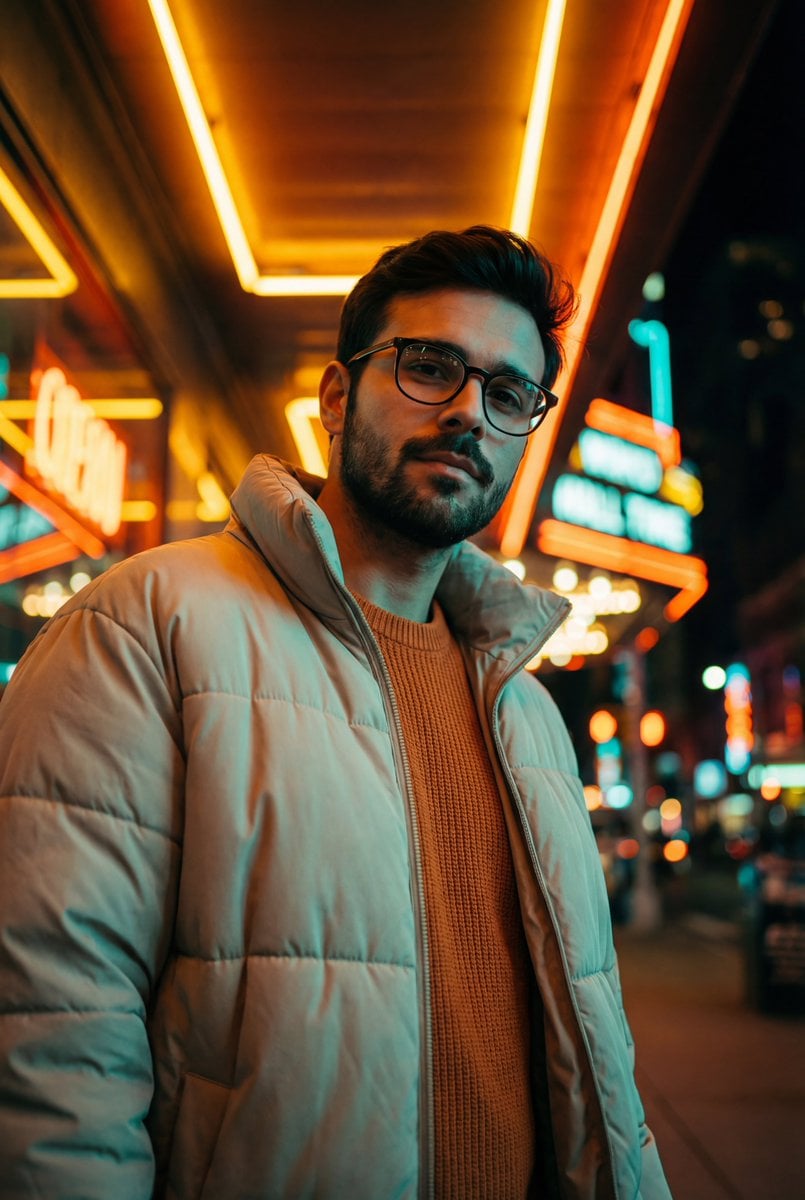
Teal and Orange Neon Urban Portrait

Sunday Afternoon, 1988
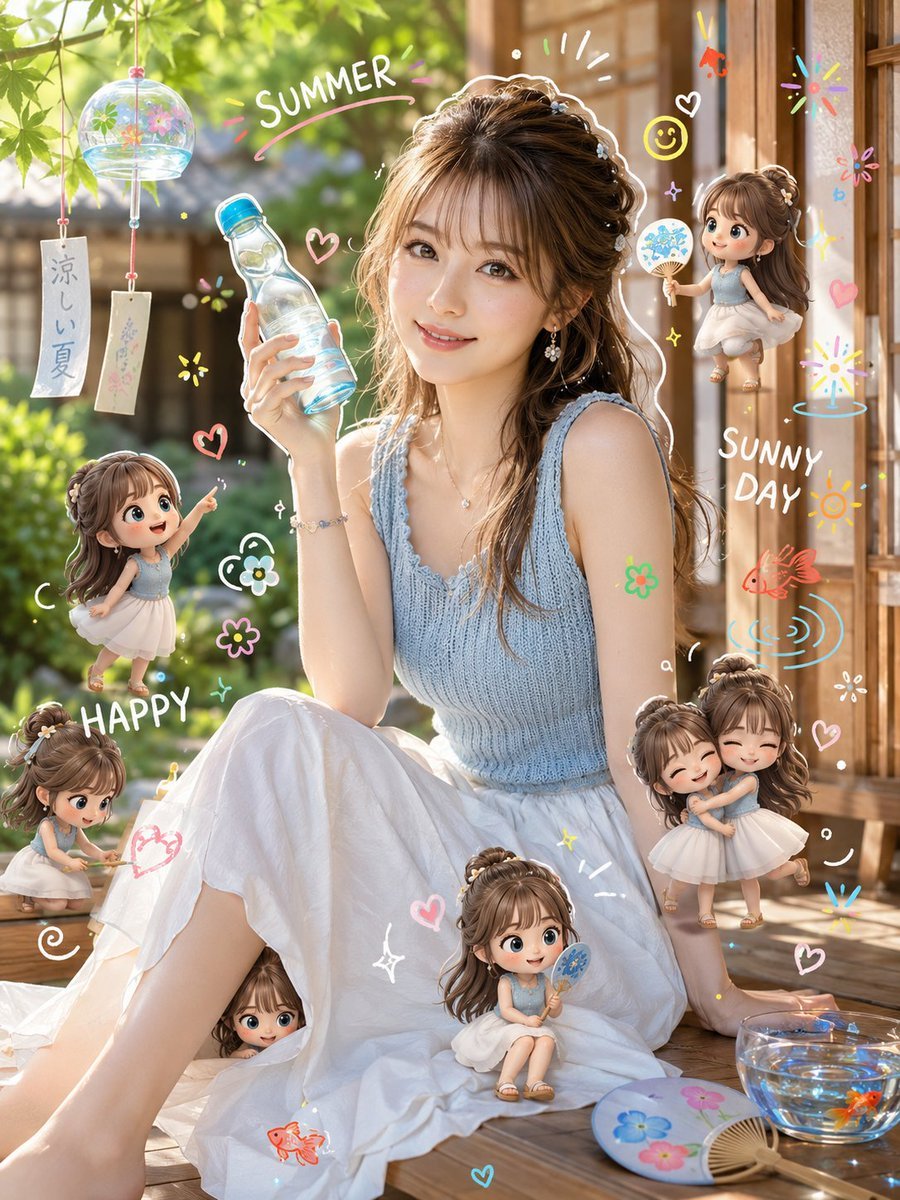
Summer Afternoon with Chibi Characters
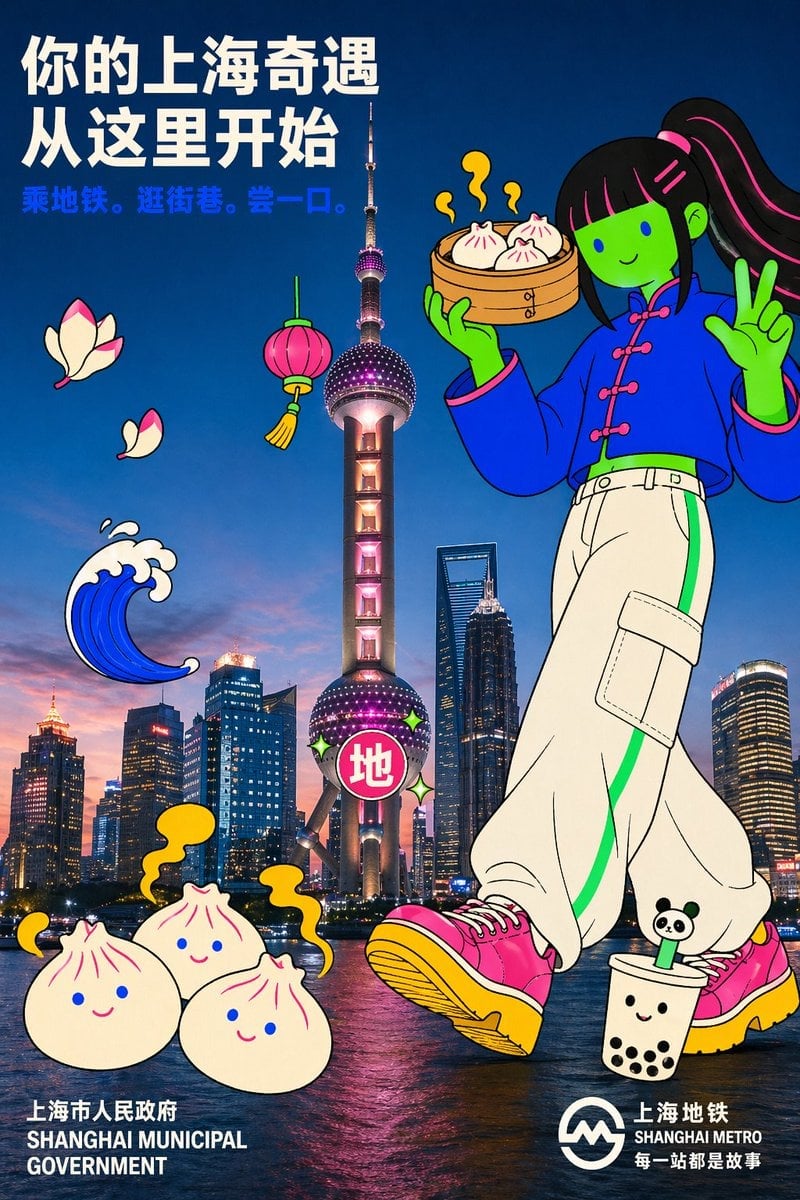
Holding a cartoon xiaolongbao steamer basket up to eye level with one
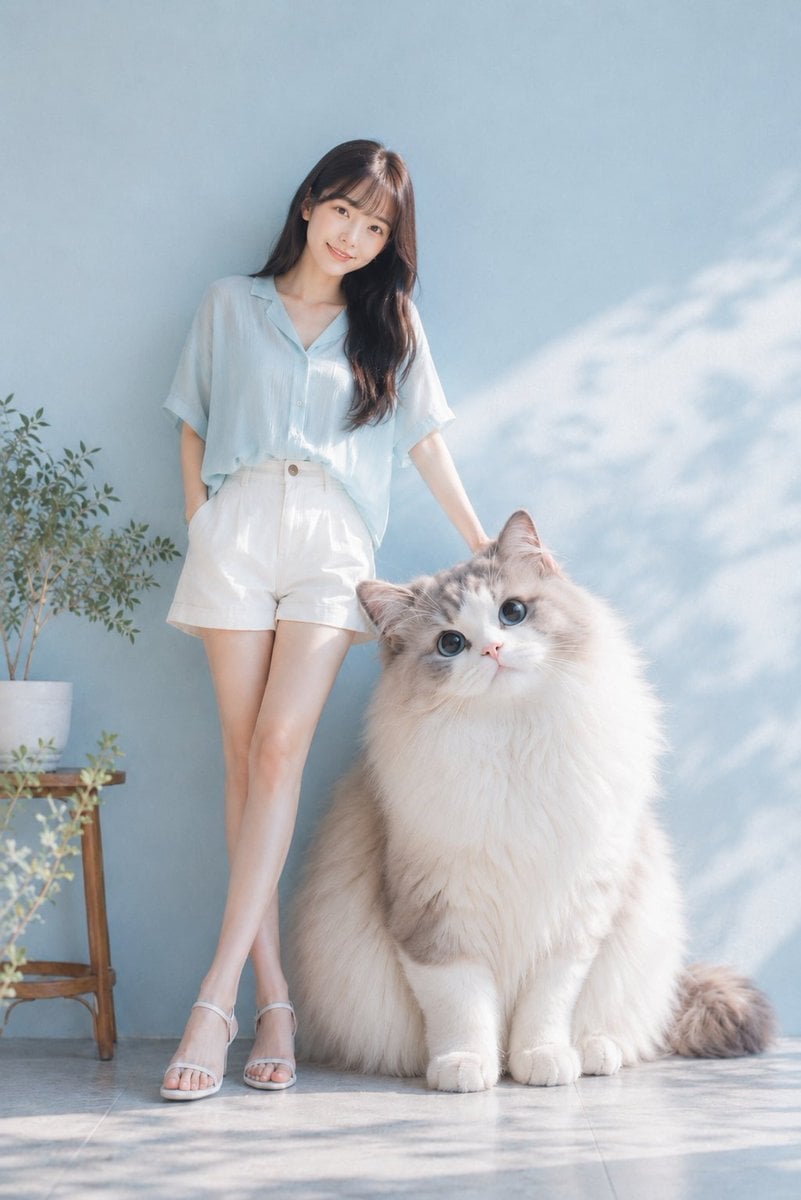
Relaxing Summer Afternoon with a Giant Cat
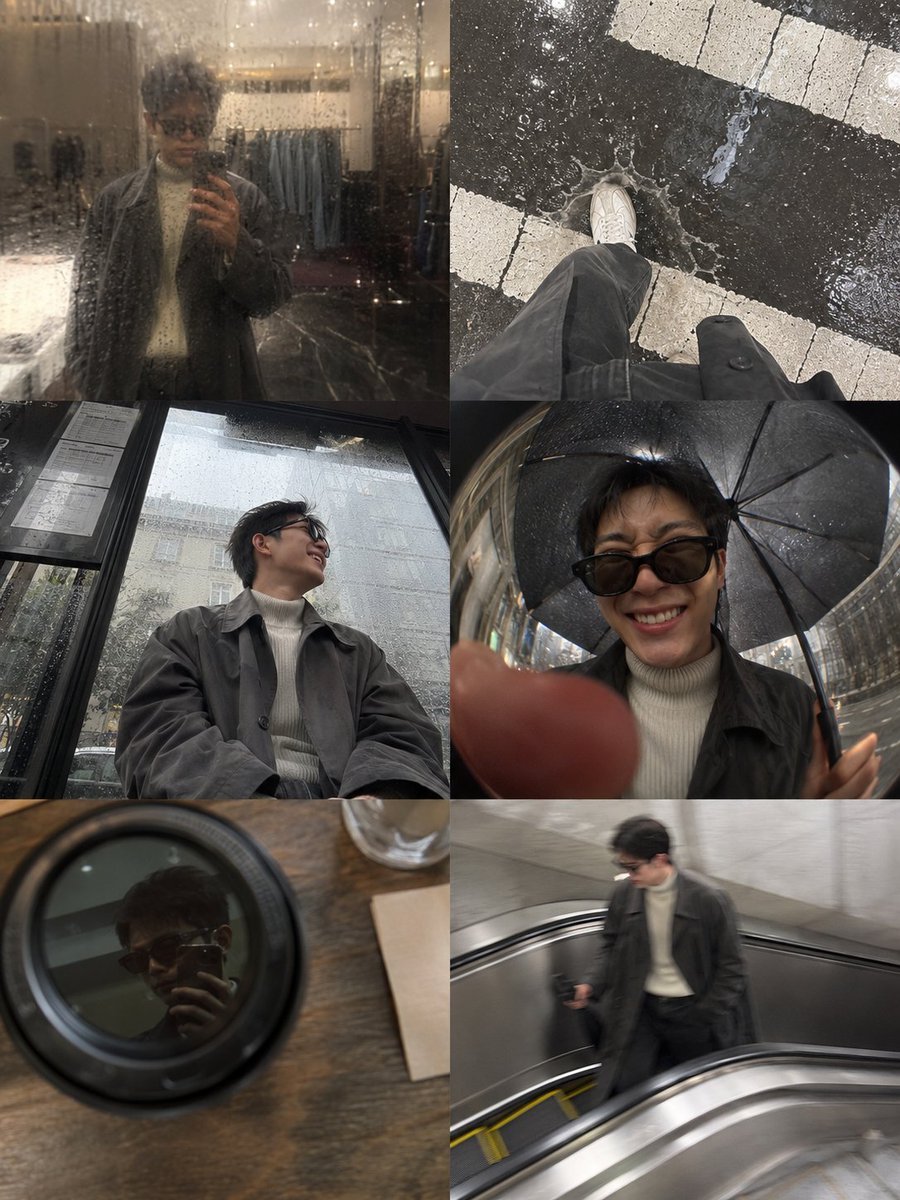
Rainy Afternoon Photo Collage
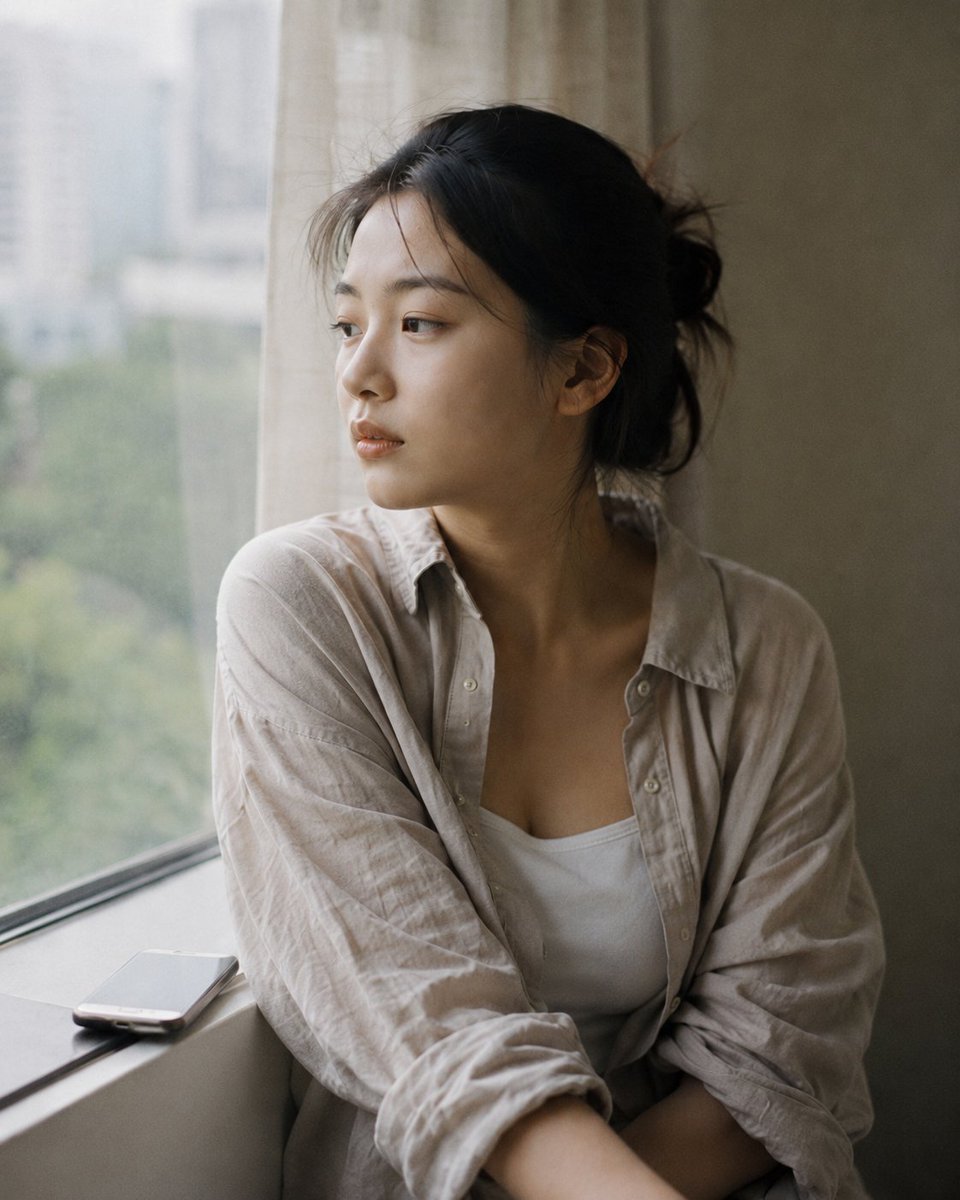
Atmospheric Afternoon Window Portrait
Turkish Grandma Pouring Tea
Clean Longjing Tea Infographic Upscale
Longjing Tea Infographic Poster
Make it yours
Orange Oshi Afternoon Tea works as-is. These are the safest ways to change it without losing the look.
Change one field
Copy a single group, rewrite it, and generate again so you can see what that field is doing.
Keep the frame, change the subject
Hold the composition and light of Orange Oshi Afternoon Tea, then swap wardrobe, props or the person for a new take.
| If the result… | Why | Fix |
|---|---|---|
| The result drifts from the preview | Too many fields changed at once. | Reuse Orange Oshi Afternoon Tea as-is first, then change one group — subject, light, or setting. |
| The model over-stylizes the scene | The prose prompt leaves finish and camera underspecified. | Add one camera or lighting sentence and stay on GPT Image 2. |
More GPT Image 2 templates
Other prompts made for GPT Image 2.

Six VTuber Japanese Logo Sheet

Realistic Portrait of Woman and Deer

The Vista Modular Condo Poster

AI Model Routing Comparison Infographic

2.5D Anime Art Board

Isometric Productivity Desk Scene

New York Double Exposure Poster

Four-Panel AI Landscape Comparison

Japanese Tatami Lifestyle Magazine Cover

NESCAFÉ Coffee Map Poster
More image prompts
Fresh picks from across the catalog.
Viral TikTok Mirror Selfie Prompt

Toddler Crayon Art Transformation

Gpt2 Youtube Thumbnail Anime Fantasy Travel Movie Poster
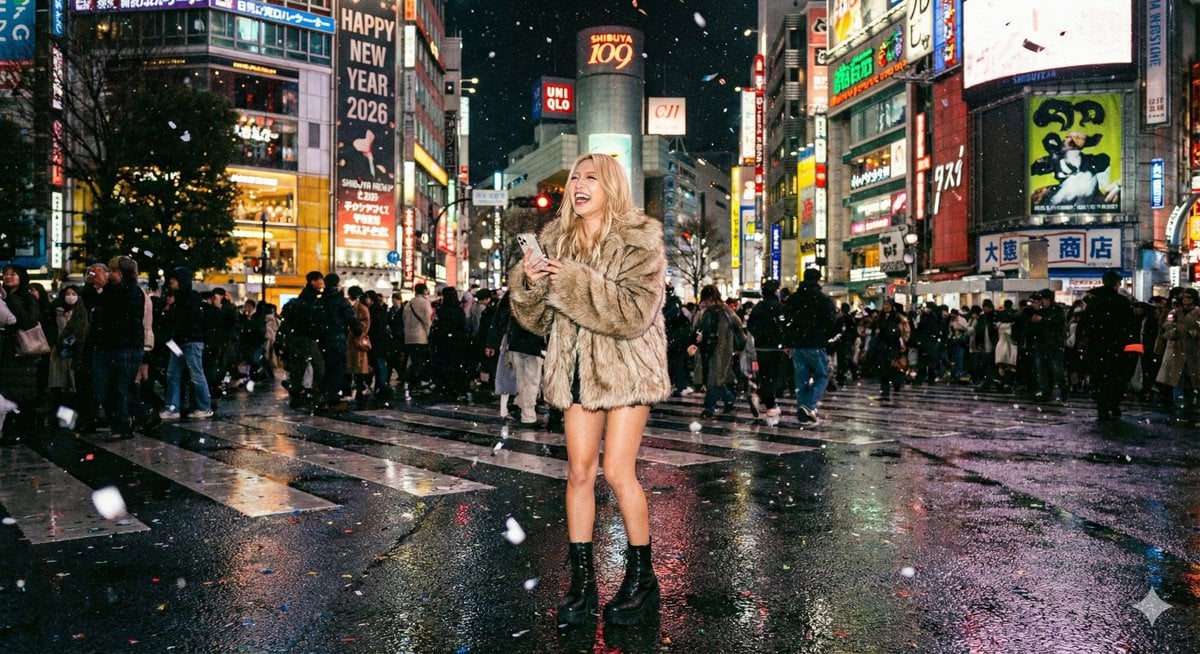
Shibuya New Year's Eve Beauty
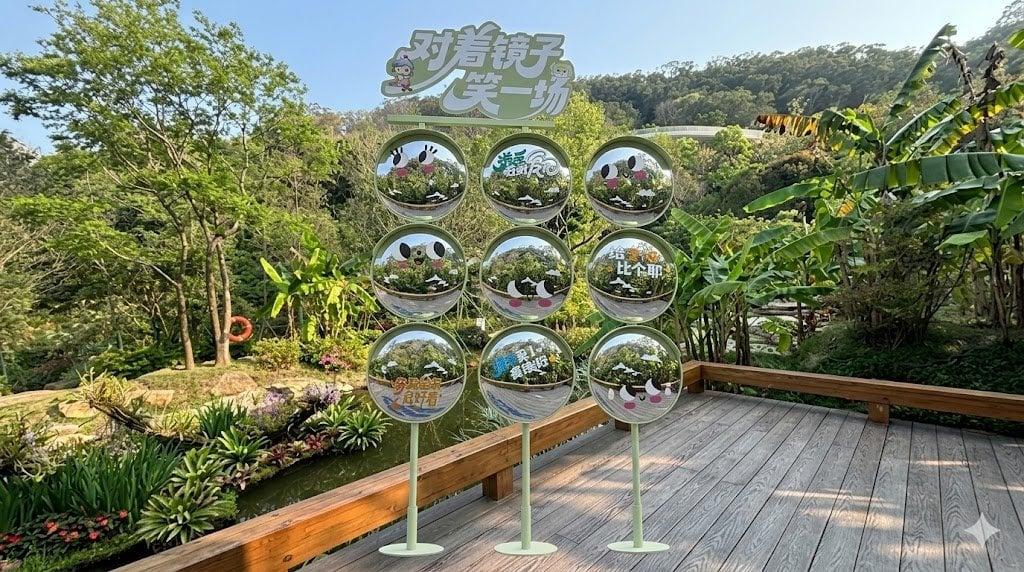
Move Display Stand Onto Deck
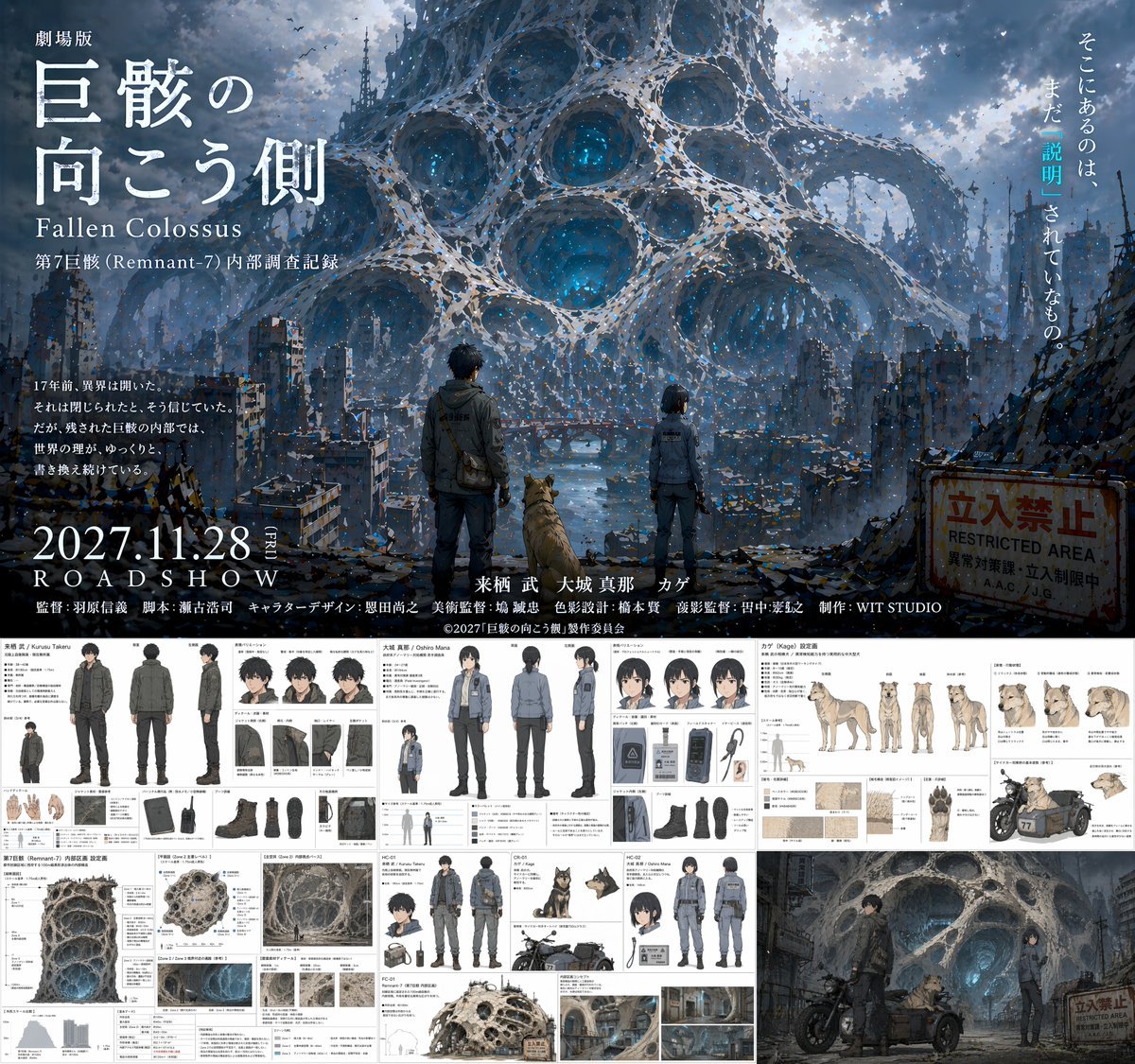
Anime Movie Pitch Document with Poster and Settei
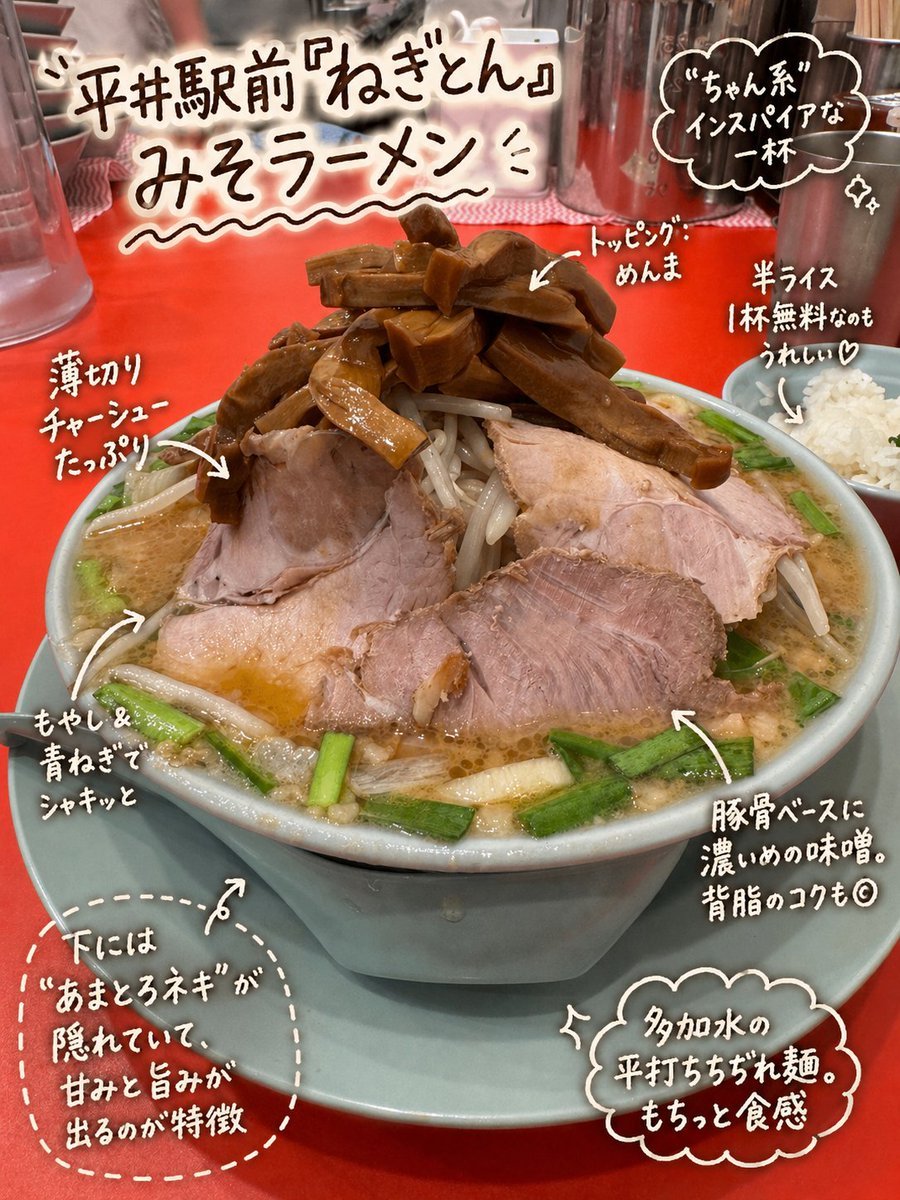
Annotated Japanese Miso Ramen Photo
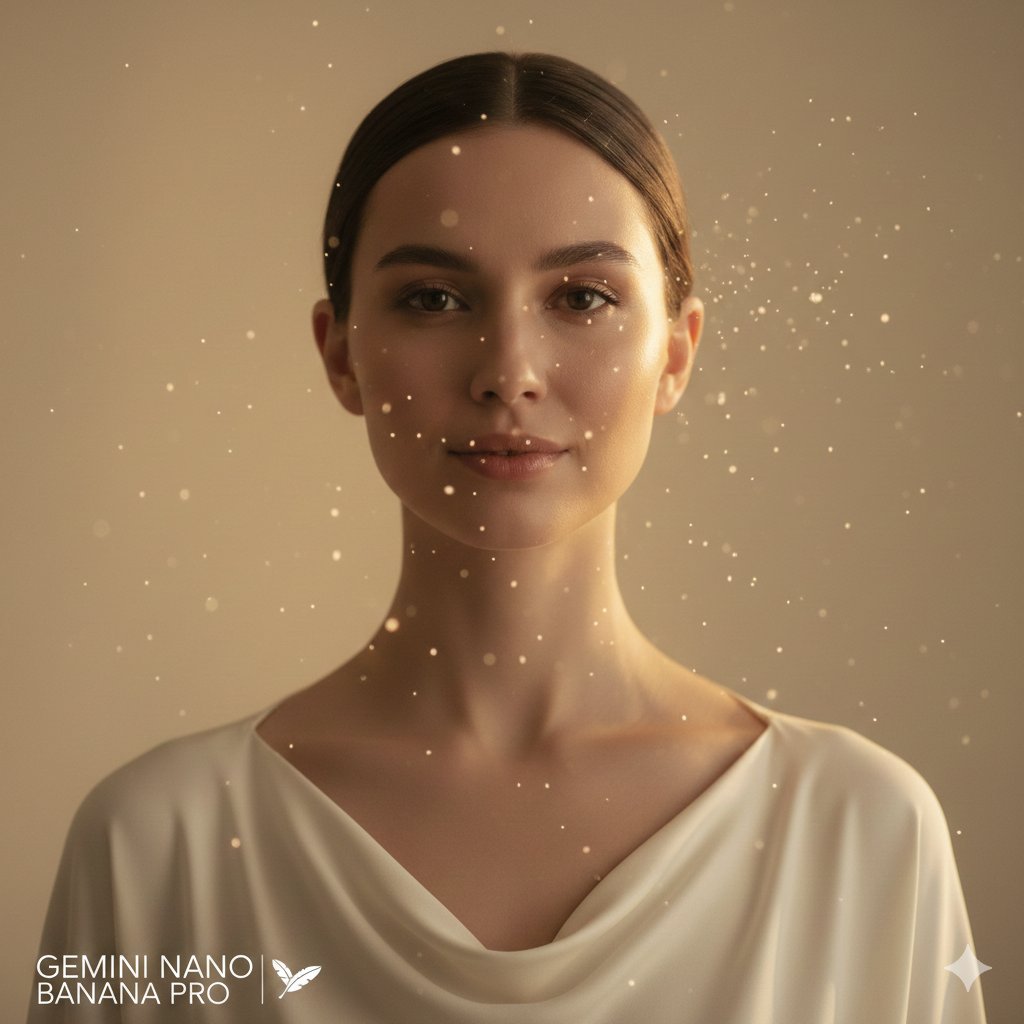
High-fashion close-up portrait of a woman with simple elegance
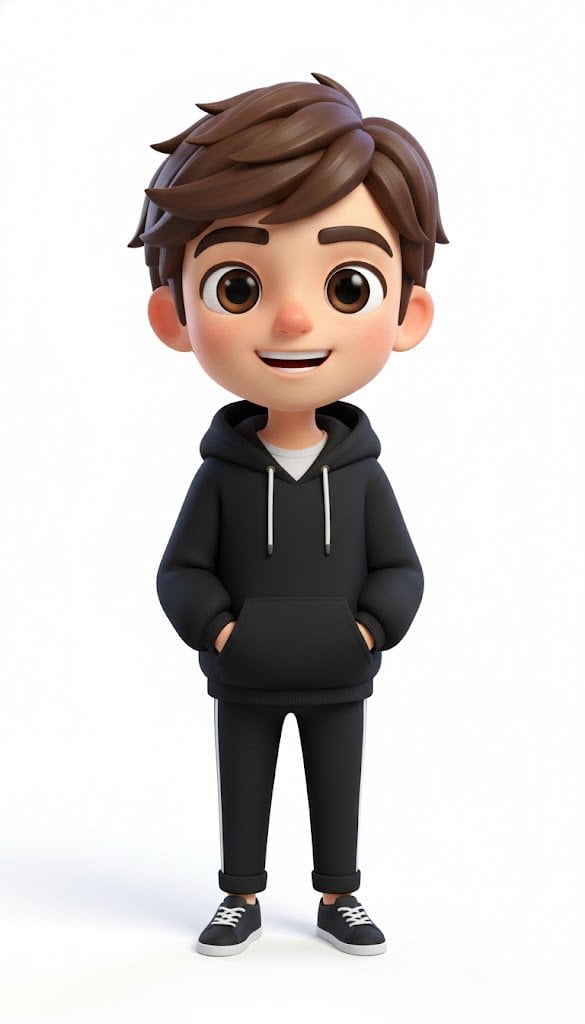
Pixar-Style American Passerby Prompt

Nightlife Fashion Portrait in Luxury Car
Browse template categories
Orange Oshi Afternoon Tea questions
How do I use the Orange Oshi Afternoon Tea template?
Add your photo if the template asks for one, edit the prompt if you like — the template's model and format are already selected — and press Generate. Your version opens in PicX Studio.
Can I customize the Orange Oshi Afternoon Tea template?
Yes. You can change the subject, setting, lighting, mood, format, and available model controls before creating your image.
Is the Orange Oshi Afternoon Tea template free?
Opening and editing this template is free. Generating uses credits, shown on the Generate button when you are signed in.
Which AI model should I use?
Start with GPT Image 2, which is the model associated with this template. You can compare another compatible model for a different finish.
Looking for something else? Browse all templates.

Your photo, any look
Thousands of ready templates for every top image and video model, from one credit balance.