
Clean Longjing Tea Infographic Upscale
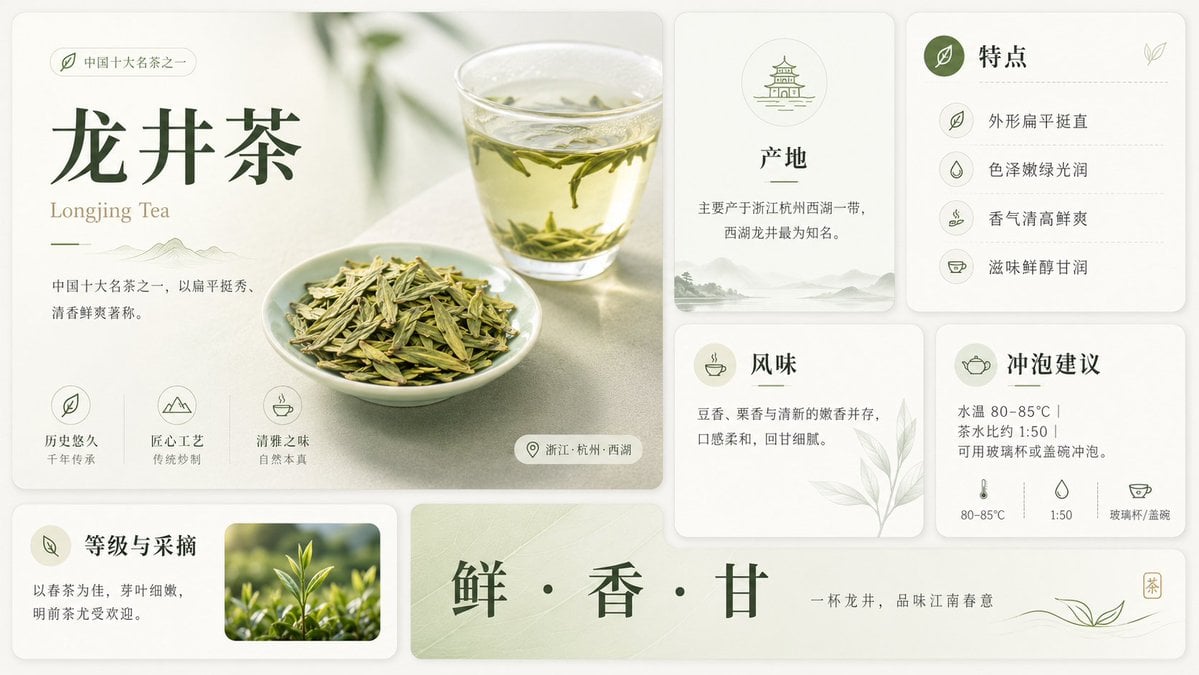
Generates a cleaner, sharper, detail-enriched upscale of a Longjing tea infographic while preserving the original layout and text.
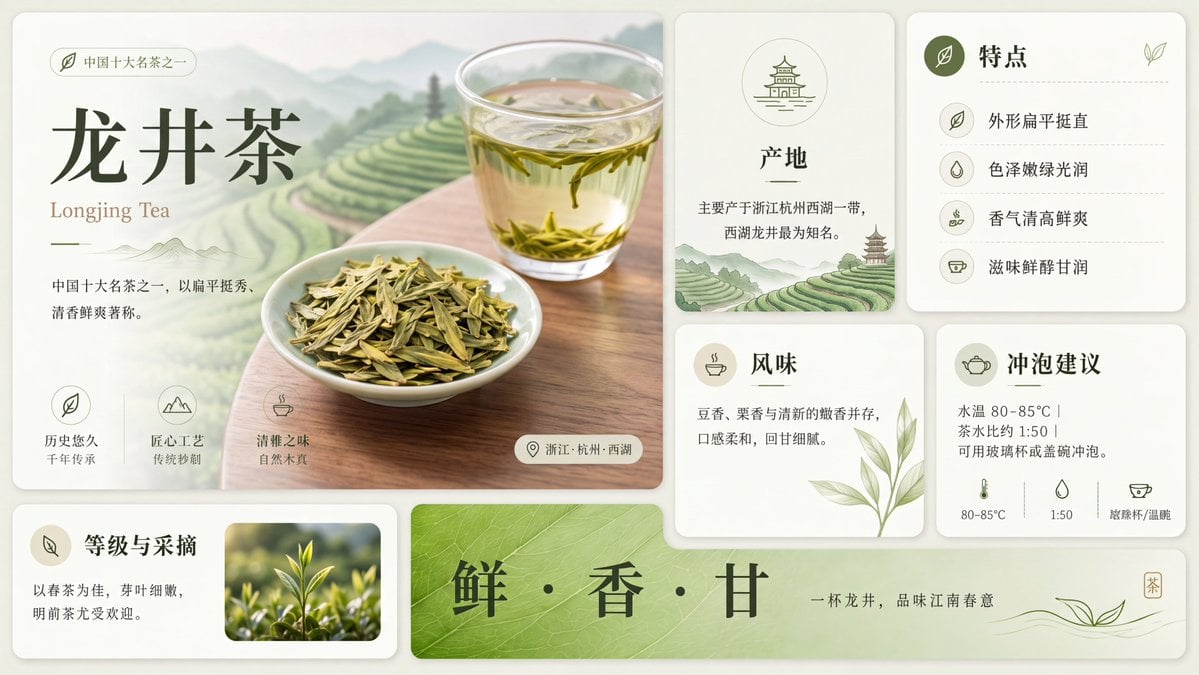
- Prompt included
- Model and format preset
- Free template
The prompt behind this image
Copy the exact prompt behind Clean Longjing Tea Infographic Upscale, or open it in the studio and make it yours.
Using the provided reference image, redraw and upscale it into a cleaner, sharper, more polished version while preserving the same overall infographic layout, all original text content, and the Longjing tea theme. Keep the product title {argument name="tea name" default="龙井茶"} and the English subtitle {argument name="English tea name" default="Longjing Tea"} unchanged. Goal: Make the image look less like a rough GPT-generated graphic by removing broken, noisy, meaningless textures and replacing them with crisp, intentional detail. Enhancements to apply: Increase resolution and clarity; sharpen typography, icons, borders, tea leaves, glass, and card edges; make the lighting softer and more natural; improve material realism for the tea, cup, dried leaves, and ceramic dish; clean up any fuzzy or fragmented artifacts. Meaningful detail additions: In the main hero panel, replace the vague pale background with a refined scenic tea plantation landscape of layered green terraces, misty mountains, and a wooden tabletop beneath the tea cup and plate. In the origin card, add a small matching tea-terrace landscape illustration at the bottom. Make the bottom green banner more vivid with a natural leaf-vein texture. Layout constraints: Preserve exactly 7 visible content panels/sections: the large hero panel, origin card, features card, flavor card, brewing suggestion card, grade-and-picking card, and bottom slogan banner. Preserve exactly 4 feature rows in the features card, exactly 3 small icon benefits in the hero panel, and exactly 3 brewing parameter icons along the bottom of the brewing card. Do not add extra sections, extra labels, watermarks, logos, or decorative clutter. Style: Elegant Chinese tea brochure design, cream-and-sage palette, refined minimal UI cards, soft shadows, crisp vector-like icons, realistic tea photography elements, calm premium product-advertising finish.
Reference images included
Clean Longjing Tea Infographic Upscale needs input media to work. They load alongside the prompt when you open it in the studio.
How to use Clean Longjing Tea Infographic Upscale in 3 steps
- 1Upload ImagePNG, JPG or paste
Add your photo
Upload the photo the template builds on. The prompt, model and format are already set.
- 2…a portrait of your subject in softgolden-hour light, 85mm…
Personalize
Edit the subject and creative details for your destination.
- 3Generate
Generate
Press Generate — your image is created in PicX Studio, so you can compare it with the original and refine one variable at a time.
More like this
Templates with the same subject, style or setup. Open one to see its prompt.
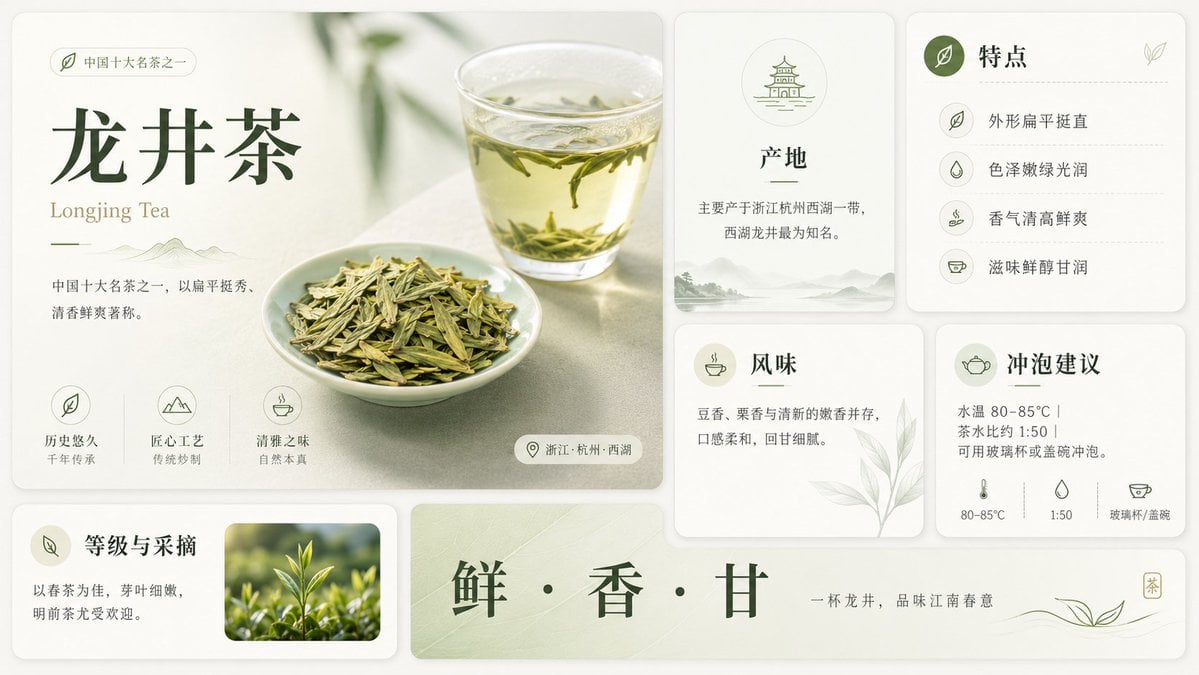
Longjing Tea Infographic Poster

Isometric Vehicle Teardown Infographic Template

Japan Travel Brochure Poster

Clean, minimalist fashion infographic from an uploaded reference photo

Soft Shadow Studio Minimalist Product Shot

Blueprint Split Reality Archetype Prompt
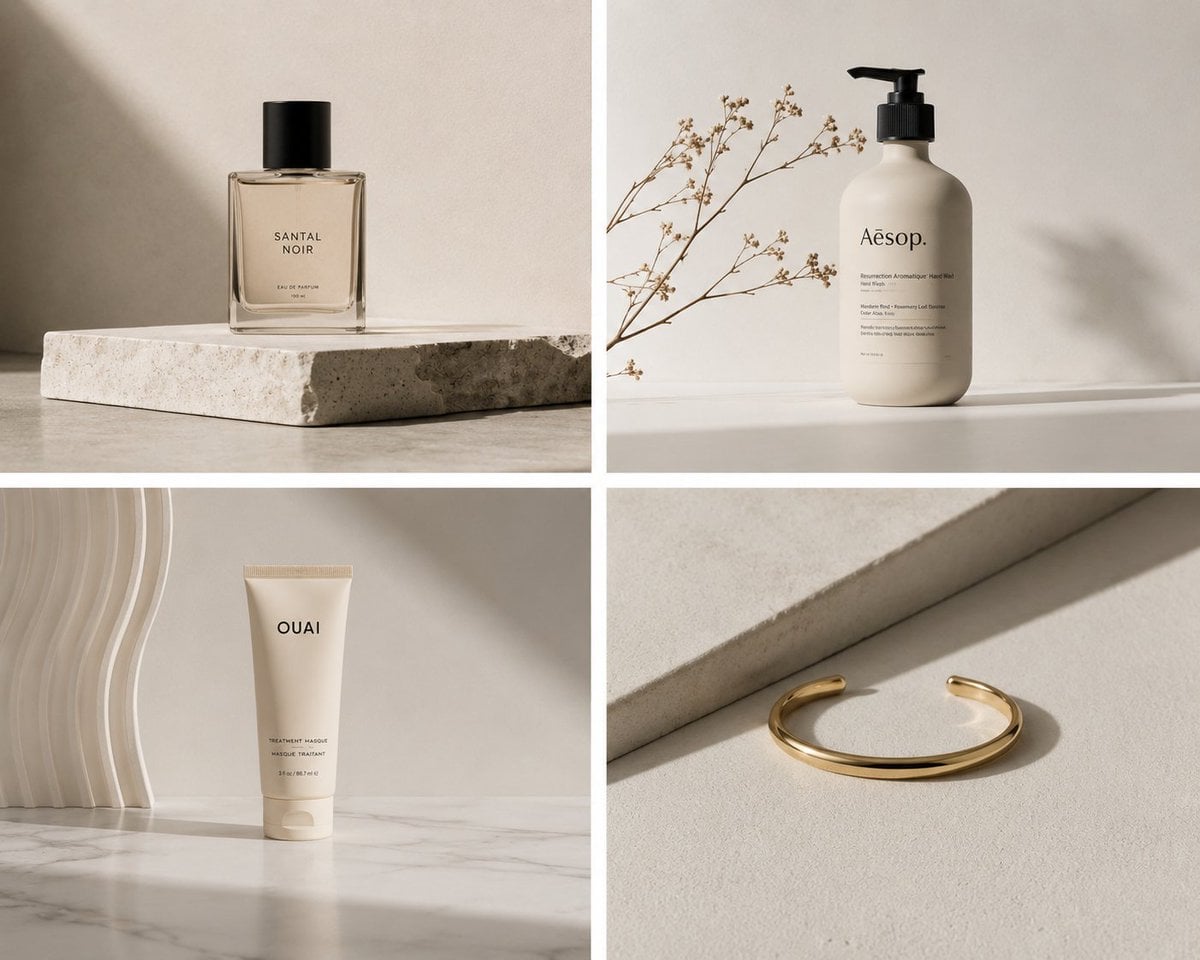
Elegant Minimalist Product Photography

Isometric Process Educational Diorama
Clean Girl Aesthetic Selfie in Upscale Apartment (JSON Format)

Gpt2 E Commerce Main Image Earbuds E Commerce Infographic

Gpt2 Infographic Edu Visual Alishan One Day Travel Poster

Gpt2 Infographic Edu Visual Ethnographic Plate for Tibetan Ceremonial Hat
Make it yours
Clean Longjing Tea Infographic Upscale works as-is. These are the safest ways to change it without losing the look.
Change one field
Copy a single group, rewrite it, and generate again so you can see what that field is doing.
Keep the frame, change the subject
Hold the composition and light of Clean Longjing Tea Infographic Upscale, then swap wardrobe, props or the person for a new take.
| If the result… | Why | Fix |
|---|---|---|
| The result drifts from the preview | Too many fields changed at once. | Reuse Clean Longjing Tea Infographic Upscale as-is first, then change one group — subject, light, or setting. |
| The model over-stylizes the scene | The prose prompt leaves finish and camera underspecified. | Add one camera or lighting sentence and stay on GPT Image 2. |
More GPT Image 2 templates
Other prompts made for GPT Image 2.

Six VTuber Japanese Logo Sheet

Realistic Portrait of Woman and Deer

The Vista Modular Condo Poster

AI Model Routing Comparison Infographic

2.5D Anime Art Board

Isometric Productivity Desk Scene

New York Double Exposure Poster

Four-Panel AI Landscape Comparison

Japanese Tatami Lifestyle Magazine Cover

NESCAFÉ Coffee Map Poster
More image prompts
Fresh picks from across the catalog.
Graffiti Wall Urban Fashion Portrait
Four High-Detail Composite Photography Prompts
Realistic Identity Card Macro Photography
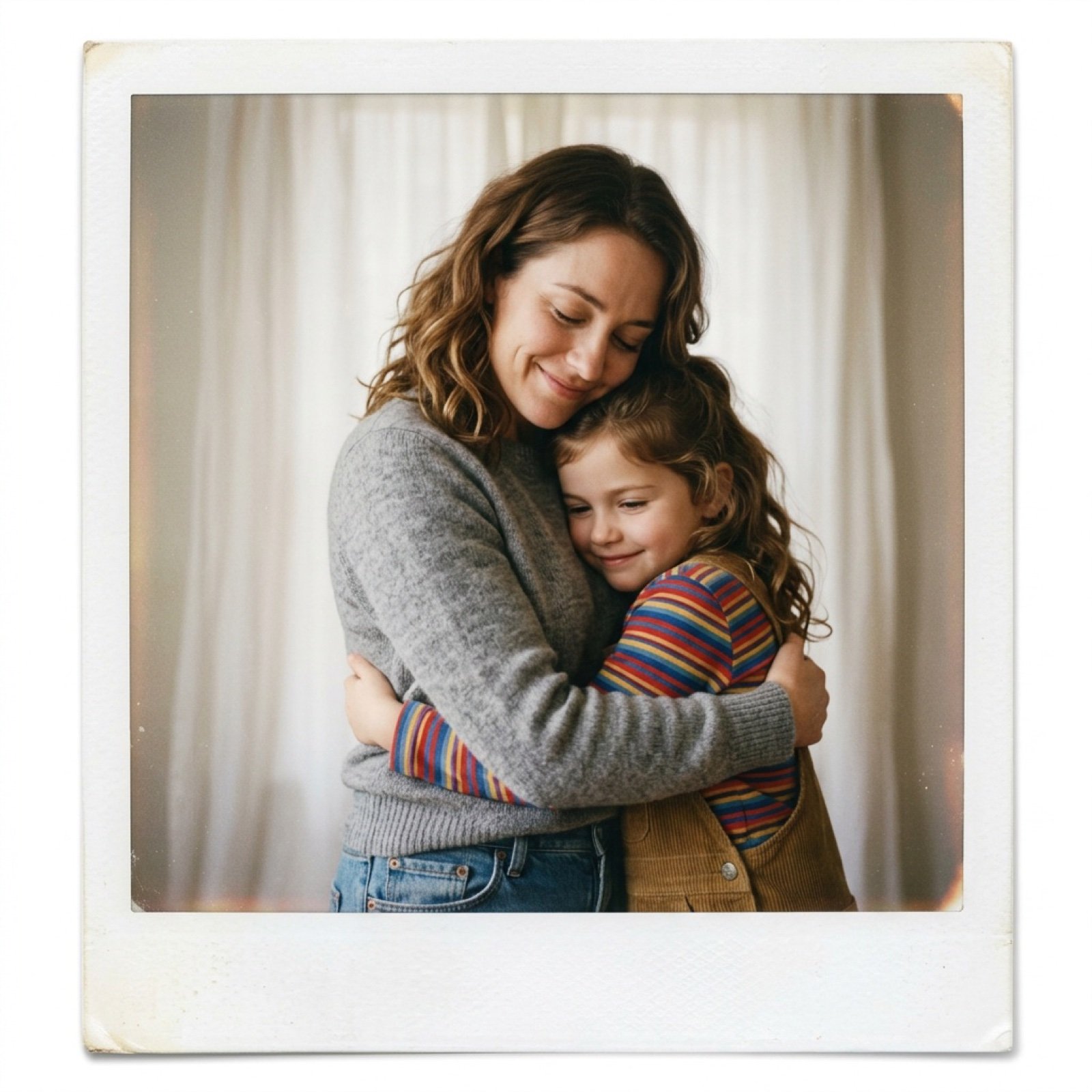
Polaroid Style Photo of Self Hugging Younger Self
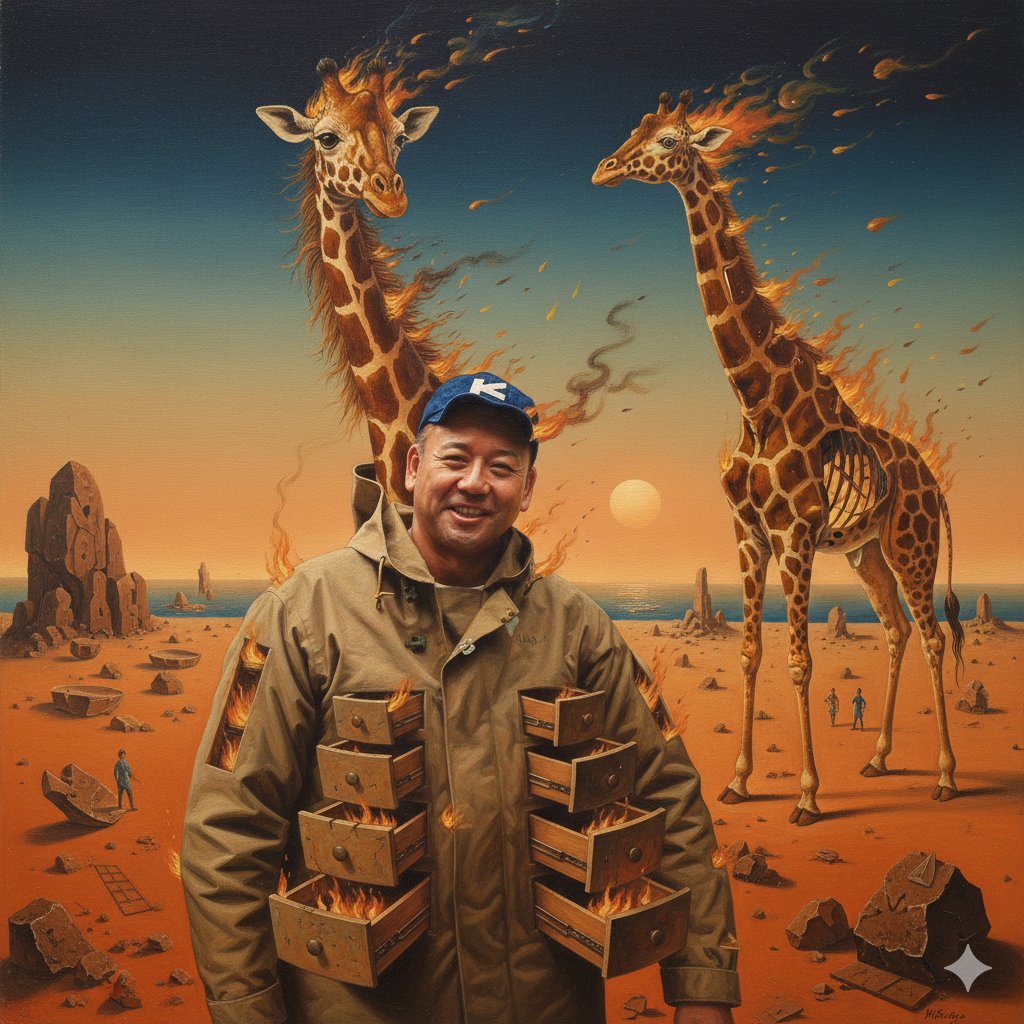
Image Style Transfer Prompt: Viking to Dali's 'Burning Giraffe' Style
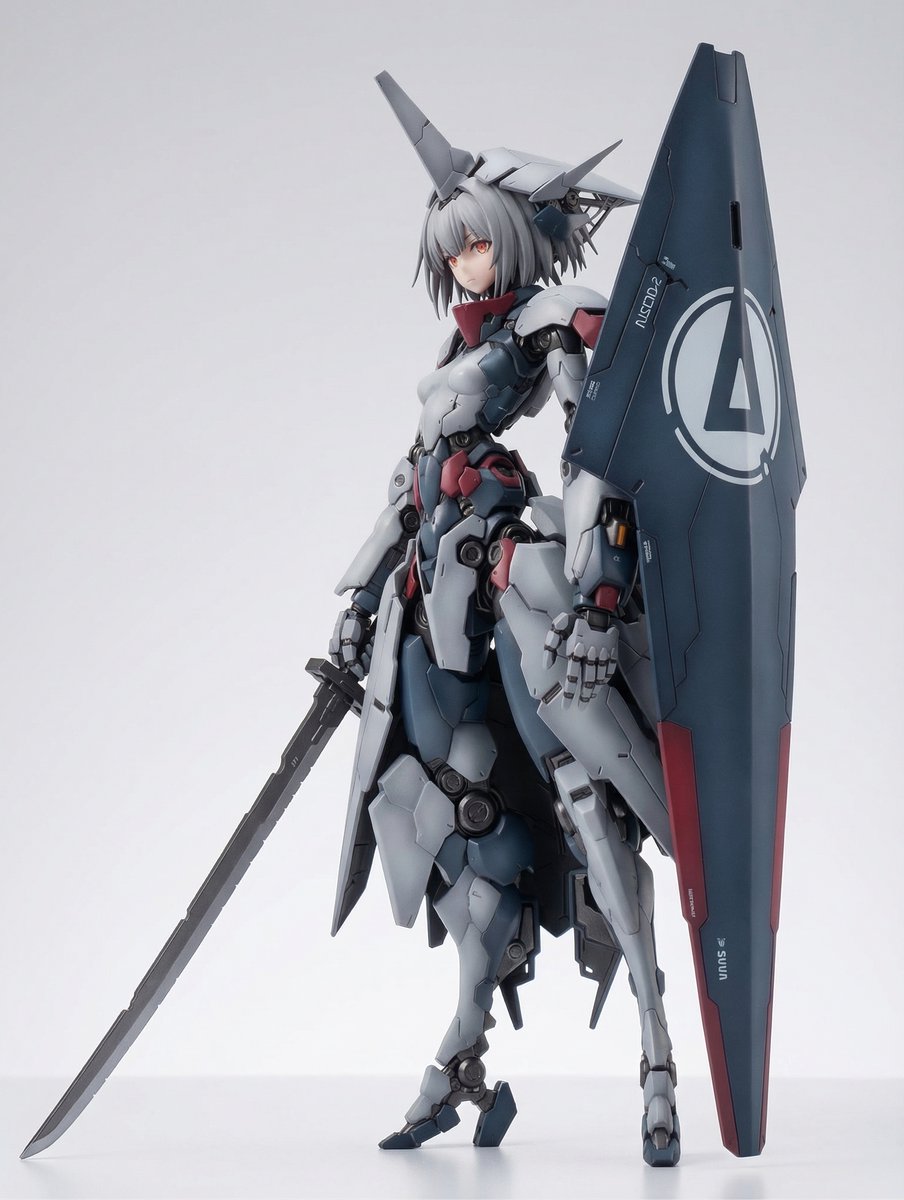
KNIGHT MECHA GIRL Figure Concept
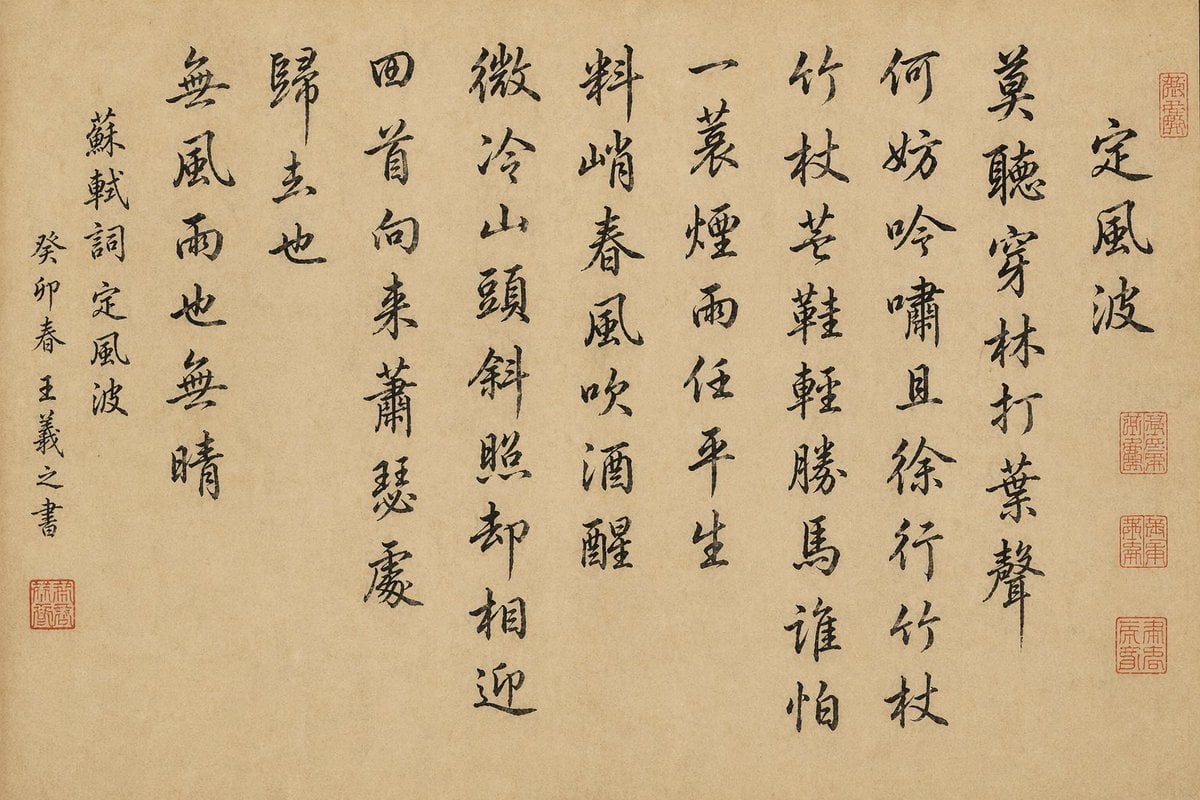
Chinese Calligraphy Scroll on Aged Paper
Goth Streetwear Anime Icon Portrait
Vintage Mumbai Travel Poster
Serene Mountain Trail Portrait
Browse template categories
Clean Longjing Tea Infographic Upscale questions
How do I use the Clean Longjing Tea Infographic Upscale template?
Add your photo if the template asks for one, edit the prompt if you like — the template's model and format are already selected — and press Generate. Your version opens in PicX Studio.
Can I customize the Clean Longjing Tea Infographic Upscale template?
Yes. You can change the subject, setting, lighting, mood, format, and available model controls before creating your image.
Is the Clean Longjing Tea Infographic Upscale template free?
Opening and editing this template is free. Generating uses credits, shown on the Generate button when you are signed in.
Which AI model should I use?
Start with GPT Image 2, which is the model associated with this template. You can compare another compatible model for a different finish.
Looking for something else? Browse all templates.

Your photo, any look
Thousands of ready templates for every top image and video model, from one credit balance.