
Rainy Afternoon Photo Collage
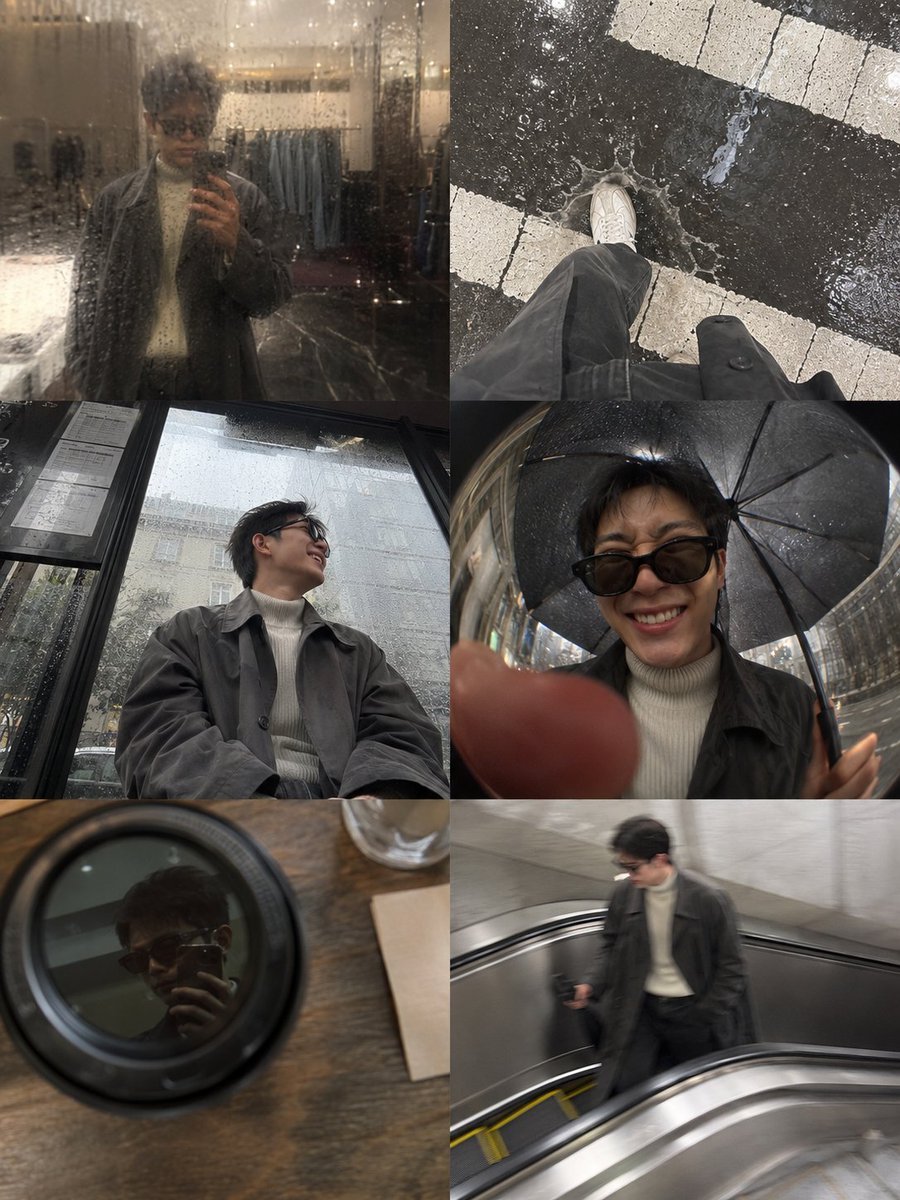
A complex prompt for a candid six-panel photo collage that looks like an iPhone camera roll from a rainy day downtown.
- Prompt included
- Model and format preset
- Free template
The prompt behind this image
Copy the exact prompt behind Rainy Afternoon Photo Collage, or open it in the studio and make it yours.
A candid photo-dump collage designed to feel like {argument name="subject" default="[HUMAN]"}'s phone gallery from one {argument name="weather" default="rainy afternoon"} running errands downtown. [HUMAN] wears a damp {argument name="outfit" default="charcoal-grey oversized trench coat layered over a cream ribbed turtleneck, faded black straight-leg jeans and worn white leather sneakers"}. The mechanic is a six-panel grid stitched together like an iPhone camera roll, each photo slightly water-speckled on the lens with soft flash hotspots bouncing off wet pavement. Panels: a blurry mirror shot in a shop's rain-fogged window, an overhead shot of shoes splashing through a puddle at a crosswalk, a low-angle shot from a bus shelter bench looking up mid-laugh, a fisheye selfie under an umbrella inches from the lens, a candid shot reflected in a coffee cup lid on a café table, and a motion-blurred shot taken mid-stride on an escalator. Expressions shift from a squinting laugh in the rain to a skeptical side-eye at a shop window to a quiet, unposed half-smile on the bus. Cohesive charcoal grey, cream, faded black and wet-pavement silver palette. Premium candid lifestyle photography, visible grain and uneven exposure, no glossy textures, aspect ratio 4:5.
How to use Rainy Afternoon Photo Collage in 3 steps
- 1Upload ImagePNG, JPG or paste
Add your photo
Upload the photo the template builds on. The prompt, model and format are already set.
- 2…a portrait of your subject in softgolden-hour light, 85mm…
Personalize
Edit the subject and creative details for your destination.
- 3Generate
Generate
Press Generate — your image is created in PicX Studio, so you can compare it with the original and refine one variable at a time.
More like this
Templates with the same subject, style or setup. Open one to see its prompt.

Paper Cut Rainy Bus Stop
Rainy Schoolgirl Photo Diary Collage

Rainy Monsoon Fashion Collage
Cinematic Rainy Day Portrait Collage

Paper Cut Finale Fireworks

Paper Cut Garden Maze

Paper Cut Rooftop Concert

Paper Cut Bicycle Coast

Paper Cut Castle Gate

Paper Cut Kitchen Chaos

Paper Cut Carnival Ride

Paper Cut Space Dock
Make it yours
Rainy Afternoon Photo Collage works as-is. These are the safest ways to change it without losing the look.
Change one field
Copy a single group, rewrite it, and generate again so you can see what that field is doing.
Keep the frame, change the subject
Hold the composition and light of Rainy Afternoon Photo Collage, then swap wardrobe, props or the person for a new take.
| If the result… | Why | Fix |
|---|---|---|
| The result drifts from the preview | Too many fields changed at once. | Reuse Rainy Afternoon Photo Collage as-is first, then change one group — subject, light, or setting. |
| The model over-stylizes the scene | The prose prompt leaves finish and camera underspecified. | Add one camera or lighting sentence and stay on GPT Image 2. |
More GPT Image 2 templates
Other prompts made for GPT Image 2.

Six VTuber Japanese Logo Sheet

Realistic Portrait of Woman and Deer

The Vista Modular Condo Poster

AI Model Routing Comparison Infographic

2.5D Anime Art Board

Isometric Productivity Desk Scene

New York Double Exposure Poster

Four-Panel AI Landscape Comparison

Japanese Tatami Lifestyle Magazine Cover

NESCAFÉ Coffee Map Poster
More image prompts
Fresh picks from across the catalog.
Seedance 2.0 - Zombie Girl Escapes
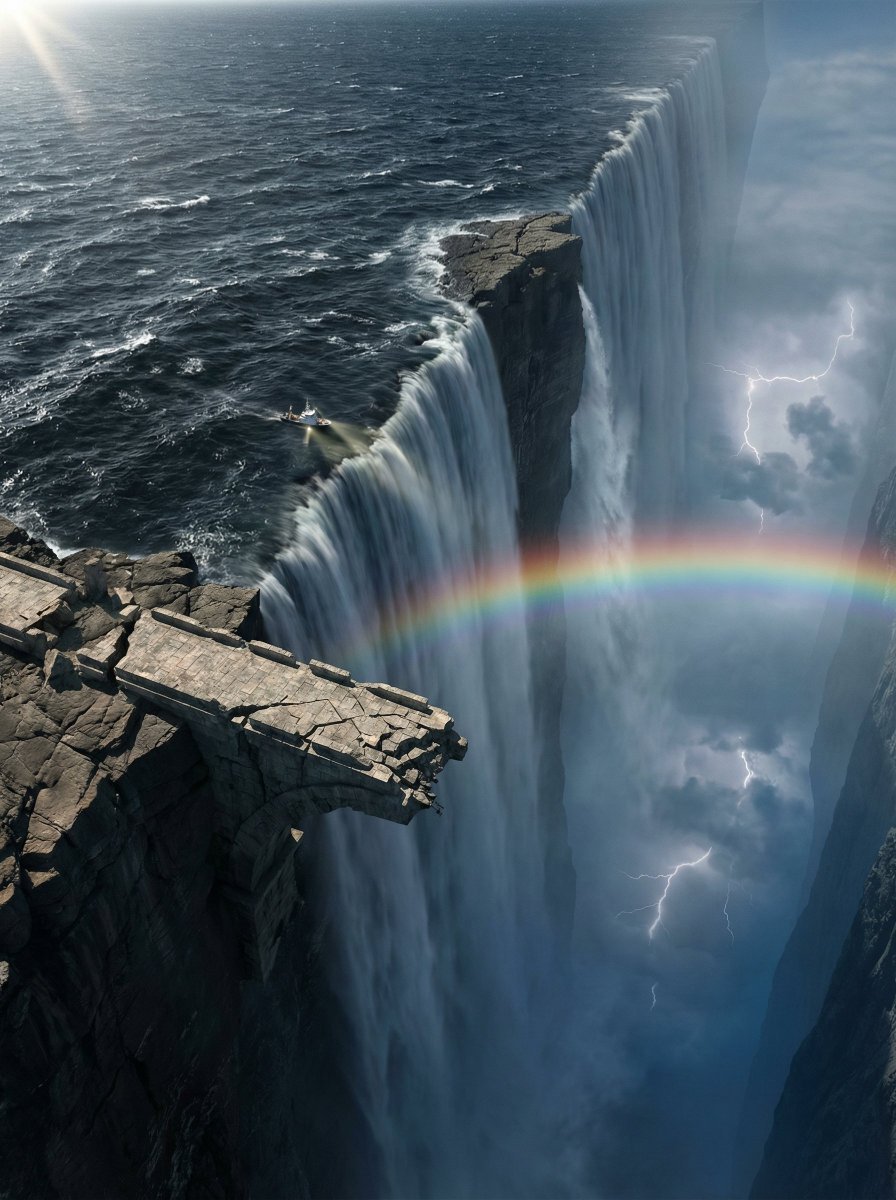
Ultra-Widescreen Tectonic Rift and World's End Scene Prompt in JSON
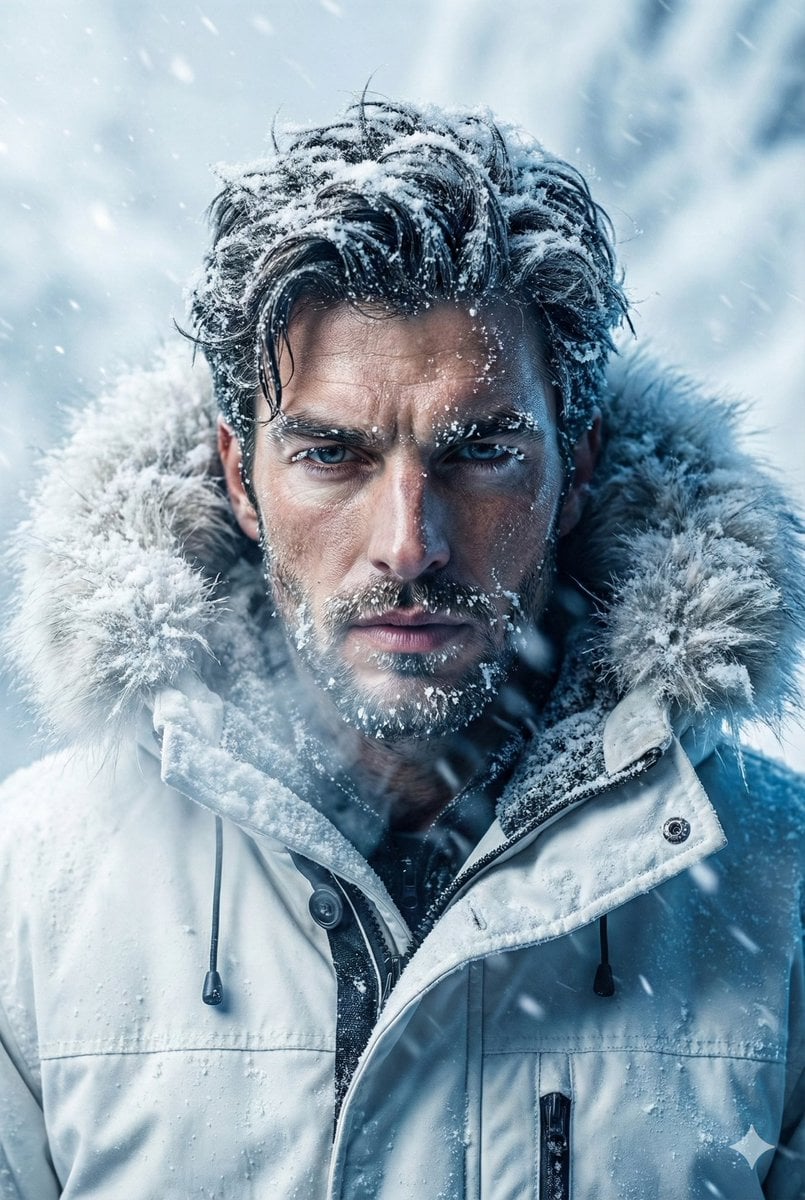
Arctic Explorer Close-Up Portrait
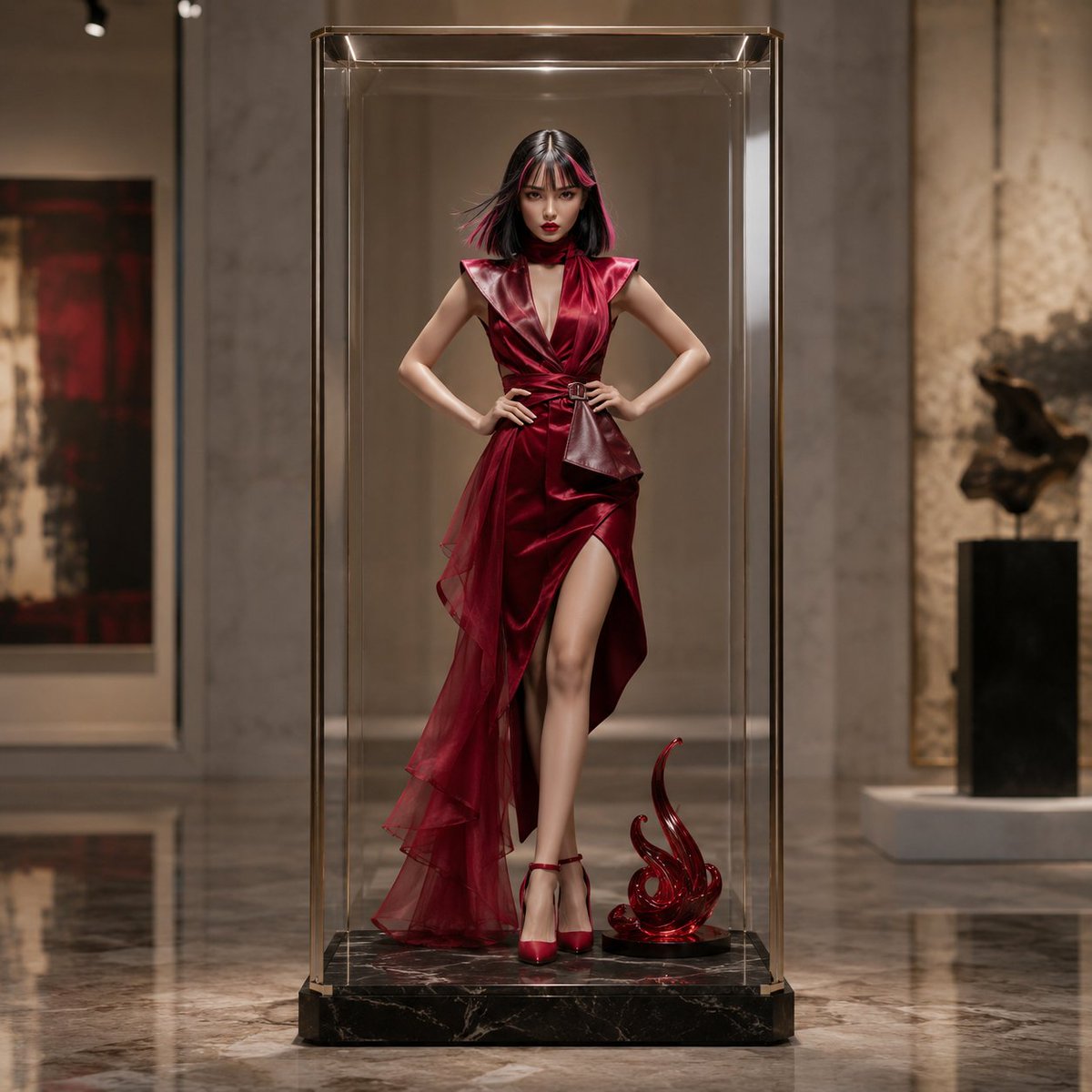
Luxury Art Figure Museum Display

Luxury Watch Brand Landing Page Design Prompt

Traditional Chinese Style Fashion Magazine Cover
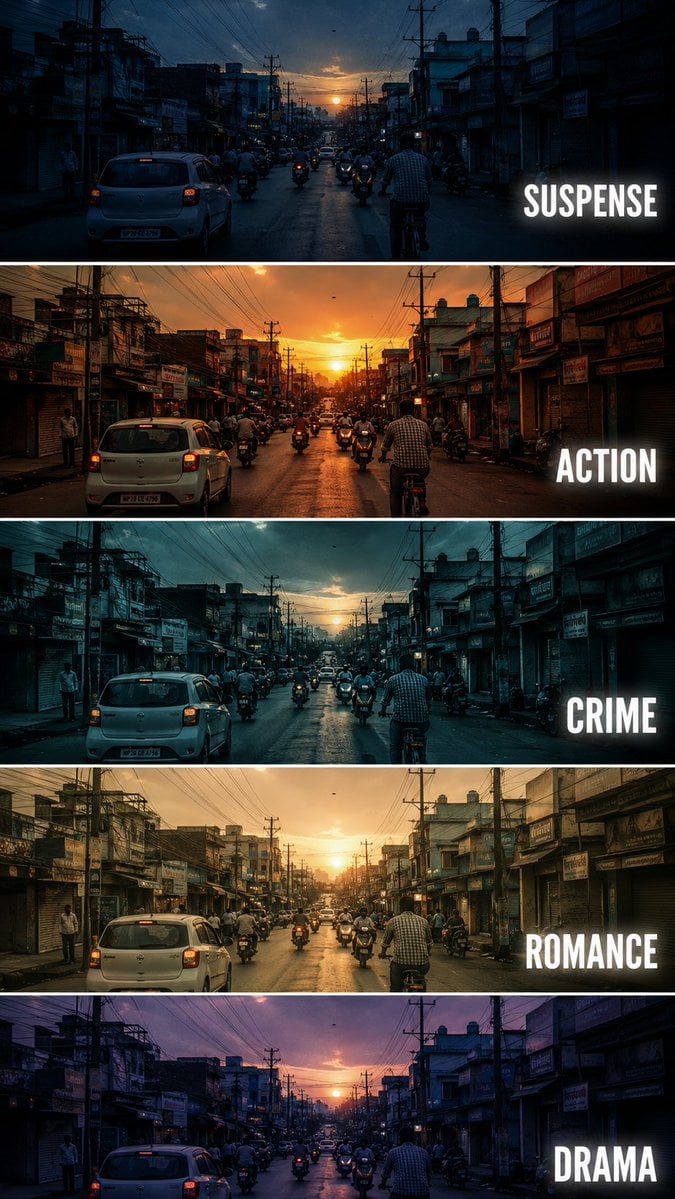
Cinematic Film Genre Color Grading Comparison
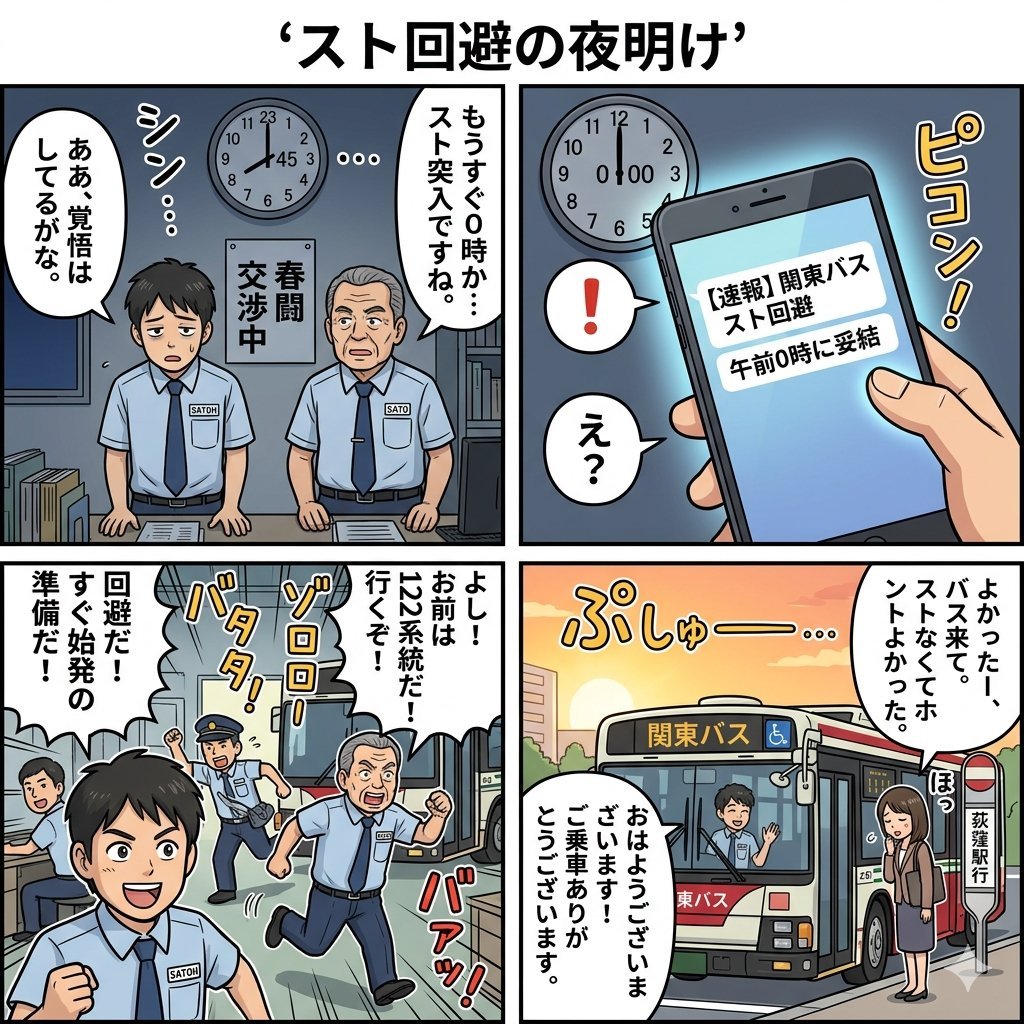
Four-Panel Manga Generation: Dawn of Strike Avoidance
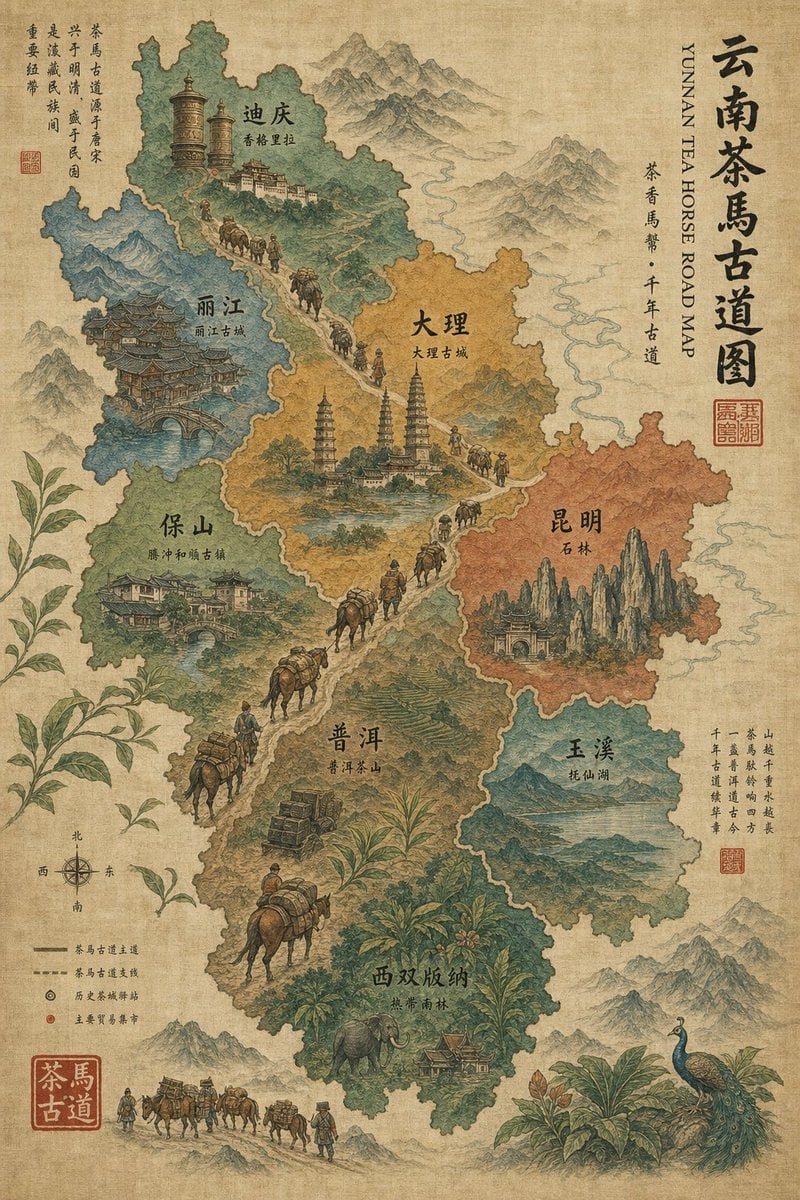
Vintage Yunnan Tea Horse Road Map
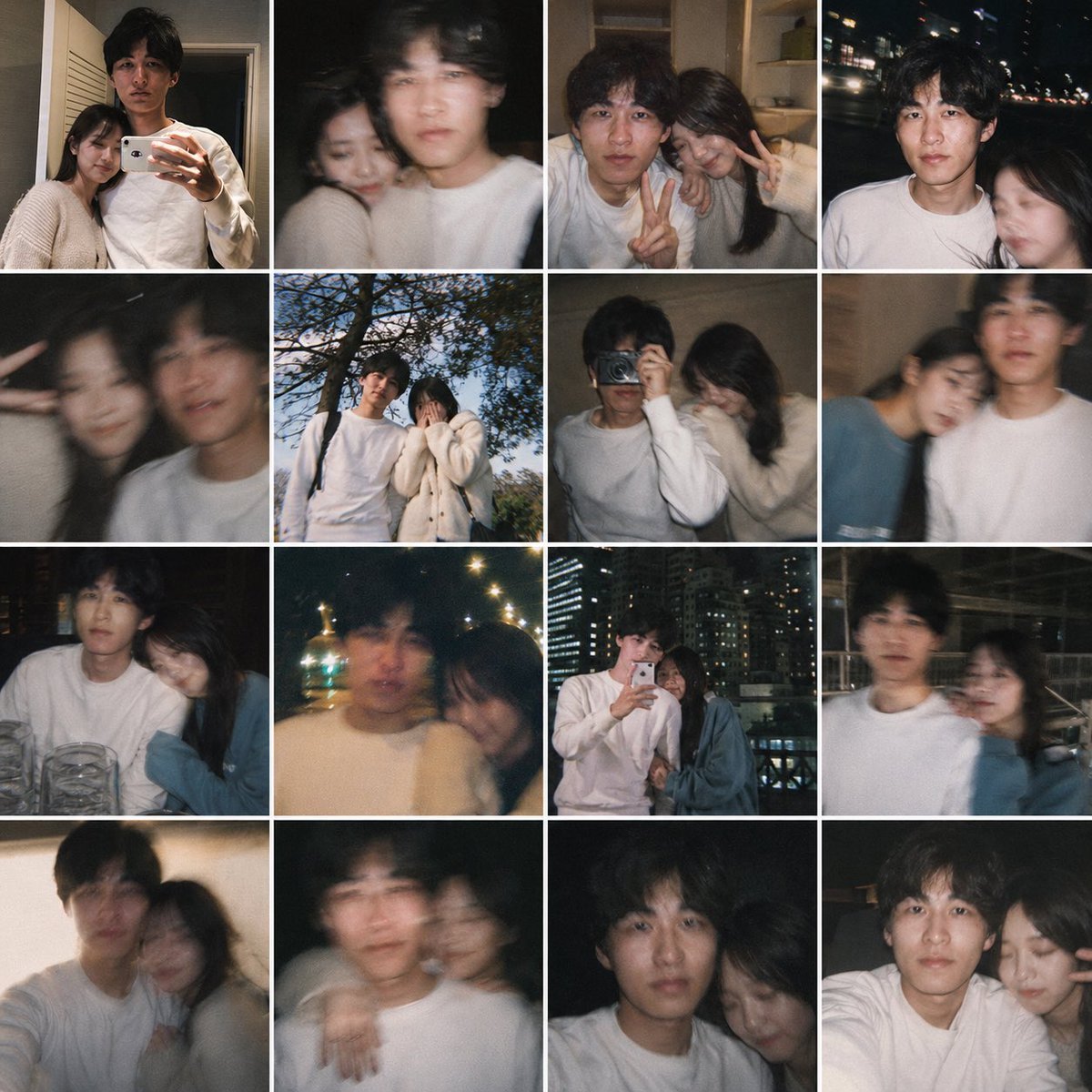
Fake Couple Photo Dump Collage
Browse template categories
Rainy Afternoon Photo Collage questions
How do I use the Rainy Afternoon Photo Collage template?
Add your photo if the template asks for one, edit the prompt if you like — the template's model and format are already selected — and press Generate. Your version opens in PicX Studio.
Can I customize the Rainy Afternoon Photo Collage template?
Yes. You can change the subject, setting, lighting, mood, format, and available model controls before creating your image.
Is the Rainy Afternoon Photo Collage template free?
Opening and editing this template is free. Generating uses credits, shown on the Generate button when you are signed in.
Which AI model should I use?
Start with GPT Image 2, which is the model associated with this template. You can compare another compatible model for a different finish.
Looking for something else? Browse all templates.

Your photo, any look
Thousands of ready templates for every top image and video model, from one credit balance.