How do I use the Guangzhou Sunset Skyline template?
Choose the primary action to open PicX Studio with the available template settings. Review the model and format, personalize the creative direction, and generate when ready.
A cinematic photorealistic aerial view of Guangzhou’s Pearl River skyline at golden hour for travel, architecture, or cityscape visuals.

Create an ultra-realistic aerial cityscape photograph of {argument name="city" default="Guangzhou, China"} at golden-hour sunset, viewed from a high drone perspective over the Pearl River. The composition shows exactly 6 major focal elements: 1) the Canton Tower standing near the center in the hazy distance, 2) a tall dark glass office tower on the left with the low sun flaring through its upper floors, 3) a white curved-roof stadium or convention center in the lower middle, 4) the Pearl River running horizontally through the scene with bright gold reflections, 5) a large arched suspension bridge on the right crossing the river, and 6) sweeping elevated highways and ramps curving through the lower-right foreground with small cars and light trails. Surround these with dense modern skyscrapers, riverside greenery, multilane roads, and a warm atmospheric skyline fading into haze. Use {argument name="lighting" default="dramatic warm sunset backlight"}, orange and gold clouds, realistic reflections on glass buildings and water, cinematic HDR detail, sharp architectural realism, wide-angle 16:9 framing, high resolution, natural color grading, and a small Chinese watermark reading “豆包AI生成” in the bottom-right corner.
Choose the primary action to open PicX Studio with the available template settings. Review the model and format, personalize the creative direction, and generate when ready.
Yes. You can change the subject, setting, lighting, mood, format, and available model controls before creating your image.
This template is free to open and customize. Generation usage is shown in PicX Studio before you create.
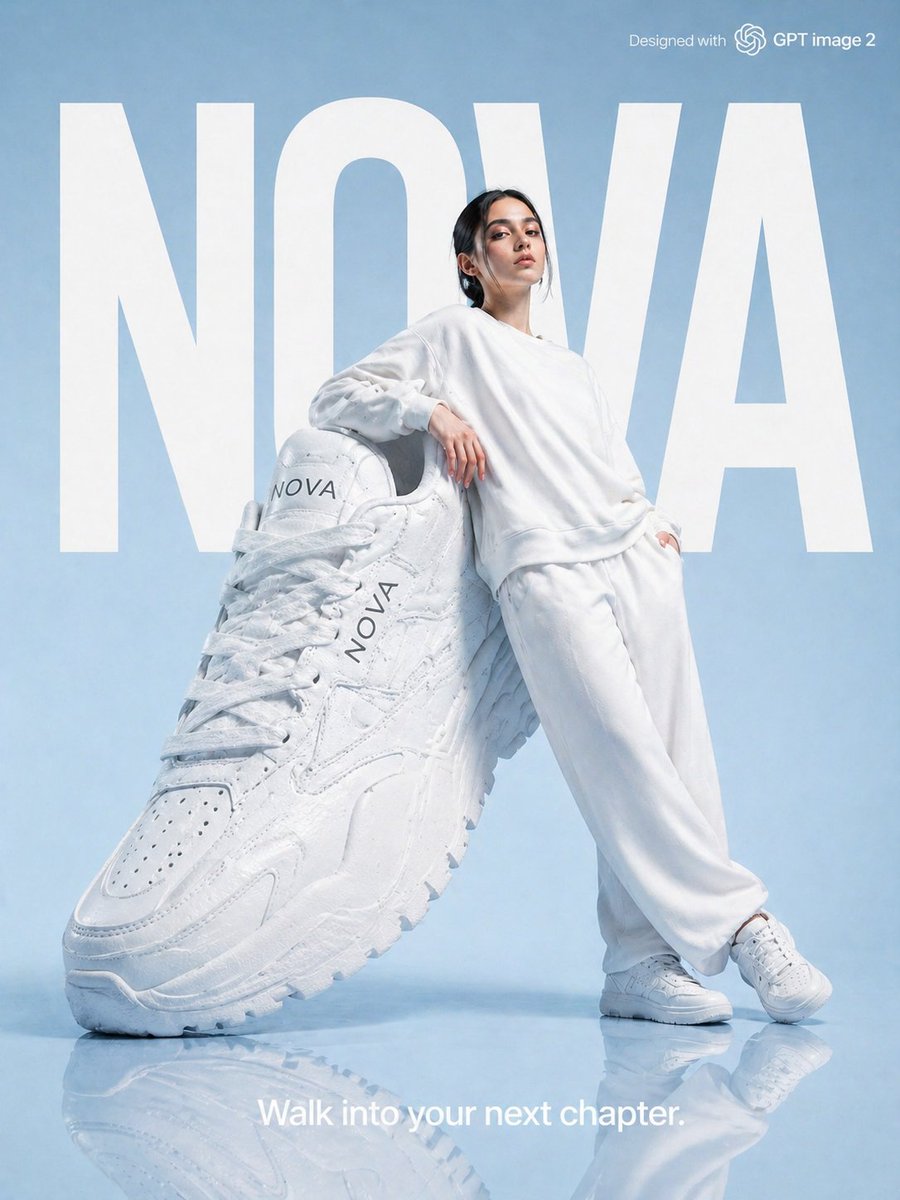
Start with GPT Image 2, which is the model associated with this template. You can compare another compatible model for a different finish.
Follow a topic to a crawlable collection of related PicX Studio templates.