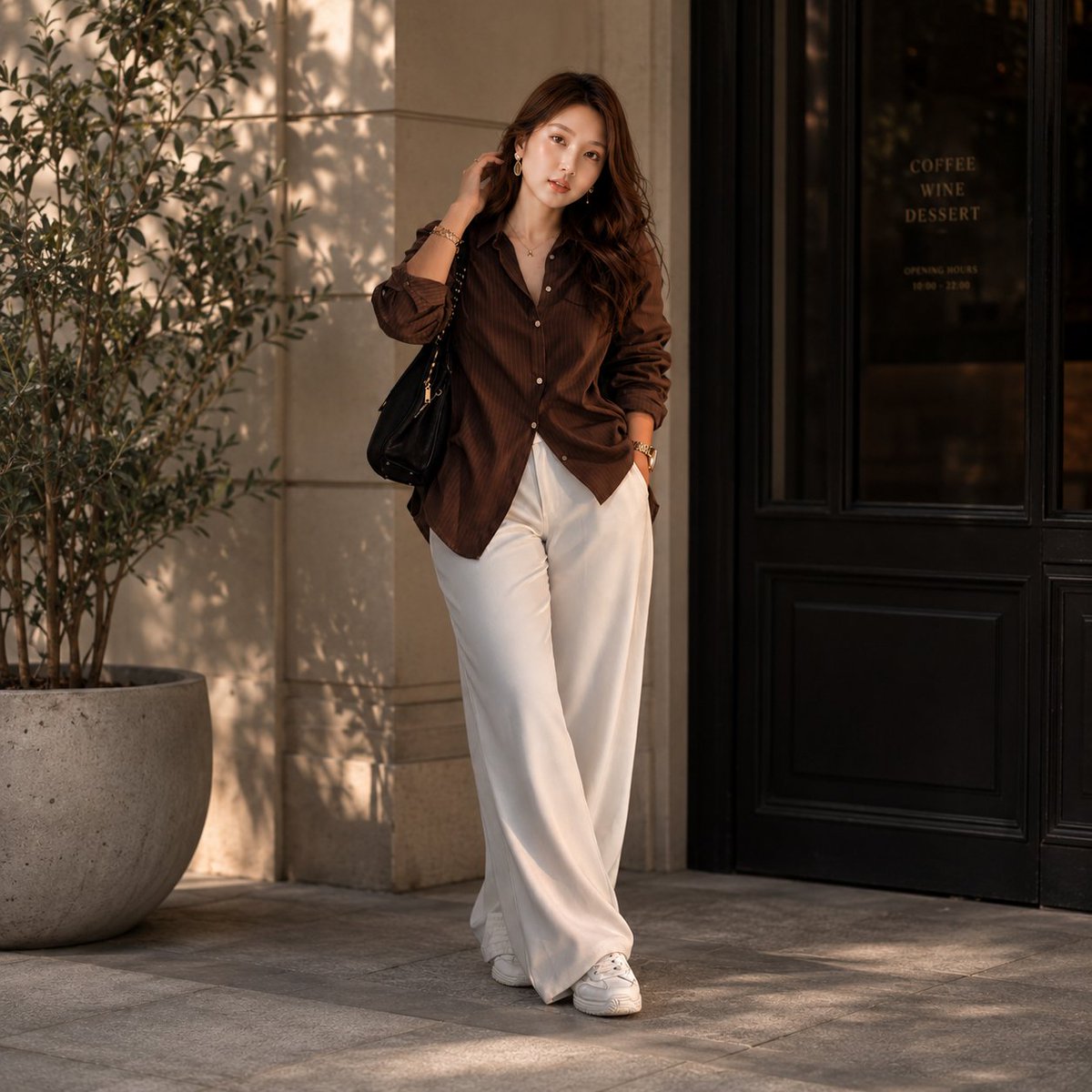
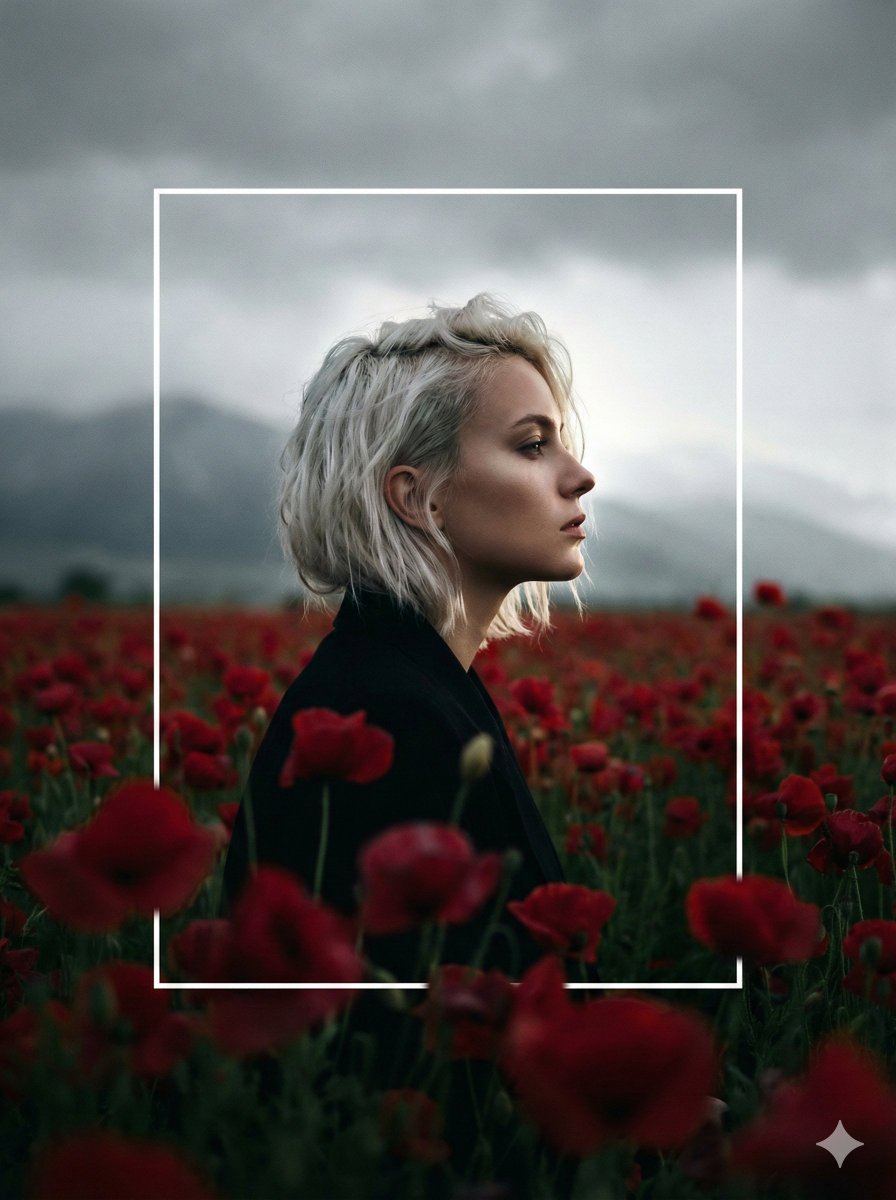
How do I use the Newspaper Collage Shadow Portrait template?
Choose the primary action to open PicX Studio with the available template settings. Review the model and format, personalize the creative direction, and generate when ready.
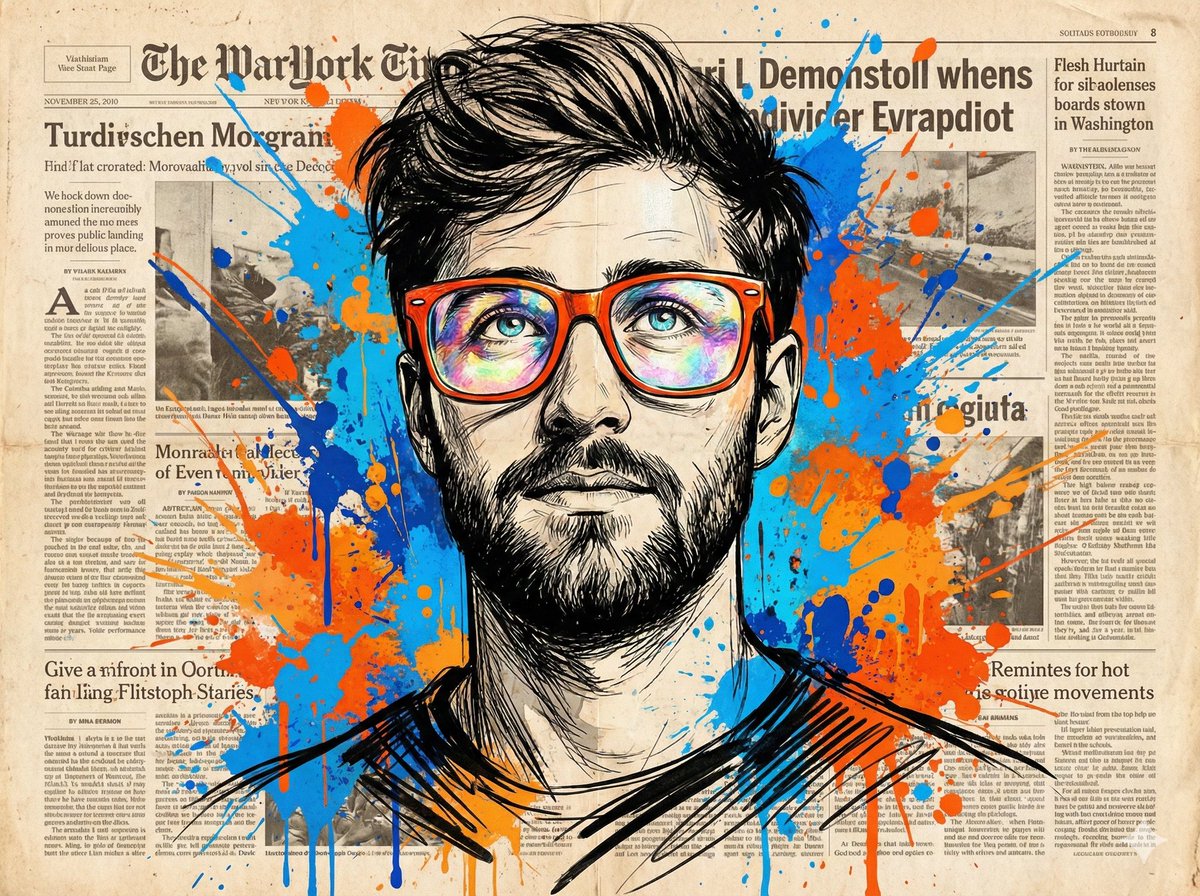
A creative prompt combining hyper-real photography with a 2D cartoon shadow and a vintage newspaper collage background.

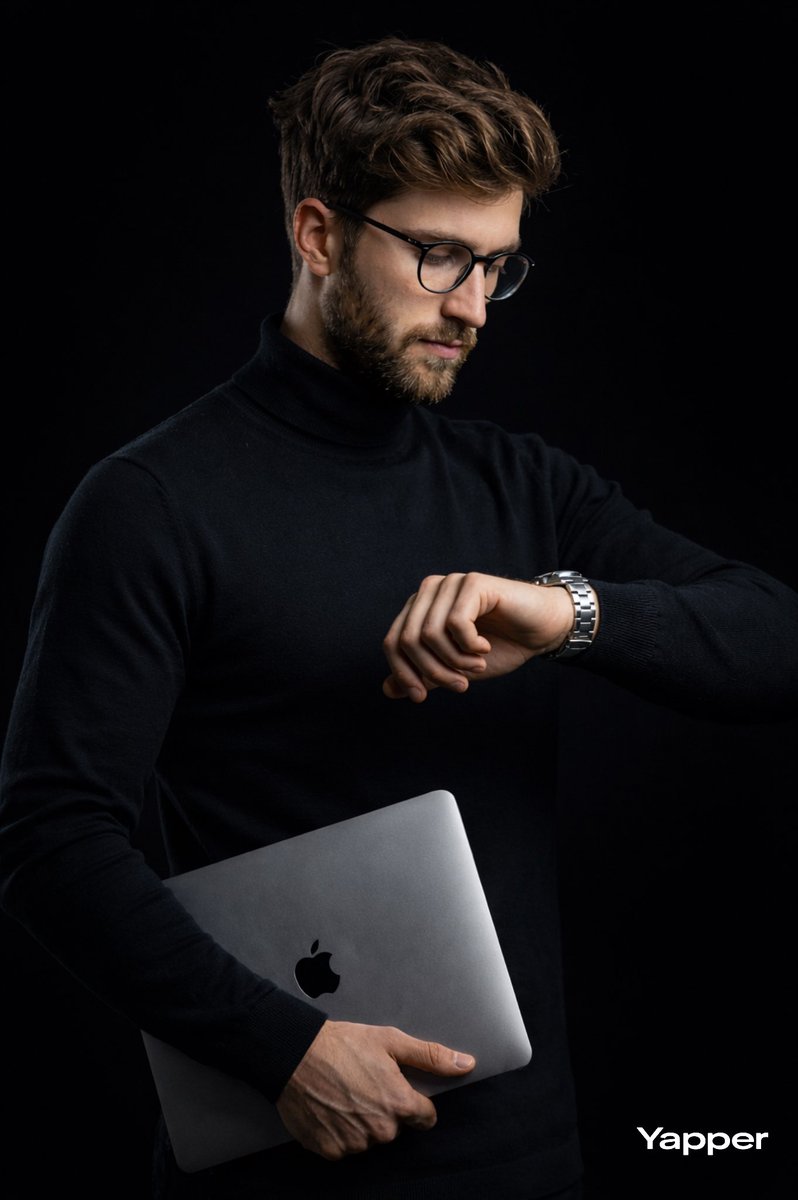
Use the exact same face from reference images and generate a image a {argument name="subject" default="man"} sits in a leather chair, his body rendered in hyper-real photography — but his {argument name="shadow effect" default="shadow cast on the wall behind him is a bold 2D cartoon character mid-action pose"}, comic halftone dots and all, as if his shadow has a separate rebellious identity. The entire background is constructed from {argument name="background style" default="torn vintage newspaper clippings, headline fragments, and classified ads layered in collage style"}. His suit is patched with newspaper strips like armor. Moody single overhead spotlight. "OzairAI" printed small in the corner of one of the newspaper clippings like a byline. Vertical 9:13 format. Ultra photorealistic, 8K, no text overlays, cinematic color grading.
Choose the primary action to open PicX Studio with the available template settings. Review the model and format, personalize the creative direction, and generate when ready.
Yes. You can change the subject, setting, lighting, mood, format, and available model controls before creating your image.
This template is free to open and customize. Generation usage is shown in PicX Studio before you create.
Start with Nano Banana 2, which is the model associated with this template. You can compare another compatible model for a different finish.
Follow a topic to a crawlable collection of related PicX Studio templates.