
Realistic Mountain Valley Travel Portrait
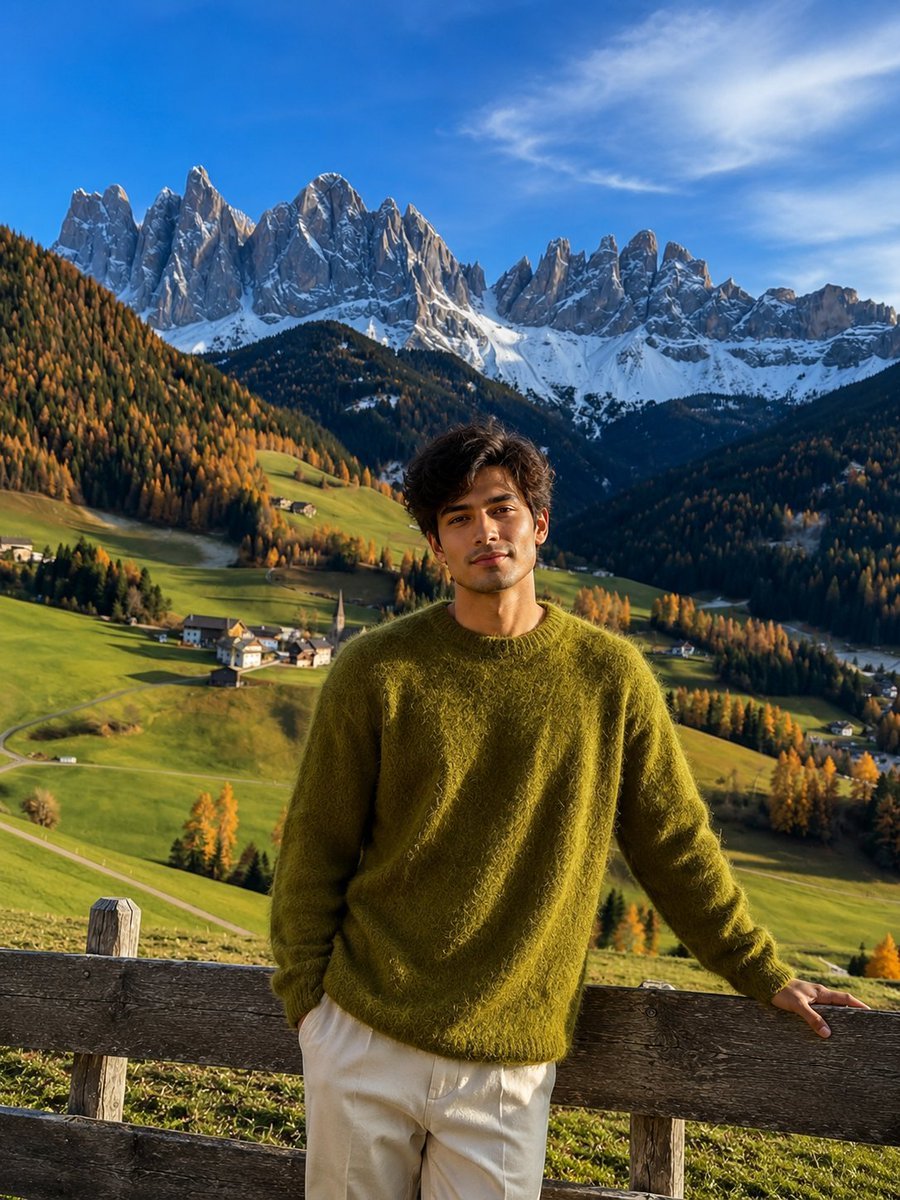
Generates a breathtaking cinematic travel photo of a woman in a European alpine setting, emphasizing natural lighting and autumn aesthetics.
- Prompt included
- Model and format preset
- Free template
The prompt behind this image
Copy the exact prompt behind Realistic Mountain Valley Travel Portrait, or open it in the studio and make it yours.
Ultra-realistic cinematic travel photograph of a young woman standing peacefully behind a rustic weathered wooden fence, facing the camera with her front fully visible while maintaining a calm, serene expression. She gently rests one hand on the wooden fence and naturally gazes toward the camera, creating a timeless editorial travel portrait. She wears a {argument name="sweater" default="cozy oversized moss-green fuzzy knit sweater"} layered over a {argument name="skirt" default="flowing ivory-white skirt"}, creating a soft autumn aesthetic. Her dark brown hair is neatly tied into a low bun with a delicate yellow floral scrunchie, subtly illuminated by warm golden-hour sunlight. In front of her stretches a {argument name="scenery" default="picturesque European mountain valley"} filled with rolling emerald-green meadows, winding country roads, scattered traditional alpine farmhouses, and a charming white church with a tall pointed steeple nestled in the village below. Golden autumn trees are scattered across the hillsides, adding vibrant seasonal contrast. The dramatic background features towering jagged snow-capped mountain peaks rising sharply beneath a vast blue sky filled with soft layered clouds. Warm sunlight breaks across the valley, creating beautiful highlights on the grass while deep mountain shadows add depth and atmosphere. The composition emphasizes scale, tranquility, and wanderlust, with the woman positioned in the foreground as the focal point against the magnificent alpine scenery. Shot in a premium travel-photography style with natural lighting, ultra-realistic textures, crisp mountain details, HDR dynamic range, vibrant yet true-to-life colors, cinematic depth, atmospheric perspective, sharp focus throughout, subtle bokeh, National Geographic quality, luxury travel magazine aesthetic, peaceful mood, breathtaking scenery, 8K ultra-high resolution, photorealistic, vertical composition (3:4 aspect ratio).
How to use Realistic Mountain Valley Travel Portrait in 3 steps
- 1
Open
The prompt is already in the box next to the preview, with the template's model and format selected.
- 2…a portrait of your subject in softgolden-hour light, 85mm…
Personalize
Edit the subject and creative details for your destination.
- 3Generate
Generate
Press Generate — your image is created in PicX Studio, so you can compare it with the original and refine one variable at a time.
More like this
Templates with the same subject, style or setup. Open one to see its prompt.

untitled

Kids Crayon Travel Journal Illustration

Mountain Valley Lifestyle Portrait
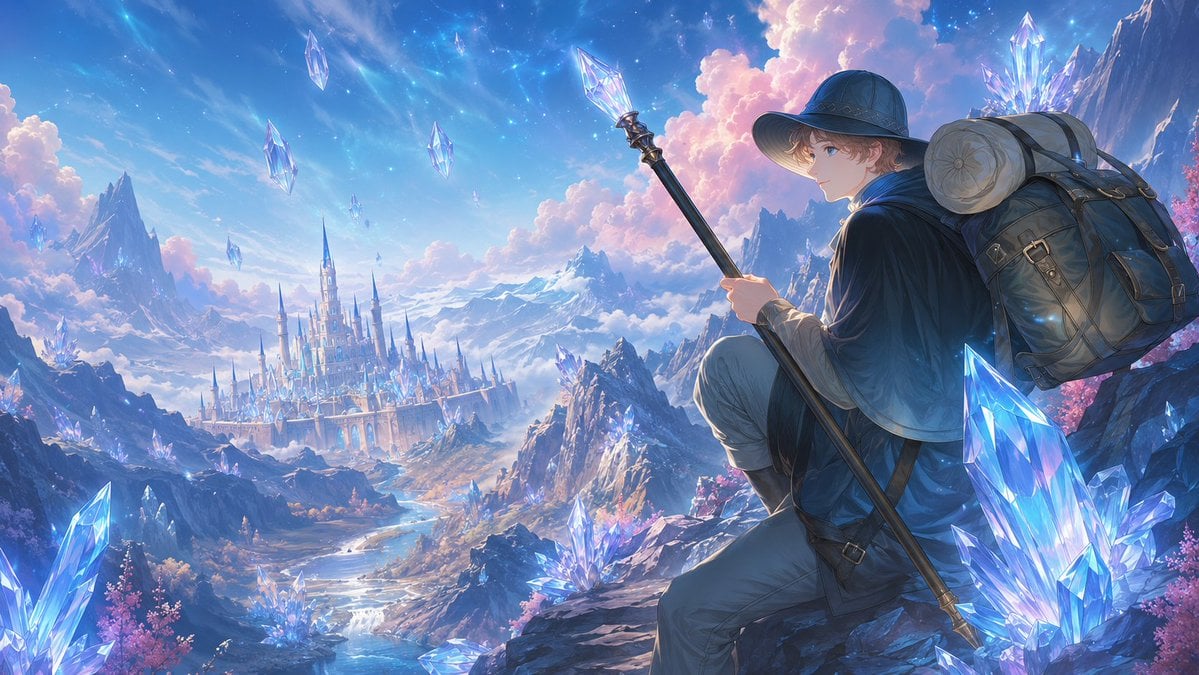
Traveler Over Crystal Mountain Valley
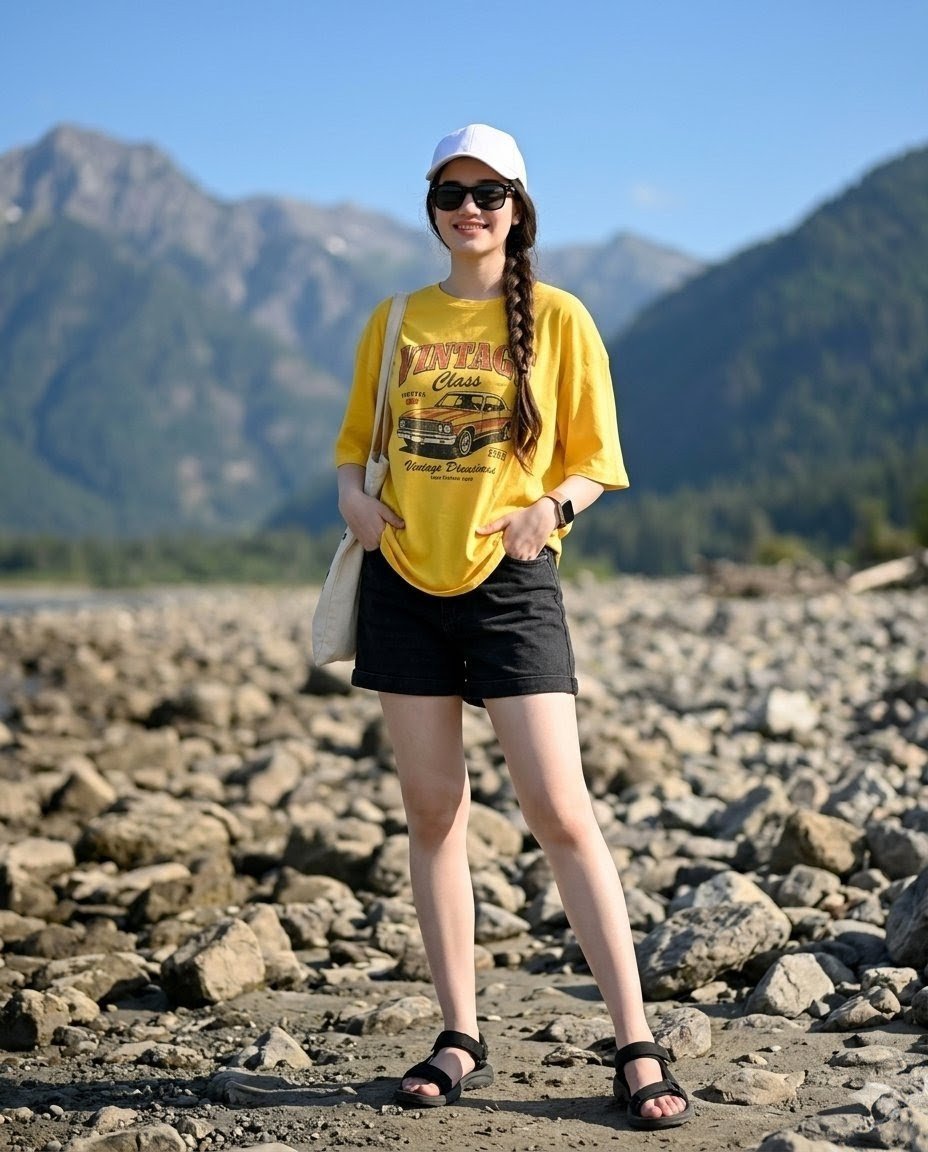
Mountain Valley Summer Fashion Portrait

Found Photograph: Us, 1970

80s Couple Studio Portrait

80s Bollywood Star

80s Golden Hour Cinema

Me in 1985

1985 Studio Portrait
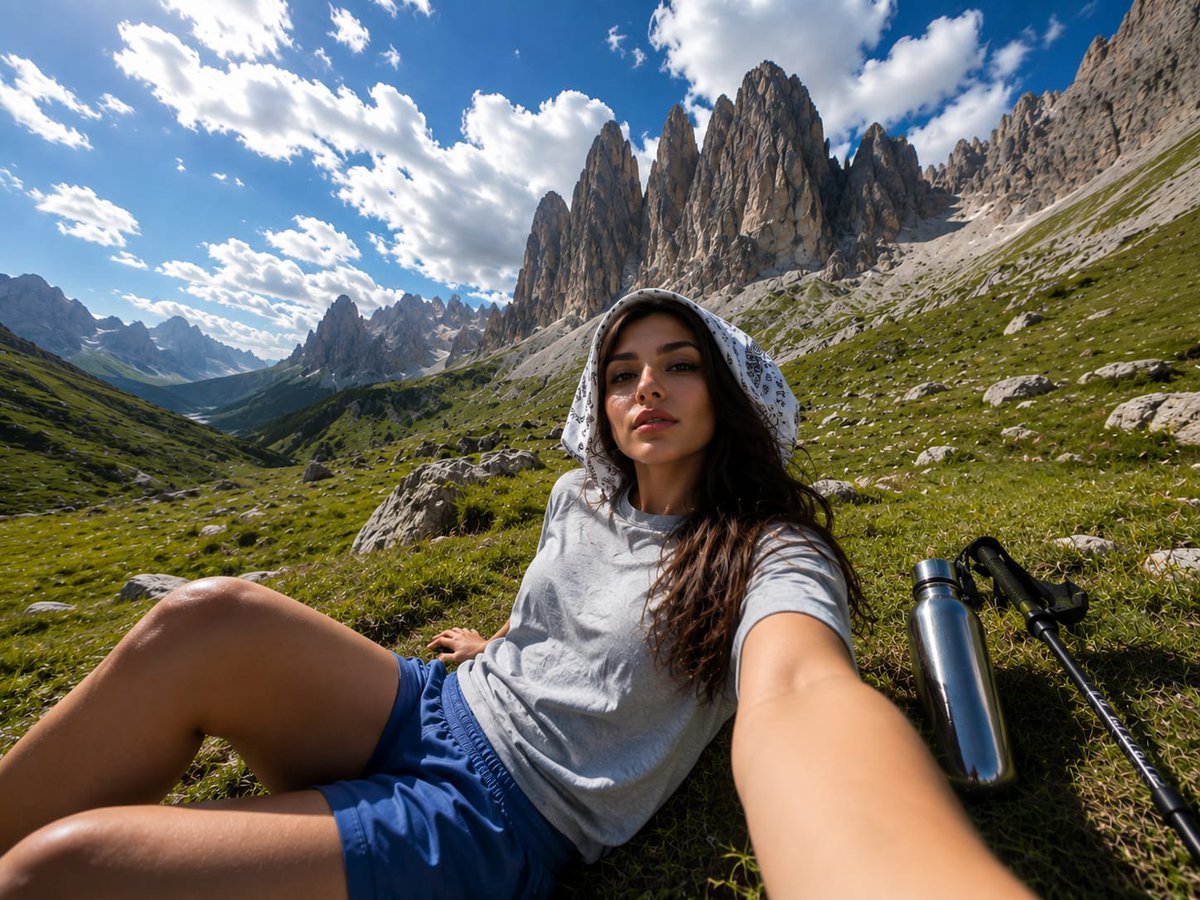
Alpine Valley First-Person POV Portrait
Make it yours
Realistic Mountain Valley Travel Portrait works as-is. These are the safest ways to change it without losing the look.
Change one field
Copy a single group, rewrite it, and generate again so you can see what that field is doing.
Keep the frame, change the subject
Hold the composition and light of Realistic Mountain Valley Travel Portrait, then swap wardrobe, props or the person for a new take.
| If the result… | Why | Fix |
|---|---|---|
| The result drifts from the preview | Too many fields changed at once. | Reuse Realistic Mountain Valley Travel Portrait as-is first, then change one group — subject, light, or setting. |
| The model over-stylizes the scene | The prose prompt leaves finish and camera underspecified. | Add one camera or lighting sentence and stay on GPT Image 2. |
More GPT Image 2 templates
Other prompts made for GPT Image 2.

Six VTuber Japanese Logo Sheet

Realistic Portrait of Woman and Deer

The Vista Modular Condo Poster

AI Model Routing Comparison Infographic

2.5D Anime Art Board

Isometric Productivity Desk Scene

New York Double Exposure Poster

Four-Panel AI Landscape Comparison

Japanese Tatami Lifestyle Magazine Cover

NESCAFÉ Coffee Map Poster
More image prompts
Fresh picks from across the catalog.
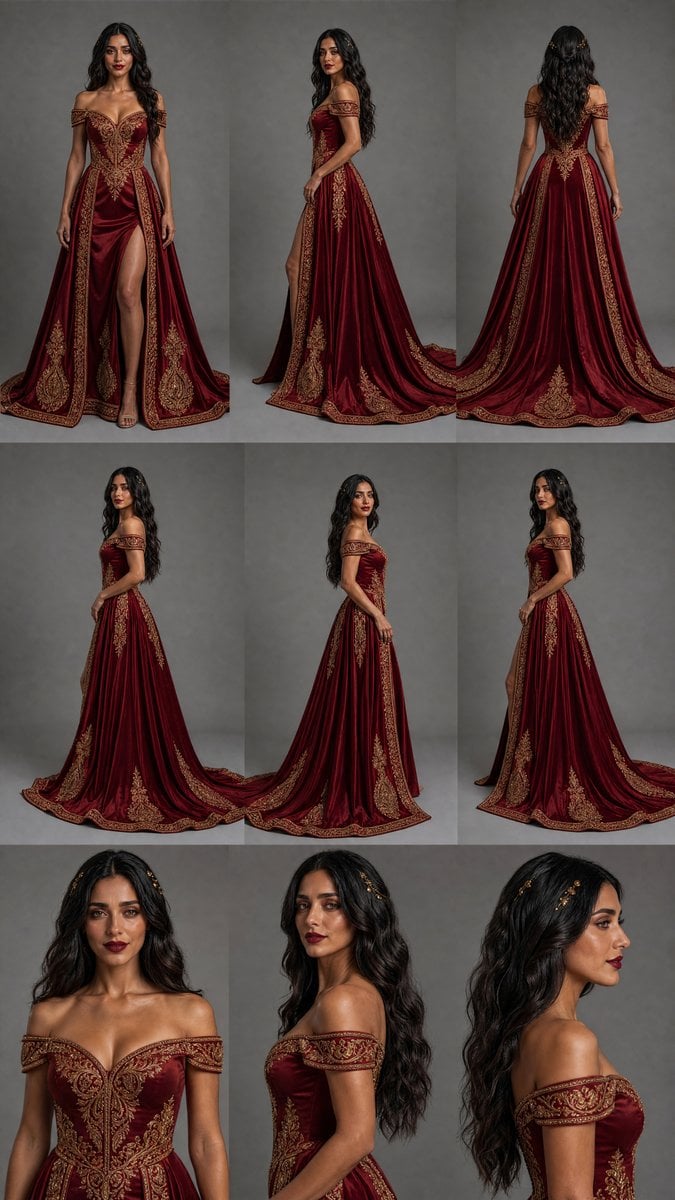
Burgundy Gown Fashion Reference Grid

Gen-Z Anti-Aesthetic Diner Selfie
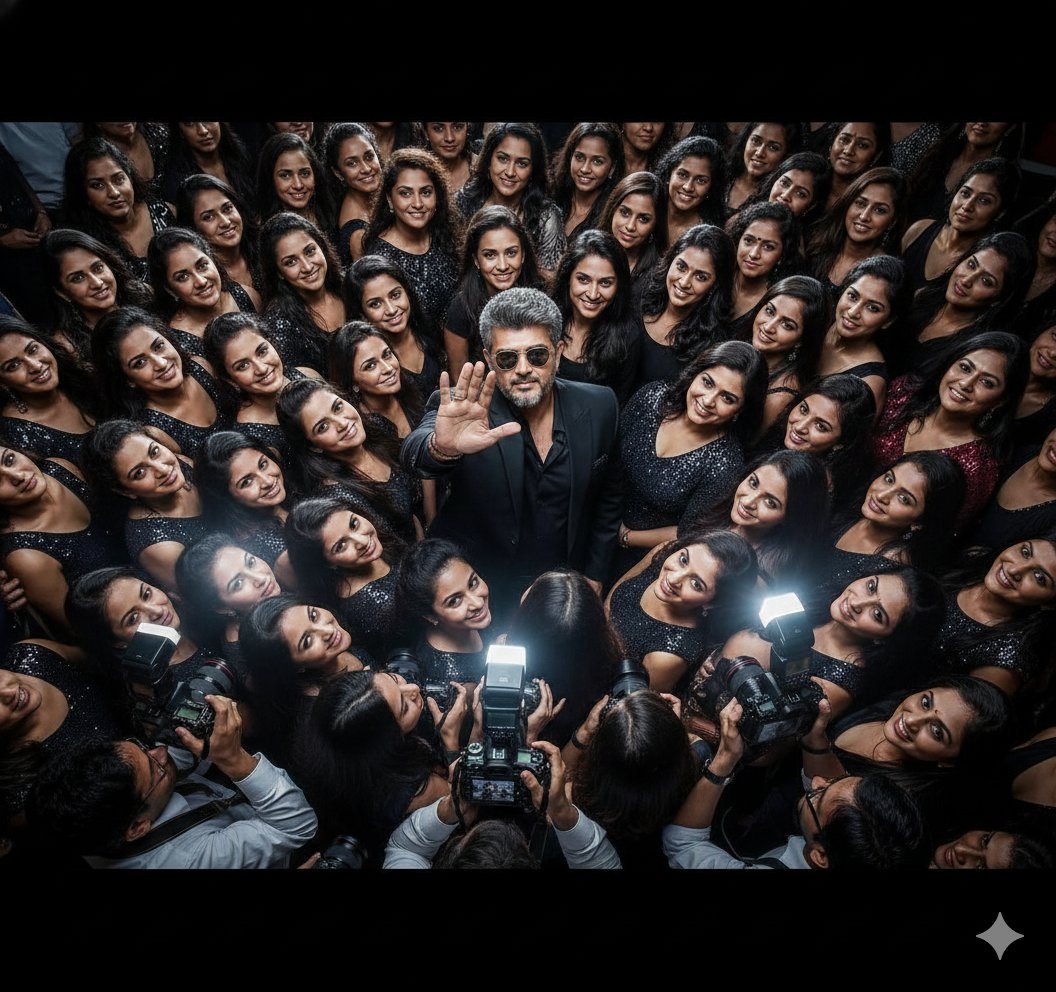
Paparazzi Flash Crowd Scene Prompt (Identity Preservation)
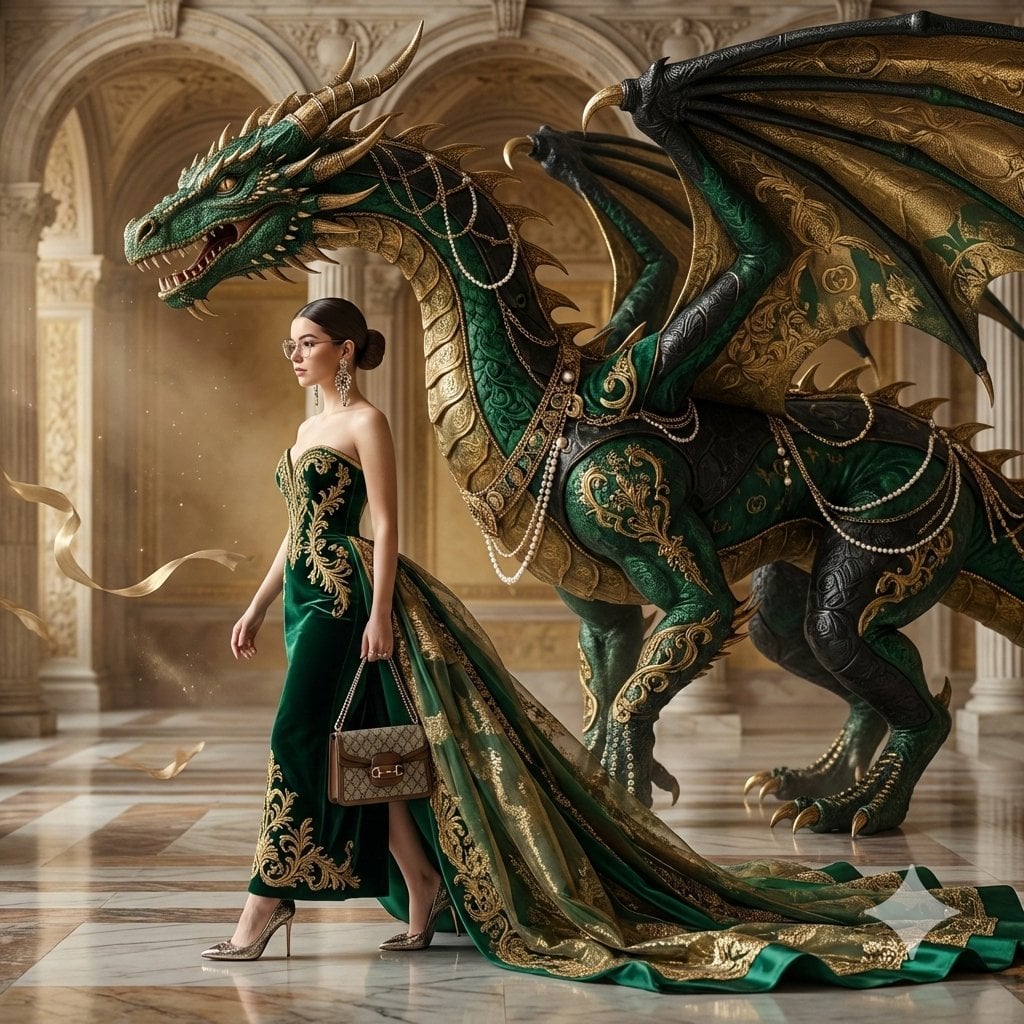
Couture Woman and Colossal Dragon in Renaissance Palace
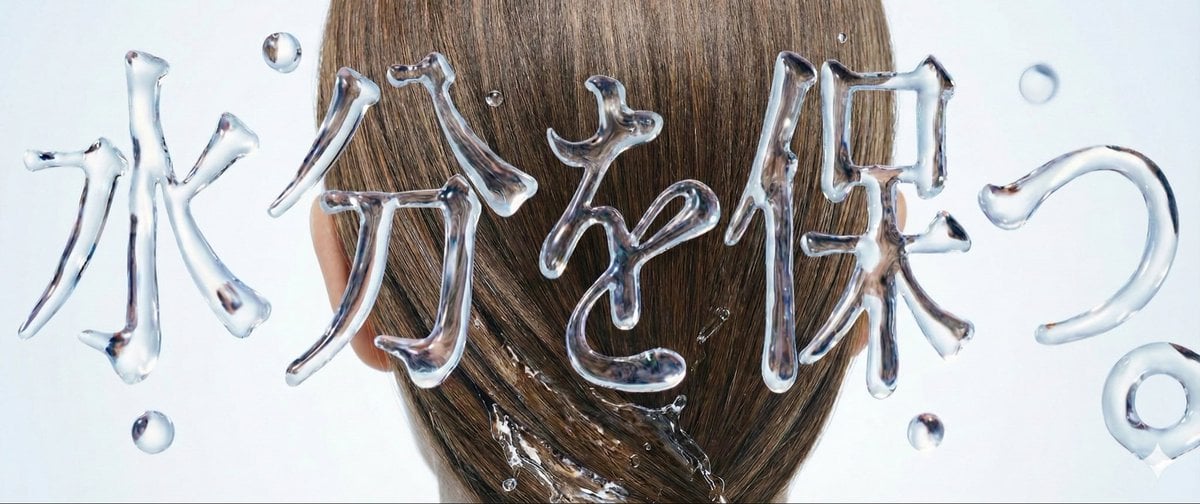
Water Typography Experiment Prompt
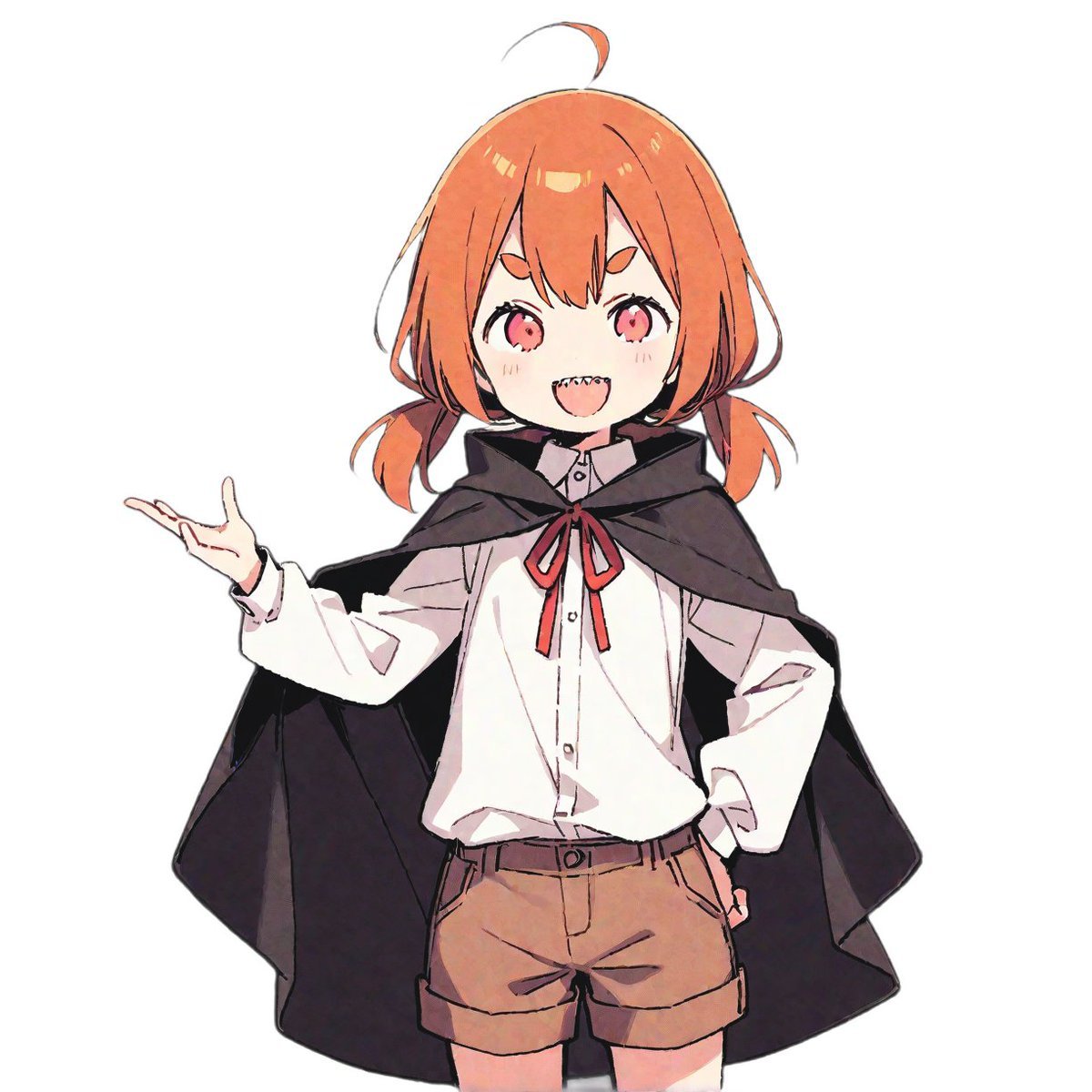
LINE Sticker Generation Prompt
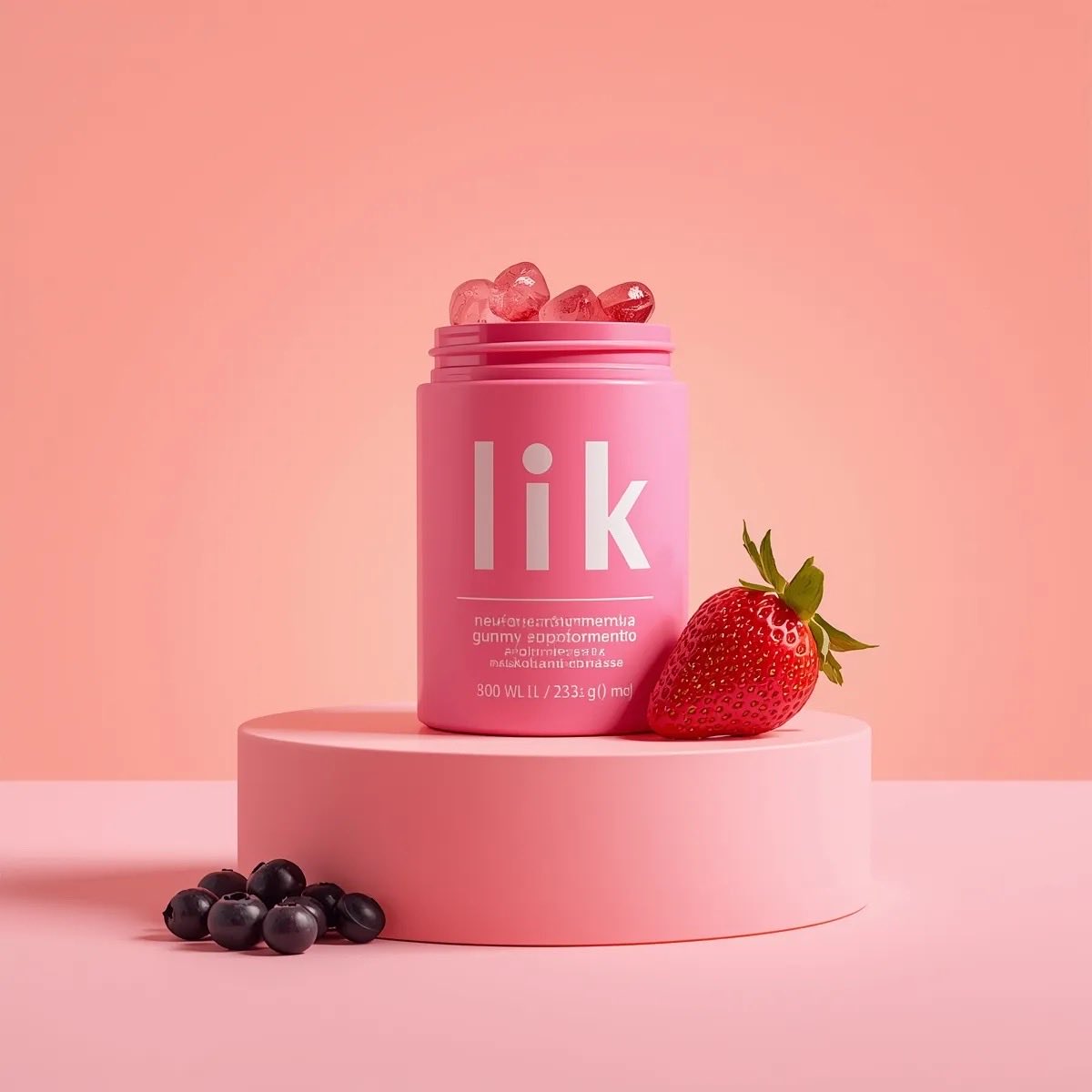
3D Product Render of Gummy Vitamin Jars (4 Variations)
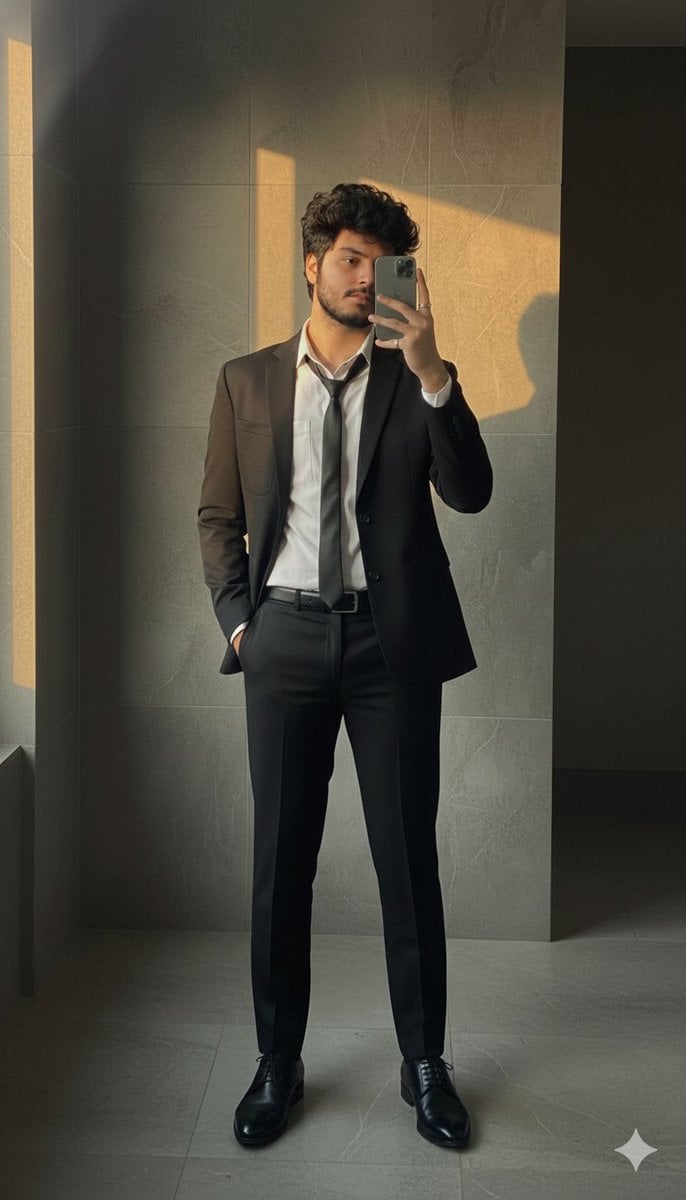
Formal Suit Mirror Selfie with Face Reference Prompt
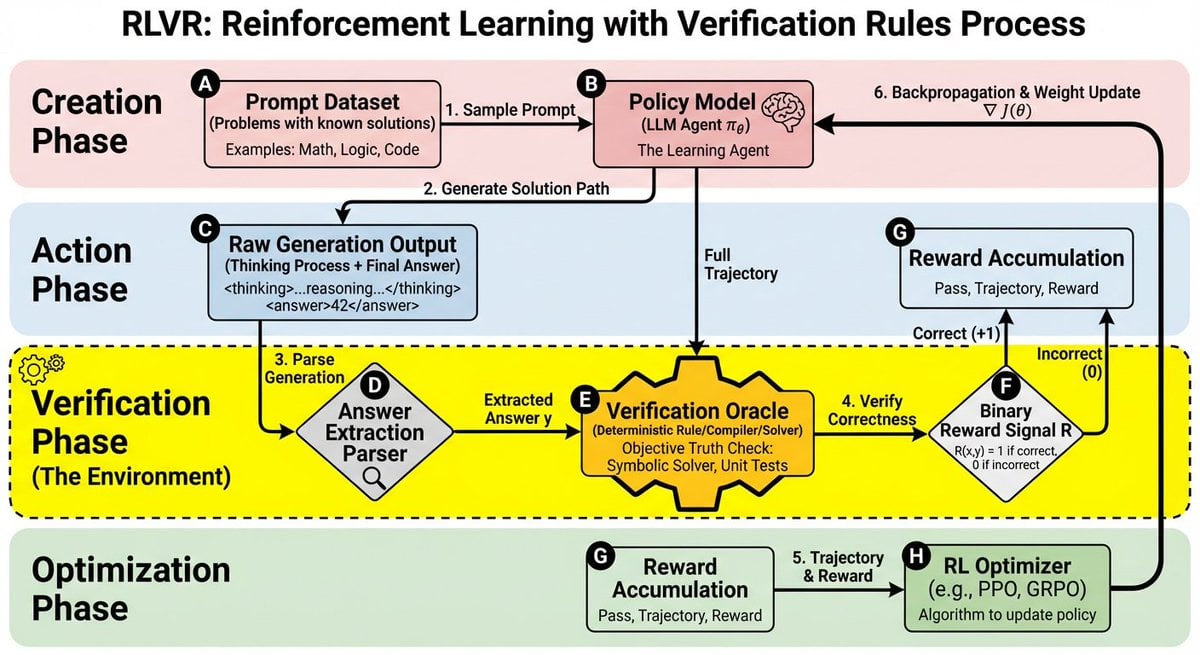
RLVR block diagram
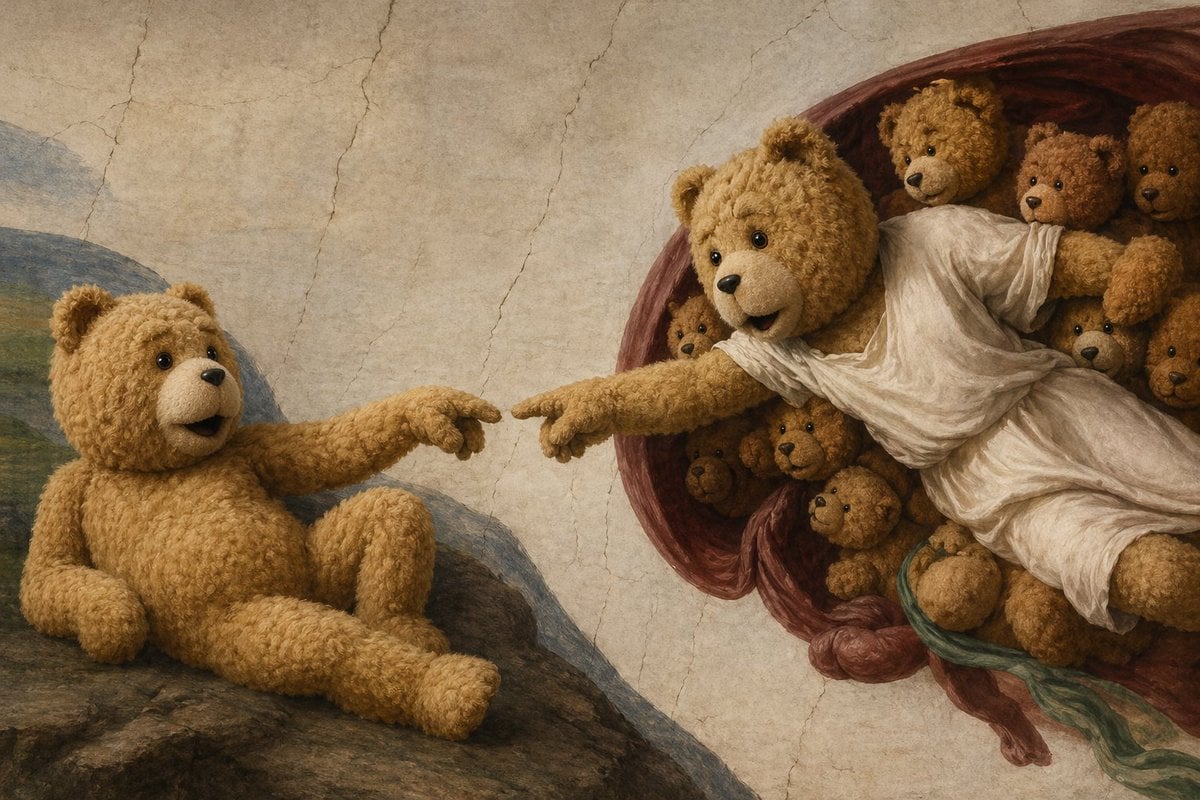
Teddy Bear Creation Fresco
Browse template categories
Realistic Mountain Valley Travel Portrait questions
How do I use the Realistic Mountain Valley Travel Portrait template?
Add your photo if the template asks for one, edit the prompt if you like — the template's model and format are already selected — and press Generate. Your version opens in PicX Studio.
Can I customize the Realistic Mountain Valley Travel Portrait template?
Yes. You can change the subject, setting, lighting, mood, format, and available model controls before creating your image.
Is the Realistic Mountain Valley Travel Portrait template free?
Opening and editing this template is free. Generating uses credits, shown on the Generate button when you are signed in.
Which AI model should I use?
Start with GPT Image 2, which is the model associated with this template. You can compare another compatible model for a different finish.
Looking for something else? Browse all templates.

Your photo, any look
Thousands of ready templates for every top image and video model, from one credit balance.